Get 5 Free Credits

Free Happy Birthday Script Font Generator Online

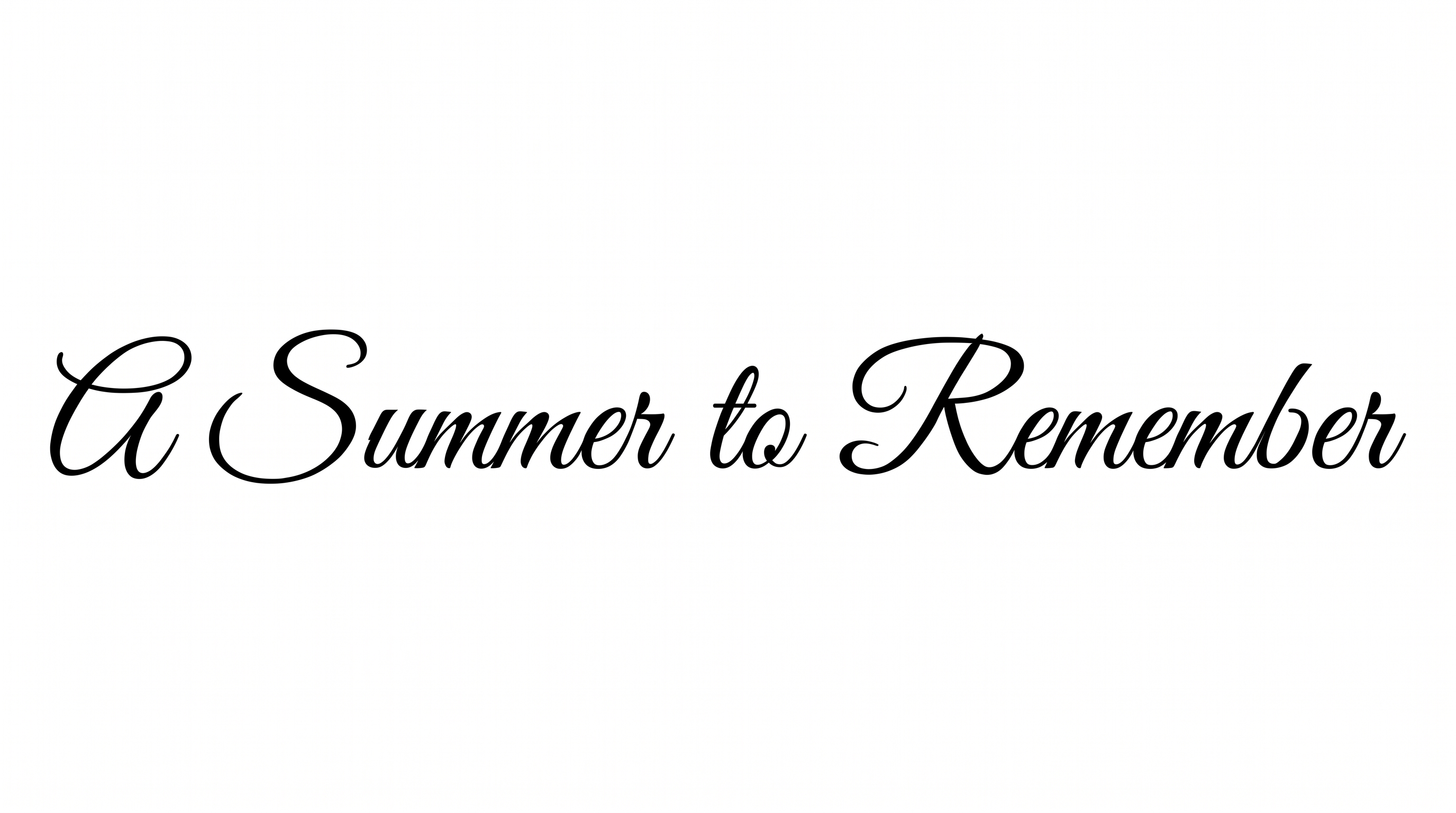
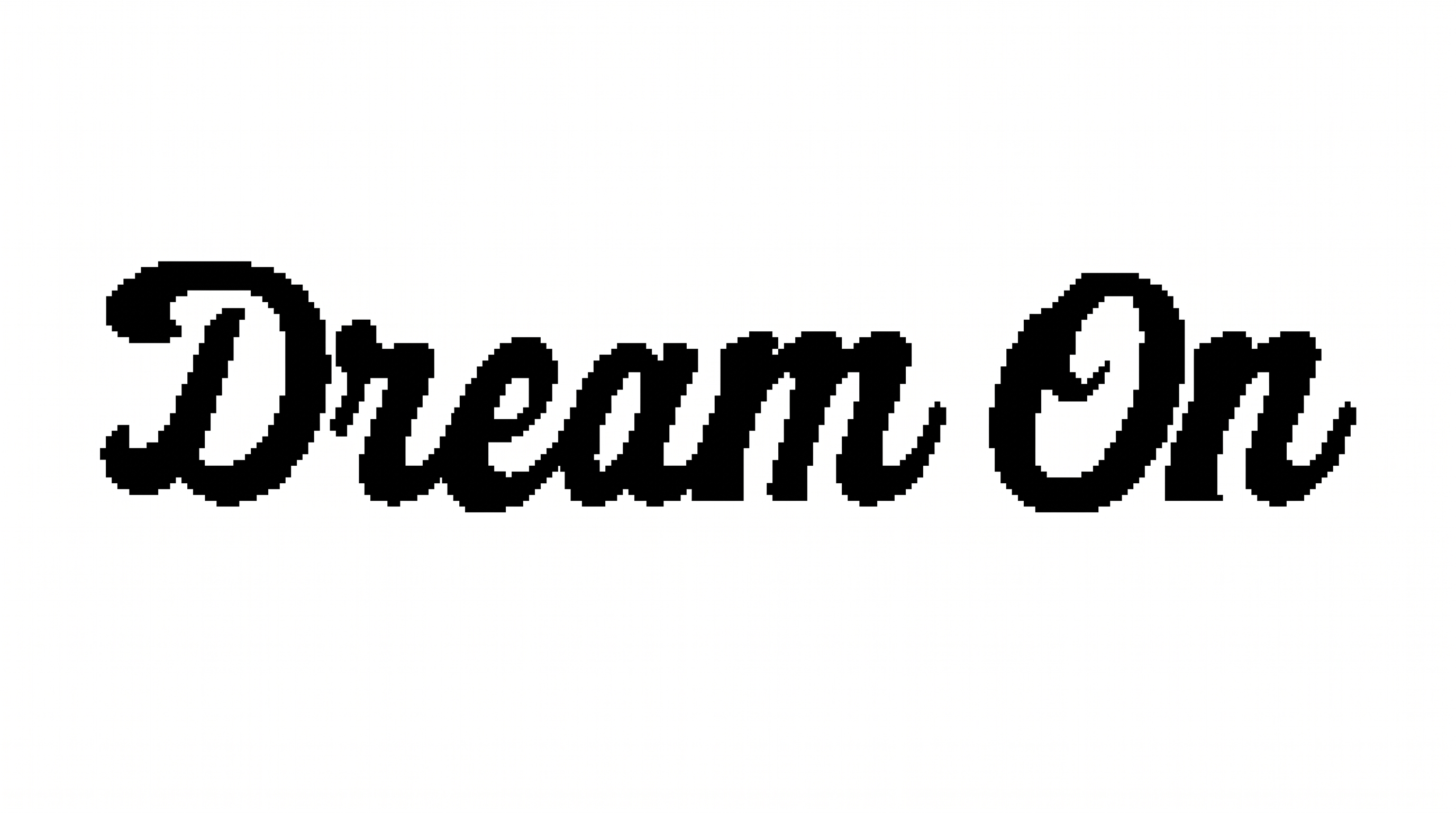
Formal high-contrast calligraphy flows through connected letters and graceful swashes, creating a refined focal message for birthday invitations.

Enter the text to generate, e.g. Fontify.ai

Font color
Background
Templates
170
Generations
116
Downloads
280
Rating
5.0

How to Use the Happy Birthday Script Font Generator

Shape a refined birthday message with high-contrast script, suitable proportions, and downloadable artwork.

  1. 01

    Compose your birthday message

    Type a name or birthday phrase for the formal, high-contrast script.

  2. 02

    Set the composition

    Choose font color, a background, and an aspect ratio such as 16:9.

  3. 03

    Generate and download the artwork

    Generate the artwork, review the flowing lettering, then download it as PNG or SVG.

Happy Birthday Script Font Style Profile

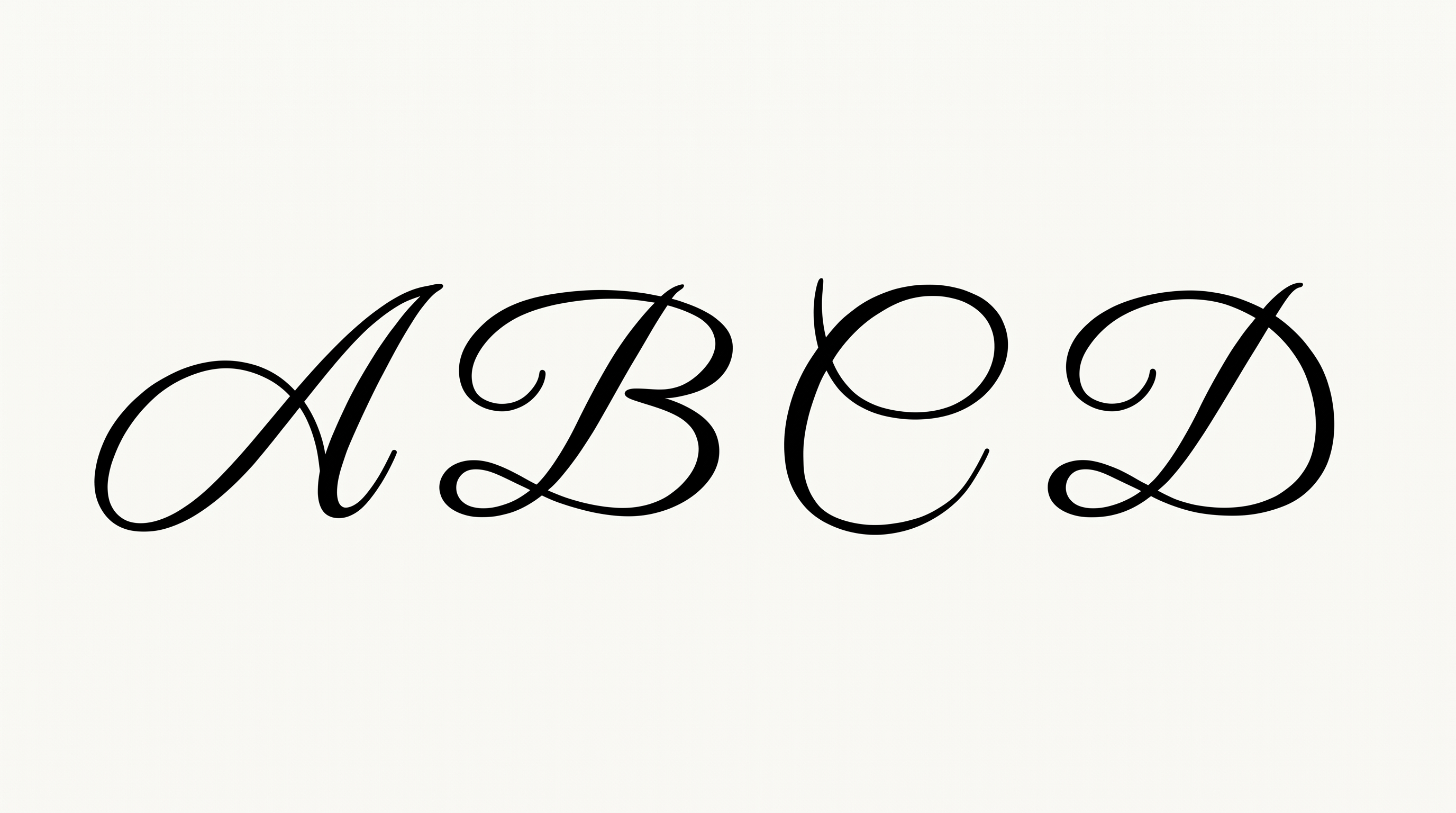
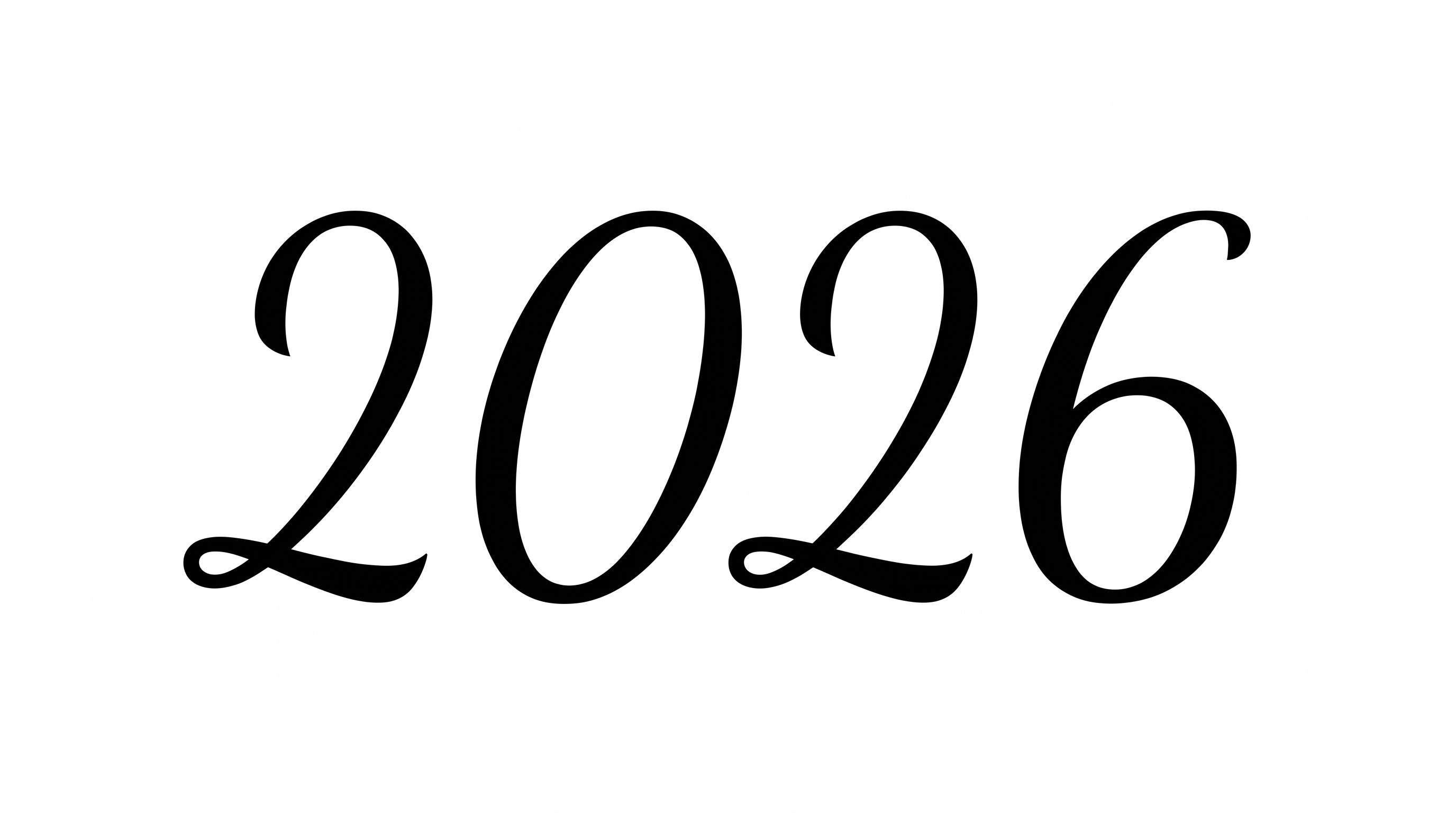
High stroke contrast, connected letters, and graceful flourishes define this formal calligraphic script.

  • Stroke Contrast

    Bold downstrokes alternate with fine hairlines across the visible letters.

  • Letter Connections

    Continuous joining strokes link most lowercase letters within each word.

  • Flourishes

    Long entry and exit swashes add graceful ornament to capitals and endings.

  • Slant

    Most letters lean consistently to the right along the baseline.

  • Stroke Endings

    Fine strokes taper into pointed tips at several visible endings.

  • Baseline Rhythm

    Lowercase letters follow a steady baseline with controlled ascenders and descenders.
Frequently asked questions about Happy Birthday Script Font Generator

Commercial use requires the higher membership level. The minimum membership covers personal use, while the higher membership covers commercial projects. Review pricing to choose the membership that matches how you plan to use the artwork.

Download the generated PNG artwork. Upload it in Canva and insert it into a Google Docs document. For Cricut, import the PNG into a project in the Cricut app, also known as Cricut Design Space. It remains image artwork in each platform.

Browse the related tools section and compare examples by stroke contrast, connections, slant, and decorative detail. Choose a direction that matches your intended mood and layout rather than looking for a named replacement for your design.

Transparent backgrounds are supported for layering lettering over other artwork. This template also lets you select font color, choose a custom background color, upload a background image, and set image size. Transparency is an available output capability rather than a guarantee that every result uses it.

Its refined calligraphy works well as a focal heading on birthday cards, invitations, welcome signs, menus, and social stories. Give the long swashes generous side space, and keep supporting details visually quieter so the script remains prominent.

Start with an aspect ratio matching the final placement, such as 16:9 for a wide greeting or 9:16 for a Story. Keep the phrase large enough to preserve the fine hairlines, then review the generated image at its intended display size.

Use open margins around the lettering and leave clear separation between the script and supporting details. A restrained serif or simple sans serif can carry dates and names while the calligraphic phrase provides the decorative focus.
READY TO CREATE?

Create Custom Happy Birthday Script Fonts & Text Effects

Try Happy Birthday Script Font Generator Free