Get 5 Free Credits

Free Script Font Logo Generator Online

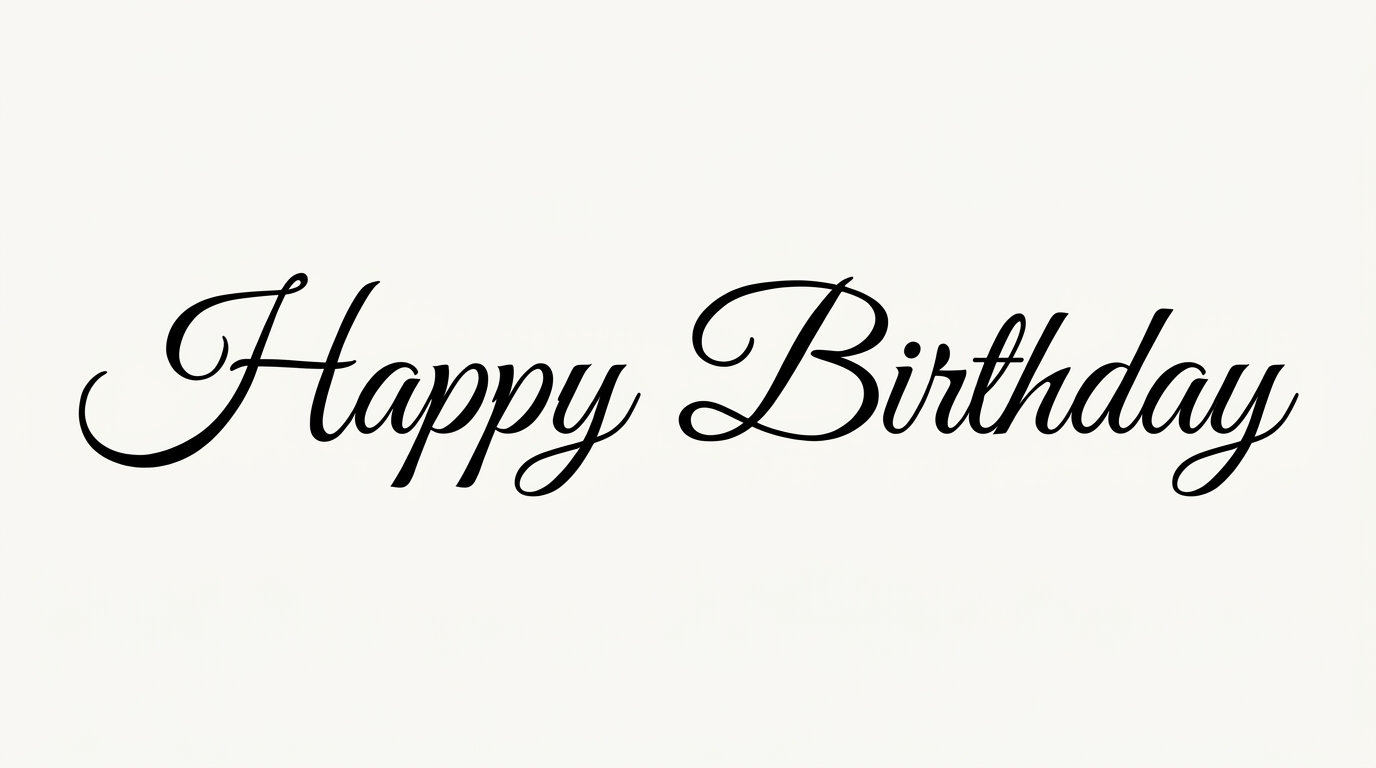
Create bold brush-script lettering with flowing connections and expressive loops for wordmarks, invitations, packaging, and signage.

Enter the text to generate, e.g. Fontify.ai

Font color
Background
Templates
170
Generations
122
Downloads
228
Rating
5.0

How to Use the Script Font Logo Generator

Shape expressive brush lettering for a wordmark and save it for your chosen layout.

  1. 01

    Write your logo wording

    Enter a name or phrase suited to the flowing, hand-lettered wordmark style.

  2. 02

    Set the visual format

    Choose a font color, background, and aspect ratio such as 1:1 or 16:9.

  3. 03

    Generate and download the artwork

    Review the rendered script, then download the finished image as a PNG or SVG.

Script Font Logo Style Profile

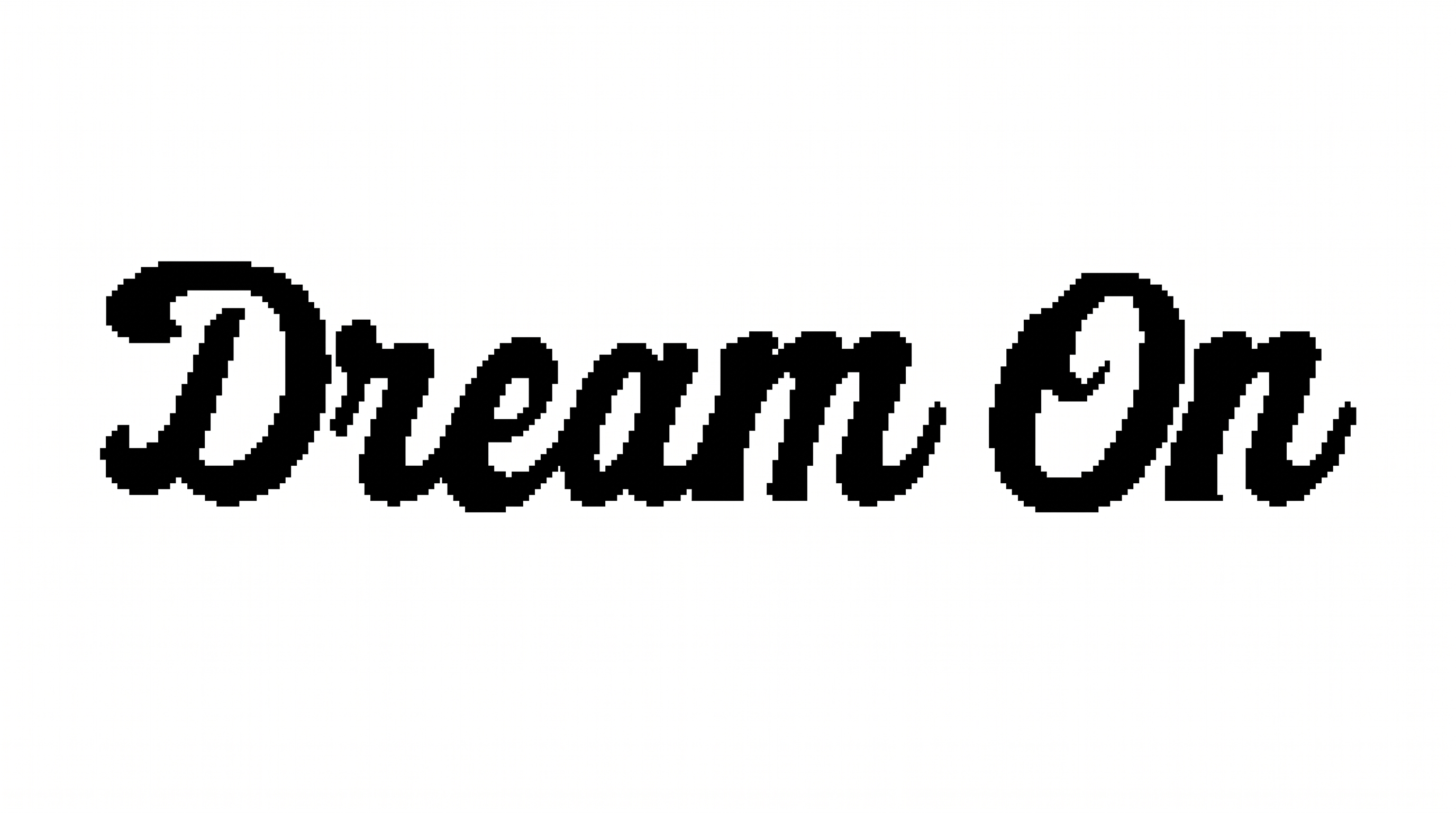
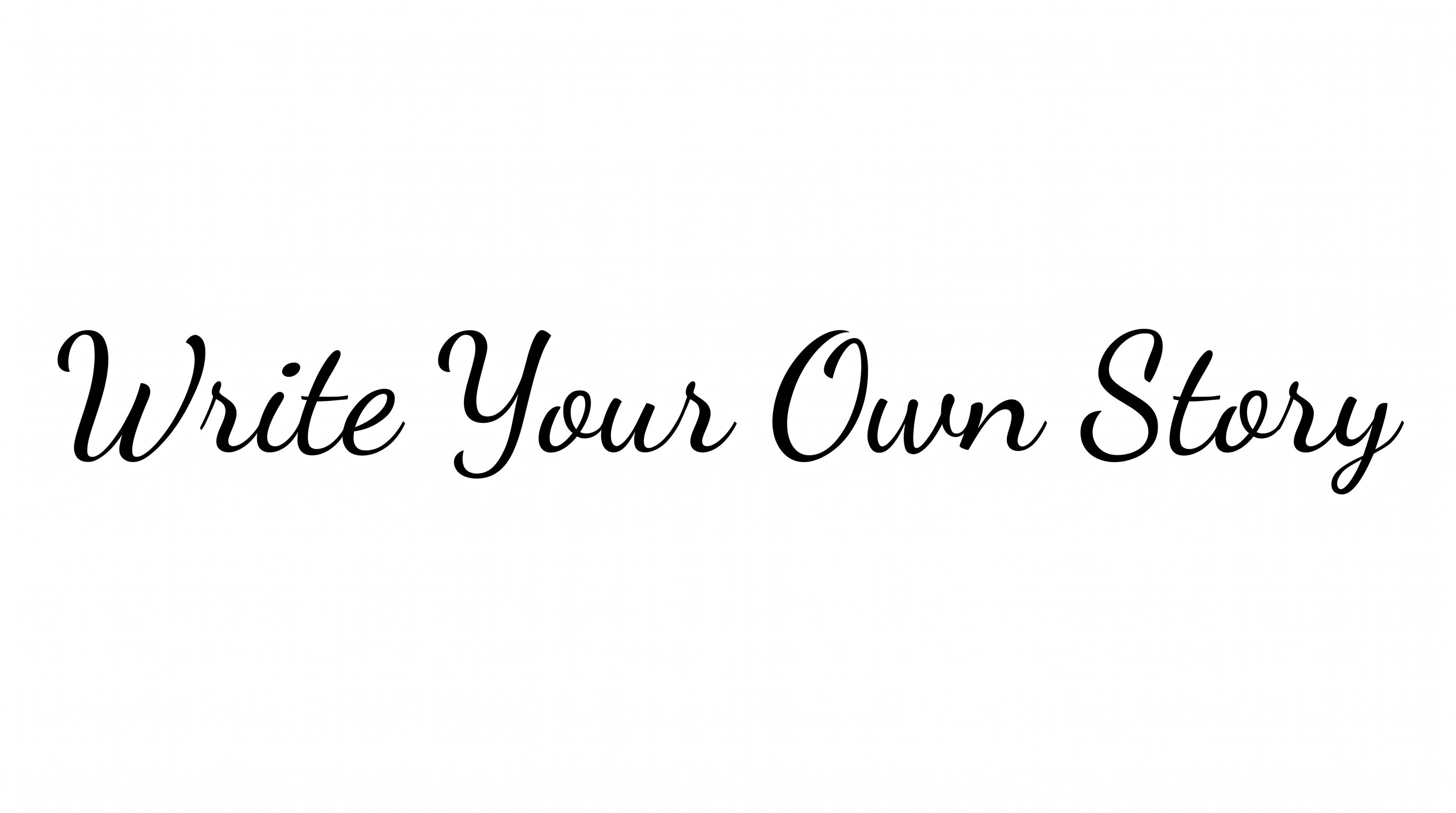
Strong stroke contrast, flowing connections, and prominent loops create an expressive brush-script rhythm.

  • Stroke Contrast

    Broad downstrokes alternate with slender curves and connecting strokes.

  • Letter Connections

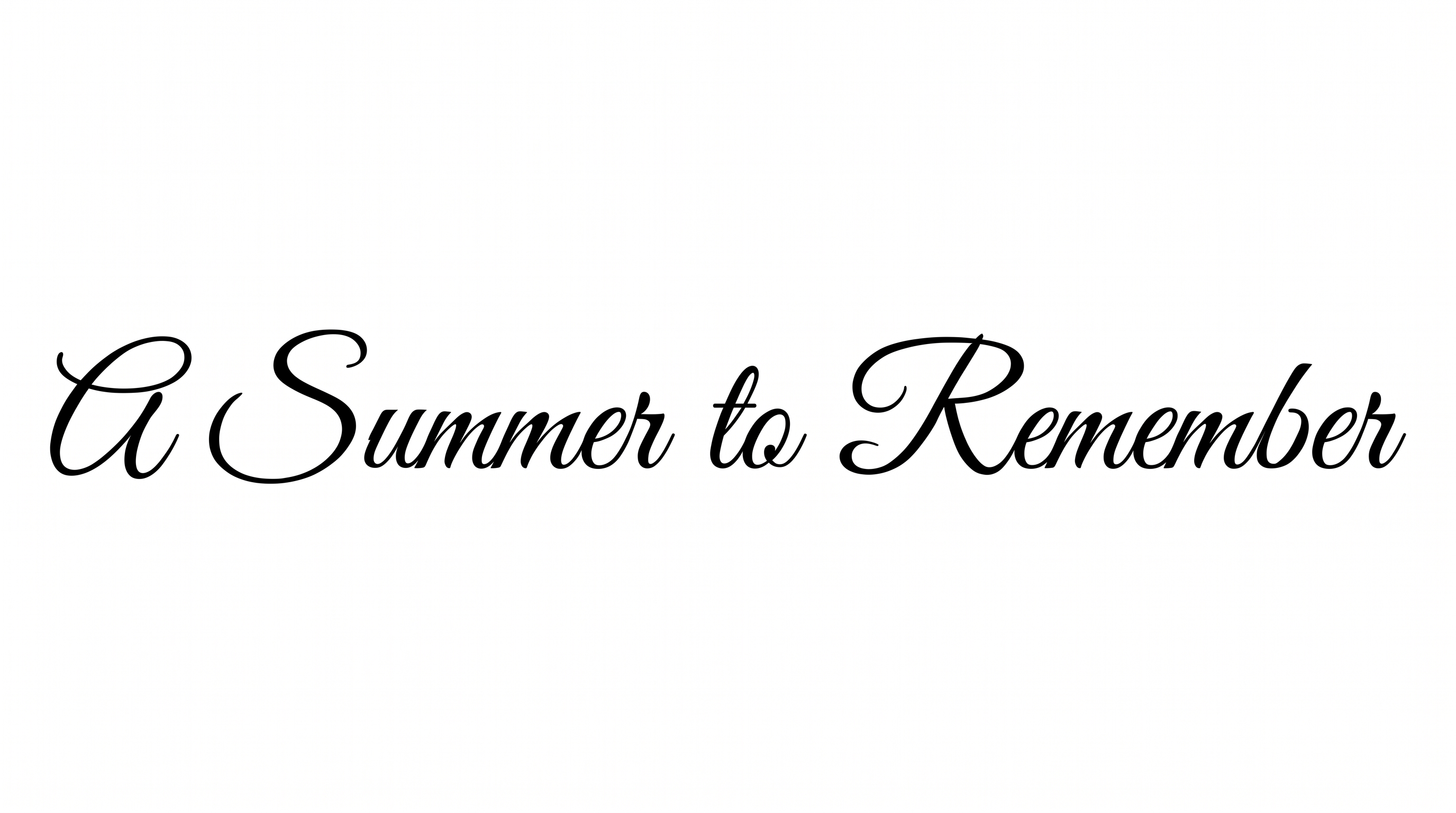
    Continuous strokes join many neighboring lowercase letters within each word.

  • Slant

    The letterforms lean consistently to the right along the baseline.

  • Flourishes

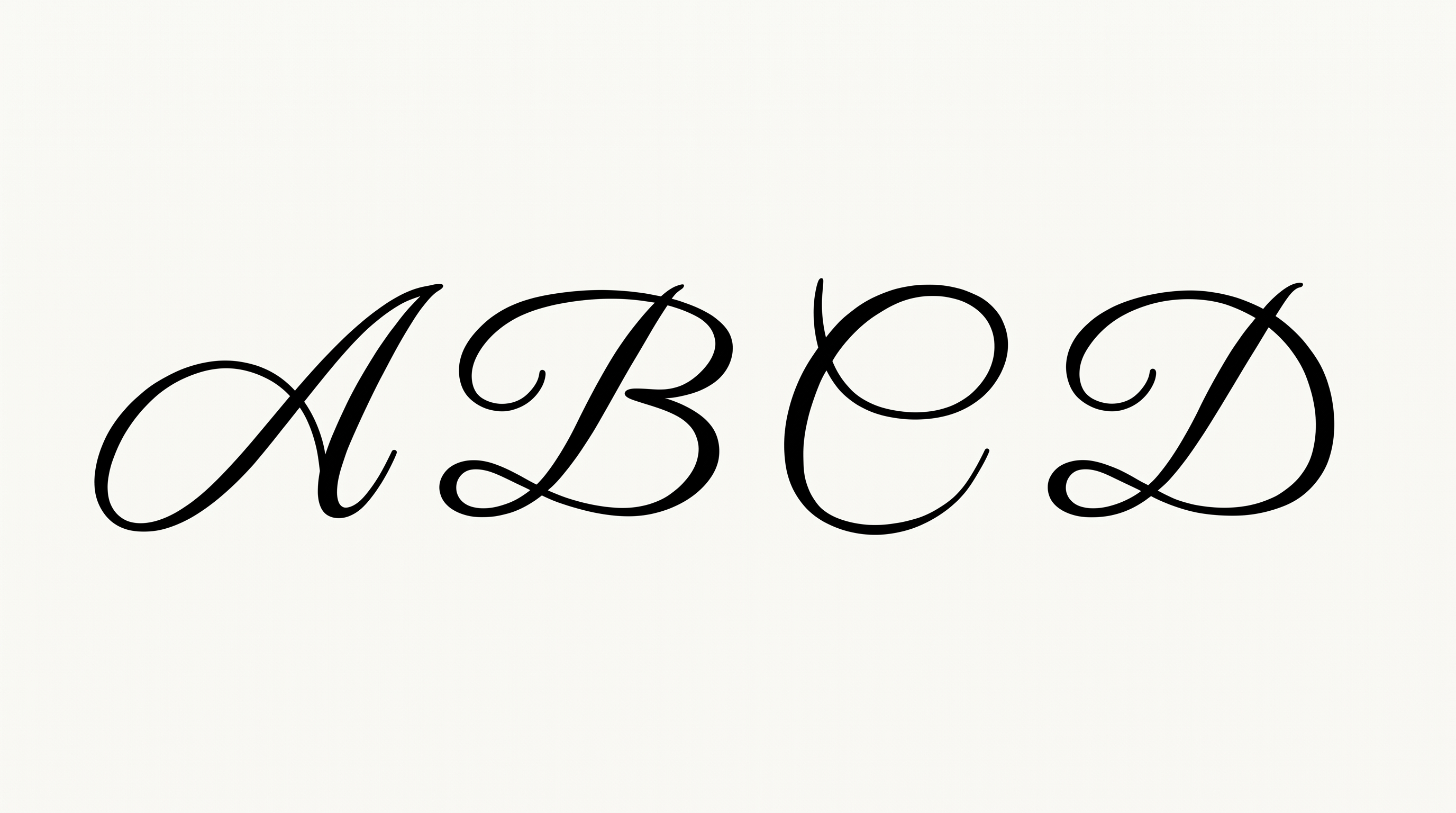
    Large entry strokes, loops, and extended tails add expressive decoration.

  • Stroke Endings

    Visible endpoints taper into pointed, brush-like tips.

  • Stroke Weight

    Heavy main strokes give the lettering a bold and substantial presence.
Frequently asked questions about Script Font Logo Generator

Enter your wording, select an available font color, background, and image size, then generate the design. Review the rendered result and download the text artwork as a PNG or SVG.

The minimum membership covers personal use, while a higher membership covers commercial use. Review pricing to choose the membership that applies to your project.

Yes, transparent-background output is supported for layering the lettering over other artwork. This template also lets you choose a font color, set a custom background color, upload a background image, and select an image size.

Download the Script Font Logo artwork as a PNG. Upload it in Canva or insert it into a Google Docs document. For Cricut, import it into a project in the Cricut app, also known as Cricut Design Space.

Its expressive brush lettering suits wordmarks, business cards, packaging, storefront signs, and hospitality branding. For an online identity, use it as a prominent name treatment with enough surrounding space.

Keep the wording concise and choose a proportion that matches its destination. The Script Font Logo Generator includes square, portrait, landscape, and wide image ratios for different compositions.

Leave free space around the lettering and avoid placing detailed content near its loops and extended strokes. Preview the artwork at its intended display size before final placement.

Pair the expressive script with simple supporting text, restrained shapes, and uncluttered backgrounds. This contrast lets the connected strokes and looping forms remain the main focal point.

The bold brush strokes feel personal, expressive, and energetic. Prominent loops can also bring a romantic or handcrafted tone to invitations, keepsakes, and boutique identity designs.
READY TO CREATE?

Create Custom Script Font Logos & Text Effects

Try Script Font Logo Generator Free