Get 5 Free Credits

Free Script Letters Font Generator Online

Create formal script lettering with high-contrast strokes, expansive loops and graceful swashes for invitations, covers or elegant display titles.

Enter the text to generate, e.g. Fontify.ai

Font color
Background
Templates
170
Generations
60
Downloads
269
Rating
5.0

How to Use the Script Letters Font Generator

Shape formal script artwork for invitations, labels and titles while preserving its sweeping flourishes.

  1. 01

    Enter your script wording

    Type a name, heading or short phrase suited to the elegant calligraphic style.

  2. 02

    Set the color and composition

    Choose a custom font color, background and an aspect ratio such as 3:2.

  3. 03

    Generate and download the artwork

    Review the flourished text image, then download it as a PNG or SVG.

Script Letters Font Style Profile

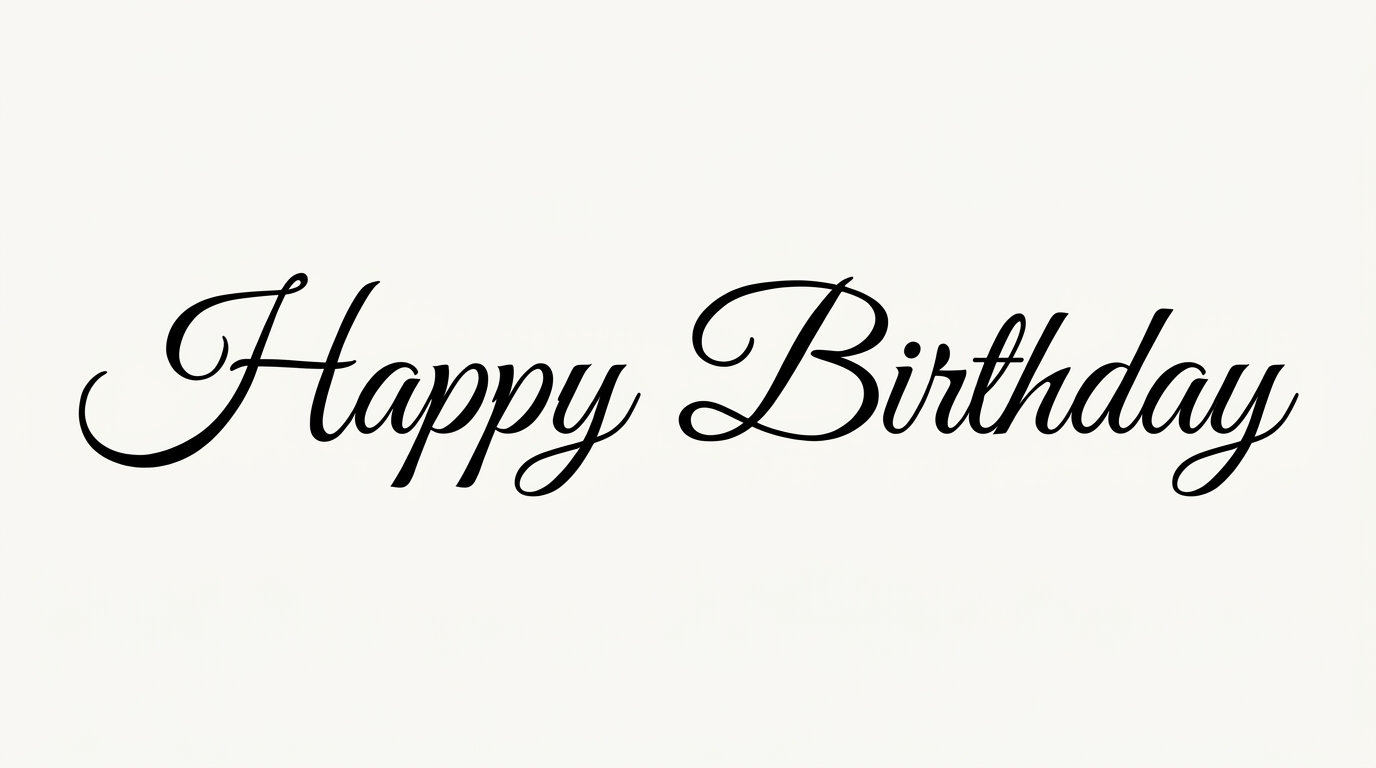
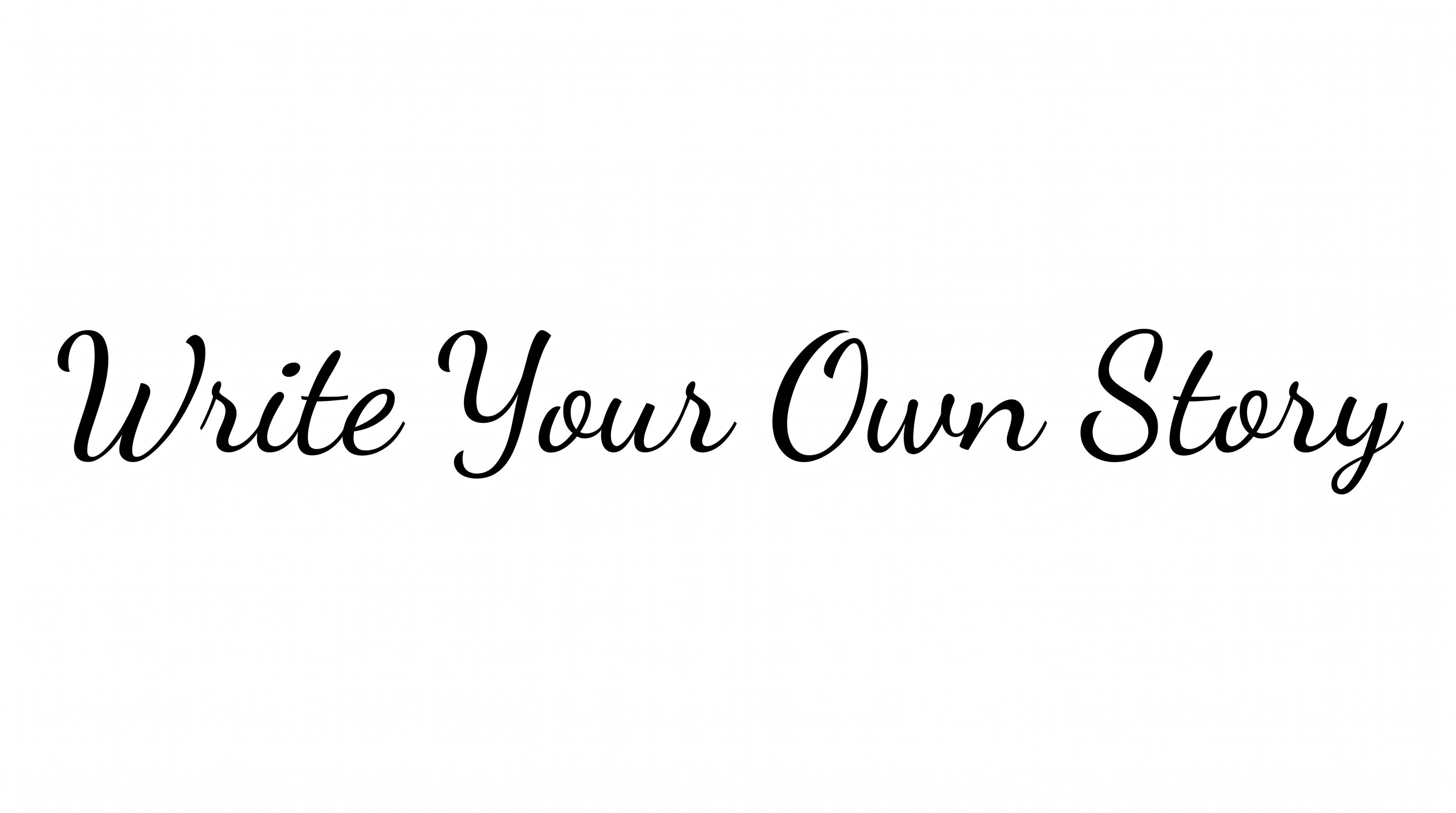
Strong stroke contrast, sweeping flourishes and a gentle rightward slant define the formal capitals.

  • Flourishes

    Expansive loops and sweeping swashes extend from several capital forms.

  • Stroke Contrast

    Bold downstrokes alternate sharply with fine hairline curves.

  • Letter Construction

    Continuous calligraphic curves build each capital with open interior spaces.

  • Slant

    The visible capitals carry a gentle rightward lean.

  • Stroke Endings

    Fine strokes taper into sharp, graceful tips.

  • Letter Spacing

    Clear gaps separate the displayed capitals while their swashes span the surrounding space.
Frequently asked questions about Script Letters Font Generator

It turns your wording into a text image with formal script styling. High-contrast strokes, expansive loops and graceful swashes give the artwork a calligraphic appearance suited to prominent names, headings and short phrases.

Yes. You can use the generator and download the resulting artwork through the available free-use options. This does not imply unlimited rights or free commercial rights; usage should follow the applicable membership terms.

Yes. Transparent-background output is supported for layering the lettering over other artwork. This template also lets you choose a font color, select a custom background color, upload a background image and set the image size.

Download the generated PNG artwork, then upload it in Canva for a design. Insert the image into a Google Docs document. Import it into a project in the Cricut app, also known as Cricut Design Space.

Its formal contrast and sweeping capitals suit invitation titles, certificates, packaging labels and editorial covers. Give the lettering a prominent role, especially when a design needs a ceremonial, romantic or refined focal point.

Use a short heading and reserve generous space around the longest swashes. A centered composition suits formal titles, while an asymmetrical placement can leave room for supporting details or imagery elsewhere in the layout.

Choose a concise phrase and display it at a size that preserves the fine hairlines. Keep important details separate from the loops, and review the artwork at its intended viewing size before final placement.

Pair the decorative script with a restrained supporting type style for dates, captions or longer information. Clear hierarchy lets the flourished lettering remain the focal point while practical details stay easy to scan.

Keep the space around the main lettering free of competing details and place imagery beyond the widest swashes. A simple supporting palette helps the high-contrast script retain its formal, graceful character.
READY TO CREATE?

Create Custom Script Letters Fonts & Text Effects

Try Script Letters Font Generator Free