Get 5 Free Credits

Free Pixel Script Font Generator Online

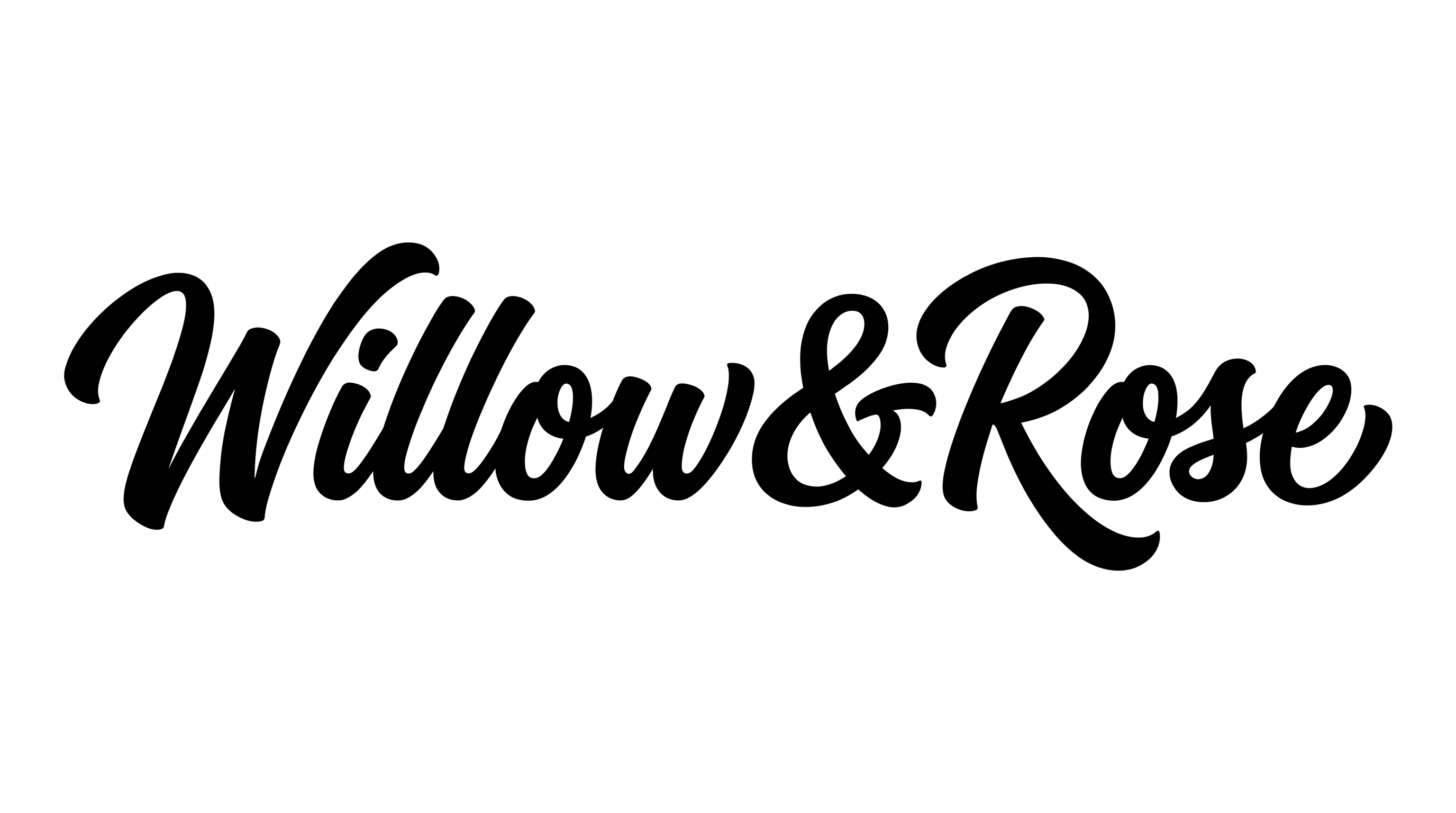
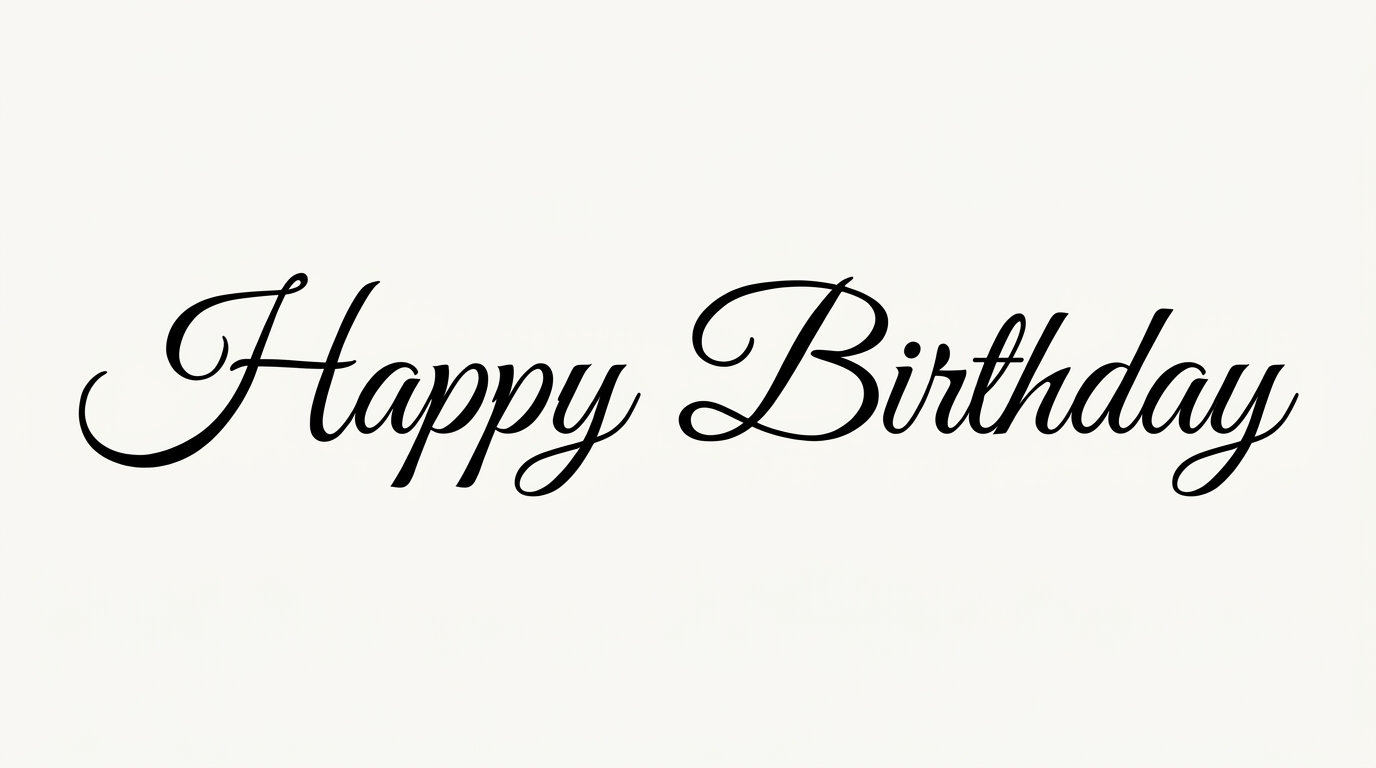
This bold brush script joins flowing letters with pixel-stepped contours, giving record covers or title graphics a retro-digital edge.

Enter the text to generate, e.g. Fontify.ai

Font color
Background
Templates
170
Generations
124
Downloads
245
Rating
5.0

How to Use the Pixel Script Font Generator

Shape bold connected script for your layout, then save the pixel-stepped lettering as reusable image artwork.

  1. 01

    Write your script wording

    Enter a short name or phrase to suit the bold, connected brush-script treatment.

  2. 02

    Set the color and format

    Choose a custom font color and an image ratio such as 16:9 for your layout.

  3. 03

    Generate and download the image

    Review the pixel-stepped contours, then download the finished image as PNG or SVG.

Pixel Script Font Style Profile

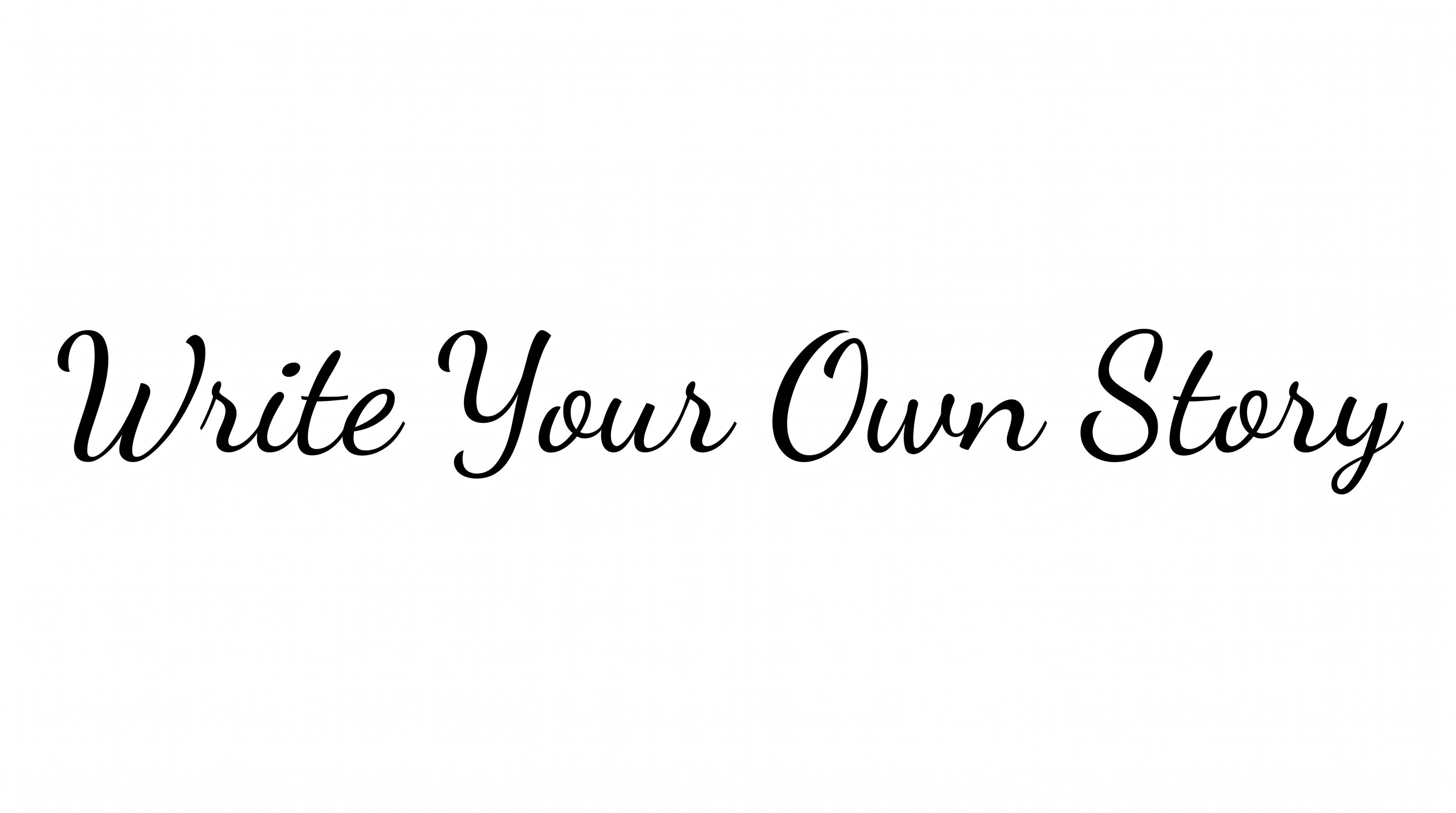
Pixel-stepped contours, heavy connected strokes, and a rightward slant define the bold script.

  • Letter Construction

    Stepped pixel contours shape otherwise continuous script letterforms.

  • Letter Connections

    Continuous joining strokes link most lowercase letters within each word.

  • Stroke Weight

    Heavy black stroke bodies give the script a bold, substantial presence.

  • Slant

    The letters lean consistently to the right along a level baseline.

  • Stroke Contrast

    Broad downstrokes alternate with slimmer joins and interior turns.

  • Corner Shape

    Pixel-stepped edges give curved turns a deliberately angular finish.
Frequently asked questions about Pixel Script Font Generator

Pixel Script Font Generator turns your wording into a text image with bold, connected brush lettering and deliberately pixel-stepped contours. The resulting artwork blends flowing script movement with a retro-digital finish for titles, names, and graphic headings.

Download the generated PNG artwork, then upload it in Canva for a design. Insert the same image into a Google Docs document, or import it into a project in the Cricut app, also known as Cricut Design Space.

The minimum membership covers personal use, while a higher membership covers commercial use. Check pricing to choose the membership that applies to your project before using the artwork commercially.

Transparent backgrounds are supported, which helps when layering the lettering over other artwork. This template also lets you select a font color, choose a custom background color, upload a background image, and set the image size. Transparency is not necessarily the default.

Keep the wording concise and preview the artwork at its intended size. For online graphics, give the connected letters open space and strong contrast against the background. The stepped contours work especially well when they remain clearly visible.

Use a wide ratio for a single-line title, or choose a square or portrait format for covers and social artwork. Leave enough surrounding space so the slanted capitals and connected lowercase forms remain the focal point.

Pair the bold script with simple geometric shapes, structured information areas, or restrained supporting text. This contrast lets the pixel-stepped edges provide personality while practical details stay easy to scan.
READY TO CREATE?

Create Custom Pixel Script Fonts & Text Effects

Try Pixel Script Font Generator Free