Get 5 Free Credits

Free Background Spongebob Font Generator Online

Turn your words into chunky, hand-shaped cartoon lettering with playful proportions, ideal for bold signs and children's titles.

Enter the text to generate, e.g. Fontify.ai

Font color
Background
Templates
242
Generations
107
Downloads
255
Rating
5.0

How to Use the Background Spongebob Font Generator

Shape chunky cartoon lettering for signs, covers, and other bold display layouts.

  1. 01

    Write a short display phrase

    Type a short name or phrase to render in the chunky, irregular cartoon style.

  2. 02

    Set the color and composition

    Choose a font color, set a custom background, and pick an aspect ratio such as 16:9.

  3. 03

    Generate and download the image

    Generate the artwork, review the composition, then download it as a PNG or SVG image.

Background Spongebob Font Style Profile

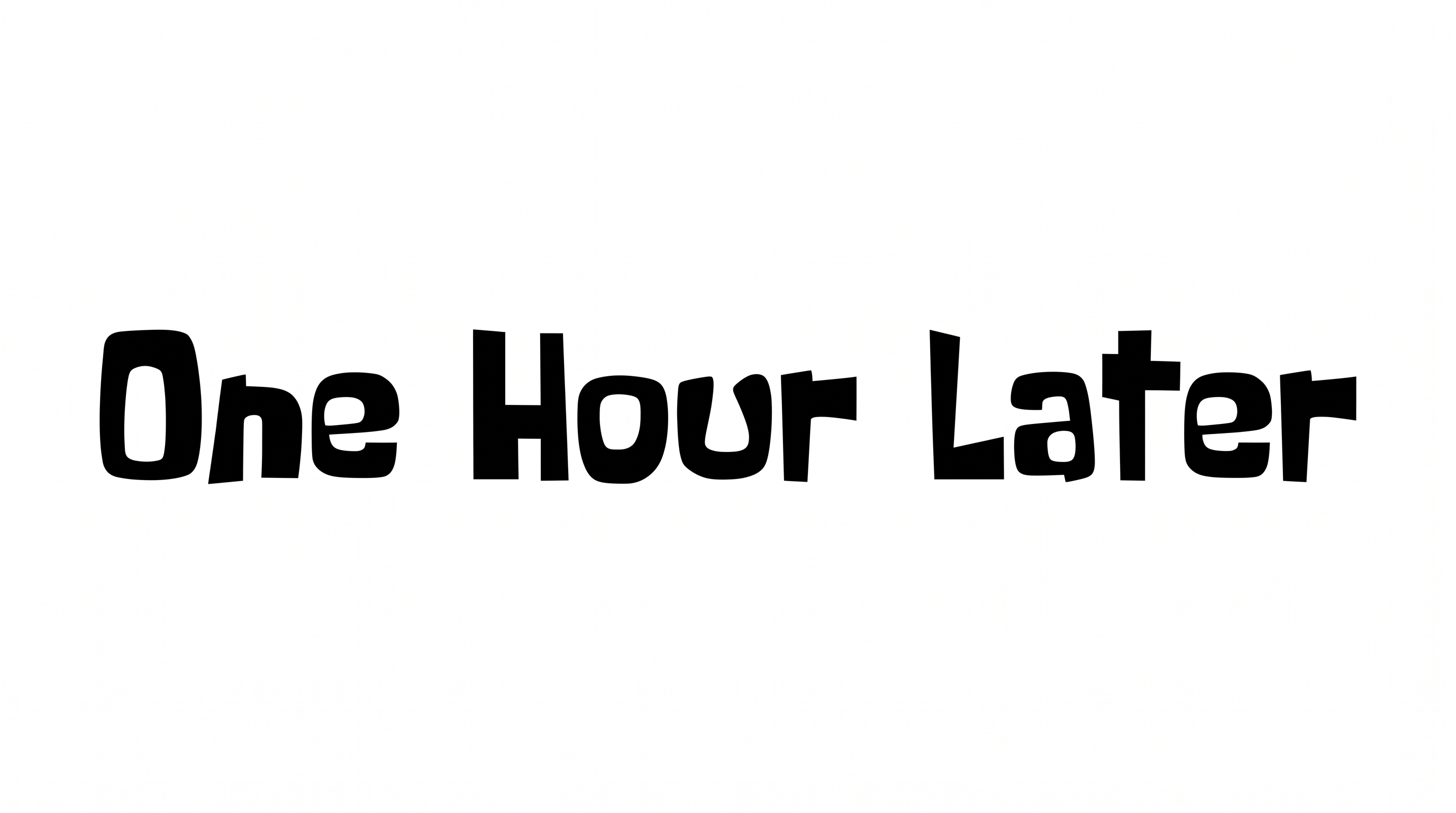
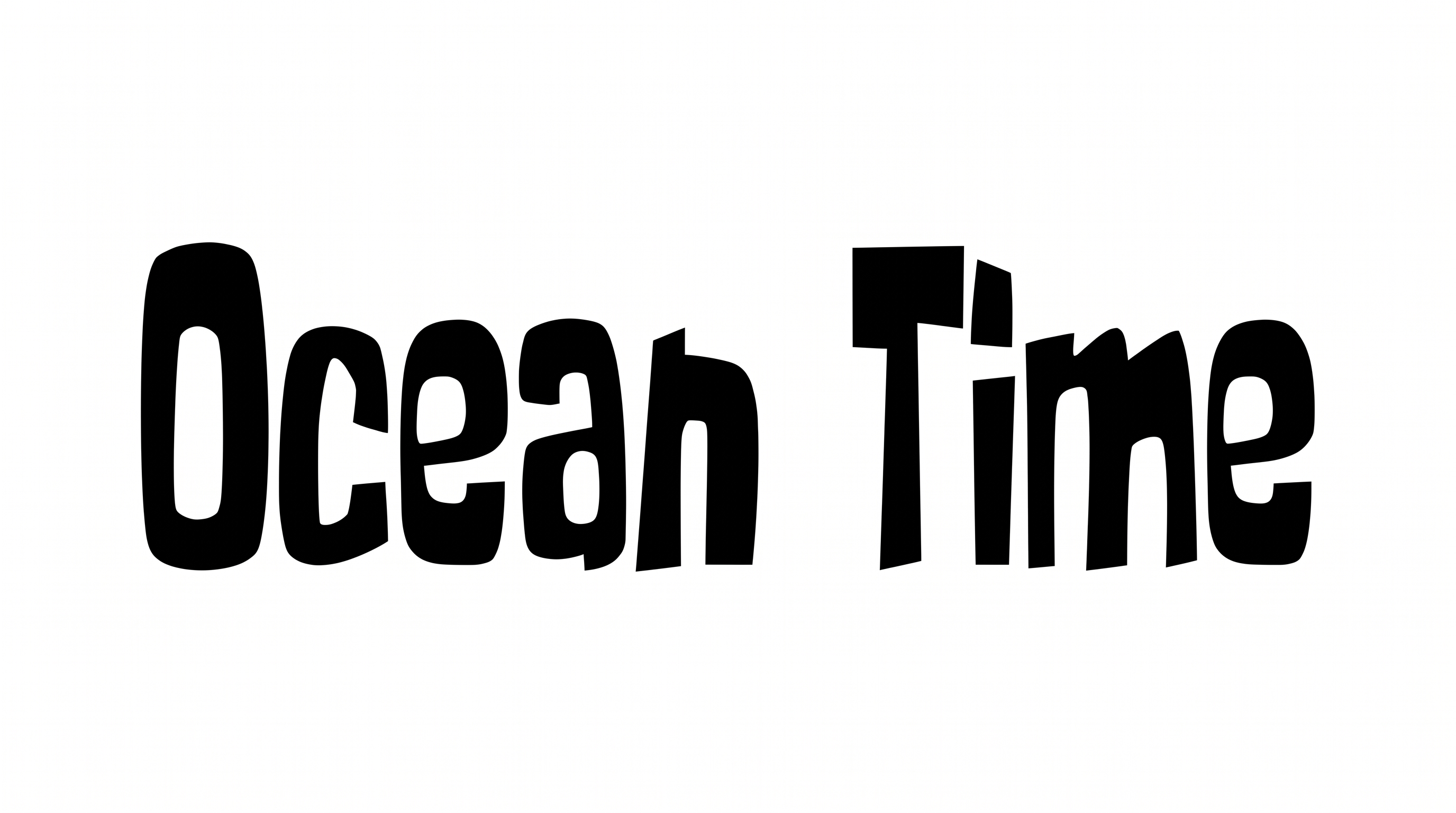
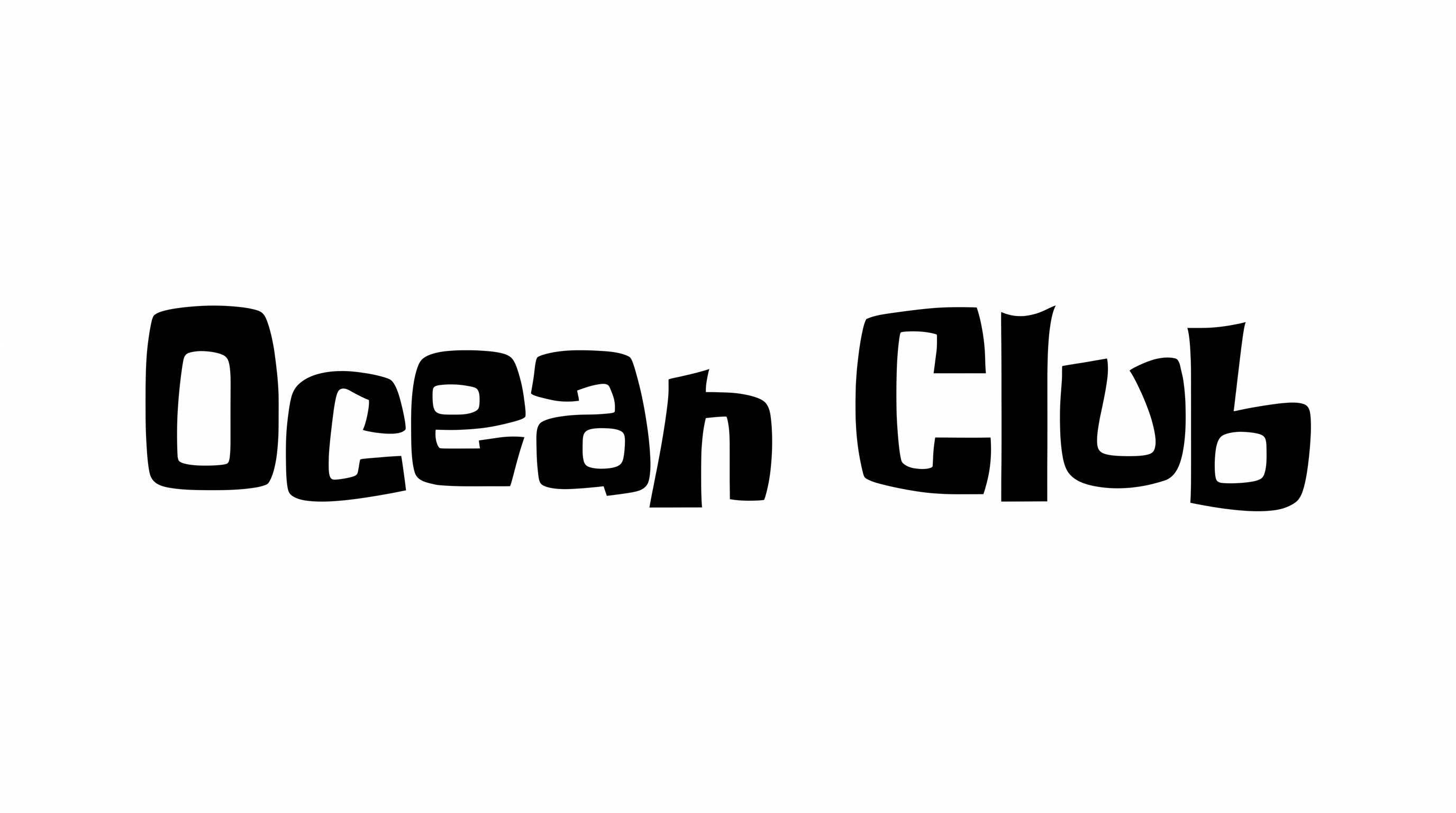
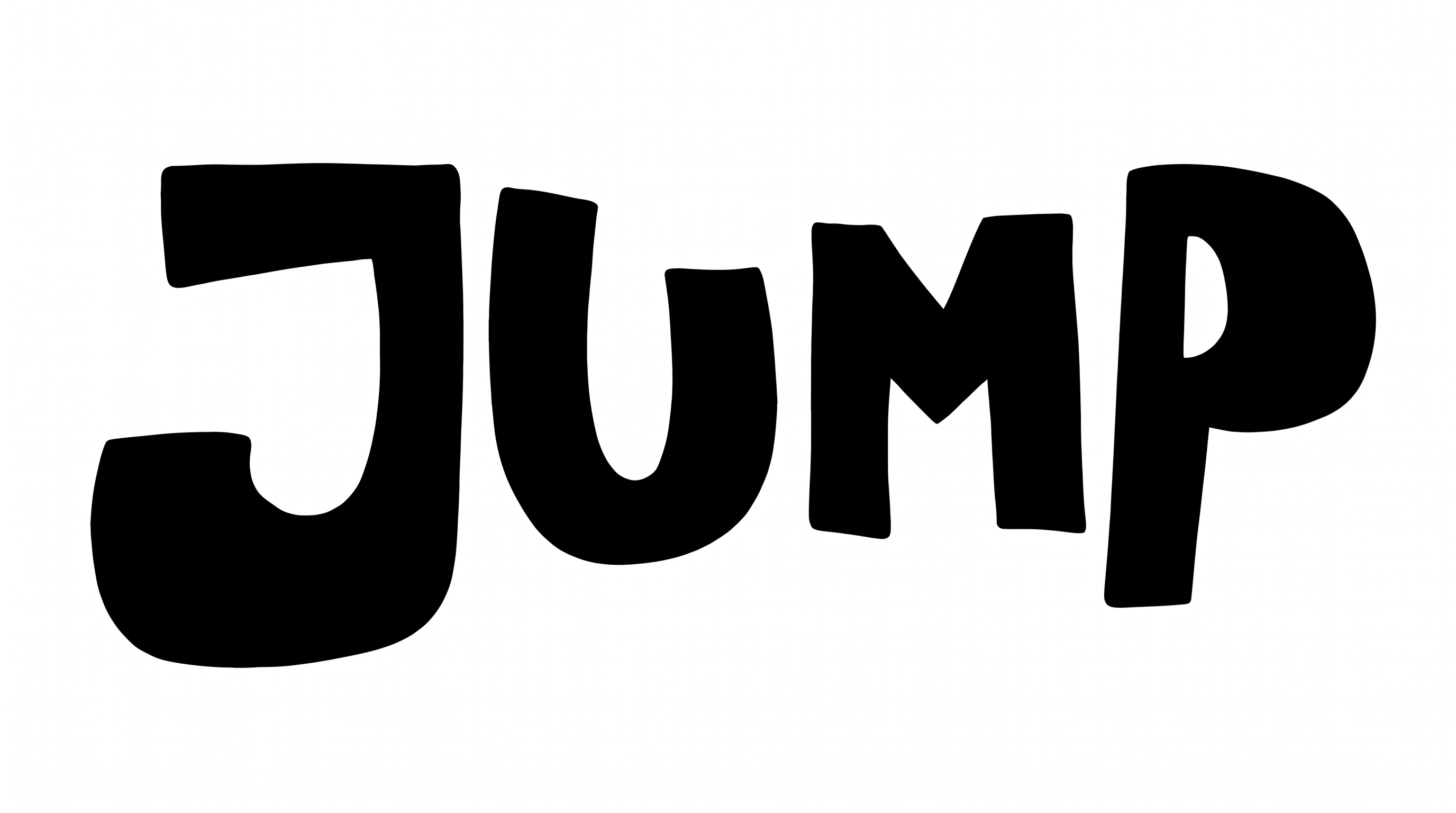
Heavy, solid letterforms combine rounded corners, varied widths, and clearly separated characters.

  • Stroke Weight

    Heavy, mostly even stroke bodies give the letters a bold display presence.

  • Letter Construction

    Solid, continuous shapes build each letter with an irregular hand-cut character.

  • Corner Shape

    Rounded corners mix with a few sharper turns across the irregular letterforms.

  • Letter Width

    Broad and narrow characters alternate, creating playful changes in proportion.

  • Letter Connections

    Letters remain separate, with clear breaks between neighboring characters.

  • Stroke Contrast

    Stroke thickness stays fairly consistent within each visible letter.
Frequently asked questions about Background Spongebob Font Generator

The generator turns your words into a text image with chunky, hand-shaped cartoon lettering, playful proportions, and bold display weight. It suits short titles, names, signs, and other artwork where an irregular, friendly shape should lead the composition.

Transparent backgrounds are supported for layering the lettering over other artwork. This template lets you select a font color and choose the default or a custom background color. You can also upload a background image and set the image size. Transparency is an output choice and is not applied automatically to every image.

Download the Background Spongebob Font artwork as a PNG and upload it in Canva. Insert the same PNG into a Google Docs document. For Cricut, import it into a project in the Cricut app, also known as Cricut Design Space. It remains image artwork rather than an installed font or natively editable text.

Enter your wording, select a font color, background option, and image size, then generate the design. Review the rendered text image and download it as PNG or SVG. The result is image artwork rather than an installable font file.

Keep wording short and give the chunky letters generous surrounding space. Use the free Background Spongebob Font Generator to choose an aspect ratio that fits the destination. Check the final image at its intended online display size, especially for thumbnails or story layouts.

Place the lettering near the top or center as the primary display heading. Leave clear space around its broad, irregular shapes and keep prices, ingredients, or supporting details in a simpler secondary style. A short phrase helps preserve a strong visual hierarchy.

Pair the chunky headline with a simpler, restrained supporting type style. Use the playful lettering for the main name or message, then place longer details in a clean layout with ample spacing. This contrast keeps the bold cartoon mood focused.
READY TO CREATE?

Create Custom Background Spongebob Fonts & Text Effects

Try Background Spongebob Font Generator Free