Get 5 Free Credits

Free Spongebob Title Font Generator Online

Turn any phrase into bold, irregular hand-drawn display lettering suited to playful titles, menus, and colorful event graphics.

Enter the text to generate, e.g. Fontify.ai

Font color
Background
Templates
242
Generations
56
Downloads
295
Rating
5.0

How to Use the Spongebob Title Font Generator

Shape playful display lettering for a clear title, then save the finished artwork for your layout.

  1. 01

    Enter and frame your title

    Type a short phrase and select an image size such as 16:9 for a wide layout.

  2. 02

    Style and generate the lettering

    Choose a font color and background, then generate the bold hand-drawn text image.

  3. 03

    Review and download the artwork

    Review the bold letter shapes, then download the finished artwork as PNG or SVG.

Spongebob Title Font Style Profile

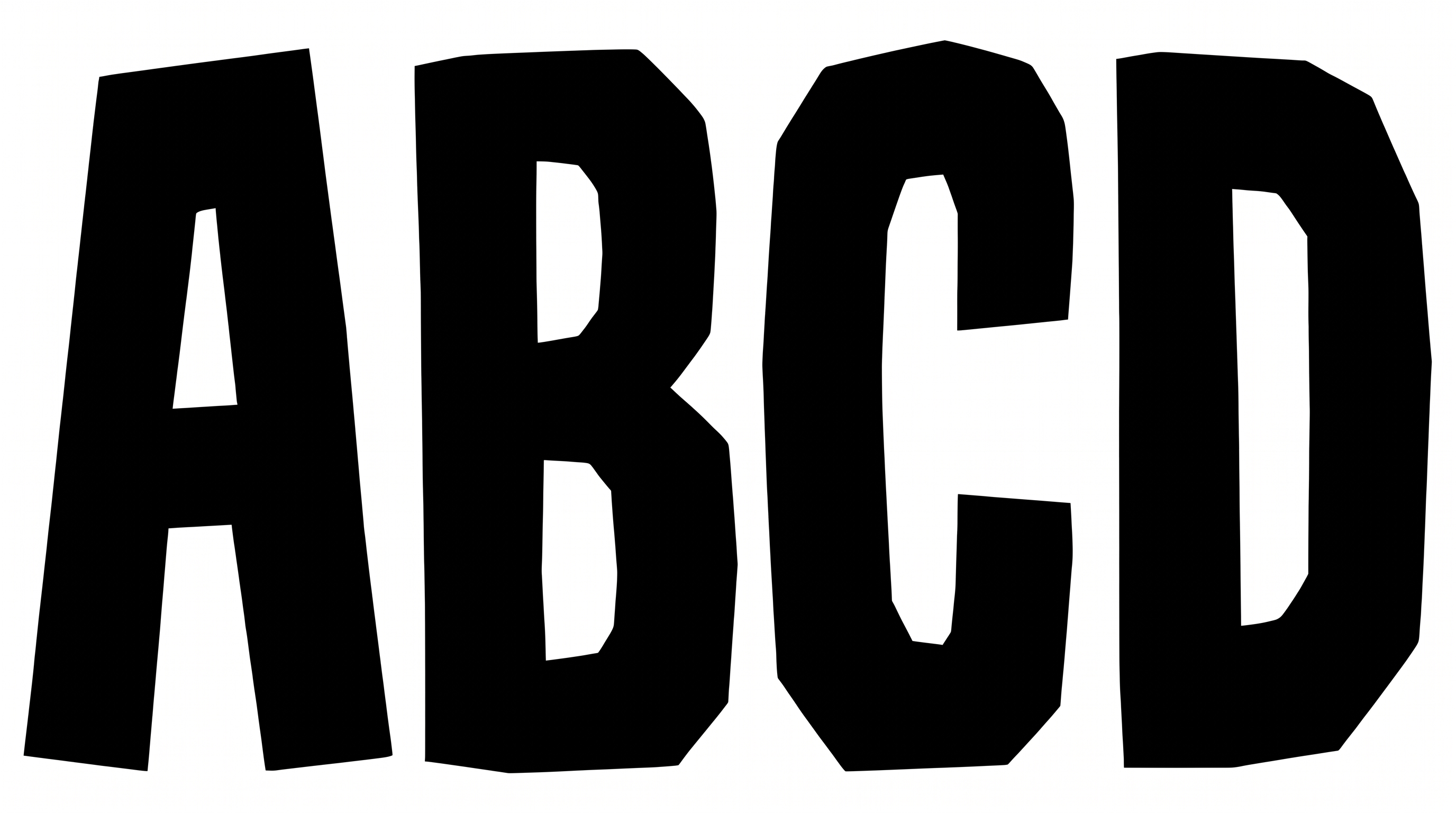
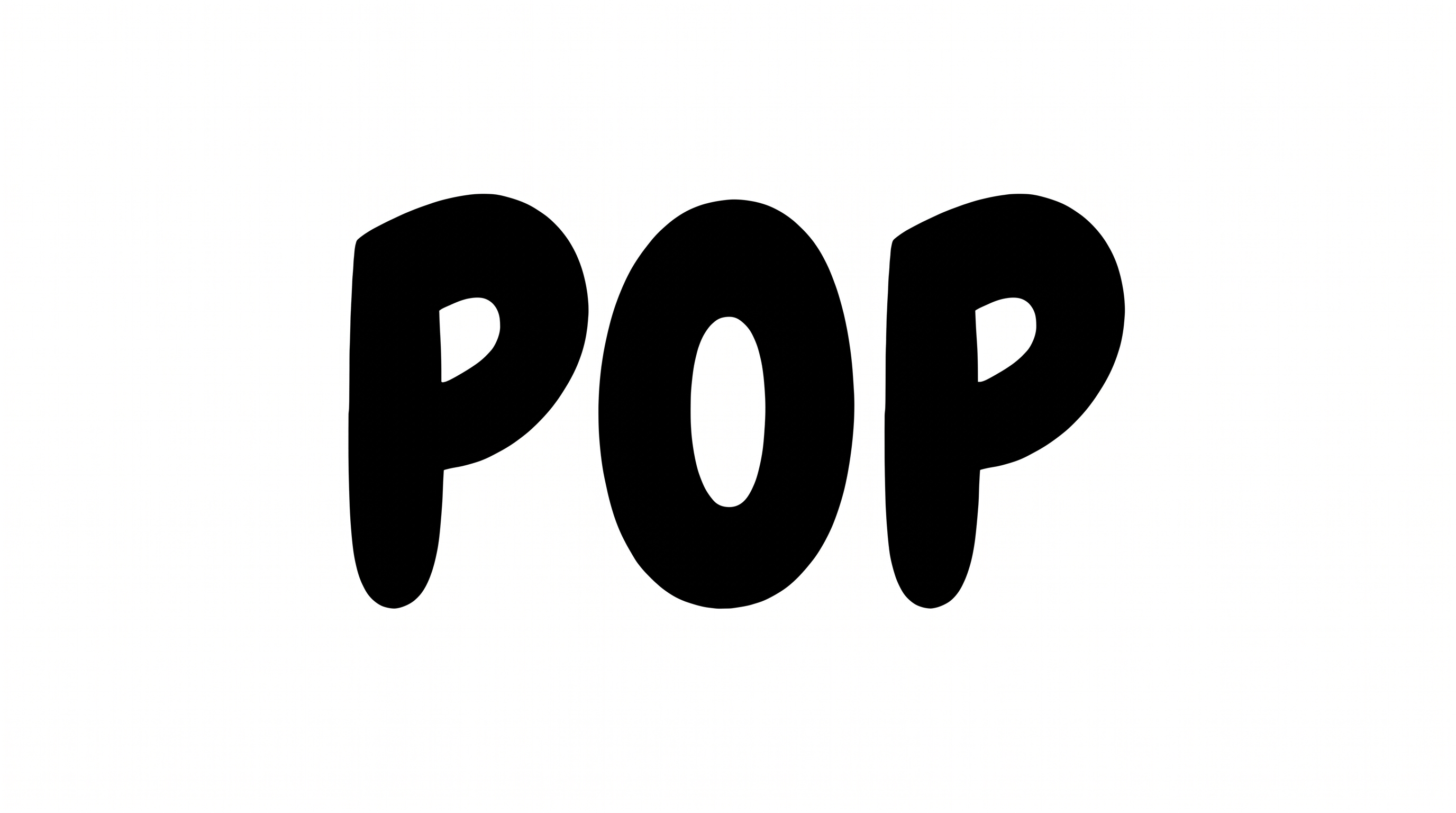
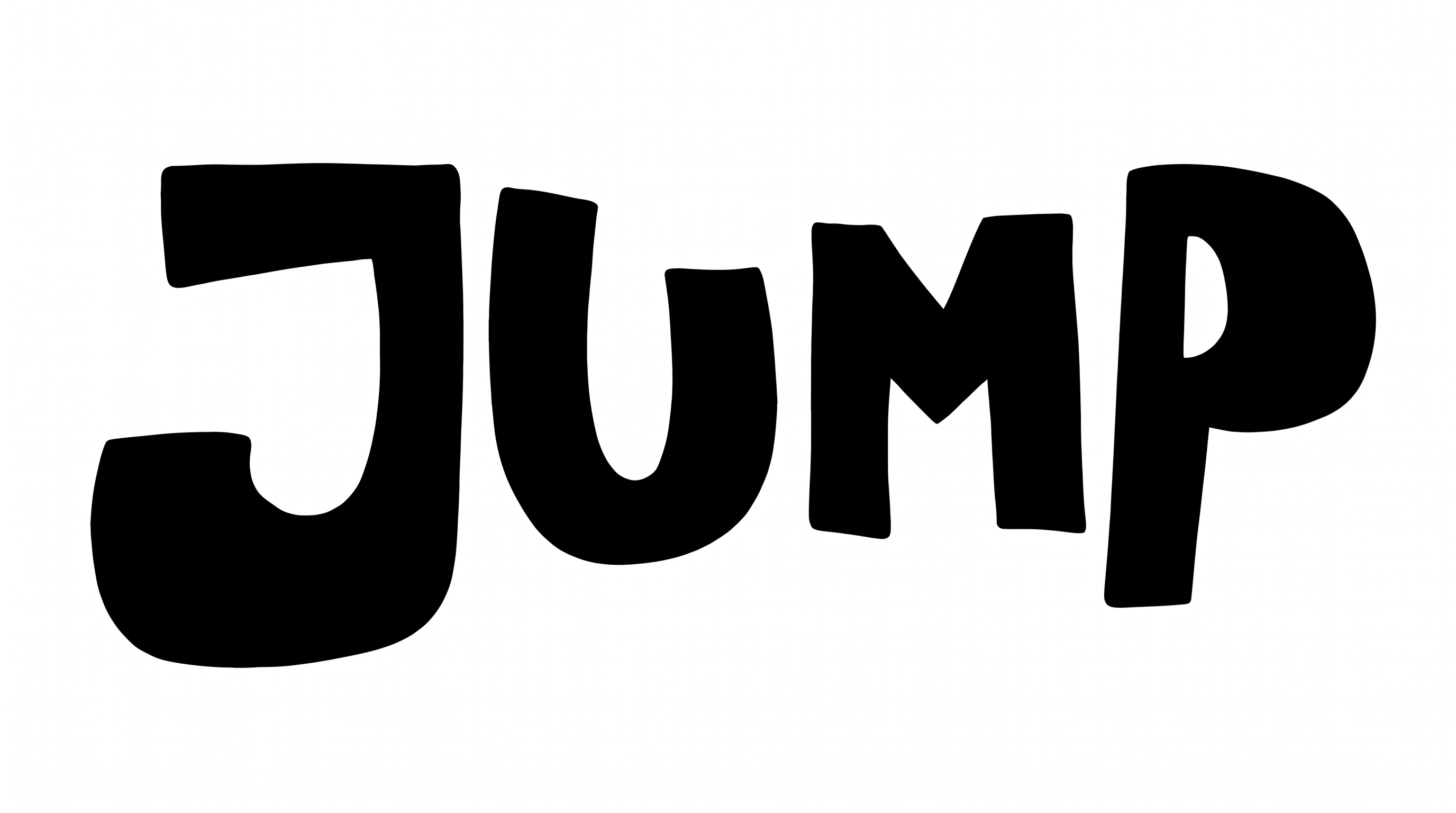
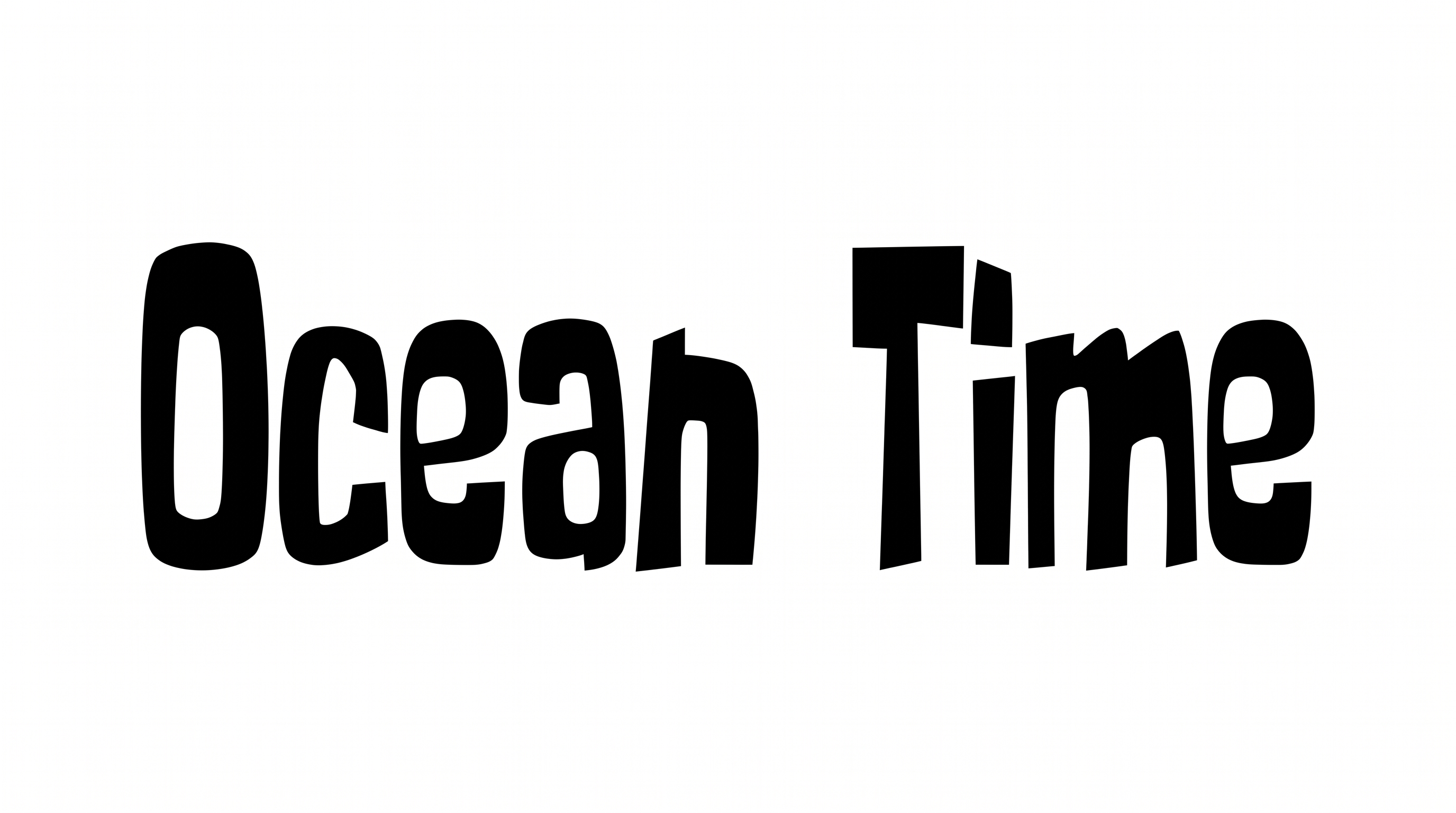
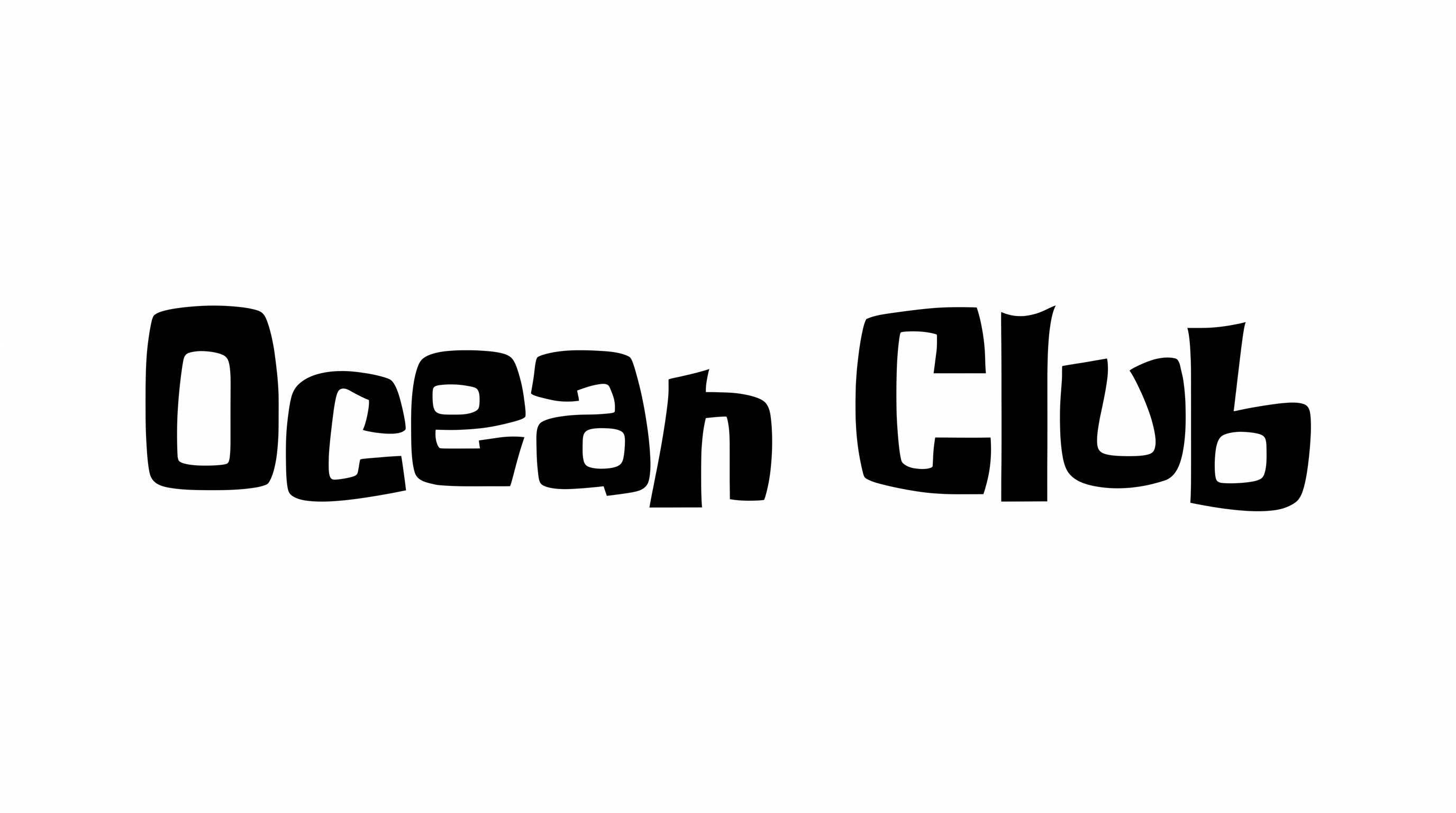
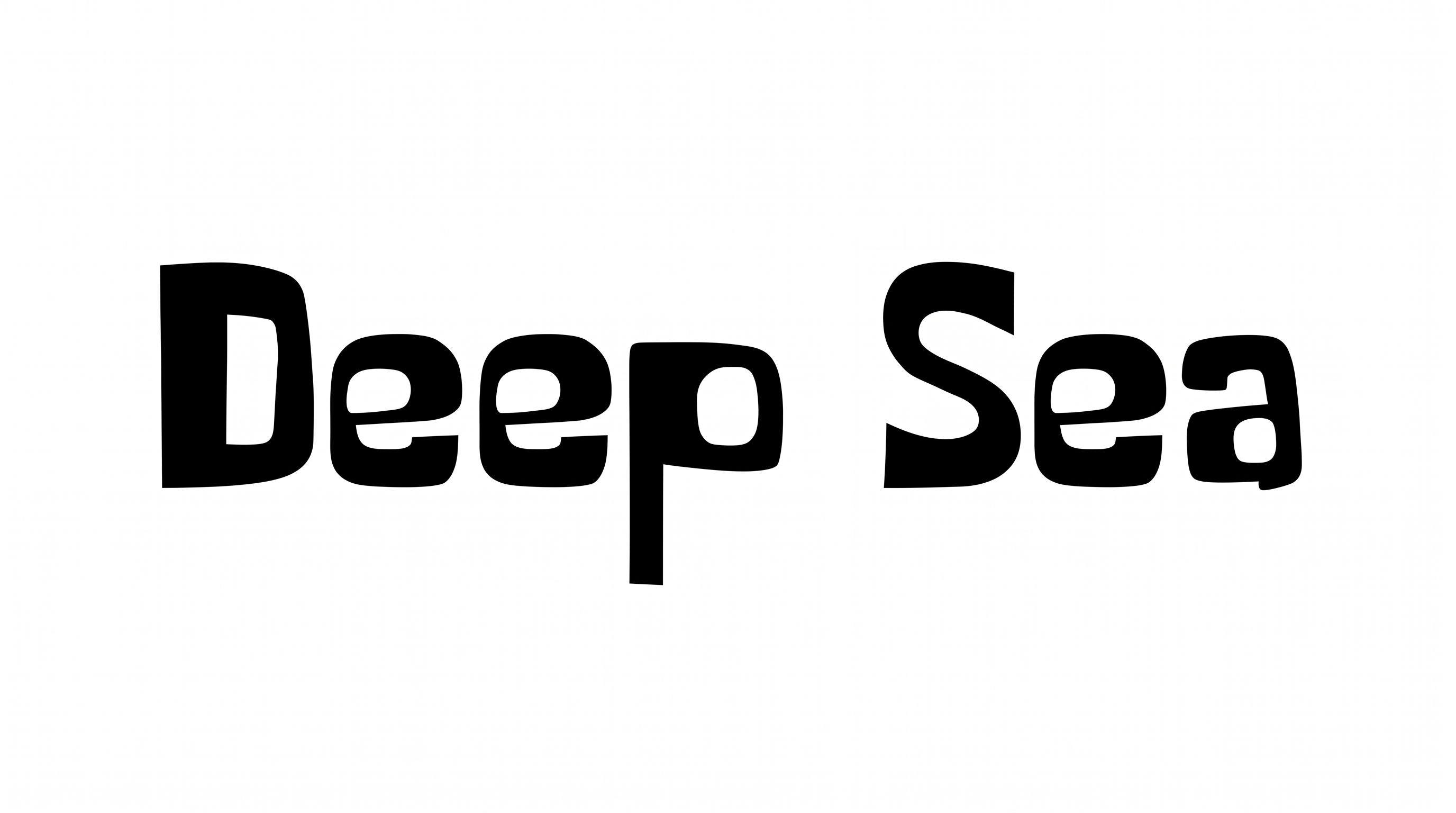
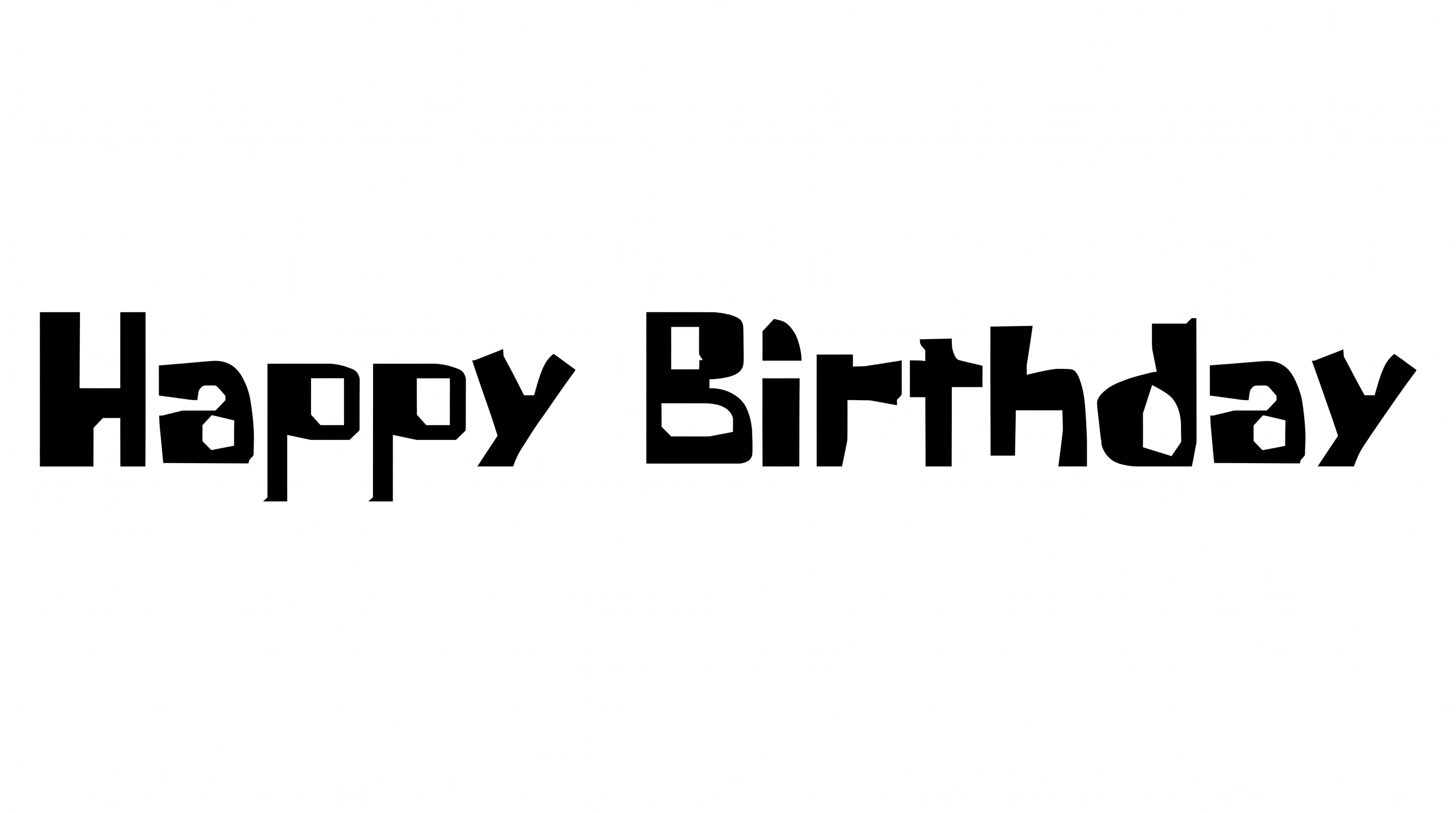
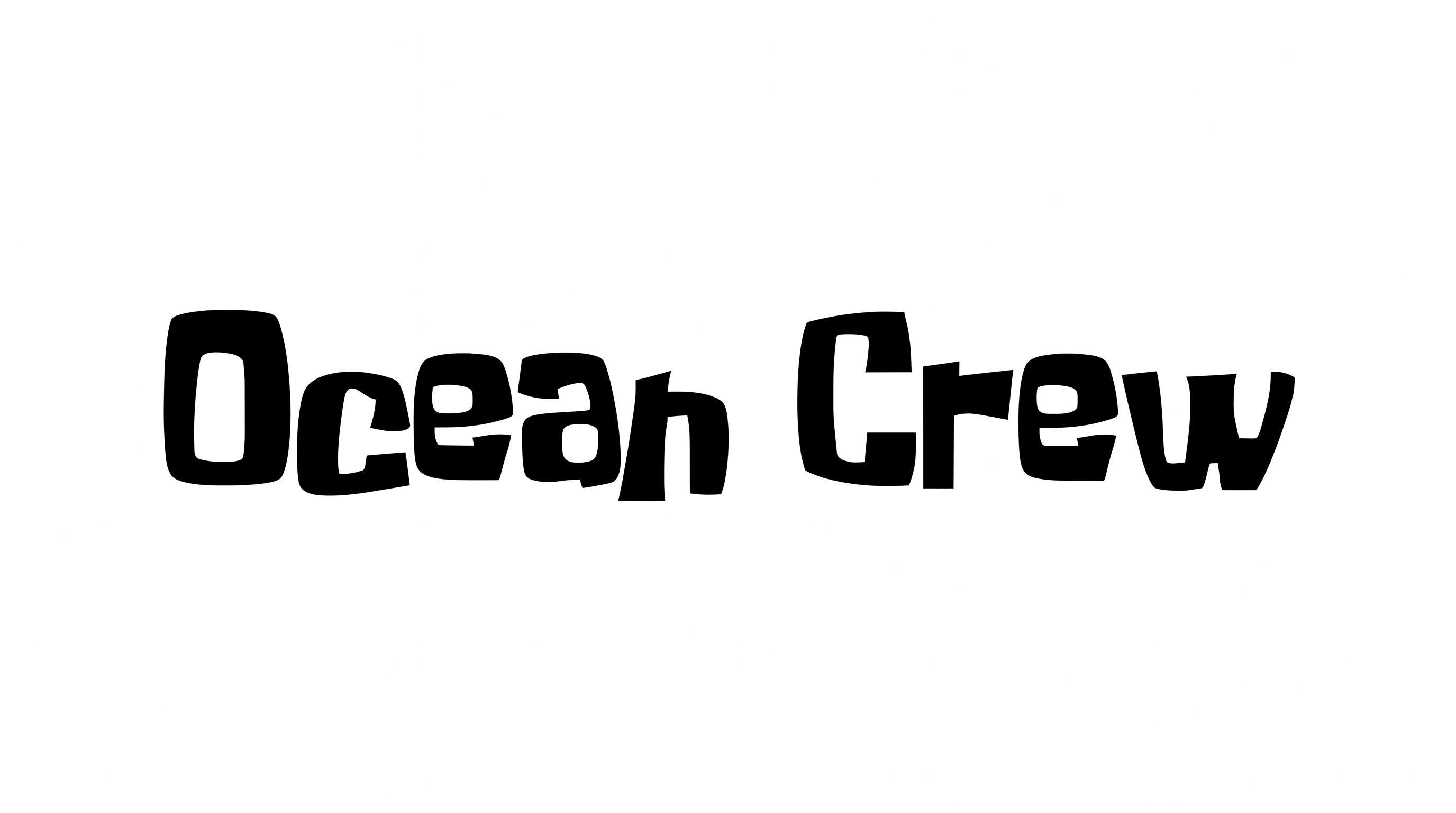
Heavy, irregular construction, angular corners, and uneven baseline rhythm define the playful lettering.

  • Letter Construction

    Irregular geometric forms give each letter a hand-drawn display structure.

  • Stroke Weight

    Heavy, mostly even strokes give the visible letters a substantial presence.

  • Baseline Rhythm

    Slightly varied letter positions create a lively, uneven baseline rhythm.

  • Corner Shape

    Rounded curves alternate with sharp corners across the visible letters.

  • Letter Spacing

    Narrow, uneven gaps create compact spacing within the visible words.

  • Letter Connections

    Letters remain separate, with clear breaks between neighboring characters.
Frequently asked questions about Spongebob Title Font Generator

The generator turns your words into a text image with bold, irregular geometric lettering and a playful hand-drawn feel. Its heavy display shapes suit titles, signs, invitations, packaging, and other layouts that need a prominent heading.

Yes. You can use the generator and download watermark-free PNG or SVG artwork under the supported free-use options. Personal use requires the minimum membership, while commercial use requires a higher membership; check pricing for the applicable level.

Enter your text, choose an image size, font color, and either a template, custom-color, or uploaded background. Generate the design, review the rendered preview, then download the finished image as PNG or SVG. You can also copy the supported plain or styled text output.

Export the generated artwork as a PNG. Upload it in Canva and insert it into a Google Docs document. Import it into a project in the Cricut app, also known as Cricut Design Space. The result stays image artwork rather than an installed or natively editable font.

This bold, playful treatment works well where a short heading should lead the composition. Use it on menu boards, book covers, invitations, packaging, event displays, or thumbnails, while keeping practical details in a simpler supporting style.

Give the artwork a dominant position near the top or center, then build a clear hierarchy beneath it. For a wide phrase, select a landscape ratio such as 16:9 and preserve generous space around the irregular letter shapes.

Use a short phrase and give the black or custom-colored letterforms strong contrast against the background. Preview the complete composition at a small display size, especially when the artwork appears in an online thumbnail or square social post.

Leave a generous margin around the irregular outer shapes so the title remains distinct from nearby details. Pair the heavy display artwork with simpler supporting text, and keep dates, prices, or directions in clearly separated zones.

The heavy strokes and uneven geometric forms create an energetic, informal mood. They fit playful stories, celebrations, classroom displays, snack menus, and casual event graphics where the heading should feel lively and direct. Use a short phrase to preserve that impact.
READY TO CREATE?

Create Custom Spongebob Title Fonts & Text Effects

Try Spongebob Title Font Generator Free