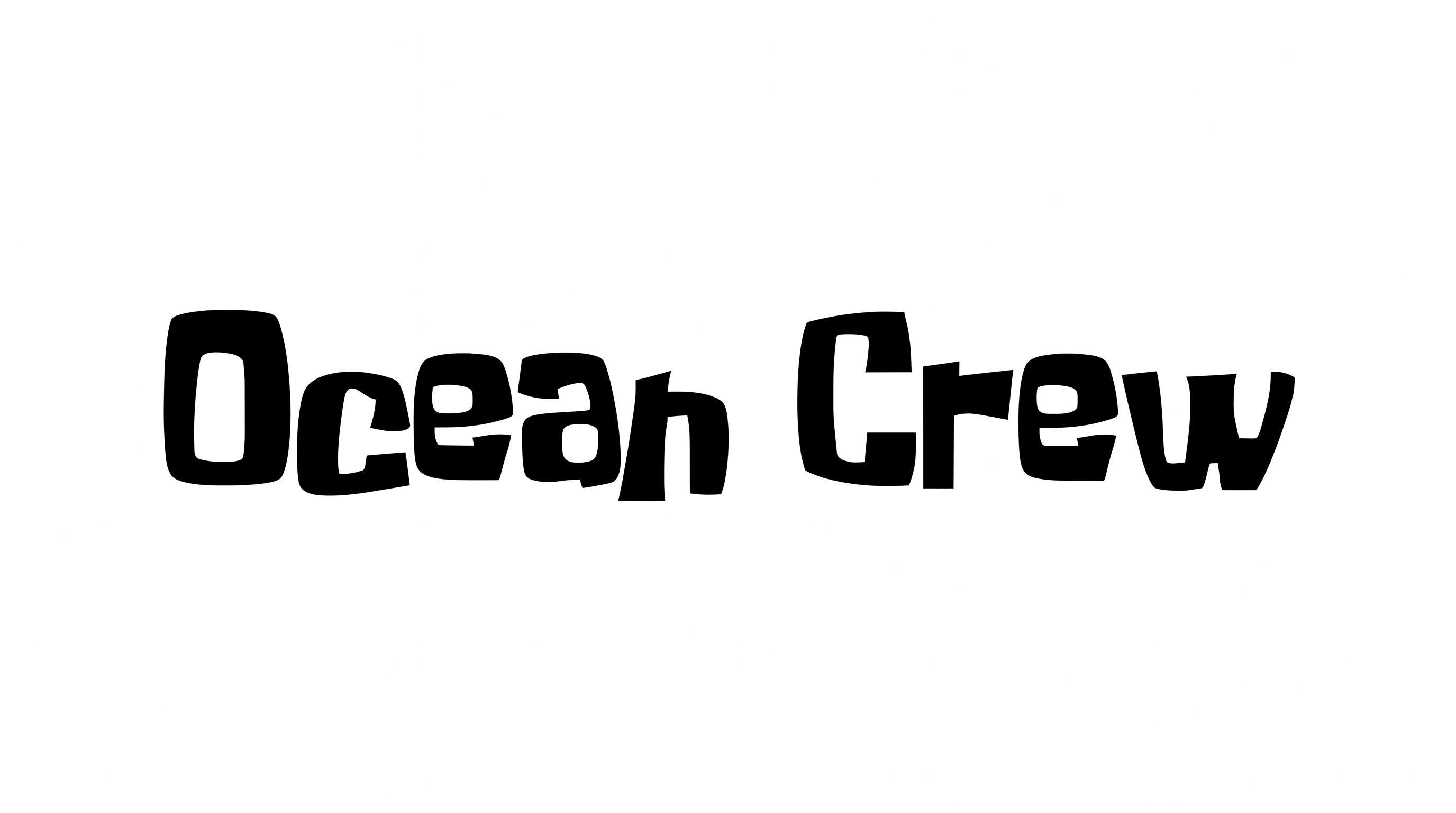
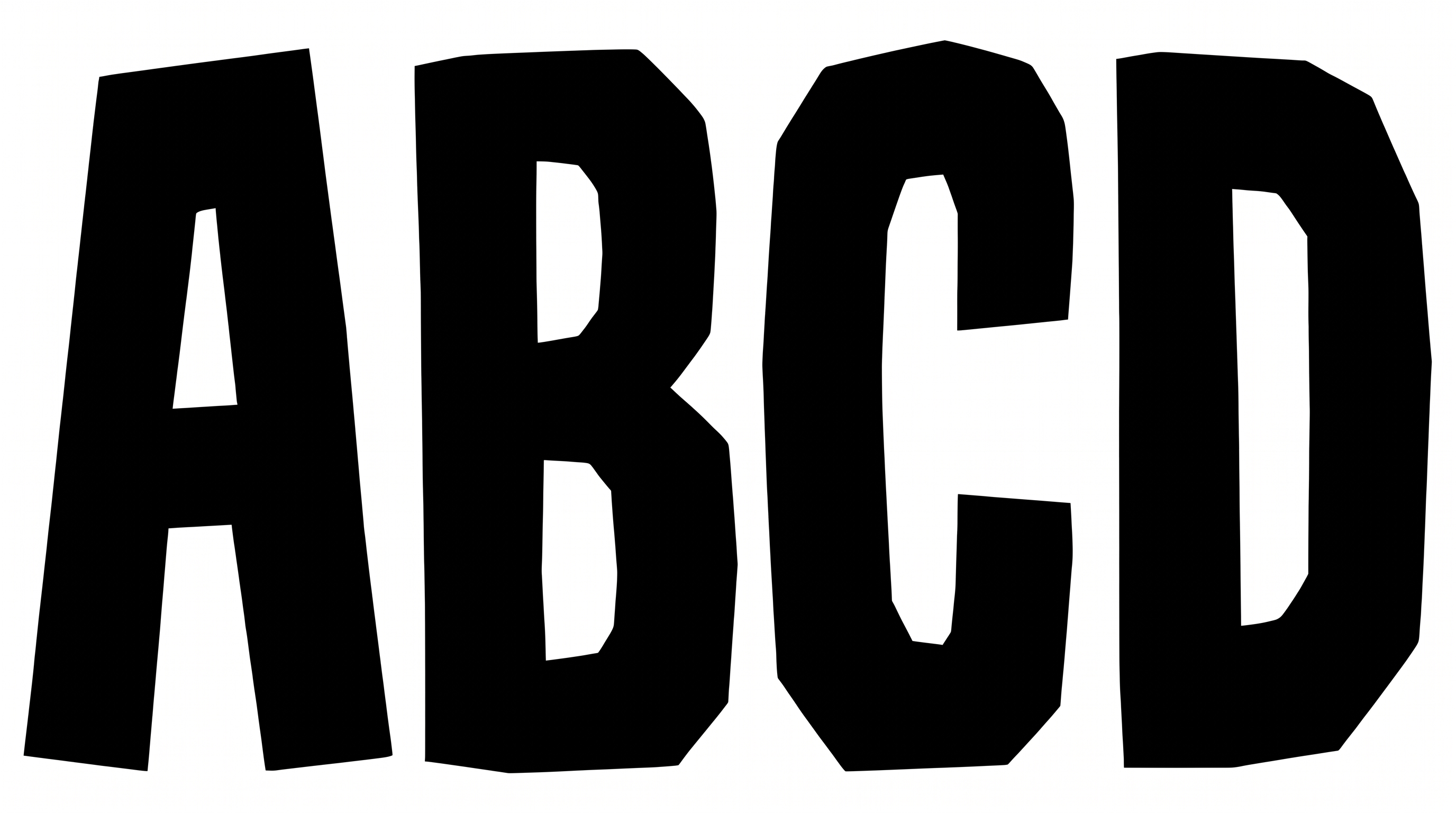
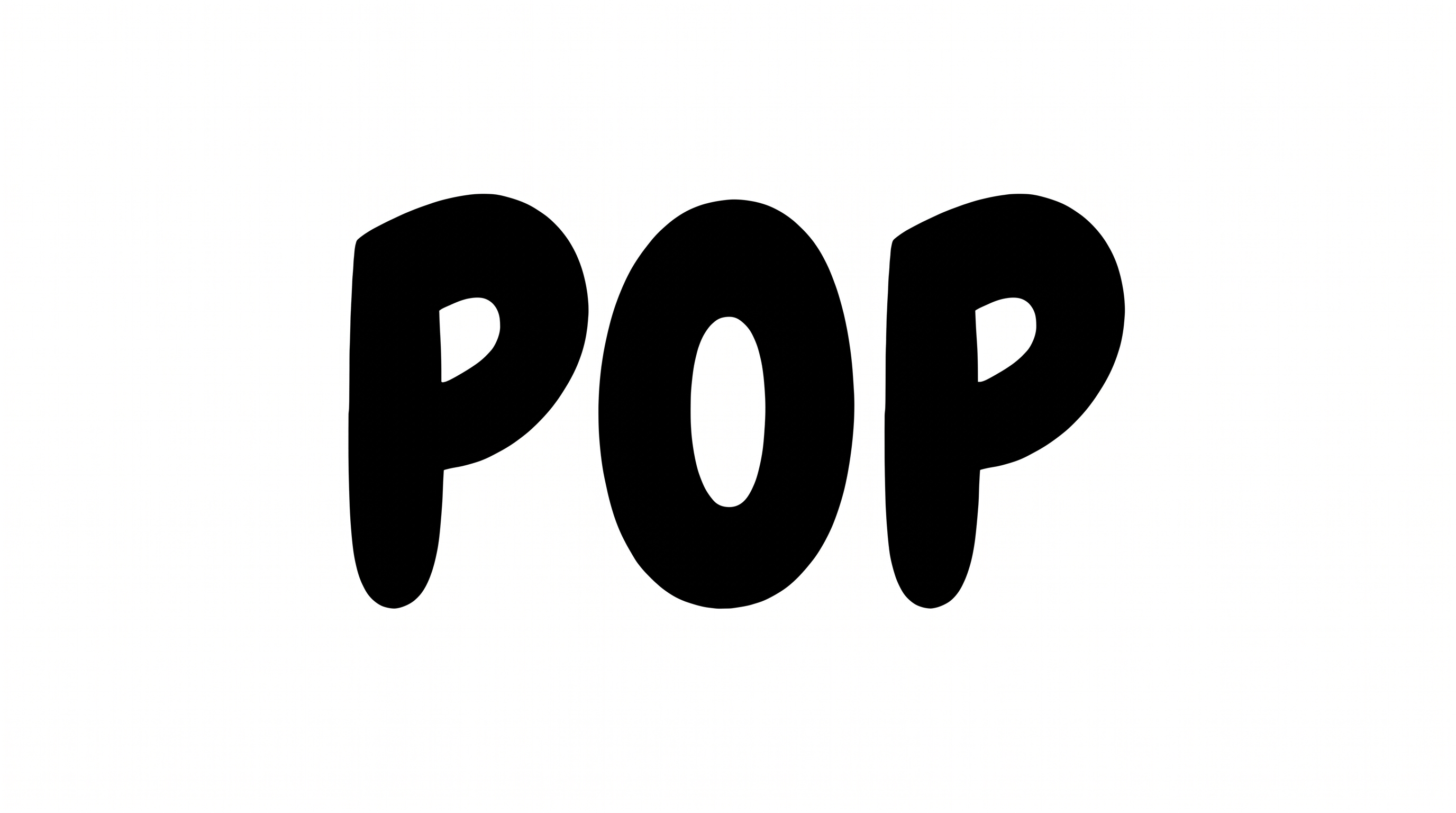
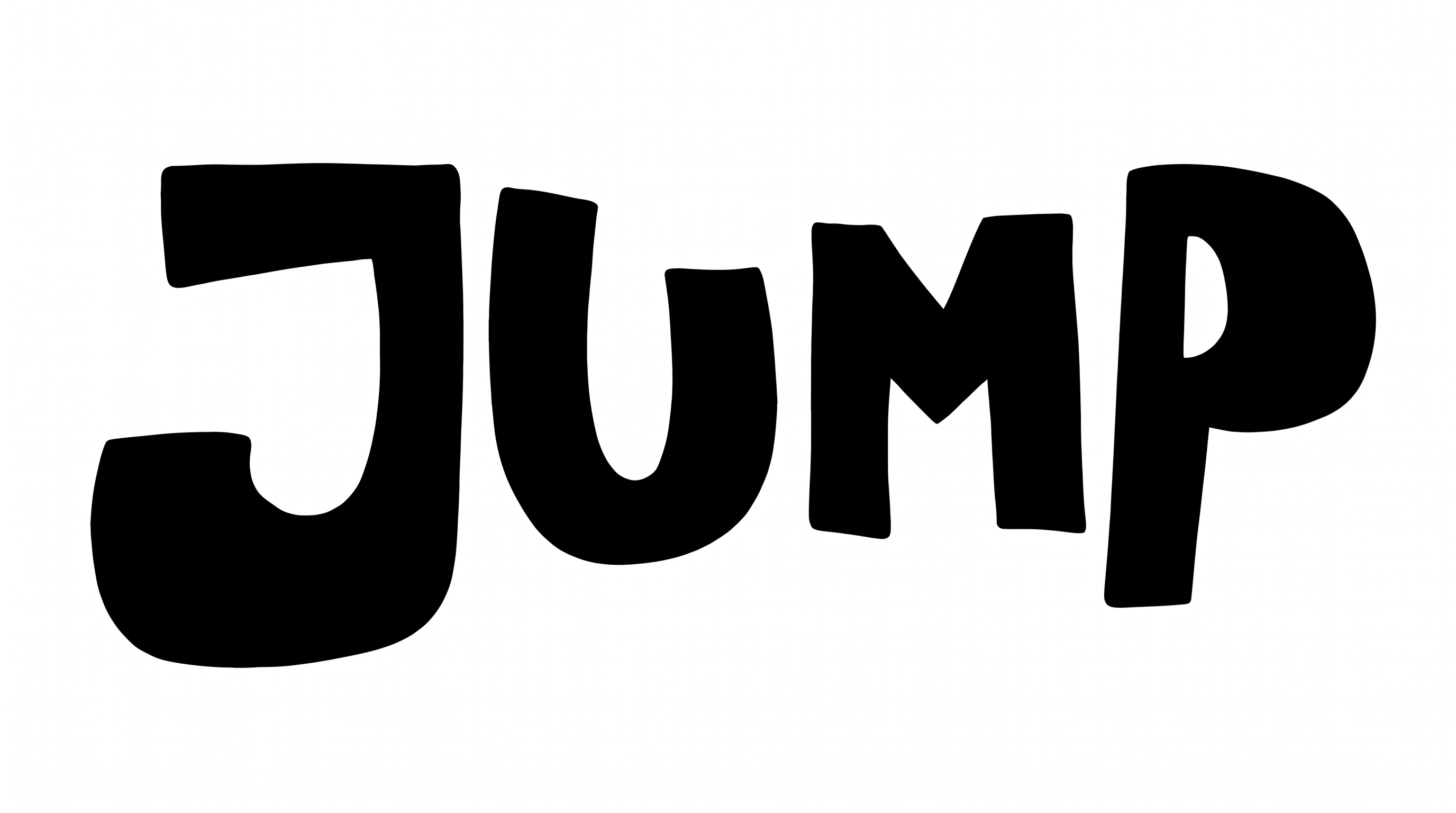
Free Spongebob Intro Font Generator Online
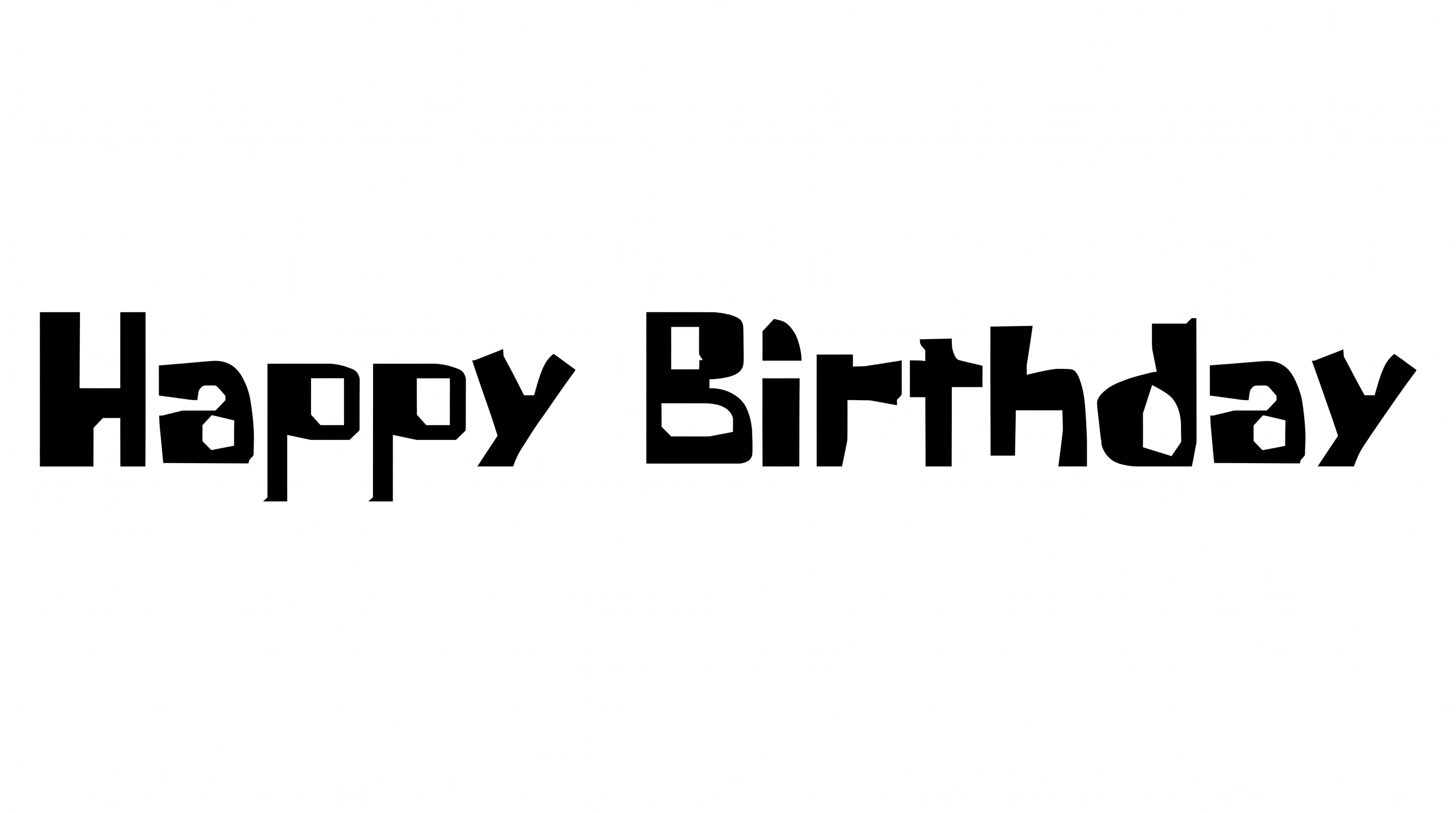
Turn words into bold, condensed hand-cut block lettering with lively irregular alignment, suited to playful titles and display graphics.
- Templates
- 242
- Generations
- 137
- Downloads
- 219
- Rating
- 5.0
How to Use the Spongebob Intro Font Generator
Shape playful display wording around condensed hand-cut forms and a layout-ready image size.
- 01
Enter your display wording
Type a short title, name or phrase for the irregular block-letter image.
- 02
Set the color and composition
Choose a font color, background and image size such as 16:9, then generate.
- 03
Review and download the artwork
Check the lively letter alignment, then download the finished image as PNG or SVG.
Spongebob Intro Font Generator in Use: Design Examples & Showcase
See how the irregular block lettering adapts to menu boards, packaging, invitations and social media graphics.
Spongebob Intro Font Style Profile
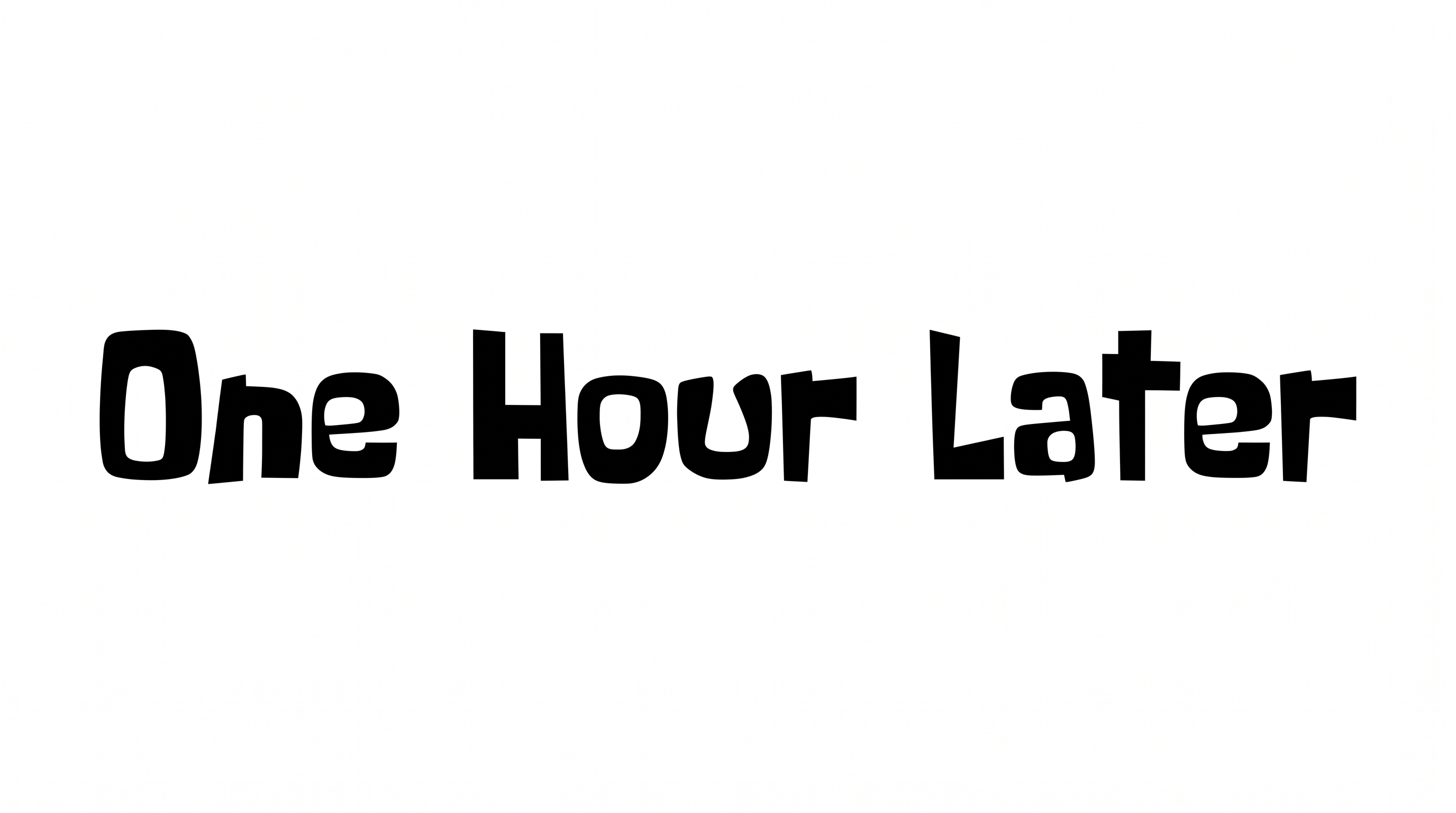
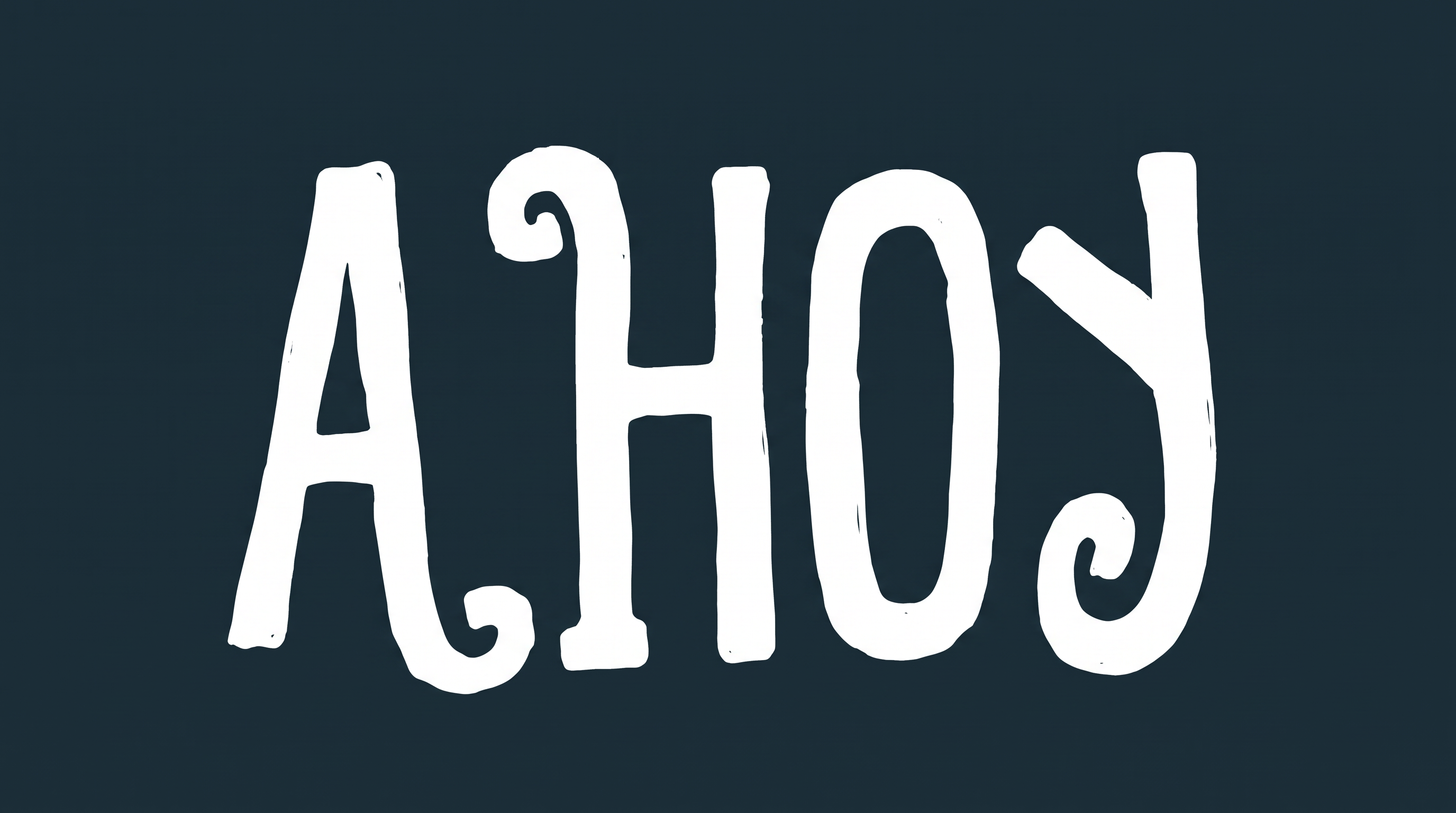
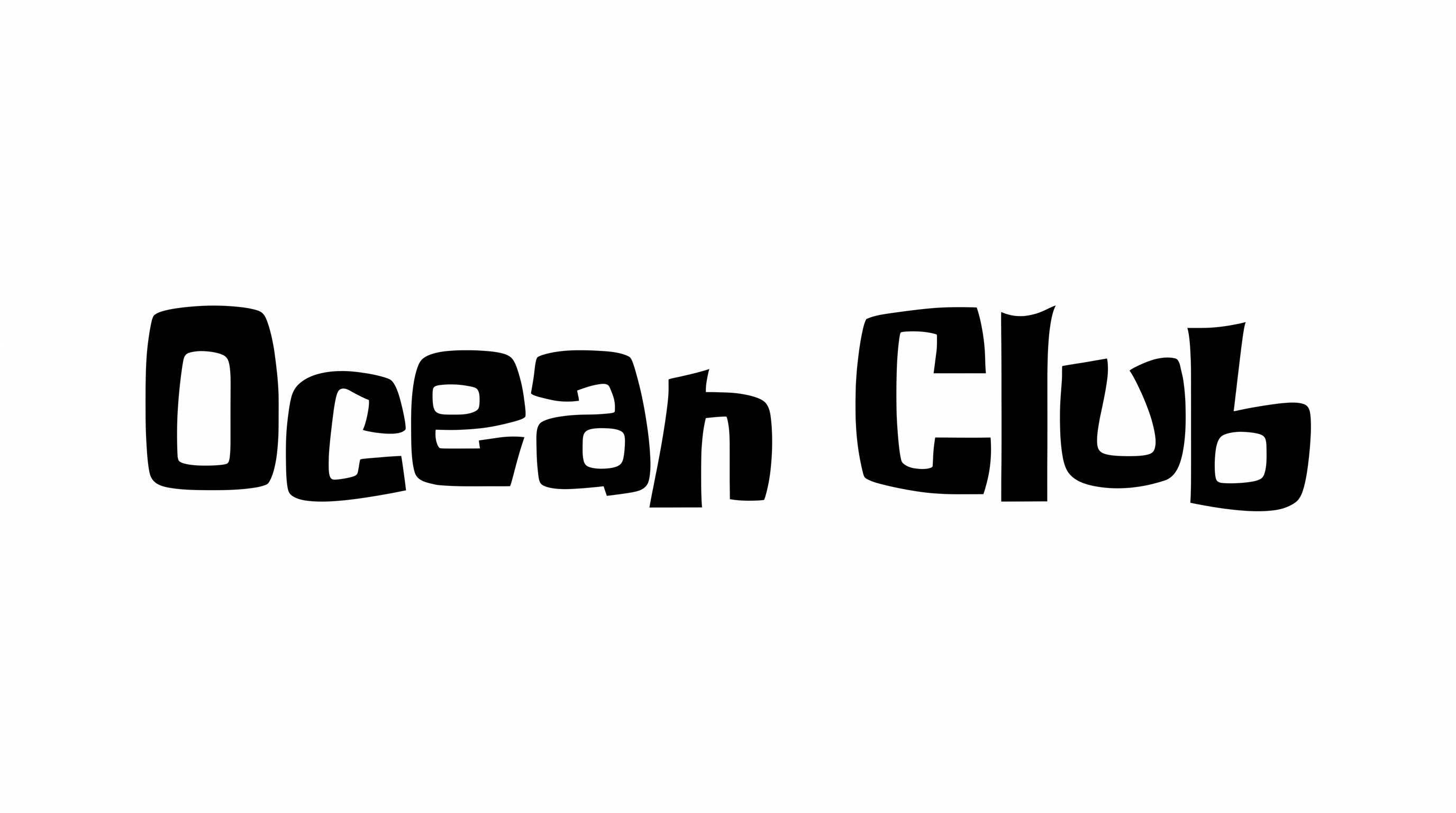
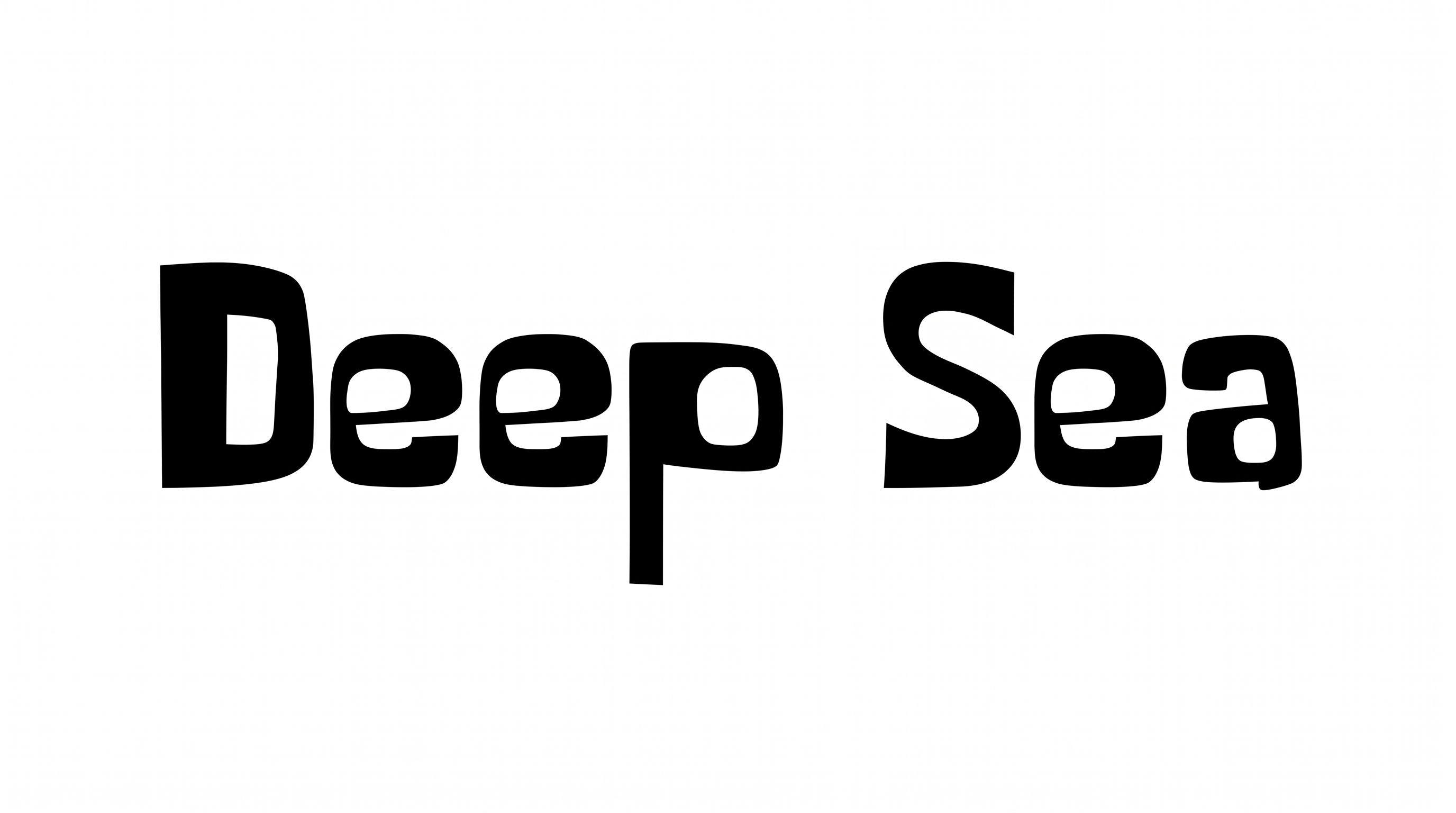
Irregular construction, heavy strokes and a lively baseline define the bold hand-cut lettering.
Letter Construction
Hand-cut block forms give each visible letter a deliberately irregular build.
Stroke Weight
Heavy, solid strokes give the black letterforms a strong display presence.
Letter Width
Most visible letters use tall, condensed proportions with varied widths.
Baseline Rhythm
Slight shifts in letter height and position create a lively baseline rhythm.
Corner Shape
Rounded bends mix with abrupt angular corners across the visible forms.
Color Treatment
Solid black fills create a stark monochrome treatment across the visible letters.