Get 5 Free Credits

Free Spongebob Squarepants Font Generator Online

Turn a name or headline into bold, irregular cartoon lettering suited to playful posters, labels, and cover art.

Enter the text to generate, e.g. Fontify.ai

Font color
Background
Templates
242
Generations
63
Downloads
202
Rating
5.0

How to Use the Spongebob Squarepants Font Generator

Shape a playful headline with irregular cartoon forms, then save the finished artwork for your layout.

  1. 01

    Add a short headline

    Type the words you want rendered in chunky, irregular cartoon lettering.

  2. 02

    Set the composition

    Choose a font color, background, and an image size such as 1:1 or 16:9.

  3. 03

    Generate and save the artwork

    Render the design, review its bold shapes, then download a PNG or SVG image.

Spongebob Squarepants Font Style Profile

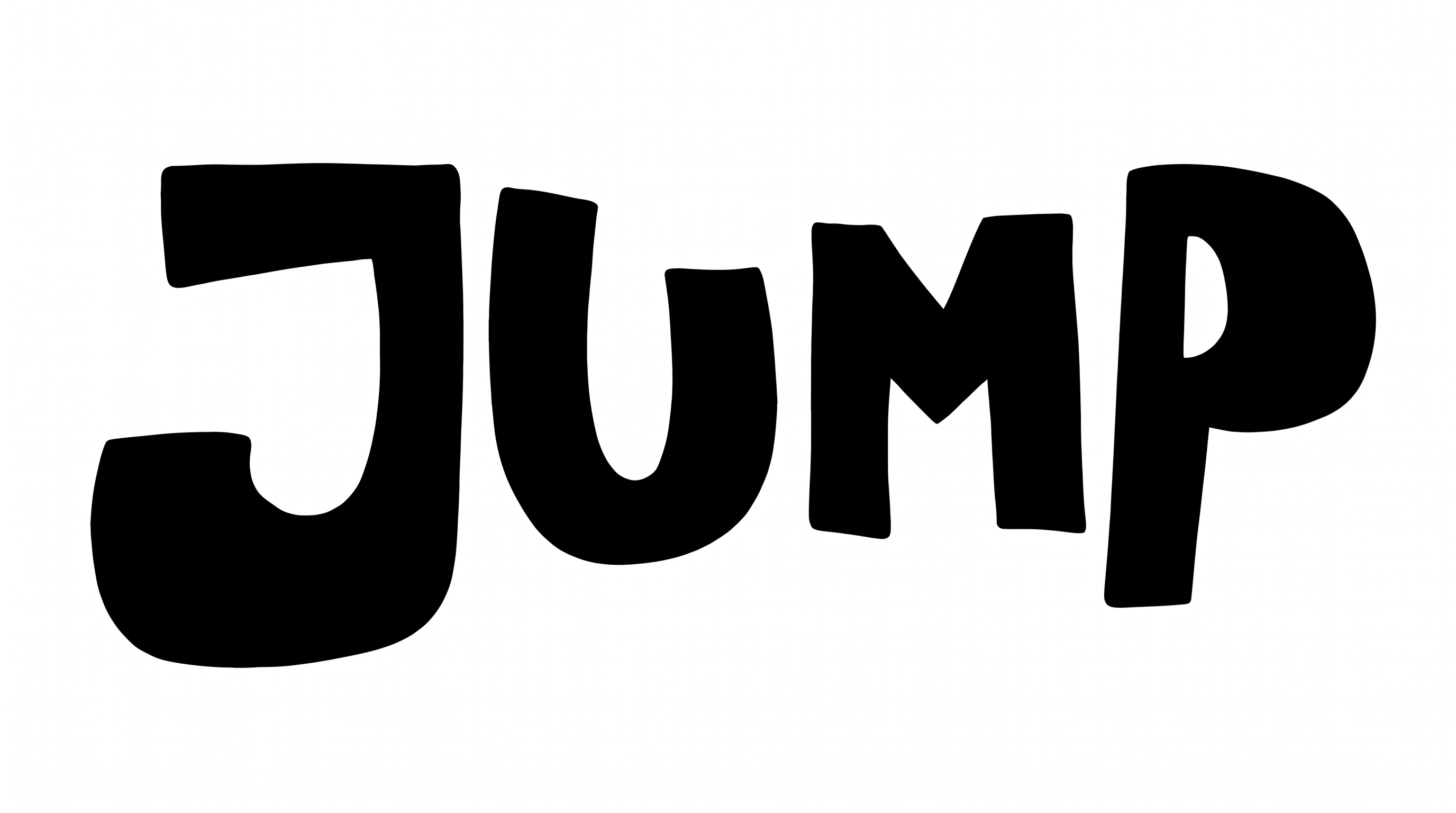
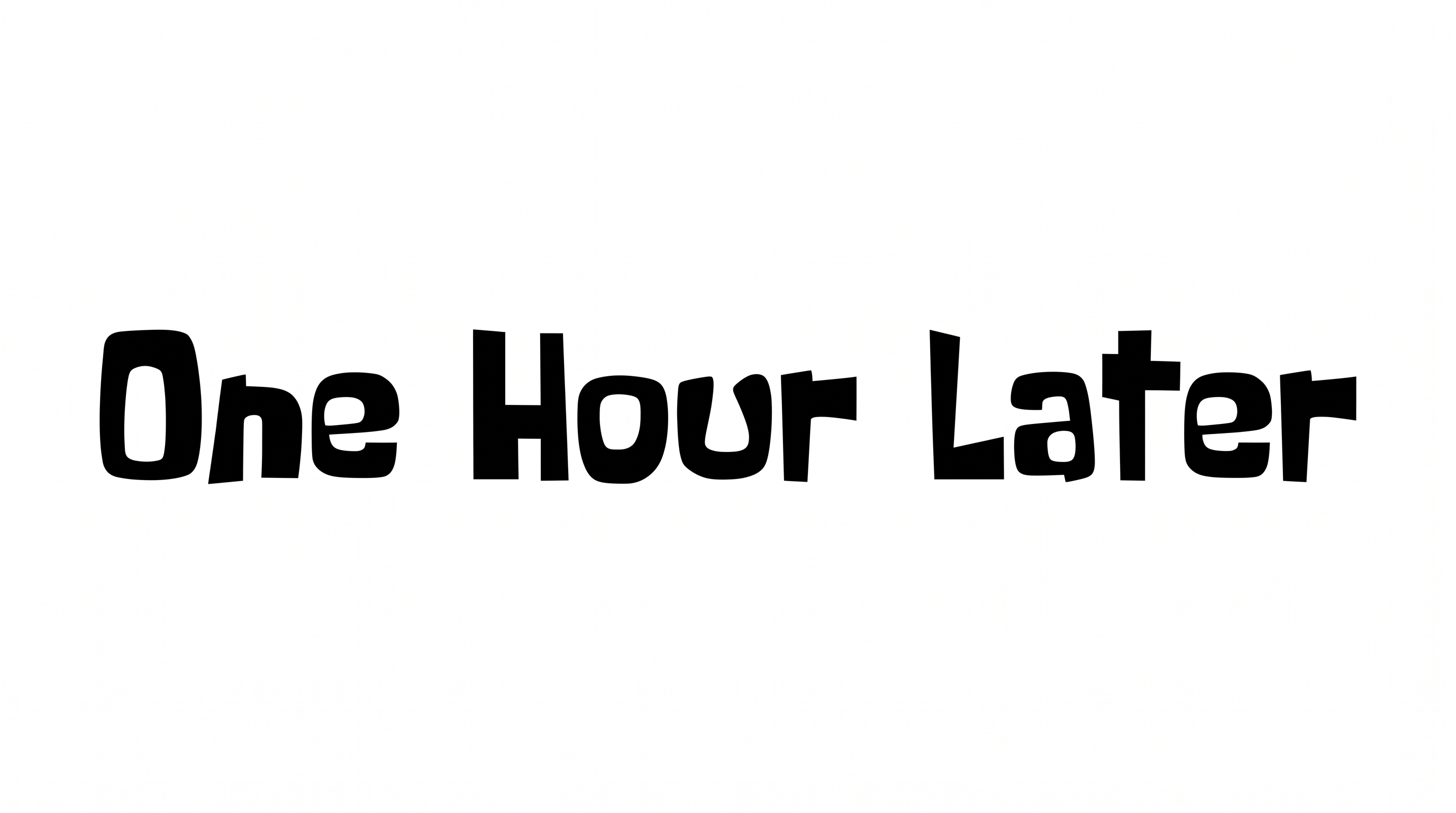
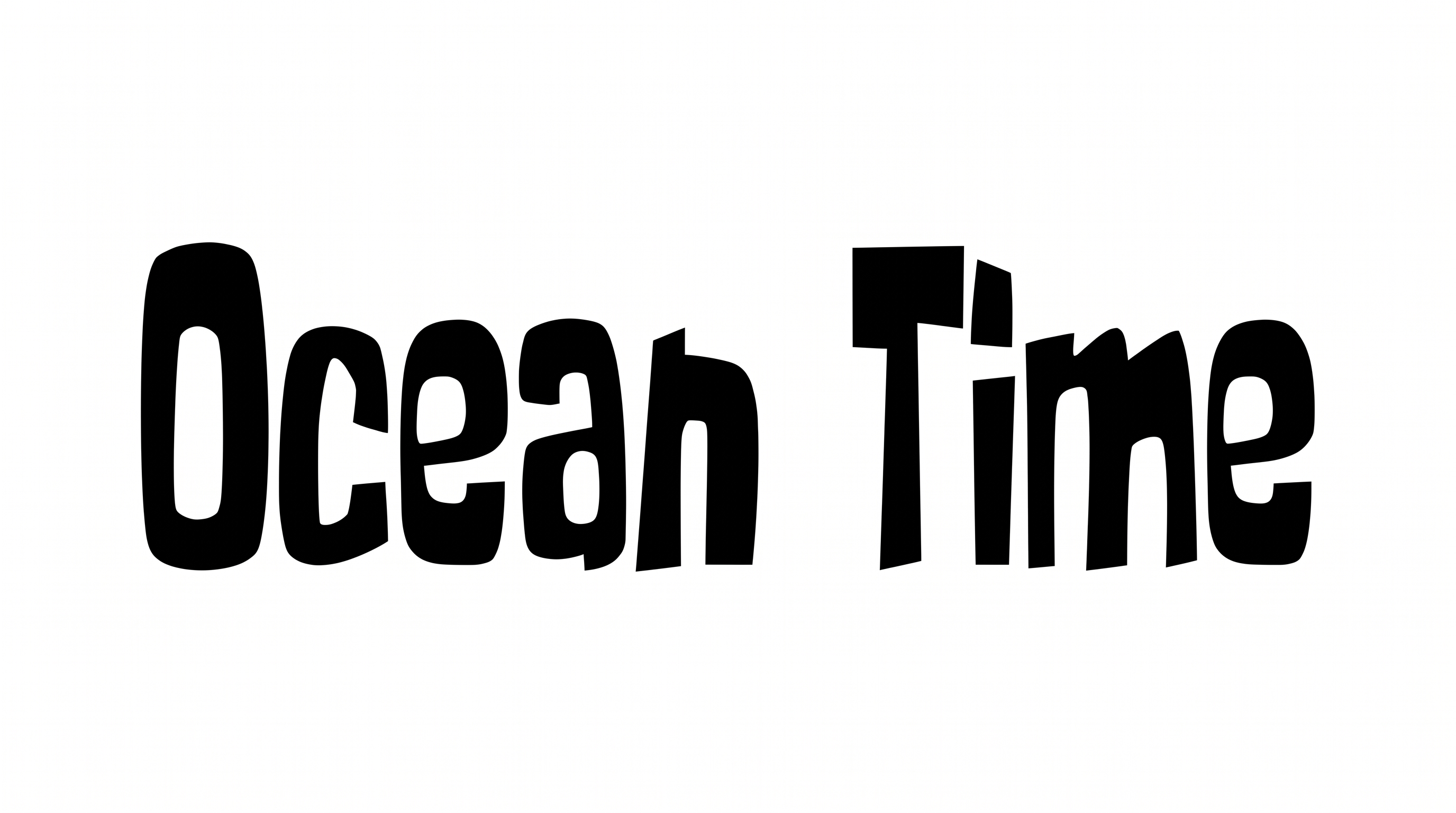
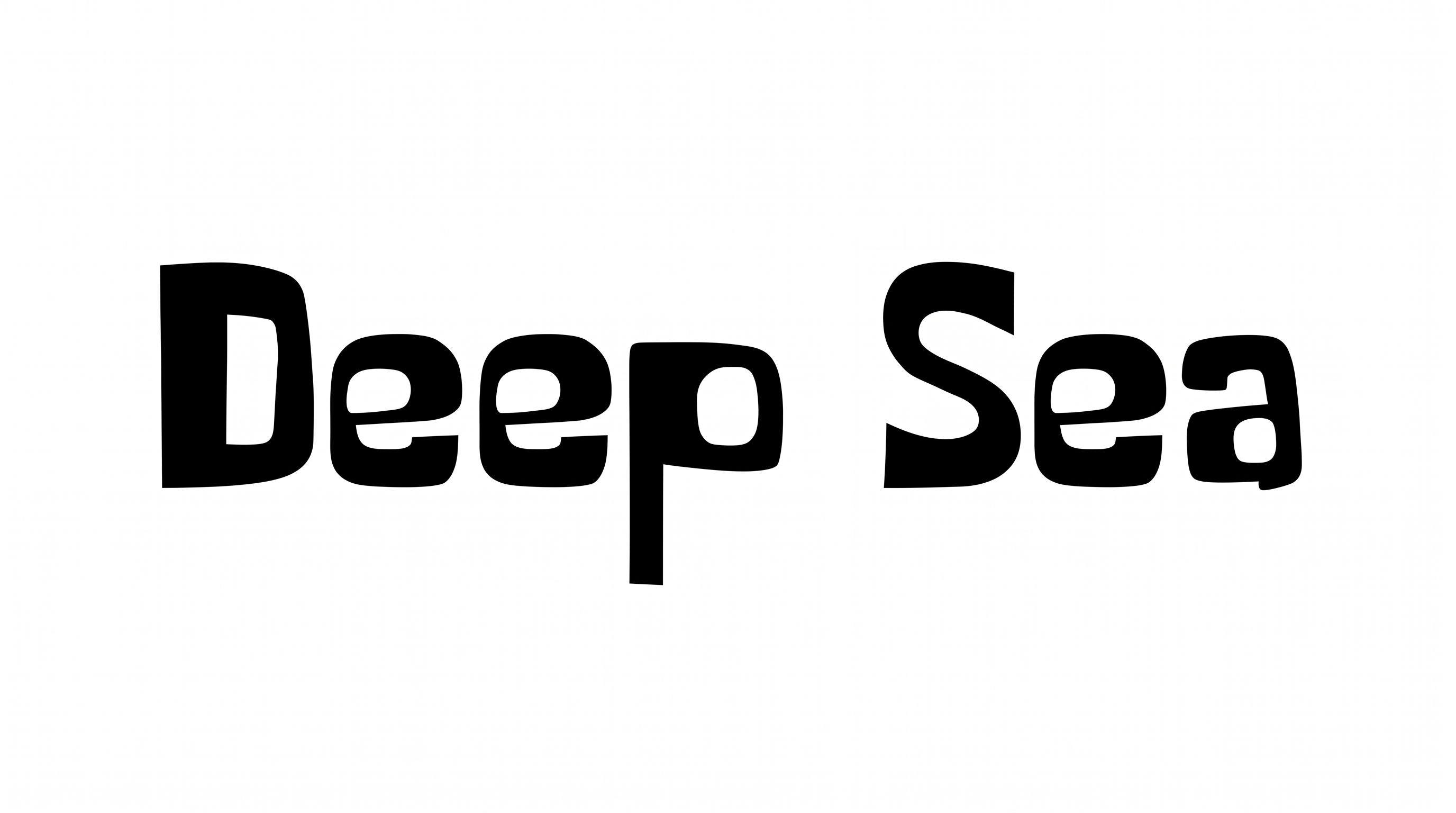
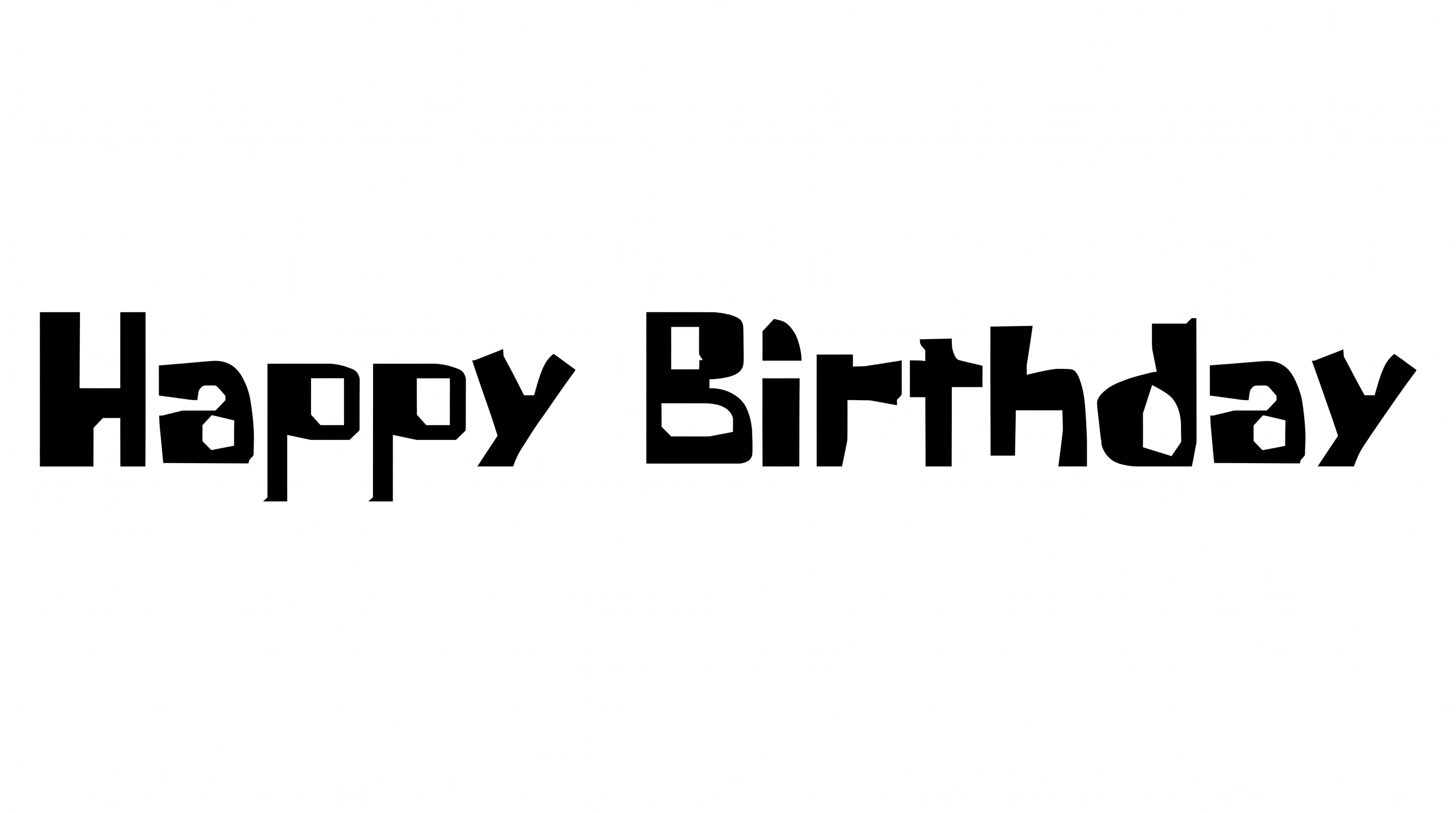
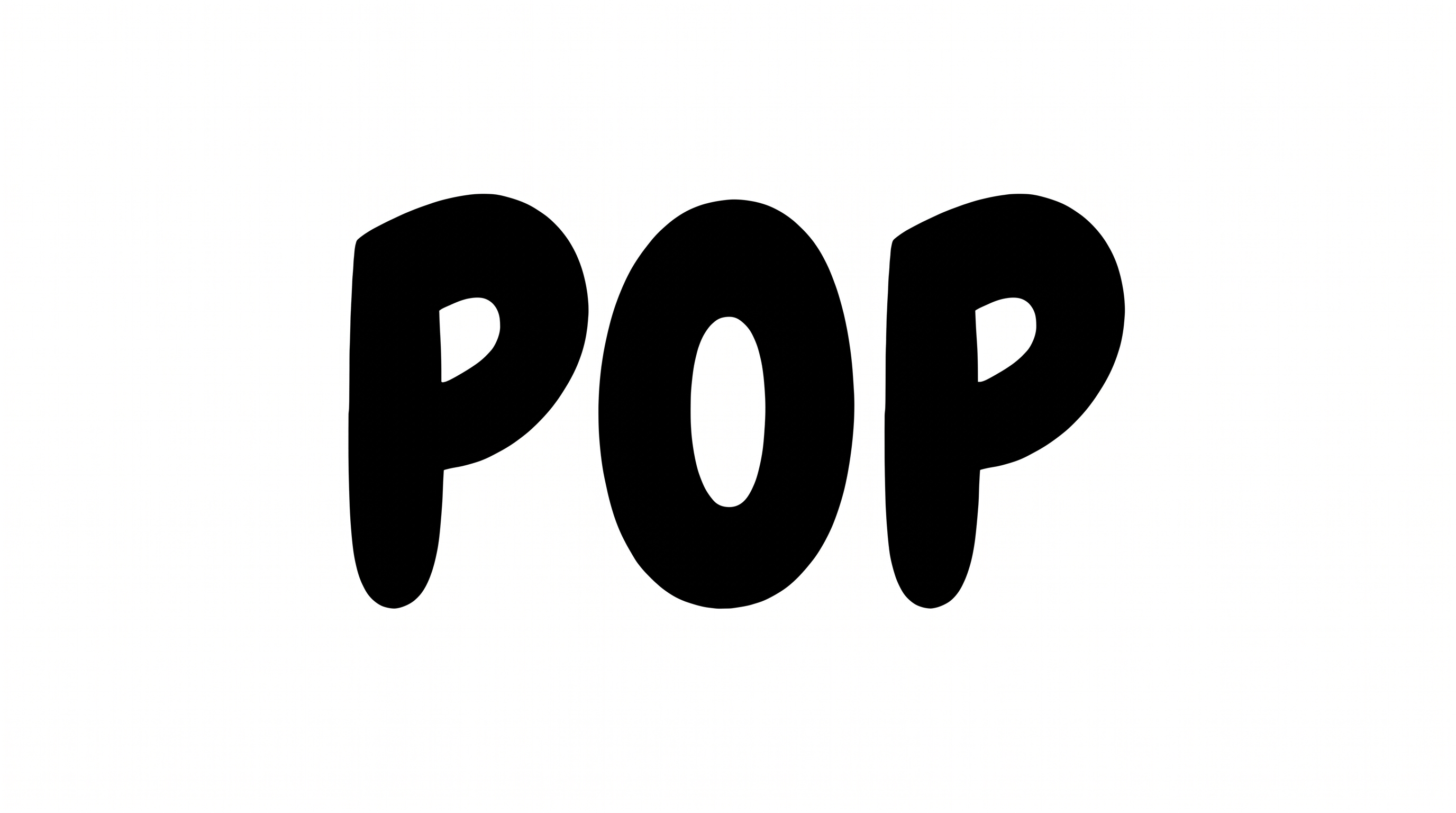
Heavy strokes, irregular construction, varied widths, and a lively baseline shape the bold cartoon lettering.

  • Stroke Weight

    Heavy stroke bodies give the black letters a bold, substantial presence.

  • Letter Construction

    Solid, irregular shapes build each letter with a hand-drawn cartoon character.

  • Letter Width

    Individual letters shift between narrow and broad proportions.

  • Baseline Rhythm

    Uneven letter heights and positions create a lively baseline rhythm.

  • Corner Shape

    Rounded curves mix with sharp, angular corners across the visible letters.

  • Stroke Endings

    Stroke endings use broad, blunt cuts with occasional tapered points.
Frequently asked questions about Spongebob Squarepants Font Generator

The generator turns your wording into a text image with bold, chunky cartoon lettering and visibly irregular letterforms. Its flat, high-impact shapes work well for playful headlines, labels, cover artwork, and other display designs.

Browse the related tools area and compare broad traits such as weight, construction, spacing, and mood. Test the same short phrase in several visual directions, then compare how clearly each rendered image fits your intended layout and scale.

Transparent backgrounds are supported for layering the lettering over other artwork. This template also lets you choose a custom font color, select a custom background color, or upload a background image. Transparency is an output option rather than a guarantee that every result uses it.

Export the Spongebob Squarepants Font design as PNG artwork. Upload it in Canva and insert it into a Google Docs document. Import it into a project in the Cricut app, also known as Cricut Design Space. The rendered words remain image artwork in these platforms.

For an online banner or cover, place the chunky headline in a clear focal area. Keep free space around the irregular letter edges, and reserve separate zones for dates, credits, or supporting copy. This preserves hierarchy across wide and square layouts.

Use a short phrase, strong contrast, and an image size that matches the final placement. Review the exported artwork at its intended scale so the irregular shapes stay distinct and the interior spaces remain open and clear.

Pair the flat black cartoon lettering with simple supporting type and restrained illustrations. Ocean motifs can reinforce the playful theme, while generous spacing keeps the headline separate from nearby details on posters, labels, or covers.

The energetic, hand-drawn mood suits birthday cards, children's adventure covers, snack packaging, game boxes, school stationery, and social banners. Use the lettering as a prominent title so its irregular silhouette clearly drives the composition.
READY TO CREATE?

Create Custom Spongebob Squarepants Fonts & Text Effects

Try Spongebob Squarepants Font Generator Free