Get 5 Free Credits

Free Varsity Cursive Font Generator Online

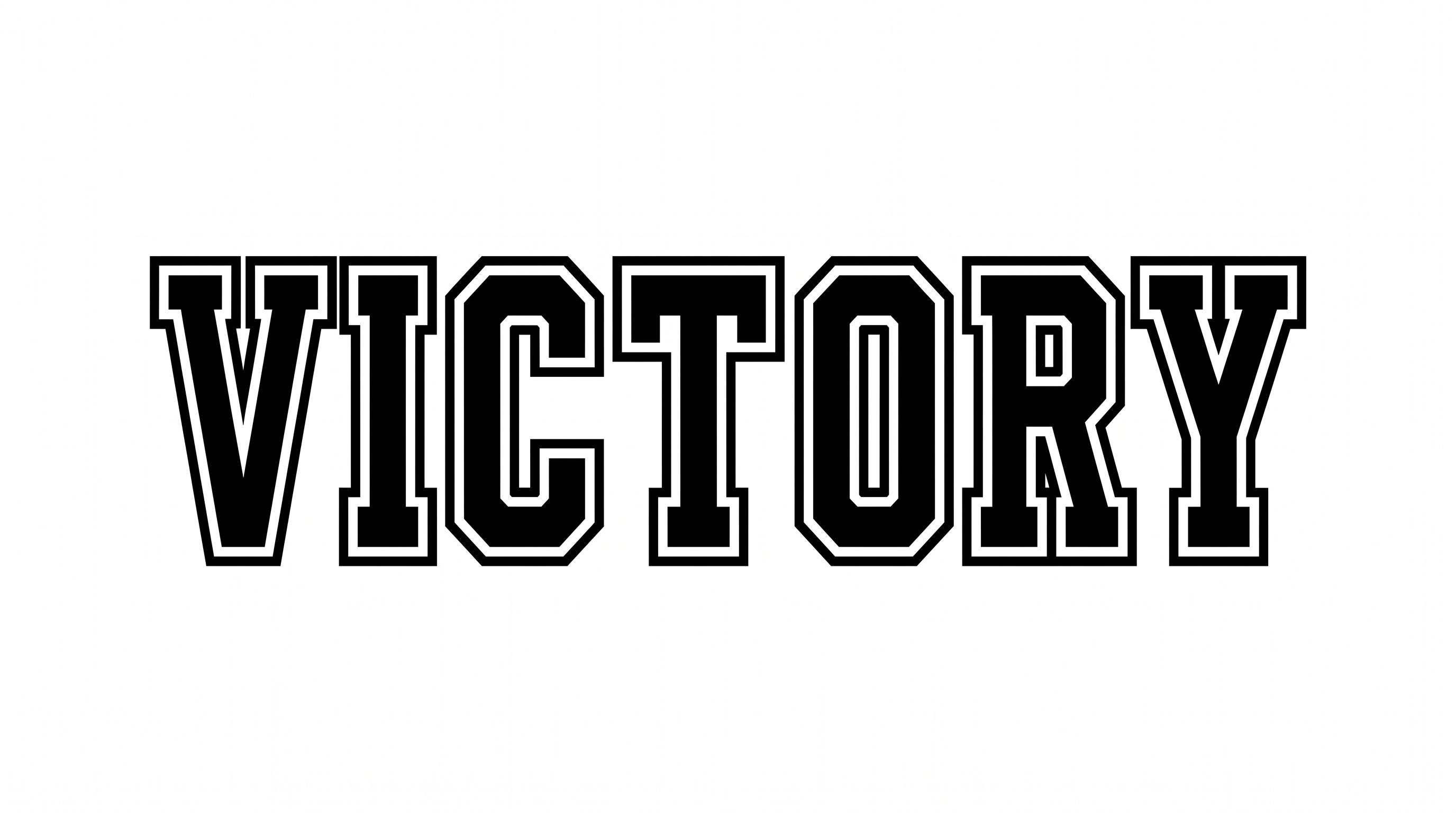
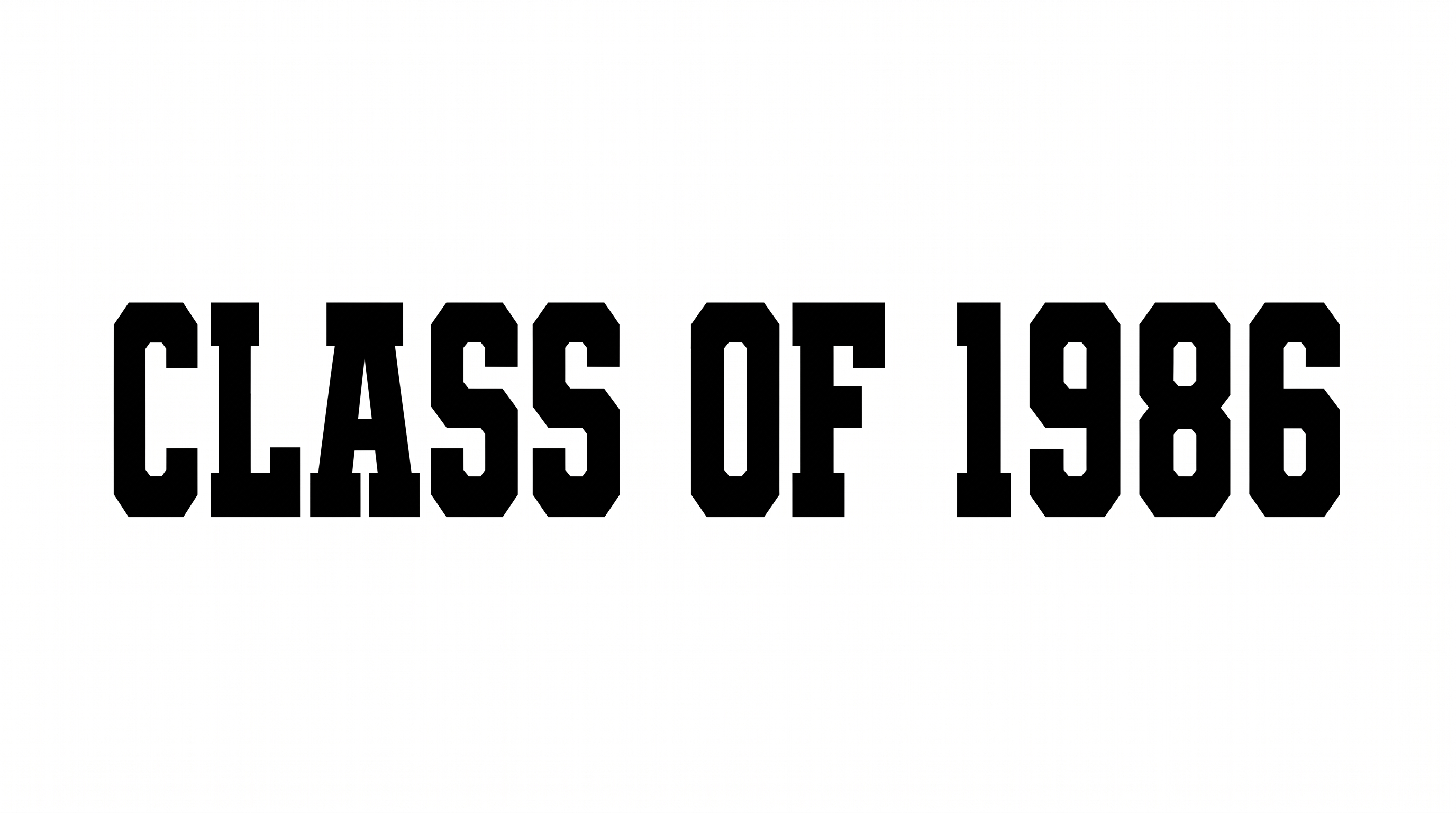
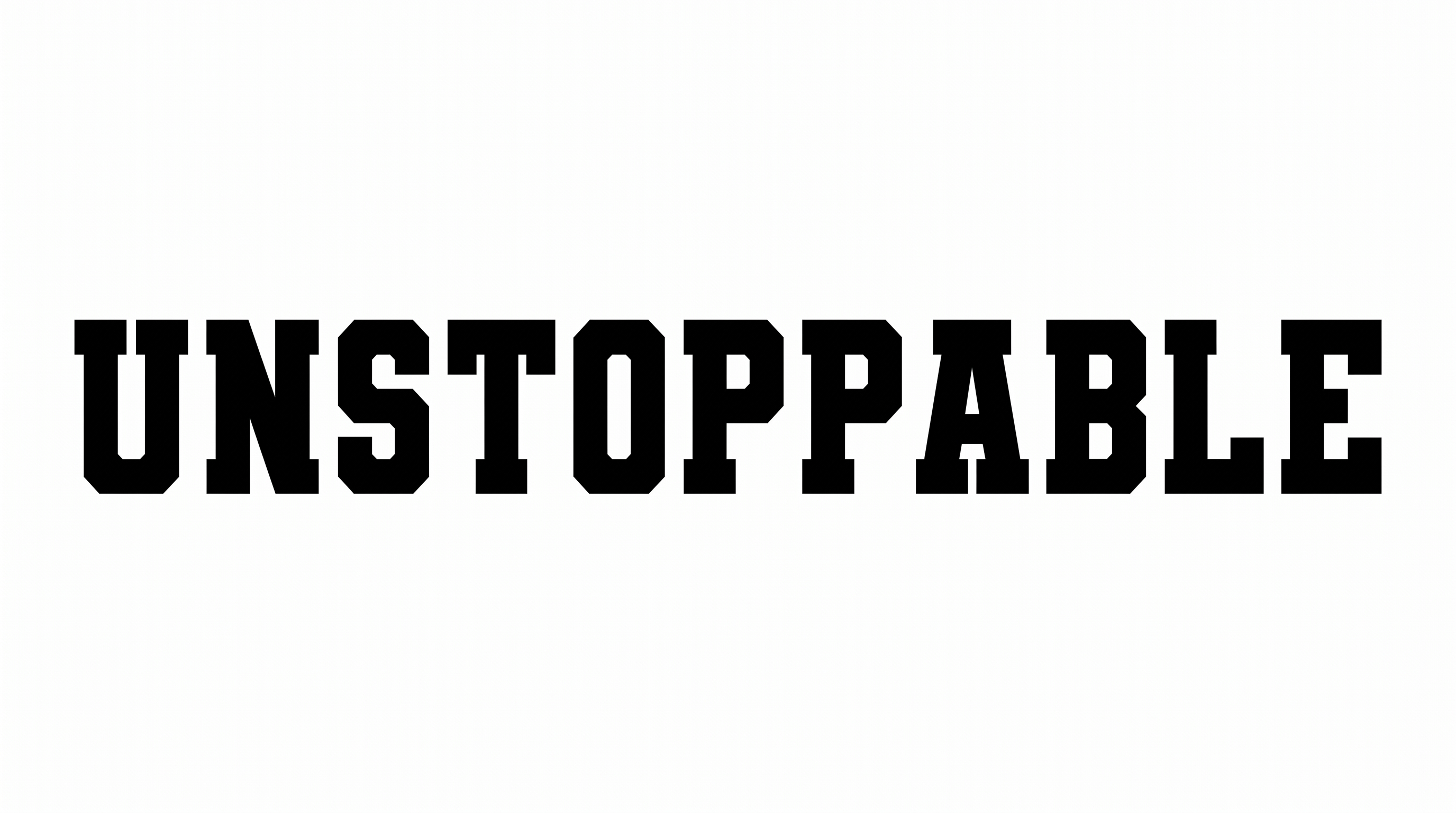
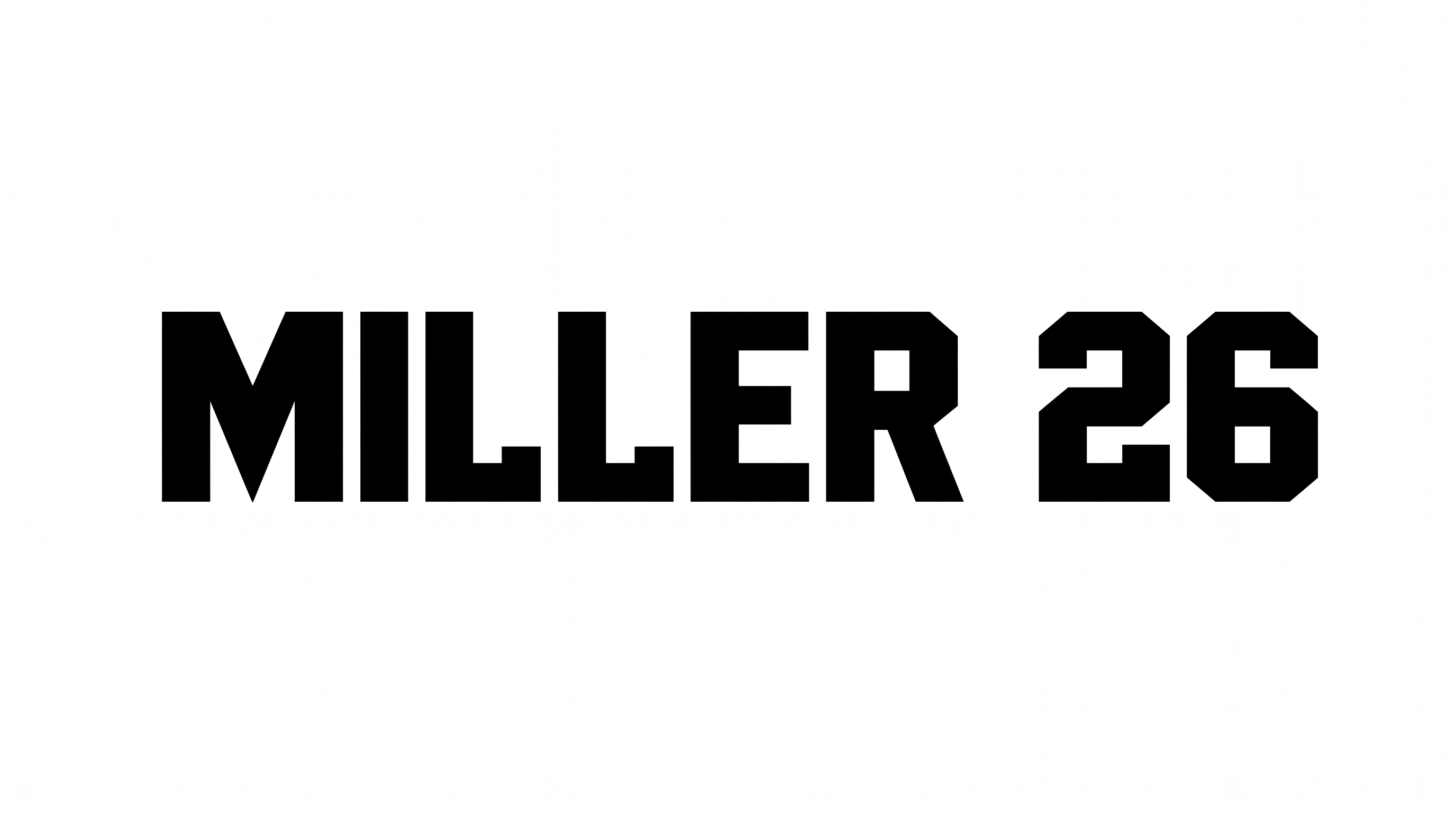
Bold, connected calligraphic strokes turn team names into athletic wordmarks suited to jerseys, pennants, and sports graphics.

Enter the text to generate, e.g. Fontify.ai

Font color
Background
Templates
369
Generations
65
Downloads
236
Rating
5.0

How to Use the Varsity Cursive Font Generator

Shape bold connected script for team-focused artwork, then save it in a format suited to your layout.

  1. 01

    Write your team wording

    Enter a team name or short phrase to shape the connected athletic-script wordmark.

  2. 02

    Set the colors and proportions

    Choose font color, a custom or uploaded background, and an aspect ratio such as 16:9.

  3. 03

    Generate and download the artwork

    Generate the artwork, review the connected lettering, then download it as PNG or SVG.

Varsity Cursive Font Style Profile

Connected letters combine strong stroke contrast with restrained calligraphic flourishes.

  • Letter Connections

    Continuous joining strokes carry most lowercase letters through each word.

  • Stroke Contrast

    Heavy downstrokes alternate with finer curves and connecting lines.

  • Slant

    The letterforms lean consistently to the right along a level baseline.

  • Flourishes

    Looped capitals and extended terminal strokes add restrained calligraphic flourishes.

  • Stroke Endings

    Visible terminals taper into pointed, brushlike tips.

  • Baseline Rhythm

    Letters follow a steady baseline while loops create a flowing rhythm.
Frequently asked questions about Varsity Cursive Font Generator

The generator turns your wording into a bold, connected athletic-script image with calligraphic contrast. It suits team names, jersey graphics, pennants, posters, and other sports-themed compositions.

Yes. The generator is free to use, and PNG or SVG downloads are available free. Review the Varsity Cursive Font license for the usage terms that apply to your project.

Enter your text, choose font color, background, and an image size or aspect ratio, then generate the design. Review the rendered image and download it as PNG or SVG.

Download the generated PNG artwork. Upload it in Canva and insert it into a Google Docs document. Import it into a project in the Cricut app, also known as Cricut Design Space. Each platform uses the rendered image as artwork.

The bold connected wordmark works well for team names on jerseys, pennants, caps, banners, posters, tickets, and scoreboard graphics. Use short names or rally phrases when the lettering must anchor the composition. Its athletic character also suits sports-themed campaigns and event displays.

Give the wordmark a prominent horizontal area and keep a free margin around its loops and tails. Place dates, numbers, or locations in a separate supporting line. Align those details to reinforce the main wordmark rather than compete with it.

Use a short word or phrase, choose an image ratio that matches the layout, and preview the artwork at its intended display size. Strong contrast between the lettering and background helps the connected forms remain distinct. Leave generous space around long swashes.

Pair the expressive wordmark with a clear, restrained type style for scores, dates, and event details. Let the cursive line carry the team personality while the supporting text organizes practical information in the surrounding layout.
READY TO CREATE?

Create Custom Varsity Cursive Fonts & Text Effects

Try Varsity Cursive Font Generator Free