Get 5 Free Credits

Free Vintage Varsity Font Generator Online

Turn names, class years, and rally messages into heavy, chamfered collegiate capitals suited to jerseys and yearbook graphics.

Enter the text to generate, e.g. Fontify.ai

Font color
Background
Templates
369
Generations
63
Downloads
266
Rating
5.0

How to Use the Vintage Varsity Font Generator

Shape bold collegiate wording for a clear, well-proportioned image ready for your design.

  1. 01

    Write your varsity wording

    Enter a team name, class year, or short message for the uppercase collegiate treatment.

  2. 02

    Set color and proportions

    Choose a font color, background, and image size such as 16:9 for your layout.

  3. 03

    Generate and download PNG or SVG

    Generate the image, review the bold lettering, then download it as PNG or SVG.

Vintage Varsity Font Style Profile

Heavy strokes, chamfered corners, and condensed capitals create a forceful collegiate appearance.

  • Stroke Weight

    Heavy, solid strokes give the visible capitals a substantial presence.

  • Corner Shape

    Chamfered corners create crisp diagonal cuts across the squared letterforms.

  • Letter Width

    Tall, condensed capitals keep individual characters relatively narrow.

  • Stroke Endings

    Broad slab-like terminals give visible stroke endings a firm, squared finish.

  • Letter Connections

    Letters remain separate, with clear breaks between neighboring characters.

  • Baseline Rhythm

    The capitals align along a steady baseline with consistent vertical placement.
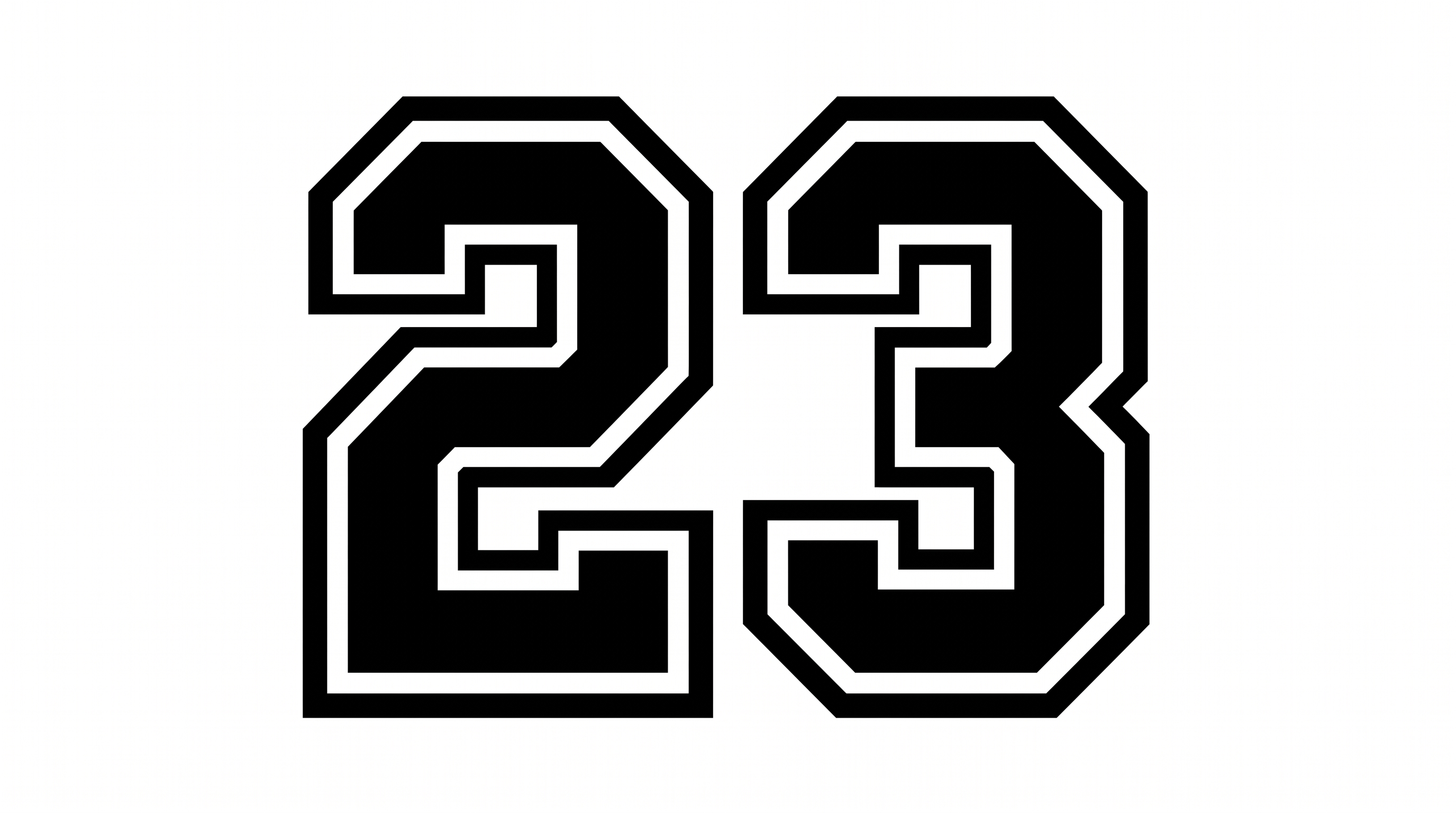
Frequently asked questions about Vintage Varsity Font Generator

It turns your wording into a text image with heavy, uppercase collegiate lettering and chamfered details. The block-style result suits team names, class years, rally messages, and other athletic or school-themed artwork. You can save the finished artwork in PNG or SVG format.

Yes. You can use the generator and download the resulting image for free. Free access does not grant free commercial rights; minimum membership covers personal use, while higher membership covers commercial use. Check pricing for the applicable membership.

Download the Vintage Varsity Font artwork as a PNG. Upload it in Canva or insert it into a Google Docs document. For Cricut, import it into a project in the Cricut app, also known as Cricut Design Space. It remains generated image artwork rather than an installed, natively editable font.

Yes. Transparent backgrounds are supported for layering the lettering over other artwork. This template also lets you choose the font color, select a custom background color, upload a background image, and set the image size. Transparency is supported rather than applied to every result by default.

The Vintage Varsity Font fits jerseys, pennants, yearbook covers, admission tickets, posters, locker decals, and scoreboard messages. Its heavy uppercase forms create a strong athletic hierarchy. Keep the lettering prominent so supporting dates or event details remain easy to scan.

Use a wide image size such as 16:9 or 21:9, then center a short rally message. Leave generous space around the tall capitals and place secondary information in a separate area. This keeps the main wordmark dominant across a panoramic layout.

Use a short team name or score message and give the heavy capitals ample surrounding space. Strong contrast between the font color and background helps the chamfered forms stay distinct. Review the finished image at its intended display size before placing it.

The blocky capitals convey school spirit, athletic tradition, and a retro yearbook mood. Pair them with a simpler supporting type style for dates, locations, and longer details. Let the varsity lettering carry the headline while the companion text handles smaller information.
READY TO CREATE?

Create Custom Vintage Varsity Fonts & Text Effects

Try Vintage Varsity Font Generator Free