Get 5 Free Credits

Free Barbaro Western Font Generator Online

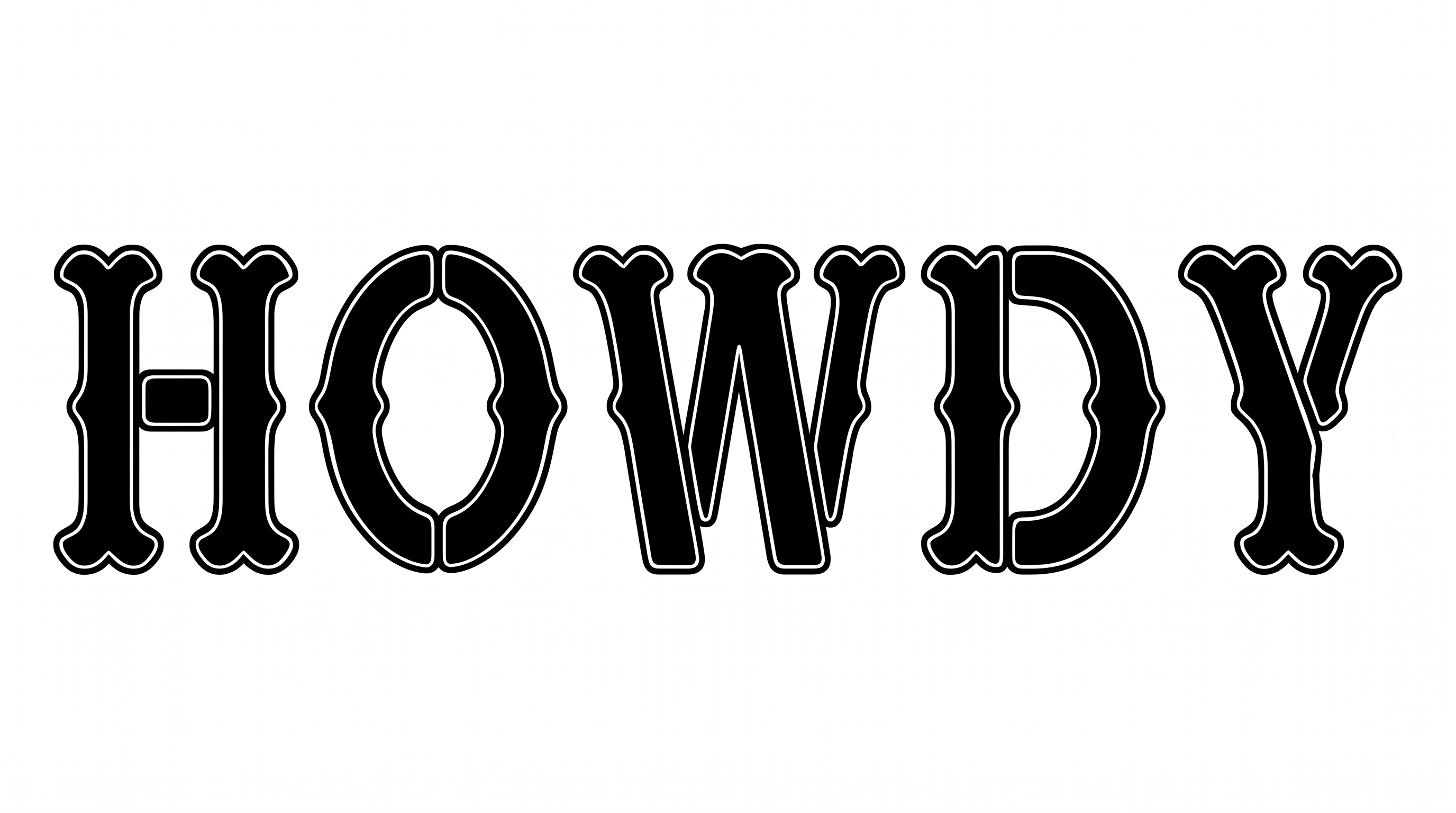
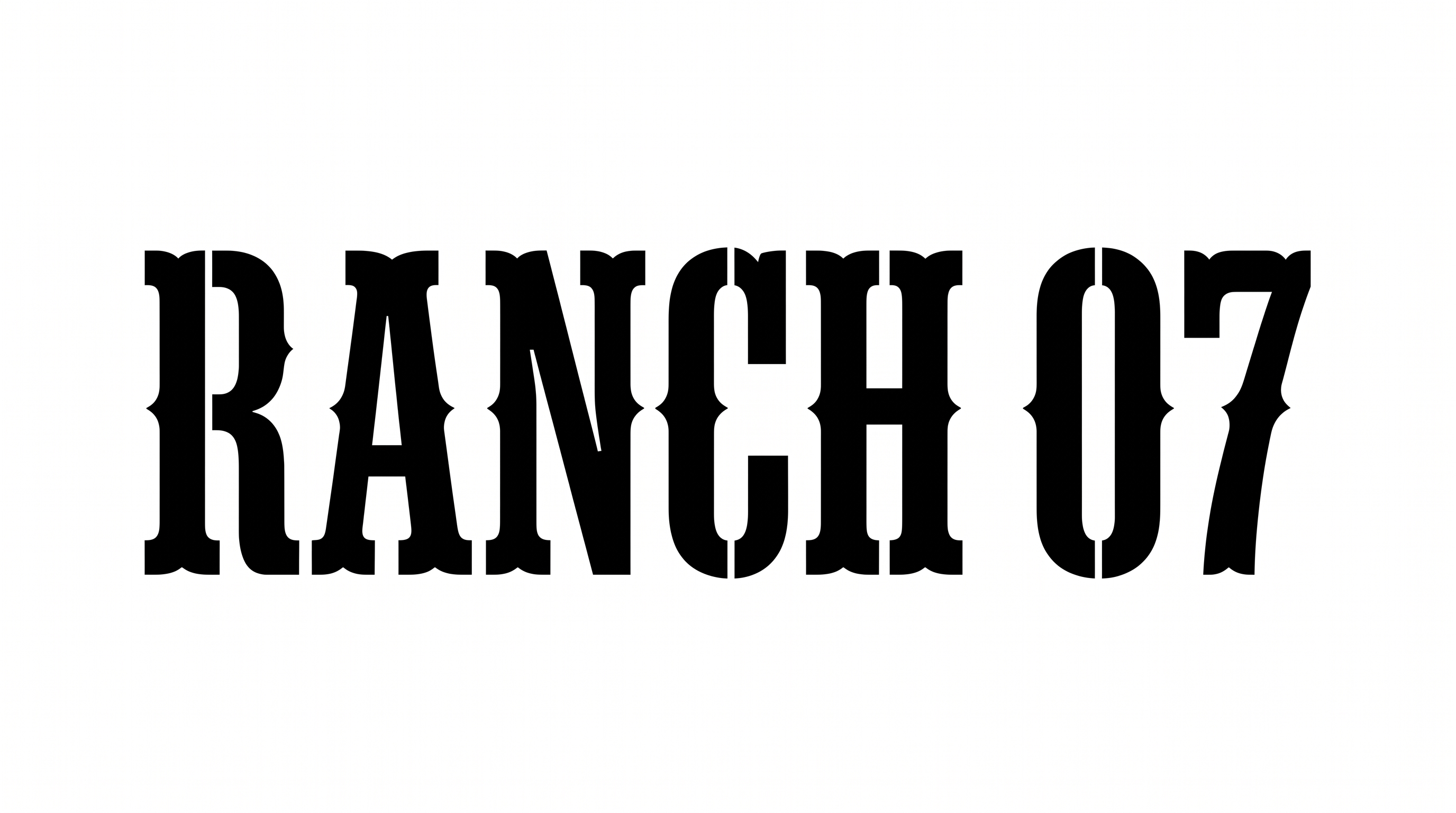
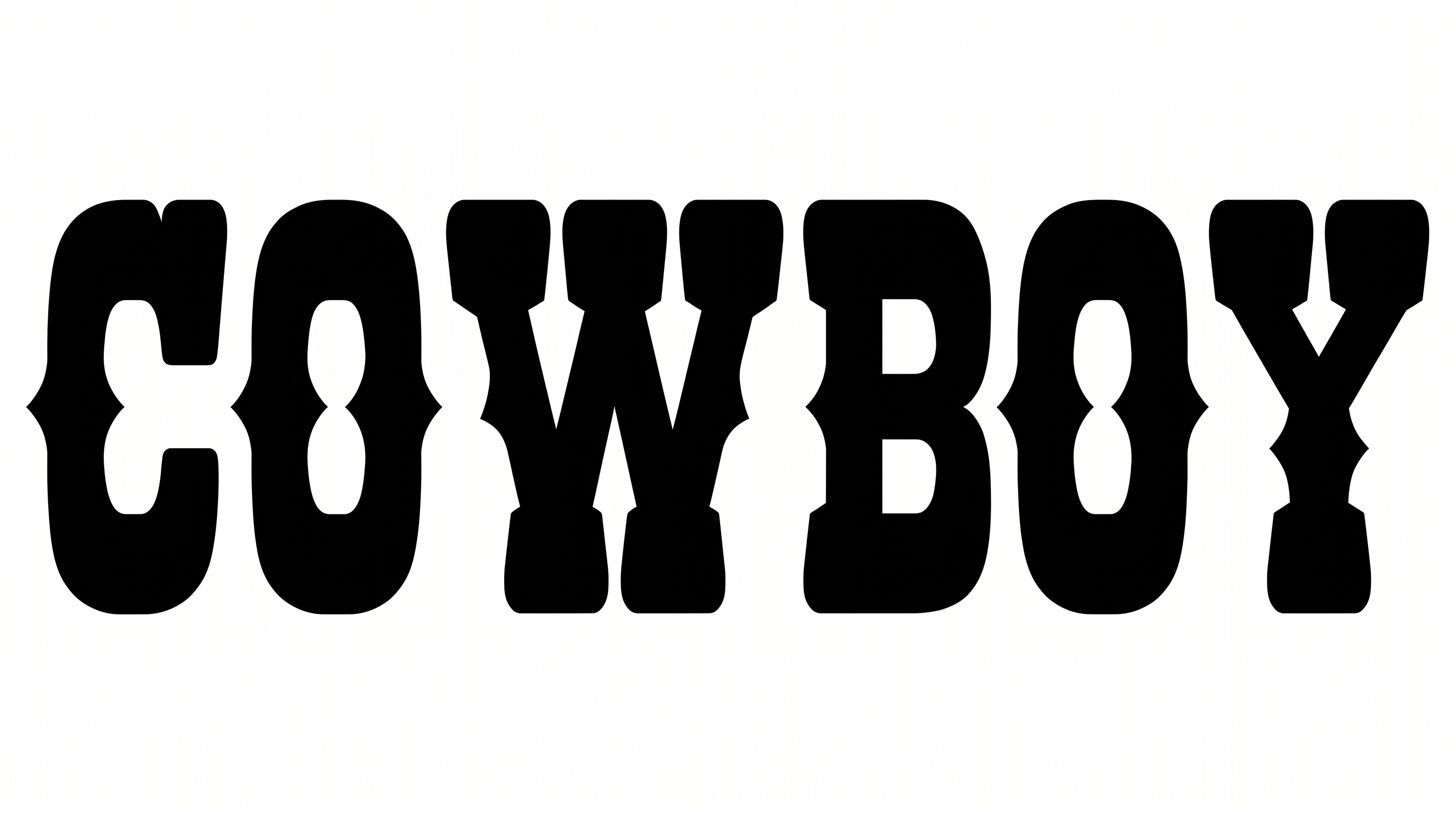
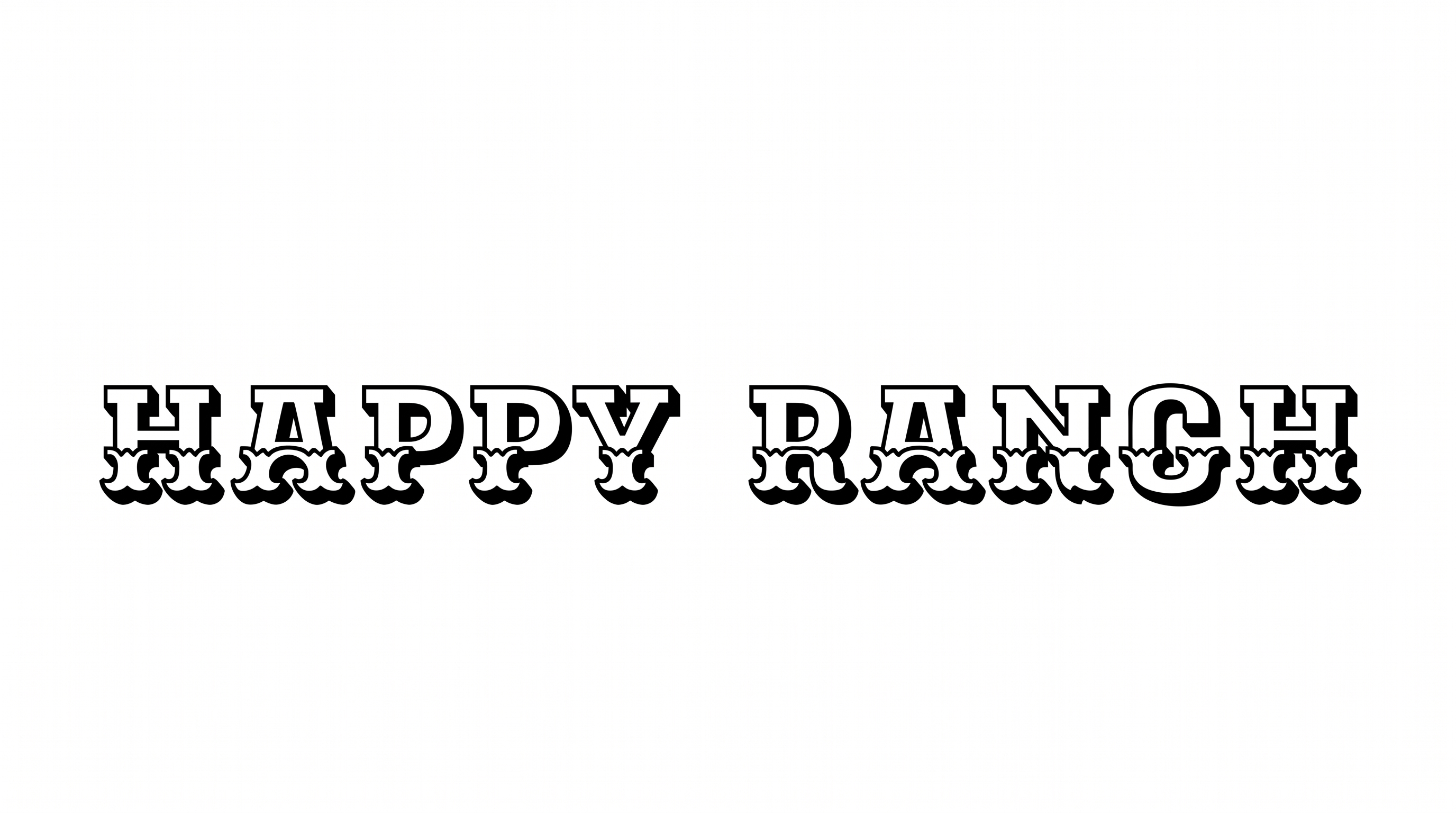
Turn names and titles into tall, condensed western lettering with pointed serifs, dark edging, and dimensional depth.

Enter the text to generate, e.g. Fontify.ai

Font color
Background
Templates
747
Generations
94
Downloads
243
Rating
5.0

How to Use the Barbaro Western Font Generator

Shape condensed western lettering for signs, covers, and other bold title artwork.

  1. 01

    Write a western heading

    Enter a name or short title for the condensed display treatment.

  2. 02

    Set color and composition

    Choose a font color, background, and aspect ratio such as 16:9.

  3. 03

    Generate and save the artwork

    Render the styled text, review its pointed serifs, then download PNG or SVG.

Barbaro Western Font Style Profile

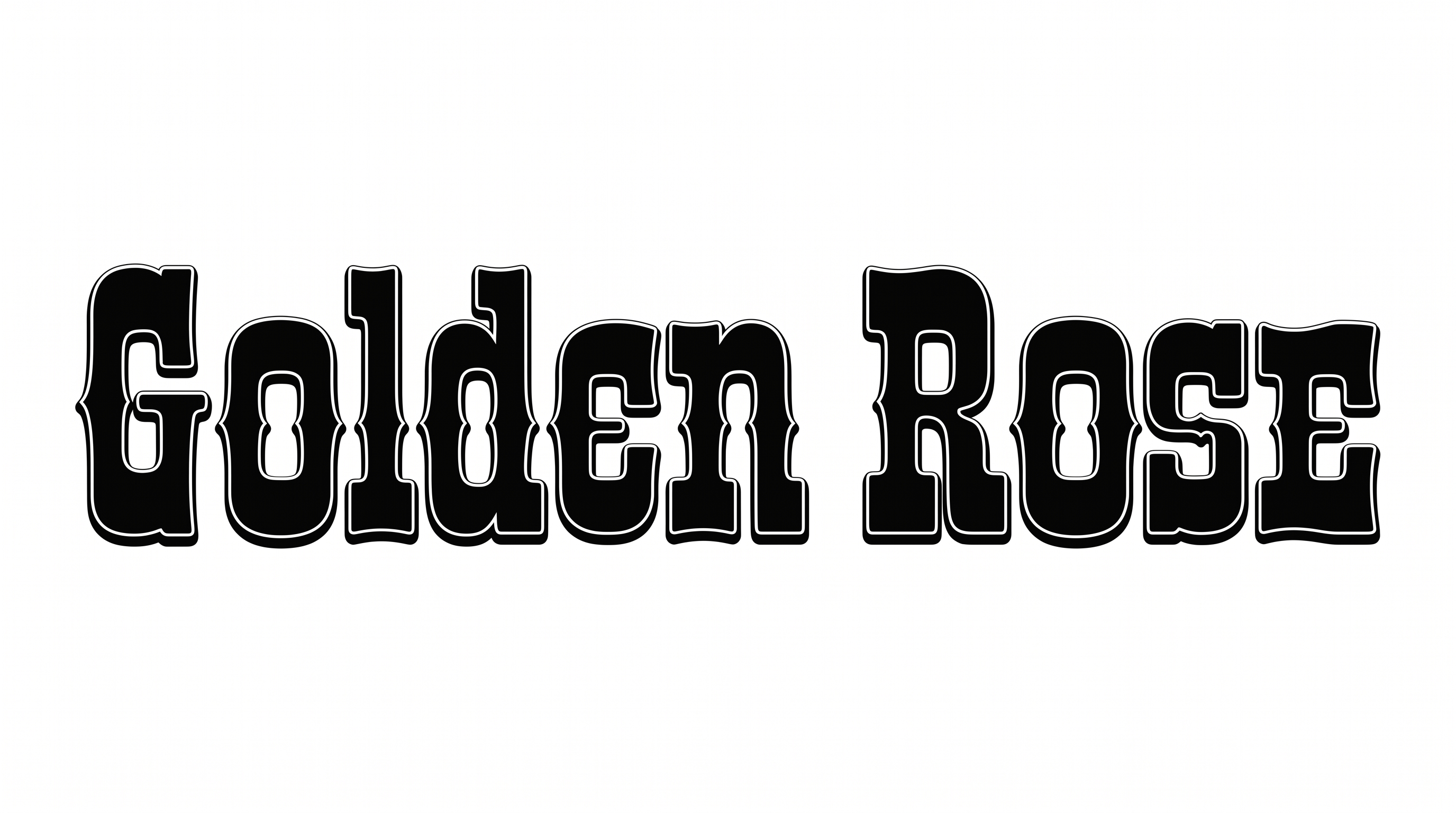
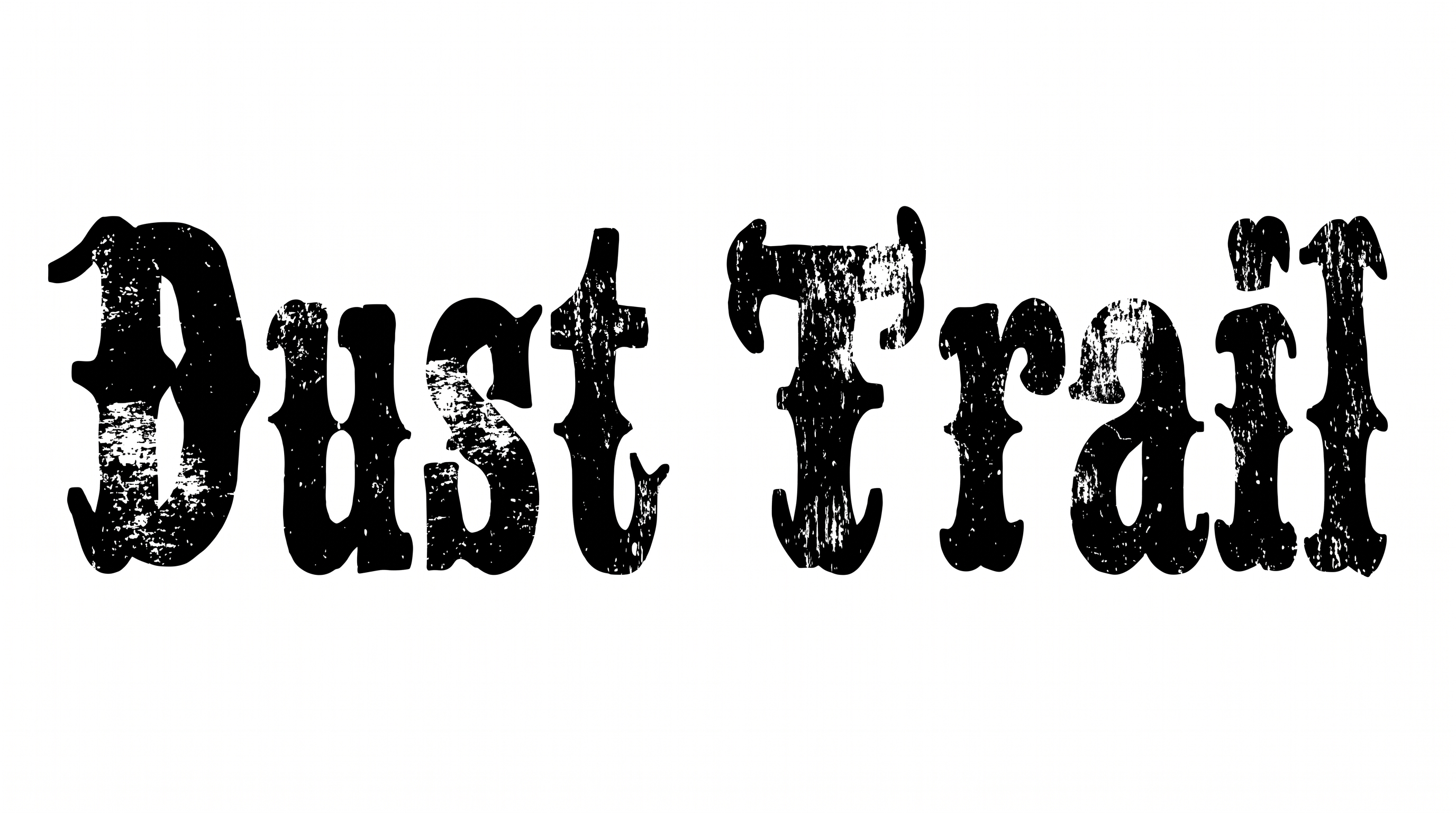
Tall condensed letters, sharp serifs, and layered outlines create a dramatic western display.

  • Letter Width

    Tall, narrow letterforms create a strongly condensed display.

  • Stroke Contrast

    Heavy vertical stems contrast with fine crossbars and hairline details.

  • Stroke Endings

    Sharp, pointed serifs finish many of the visible strokes.

  • Outline

    A crisp dark border and fine light keyline trace each letter.

  • Depth

    Offset dark side faces give the lettering a shallow dimensional appearance.

  • Color Treatment

    Cream letter faces pair with dark edging in a restrained two-tone treatment.
Frequently asked questions about Barbaro Western Font Generator

Download the generated lettering as a PNG. Upload it in Canva, insert it into a Google Docs document, or import it into a project in the Cricut app. Cricut is also known as Cricut Design Space, and the PNG remains image artwork rather than an installed font.

Browse the related tools section and compare the visible letter shapes, spacing, outlines, and overall mood. Choose a direction that fits your project while keeping the comparison focused on visual style rather than assuming a specific named alternative.

The minimum membership covers personal use, while a higher membership covers commercial use. Review pricing to identify the membership that applies to your intended project before using the generated artwork commercially.

Yes. You can use the generator and download supported image output through the available free-use option. That free access does not establish commercial rights, so commercial projects should follow the applicable membership terms.

Its condensed western styling suits signs, book covers, packaging, event tickets, and album artwork. For an online event graphic, use it as the main headline and reserve separate space for dates, locations, and supporting information.

Place the title where its tall letterforms can establish a clear focal point. Keep the area around the headline free of dense details, then arrange dates, subtitles, or product information in a separate supporting zone.

Use short wording and maintain strong contrast around the light letter faces and dark edging. Preview the finished image at its intended display size, especially for tickets, labels, thumbnails, or other compact layouts.

Pair the decorative headline with simpler supporting typography for dates, descriptions, and practical details. This contrast lets the pointed serifs and dimensional treatment carry the visual identity while secondary information remains easy to scan.

Light letter faces with dark outlines create a dramatic frontier mood associated with vintage posters and bold title treatments. The condensed proportions add formality and intensity, making the style useful for heritage, adventure, or western-themed compositions.
READY TO CREATE?

Create Custom Barbaro Western Fonts & Text Effects

Try Barbaro Western Font Generator Free