Get 5 Free Credits

Free Western Script Font Generator Online

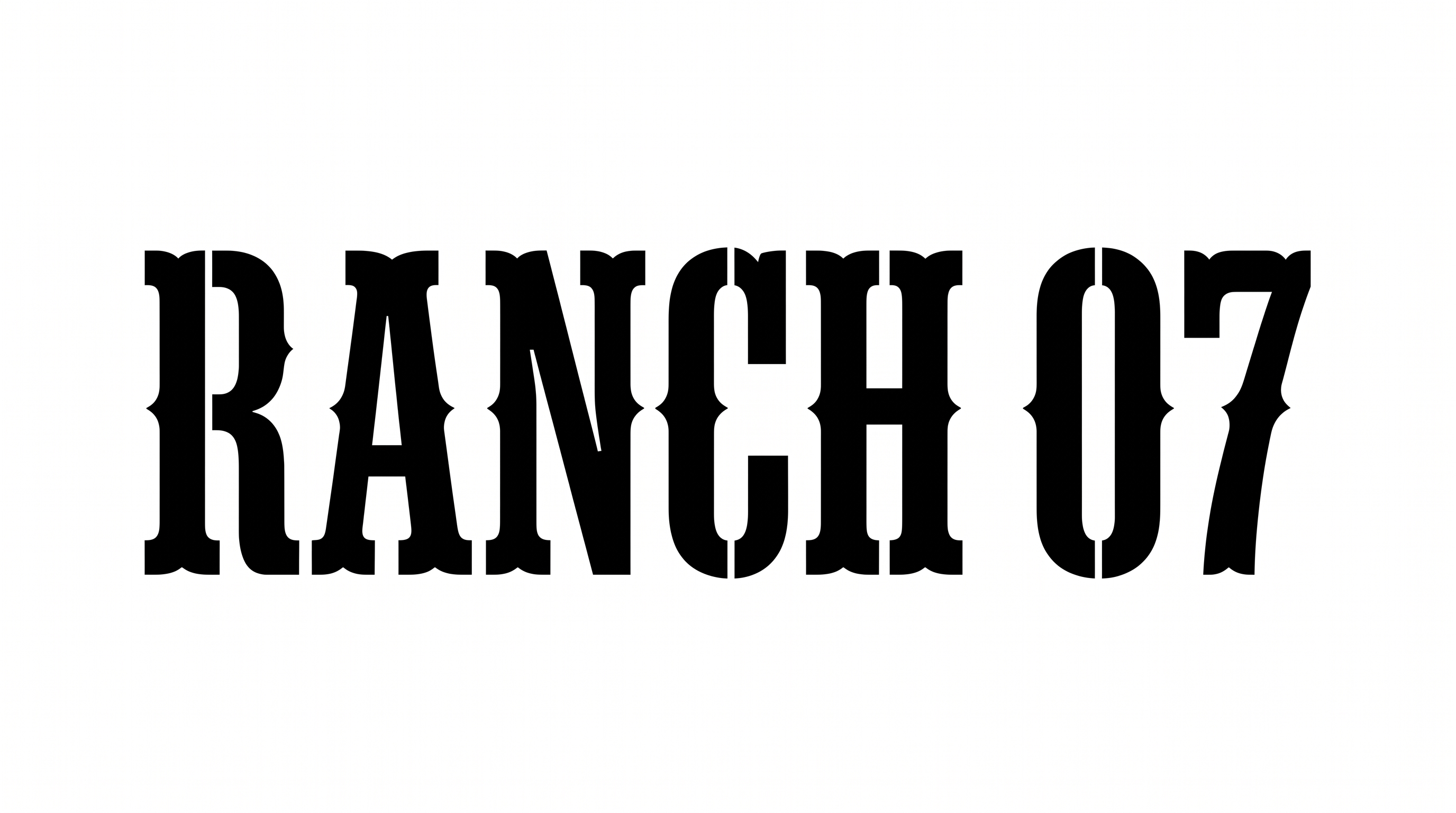
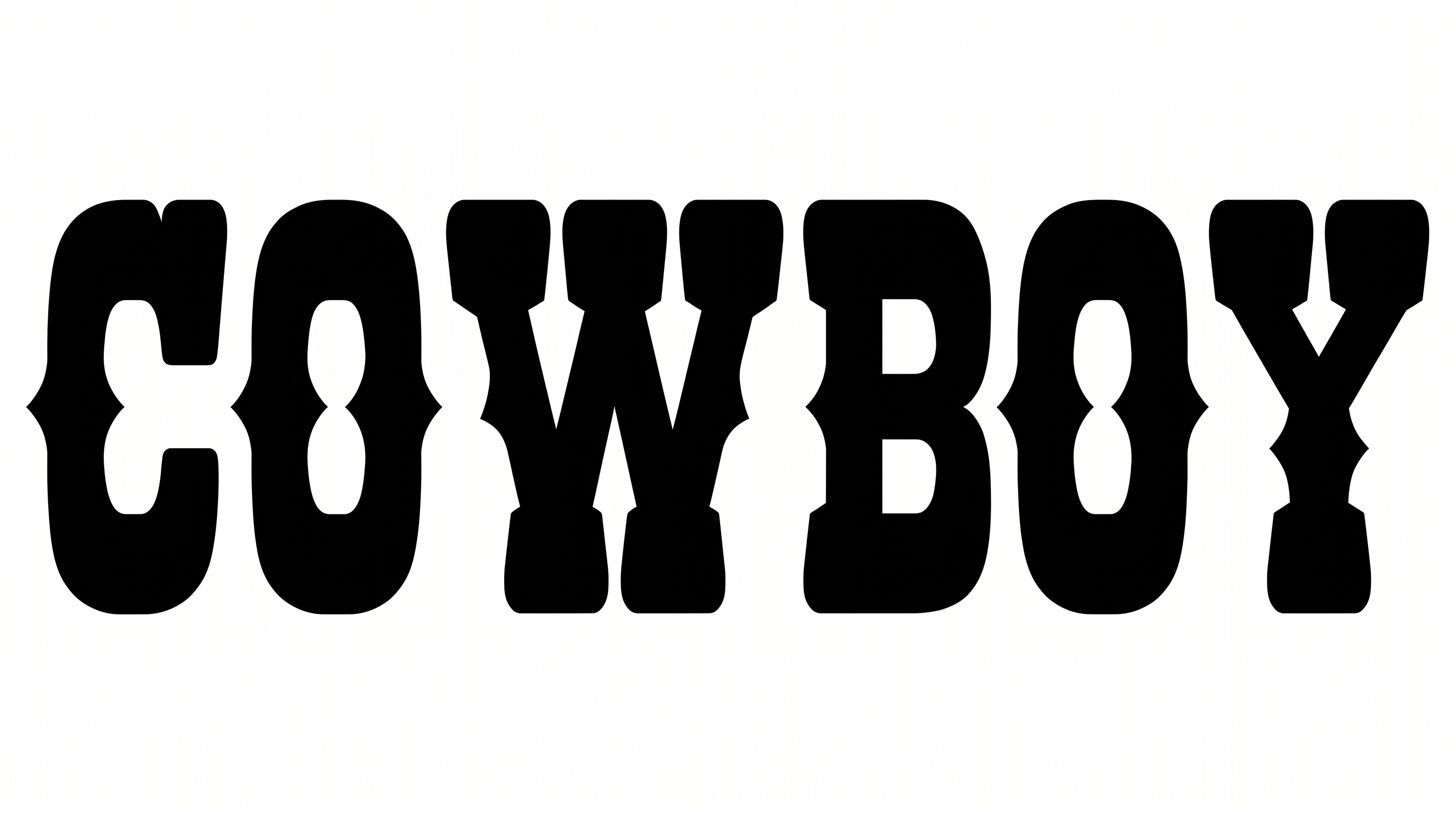
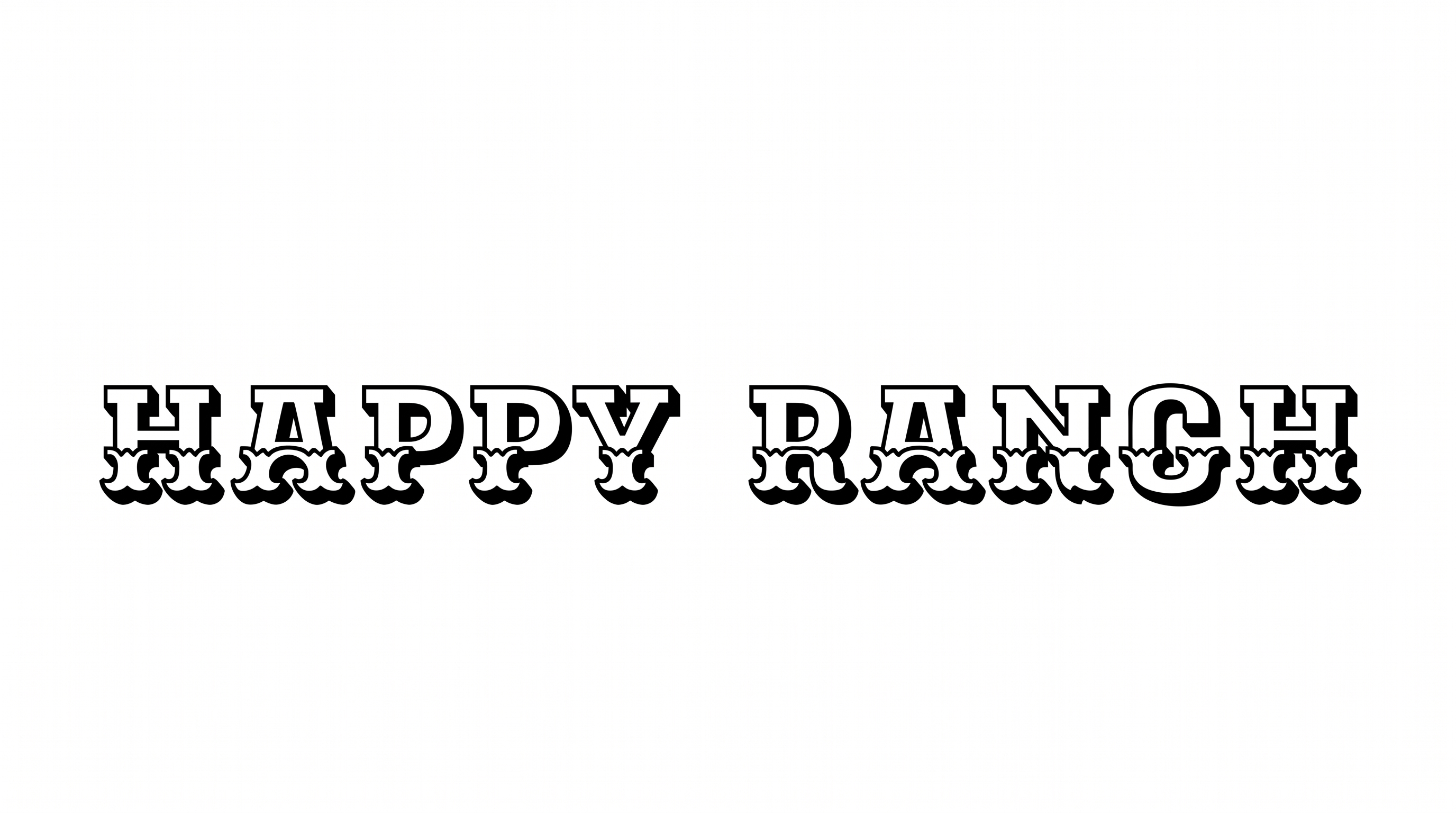
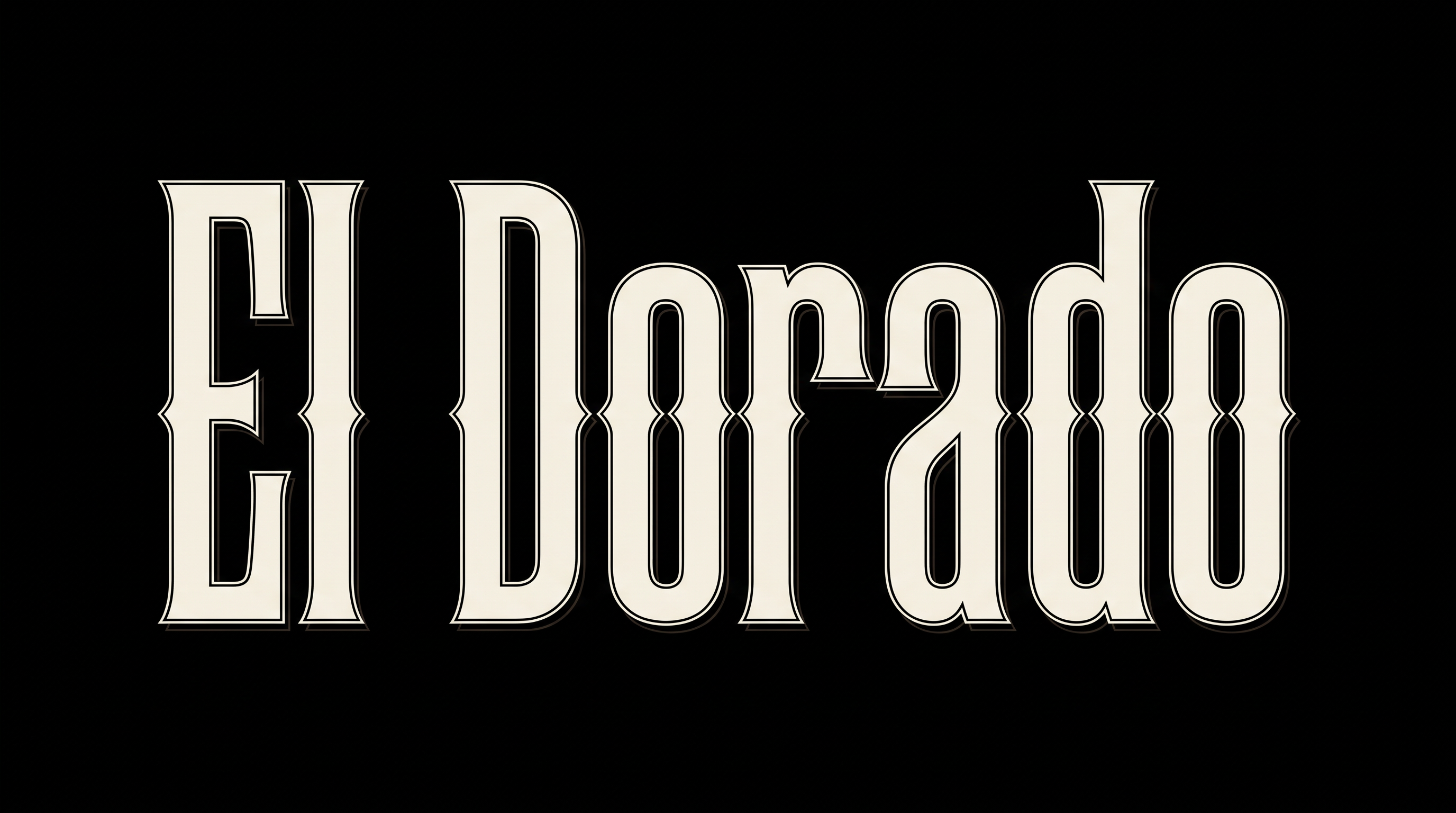
Turn your words into bold, slanted calligraphic display lettering with a vintage Western feel, suited to wordmarks, signs, and labels.

Enter the text to generate, e.g. Fontify.ai

Font color
Background
Templates
747
Generations
168
Downloads
297
Rating
5.0

How to Use the Western Script Font Generator

Shape bold, slanted display lettering for a wordmark, sign, label, or cover.

  1. 01

    Compose your Western wording

    Type a short wordmark or phrase, then choose an image size such as 16:9.

  2. 02

    Set the colors and background

    Select a font color and a template, custom-color, or uploaded-image background before generating.

  3. 03

    Download the finished image

    Review the bold script rendering, then download the finished image as PNG or SVG.

Western Script Font Style Profile

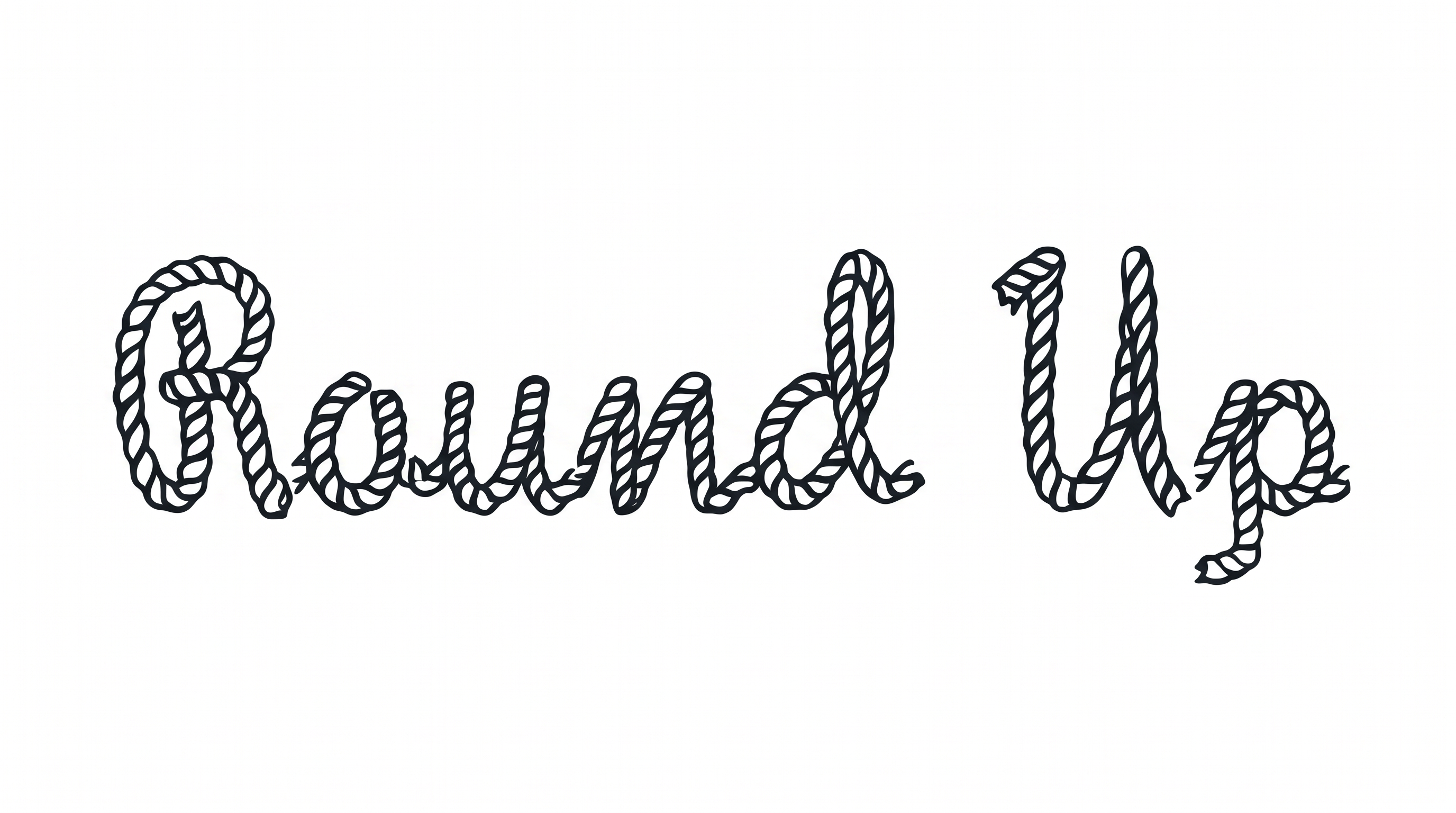
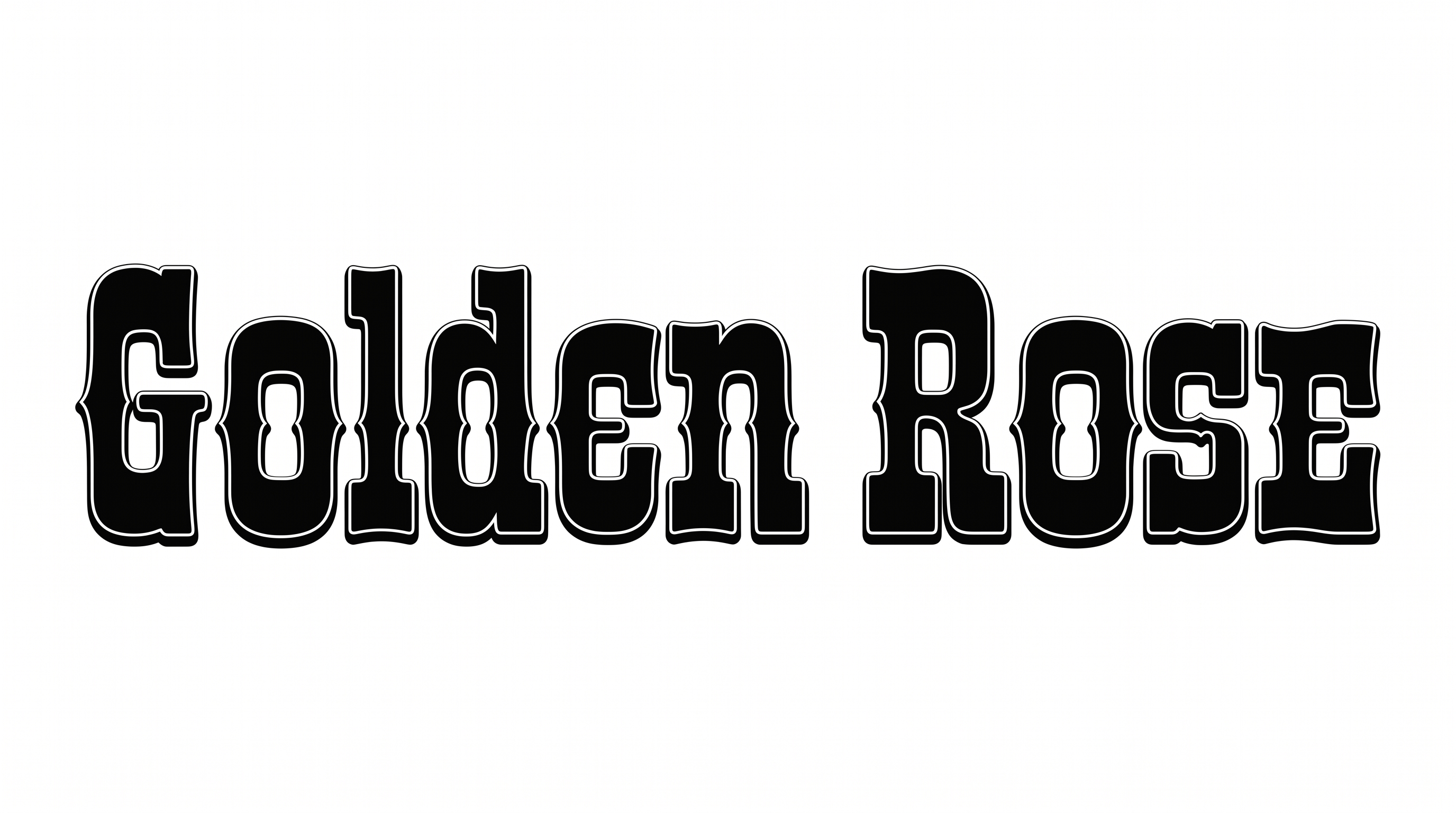
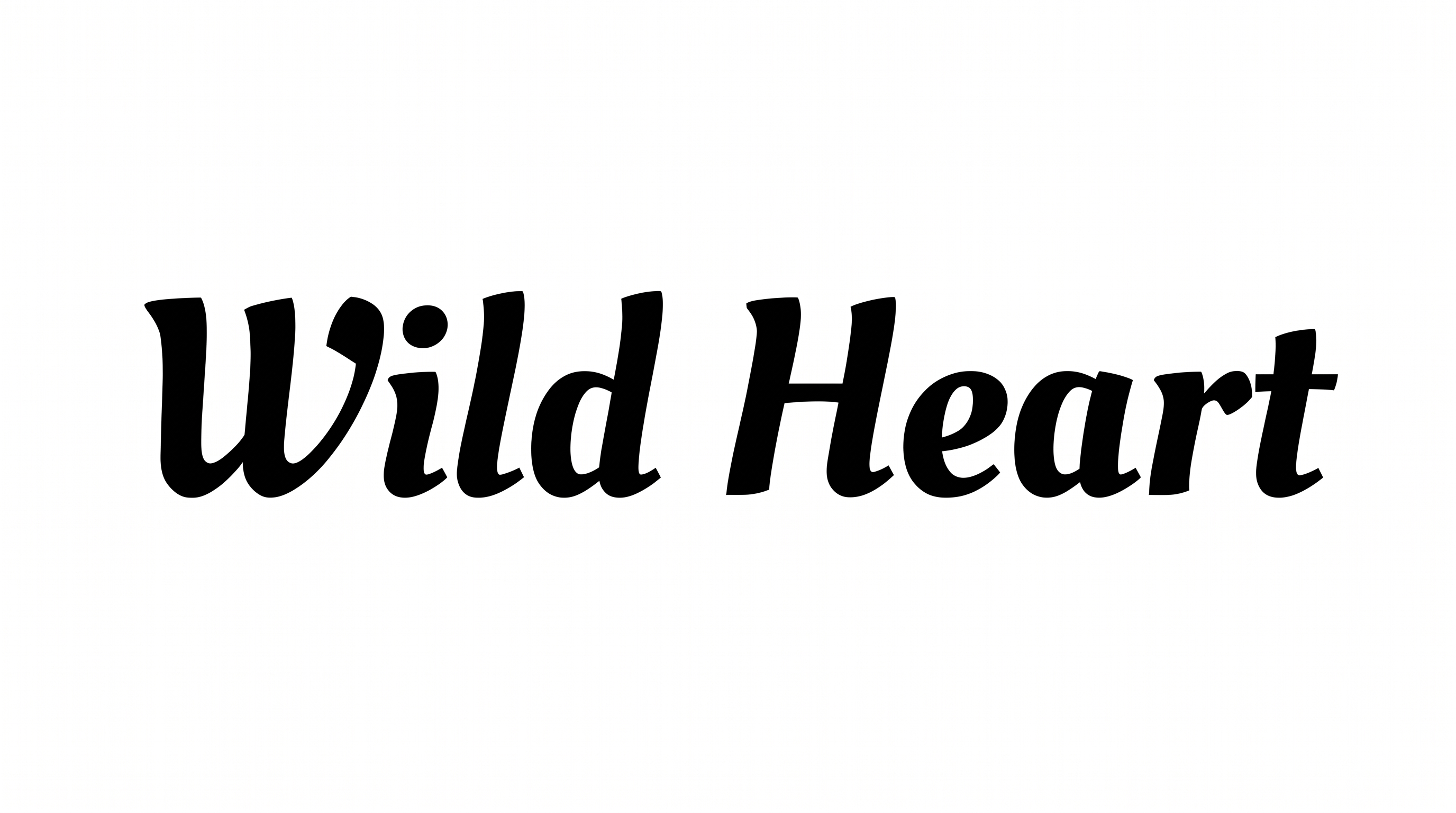
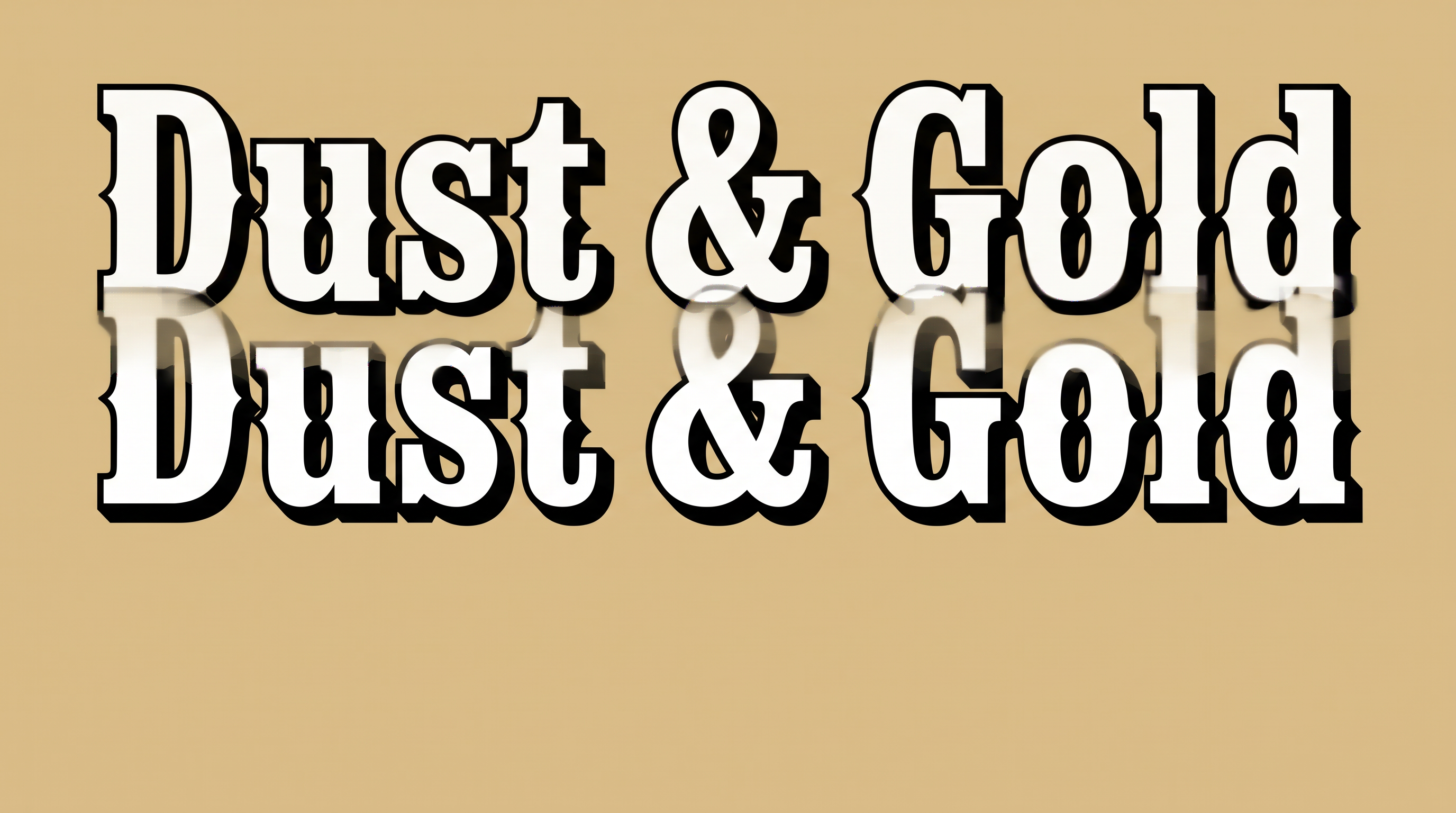
Heavy, sharply slanted letters combine strong stroke contrast, tapered endings, and compact spacing.

  • Stroke Contrast

    Pronounced thick and thin strokes shape the visible calligraphic letters.

  • Slant

    The letters lean distinctly to the right along a steady baseline.

  • Stroke Endings

    Visible strokes finish with pointed tapers and broad calligraphic terminals.

  • Stroke Weight

    Broad main strokes give the lettering a heavy display presence.

  • Letter Spacing

    Narrow gaps create compact spacing between neighboring letters within each word.

  • Letter Connections

    Letters remain separate, with clear breaks between neighboring characters.
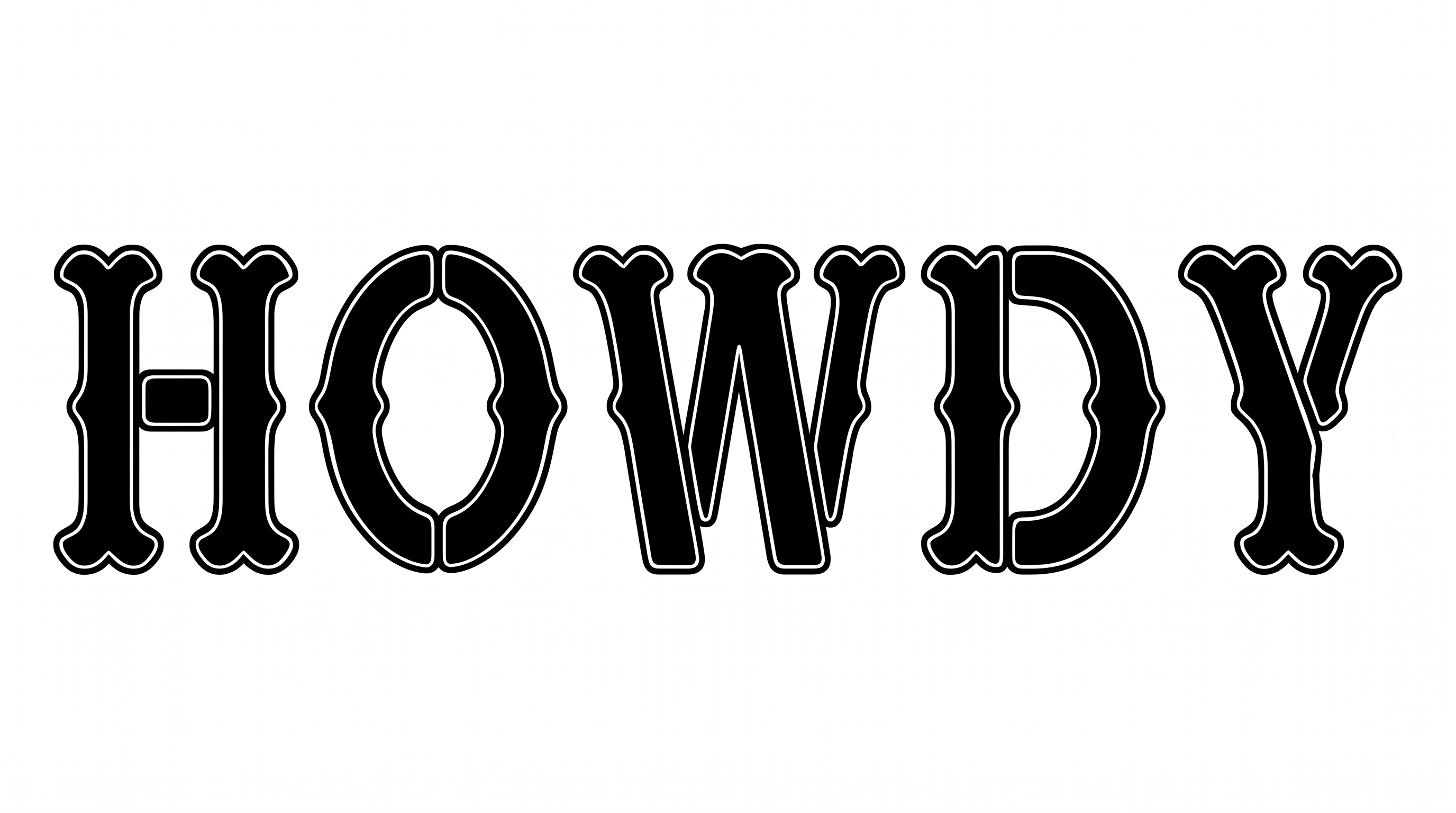
Frequently asked questions about Western Script Font Generator

It creates text images in bold, slanted Western calligraphic lettering. Strong thick-and-thin strokes give the artwork a vintage display character suited to wordmarks, signs, labels, covers, and other headline-focused designs.

Yes. Transparent backgrounds are supported for layering the lettering over other artwork. You can select a font color and use the template background or a custom background color. You can also upload a background image and set the image size.

Yes. You can use the generator and download the resulting artwork through the available free-use options. Usage rights follow the membership terms, so review pricing to identify the membership that applies to your intended project.

Enter your wording, choose the available font color, background, and image-size options, then generate the design. Review the rendered lettering and download the completed text image in PNG or SVG format.

Its bold calligraphic character works well for prominent wording on storefront signs, labels, tickets, album or book covers, apparel, menus, invitations, and event graphics. Give the script enough space to remain the visual focus.

Use the Western Script Font as a concise headline and reserve clear space around its slanted letterforms. Place dates, locations, and supporting details in separate text blocks so the display lettering remains easy to recognize.

Pair the expressive script with simpler supporting typography for details and longer text. A restrained companion style creates hierarchy while letting the heavy strokes and vintage calligraphic character carry the main title.
READY TO CREATE?

Create Custom Western Script Fonts & Text Effects

Try Western Script Font Generator Free