Get 5 Free Credits

Free Nandaka Western Font Generator Online

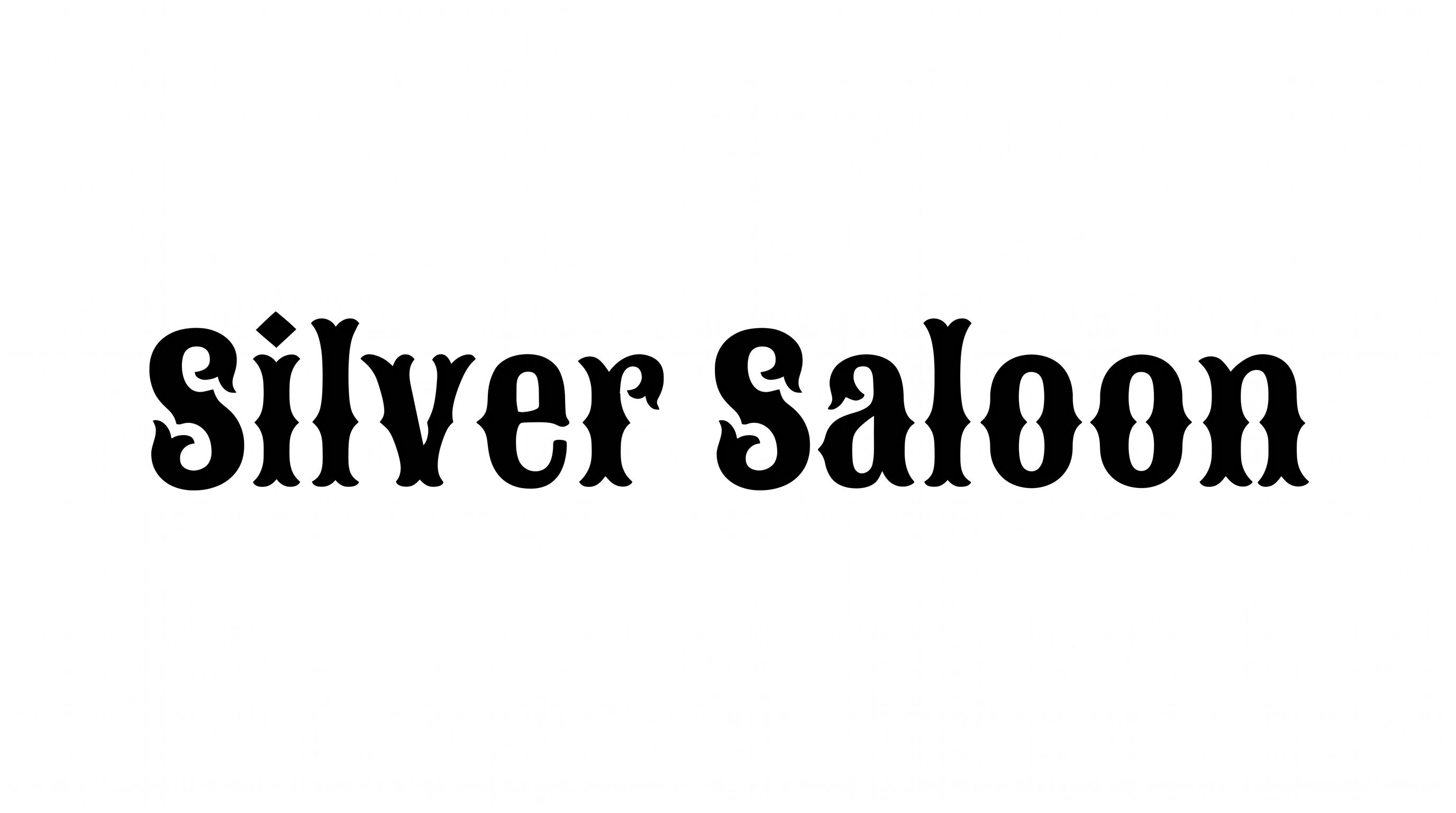
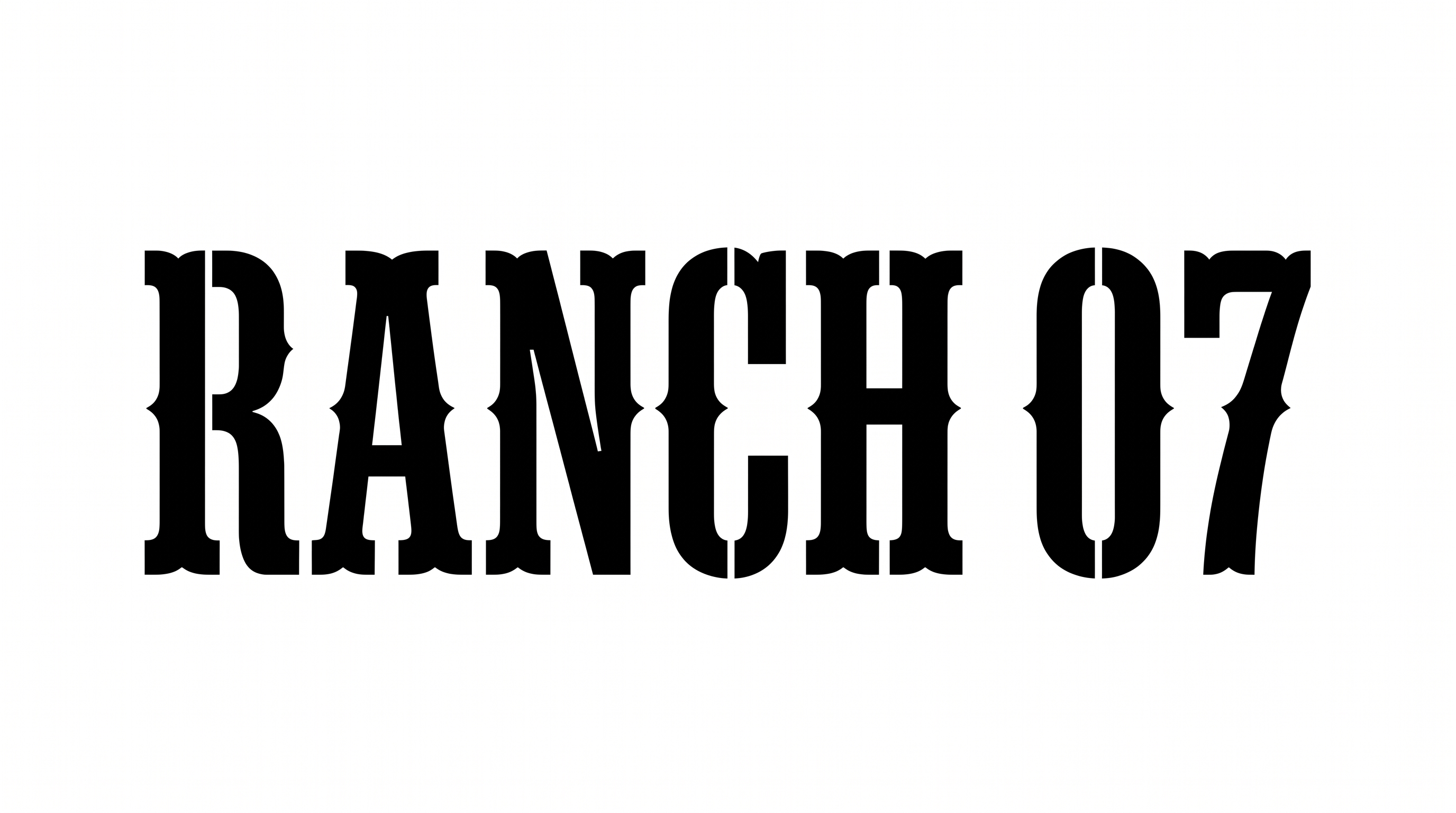
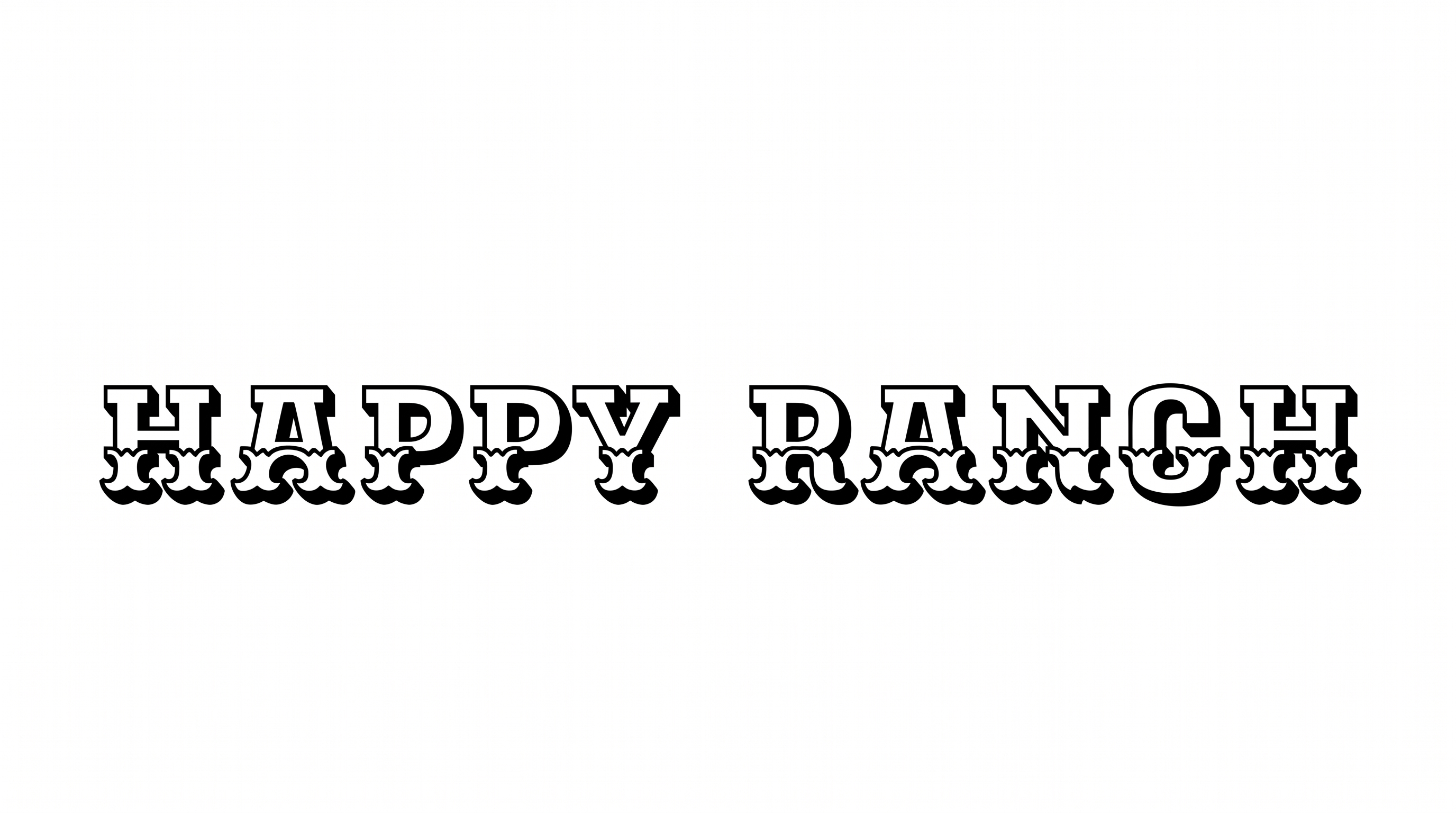
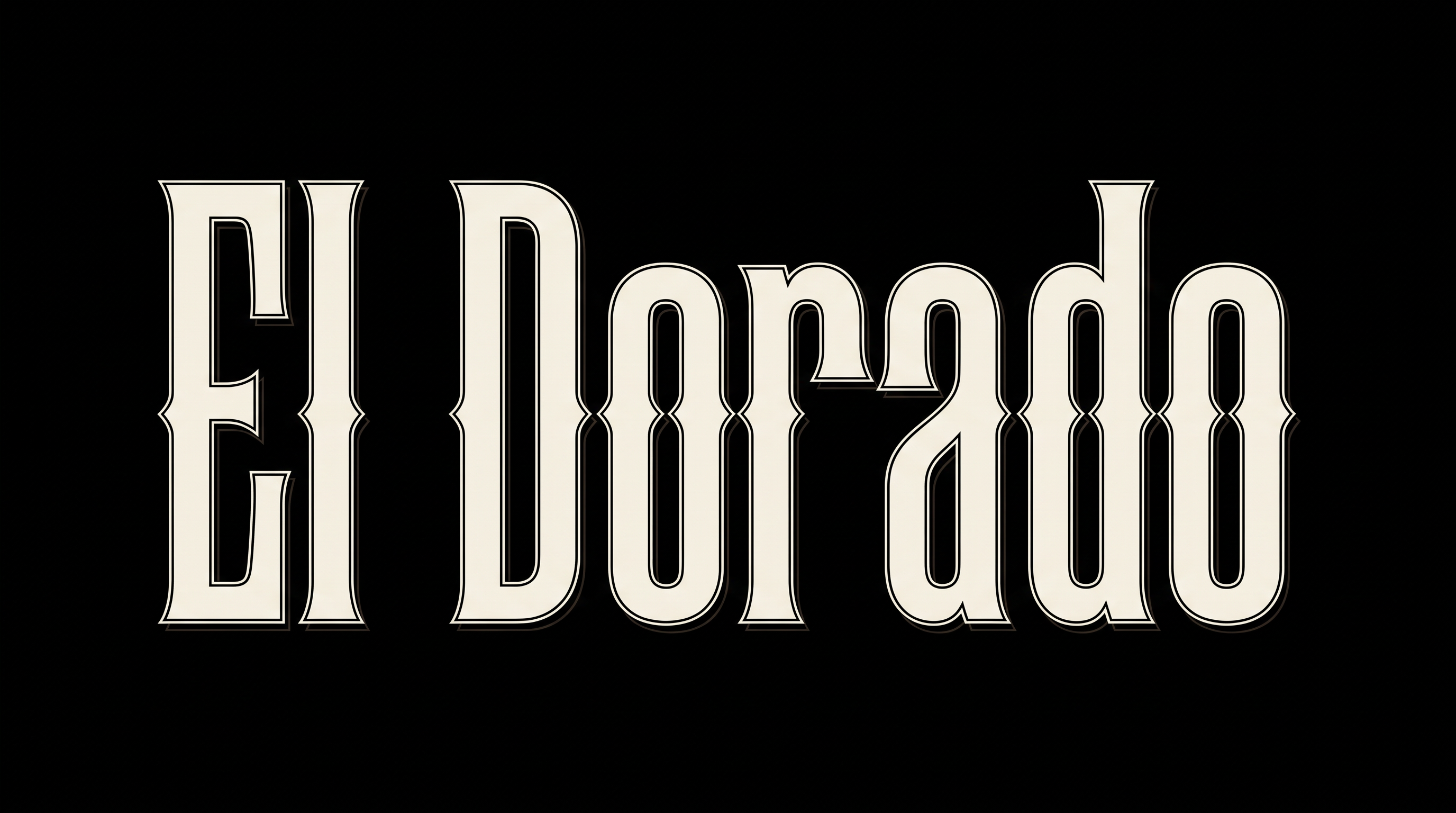
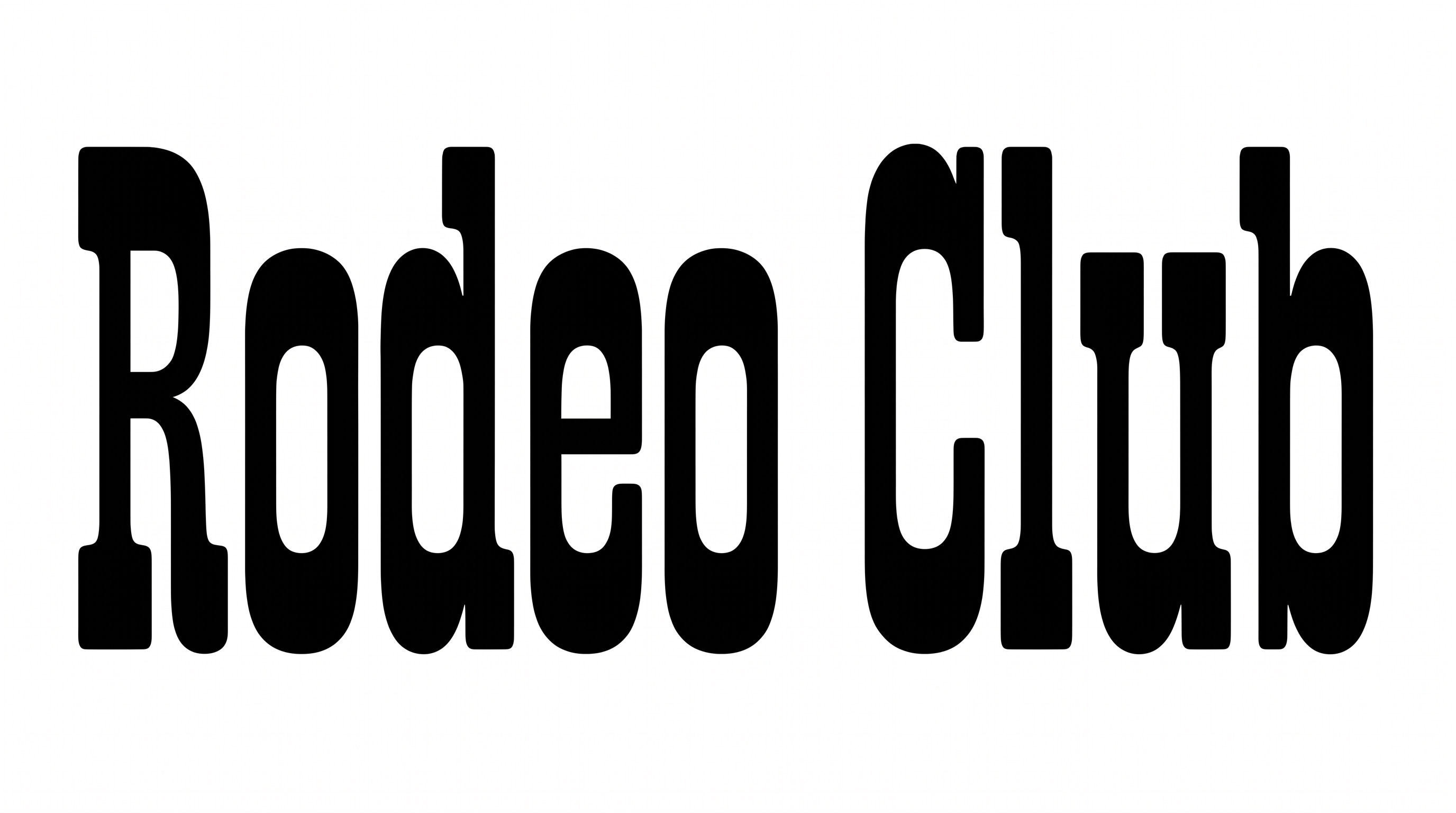
Turn words into massive Western display capitals with pinched side notches and compact counters, ideal for saloon signs or vintage poster headings.

Enter the text to generate, e.g. Fontify.ai

Font color
Background
Templates
747
Generations
180
Downloads
287
Rating
5.0

How to Use the Nandaka Western Font Generator

Shape bold Western lettering for your layout while preserving its wide capitals and compact counters.

  1. 01

    Enter a bold Western heading

    Type a short word or phrase for the bold uppercase slab-serif treatment.

  2. 02

    Set the canvas and colors

    Choose a 16:9 image size, font color, and custom color or uploaded background.

  3. 03

    Generate and download PNG or SVG

    Render the text image, review its compact counters, then download the PNG or SVG.

Nandaka Western Font Style Profile

Heavy, broad capitals combine pinched side notches, compact counters, and sharply shaped interior corners.

  • Letter Construction

    Solid block-built capitals use pinched side notches and compact interior counters.

  • Stroke Weight

    Heavy stroke bodies give the capitals a massive, emphatic presence.

  • Corner Shape

    Rounded outer corners contrast with sharp inward notches along the letter sides.

  • Letter Width

    Broad letterforms give the uppercase characters a wide, expansive stance.

  • Stroke Endings

    Broad slab-like terminals create squared, firmly anchored stroke endings.

  • Letter Connections

    Letters remain separate, with clear breaks between neighboring characters.
Frequently asked questions about Nandaka Western Font Generator

It creates text artwork in a bold, uppercase Western display style. The lettering uses broad slab-serif forms, pinched side notches, and compact counters, making short words suitable for signs, poster headings, labels, and other frontier-inspired compositions.

Yes. You can use the generator and download the resulting image for free. The minimum membership covers personal use, while commercial use requires a higher membership. Check pricing to select the membership that fits your project.

Browse the related tools section and compare broad display lettering, letter width, serif treatment, and overall mood. Test the same short phrase across tools, then judge which result best supports your intended layout and visual hierarchy.

Transparent backgrounds are supported for layering the lettering over other artwork. This template also lets you choose font color, use a custom background color or uploaded image, and select an image size. Transparency is an output capability rather than a guaranteed default.

The Nandaka Western Font Generator works especially well for short, prominent wording on saloon-style signs, rodeo tickets, labels, storefront graphics, and Western-themed covers. For a free design draft, start with one strong headline so the wide capitals can lead the composition.

For an online banner, place the wide lettering as the primary headline and reserve a clear area for dates or supporting details. A horizontal aspect ratio gives broad words room to breathe while keeping the composition focused.

Use a short word, strong contrast, and generous space around the lettering. Compact counters and pinched notches can become less distinct at small display sizes, so review the finished image at its intended scale before placing it.

Pair the heavy black lettering with restrained supporting type and simple shapes so its notched silhouette remains the focal point. Frontier imagery, vintage poster layouts, and uncluttered backgrounds can reinforce the bold Western mood without competing with the headline.
READY TO CREATE?

Create Custom Nandaka Western Fonts & Text Effects

Try Nandaka Western Font Generator Free