Get 5 Free Credits

Free Arial Condensed Font Generator Online

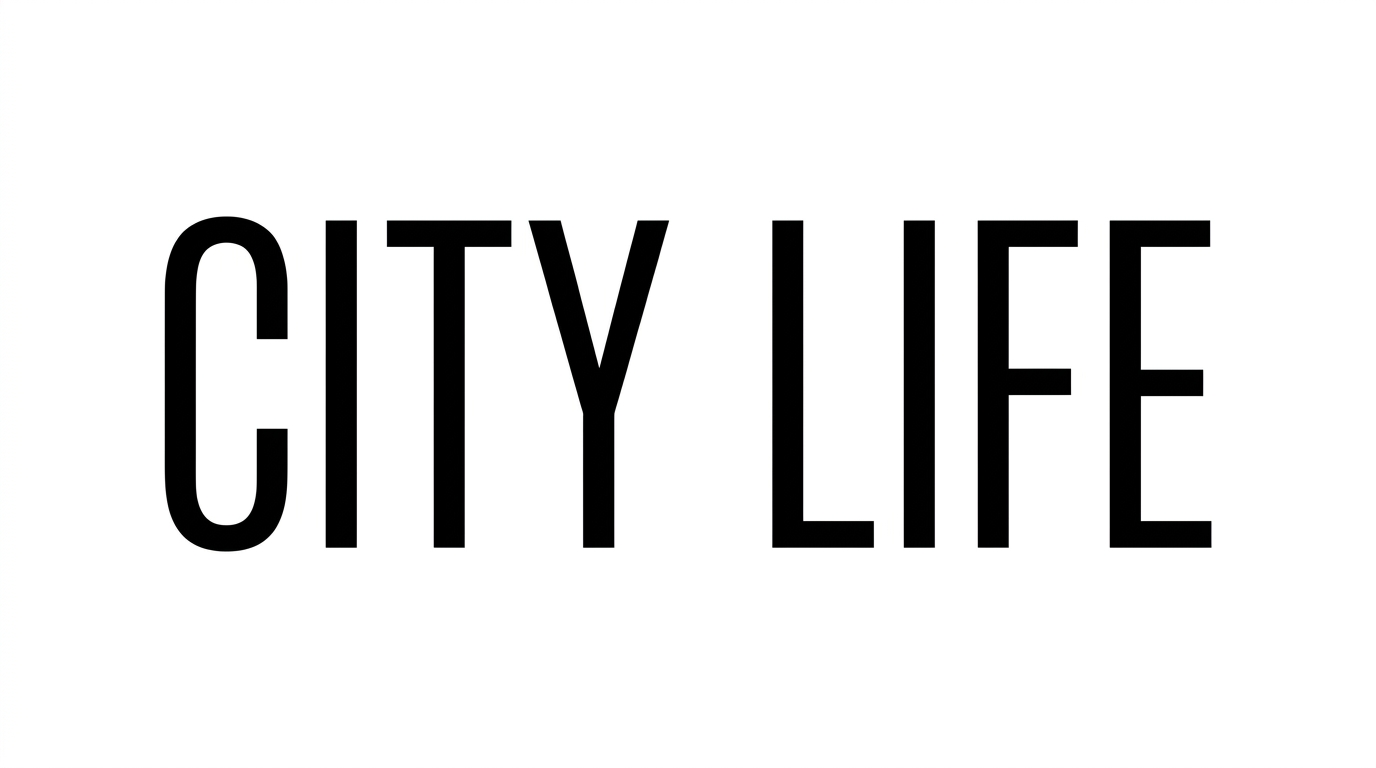
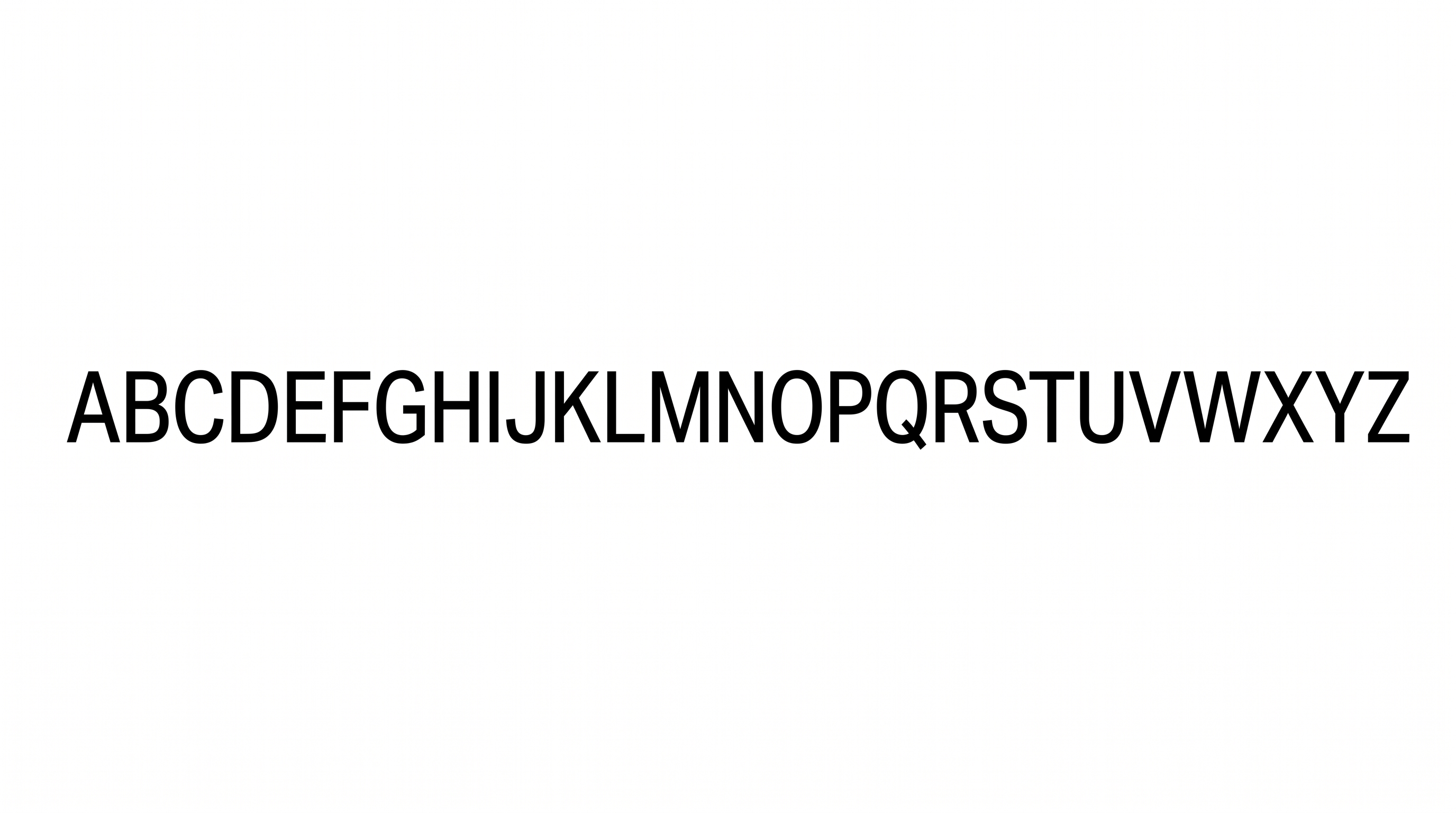
Tall uppercase condensed sans-serif lettering gives editorial covers a clean, space-efficient typographic presence.

Enter the text to generate, e.g. Fontify.ai

Font color
Background
Templates
324
Generations
91
Downloads
271
Rating
5.0

How to Use the Arial Condensed Font Generator

Shape tall condensed lettering for clear headlines, then save the finished artwork for your chosen layout.

  1. 01

    Enter a concise headline

    Type the words you want rendered as clean, uppercase condensed lettering.

  2. 02

    Set color and image size

    Choose a font color, background, and aspect ratio such as 16:9 for your layout.

  3. 03

    Generate and save PNG or SVG

    Review the rendered uppercase lettering, then download the finished image as PNG or SVG.

Arial Condensed Font Style Profile

Narrow upright capitals, even strokes, and separate letterforms create a clean, restrained typographic rhythm.

  • Letter Width

    Narrow character proportions give the uppercase lettering a distinctly condensed appearance.

  • Stroke Contrast

    Vertical, horizontal, and curved strokes maintain a mostly even visual weight.

  • Stroke Weight

    Medium-weight strokes keep the tall letterforms clear and visually balanced.

  • Slant

    The uppercase letters stand upright relative to the baseline.

  • Letter Connections

    Letters remain separate, with clear breaks between neighboring characters.

  • Stroke Endings

    Visible stroke endpoints use clean, mostly flat cuts.
Frequently asked questions about Arial Condensed Font Generator

Yes. Transparent backgrounds are supported for layering the lettering over other artwork. This template also lets you select a font color, choose a custom background color, upload a background image, and adjust the image size.

Browse the related tools section and compare examples by letter width, stroke weight, spacing, and overall mood. Choose a visual direction that suits the hierarchy and available space in your design.

The minimum membership covers personal use, while a higher membership covers commercial use. Review pricing to choose the membership that applies to your intended project.

Download the generated PNG artwork, then upload it in Canva or insert it into Google Docs. For Cricut, import the PNG into a project in the Cricut app, also known as Cricut Design Space.

Use short uppercase lines and preserve clear space around the text image. Check the artwork at its intended online display size so narrow letters and internal gaps remain easy to distinguish.

Wide horizontal compositions suit short wordmarks, while portrait formats work well for stacked cover titles. Select an available aspect ratio that supports the wording and surrounding content.

Pair the narrow uppercase forms with restrained imagery and simple supporting text. Keep generous free space around the main heading so the condensed proportions remain visually distinct.

The tall, minimal sans-serif forms create a clean, direct, editorial mood. Solid color and restrained decoration make the lettering suitable for structured visual hierarchies.

Its compact uppercase construction works well for publication covers, signage, packaging, title cards, and menu headings. Adjust the scale and composition to match the viewing distance and carrier shape.
READY TO CREATE?

Create Custom Arial Condensed Fonts & Text Effects

Try Arial Condensed Font Generator Free