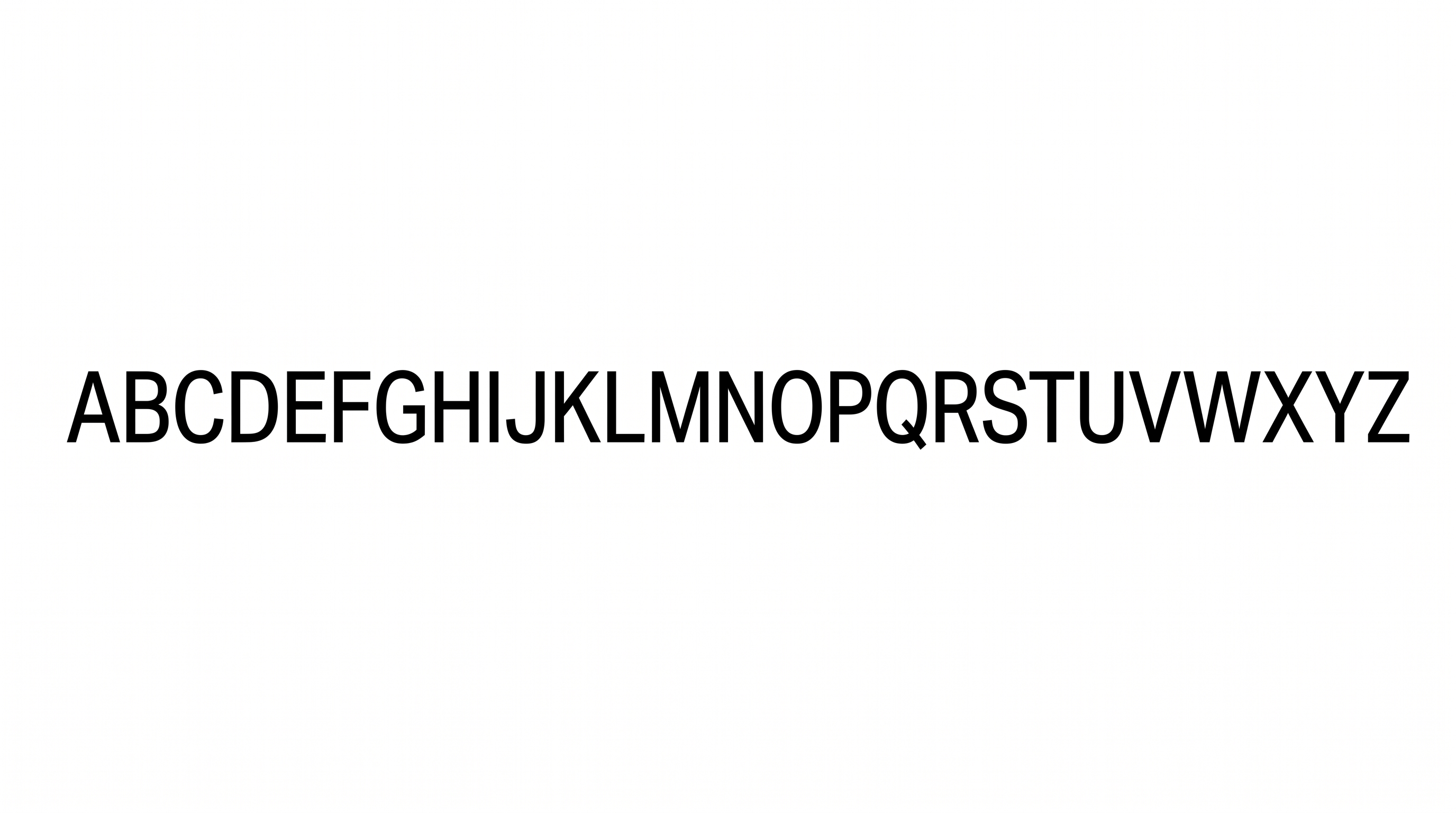
Free Arial Narrow Font Generator Online
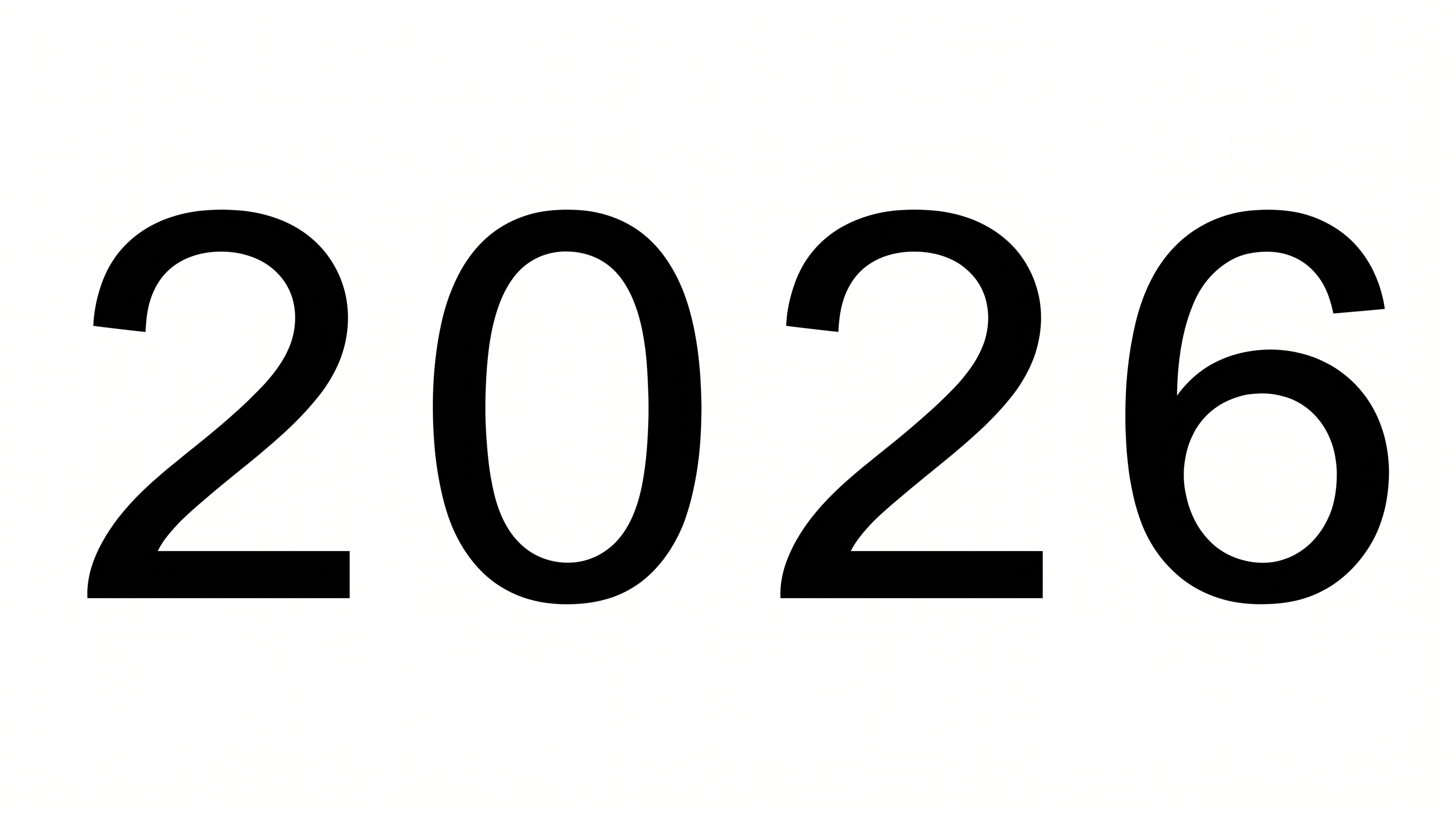
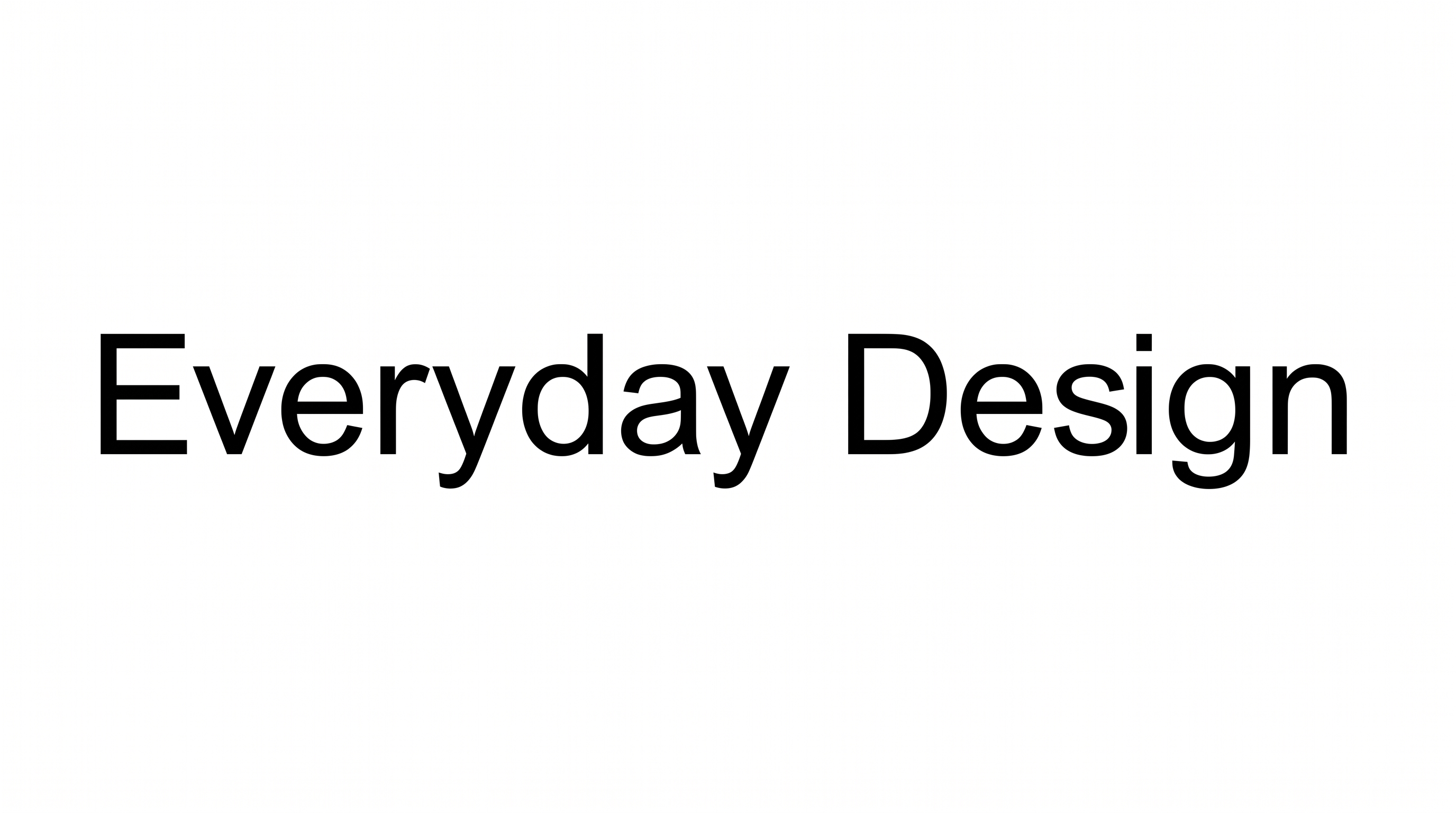
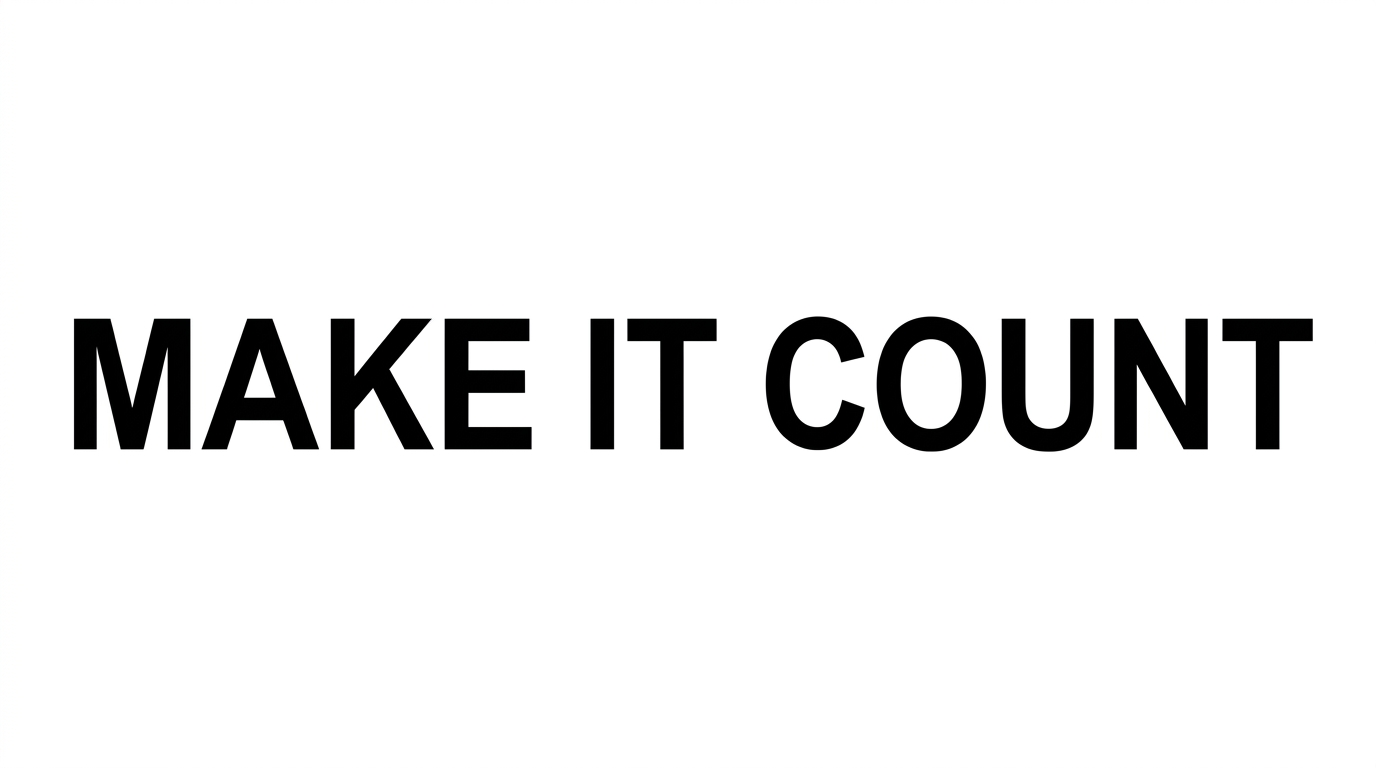
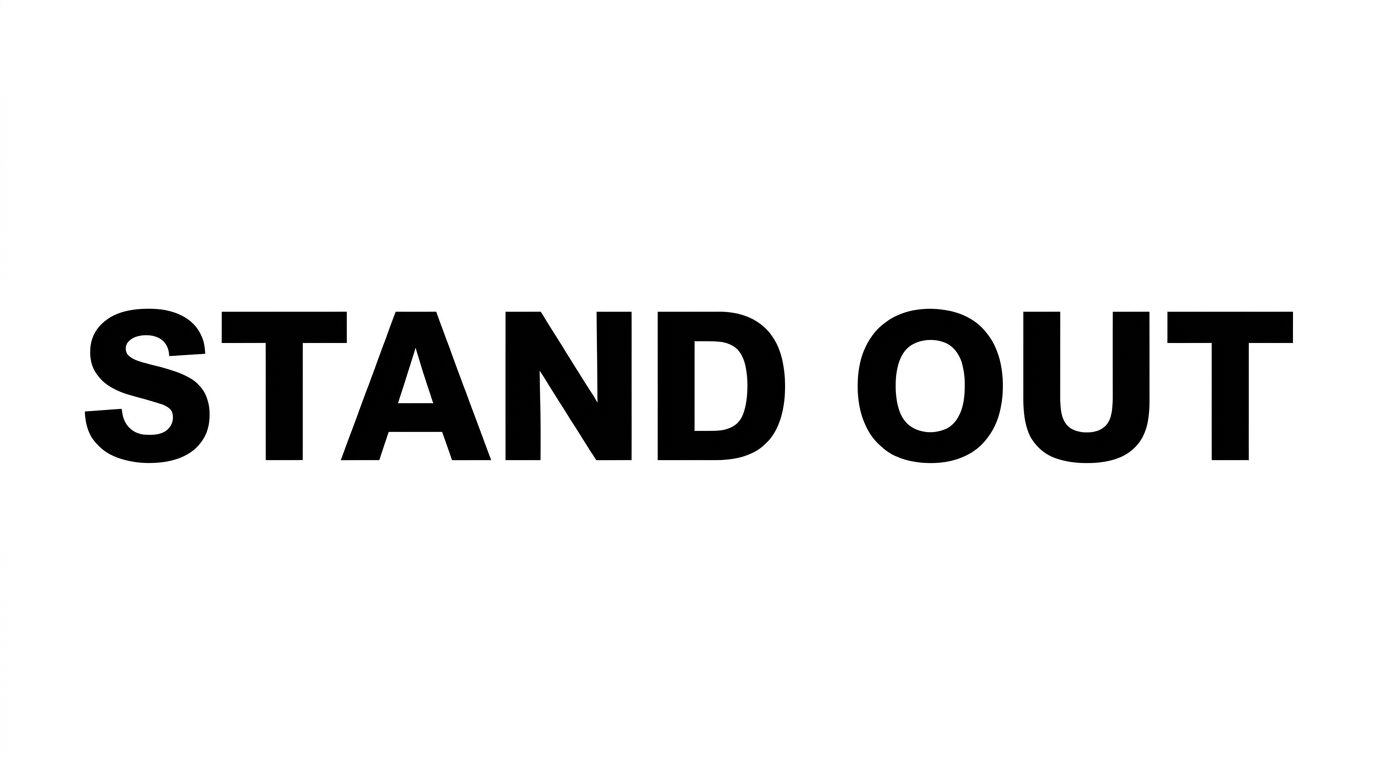
Create tall, condensed uppercase lettering with clean, even strokes for headlines, signage, and compact editorial layouts.
- Templates
- 324
- Generations
- 120
- Downloads
- 271
- Rating
- 5.0
How to Use the Arial Narrow Font Generator
Shape condensed lettering for compact headlines, then save the finished text artwork for your layout.
- 01
Enter your headline or phrase
Type the wording you want to render in tall, narrow sans-serif lettering.
- 02
Choose colors and proportions
Select a font color, background treatment, and aspect ratio such as 16:9.
- 03
Generate and download the artwork
Review the rendered text image, then download it as a PNG or SVG.
Arial Narrow Font Generator in Use: Design Examples & Showcase
See how condensed uppercase lettering fits signage, editorial covers, posters, packaging, presentations, and information-focused layouts.
Arial Narrow Font Style Profile
Tall, narrow proportions, even strokes, and upright construction create a clean condensed appearance.
Letter Width
Individual letters have distinctly tall, narrow proportions.
Stroke Contrast
Strokes maintain nearly uniform thickness within the visible letters.
Slant
Letters stand upright against the baseline.
Letter Connections
Letters remain separate, with clear breaks between characters.
Letter Spacing
Clear, consistent gaps separate neighboring letters within each word.
Stroke Endings
Visible stroke endpoints finish with clean, flat cuts.