Get 5 Free Credits

Free Arial Medium Font Generator Online

Create clean, neutral medium-weight sans-serif lettering suited to signs, editorial covers, and structured information layouts.

Enter the text to generate, e.g. Fontify.ai

Font color
Background
Templates
324
Generations
71
Downloads
295
Rating
5.0

How to Use the Arial Medium Font Generator

Shape clean, medium-weight lettering for readable layouts and save the finished text image.

  1. 01

    Enter your wording

    Type a name, headline, label, or short message for the clean sans-serif treatment.

  2. 02

    Set the colors and image size

    Choose a font color, background color, uploaded image, and an aspect ratio such as 16:9.

  3. 03

    Generate and save the artwork

    Generate the preview, review the neutral sans-serif lettering, then download the result as PNG or SVG.

Arial Medium Font Style Profile

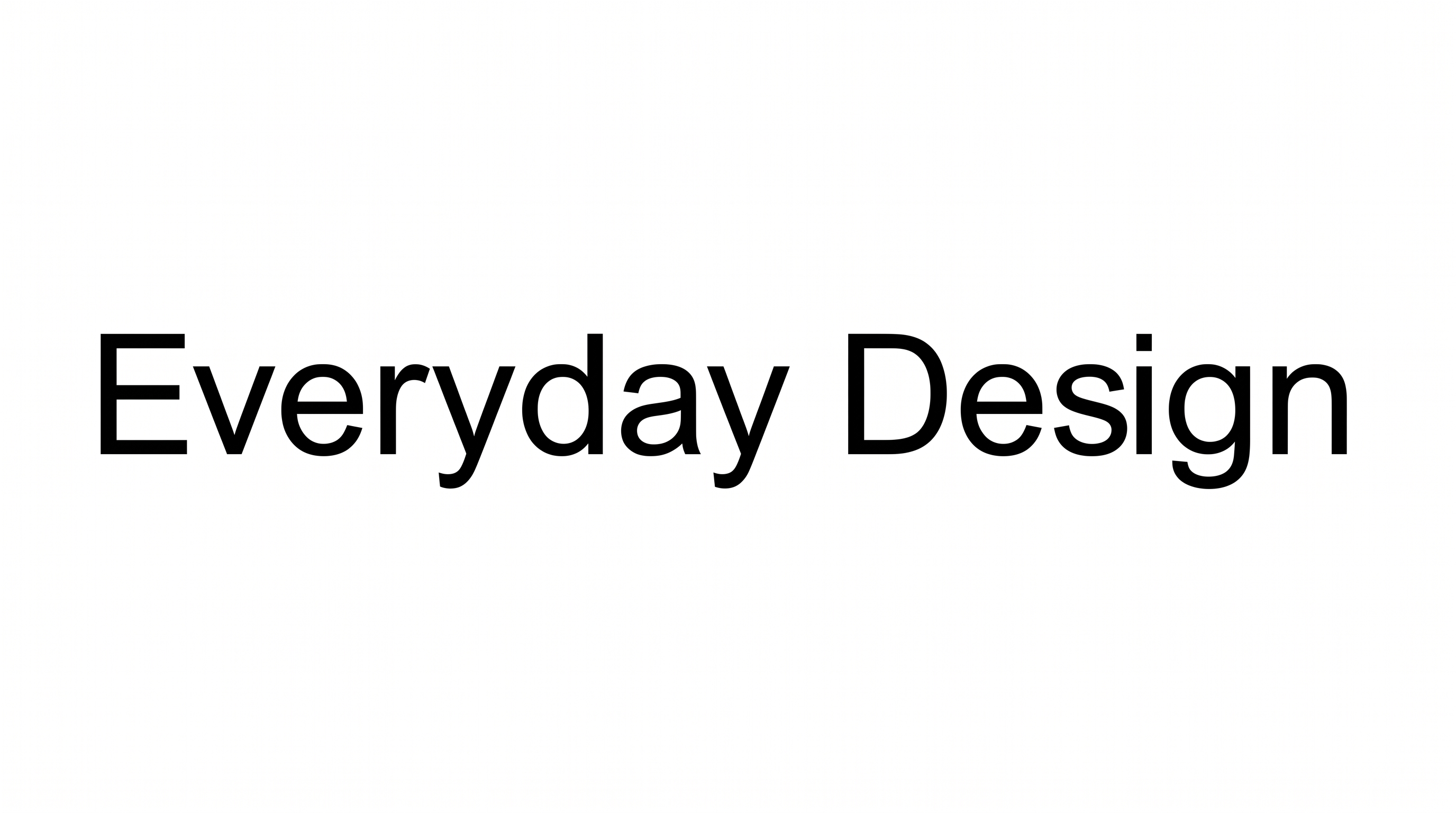
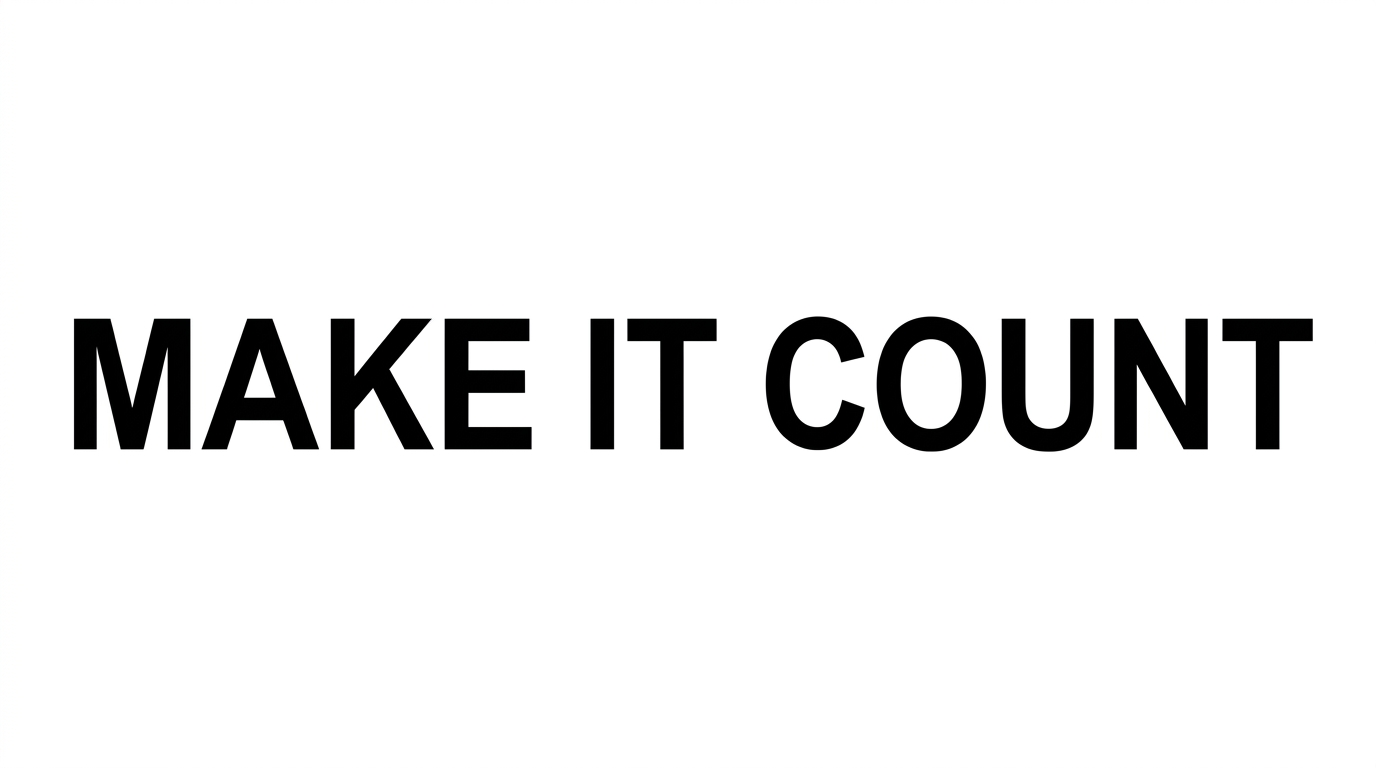
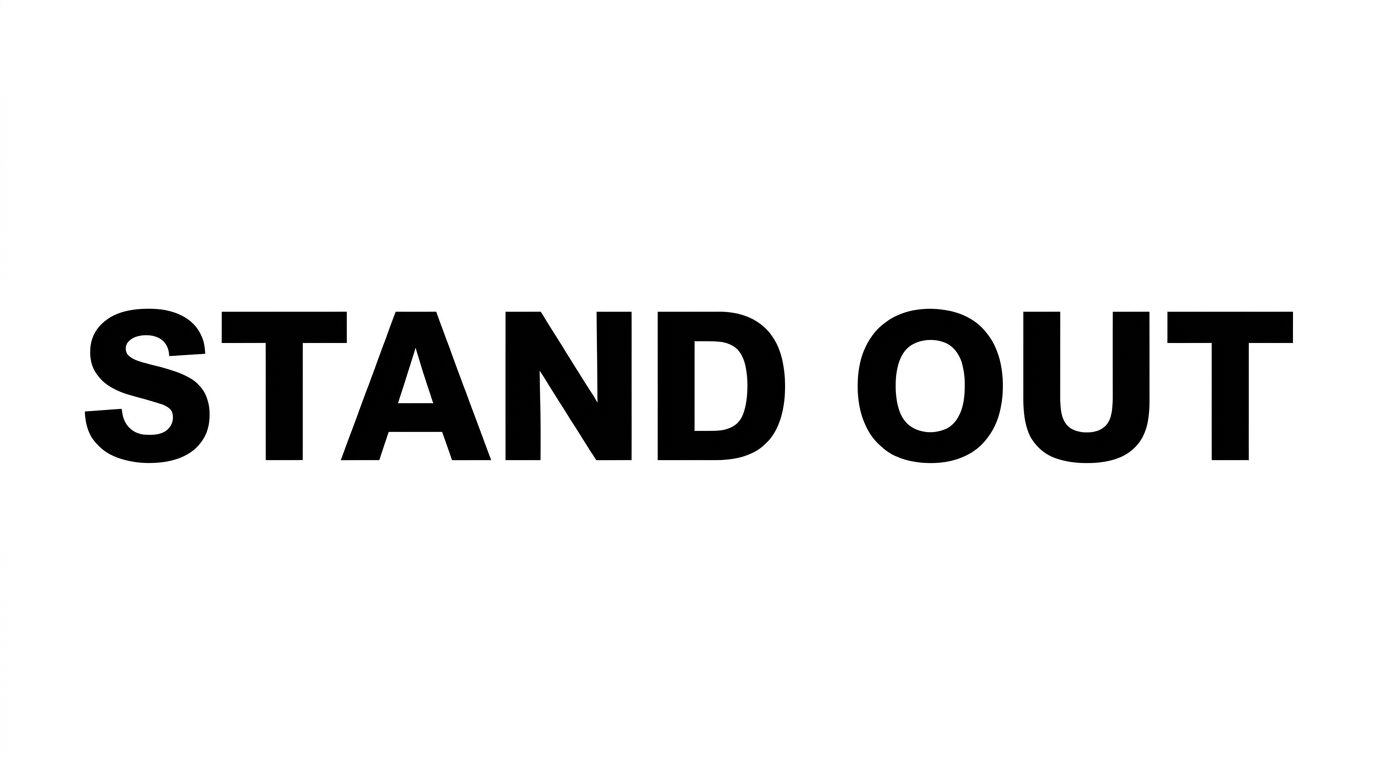
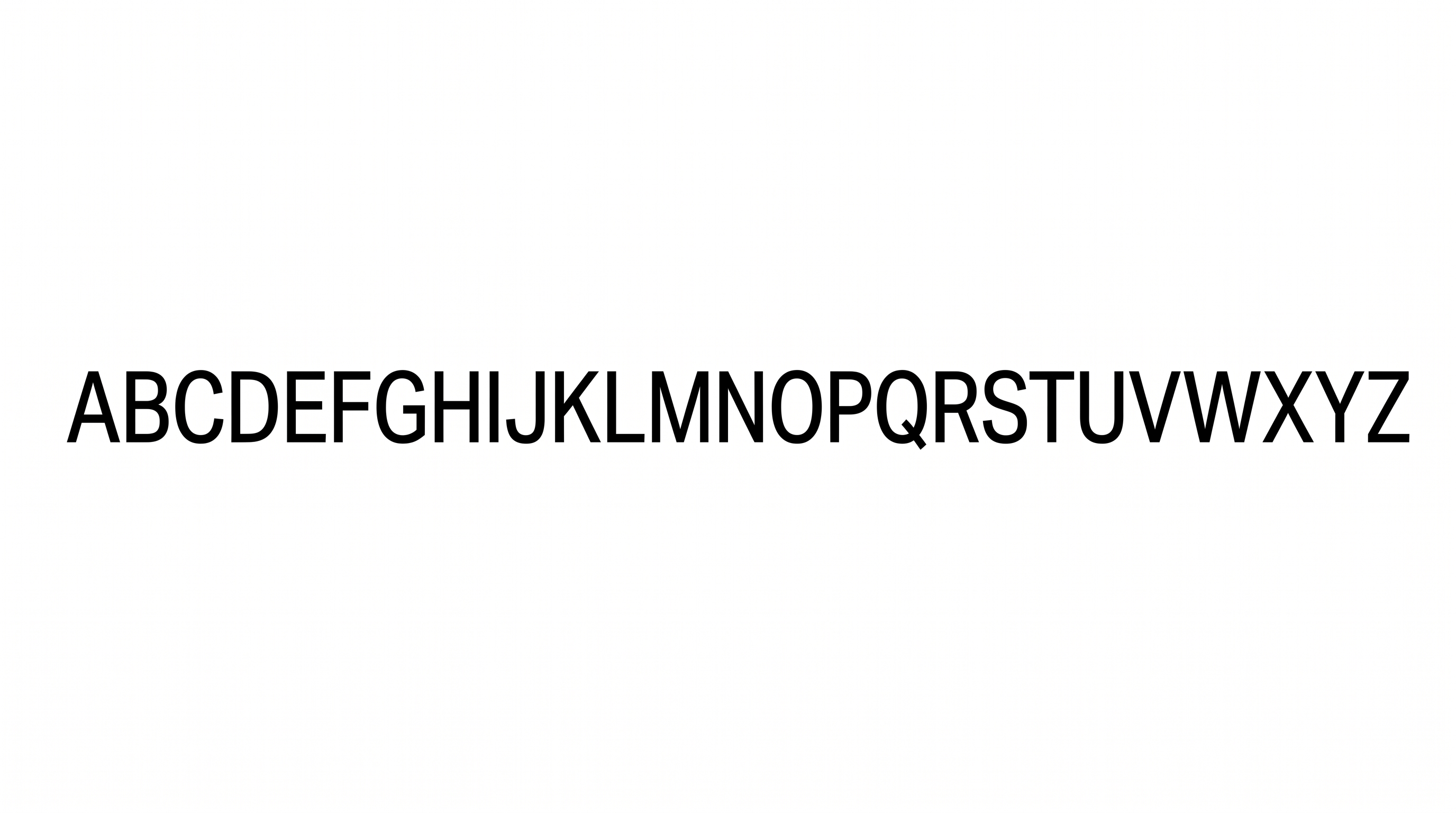
Medium-weight, upright strokes and separate letters create a clean, neutral typographic structure.

  • Stroke Weight

    Medium-weight strokes give the words a balanced, sturdy presence.

  • Stroke Contrast

    Strokes remain largely even in thickness across the visible letters.

  • Letter Connections

    Letters remain separate, with clear breaks between neighboring characters.

  • Slant

    The letters stand upright along a level baseline.

  • Letter Spacing

    Even gaps keep neighboring letters open and readable.

  • Flourishes

    Simple letterforms keep decorative detail restrained.
Frequently asked questions about Arial Medium Font Generator

The minimum membership covers personal use, while a higher membership covers commercial use. Review pricing to identify the membership that applies to your project before using the generated artwork commercially.

Download the generated PNG artwork, then upload it in Canva or insert it into a Google Docs document. For Cricut, import the PNG into a project in the Cricut app, also known as Cricut Design Space.

Enter your text, choose an available font color, background option, and image size, then generate the preview. Review the result and download the image as PNG or SVG. The output is image artwork rather than an installable font file.

Yes, transparent-background output is supported for layering the lettering over other artwork. This template also provides font color, custom background color, uploaded background image, and image-size controls. Transparency is an output option rather than a guarantee for every generated result.

The Arial Medium Font Generator suits structured scenes such as wayfinding signs, editorial covers, transit information, packaging, interfaces, and presentation graphics. Its neutral medium weight helps headings remain prominent while supporting an orderly visual hierarchy.

Place the main heading near a strong alignment edge and give it generous surrounding space. Use the clean sans-serif lettering to anchor the hierarchy, then arrange event details in smaller supporting text beneath or beside it.

Keep the area around the headline free of dense detail and choose a font color that stands apart from the background. A custom background color can also create a clear visual field for the medium-weight lettering.

Architectural photography, simple product imagery, maps, and restrained geometric compositions complement its neutral structure. Pair the lettering with images that offer clear open areas, allowing the separate characters and even spacing to remain easy to read.

Its upright forms, restrained decoration, and balanced stroke weight create a modern, orderly mood. It works especially well when a design needs visual clarity and a composed tone rather than an expressive decorative centerpiece.
READY TO CREATE?

Create Custom Arial Medium Fonts & Text Effects

Try Arial Medium Font Generator Free