Free Arial Bold Font Generator Online
Turn your words into heavy uppercase sans-serif artwork with a clean, minimal presence suited to headlines and signs.
- Templates
- 324
- Generations
- 80
- Downloads
- 277
- Rating
- 5.0
How to Use the Arial Bold Font Generator
Shape a strong uppercase message and prepare clean artwork for your chosen layout.
- 01
Write your headline
Enter a short phrase that suits the heavy uppercase lettering.
- 02
Set the visual format
Choose a font color, background and aspect ratio such as 1:1 or 16:9.
- 03
Generate and save the artwork
Review the rendered text image, then download it as a PNG or SVG.
Arial Bold Font Generator in Use: Design Examples & Showcase
See how heavy uppercase lettering creates clear hierarchy across posters, editorial covers, signs, packaging and screen layouts.
Arial Bold Font Style Profile
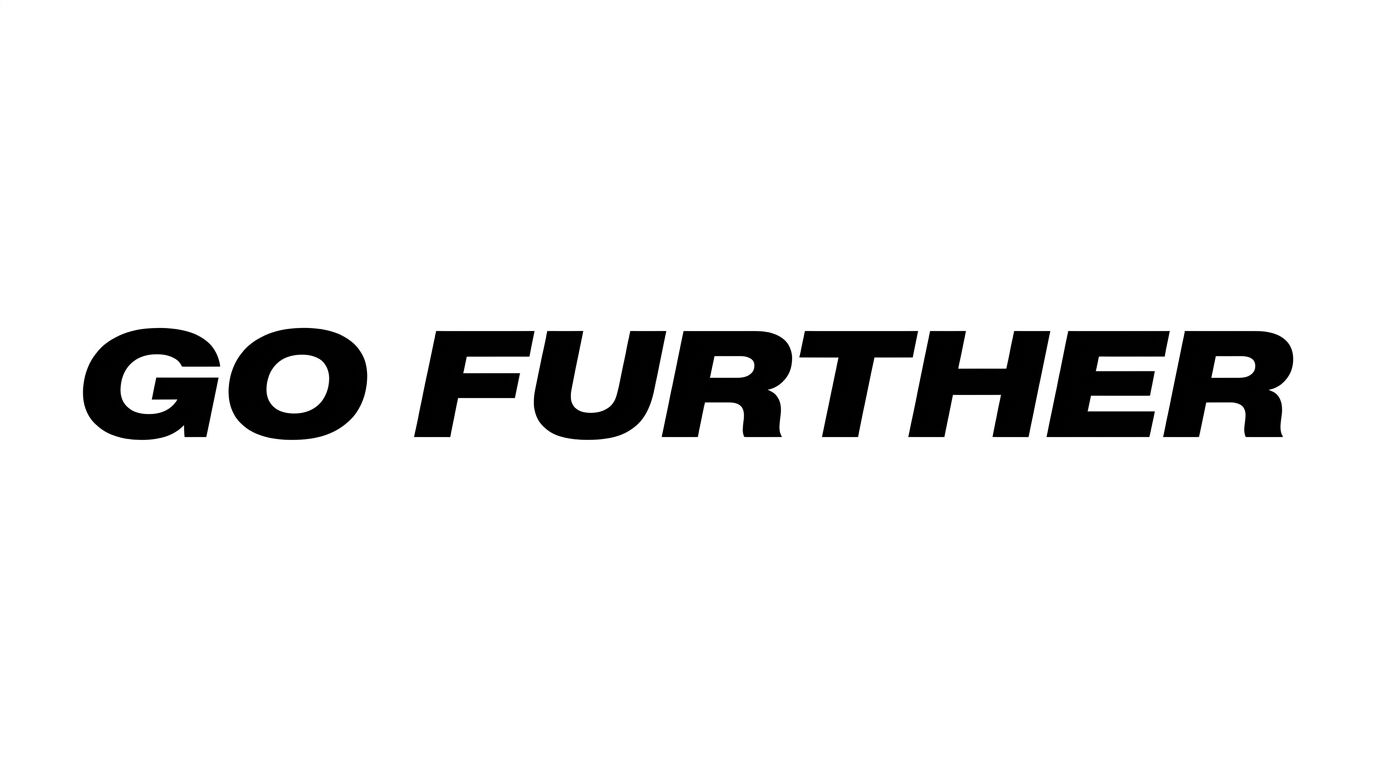
Heavy upright strokes, separate letters and solid black treatment create a direct uppercase presence.
Stroke Weight
Heavy, even-looking stroke bodies give the uppercase letters a substantial presence.
Color Treatment
Solid black fills create a uniform treatment across the visible letters.
Slant
The visible letters stand upright relative to the baseline.
Letter Connections
Letters remain separate, with clear breaks between neighboring characters.
Baseline Rhythm
The uppercase letters align along a steady, even baseline.
Flourishes
Simple letterforms keep the decoration restrained.