Get 5 Free Credits

Free Barbie Font On Canva Generator Online

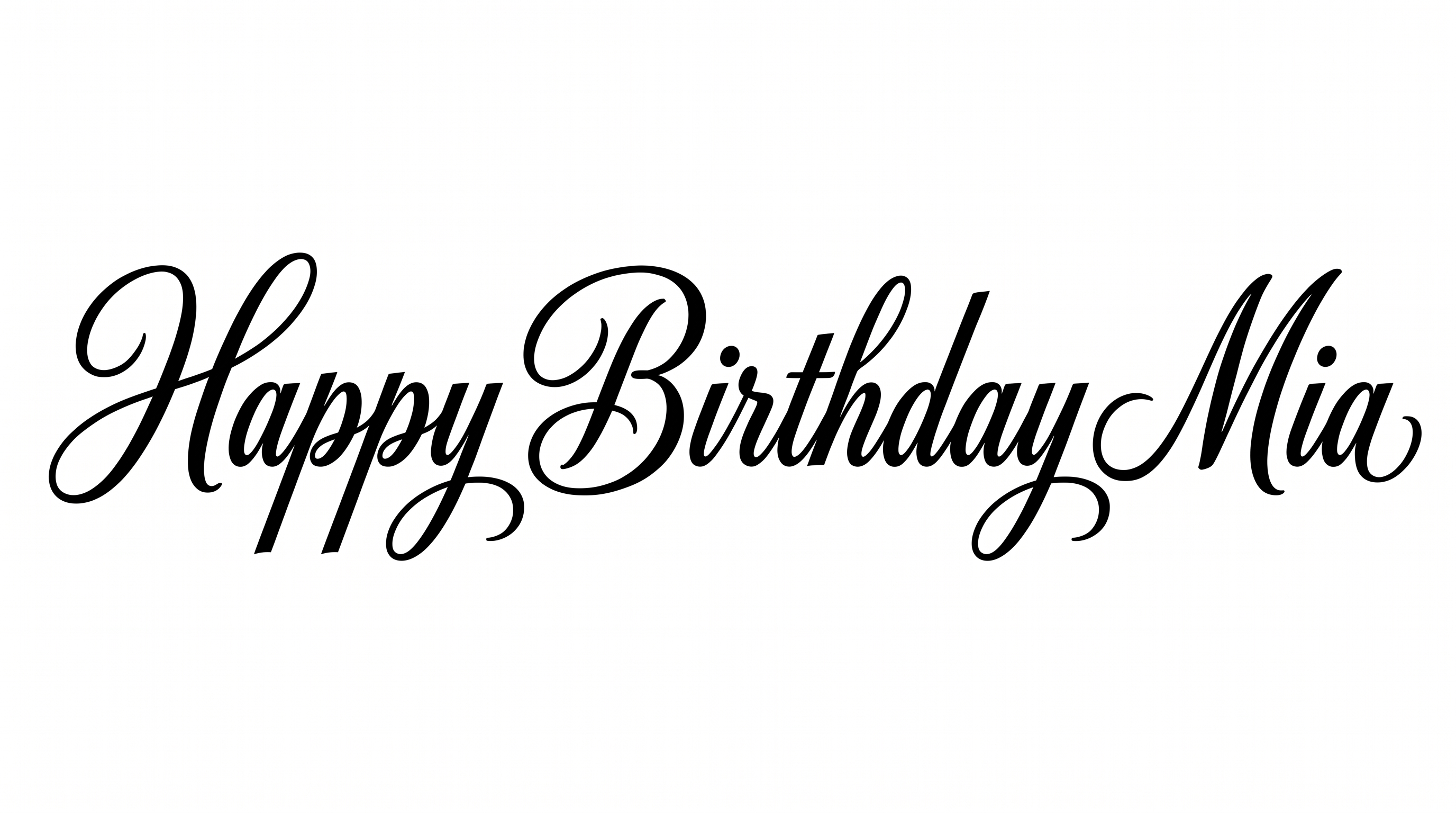
Shape words into expressive, connected black brush script with high-contrast strokes, ideal for invitations and bold event headlines.

Enter the text to generate, e.g. Fontify.ai

Font color
Background
Templates
133
Generations
80
Downloads
201
Rating
5.0

How to Use the Barbie Font On Canva Generator

Create connected brush-script artwork with colors, backgrounds, and proportions suited to your intended layout.

  1. 01

    Write your brush-script phrase

    Enter a short name, headline, or message for the connected script treatment.

  2. 02

    Set the colors and proportions

    Choose a font color, background, and image size such as 1:1 or 9:16.

  3. 03

    Generate and download the artwork

    Review the rendered lettering, then download the finished image as PNG or SVG.

Barbie Font On Canva Style Profile

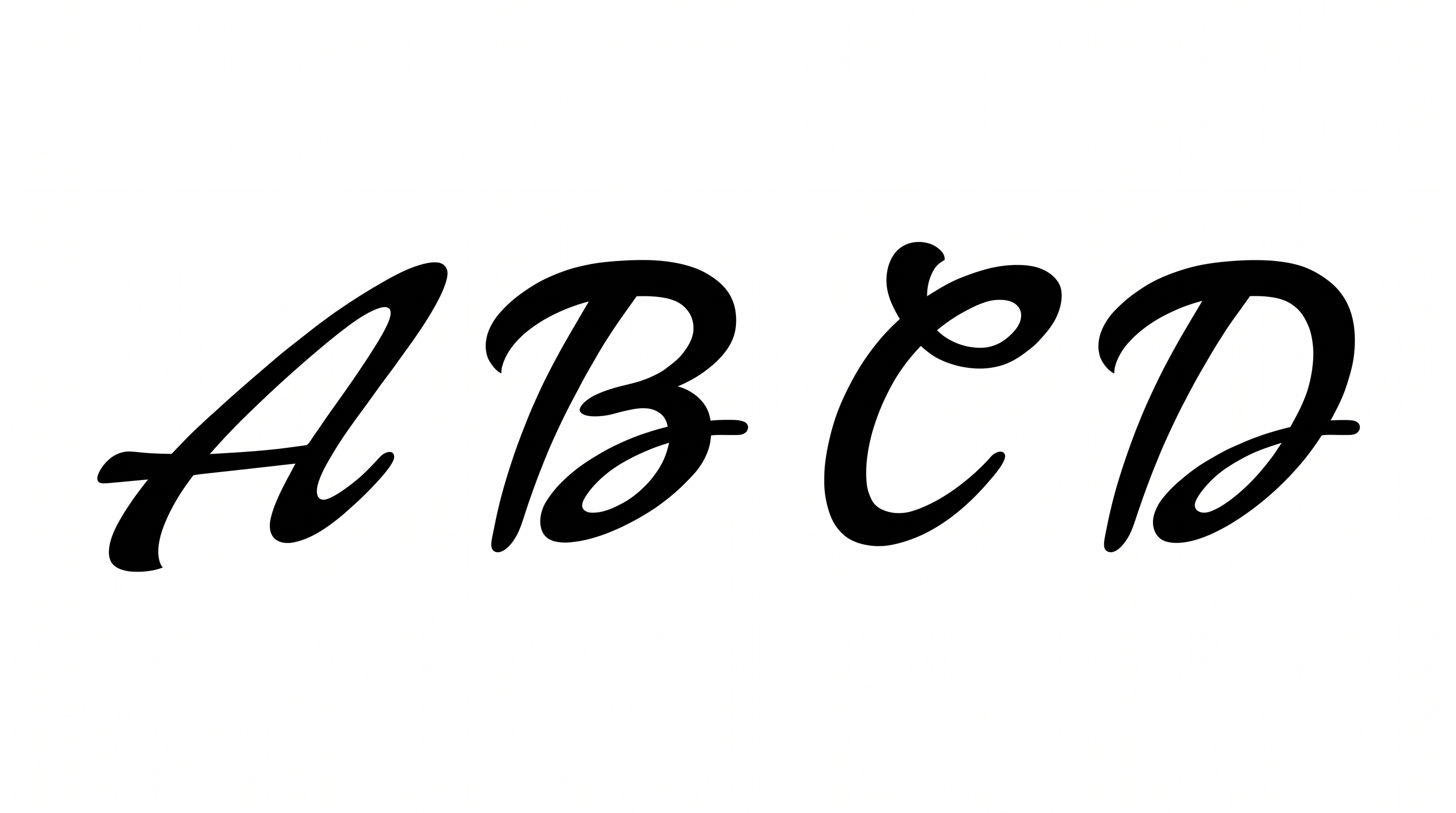
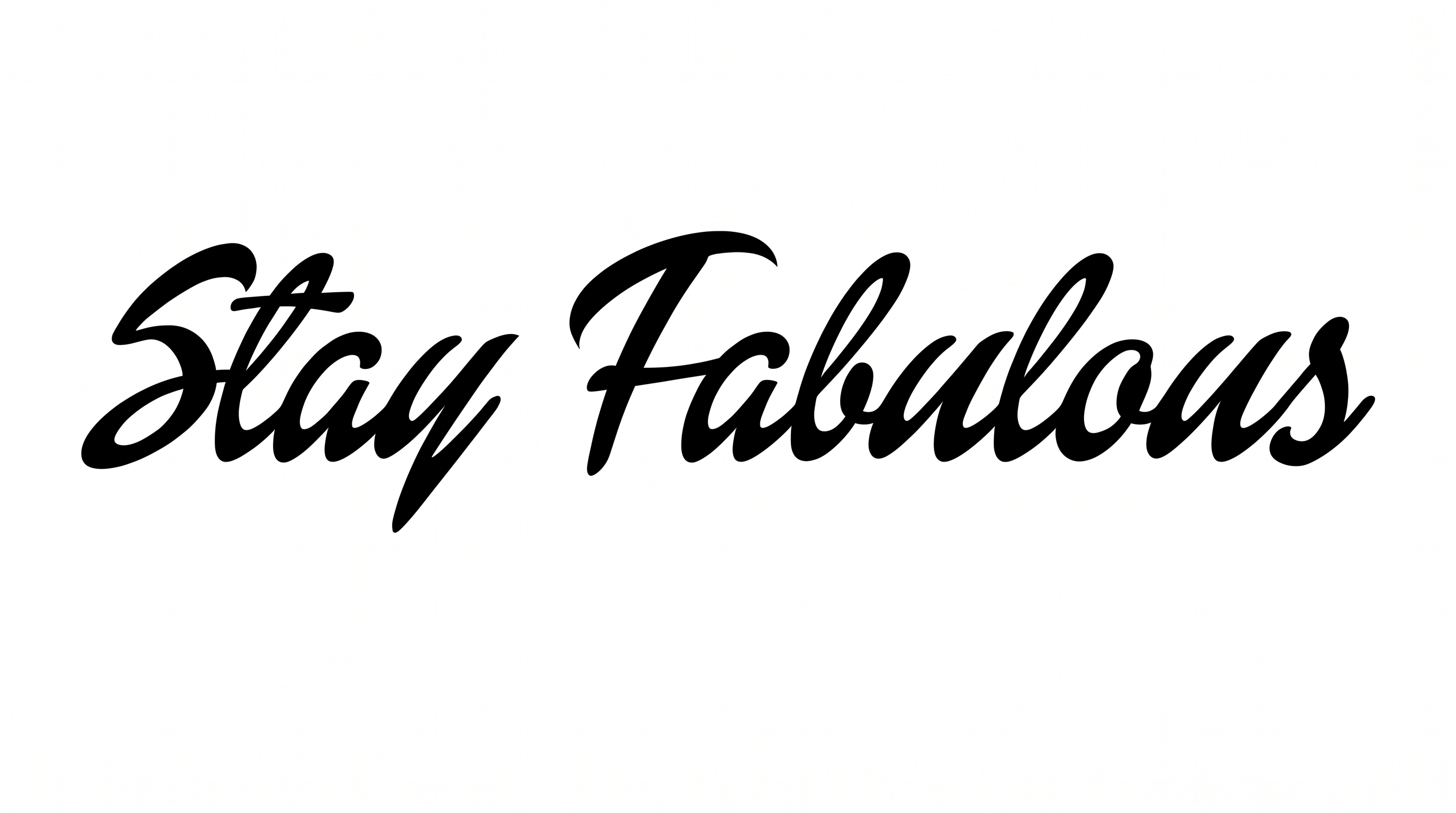
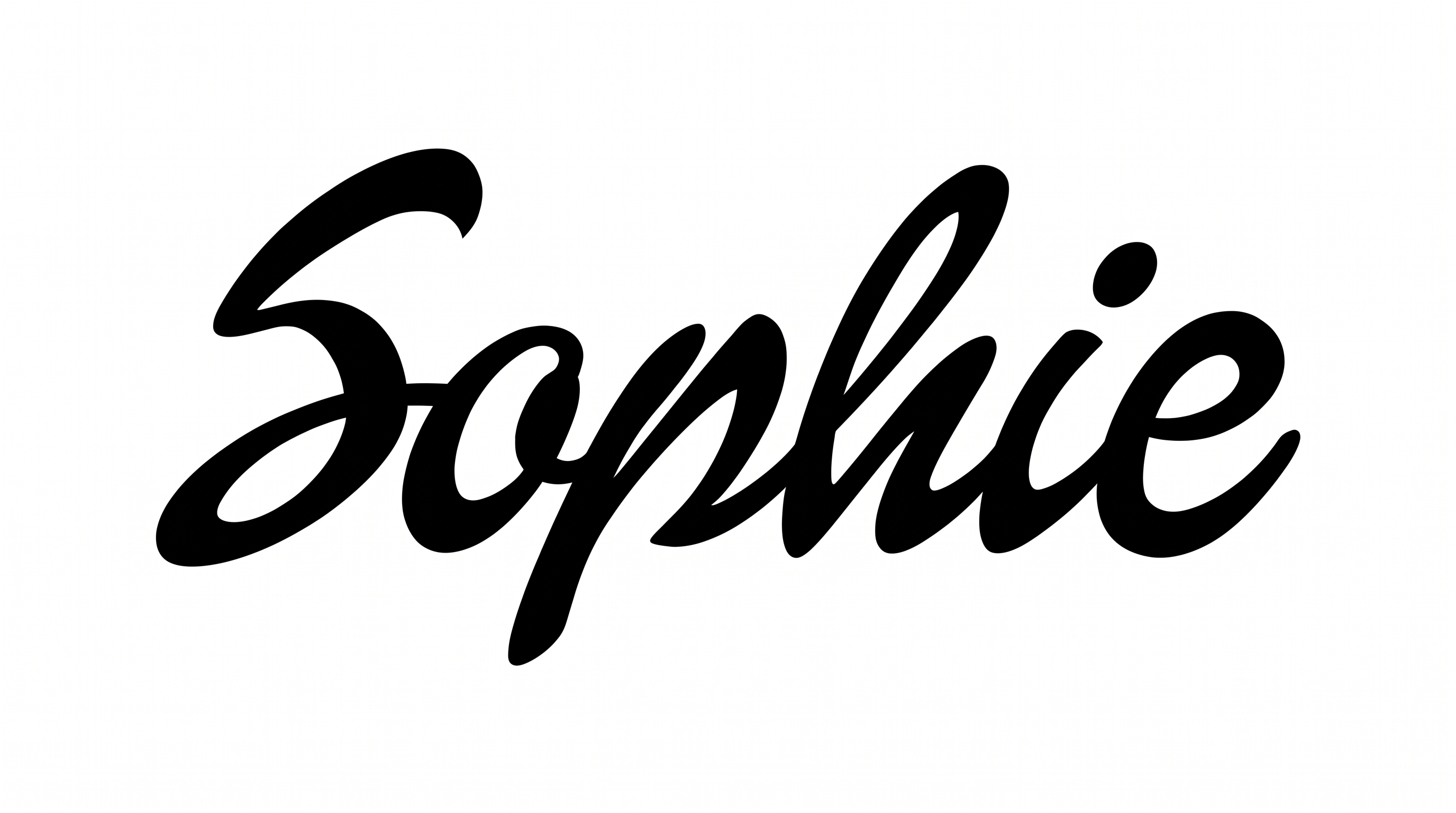
Connected, right-slanting letters combine strong stroke contrast with tapered brush endings and sweeping flourishes.

  • Letter Connections

    Continuous joining strokes link most neighboring letters into flowing words.

  • Stroke Contrast

    Bold downstrokes alternate clearly with fine connecting and rising strokes.

  • Slant

    The visible letters lean consistently to the right along the baseline.

  • Flourishes

    Long entry strokes, loops, and extended tails add sweeping decoration.

  • Stroke Endings

    Visible brush strokes finish in pointed or gently tapered tips.

  • Letter Construction

    Continuous curved strokes build the visible letters with a handwritten structure.
Frequently asked questions about Barbie Font On Canva Generator

Enter your wording, then choose an available font color, background, and image size. Generate the design and review the rendered text image. You can then download the finished artwork in PNG or SVG format.

Browse the related tools section and compare how different lettering treatments handle weight, connections, spacing, and decorative details. Choose a direction that matches your project’s mood and keeps the main wording readable.

Yes. You can use the generator and download the resulting PNG or SVG artwork for free. Minimum membership covers personal use, while higher membership covers commercial use; check pricing for the applicable membership.

Download the generated PNG artwork. Upload it in Canva and insert it into a Google Docs document. Then import it into a project in the Cricut app, also known as Cricut Design Space. The rendered words remain image artwork rather than an installed font.

Its connected brush script suits invitations, party stationery, packaging, apparel graphics, signs, social stories, and personalized name displays. Use it where a flowing headline can serve as the main visual accent.

Keep the main phrase concise and give its long entry strokes and tails enough surrounding space. Place supporting details in a separate area so the expressive script remains the clear focal point.

Use a short phrase, strong contrast, and an image size that fits the final layout. Review the artwork at its intended display size, especially for social stories, profile graphics, and compact event announcements.

The flowing strokes support playful, celebratory, and fashion-led compositions. Keep nearby space free from competing script, and pair the headline with simpler supporting text to preserve a clear hierarchy.
READY TO CREATE?

Create Custom Barbie Font On Canvas & Text Effects

Try Barbie Font On Canva Generator Free