Get 5 Free Credits

Free Barbie Logo Font Generator Online

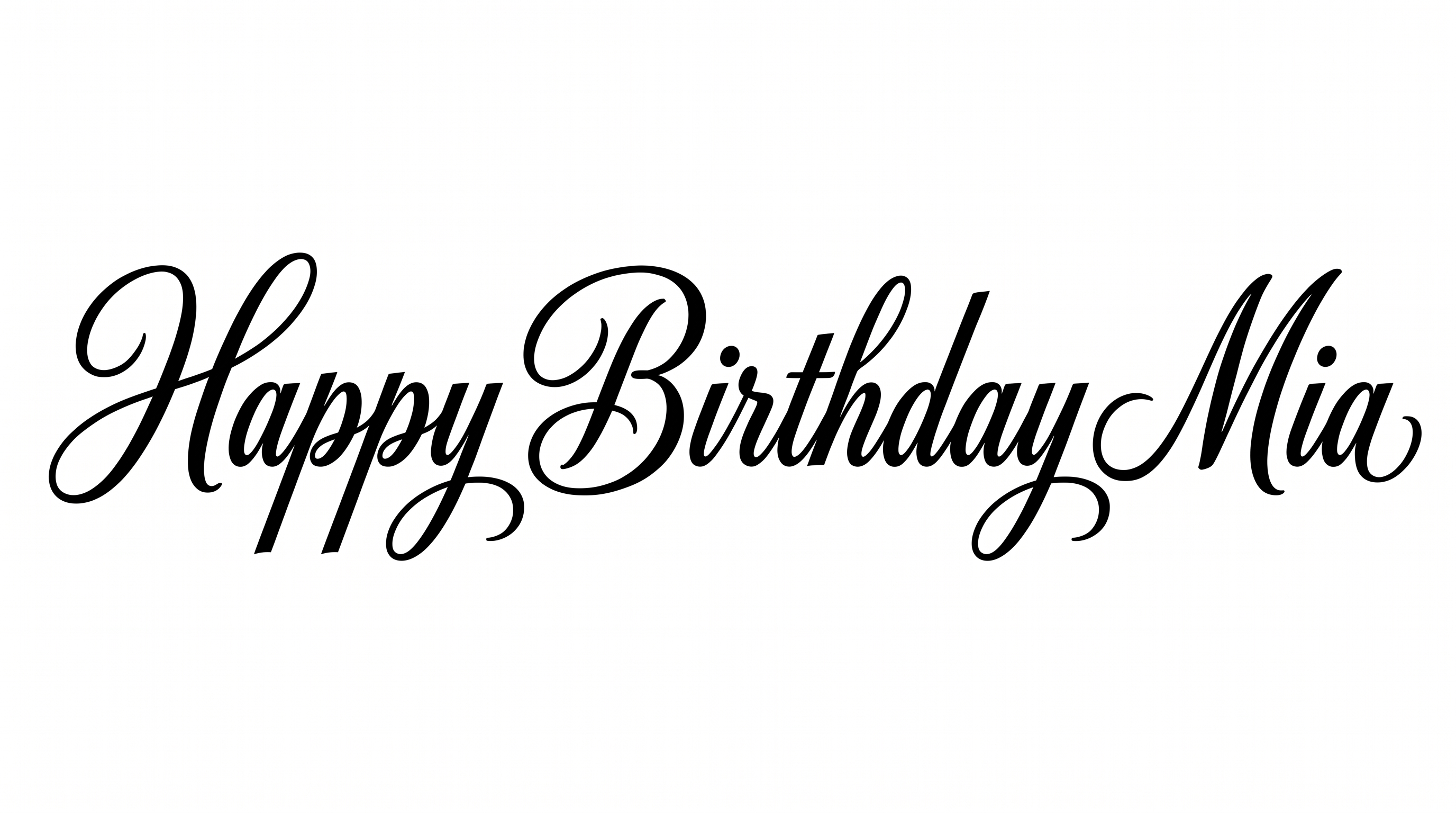
Create fluid calligraphic wordmarks with connected letters, dramatic stroke contrast, and sweeping flourishes for invitations or branding.

Enter the text to generate, e.g. Fontify.ai

Font color
Background
Templates
133
Generations
145
Downloads
220
Rating
5.0

How to Use the Barbie Logo Font Generator

Shape a name or phrase into connected calligraphic artwork suited to your chosen layout.

  1. 01

    Enter your wording

    Type a short name or phrase that suits the flowing, connected script treatment.

  2. 02

    Choose the visual settings

    Select a font color, background, and image size such as 16:9, then generate the artwork.

  3. 03

    Save the finished artwork

    Review the letter connections and flourishes, then download the result as a PNG or SVG.

Barbie Logo Font Style Profile

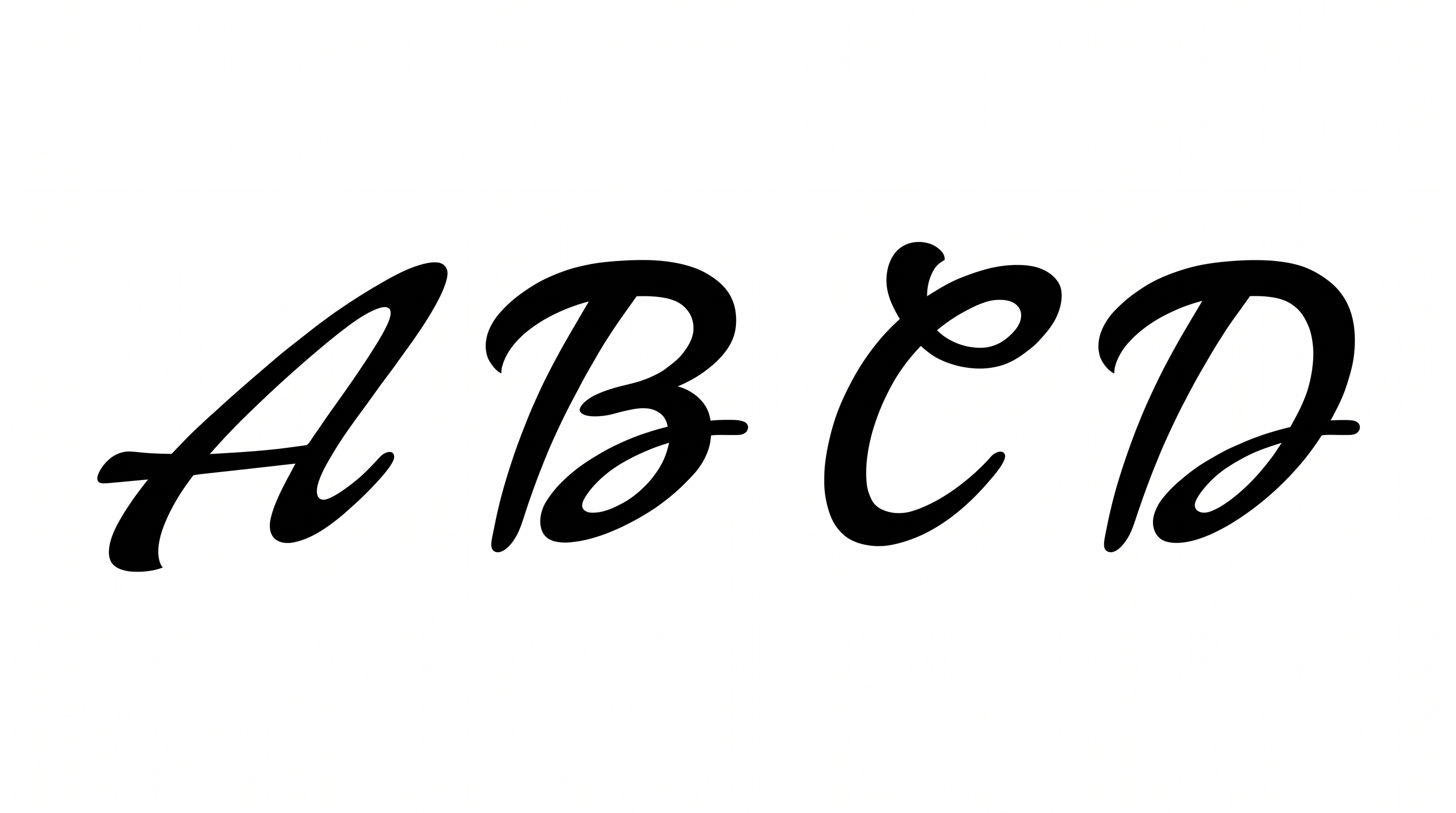
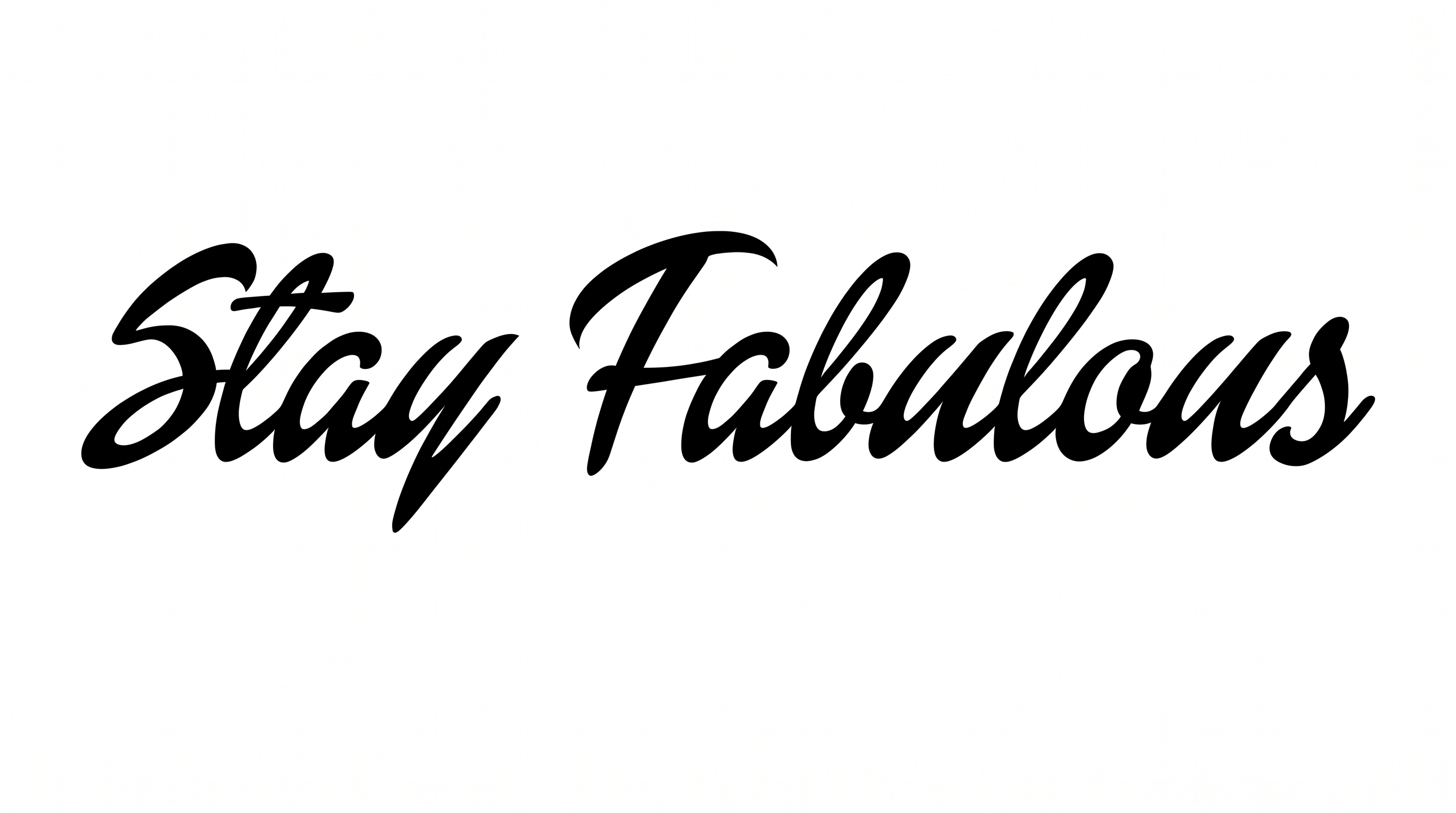
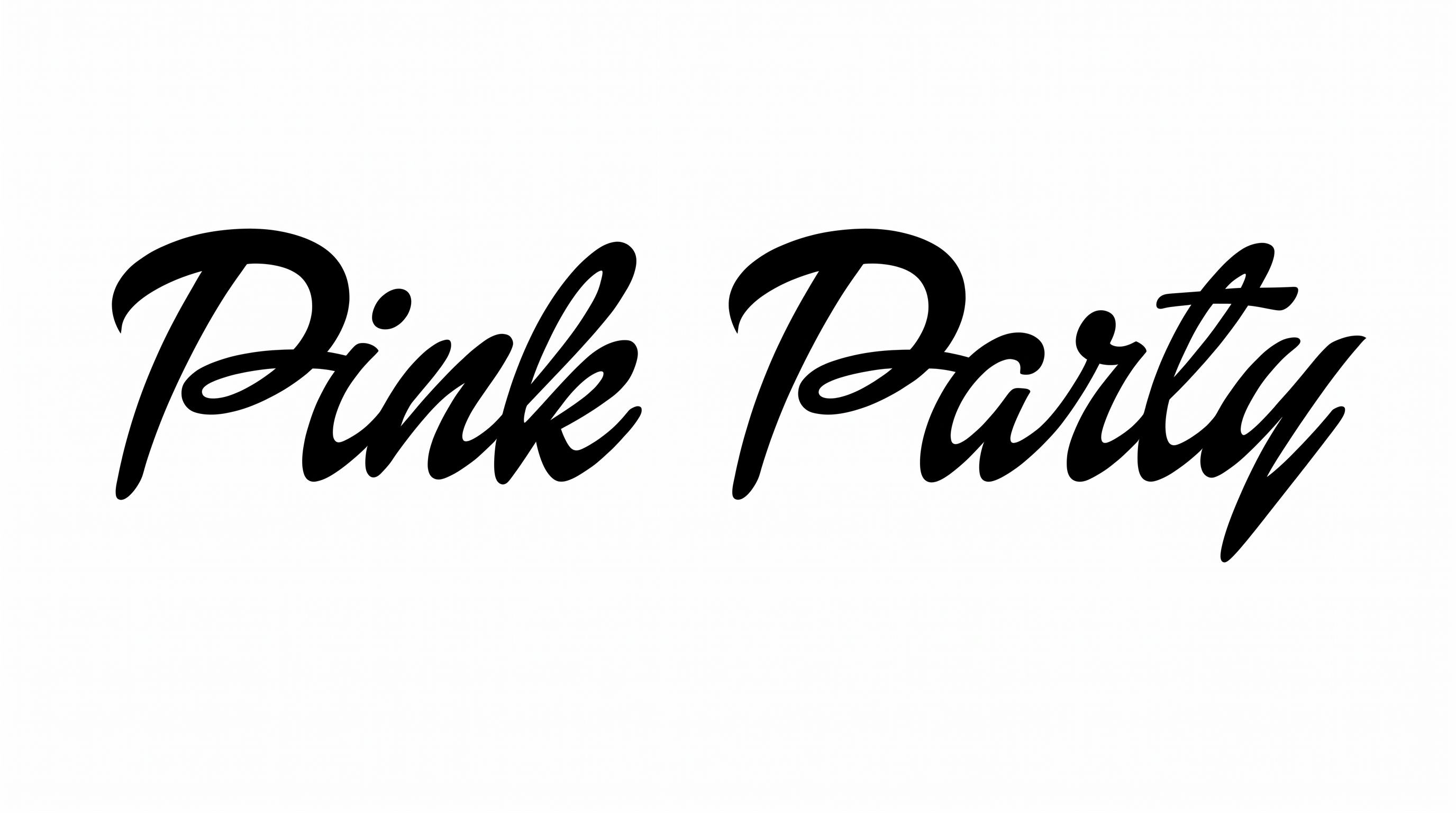
Connected forms, dramatic stroke contrast, and sweeping flourishes create a fluid calligraphic rhythm.

  • Letter Connections

    Continuous joining strokes carry most neighboring letters through each word.

  • Stroke Contrast

    Broad downstrokes alternate with fine curves and connecting strokes.

  • Flourishes

    Long entry strokes, looping descenders, and extended tails decorate the lettering.

  • Slant

    The letterforms lean consistently to the right along the baseline.

  • Stroke Endings

    Visible strokes finish in tapered tips or softly rounded brush-like ends.

  • Letter Spacing

    Letters sit closely together, with narrow gaps reinforcing the connected flow.
Frequently asked questions about Barbie Logo Font Generator

Enter your wording, choose available options such as font color, background, and image size, then generate the text artwork. Review the rendered result and download it as a PNG or SVG image. The output is artwork rather than an installable font file.

The minimum membership covers personal use, while a higher membership covers commercial use. Review pricing to choose the membership that applies to your project. The applicable usage conditions depend on that membership level.

Yes. You can use the generator and download supported image output under the available free-use offering. Commercial rights are governed separately by the membership terms, so review pricing when creating artwork for business projects.

Browse the related tools section and compare examples based on letter connections, stroke contrast, slant, and decoration. This makes it easier to choose a visual direction that fits your message without relying on a named alternative font.

Use a short name or phrase and preserve clear space around the longest flourishes. Strong contrast between the lettering and its background helps the thin connecting strokes remain visible. Review the artwork at its intended display size.

Place the main name or greeting where its sweeping entry strokes and descenders have room to extend. Keep supporting details in separate areas so the calligraphic wordmark remains the visual focus without competing with dates or locations.

Pair the connected script with simple supporting text, open space, and restrained decorative elements. A clean surrounding layout balances the high-contrast strokes and sweeping flourishes while preserving the artwork's handwritten character.

The fluid connections and sweeping flourishes suit elegant, personal, celebratory, or fashion-oriented compositions. Leave free space near extended strokes and use a clear background contrast to maintain the expressive calligraphic mood.
READY TO CREATE?

Create Custom Barbie Logo Fonts & Text Effects

Try Barbie Logo Font Generator Free