Get 5 Free Credits

Free Barbie Writing Font Generator Online

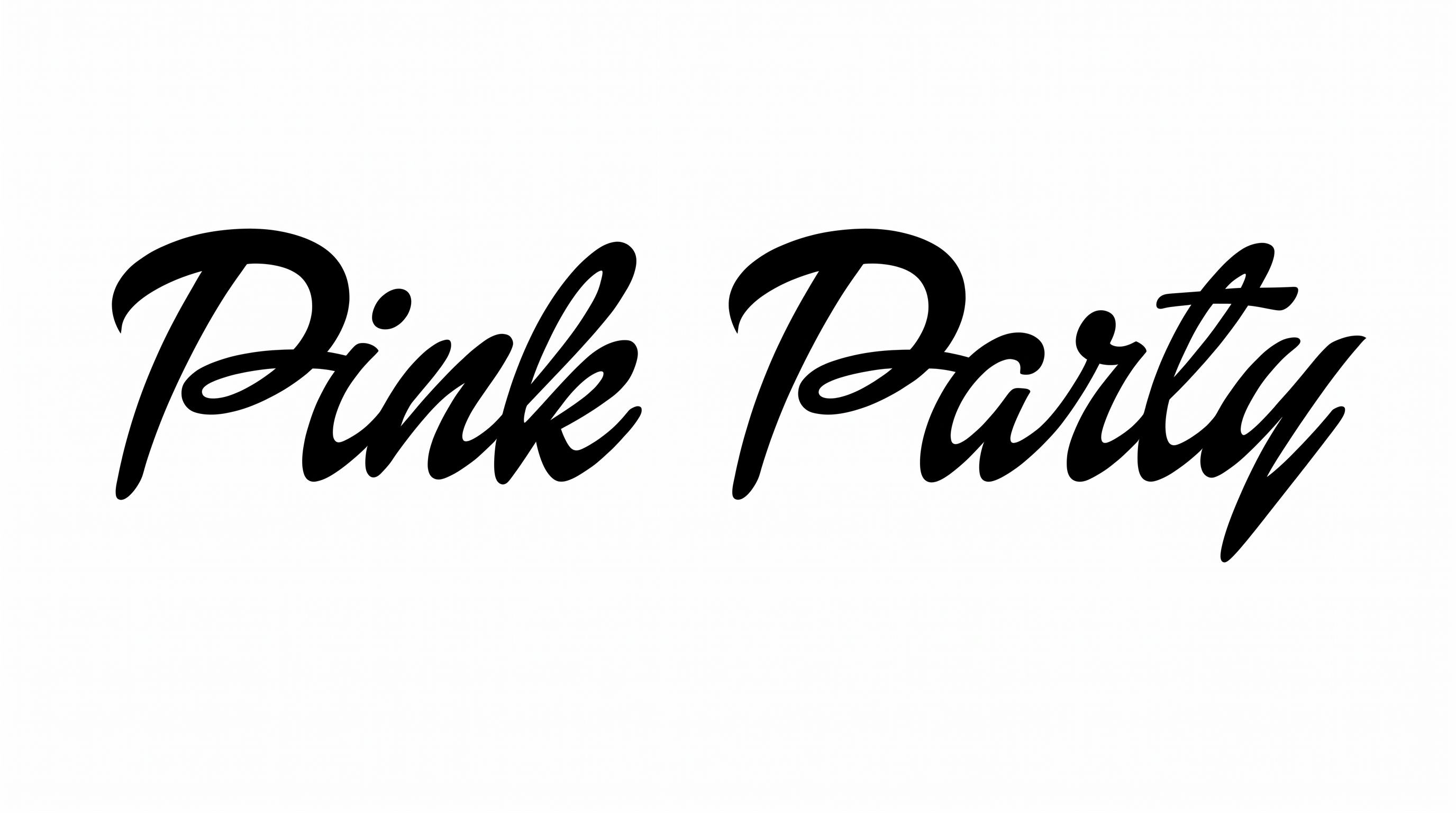
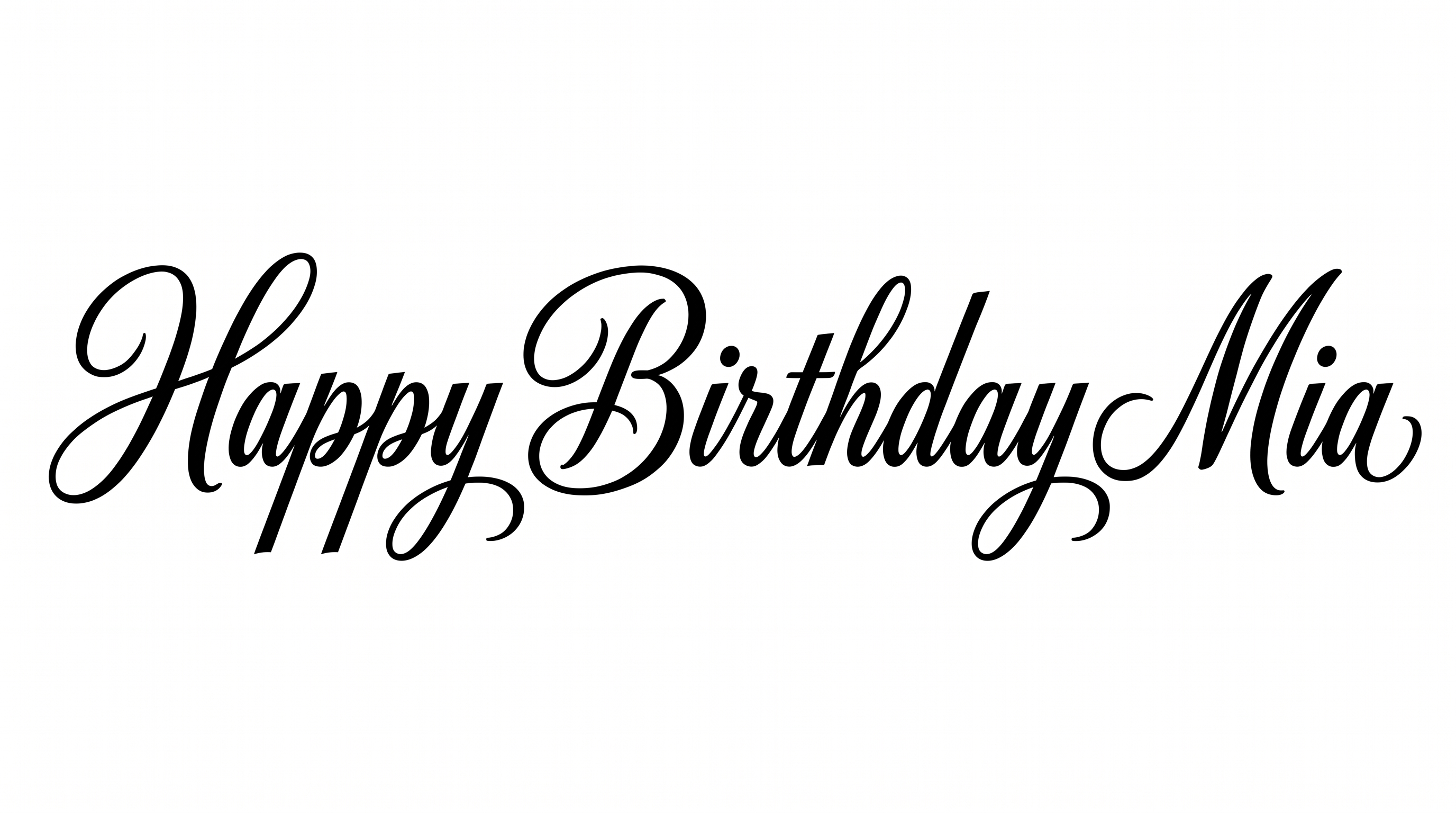
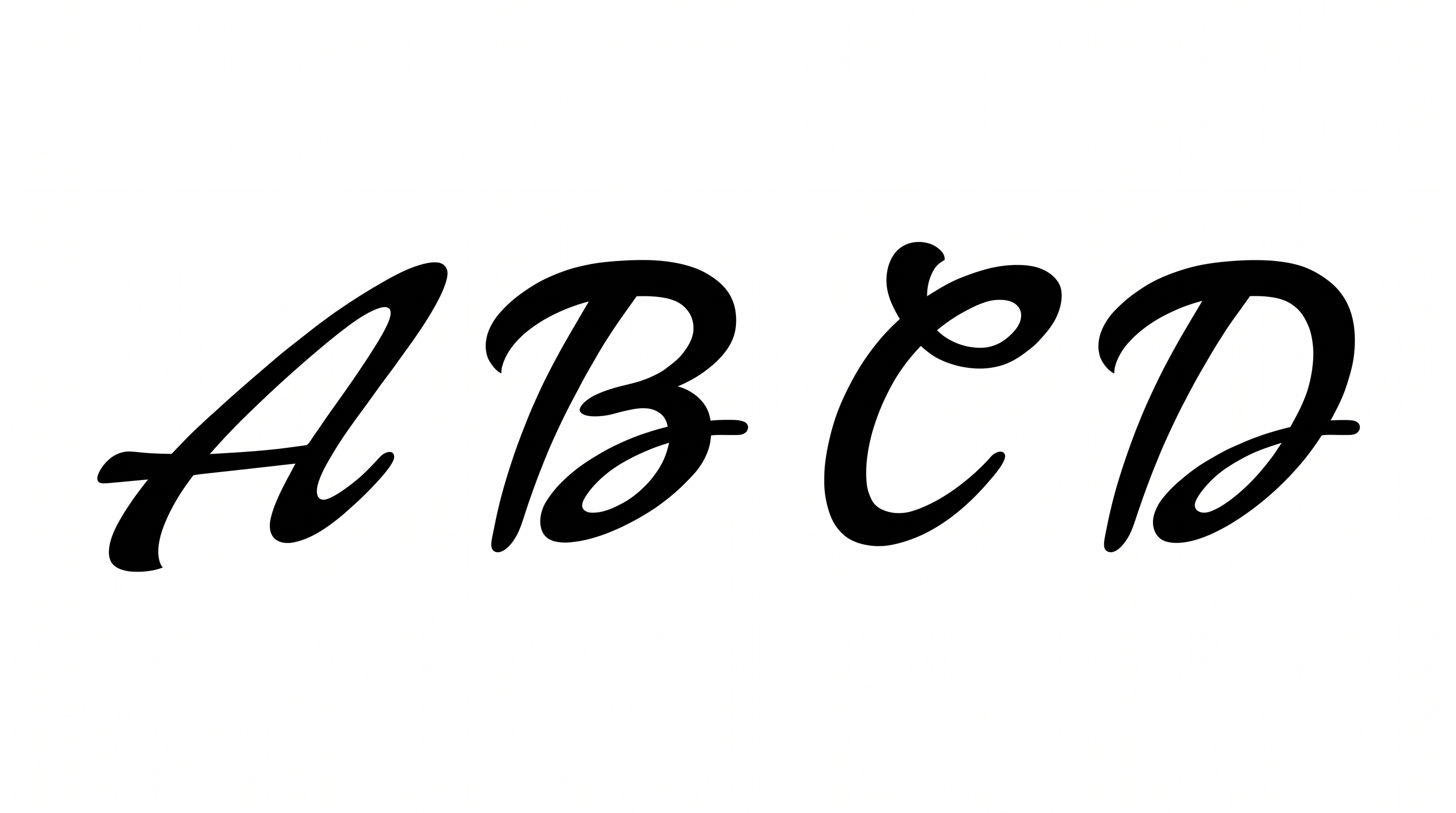
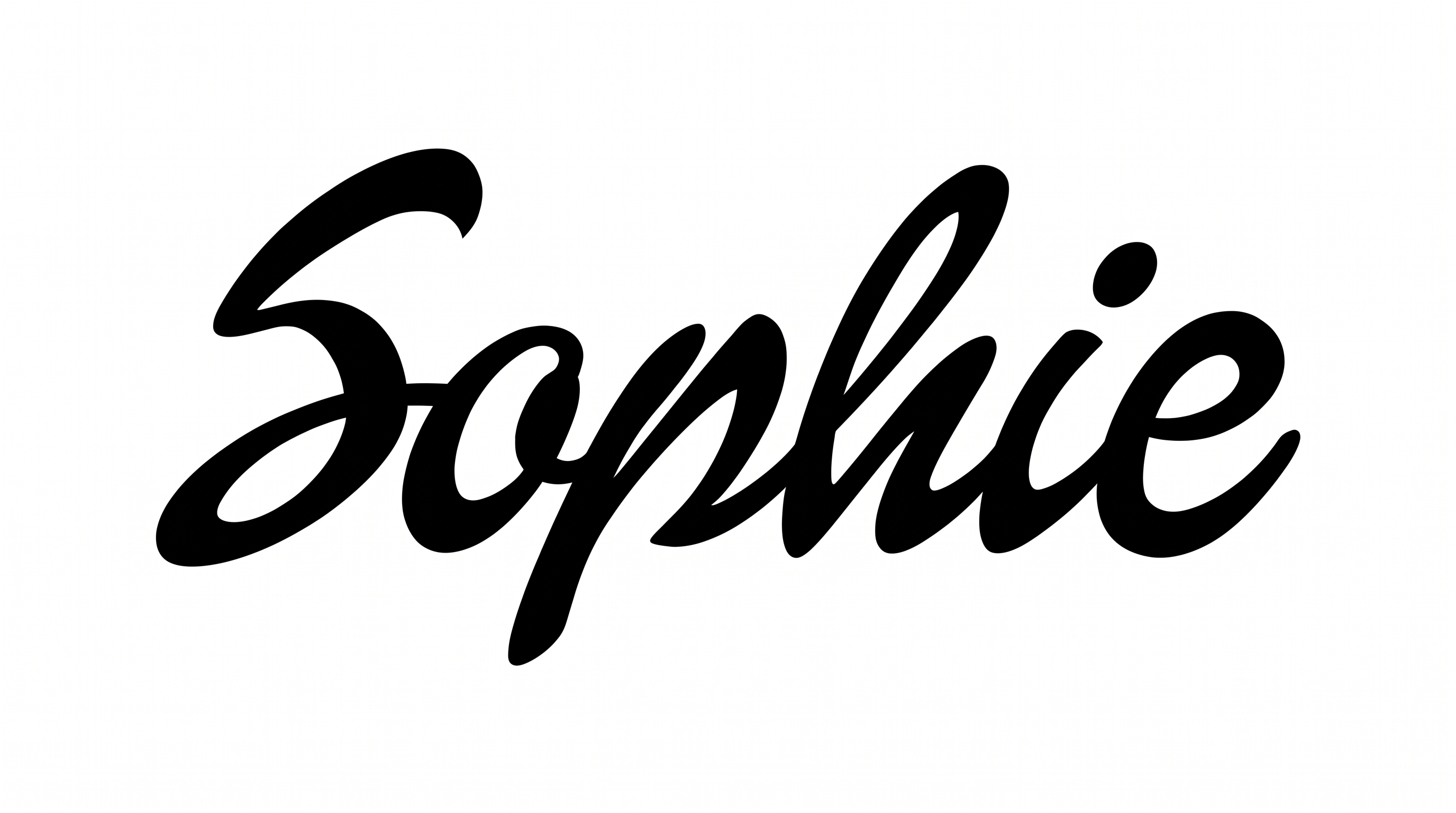
Sweeping capitals, connected brush strokes, and strong thick-to-thin contrast create a fashion-forward script for wordmarks and statement titles.

Enter the text to generate, e.g. Fontify.ai

Font color
Background
Templates
133
Generations
190
Downloads
299
Rating
5.0

How to Use the Barbie Writing Font Generator

Shape a flowing brush-script phrase for a layout, then save it as versatile image artwork.

  1. 01

    Write your phrase

    Enter a short name, heading, or message that suits the connected brush script.

  2. 02

    Set the visual layout

    Choose a font color, background, and image size such as 1:1 or 9:16.

  3. 03

    Generate and download the artwork

    Review the flowing connections, then download the finished text image as PNG or SVG.

Barbie Writing Font Style Profile

Connected, right-leaning letters combine strong stroke contrast with expressive tapered swashes.

  • Letter Connections

    Continuous joining strokes link many lowercase letters into flowing words.

  • Stroke Contrast

    Thick downstrokes alternate clearly with thin curves and connecting strokes.

  • Slant

    Most letters lean distinctly to the right along the horizontal baseline.

  • Flourishes

    Sweeping capitals and extended entry and exit strokes add expressive swashes.

  • Stroke Endings

    Visible terminals taper into sharp, brush-like points.

  • Letter Construction

    Individual letters are built from fluid, continuous brush-like strokes.
Frequently asked questions about Barbie Writing Font Generator

Explore the related tools section to compare different lettering directions and text effects. Focus on visible qualities such as connections, stroke contrast, slant, and decorative swashes. This makes it easier to choose artwork that fits your intended layout or mood.

Yes. You can try the generator free and download the resulting text artwork in PNG or SVG format. Usage rights depend on the applicable membership, so review pricing when choosing how you plan to use the finished image.

Commercial use is covered by a higher membership, while the minimum membership covers personal use. Review pricing to select the membership that applies to your project before using the generated artwork commercially.

Enter your text, then select available options such as font color, background, and image size. Generate the text image and review the result. You can then download the finished artwork in PNG or SVG format.

For an online graphic, use a short phrase and give the sweeping capitals room around their swashes. Keep nearby details simple and leave the area around the lettering free of busy elements. Check readability at the design's intended display size.

The bold brush script suits confident, fashionable, and celebratory moods. Its connected letters and sweeping capitals work especially well as a prominent title, while simpler supporting text can carry dates, details, or longer information.
READY TO CREATE?

Create Custom Barbie Writing Fonts & Text Effects

Try Barbie Writing Font Generator Free