Get 5 Free Credits

Free Barbie Letters Font Generator Online

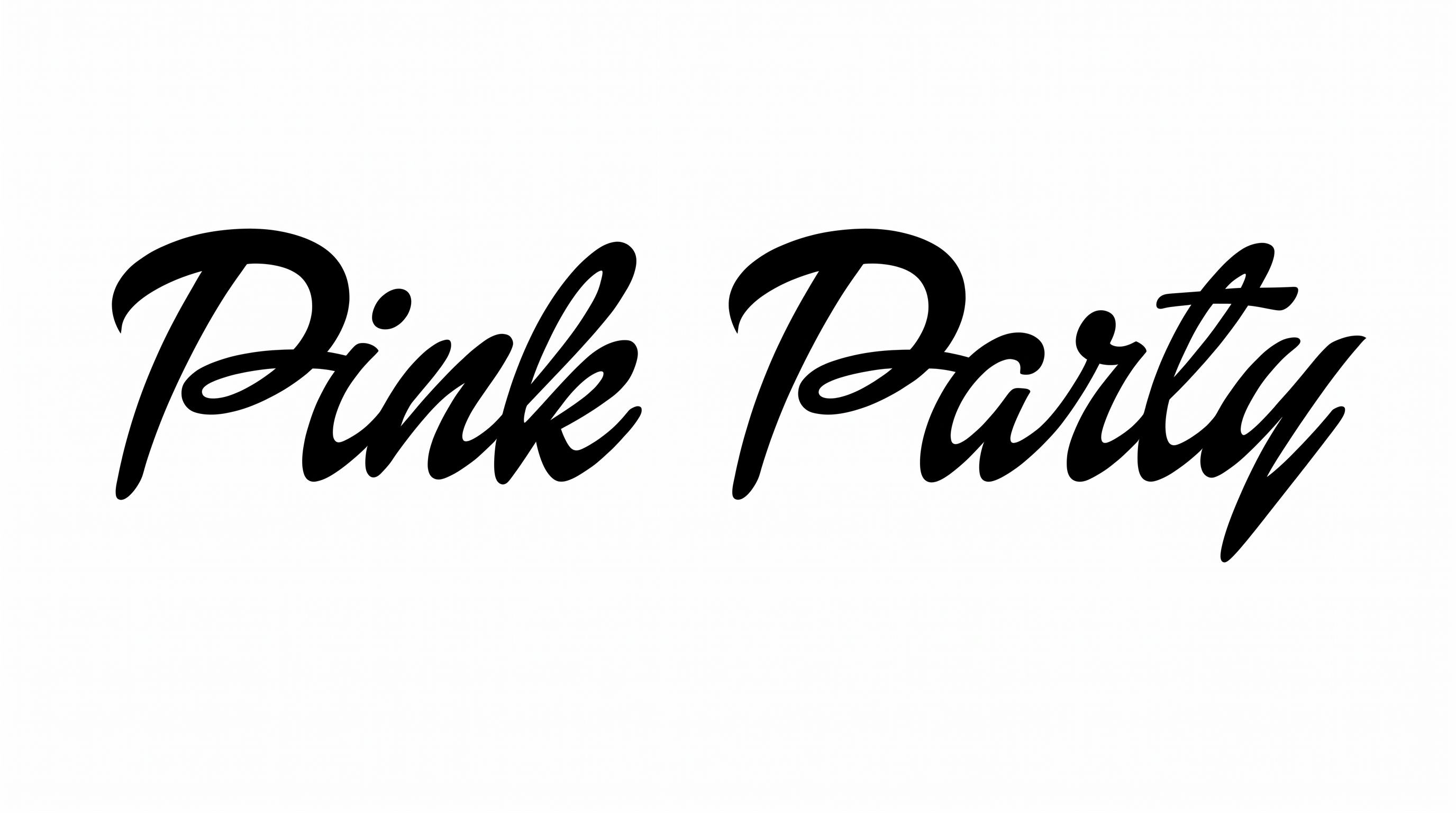
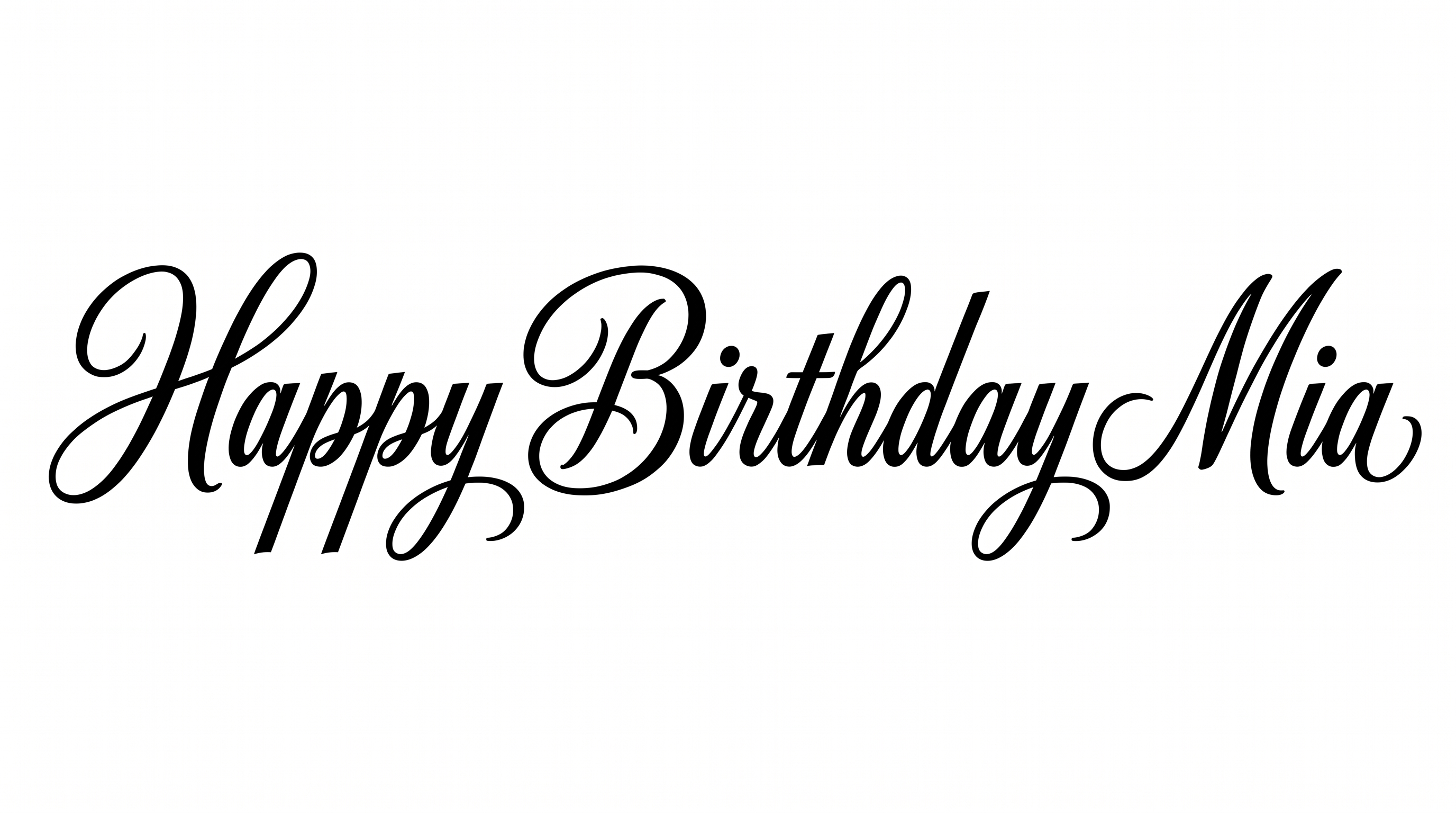
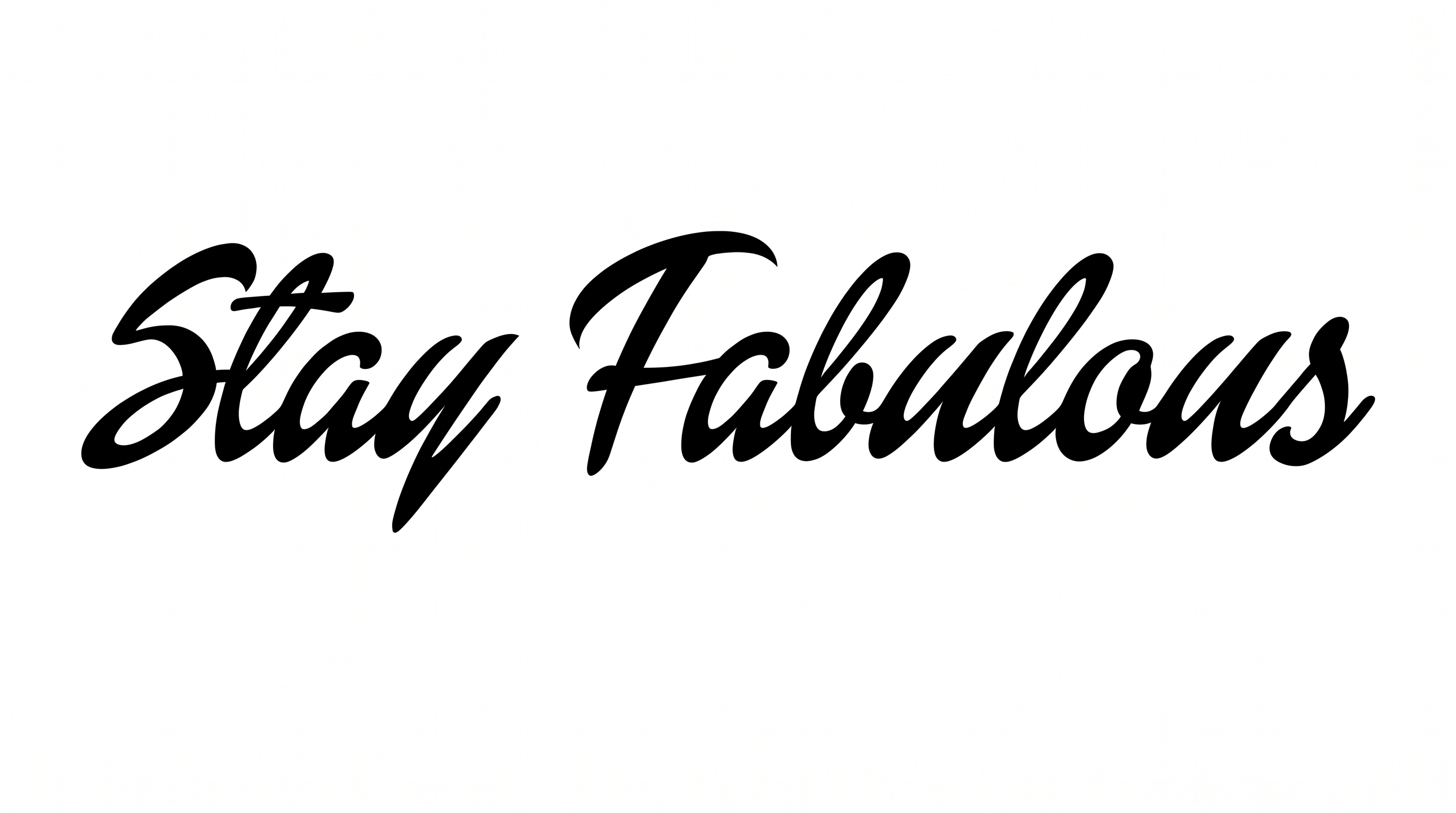
Sweeping uppercase brush-script capitals pair strong stroke contrast with elegant swashes, making them suited to invitations and statement titles.

Enter the text to generate, e.g. Fontify.ai

Font color
Background
Templates
133
Generations
171
Downloads
204
Rating
5.0

How to Use the Barbie Letters Font Generator

Shape expressive brush-script artwork through thoughtful wording, color and image-size choices.

  1. 01

    Write your brush-script title

    Enter a name or phrase that suits the sweeping, high-contrast uppercase style.

  2. 02

    Set the colors and canvas

    Choose a font color, background treatment and an image size such as 1:1 or 16:9.

  3. 03

    Generate and save the artwork

    Review the rendered lettering, then download the finished image as a PNG or SVG.

Barbie Letters Font Style Profile

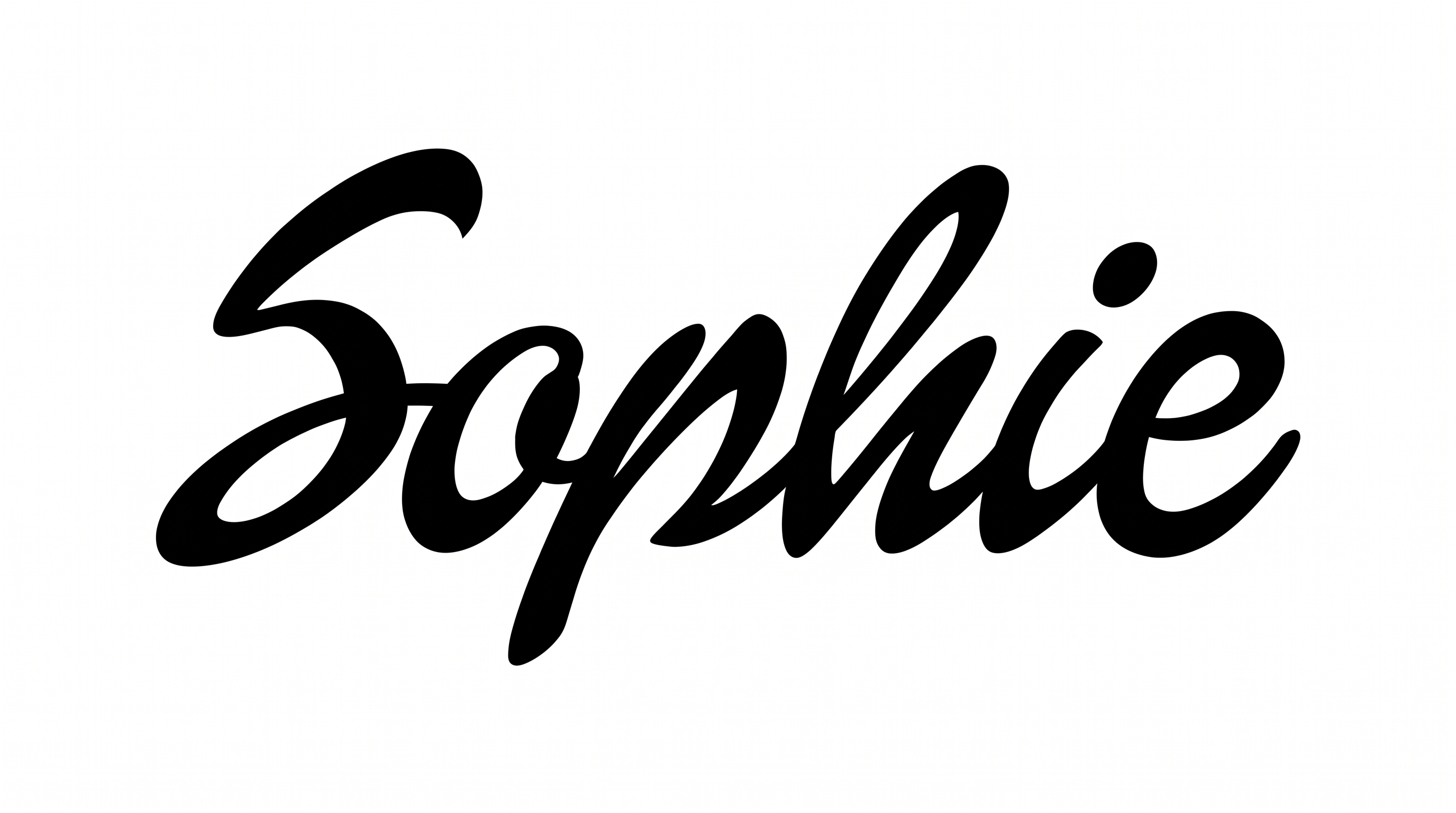
Strong stroke contrast, rightward slant and sweeping swashes define these expressive brush capitals.

  • Stroke Contrast

    Bold downstrokes alternate with fine hairline strokes across the visible capitals.

  • Flourishes

    Sweeping entry strokes and extended tails give the capitals decorative movement.

  • Slant

    The visible capitals lean to the right along a level baseline.

  • Stroke Endings

    Several strokes narrow into pointed, brush-like tips.

  • Letter Connections

    Letters remain separate, with clear breaks between neighboring characters.

  • Letter Construction

    Each capital is formed from fluid, continuous-looking brush strokes.
Frequently asked questions about Barbie Letters Font Generator

It turns your wording into image artwork featuring expressive uppercase brush-script lettering. The visible style combines sweeping capitals, strong thick-to-thin contrast and decorative swashes for prominent titles.

Browse the related tools section and compare how each lettering direction handles shape, contrast and decoration. Focus on the visual traits that best fit your intended title or design.

Transparent backgrounds are supported for layering the lettering over other artwork. This template also provides font color, custom background color, uploaded background image and image-size choices. Transparency is an output capability rather than a guarantee that every result uses it by default.

Download the Barbie Letters Font artwork as a PNG. Upload it in Canva and insert it into a Google Docs document. Import it into a project in the Cricut app, also known as Cricut Design Space. The PNG remains image artwork rather than an installed font or natively editable wording.

The Barbie Letters Font Generator works well for prominent names, invitation headings, packaging titles and online cover artwork. Its broad swashes and high stroke contrast are most effective when the lettering has room to stand out.

Keep the main phrase concise and give the extended strokes generous margins. A centered composition can emphasize the ceremonial character, while a wider layout gives the sweeping capitals more horizontal space.

Use a short phrase, preserve free space around the capitals and avoid crowding the fine strokes with nearby details. Review the finished image at its intended display size before placing it.

The Barbie Letters Font suits elegant, fashionable and celebratory layouts. Pair its expressive brush forms with restrained supporting text and a simple composition so the decorative capitals remain the primary focus.
READY TO CREATE?

Create Custom Barbie Letters Fonts & Text Effects

Try Barbie Letters Font Generator Free