Get 5 Free Credits

Free Chicano Cursive Font Generator Online

Turn names and phrases into high-contrast ornamental script with sweeping swashes, ideal for expressive wordmarks and album artwork.

Enter the text to generate, e.g. Fontify.ai

Font color
Background
Templates
426
Generations
60
Downloads
204
Rating
5.0

How to Use the Chicano Cursive Font Generator

Shape high-contrast ornamental script for wordmarks while preserving its sweeping swashes in the final image.

  1. 01

    Enter your wordmark

    Type a short name or phrase suited to the connected ornamental script.

  2. 02

    Set the composition

    Choose font color, a custom background, and an image size such as 16:9.

  3. 03

    Generate and save PNG or SVG

    Render the lettering, review its swashes, then download the PNG or SVG image.

Chicano Cursive Font Style Profile

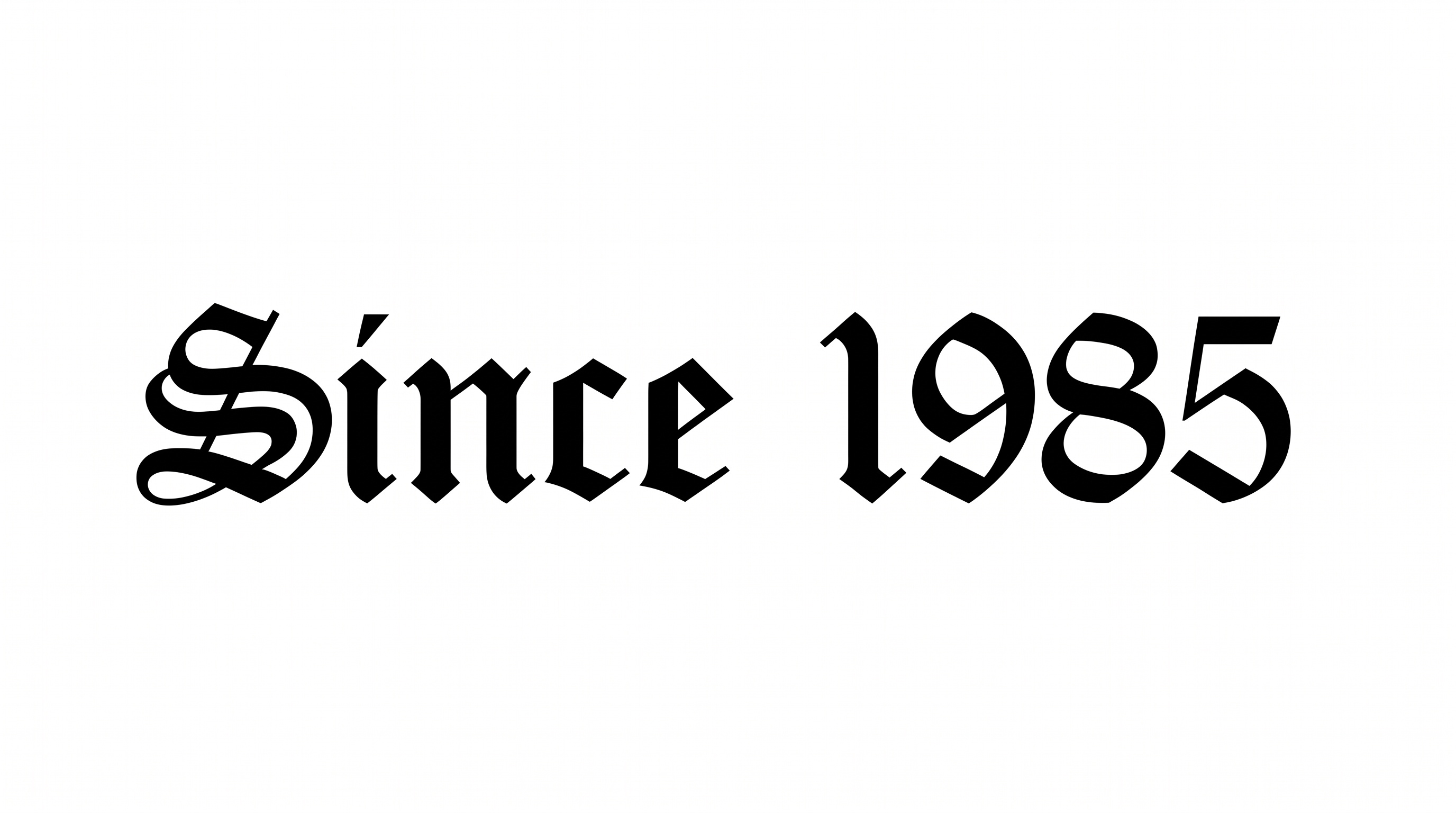
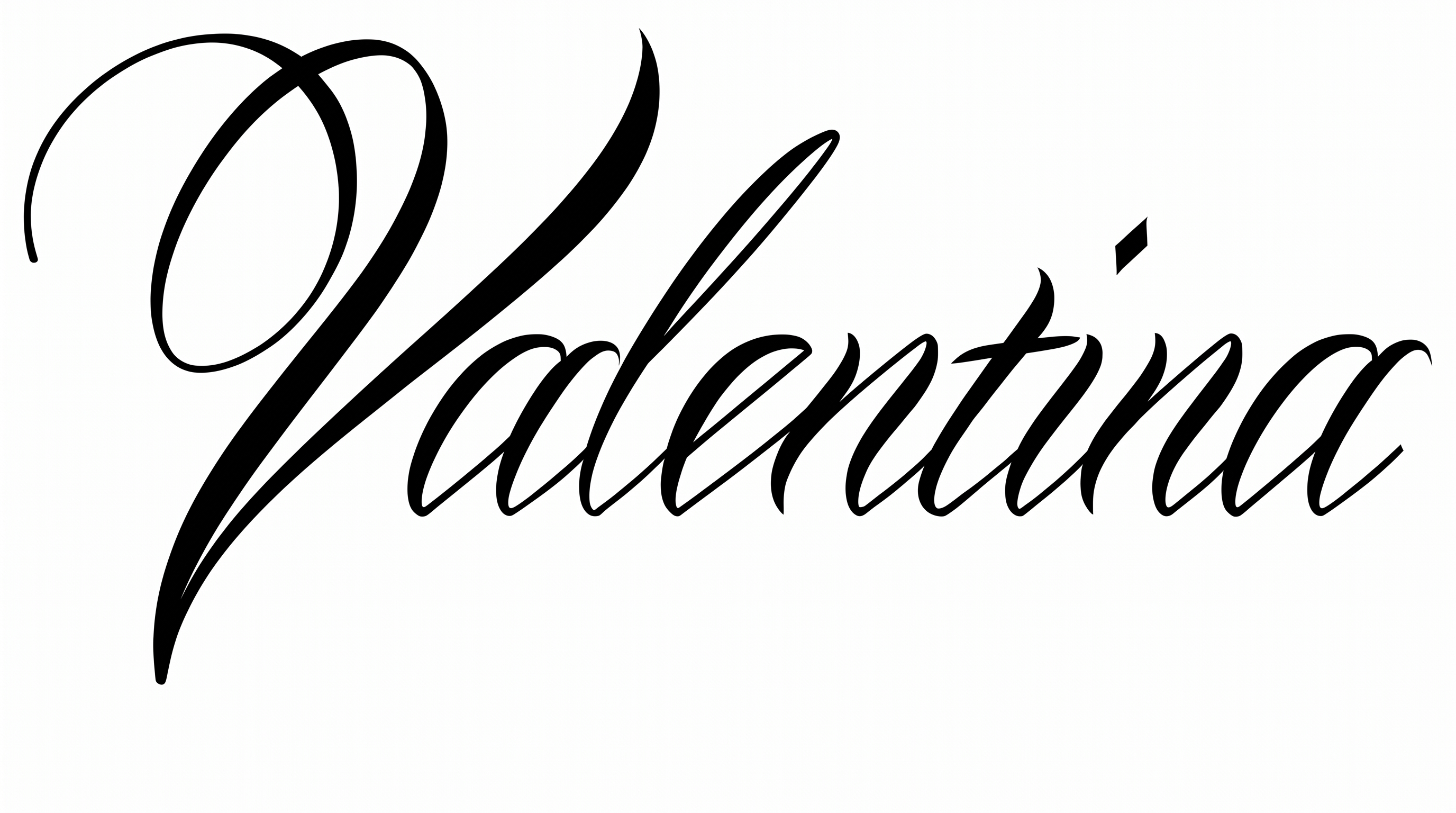
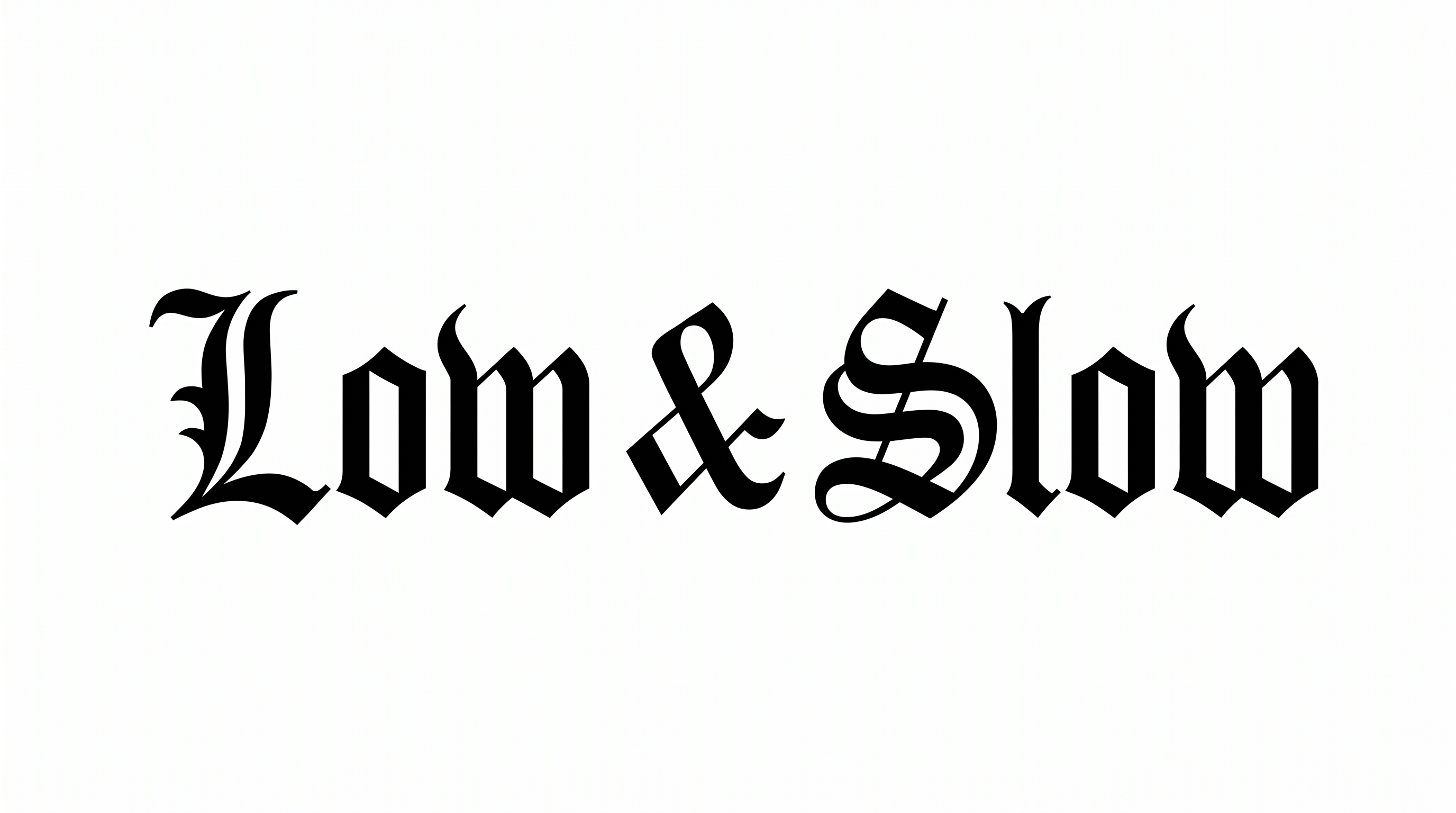
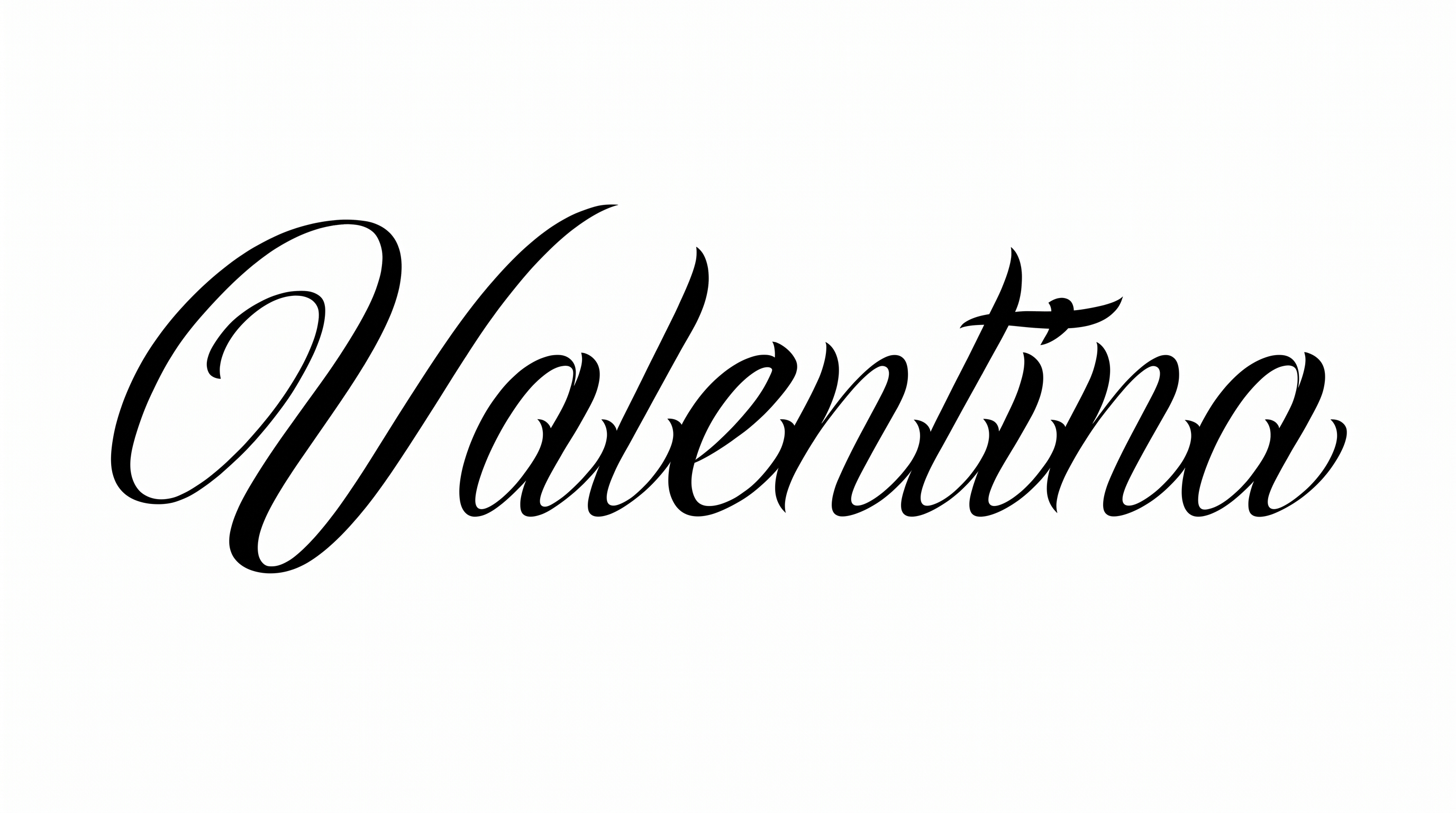
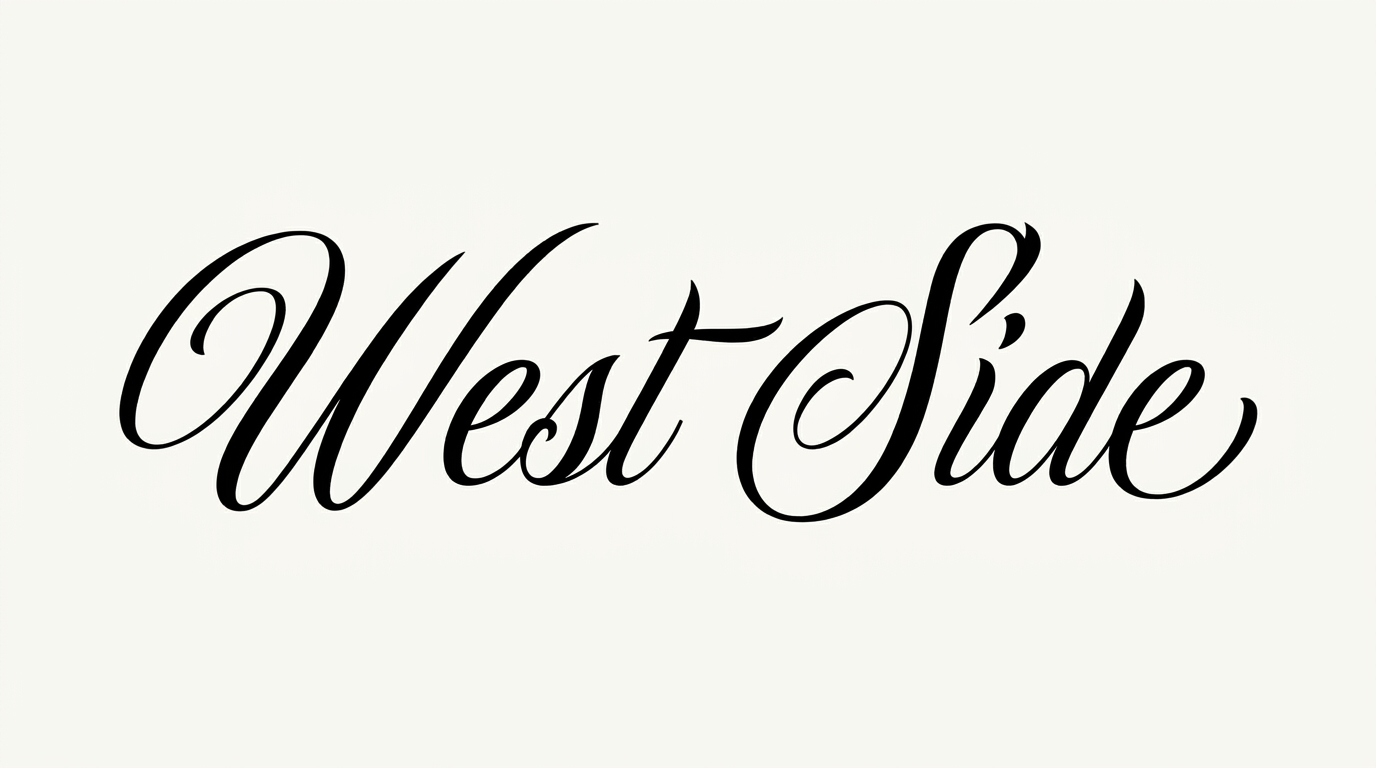
Dramatic stroke contrast, sweeping flourishes, and a forward slant define the ornamental script.

  • Stroke Contrast

    Bold downstrokes shift sharply into fine hairlines throughout the visible letters.

  • Flourishes

    Long loops and sweeping swashes extend from capitals, ascenders, and final strokes.

  • Slant

    The visible lowercase letters lean distinctly to the right along the baseline.

  • Letter Connections

    Continuous joining strokes link most neighboring lowercase letters within each word.

  • Stroke Endings

    Fine hairlines taper to sharp tips at many visible stroke endings.

  • Letter Spacing

    Letters sit closely within words while loops keep the forms visually distinct.
Frequently asked questions about Chicano Cursive Font Generator

Yes. You can try the generator and download PNG or SVG artwork through the supported free-use options. Enter your wording, generate the design, and review the rendered image before saving it for a personal project.

You can choose the font color, a custom background color or uploaded image, and the image size. Transparent backgrounds are supported for layering the lettering over other artwork. Transparency is an output option rather than a promise that every generated image starts transparent.

Download the generated artwork as a PNG. Upload it in Canva, insert it into Google Docs, or import it into a project in the Cricut app. The Cricut app is also known as Cricut Design Space. The PNG remains image artwork rather than an installed font or natively editable lettering.

Open the related tools section and compare broad visual traits rather than searching for a named match. Look at stroke contrast, letter connections, slant, and ornament, then choose a direction that fits your project's tone and available space.

Use a short word or compact phrase, preserve clear space around the flourishes, and preview the image at its final display size. Strong contrast helps the main forms stand out, while generous margins prevent long swashes from crowding nearby details.

The Chicano Cursive Font Generator works well when the script is treated as the main focal point. Use a wide aspect ratio for long names, center the core letterforms, and reserve outer margins for the extended entry and exit swashes.

For an online poster, pair the black ornamental lettering with restrained roses, linework, or a simple atmospheric image. Keep supporting text quieter and leave free space around the script so its contrast and swashes remain the visual focus.
READY TO CREATE?

Create Custom Chicano Cursive Fonts & Text Effects

Try Chicano Cursive Font Generator Free