Get 5 Free Credits

Free Chicano Cursive Tattoo Font Generator Online

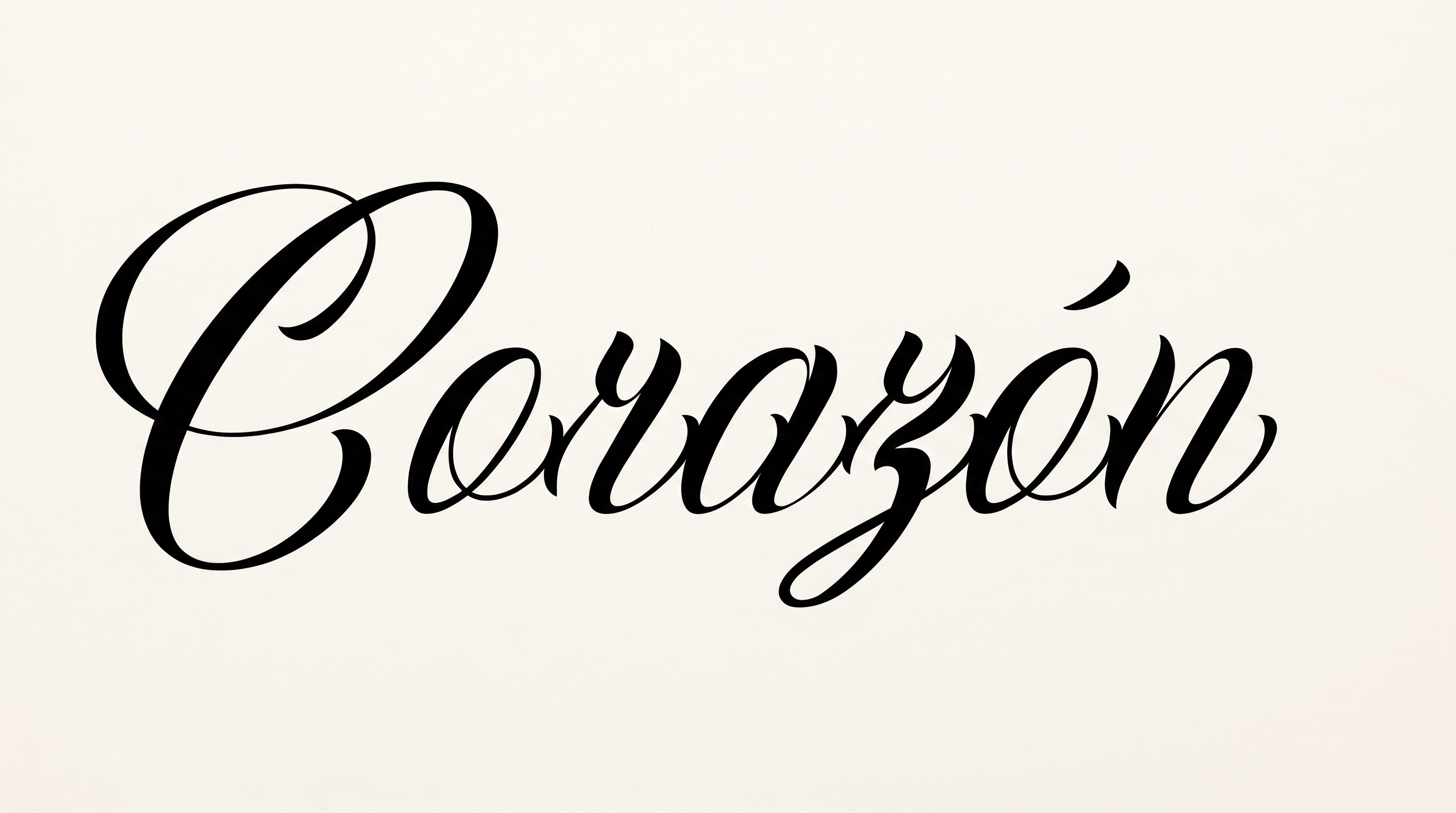
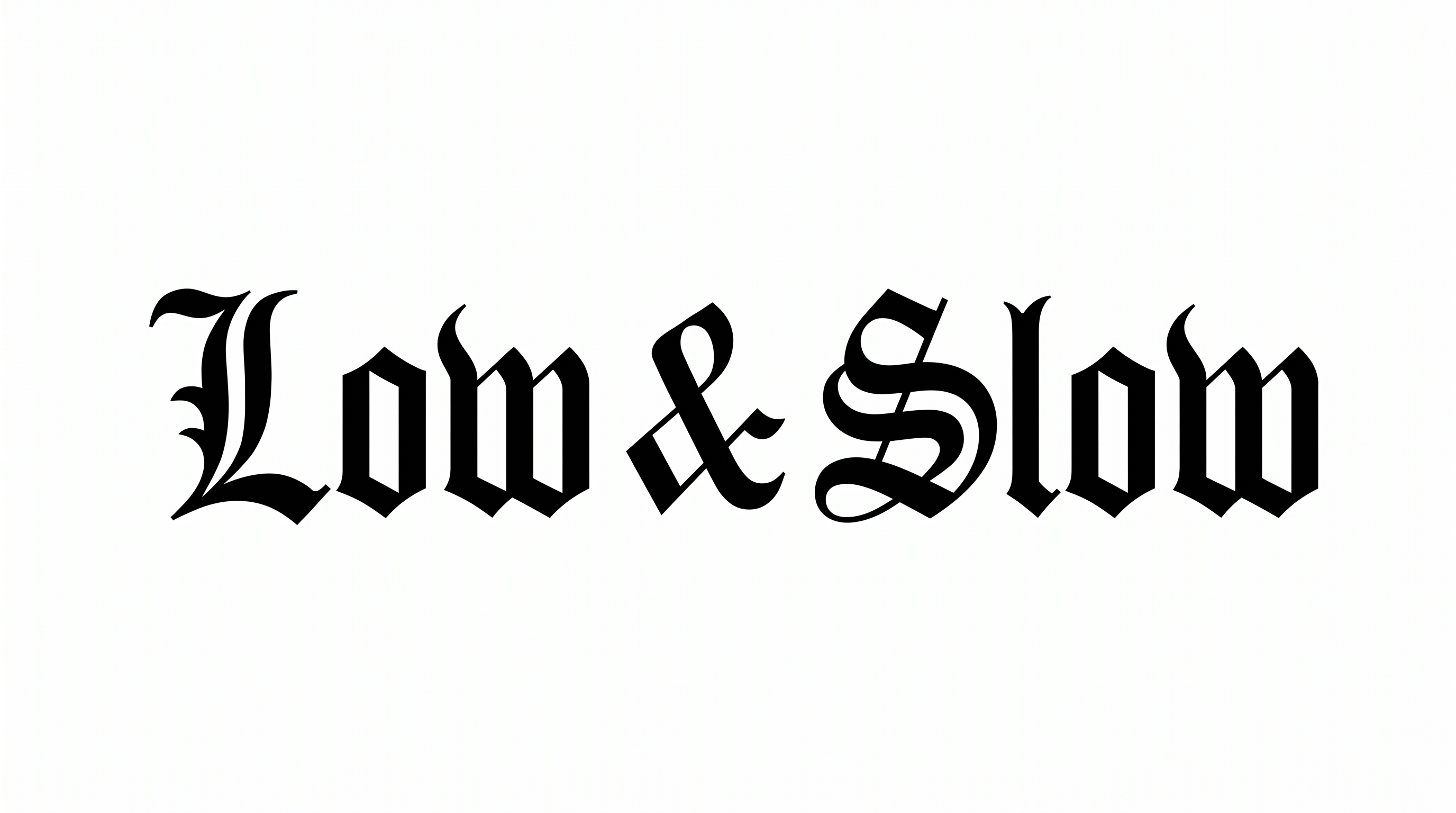
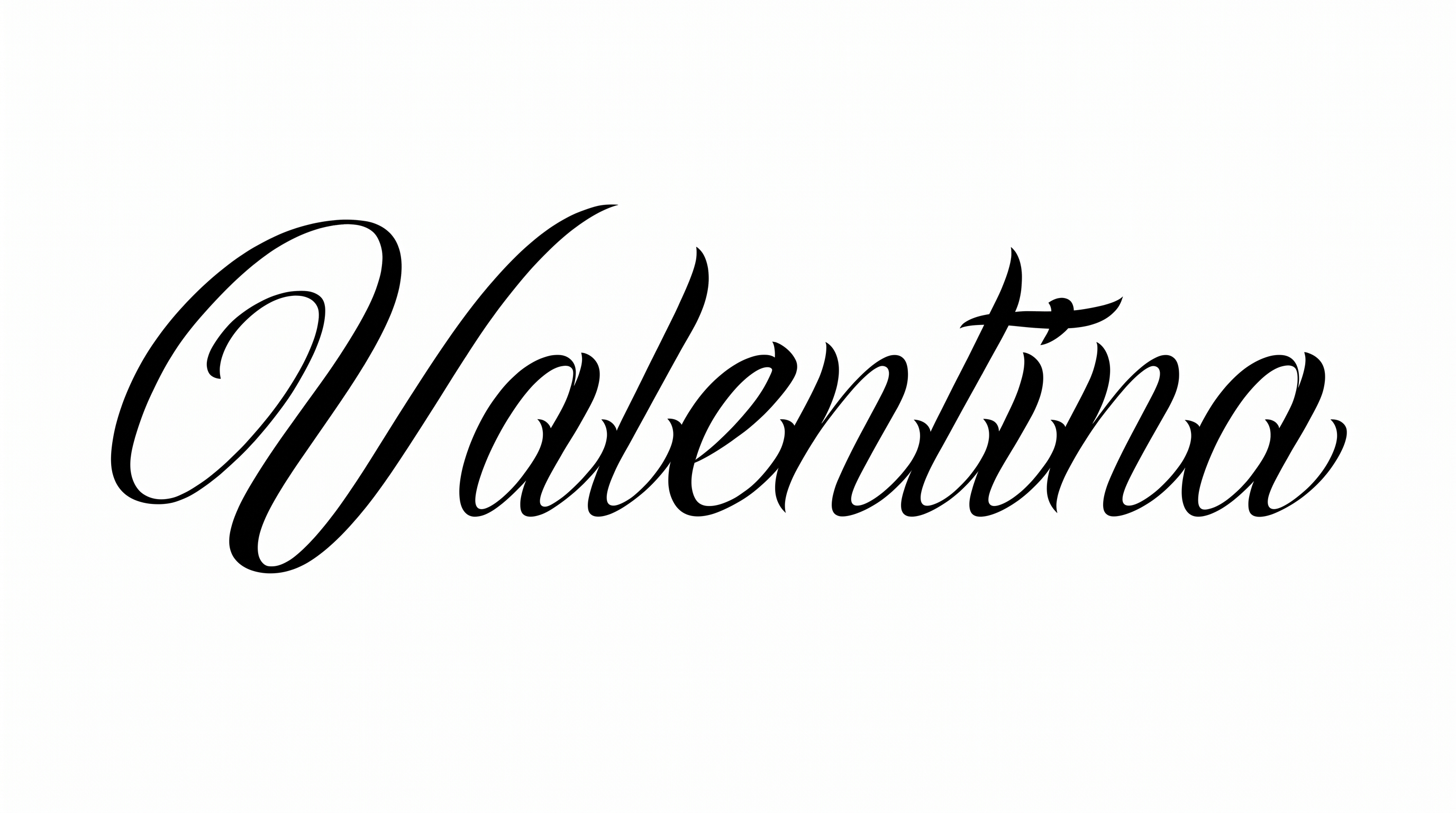
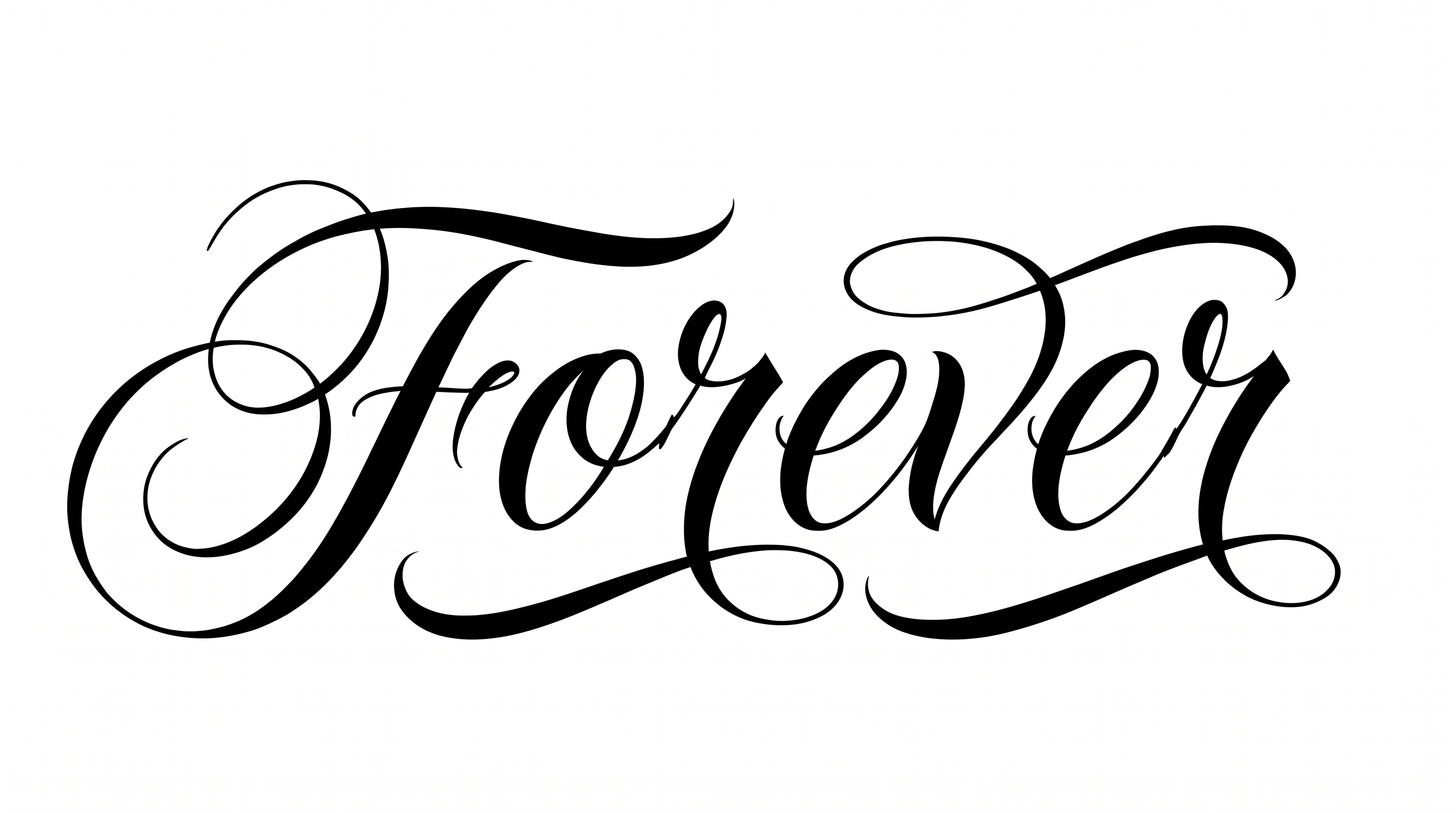
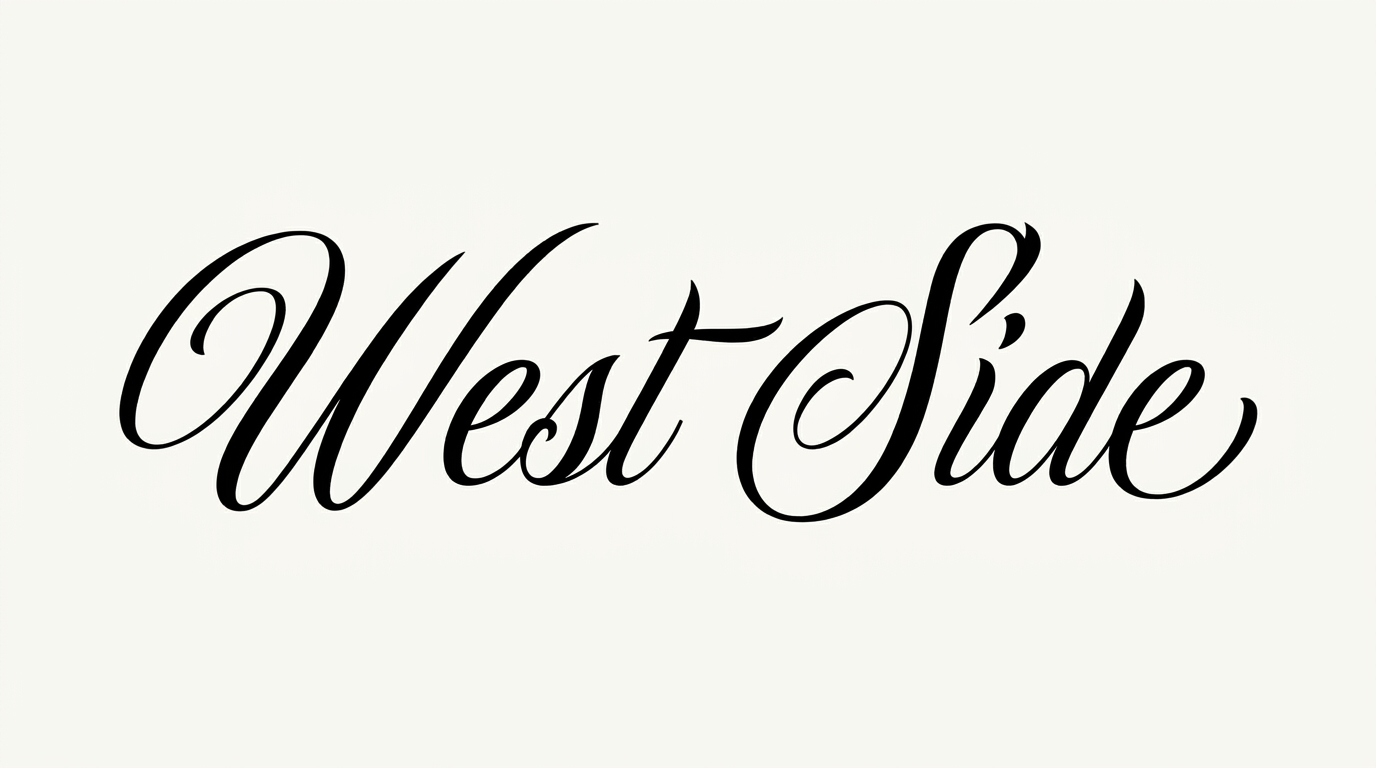
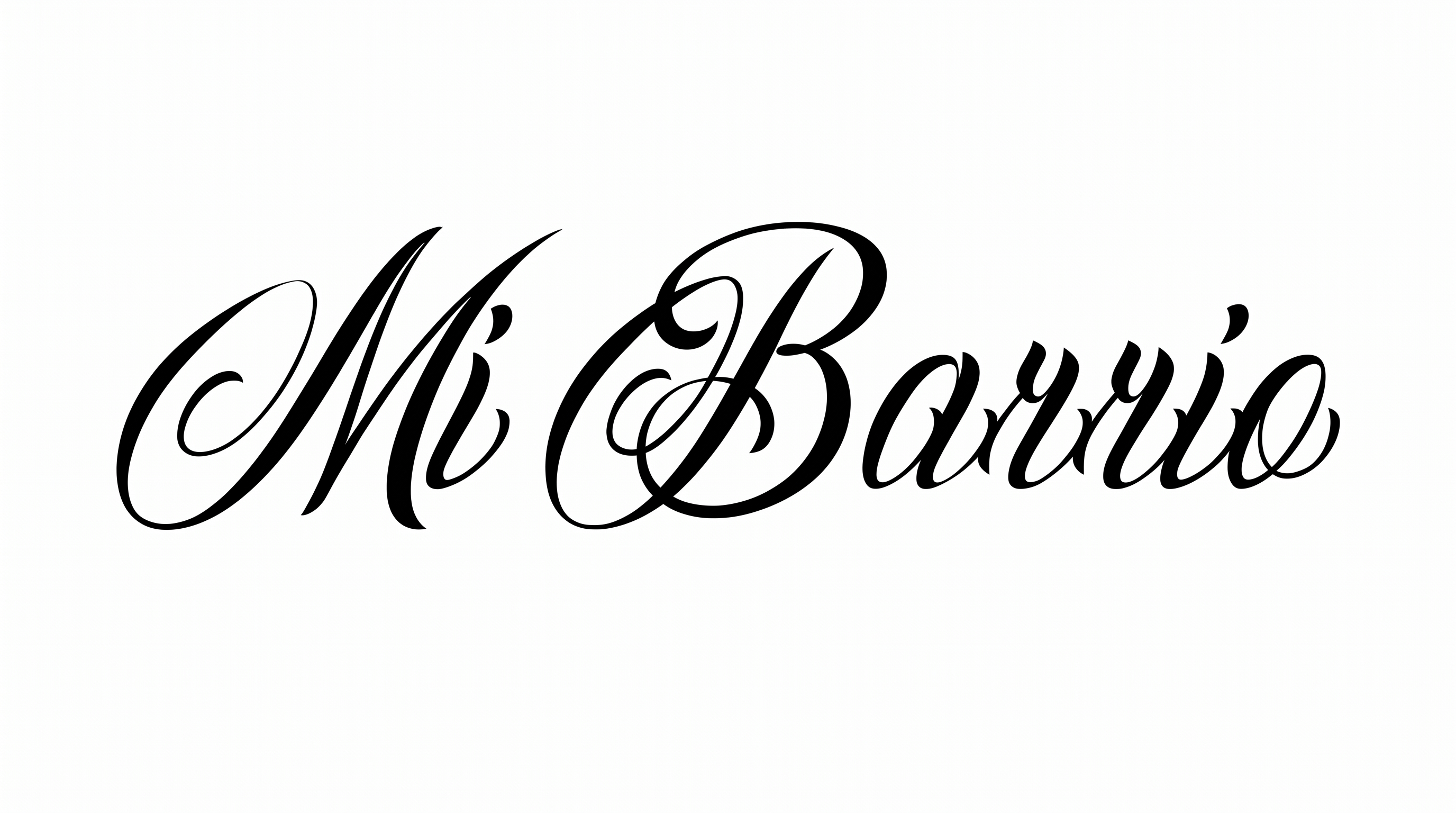
Narrow connected script meets dramatic pointed-pen contrast and an oversized flourishing initial, suited to names and tattoo-inspired wordmarks.

Enter the text to generate, e.g. Fontify.ai

Font color
Background
Templates
426
Generations
91
Downloads
244
Rating
5.0

How to Use the Chicano Cursive Tattoo Font Generator

Shape connected tattoo calligraphy for names, then save the finished artwork for your layout.

  1. 01

    Write your name or phrase

    Enter wording that suits the narrow, connected signature-script treatment.

  2. 02

    Set the composition

    Choose a 16:9 image size, font color and background treatment.

  3. 03

    Generate and download PNG or SVG

    Render the lettering, review its flourishes and save the finished image.

Chicano Cursive Tattoo Font Style Profile

Sweeping flourishes, sharp stroke contrast and connected narrow letters define the calligraphic style.

  • Flourishes

    The oversized initial carries sweeping loops and long decorative swashes.

  • Stroke Contrast

    Broad downstrokes alternate sharply with hairline upstrokes and joins.

  • Letter Connections

    Continuous strokes link most lowercase letters into a fluid word shape.

  • Slant

    Most letters lean distinctly to the right along the baseline.

  • Letter Width

    The lowercase letters use narrow, elongated proportions.

  • Stroke Endings

    Visible entry and exit strokes taper to fine pointed tips.
Frequently asked questions about Chicano Cursive Tattoo Font Generator

It creates a text image in narrow, connected calligraphy with pointed-pen contrast and an oversized ornamental initial. The rendered lettering works as artwork for names, signatures, tattoo-inspired wordmarks and other designs.

Transparent backgrounds are supported for layering the lettering over other artwork. This template also lets you choose a font color, set a custom background color, upload a background image and select an image size. These options help coordinate the result with your composition.

The minimum membership covers personal use, while a higher membership covers commercial use. Review pricing to choose the membership that applies to your project before using the generated artwork commercially.

Browse the related tools section to compare lettering directions by structure, contrast, connections and decorative emphasis. Test the same short phrase across several tools, then choose the treatment that best fits your layout and mood.

Its sweeping initial and signature-like rhythm suit personal names, tattoo flash, apparel graphics and prominent titles. Give the lettering a featured position with enough surrounding space for its long swashes and narrow connected forms.

Use a short phrase and select a wide image size such as 16:9 or 21:9. Center the main word visually while leaving generous side margins, so the extended initial and finishing strokes remain balanced within the banner.

In the Chicano Cursive Tattoo Font Generator, keep the wording concise and leave free space around decorative strokes. A wider aspect ratio can give connected letters more room, while strong contrast between the lettering and background preserves clarity.

Pair the expressive script with a simpler supporting type treatment for dates, descriptions or secondary details. Let the calligraphic name remain the focal point, and use clear hierarchy so the pointed strokes and ornamental initial retain their dramatic mood.
READY TO CREATE?

Create Custom Chicano Cursive Tattoo Fonts & Text Effects

Try Chicano Cursive Tattoo Font Generator Free