Get 5 Free Credits

Free Chicano Gothic Font Generator Online

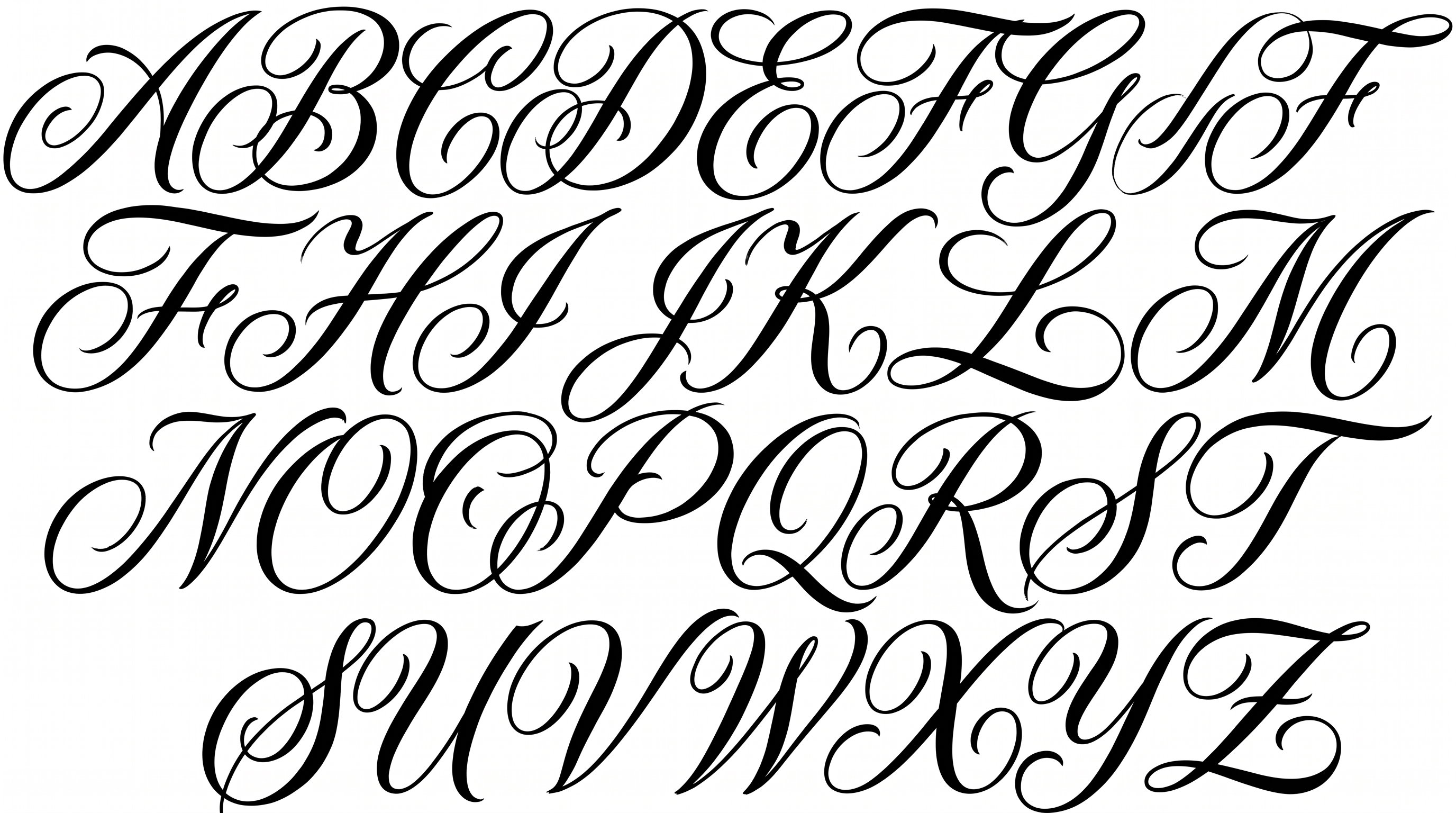
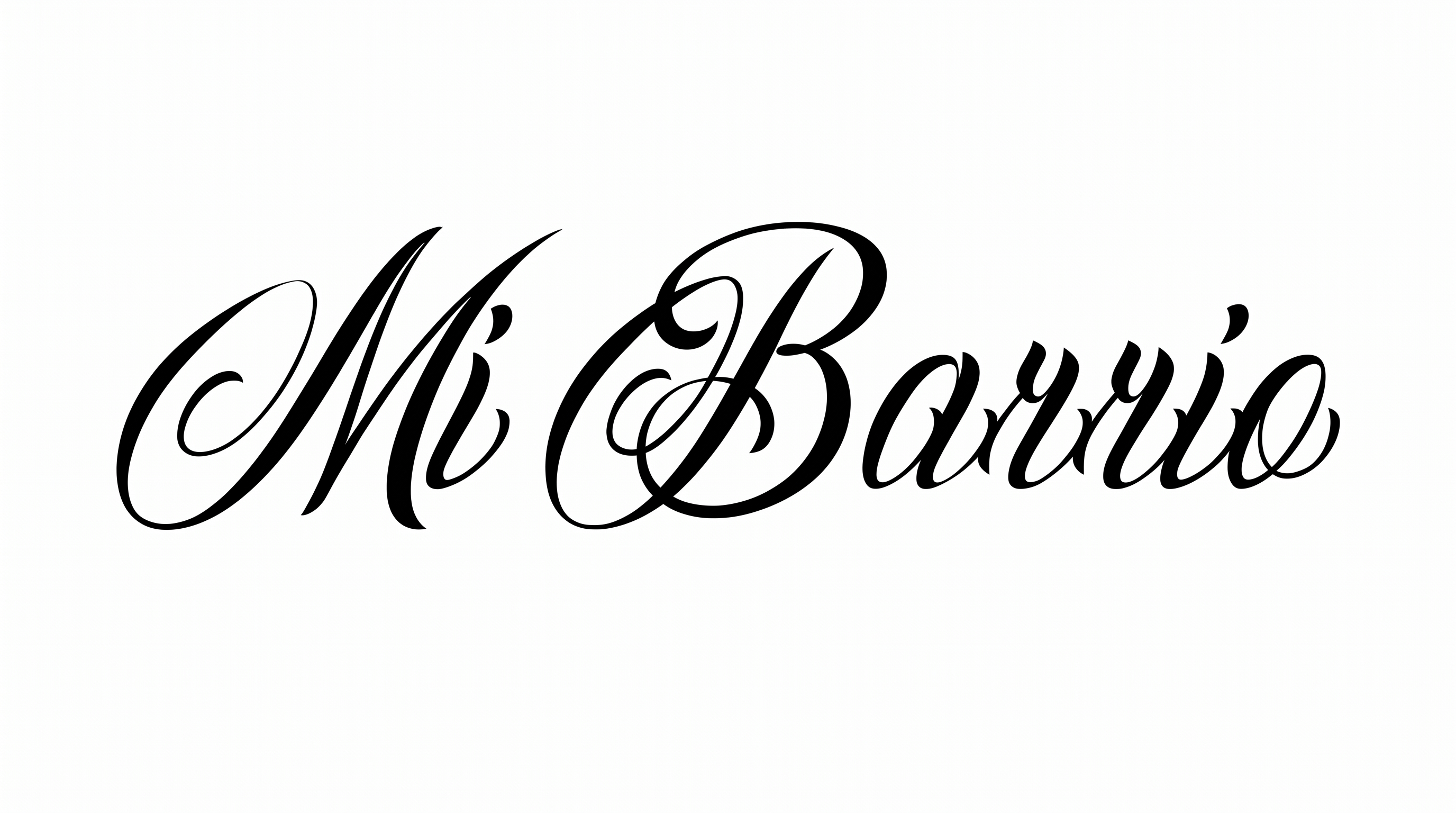
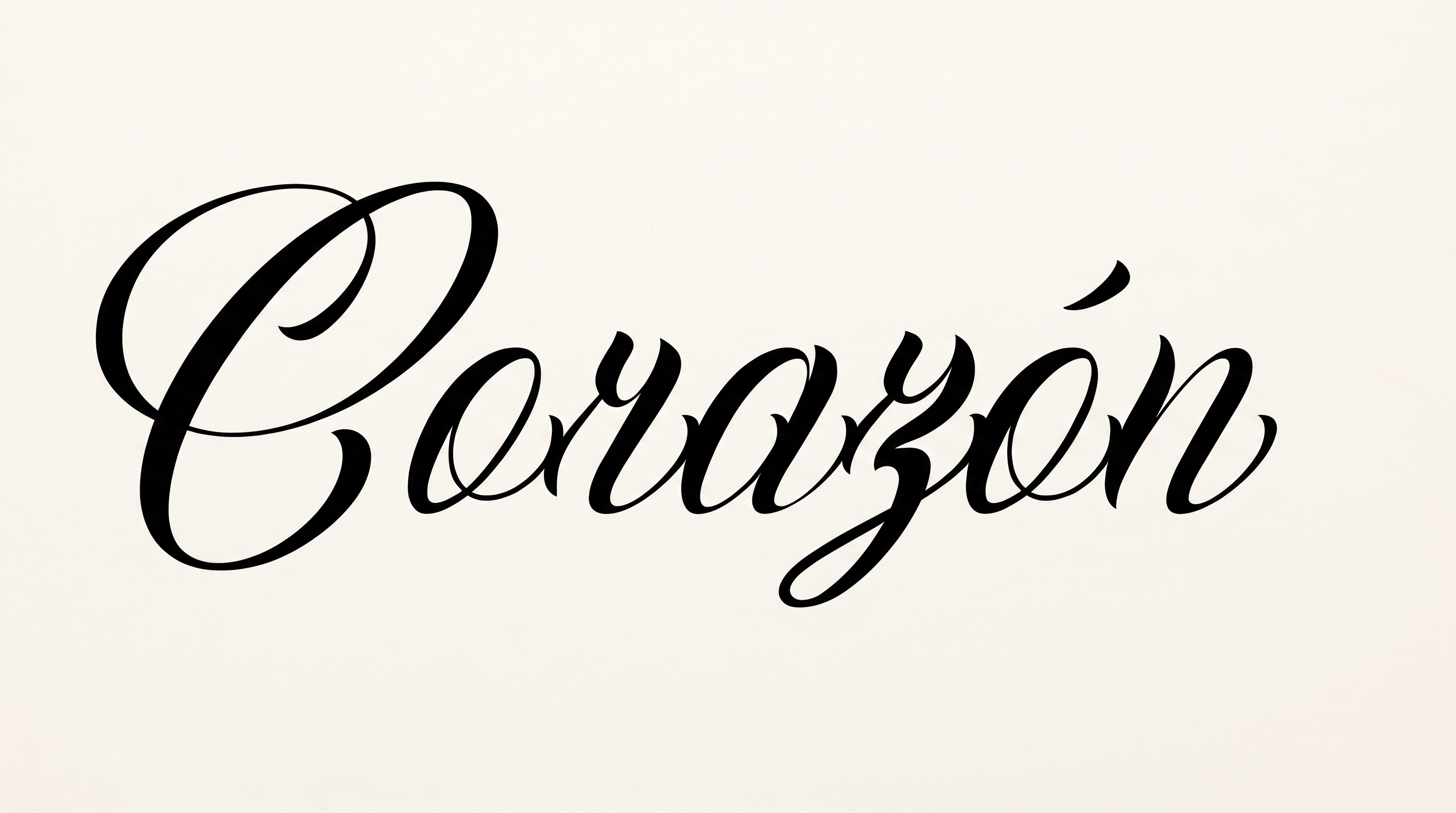
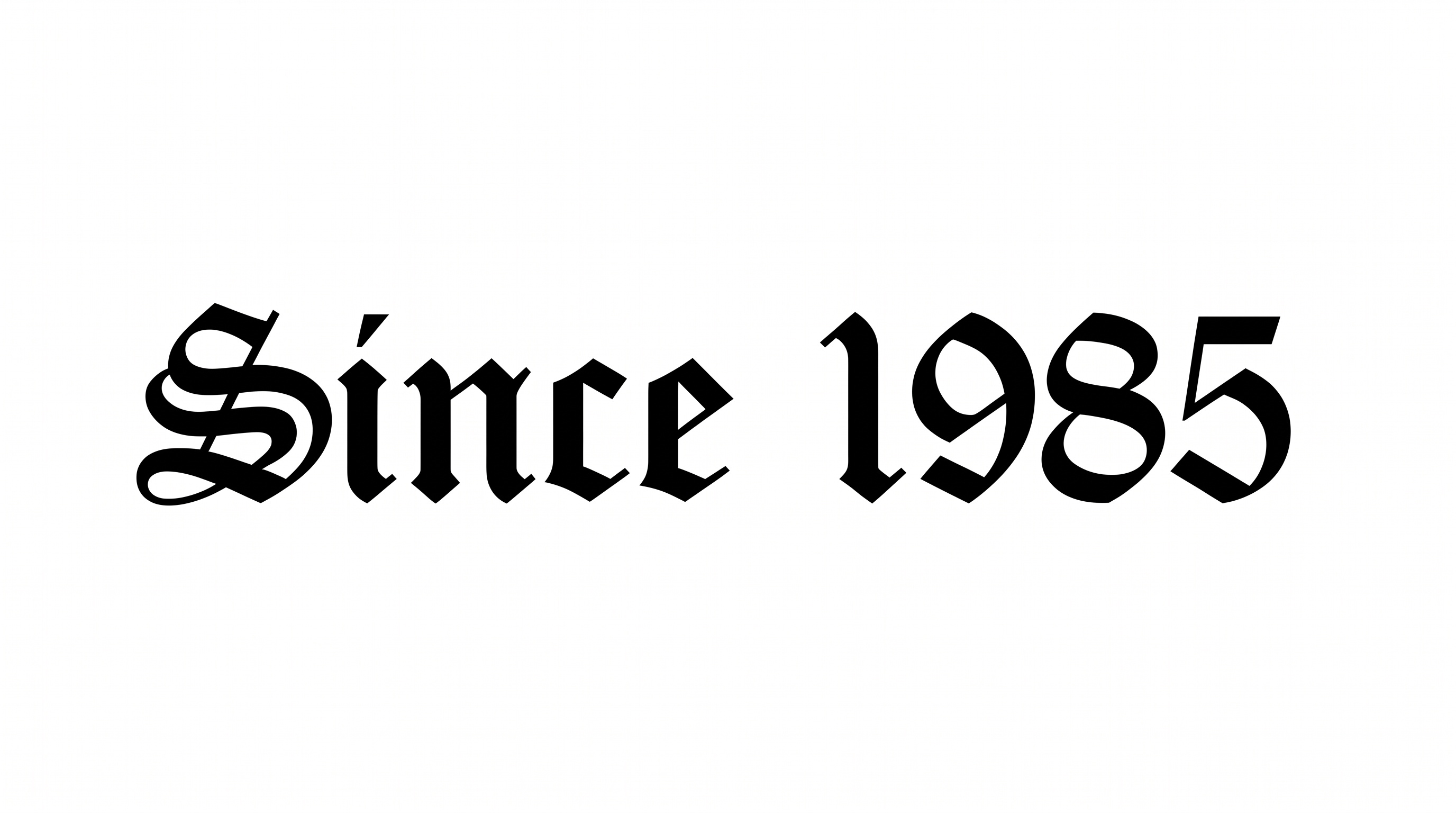
Shape words into restrained, high-contrast blackletter with sharp calligraphic terminals, suited to striking wordmarks and poster headlines.

Enter the text to generate, e.g. Fontify.ai

Font color
Background
Templates
426
Generations
91
Downloads
256
Rating
5.0

How to Use the Chicano Gothic Font Generator

Create a focused blackletter composition that preserves sharp terminals and high-contrast strokes.

  1. 01

    Compose your blackletter wording

    Enter a short name, title or phrase for the condensed wordmark.

  2. 02

    Set the color and composition

    Choose a font color, background and aspect ratio such as 3:2 or 9:16.

  3. 03

    Generate and save the artwork

    Generate the image, review its sharp details, then download it as PNG or SVG.

Chicano Gothic Font Style Profile

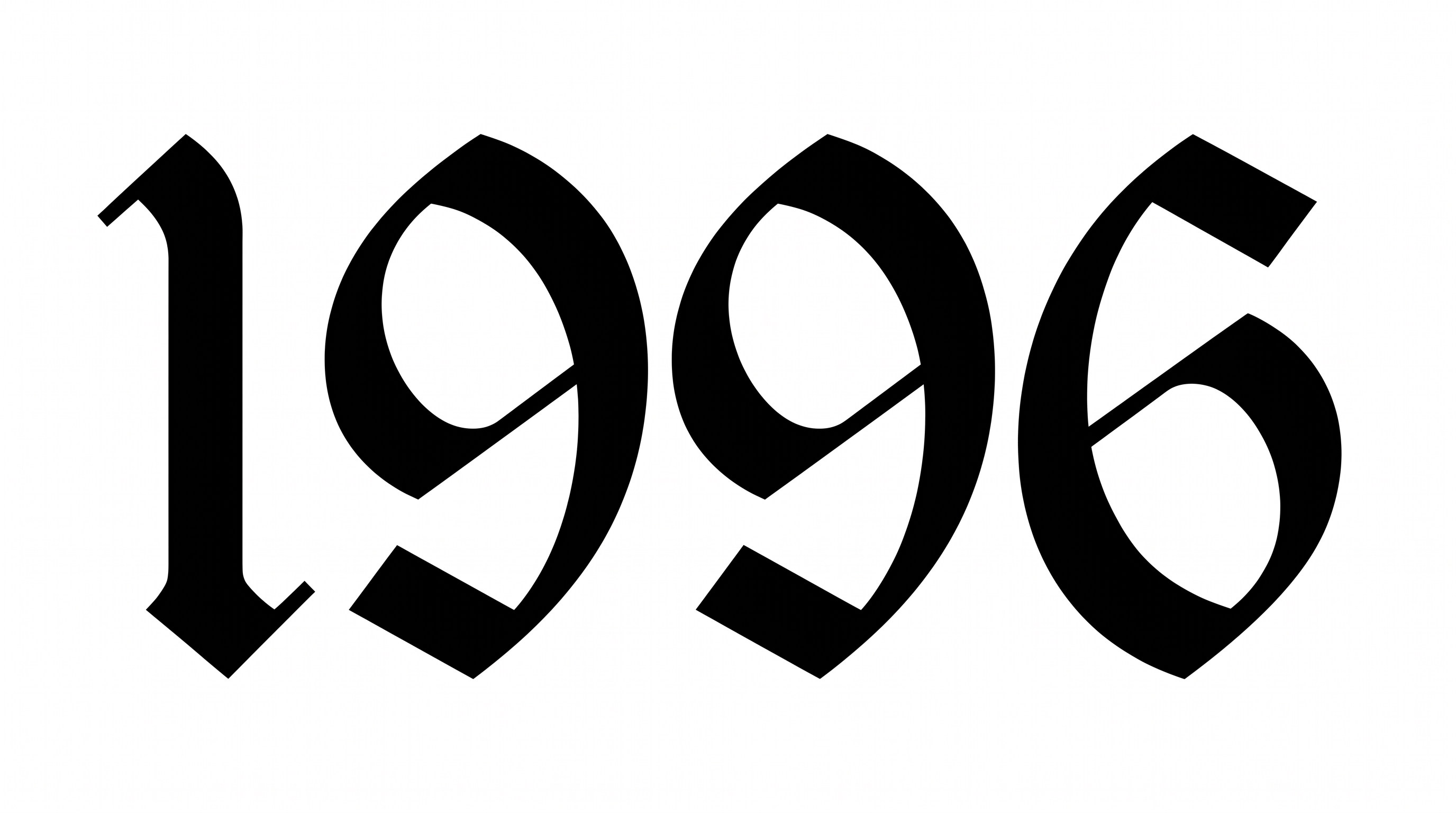
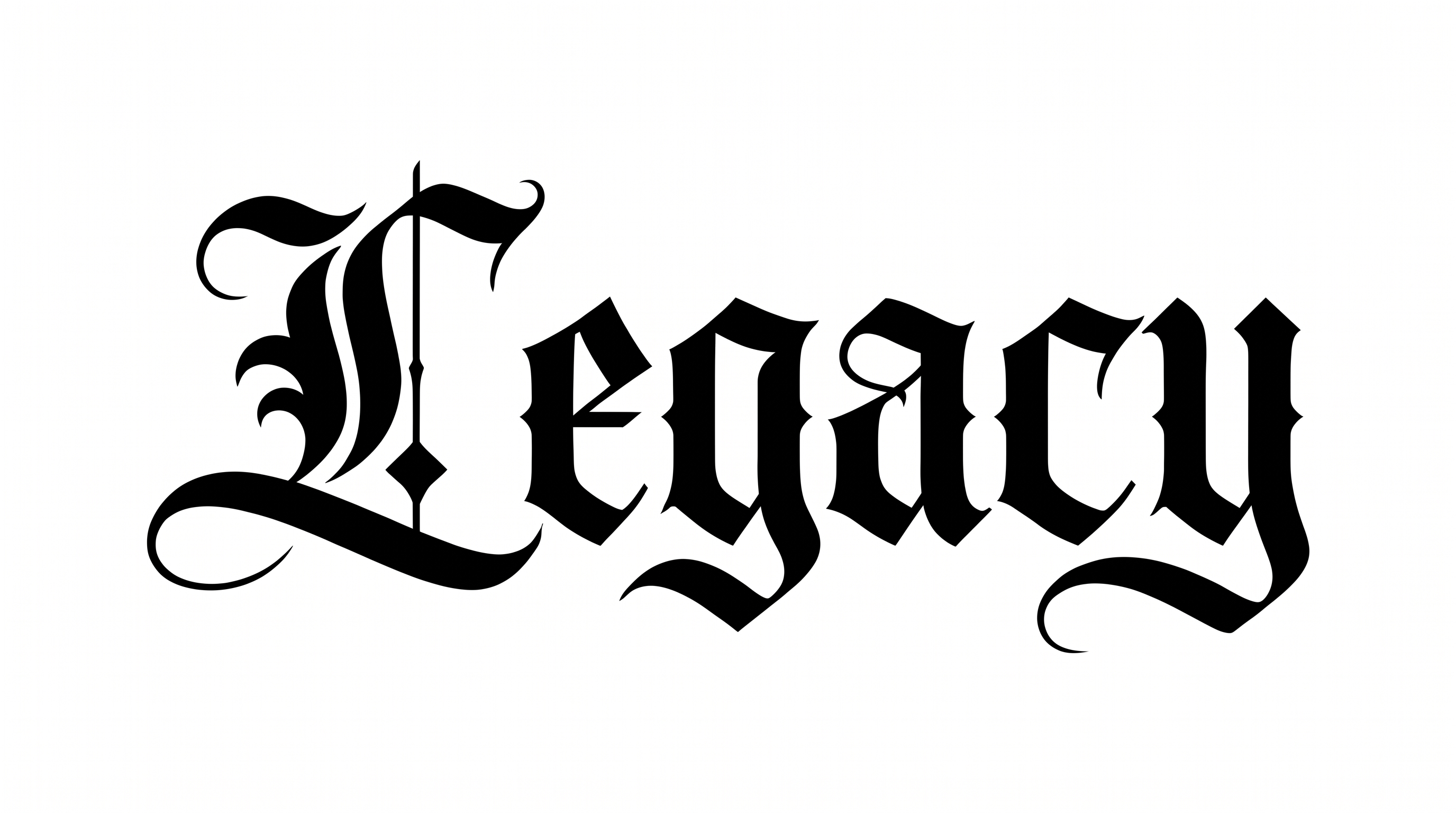
High stroke contrast, angular construction and pointed terminals define the compact blackletter forms.

  • Letter Construction

    Angular blackletter forms build each character from clearly defined calligraphic strokes.

  • Stroke Contrast

    Heavy verticals alternate with visibly finer interior and diagonal strokes.

  • Corner Shape

    Sharp angular corners define the turns and joins of the letterforms.

  • Stroke Endings

    Pointed and wedge-like terminals finish the visible strokes.

  • Letter Width

    The lowercase forms use compact, relatively narrow proportions.

  • Letter Connections

    Letters remain separate, with clear breaks between neighboring characters.
Frequently asked questions about Chicano Gothic Font Generator

The generator turns your wording into a text image with restrained, high-contrast blackletter construction, sharp terminals and a monochrome wordmark character. It suits display artwork where ornate Gothic lettering should serve as the visual focus.

The minimum membership covers personal use of the generated artwork. Commercial use requires a higher membership. Review pricing to choose the membership that matches your project. This distinction applies to how you plan to publish the finished design.

Download the generated artwork as a PNG. Upload it in Canva or insert it into a Google Docs document. Import it into a project in the Cricut app, also called Cricut Design Space. The lettering remains image artwork in these apps rather than an installed font.

Enter your wording, then choose an available font color, background and image size. Generate the text image and review the rendered blackletter details. You can then download the result as a PNG or SVG image.

Its focused blackletter artwork suits wordmarks, poster headlines, album covers, apparel graphics, book covers and compact labels. The free online tool works best when the lettering is the main display element with generous surrounding space.

Give the ornate wordmark a clear focal position and build supporting information around it. On tall posters or covers, stack shorter lines carefully. On wide layouts, reserve open space around the condensed characters. Use a simpler supporting type style for details.

Use short words or concise phrases, especially for avatars, labels and tickets. Check the downloaded image at its intended display size. Increase the surrounding space when sharp terminals or compact interior shapes begin to compete.

Pair the monochrome blackletter with restrained illustrations, geometric borders or documentary photography. Keep detailed imagery separate from the sharp letter edges. A quieter supporting type style can carry dates, descriptions and other secondary information.

The high-contrast blackletter creates a formal, dramatic and heritage-minded mood. Its pointed terminals and ornate construction can reinforce cultural posters, music artwork, publishing covers and identity pieces that need a strong display voice.
READY TO CREATE?

Create Custom Chicano Gothic Fonts & Text Effects

Try Chicano Gothic Font Generator Free