Get 5 Free Credits

Free Chicano Font Generator Online

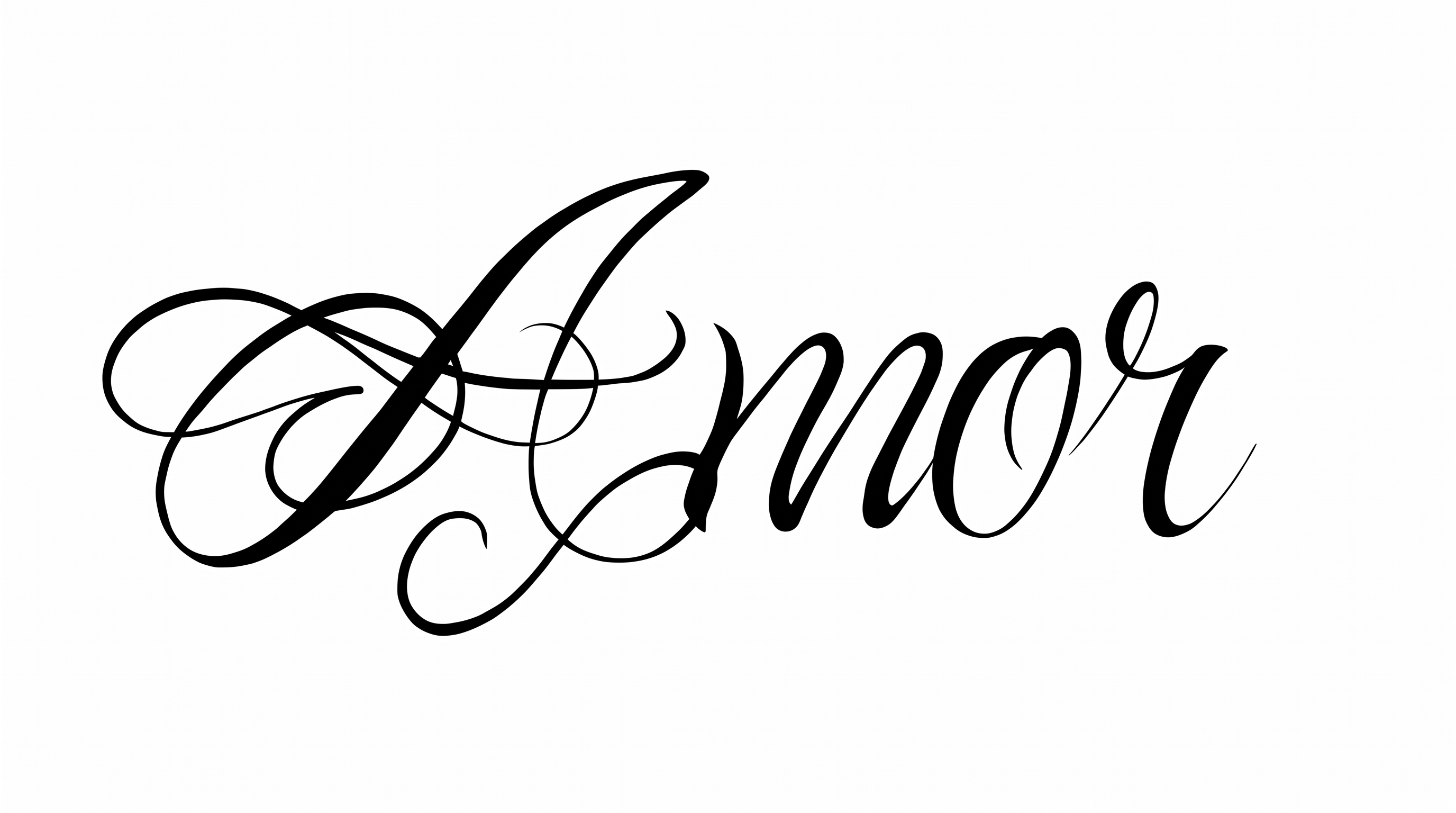
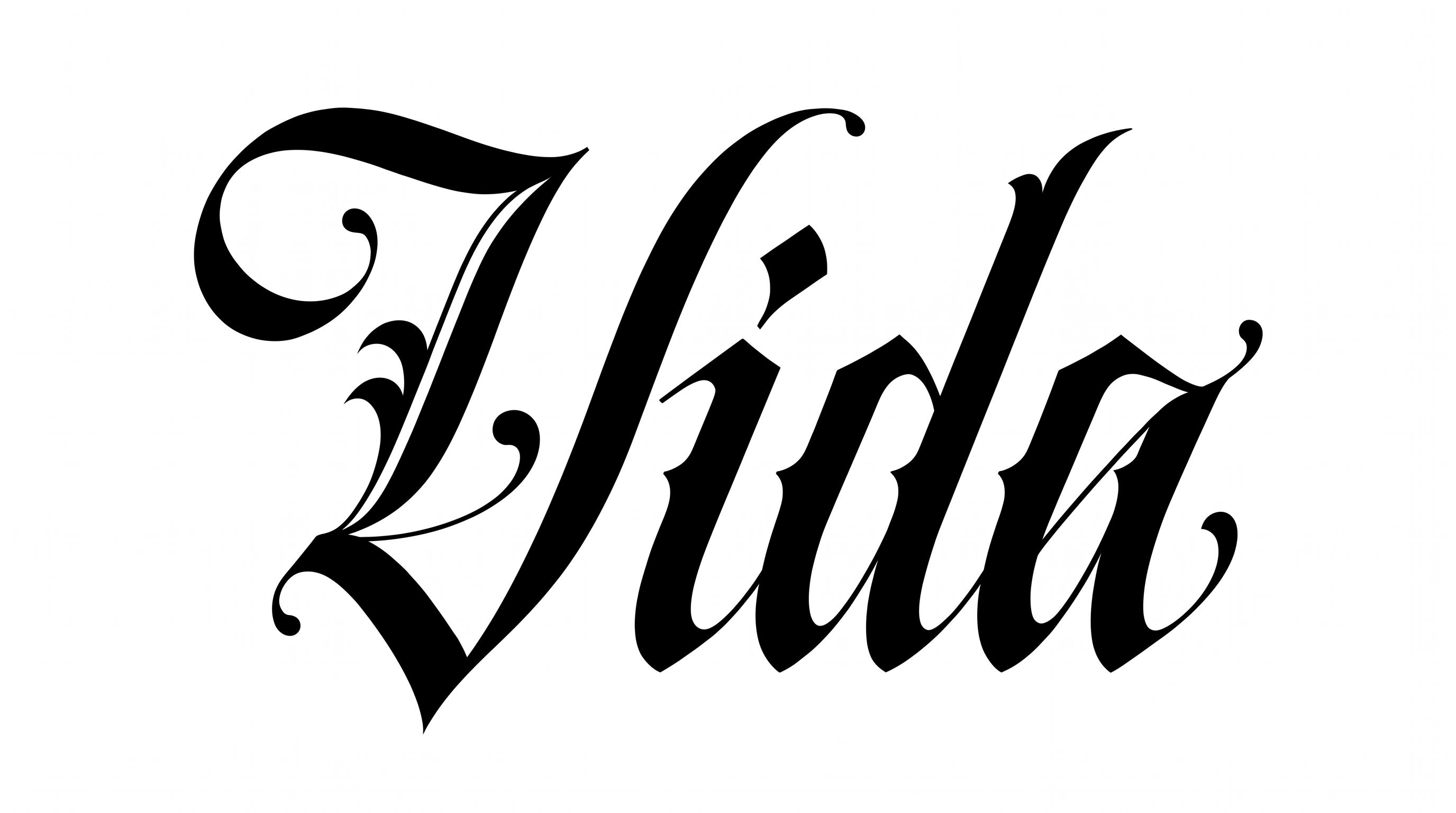
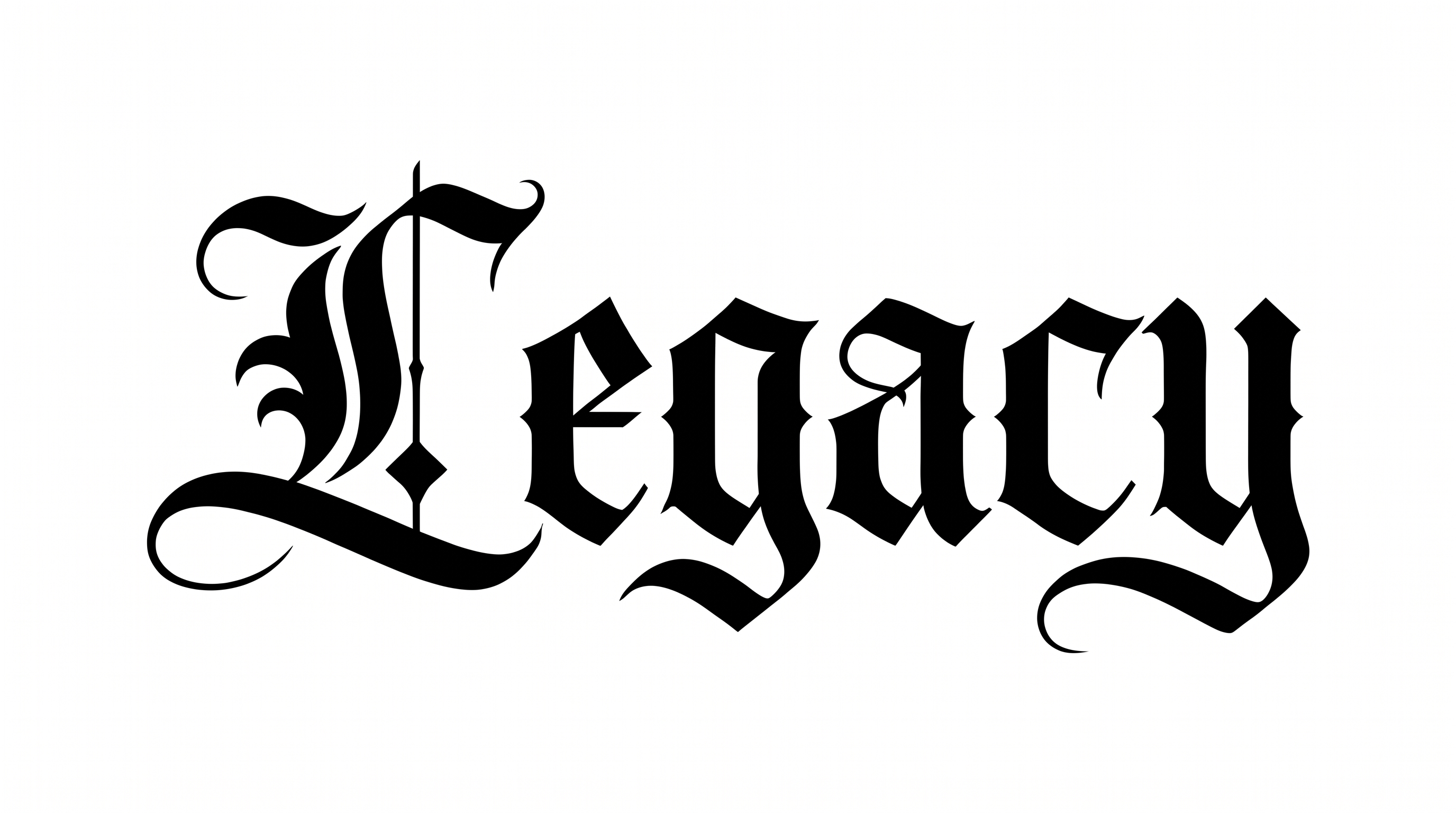
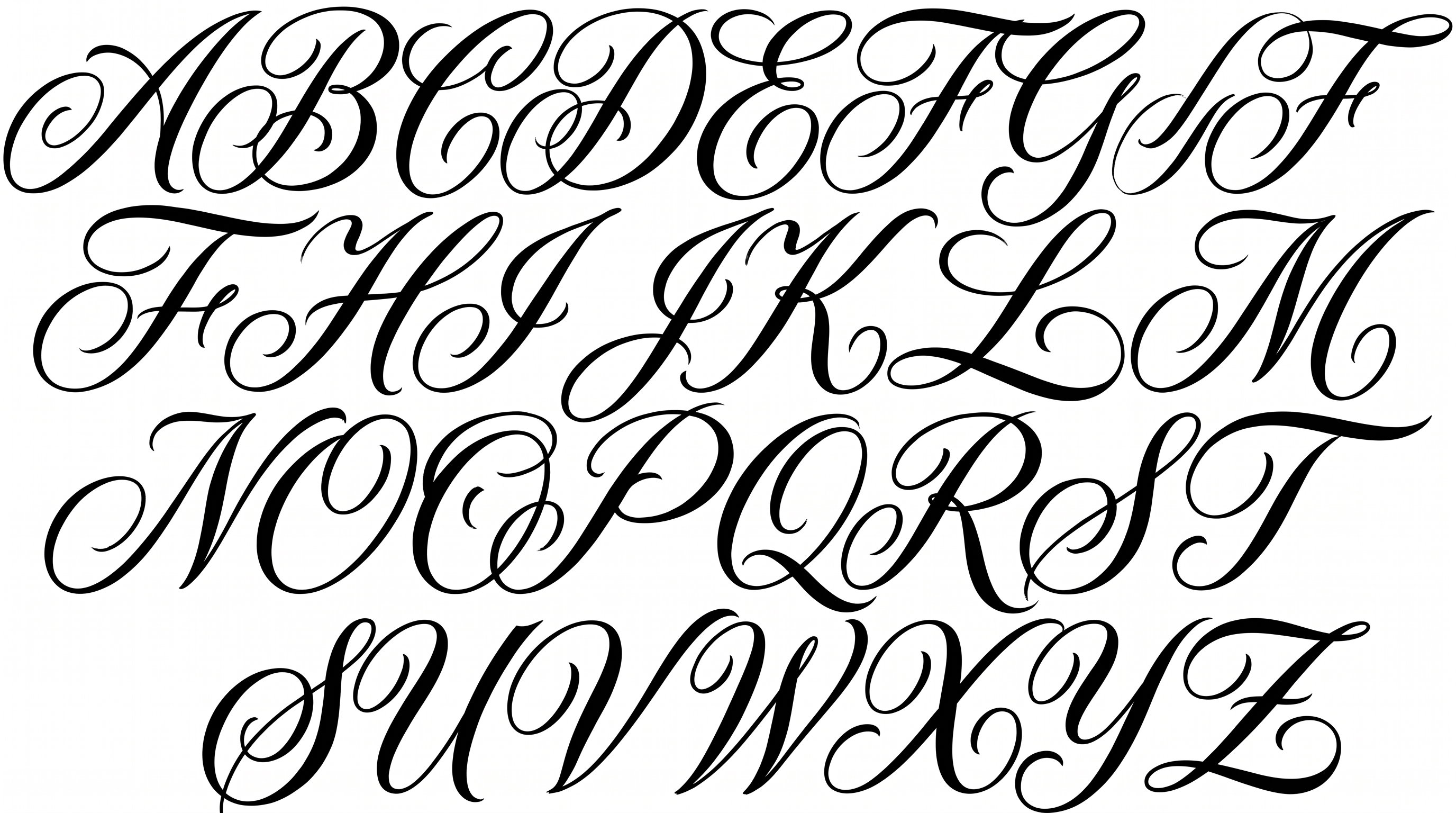
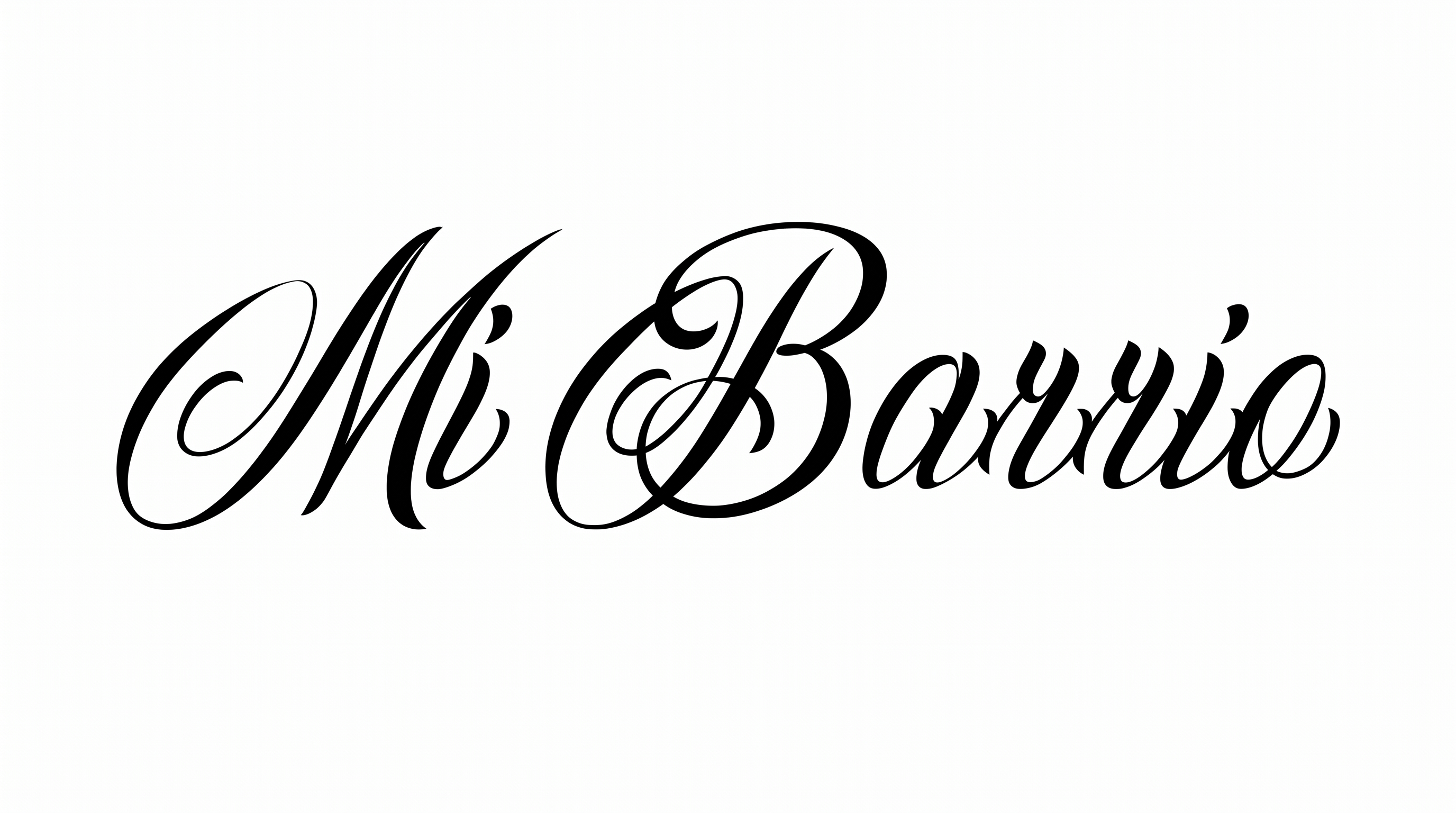
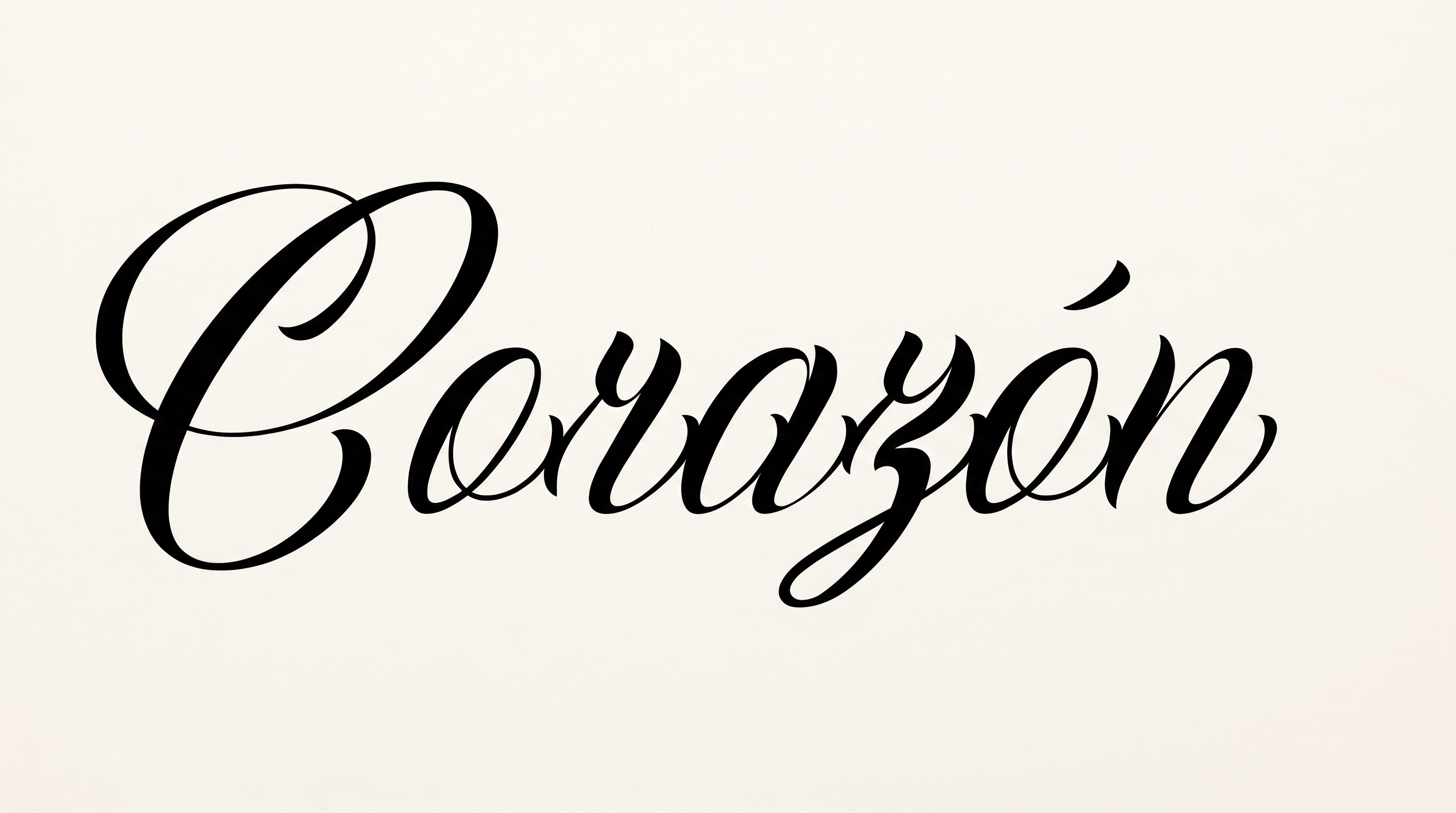
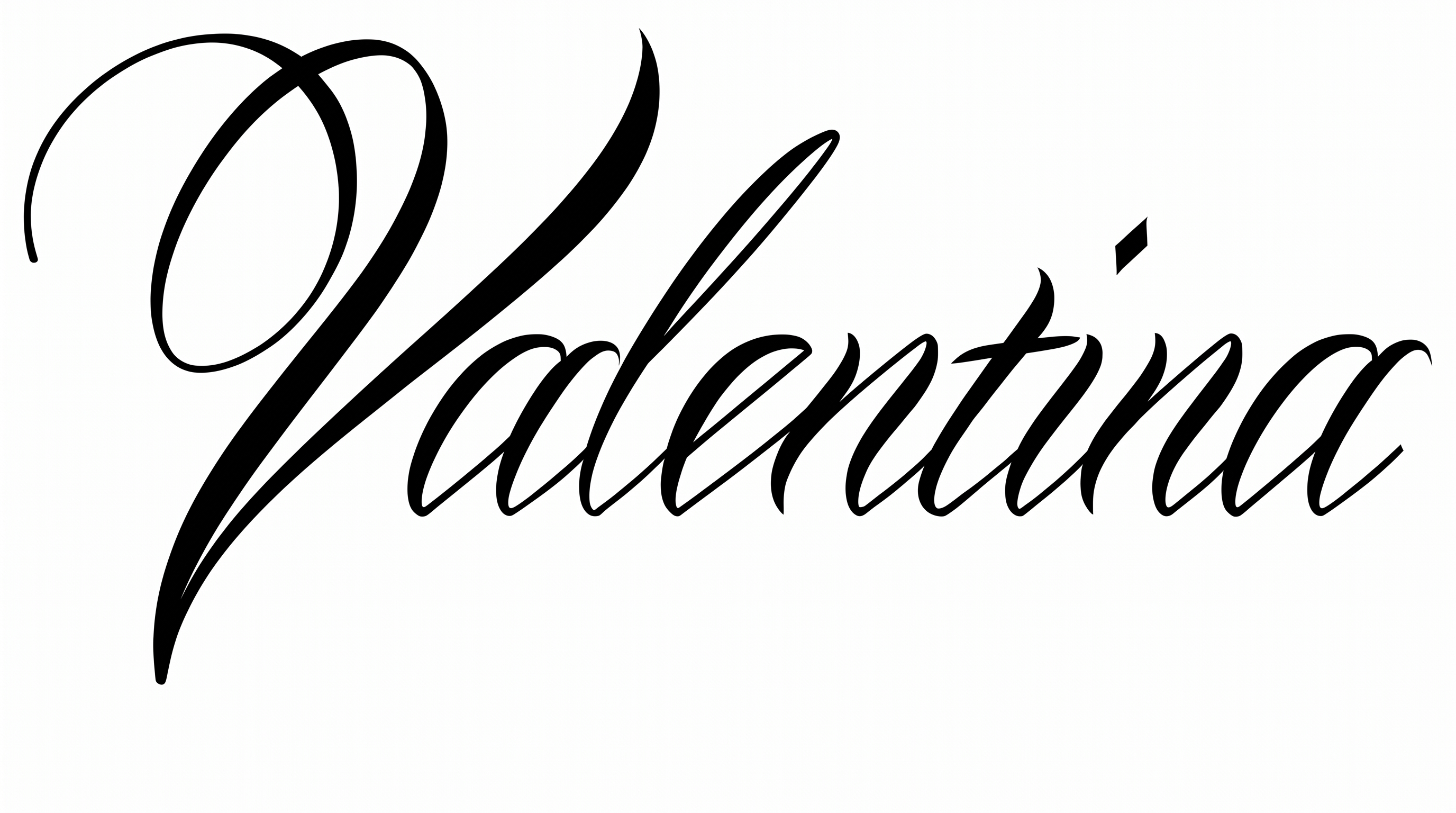
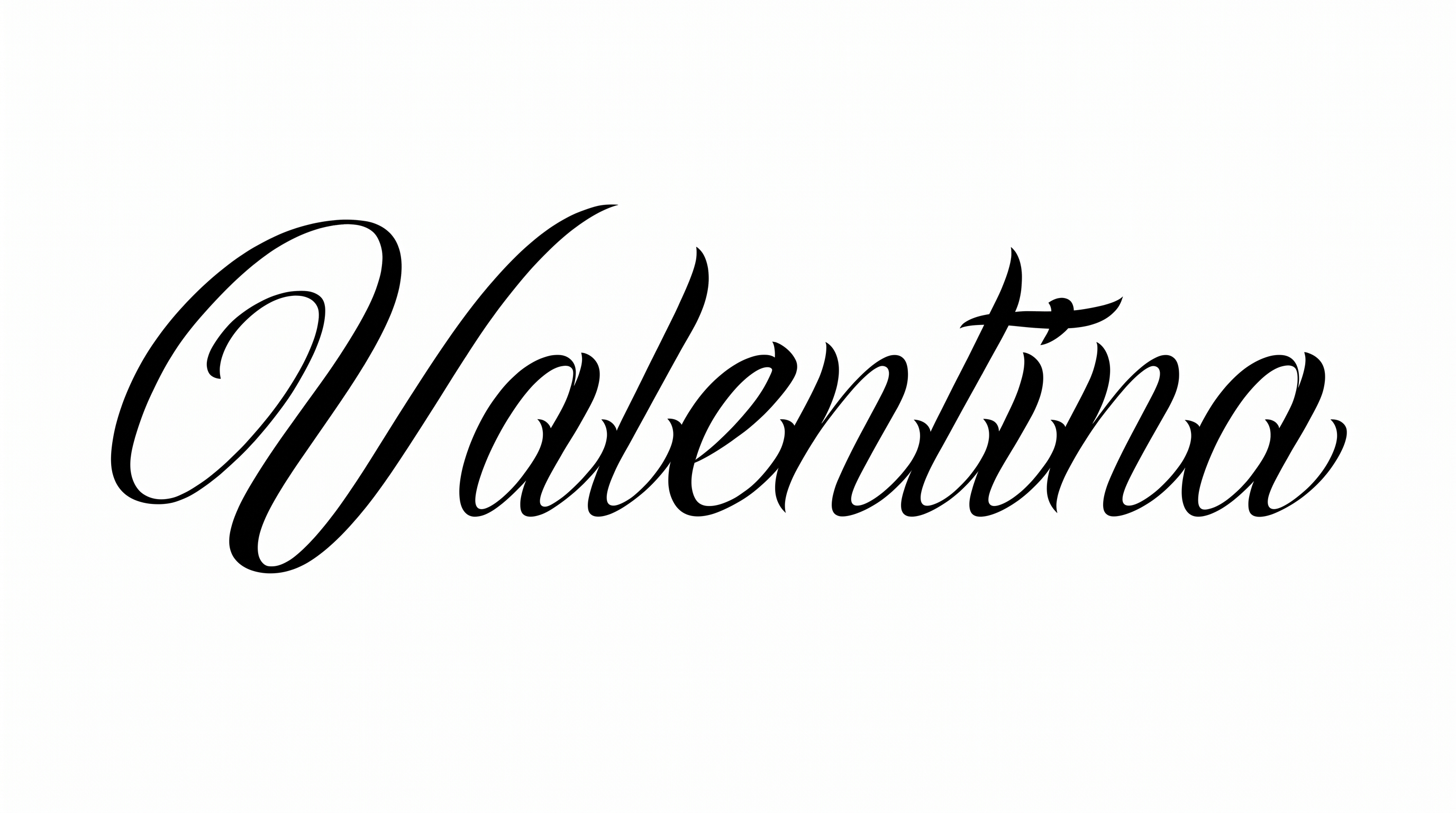
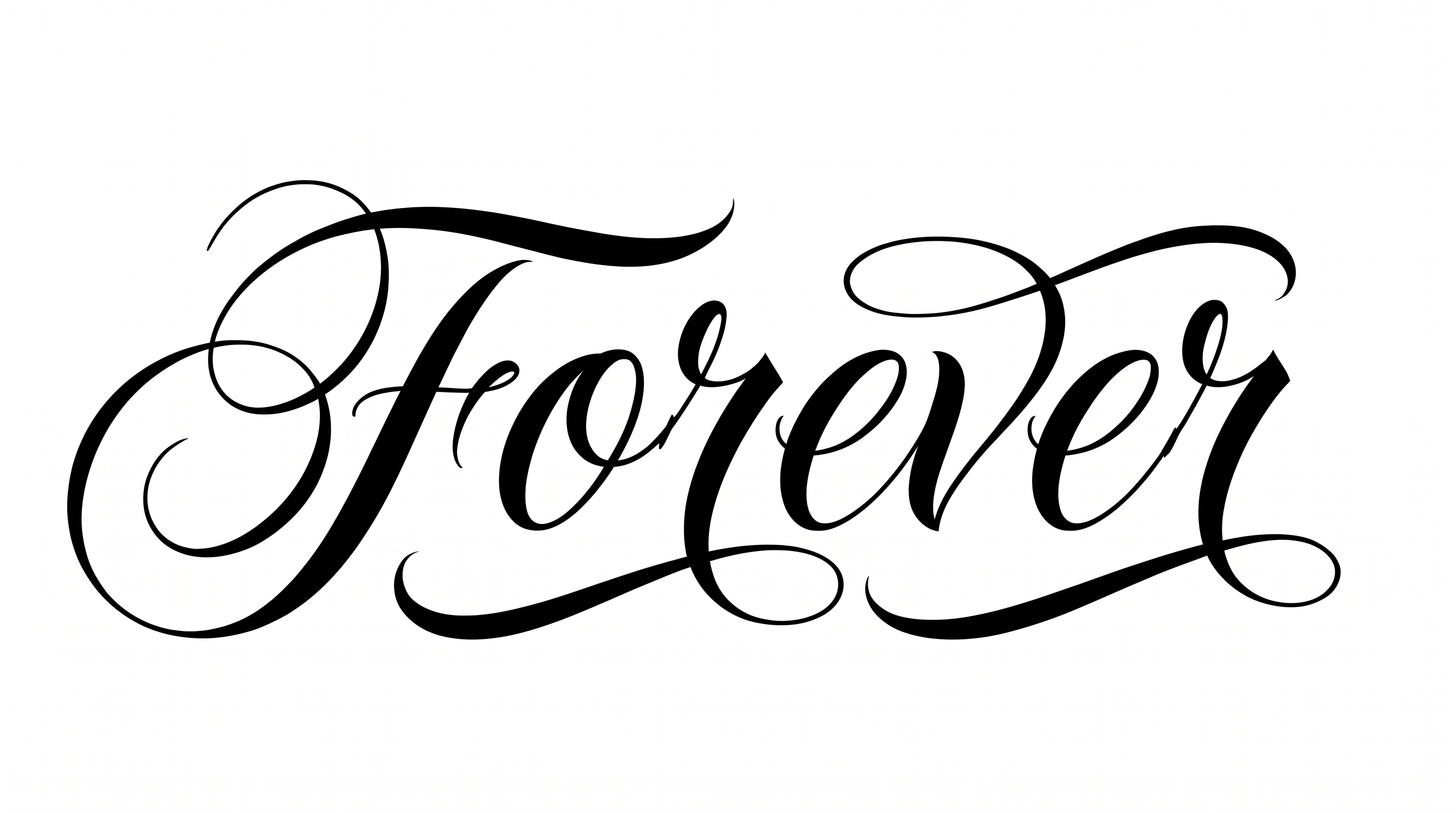
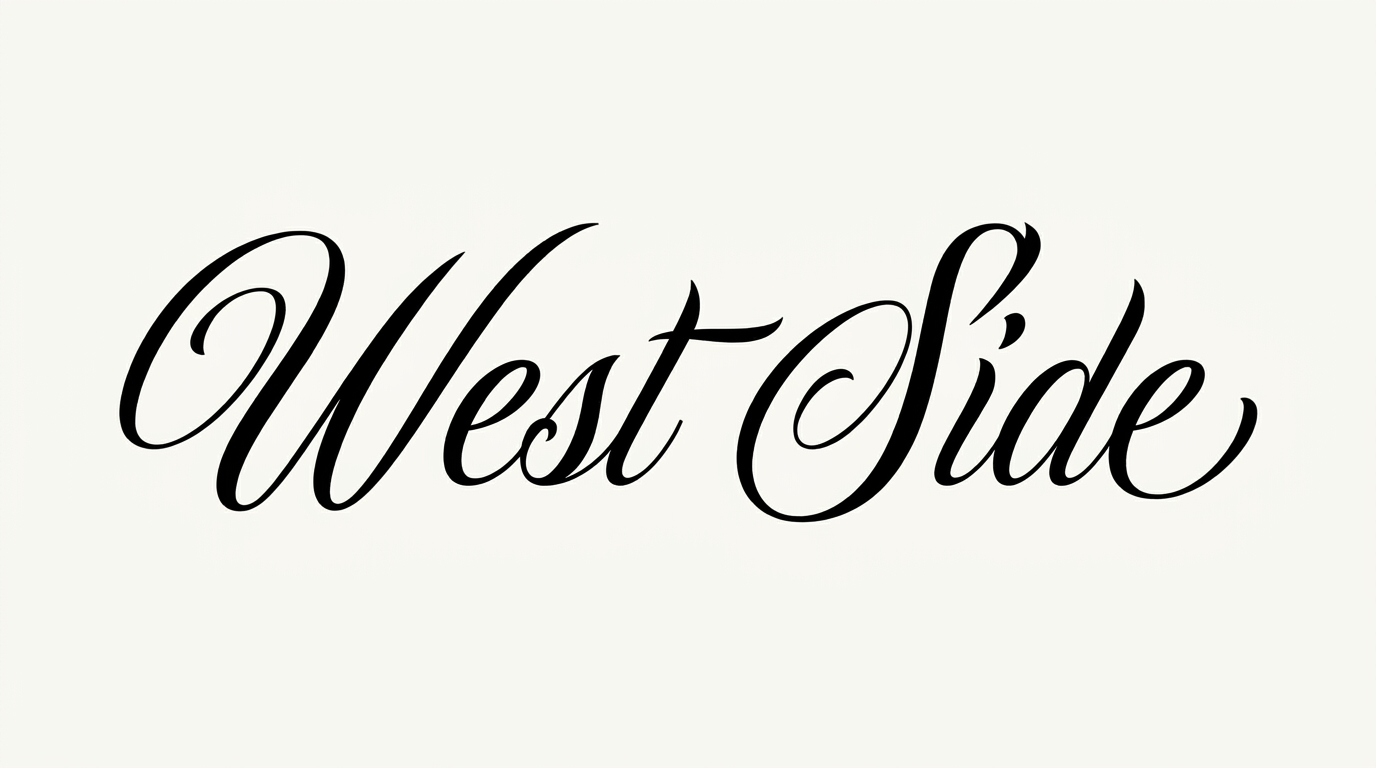
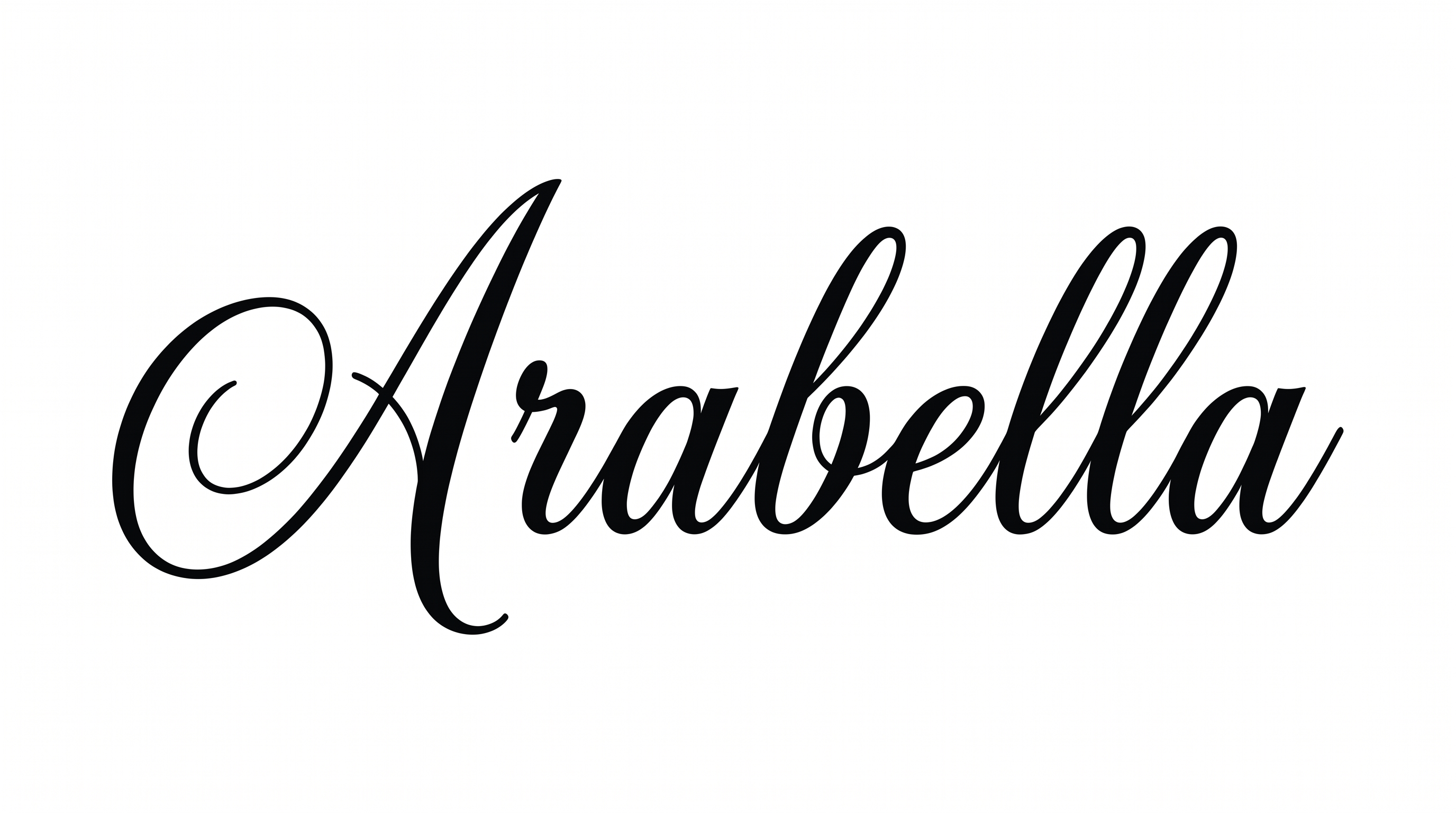
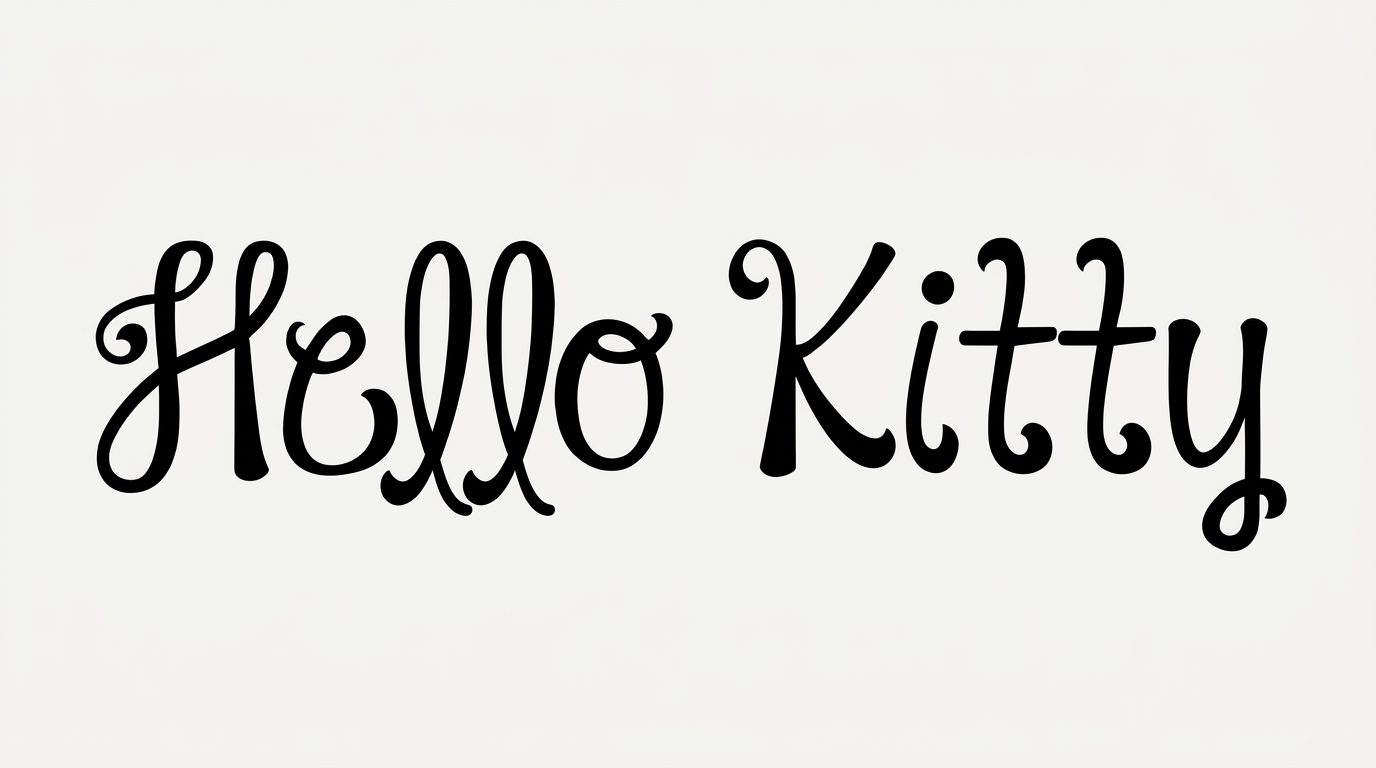
Expressive pointed-pen script pairs dramatic thick-to-thin strokes with sweeping capitals, ideal for tattoo flash or formal headlines.

Enter the text to generate, e.g. Fontify.ai

Font color
Background
Templates
426
Generations
99
Downloads
281
Rating
5.0

How to Use the Chicano Font Generator

Shape expressive, high-contrast script for a composition, then save the lettering as image artwork.

  1. 01

    Write your phrase

    Enter a name, title or short phrase for the pointed-pen script treatment.

  2. 02

    Set the composition and generate

    Choose a 16:9 image size, font color and background, then generate the pointed-pen script.

  3. 03

    Review and save PNG or SVG

    Check the sweeping capitals and fine strokes at your intended size, then save the image.

Chicano Font Style Profile

Strong stroke contrast, sweeping flourishes and a rightward slant define the expressive calligraphic style.

  • Stroke Contrast

    Bold downstrokes alternate with exceptionally fine hairline strokes.

  • Flourishes

    Sweeping capital loops and extended swashes add prominent decoration.

  • Slant

    The letterforms lean consistently to the right along the baseline.

  • Letter Construction

    Large capitals use flowing loops and intersecting continuous strokes.

  • Stroke Endings

    Fine strokes taper into sharp, delicate tips.

  • Letter Connections

    Continuous joining strokes link several lowercase letters within the words.
Frequently asked questions about Chicano Font Generator

It turns your words into a text image with expressive pointed-pen script, strong thick-to-thin contrast and sweeping capital swashes. The finished lettering artwork suits visual designs such as tattoo flash, invitations, covers and signage.

Save the generated Chicano Font PNG artwork, then upload it in Canva and insert it into a Google Docs document. In the Cricut app, also known as Cricut Design Space, import the PNG into a project as image artwork.

Explore the related-tools area and compare how each lettering direction handles stroke contrast, connections, capitals and decoration. Focus on the visual character that best matches your project, its format and the mood you want to establish.

Yes. You can use the generator and obtain the resulting image through the available free-use options. Personal use is covered by the minimum membership, while commercial use requires a higher membership; check pricing for the applicable level.

The expressive script works well as a focal headline on tattoo flash, invitations, record covers, apparel graphics and formal certificates. Its sweeping capitals can establish a strong identity while shorter supporting details remain visually secondary.

Use the free Chicano Font Generator to create a short headline, then give the longest swashes generous surrounding space. Choose an image ratio that fits the destination and keep important supporting information clear of the flourished edges.

Use a concise phrase and maintain strong contrast between the lettering and its background. Review the image at its intended display size, paying close attention to delicate hairlines, tight joins and narrow interior spaces.

Pair the ornate script headline with restrained supporting text that has simpler shapes and clear spacing. This contrast lets the sweeping capitals remain the focal point while dates, labels or descriptive details stay easy to scan.

The dramatic stroke contrast and broad capital swashes create an expressive, formal mood. Depending on the surrounding imagery, the lettering can support romantic stationery, ceremonial documents, music artwork or bold street-inspired compositions.
READY TO CREATE?

Create Custom Chicano Fonts & Text Effects

Try Chicano Font Generator Free