Get 5 Free Credits

Free Chicano Lowrider Font Generator Online

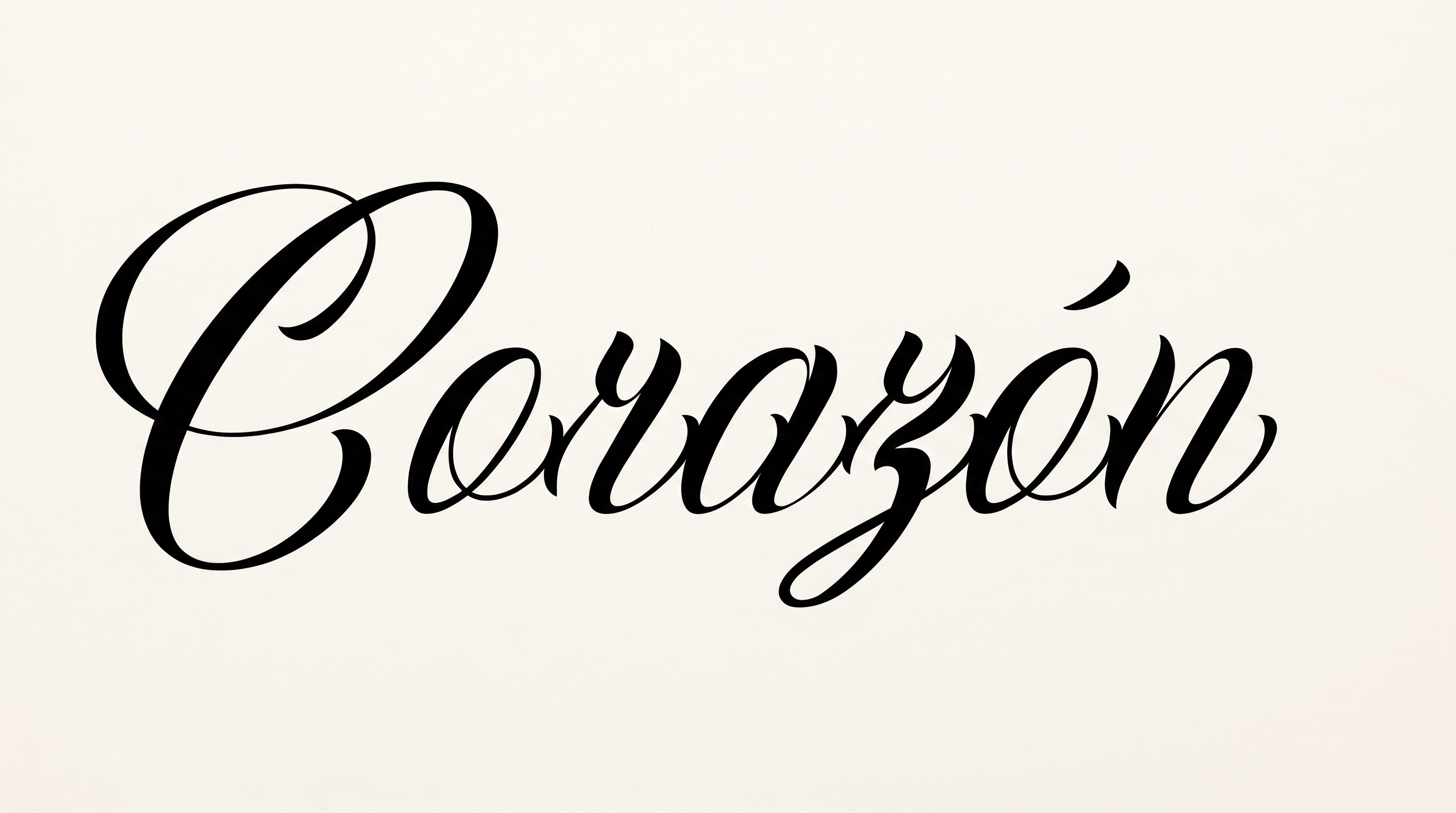
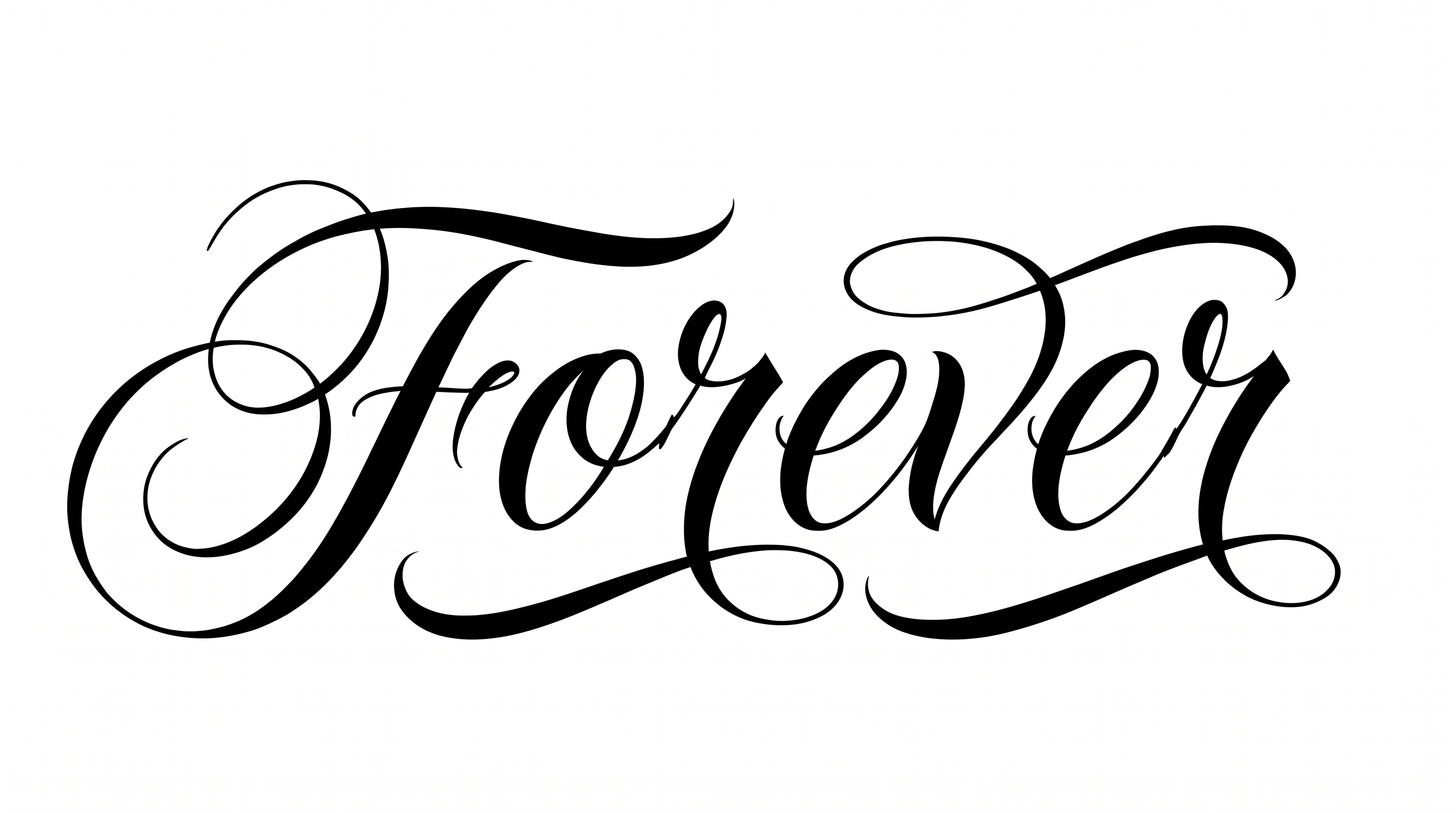
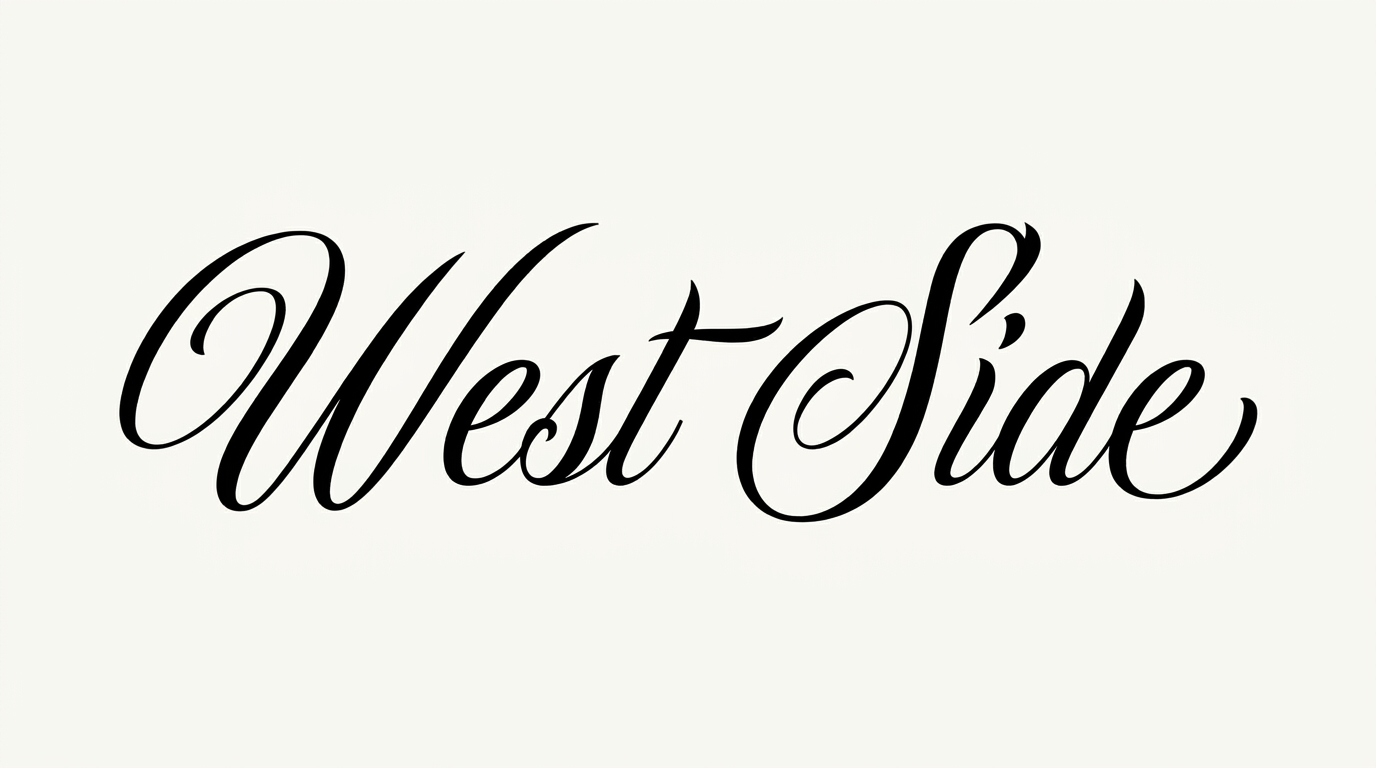
Dense Gothic lowercase forms meet dramatic calligraphic capitals and an ornamental ampersand, ideal for automotive plaques and decals.

Enter the text to generate, e.g. Fontify.ai

Font color
Background
Templates
426
Generations
185
Downloads
211
Rating
5.0

How to Use the Chicano Lowrider Font Generator

Shape a dense blackletter phrase for automotive artwork, signage, apparel, or editorial designs.

  1. 01

    Set your phrase and image size

    Enter a short phrase and choose an image size that suits its line length.

  2. 02

    Choose colors and a background

    Choose a font color and use the template background, a custom color, or an uploaded image.

  3. 03

    Generate and save PNG or SVG

    Generate the blackletter artwork, review its dense shapes, then download the PNG or SVG.

Chicano Lowrider Font Style Profile

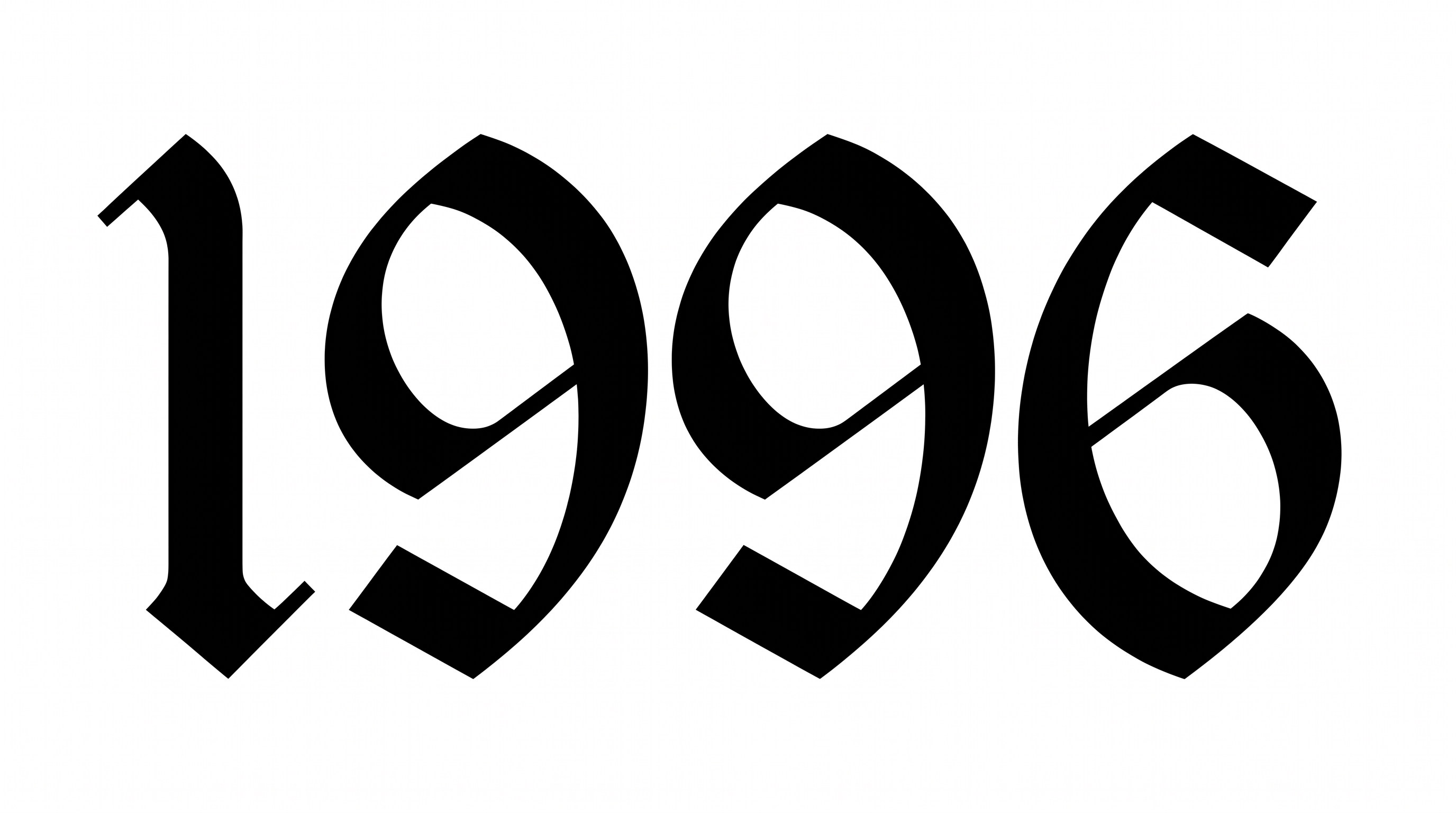
Angular blackletter construction, sharp stroke contrast, and prominent swashes define the lettering.

  • Letter Construction

    Angular blackletter forms combine compact counters with layered vertical strokes.

  • Stroke Contrast

    Broad black strokes alternate sharply with fine hairlines and tapered curves.

  • Flourishes

    Sweeping capital strokes and the ampersand create prominent calligraphic swashes.

  • Corner Shape

    Sharp corners and pointed joins give the letters a distinctly Gothic structure.

  • Stroke Endings

    Several strokes finish in pointed terminals and crisp, angular serif shapes.

  • Letter Spacing

    Tight internal gaps create a dense rhythm while individual characters remain readable.
Frequently asked questions about Chicano Lowrider Font Generator

Yes. You can try the generator and download the lettering as PNG or SVG using the supported free-use options. Minimum membership covers personal use, while commercial use requires a higher membership; consult pricing for the applicable level.

Enter your wording, choose an image size, font color, and available background option, then generate the design. Review the rendered text image and download it as PNG or SVG for use in your layout.

Download the Chicano Lowrider Font artwork as a PNG image. Upload it in Canva, insert it into a Google Docs document, and import it into a project in the Cricut app. Cricut is also known as Cricut Design Space; this workflow uses rendered image artwork.

Explore the related tools and compare their letter construction, stroke contrast, spacing, and decorative details. Generate the same short phrase in several styles so you can judge which visual direction best fits your design.

The dense Gothic construction suits automotive plaques, windshield decals, garage murals, apparel back prints, and bold editorial titles. Give the wording a prominent position so its calligraphic capitals and ornamental details can establish the visual identity.

Use a compact central wordmark or a wide panoramic heading. Match the image size to the phrase and preserve generous outer margins. Reserve separate areas for supporting details so the dense lowercase forms do not compete with nearby information.

Keep the phrase concise, display it at a generous size, and check the narrow counters around dense Gothic letters. Strong contrast between the lettering and background helps the calligraphic shapes remain clear at smaller display sizes.

Generous free space makes the dense blackletter feel formal and deliberate. Pair its ornamental capitals with restrained supporting text and simple imagery, letting the main phrase provide the dramatic lowrider character.
READY TO CREATE?

Create Custom Chicano Lowrider Fonts & Text Effects

Try Chicano Lowrider Font Generator Free