Get 5 Free Credits

Free Vintage Halloween Font Generator Online

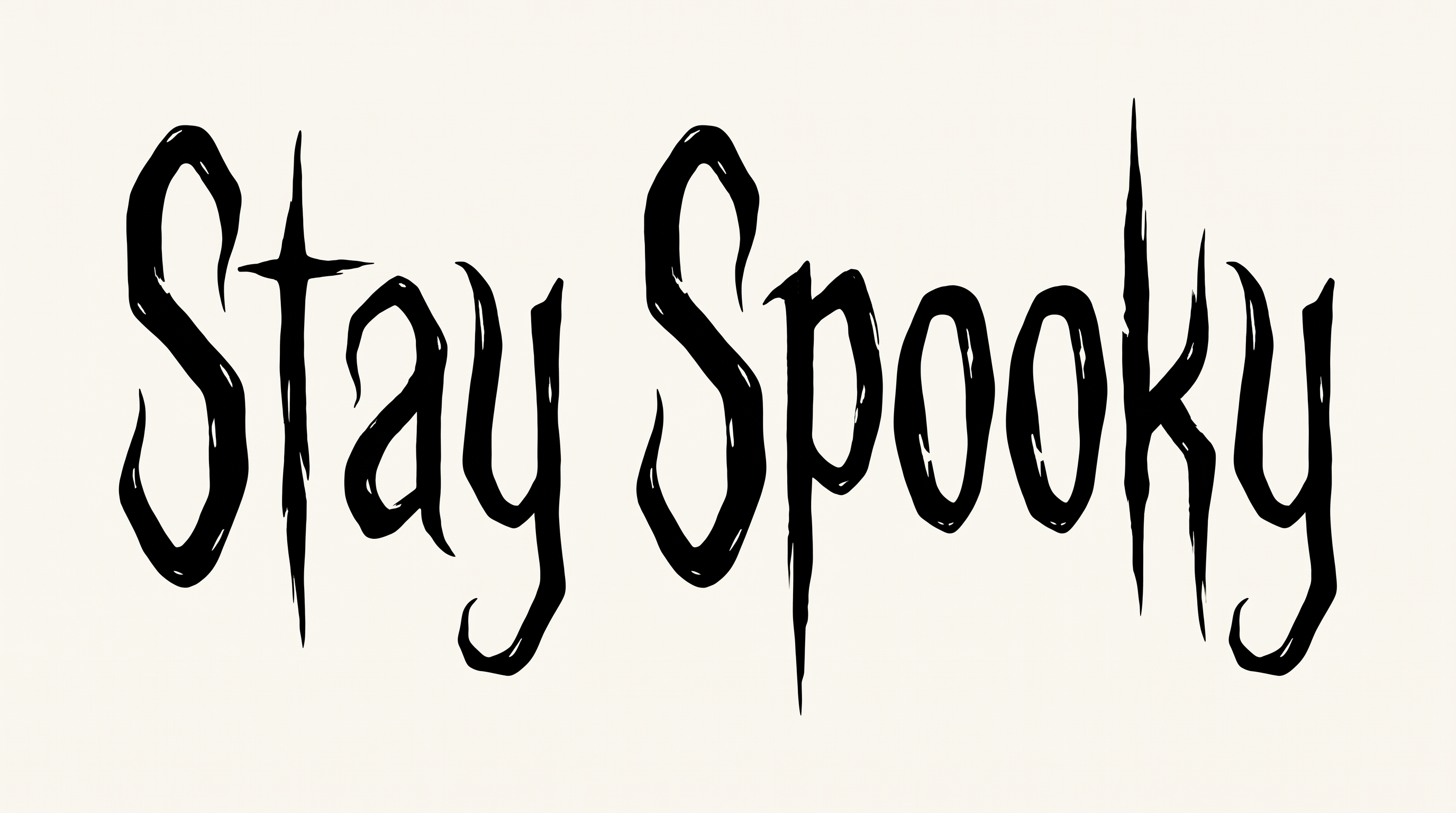
Tall, narrow scratch-serif lettering and dry-brush distress give horror titles an aged, hand-inked character.

Enter the text to generate, e.g. Fontify.ai

Font color
Background
Templates
385
Generations
179
Downloads
217
Rating
5.0

How to Use the Vintage Halloween Font Generator

Shape tall, distressed horror lettering for covers, signs, or seasonal graphics, then save the finished image.

  1. 01

    Enter your title wording

    Type a short title that suits the tall, narrow scratch-serif treatment.

  2. 02

    Frame and color the text

    Choose a 16:9 image size for banners, then set font and background colors.

  3. 03

    Generate and save PNG or SVG

    Generate the image, review the distressed lettering, then download a PNG or SVG.

Vintage Halloween Font Style Profile

Tall, narrow construction, pointed endings, and rough distress create a stark hand-inked character.

  • Surface Texture

    Dry-brush gaps and scratch marks roughen the visible letter strokes.

  • Letter Width

    Tall, narrow proportions shape the visible characters.

  • Stroke Endings

    Many strokes finish in sharp, tapered, or thorn-like points.

  • Corner Shape

    Angular turns and pointed joins give the letters a jagged structure.

  • Letter Construction

    Irregular hand-drawn strokes build each character with an intentionally uneven form.

  • Letter Connections

    Letters remain separate, with clear breaks between neighboring characters.
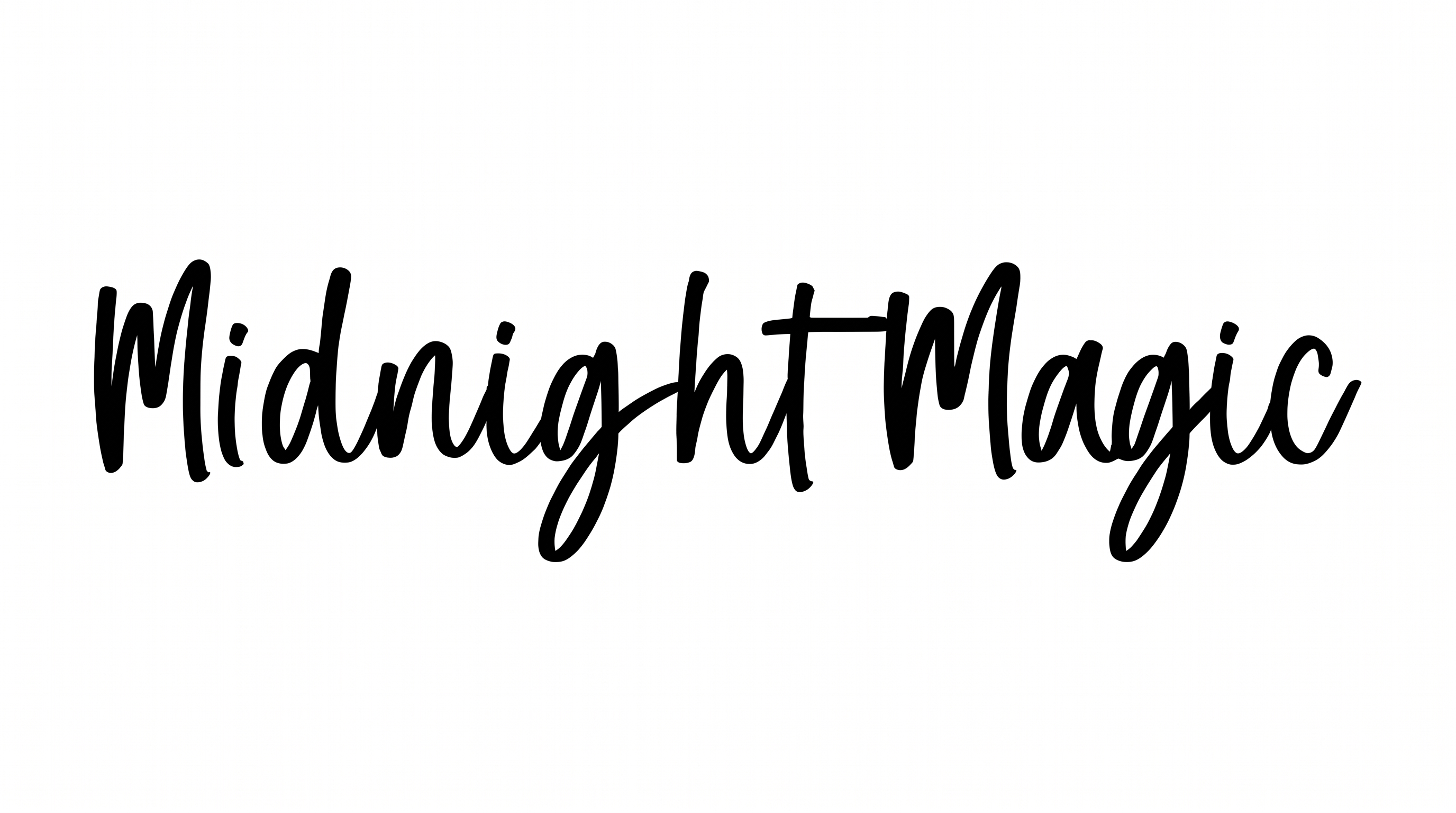
Frequently asked questions about Vintage Halloween Font Generator

Yes. You can use the generator and download the lettering through its supported free-use options. Usage conditions still apply to the resulting artwork.

The minimum membership covers personal use, while a higher membership covers commercial use. Check pricing to select the membership that fits your project.

Download the Vintage Halloween Font artwork as a PNG. Upload it in Canva and insert it into Google Docs. For Cricut, import the PNG into a project in the Cricut app, also known as Cricut Design Space.

Enter your text, select a font color, background, and image size, then generate the design. Review the rendered image and download it as PNG or SVG.

Its tall, distressed horror lettering suits prominent titles on book covers, invitations, packaging, apparel, event signs, and seasonal graphics. Give the title a clear focal position.

Use a concise title and build the layout around its tall letterforms. A centered stack can suit covers, while a wider line works well for banners.

Use short wording, strong color contrast, and generous surrounding space. Review the finished image at its intended thumbnail size before placing supporting details nearby.

Leave a clear margin around the pointed serifs and thorn-like extensions. This keeps the rough edges distinct from nearby illustrations, borders, or supporting text.

The aged, hand-inked texture supports eerie, theatrical, supernatural, and gothic moods. Pair it with restrained imagery so its distressed character remains the main visual cue.
READY TO CREATE?

Create Custom Vintage Halloween Fonts & Text Effects

Try Vintage Halloween Font Generator Free