Get 5 Free Credits

Free Retro Halloween Font Generator Online

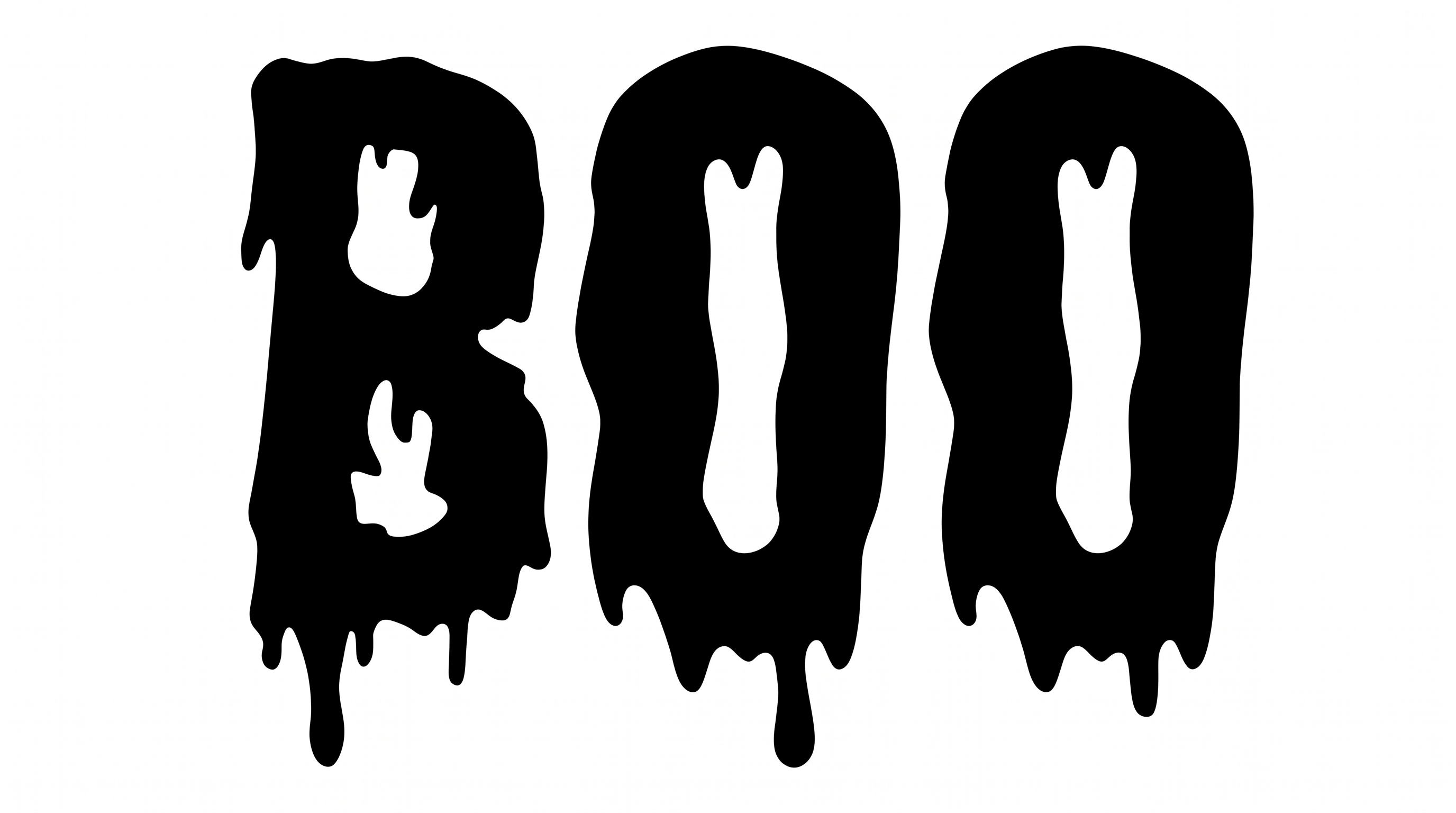
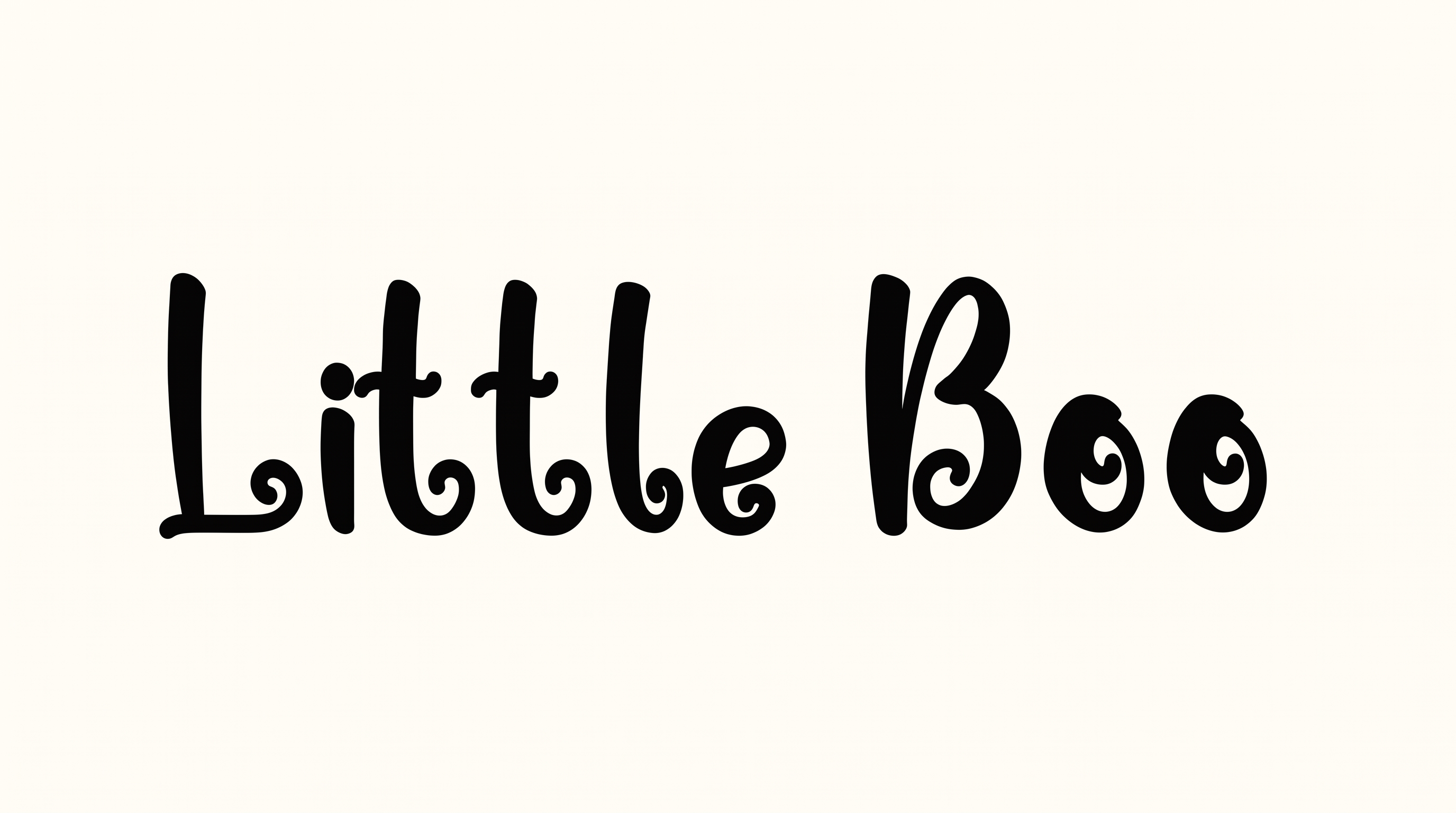
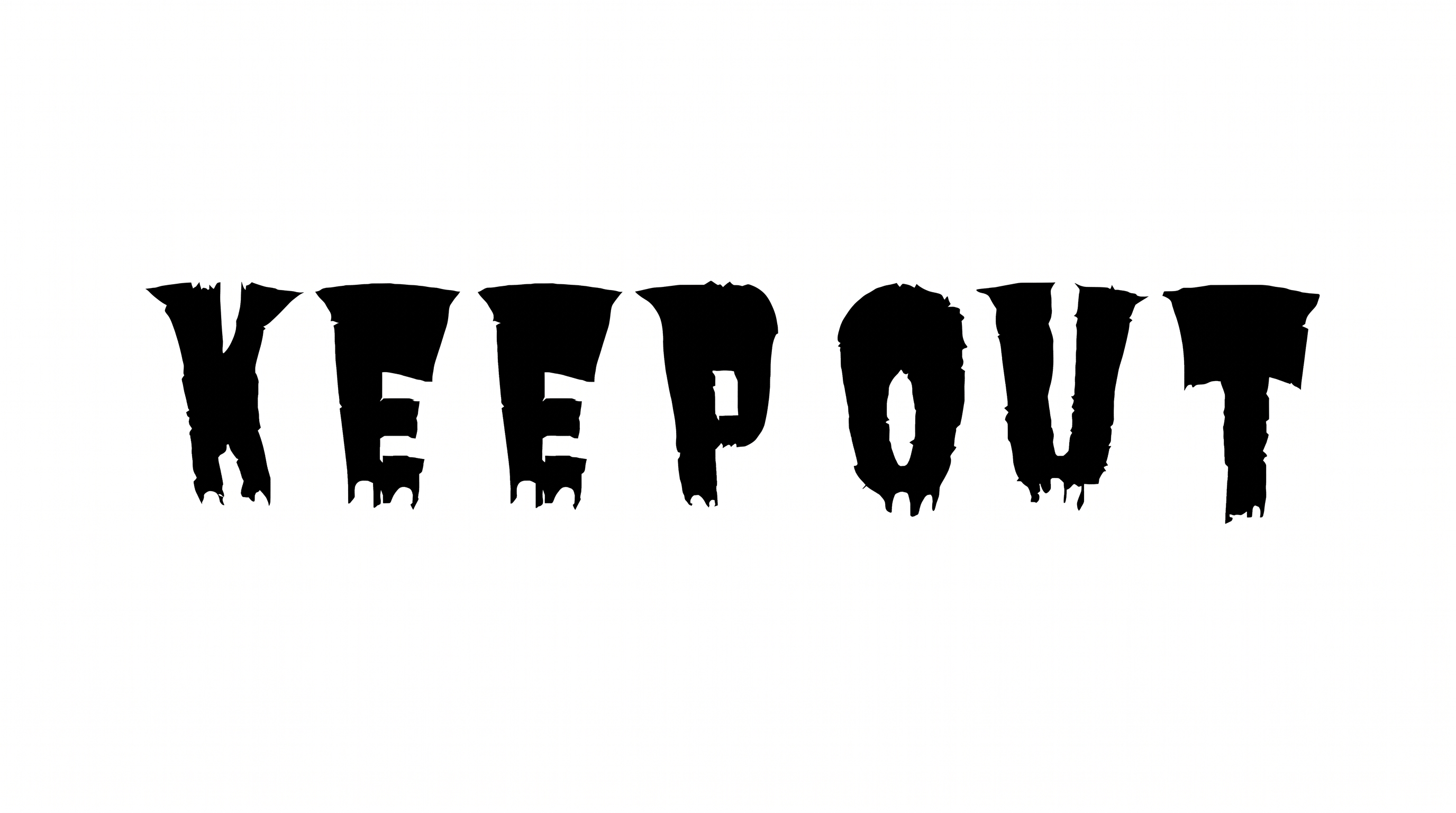
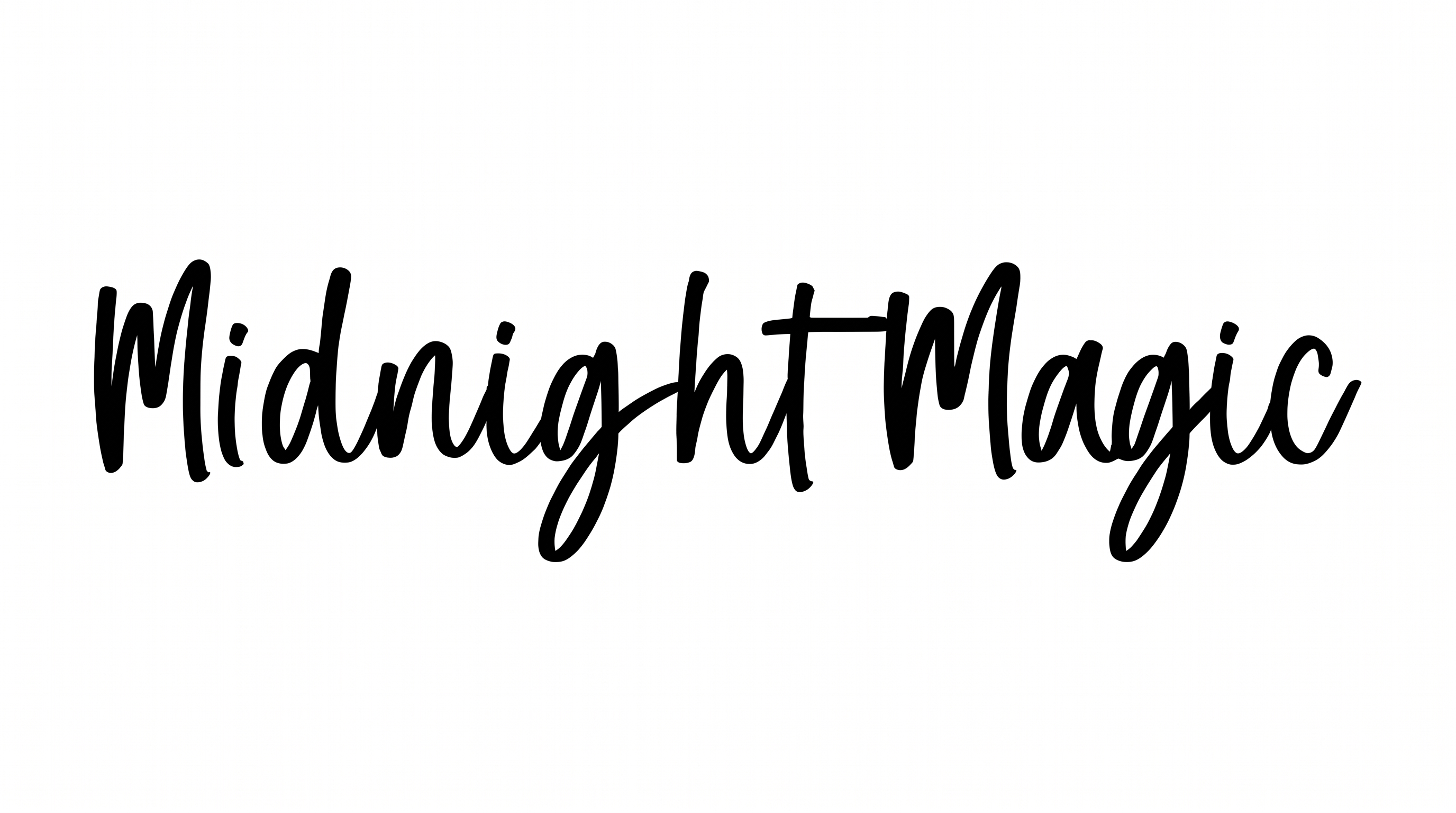
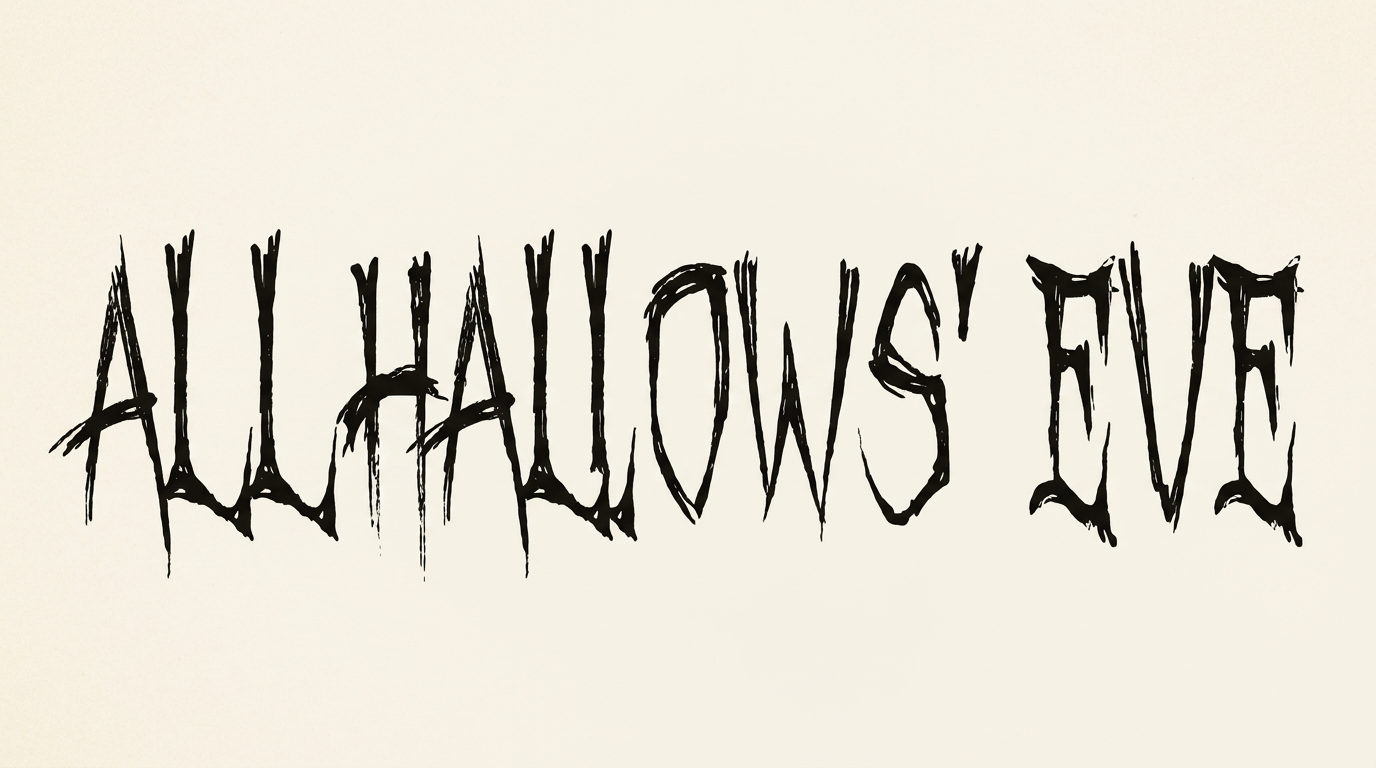
Tall, irregular horror lettering pairs scratchy hand-drawn strokes with generous negative space for posters, covers, and seasonal graphics.

Enter the text to generate, e.g. Fontify.ai

Font color
Background
Templates
385
Generations
59
Downloads
202
Rating
5.0

How to Use the Retro Halloween Font Generator

Shape a concise horror title into tall, hand-drawn lettering sized for your intended layout.

  1. 01

    Write your horror title

    Enter a short title or phrase to shape the tall, irregular horror lettering.

  2. 02

    Set the image composition

    Select a 16:9 image size and custom font color, then generate the artwork.

  3. 03

    Download the finished image

    Review the rendered preview, then download the finished text image as PNG or SVG.

Retro Halloween Font Style Profile

Jagged construction, pointed endings, and narrow proportions create an irregular hand-drawn character.

  • Letter Construction

    Irregular hand-drawn strokes build tall, jagged letterforms.

  • Stroke Endings

    Many visible strokes taper into sharp, elongated points.

  • Letter Width

    Most individual letters have narrow, condensed proportions.

  • Baseline Rhythm

    Varied letter positions and descenders create an uneven handwritten rhythm.

  • Corner Shape

    Angular turns and pointed joins give the letters a jagged profile.

  • Letter Connections

    Letters remain separate, with clear breaks between neighboring characters.
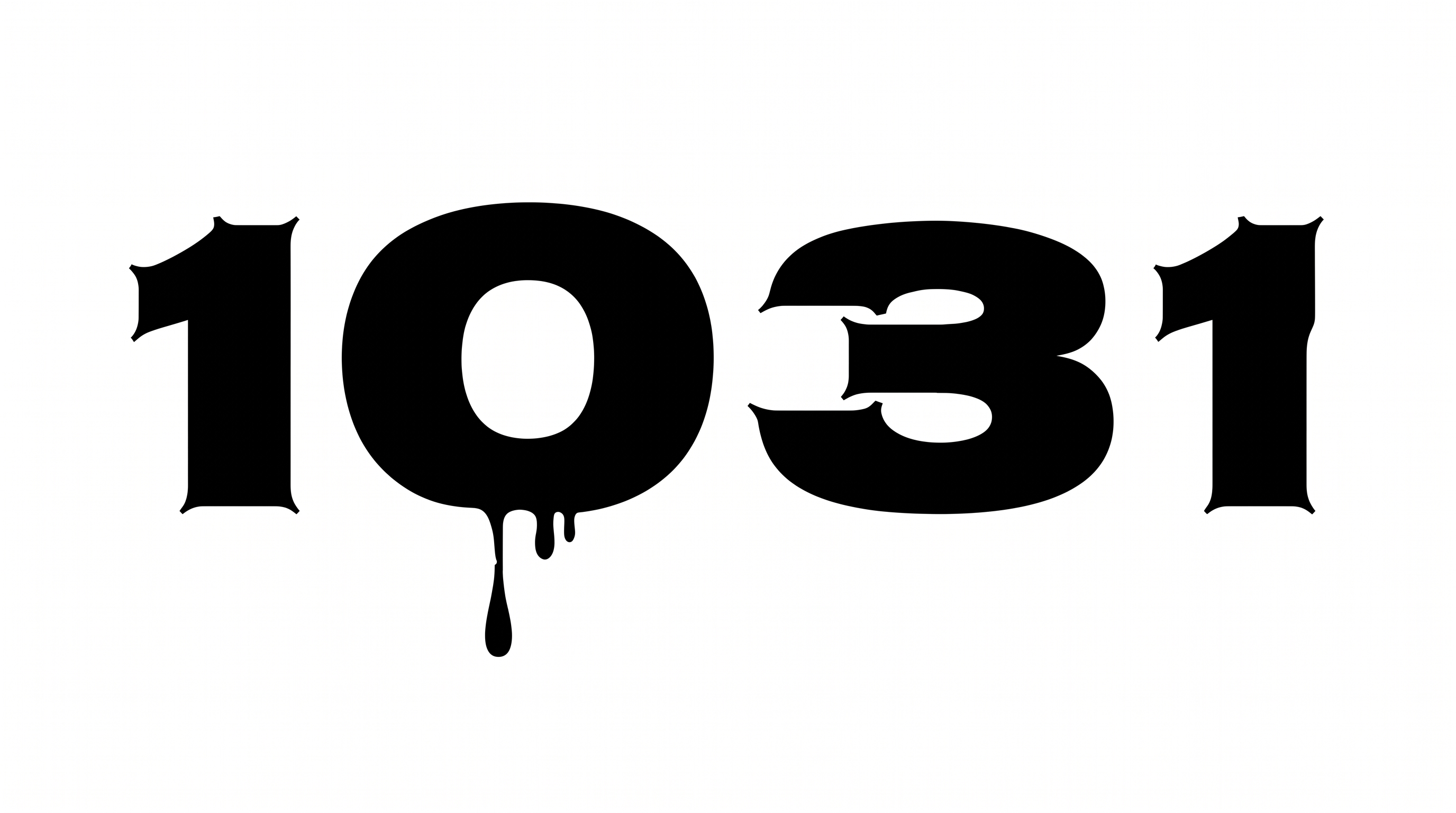
Frequently asked questions about Retro Halloween Font Generator

The generator turns your wording into a text image with tall, irregular, hand-scratched horror lettering. The condensed shapes and distressed, monochrome character suit spooky titles and seasonal artwork. Download the rendered design as PNG or SVG for placement in a layout.

Choose the template default or a custom font color, select a custom background color, or upload a background image. Image-size options help fit the composition. Transparent backgrounds are supported for layering the lettering over other artwork, though transparency is a platform output capability rather than a guaranteed default.

Download the Retro Halloween Font artwork as PNG, upload it in Canva, and insert it into a Google Docs document. Import the same PNG into a project in the Cricut app, also known as Cricut Design Space. Use it as image artwork rather than an installed font or natively editable text.

Yes. You can use the generator and download supported PNG or SVG artwork for free. The downloaded image is watermark-free and can be produced at 2K or 4K quality. Project use should follow the applicable membership terms shown in pricing.

Retro Halloween Font works well as a dominant title on horror book covers, posters, event tickets, packaging, record sleeves, and online story graphics. Give the lettering a clear title zone so its tall, irregular silhouette remains the focal point.

In the free Retro Halloween Font Generator, use a short phrase and choose a portrait or square image size that fits the layout. Preserve breathing room around the narrow letters, then check the rendered image at its intended display size.

Pair the black, hand-scratched lettering with generous negative space, a limited palette, and clear supporting information. Haunted-house silhouettes, eclipse motifs, or vintage paper cues can reinforce the spooky mood while the title remains dominant.
READY TO CREATE?

Create Custom Retro Halloween Fonts & Text Effects

Try Retro Halloween Font Generator Free