Get 5 Free Credits

Free Halloween Script Font Generator Online

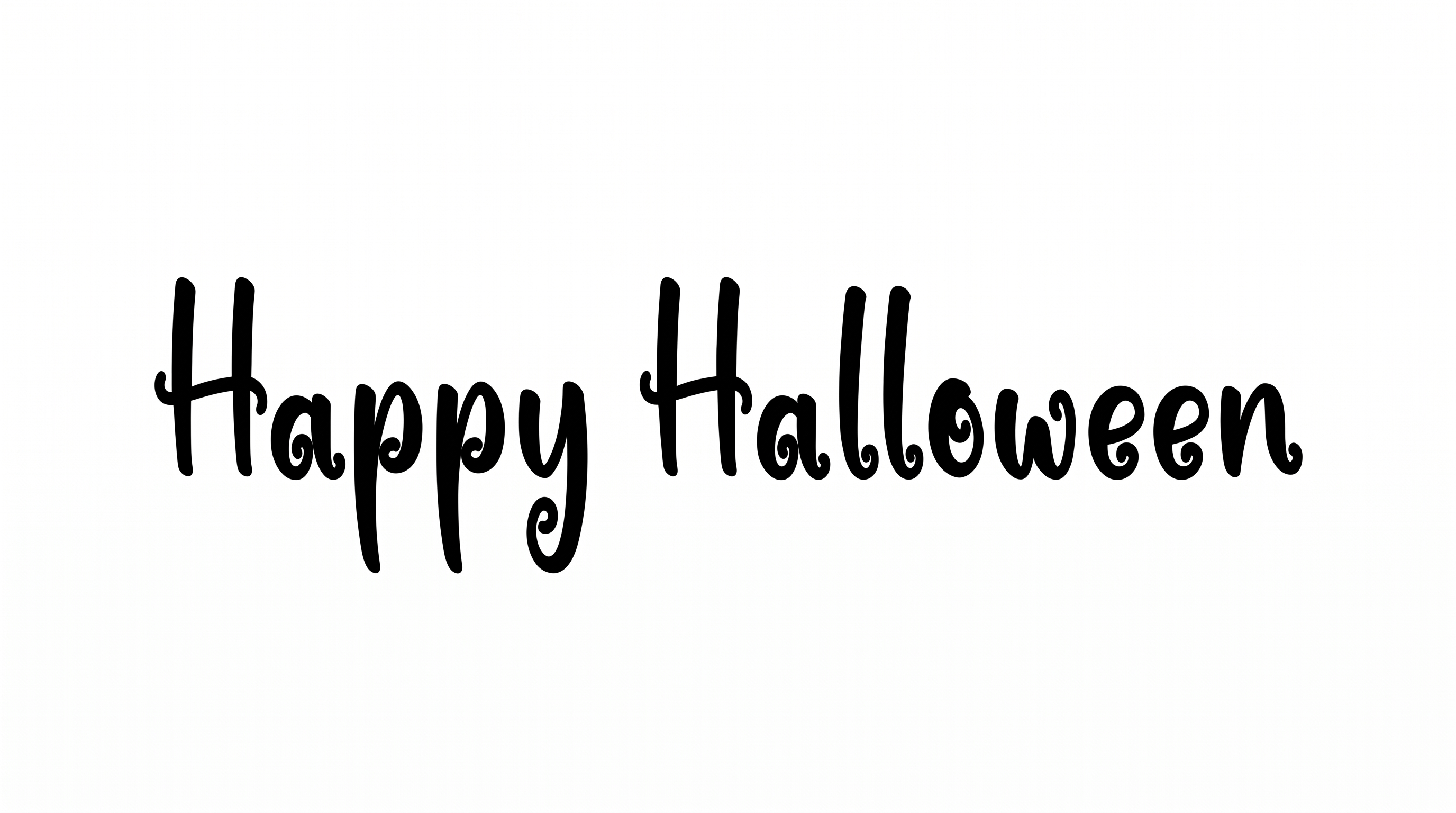
Create flowing black brush-script lettering with a handwritten rhythm for invitations, posters and other seasonal designs.

Enter the text to generate, e.g. Fontify.ai

Font color
Background
Templates
385
Generations
62
Downloads
259
Rating
5.0

How to Use the Halloween Script Font Generator

Shape a flowing brush-script phrase for a layout and save the finished lettering as image artwork.

  1. 01

    Write your Halloween phrase

    Enter a name, headline or short message for the flowing brush-script treatment.

  2. 02

    Choose colors and image size

    Select a font color, background treatment and an aspect ratio such as 16:9.

  3. 03

    Generate and download the artwork

    Render the design, review its script flow and download the PNG or SVG image.

Halloween Script Font Style Profile

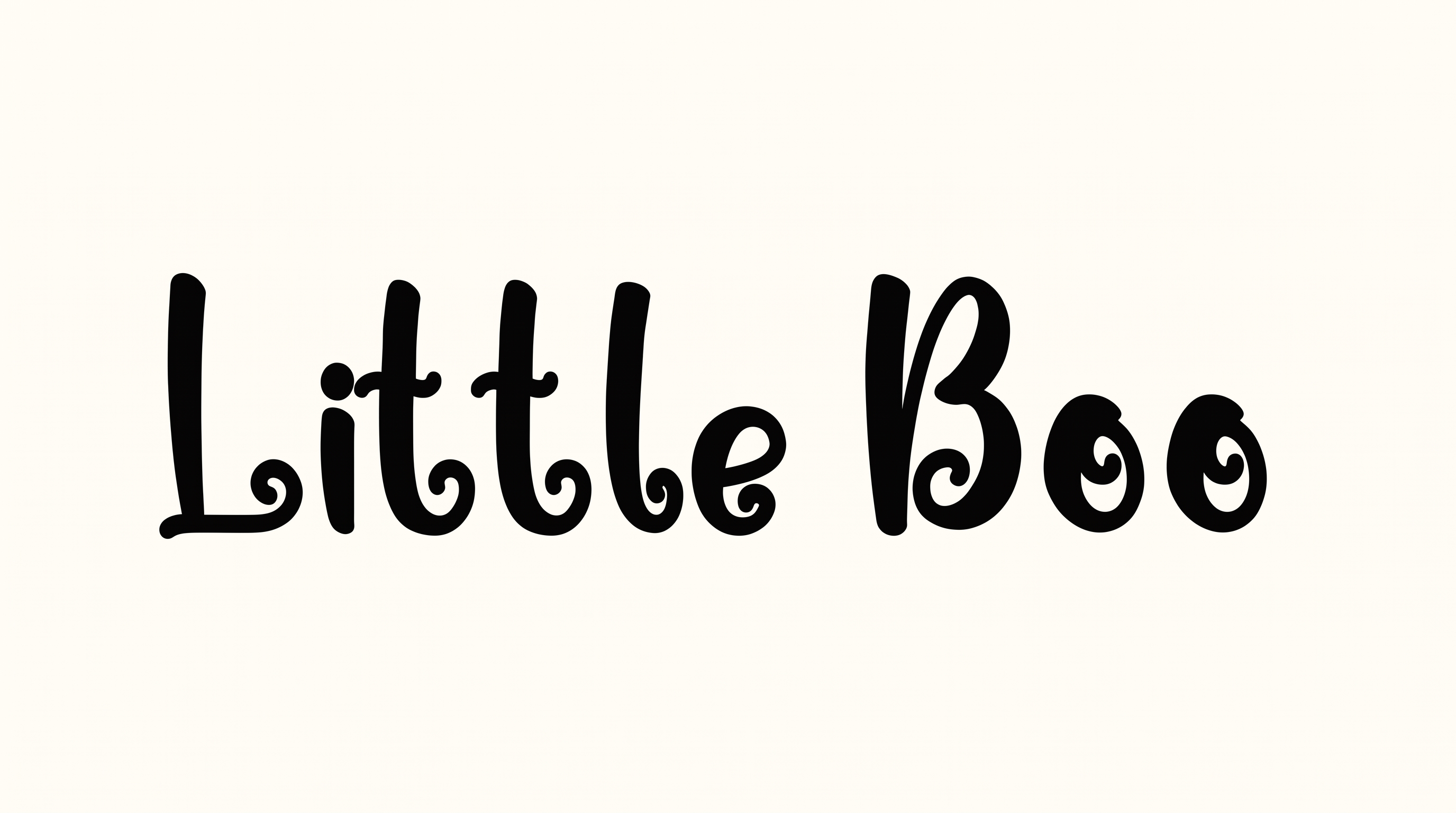
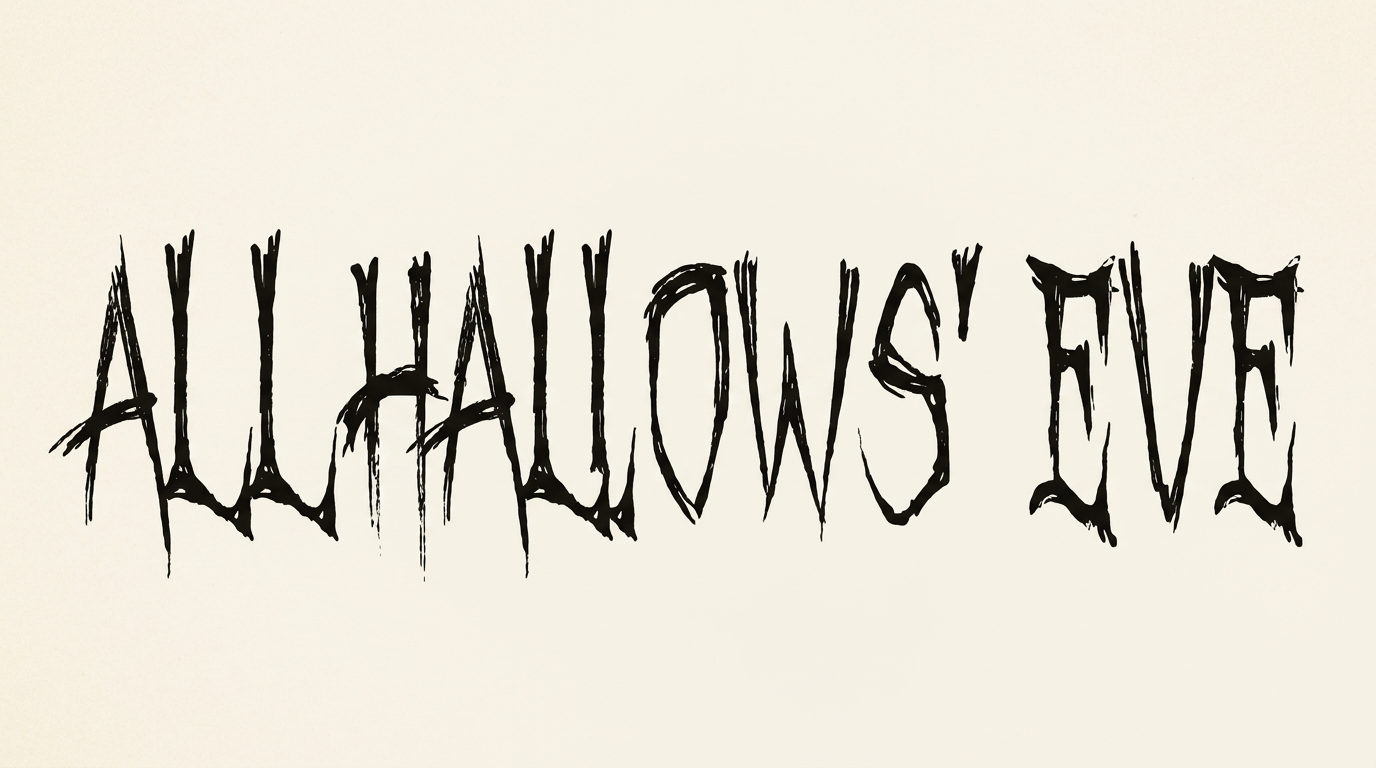
Flowing connections, tapered endings and lively baseline shifts create an expressive handwritten rhythm.

  • Letter Connections

    Continuous joining strokes link many lowercase letters within each word.

  • Stroke Contrast

    Broad downstrokes alternate with finer rising and connecting strokes.

  • Stroke Endings

    Visible brush strokes finish in narrow, tapered tips.

  • Flourishes

    Extended capitals and sweeping descenders add expressive decoration.

  • Baseline Rhythm

    Changing letter heights and descenders create a lively handwritten rhythm.

  • Slant

    Most letterforms lean gently to the right along the baseline.
Frequently asked questions about Halloween Script Font Generator

It turns your wording into an image featuring flowing brush-script lettering. The handwritten forms, connected strokes and signature-style rhythm suit seasonal headlines, invitations, posters and other designs that benefit from expressive display text.

Yes, transparent backgrounds are supported for layering the lettering over other artwork. This template also lets you choose a font color, set a custom background color or upload a background image. Available image sizes include square, portrait, landscape and widescreen ratios.

Enter your wording, choose the available color, background and image-size options, then generate the design. Review the rendered result and download it as a PNG or SVG image. The downloaded artwork is an image rather than an installable font file.

Download the generated lettering as a PNG image. Upload it in Canva, insert it into a Google Docs document and import it into a project in the Cricut app. This app is also known as Cricut Design Space. Use it as rendered image artwork in each platform.

Use a short headline and give the brush-script forms enough open space around their tall capitals and sweeping descenders. Check the finished image at its intended display size. A clear font color against the chosen background will help the connected lettering remain distinct.

Its expressive brush style works well as a prominent title on masquerade invitations, Halloween posters, book covers and seasonal menus. It can also serve as a product name on packaging or labels. Keep supporting details visually separate so the script remains the focal point.

Pair the expressive script headline with restrained supporting text and an uncluttered composition. The black-and-white presentation suits minimal layouts, while custom font and background colors can adapt the artwork to a seasonal palette. Leave room around extended strokes and descenders.
READY TO CREATE?

Create Custom Halloween Script Fonts & Text Effects

Try Halloween Script Font Generator Free