Get 5 Free Credits

Free Halloween Font Generator Online

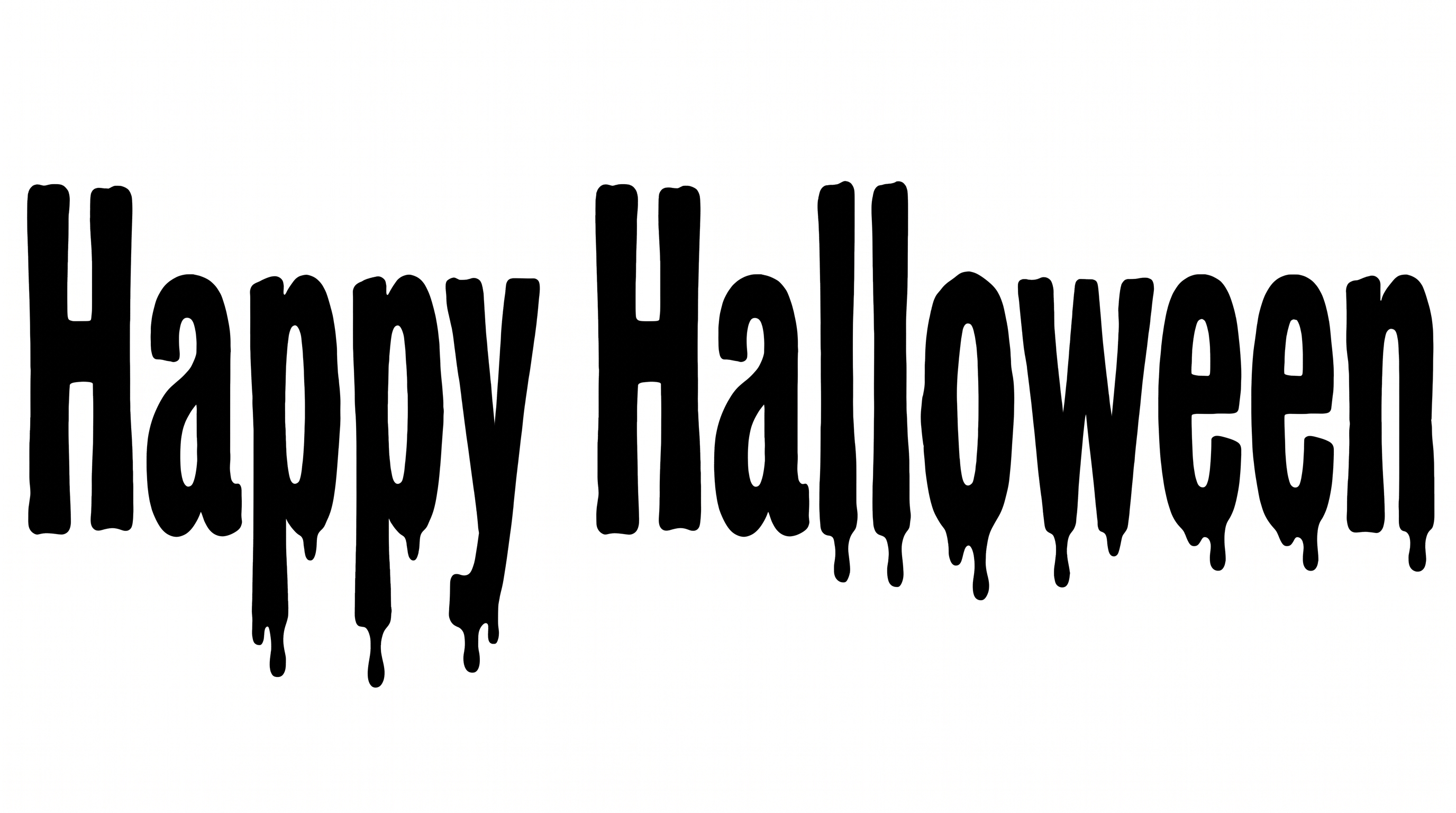
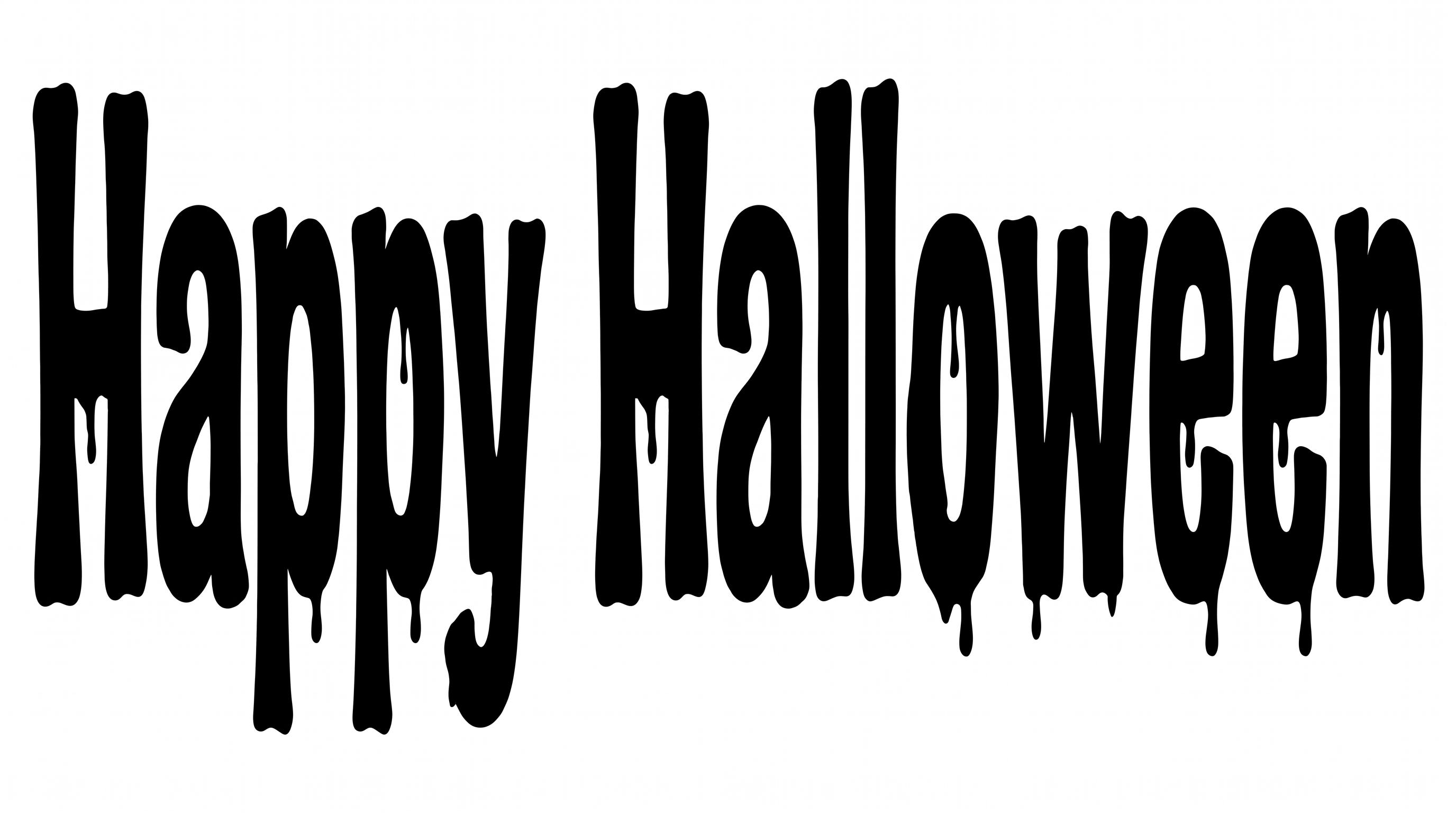
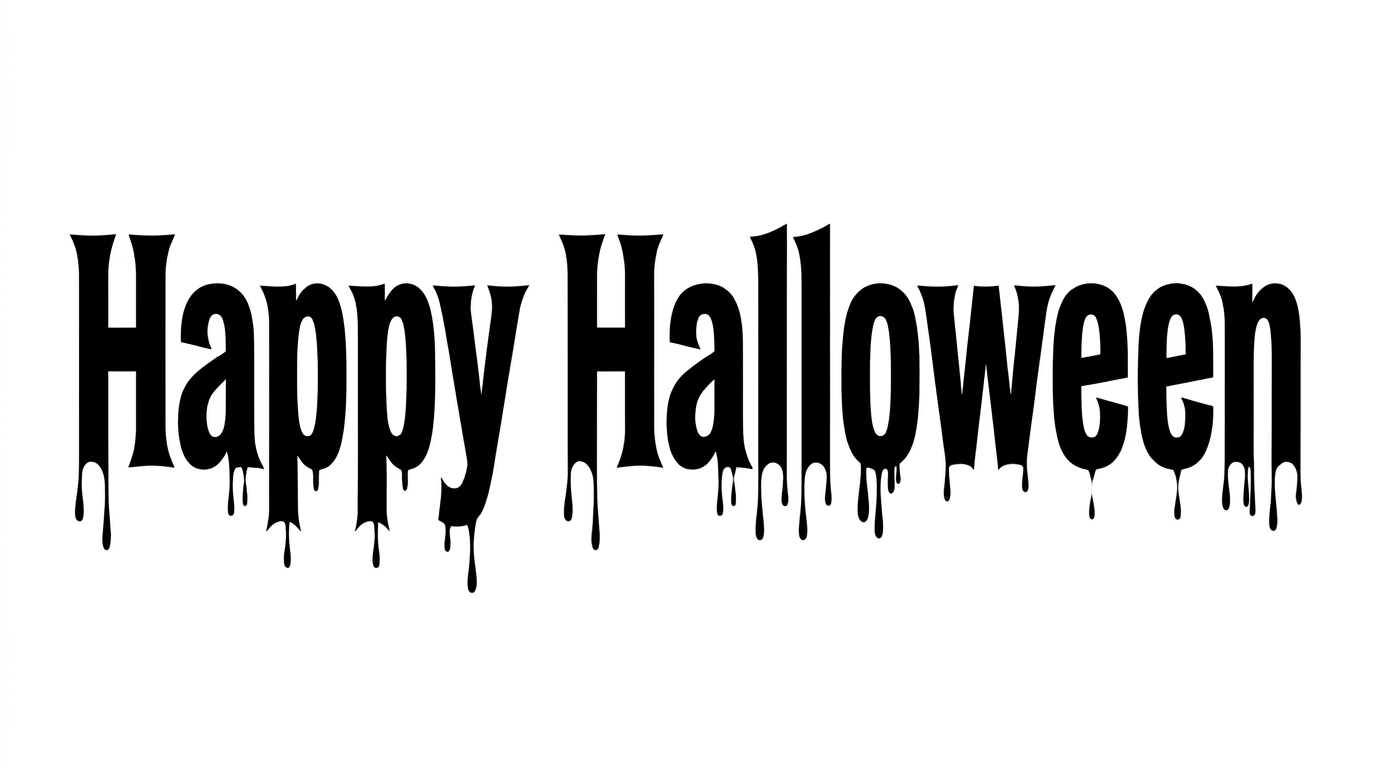
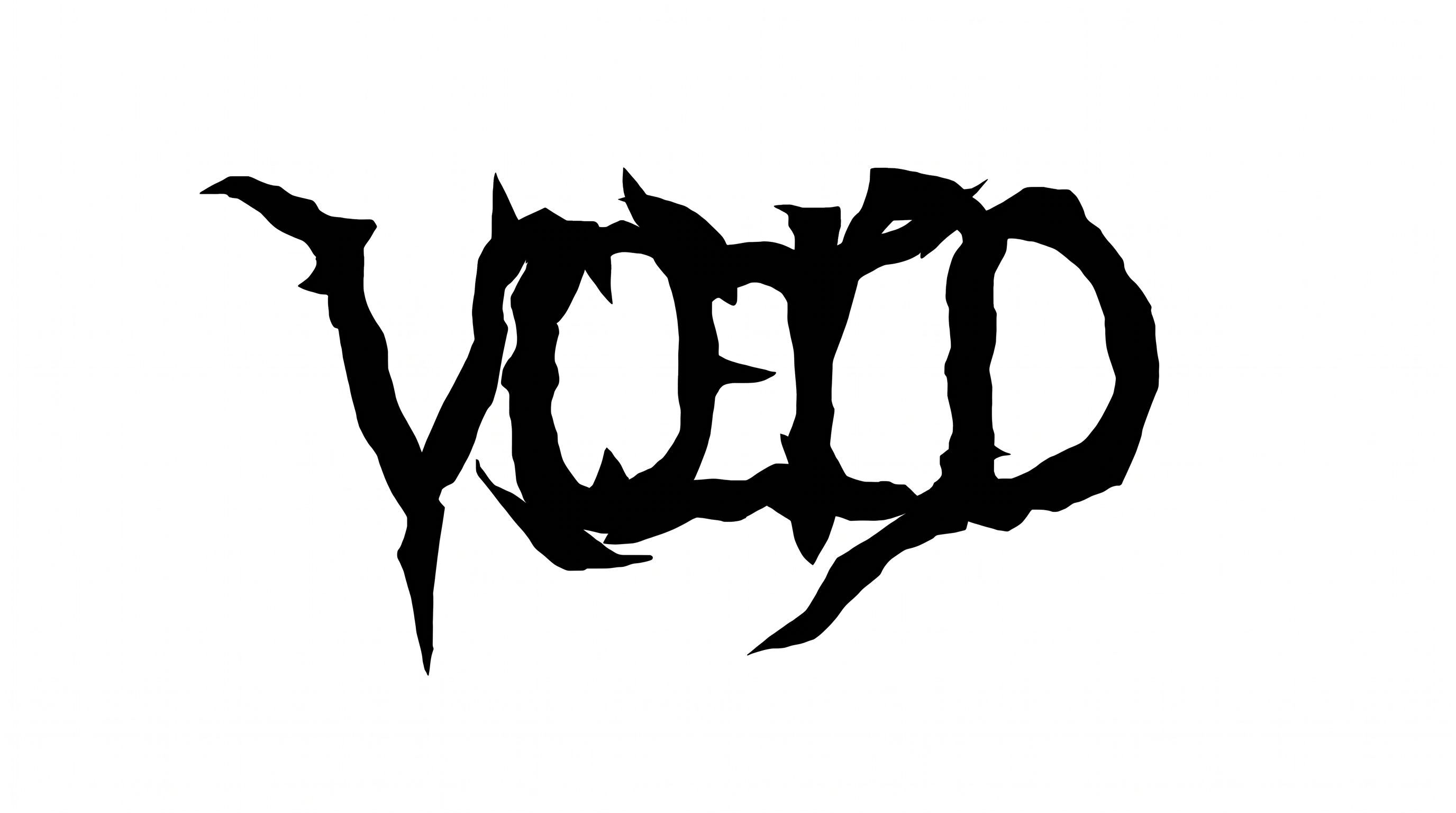
Create bold, irregular horror lettering with solid black forms and integrated drips, ideal for spooky event titles or seasonal packaging.

Enter the text to generate, e.g. Fontify.ai

Font color
Background
Templates
385
Generations
92
Downloads
281
Rating
5.0

How to Use the Halloween Font Generator

Shape a bold dripping phrase with suitable proportions, then save it as artwork for your layout.

  1. 01

    Enter a short spooky phrase

    Type the title or message you want rendered in bold, irregular horror lettering.

  2. 02

    Set the color and canvas

    Choose a font color, background treatment, and image size such as 16:9 before generating.

  3. 03

    Review and download PNG or SVG

    Check the irregular drips at your intended scale, then download the finished image.

Halloween Font Style Profile

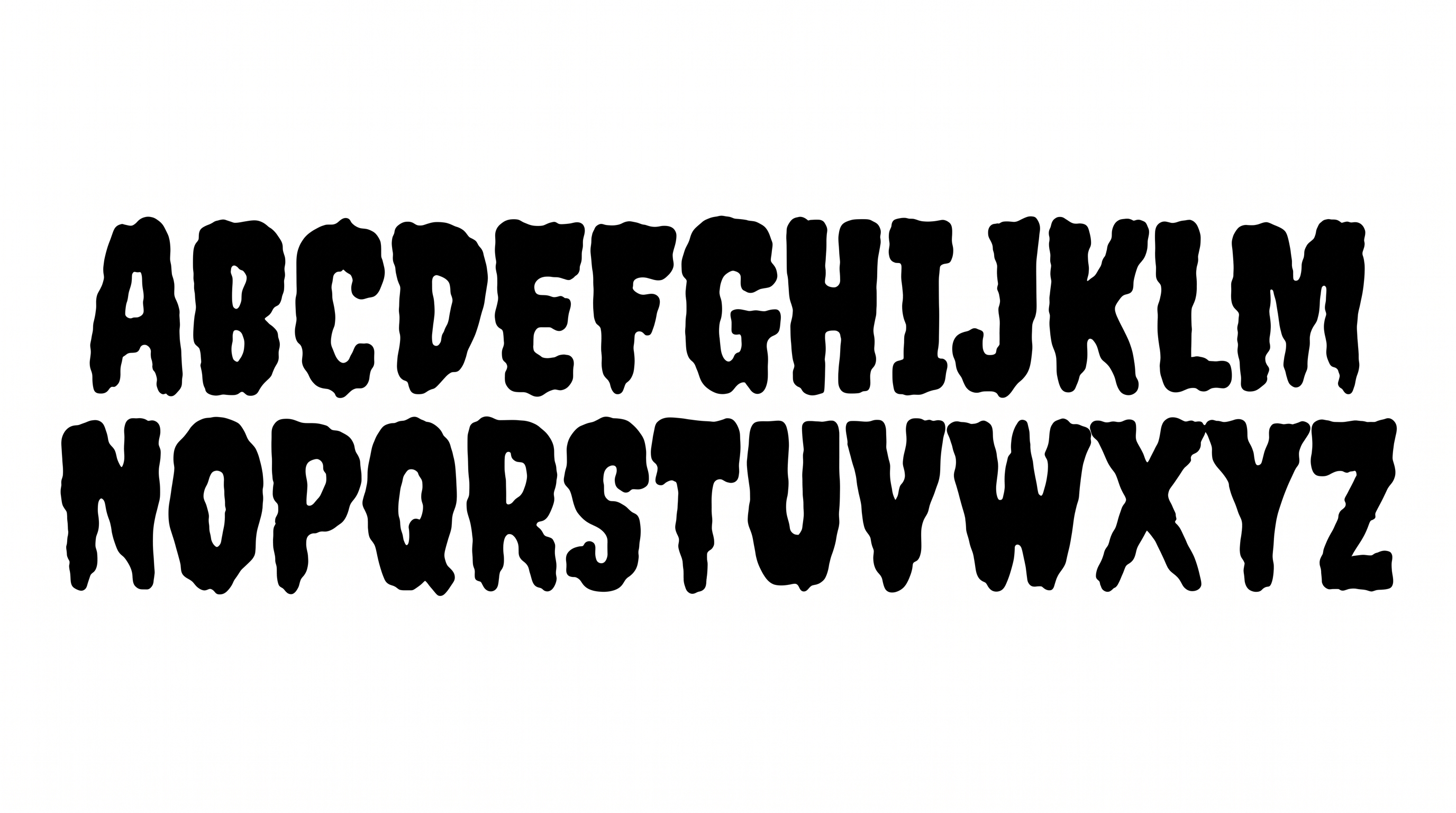
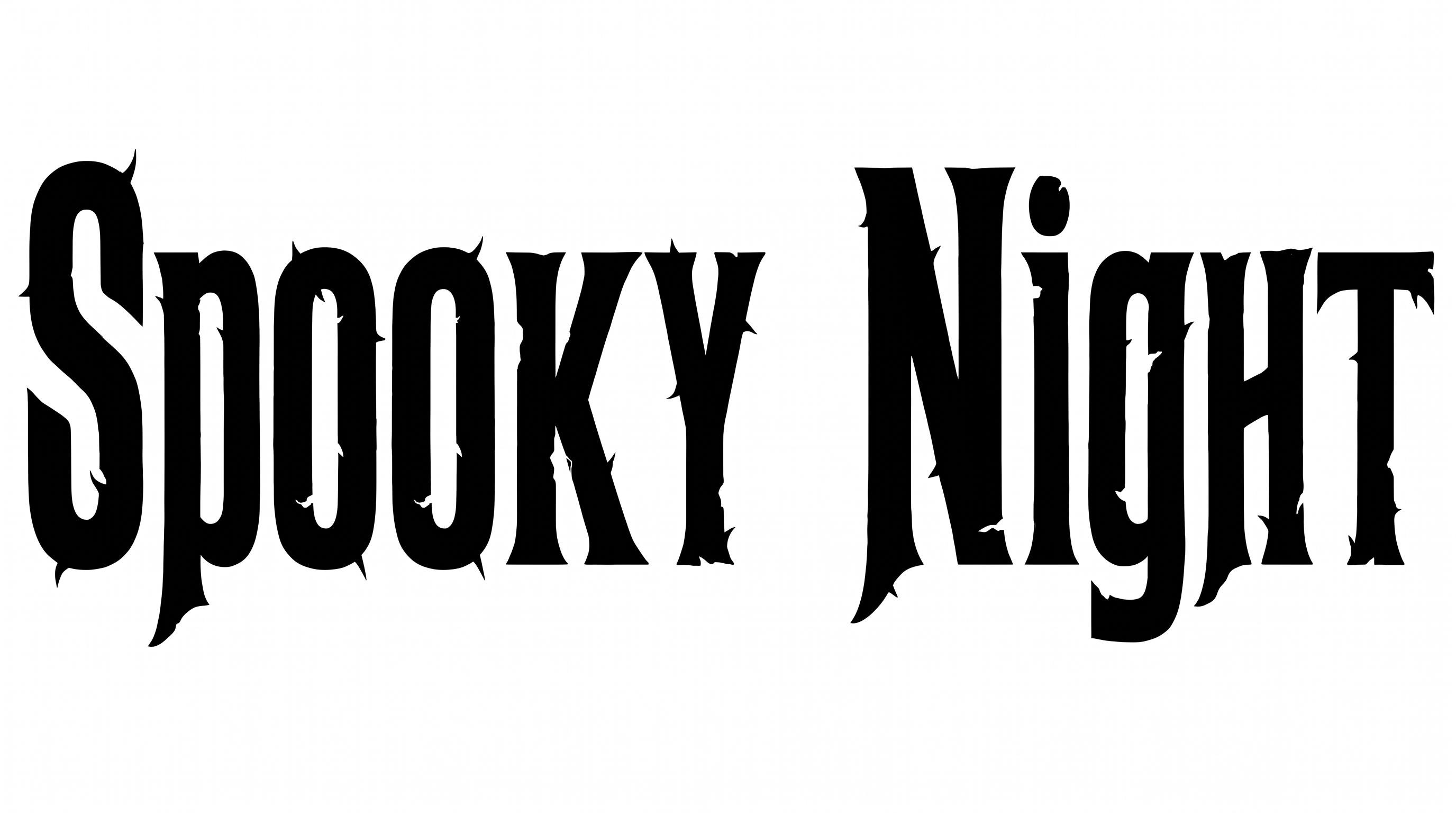
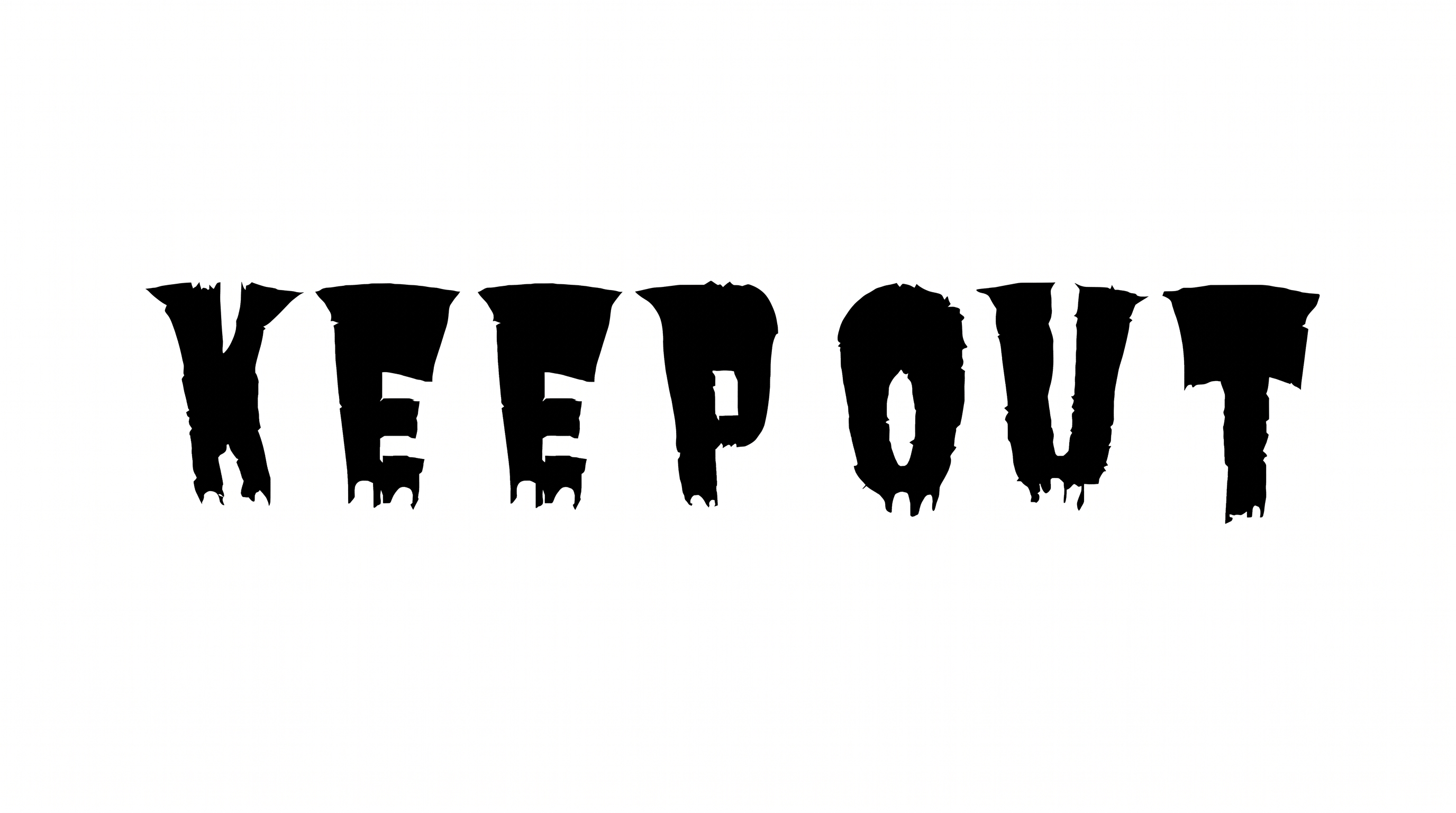
Heavy, irregular construction and integrated drips give the black lettering its stark horror character.

  • Letter Construction

    Solid, irregular shapes build each letter as a continuous display form.

  • Flourishes

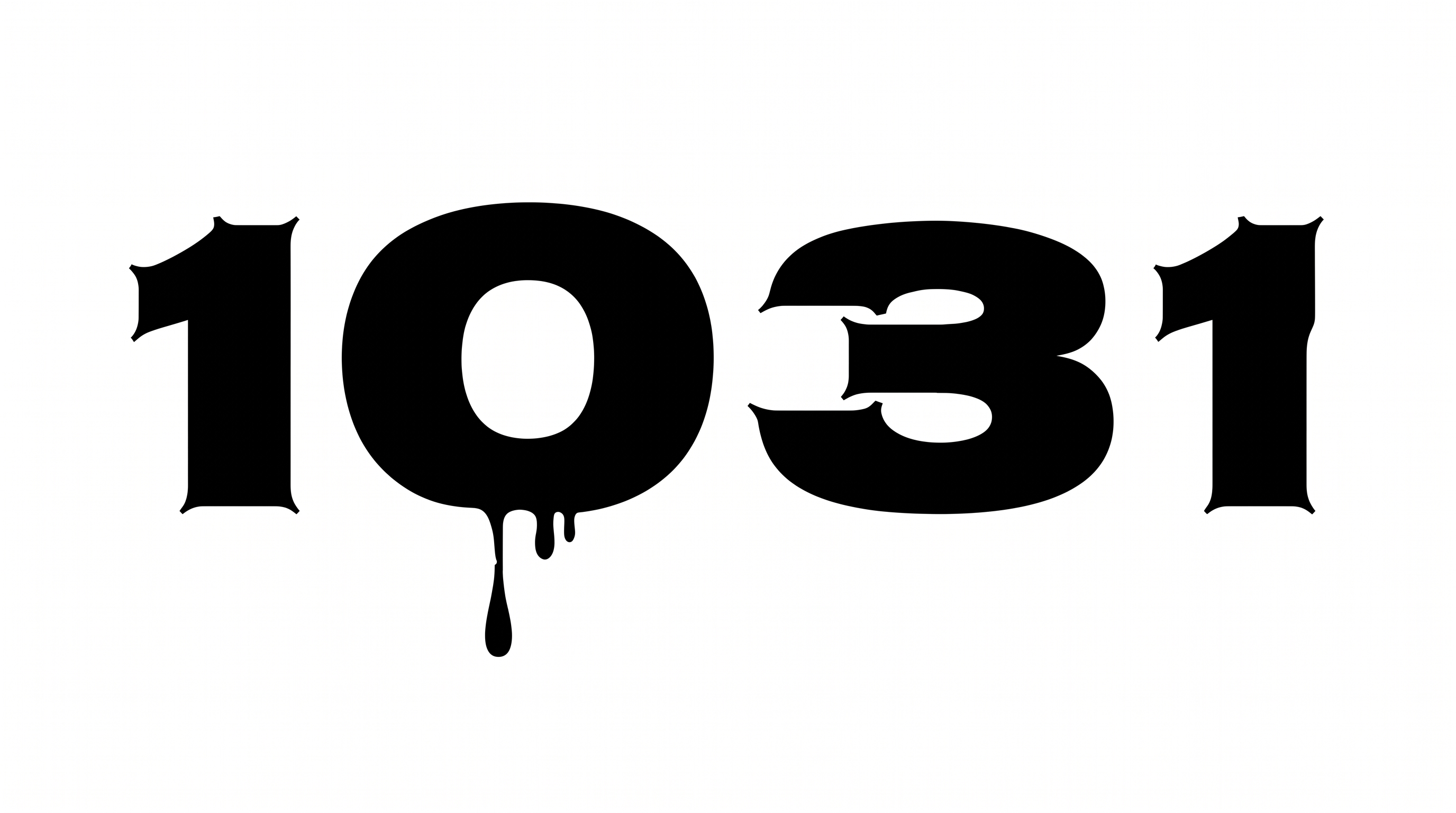
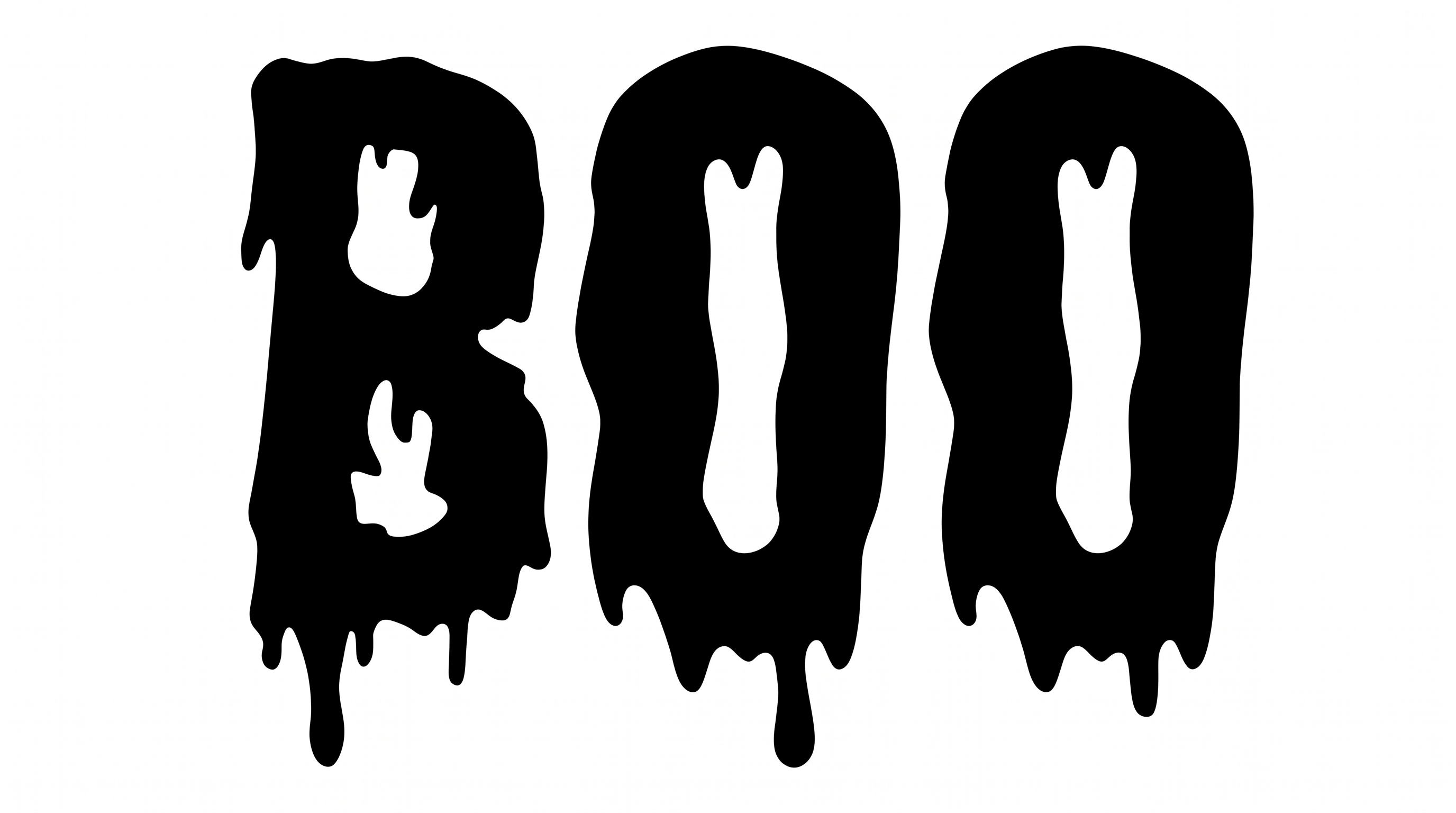
    Integrated downward drips add restrained horror-themed decoration to the letterforms.

  • Stroke Weight

    Heavy black stroke bodies give the letters a bold, substantial presence.

  • Stroke Endings

    Extended drips taper into rounded drops beneath many visible strokes.

  • Corner Shape

    Rounded, uneven corners shape the irregular letter silhouettes.

  • Letter Connections

    Letters remain separate, with clear breaks between neighboring characters.
Frequently asked questions about Halloween Font Generator

Download the Halloween Font artwork as a PNG. Upload the PNG in Canva, or insert it into a Google Docs document. For Cricut, import it into a project in the Cricut app, also known as Cricut Design Space. The rendered words remain image artwork.

Transparent backgrounds are supported for layering lettering over other artwork. This template also lets you choose a font color, set a custom background color, or upload a background image. Transparency is an output option rather than a guarantee that every result starts transparent.

Browse the related tools area and compare broad traits such as stroke shape, spacing, and decorative treatment. Choose a direction that matches your project mood, then test the same short phrase to judge how each lettering approach reads.

The minimum membership covers personal use, while a higher membership covers commercial use. Review pricing to choose the membership that applies to your project before using the generated artwork for business, promotional, or client-facing work.

Its bold, dripping display style suits short titles on event posters, candy packaging, haunted-attraction signs, book covers, and party invitations. Give the lettering a prominent role so its irregular silhouette establishes the spooky theme quickly.

Use the generated heading as the main focal point, then reserve separate areas for dates, prices, or event details. A wide aspect ratio suits a single-line phrase, while portrait formats support stacked campaign or cover layouts.

Use a short phrase at a prominent size and maintain strong contrast between the letters and background. Check the finished image at its intended display size, especially for mobile stories, podcast covers, or compact event graphics.

Leave clear space around the irregular edges and long drips so the silhouette remains distinct. Pair the display lettering with a simpler supporting type style for schedules, descriptions, and other information that needs quick scanning.

The solid black shapes, uneven contours, and integrated drips create a direct spooky mood with a minimal horror-poster feel. Use a restrained palette to preserve that stark character, or add color through the available font-color control.
READY TO CREATE?

Create Custom Halloween Fonts & Text Effects

Try Halloween Font Generator Free