Get 5 Free Credits

Free Halloween Party Font Generator Online

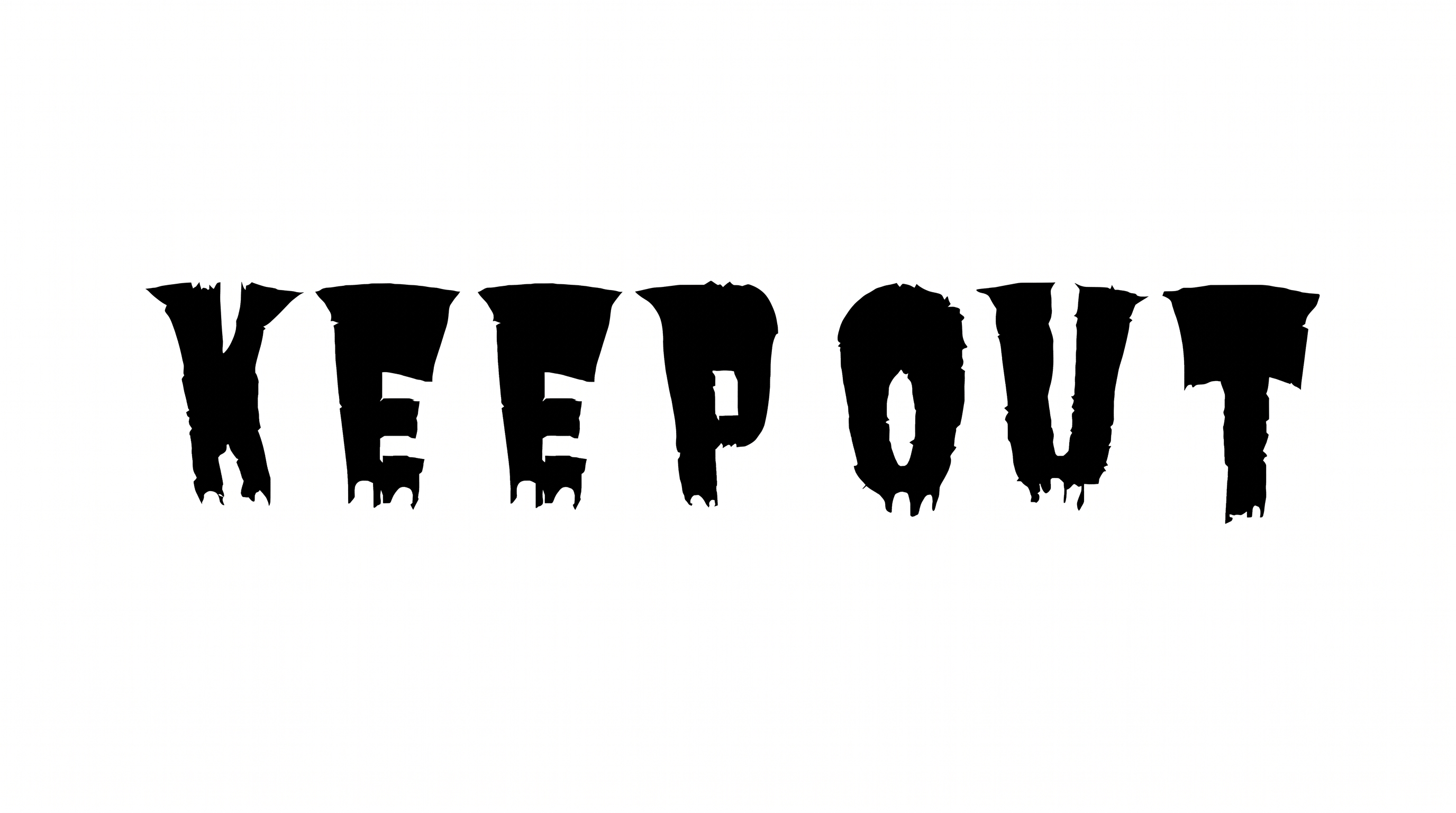
Turn party wording into rugged, distressed slab-serif artwork inspired by vintage print, ideal for invitations and event headlines.

Enter the text to generate, e.g. Fontify.ai

Font color
Background
Templates
385
Generations
141
Downloads
212
Rating
5.0

How to Use the Halloween Party Font Generator

Shape rugged event headlines with suitable proportions, then save the finished lettering for party designs.

  1. 01

    Write your party headline

    Enter a short party phrase that suits the bold, condensed slab-serif treatment.

  2. 02

    Set the image proportions

    Choose a font color, background and image size such as 16:9, then generate the preview.

  3. 03

    Download the PNG or SVG artwork

    Review the distressed lettering, then save the finished artwork in your preferred format.

Halloween Party Font Style Profile

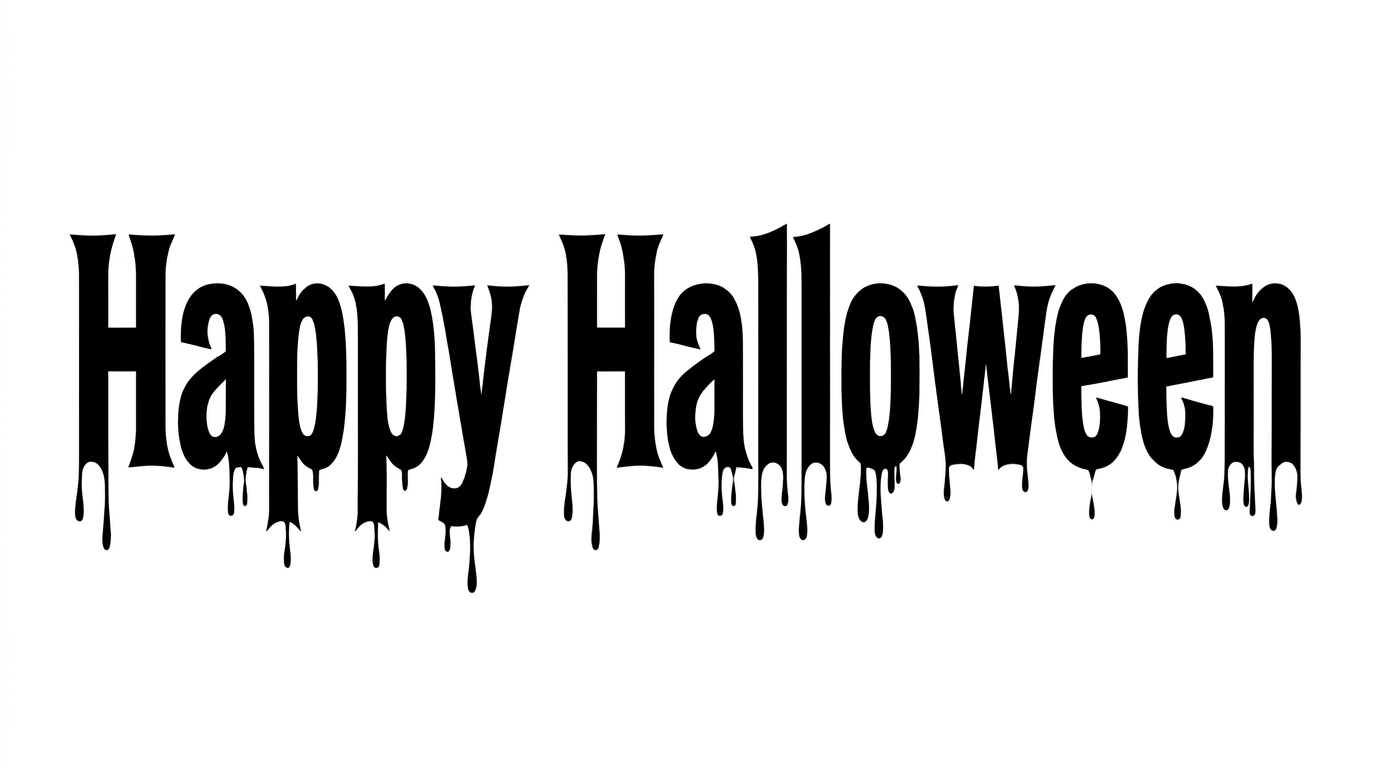
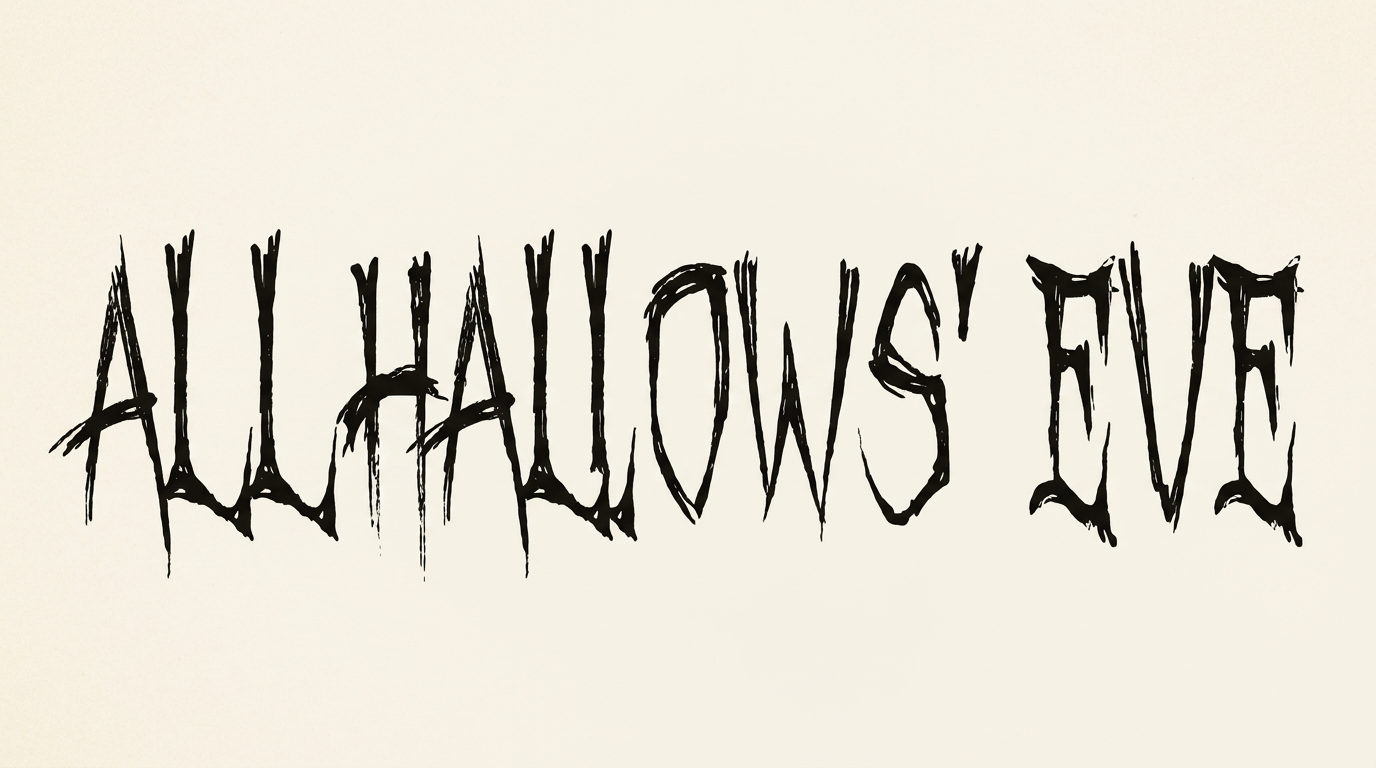
Heavy, condensed slab forms combine sharp serif endings with a visibly distressed surface.

  • Surface Texture

    Irregular knockout marks create a worn, distressed finish across the black letterforms.

  • Stroke Weight

    Heavy main strokes give the lettering a bold, forceful presence.

  • Letter Width

    Condensed letterforms create tall, narrow character proportions.

  • Stroke Contrast

    Thick main stems contrast clearly with finer crossbars and joins.

  • Stroke Endings

    Broad slab serifs form firm, squared endings on the visible letters.

  • Letter Connections

    Letters remain separate, with clear breaks between neighboring characters.
Frequently asked questions about Halloween Party Font Generator

Transparent backgrounds are supported, so you can layer the lettering over other artwork. You can also choose template-default or custom font and background colors, upload a background image, and select an image size. These choices help adapt the artwork to different layouts.

Use the related tools area to compare other visual directions for styled lettering. Focus on broad traits such as texture, weight, spacing and mood, then choose the treatment that best fits your event design and format.

Download the PNG artwork, upload it in Canva, insert it into a Google Docs document, and import it into a Cricut project. In the Cricut app, also known as Cricut Design Space, it remains image artwork rather than an installed, natively editable font.

Enter your wording, choose an available font color, background and image size, then generate the design. Review the rendered preview and download the result as PNG or SVG image artwork.

Its rugged slab-serif shapes suit prominent event headlines on invitations, admission tickets, signs, packaging and stage graphics. Use shorter wording where the distressed texture can remain visible and the headline can command a clear focal position.

Use the Halloween Party Font Generator artwork as the main focal headline. Place dates, locations and schedules in a simpler supporting style, with enough separation to preserve a clear information hierarchy.

Keep the wording brief, choose a proportion that gives each letter room, and maintain strong contrast with the background. Leave free space around the image so the worn texture stays distinct from nearby details.

The heavy slab forms and distressed vintage-print finish create a haunted, theatrical mood. Pair the headline with a restrained layout so its grunge character carries the theme while practical event information stays easy to scan.
READY TO CREATE?

Create Custom Halloween Party Fonts & Text Effects

Try Halloween Party Font Generator Free