Get 5 Free Credits

Free Happy Birthday Roblox Font Generator Online

Turn birthday wording into chunky, hand-drawn block capitals with bold outlines for invitations, decorations and party graphics.

Enter the text to generate, e.g. Fontify.ai

Font color
Background
Templates
252
Generations
180
Downloads
203
Rating
5.0

How to Use the Happy Birthday Roblox Font Generator

Shape a birthday message into outlined block lettering sized for your chosen party design.

  1. 01

    Write your birthday message

    Enter a name, greeting or short title for the outlined block treatment.

  2. 02

    Set the artwork layout

    Choose an image size such as 1:1 or 16:9, then select colors or a background.

  3. 03

    Generate and download PNG or SVG

    Render the text image, review the outlined letters and save your preferred format.

Happy Birthday Roblox Font Style Profile

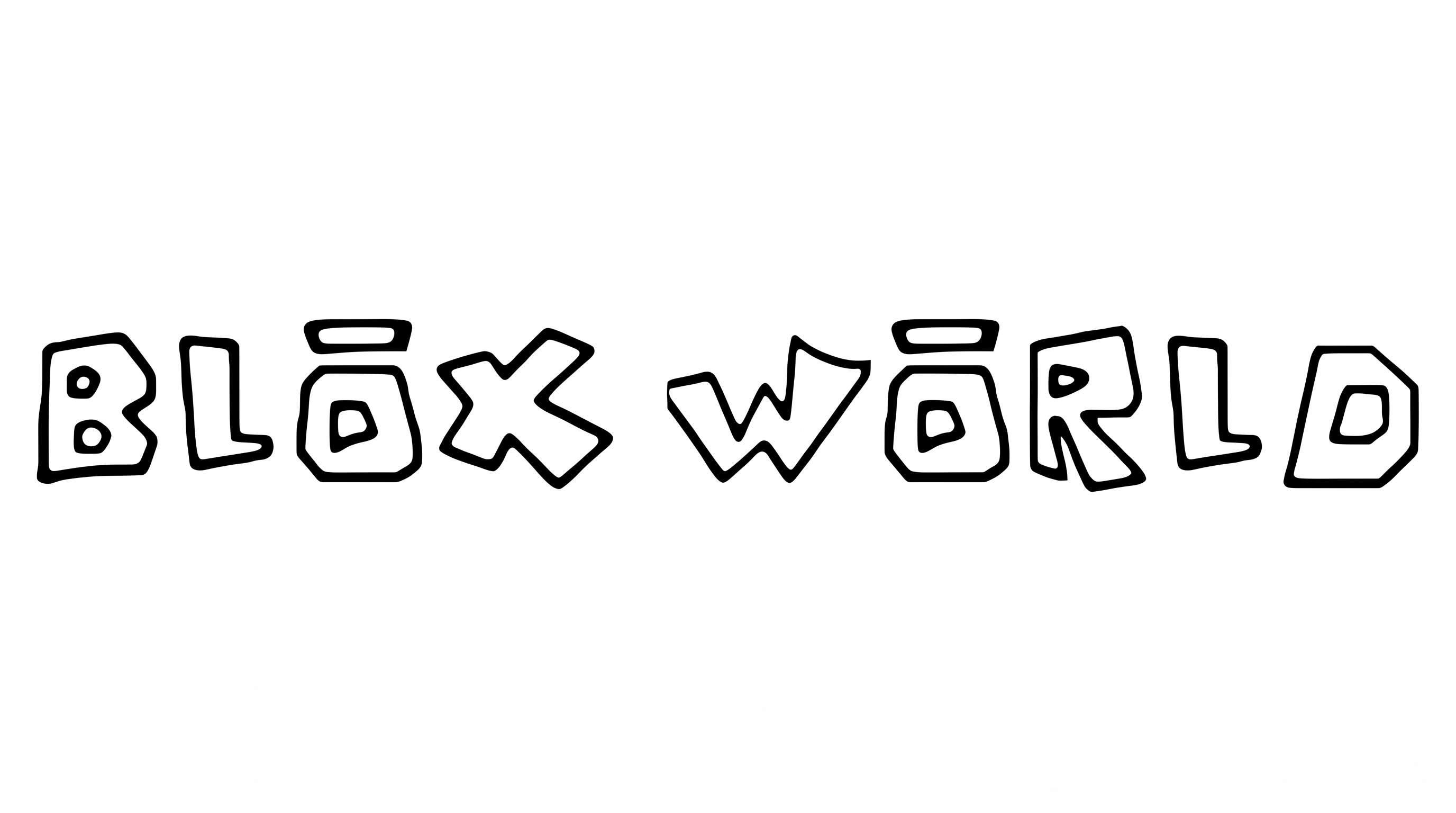
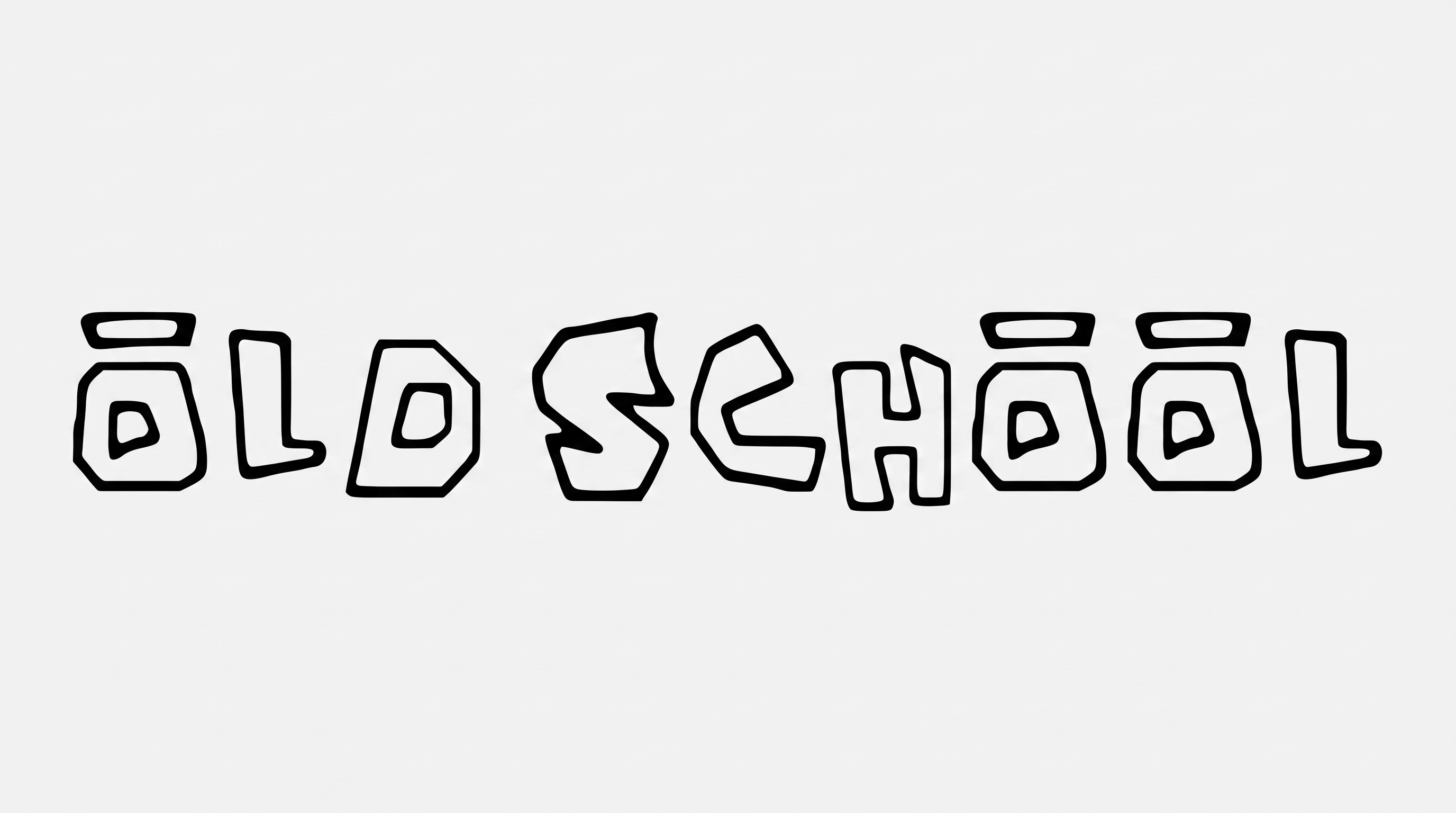
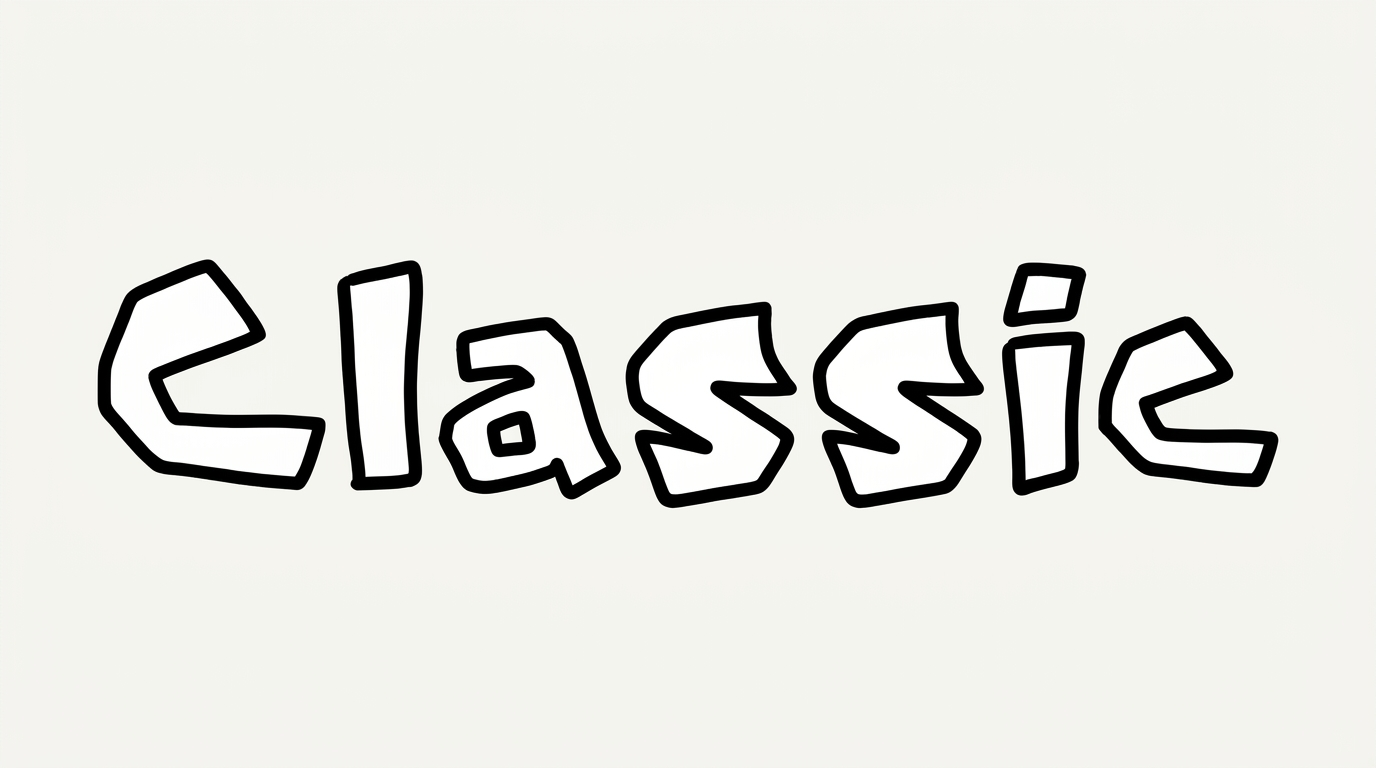
Chunky separate capitals combine irregular block construction with a bold black outline.

  • Outline

    A thick black border closely follows each white letter face.

  • Letter Construction

    Irregular hand-drawn block shapes form the visible capital letters.

  • Stroke Weight

    Heavy stroke bodies give the capitals a chunky appearance.

  • Letter Connections

    Letters remain separate, with clear breaks between neighboring characters.

  • Corner Shape

    Softly rounded corners temper the otherwise blocky letter shapes.

  • Color Treatment

    Solid white letter faces contrast sharply with the black borders.
Frequently asked questions about Happy Birthday Roblox Font Generator

It turns your wording into a text image with chunky, hand-drawn block capitals and strong outlines. The resulting artwork suits birthday greetings, names, invitations and party graphics.

Yes. Transparent backgrounds are supported for layering the lettering over other artwork. This template also offers font color, custom background color, uploaded background images and multiple image sizes.

Browse the related tools section and compare how other generators handle letter shape, weight, spacing and decorative effects. Choose a direction that fits your intended mood and layout.

Download the generated PNG artwork, then upload it in Canva or insert it into a Google Docs document. For Cricut, import the PNG into a project in the Cricut app, also known as Cricut Design Space.

Use a short name or greeting and keep the outlined capitals prominent. Check the artwork at its intended size before placing it on cupcake wrappers, stickers or favor bags.

Place the birthday wording high in the layout and reserve a clear area for event details. A vertical image size can suit social stories and mobile invitations.

Leave a clear margin around the outer black outline so the capitals remain distinct. On invitations, separate the main greeting from dates, locations and supporting information.

Pair the playful outlined heading with a simple, highly readable type style for details. This creates a clear hierarchy while preserving the birthday message as the focal point.

Its chunky capitals can anchor invitation cards, cake toppers, party backdrops, favor packaging and photo props. Choose a scale that keeps the outlined shapes easy to recognize.
READY TO CREATE?

Create Custom Happy Birthday Roblox Fonts & Text Effects

Try Happy Birthday Roblox Font Generator Free