Free Classic Roblox Font Generator Online
Turn your words into angular, hand-drawn block lettering with bold contours for playful game thumbnails, banners, and display titles.
- Templates
- 252
- Generations
- 68
- Downloads
- 232
- Rating
- 5.0
How to Use the Classic Roblox Font Generator
Shape angular block lettering, choose a fitting layout, and save the finished image for your design.
- 01
Enter your display text
Type a short title or message for the outlined block-letter design.
- 02
Choose the layout and colors
Select a font color, background option, and image size such as 16:9.
- 03
Generate and download the image
Review the outlined lettering, then download the result as PNG or SVG.
Classic Roblox Font Generator in Use: Design Examples & Showcase
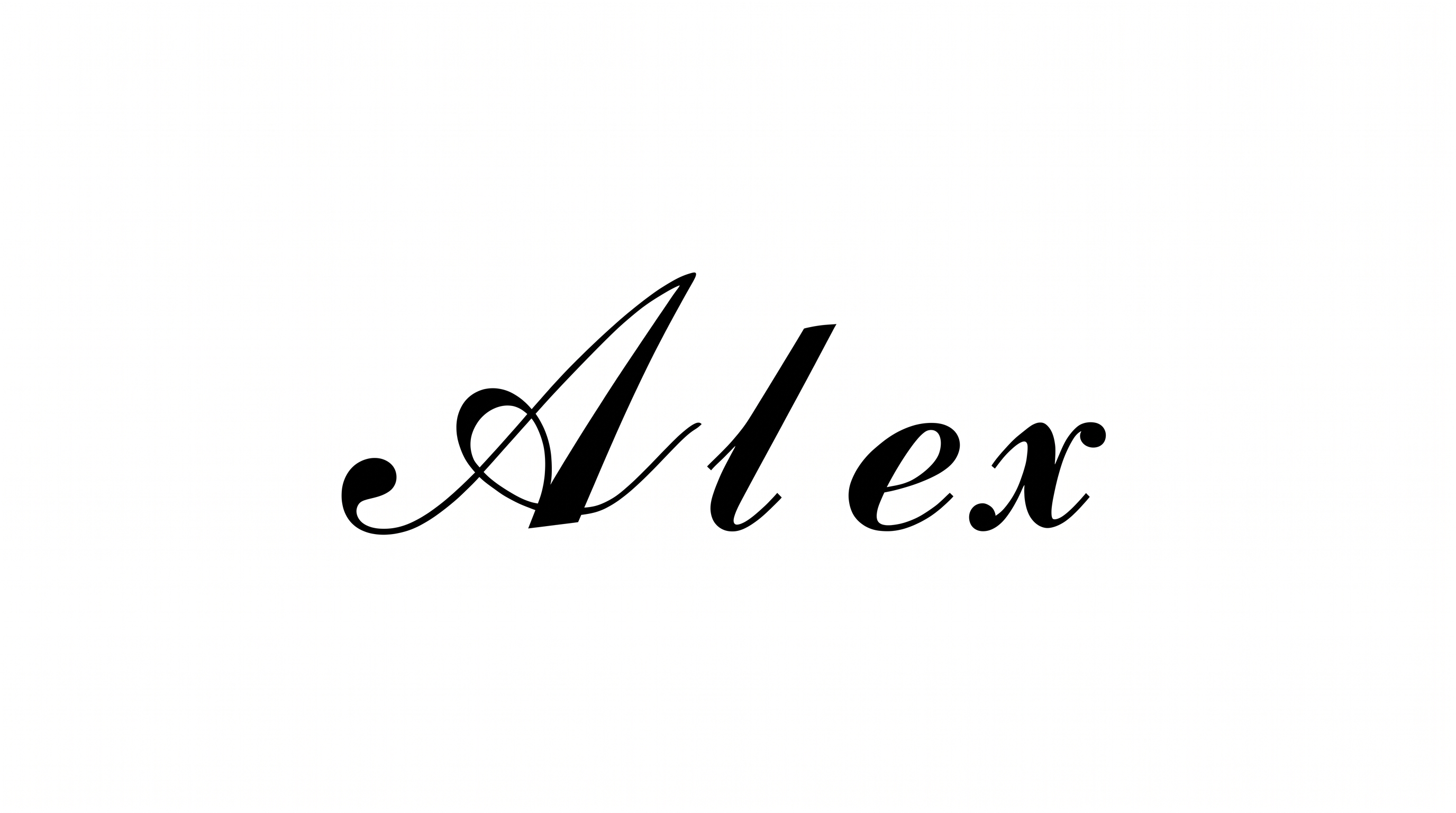
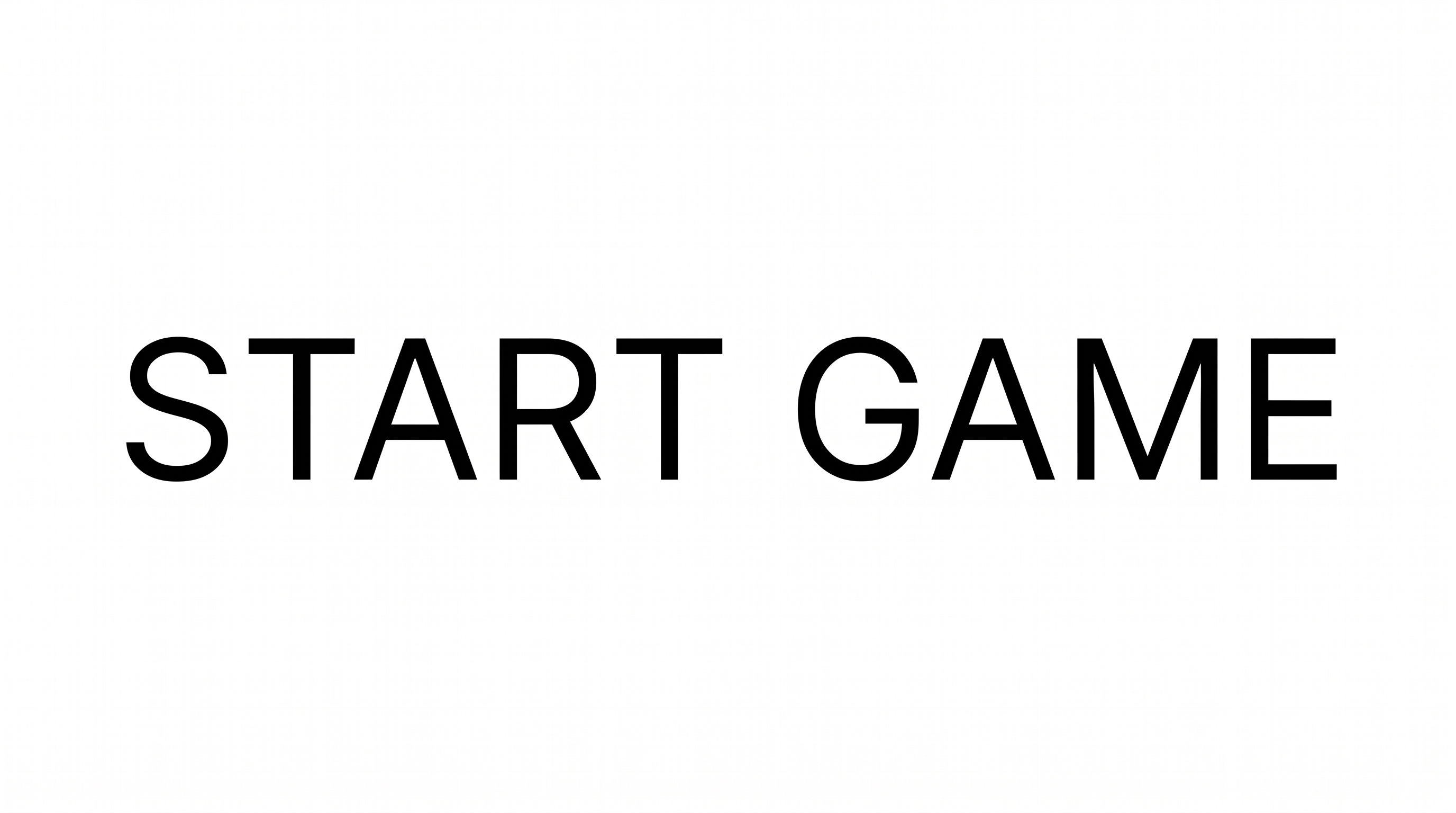
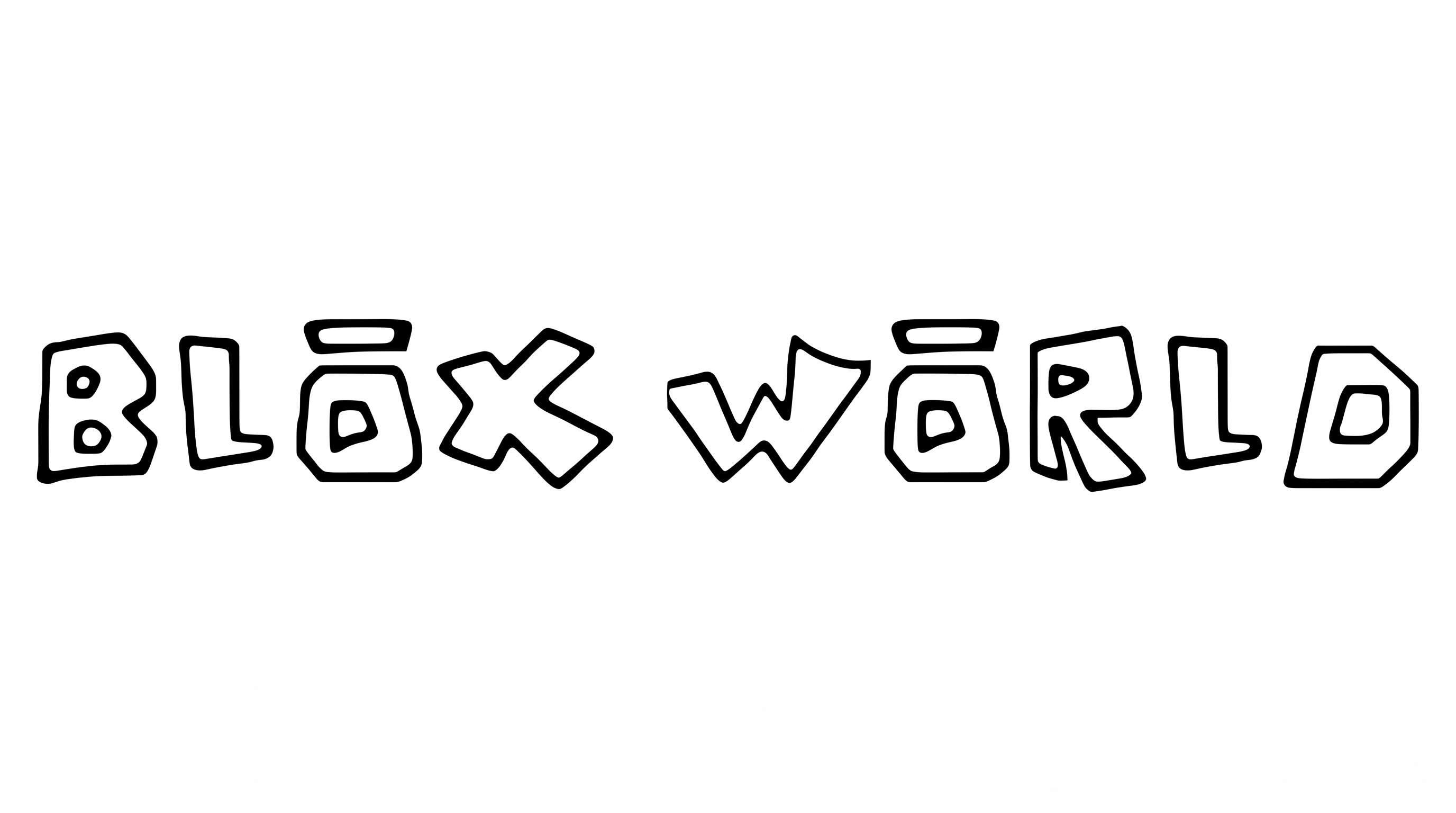
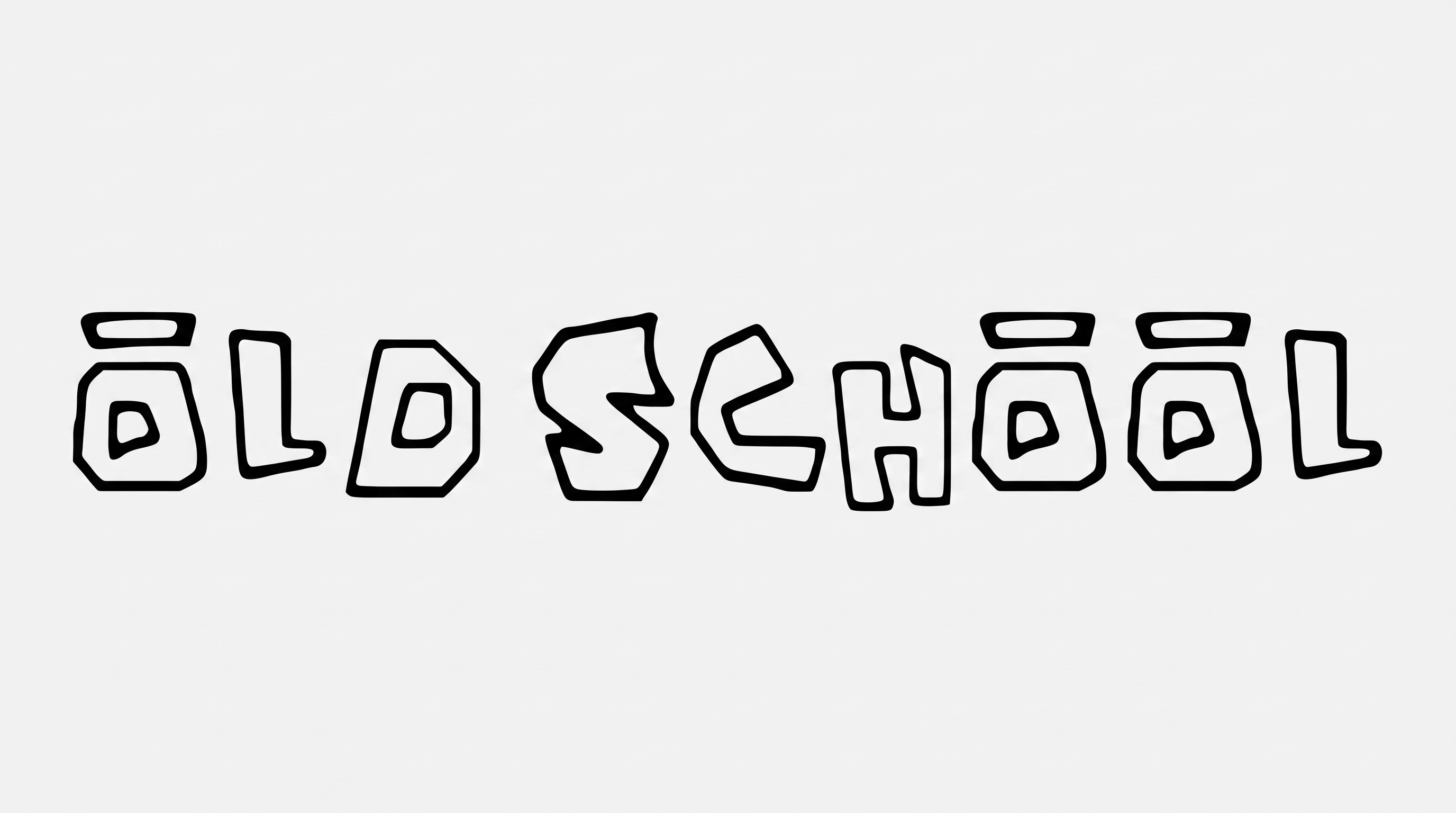
See the outlined block lettering across thumbnails, banners, stickers, merchandise, and other display layouts.
Classic Roblox Font Style Profile
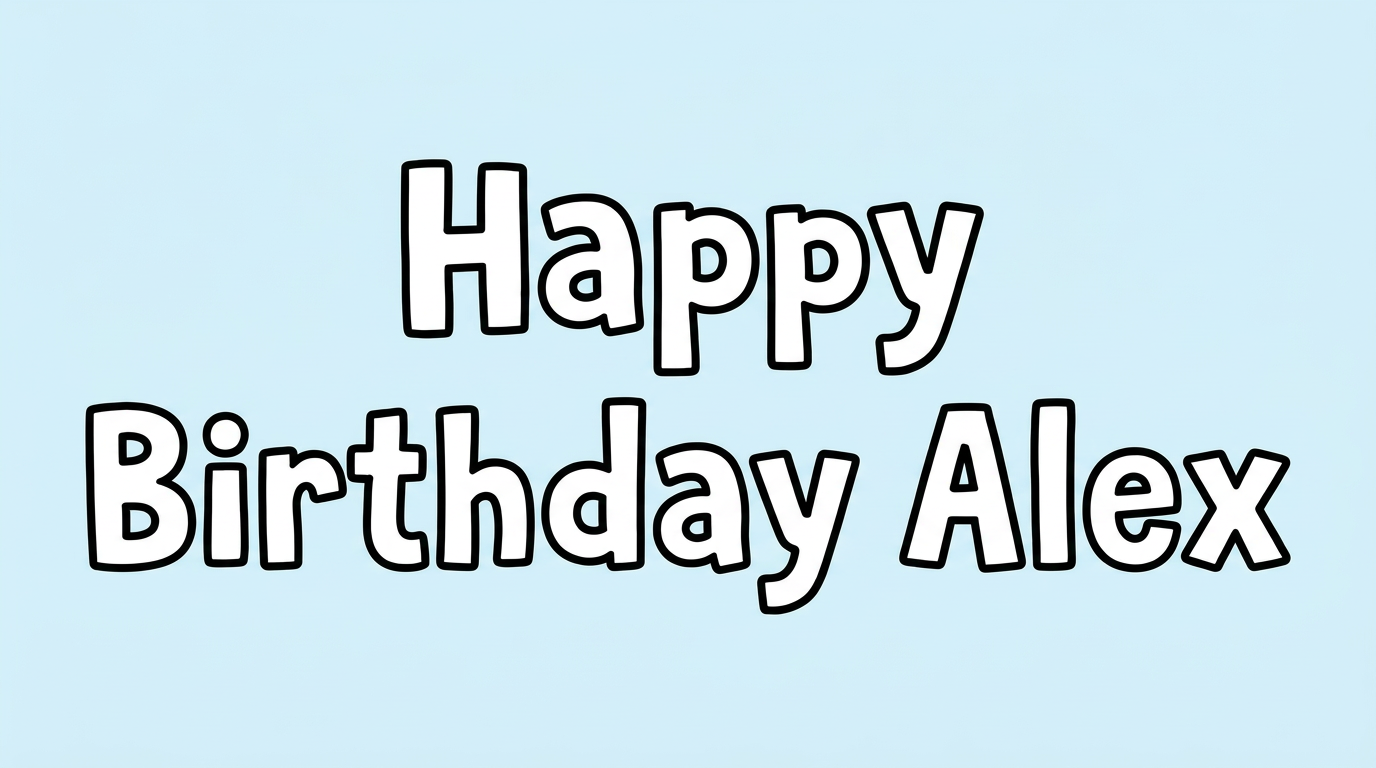
Angular block construction, bold contours, and separate letters create a playful display character.
Outline
A crisp black contour follows each light letter face.
Letter Construction
Irregular angular blocks build each letter with a hand-drawn structure.
Corner Shape
Sharp turns and angular corners define the block-like letterforms.
Letter Connections
Letters remain separate, with clear breaks between neighboring characters.
Color Treatment
Light letter faces contrast with solid dark contours.
Letter Width
The individual letterforms have broad, substantial proportions.