Get 5 Free Credits

Free Roblox 2017 Font Generator Online

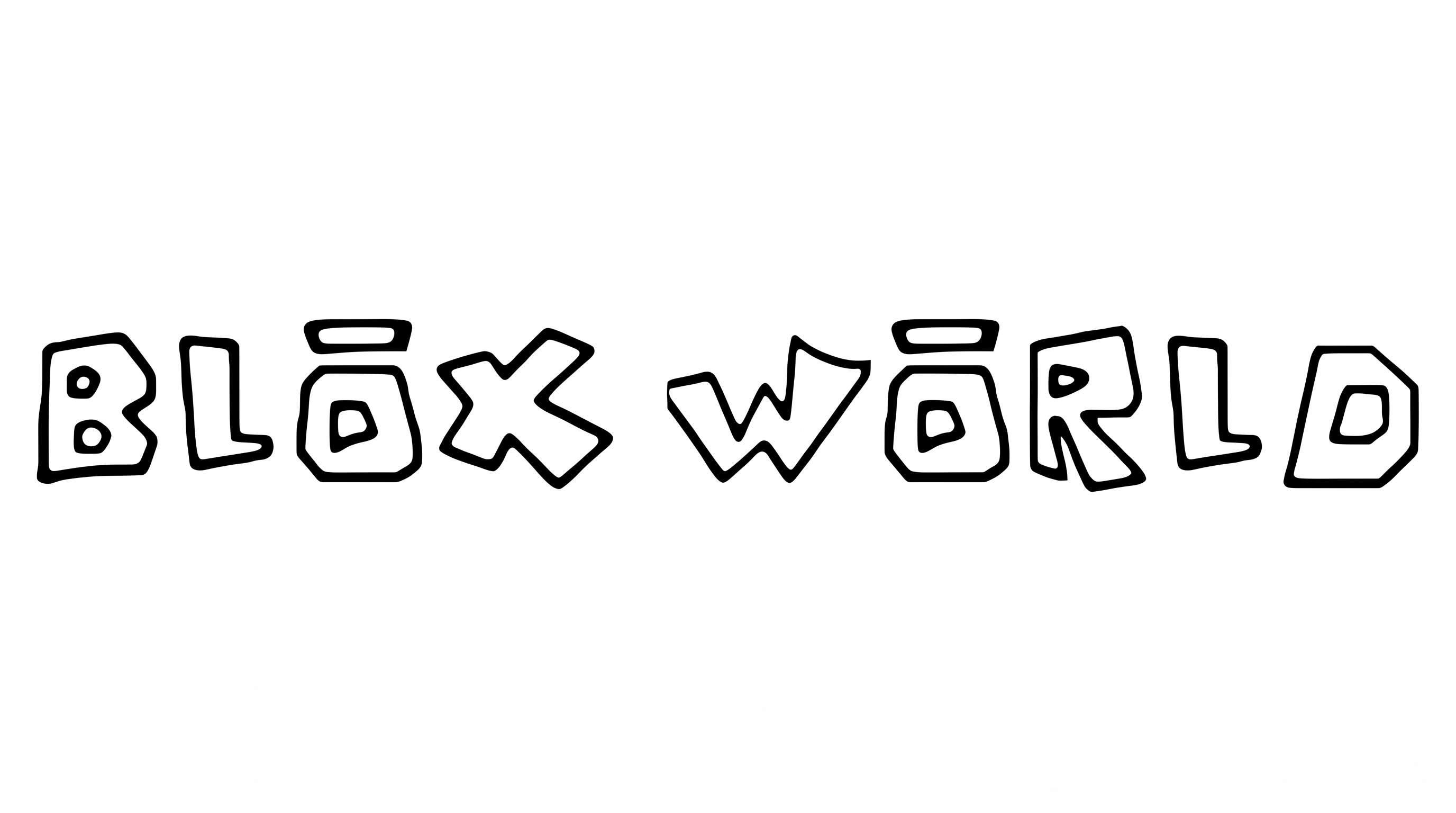
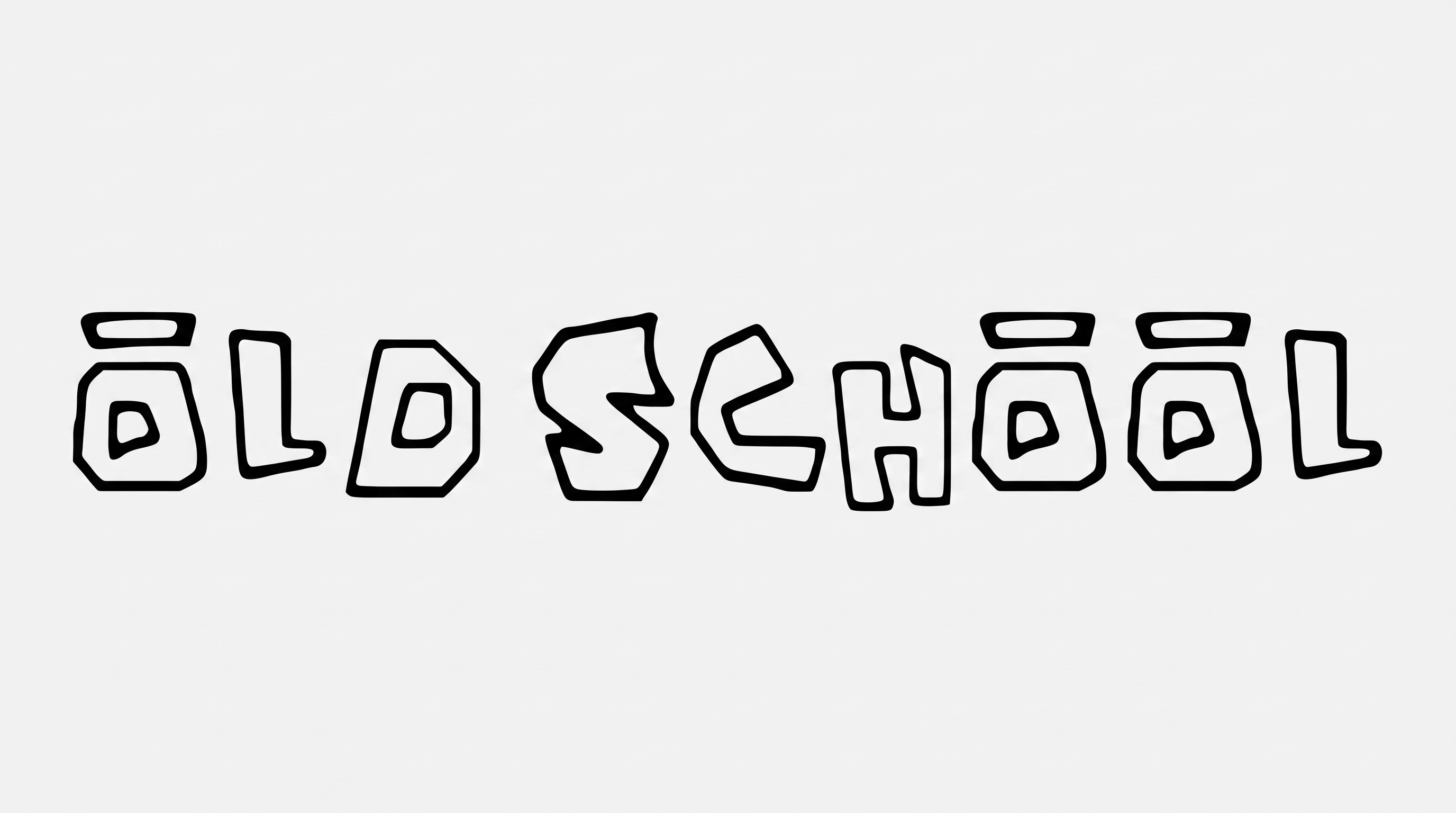
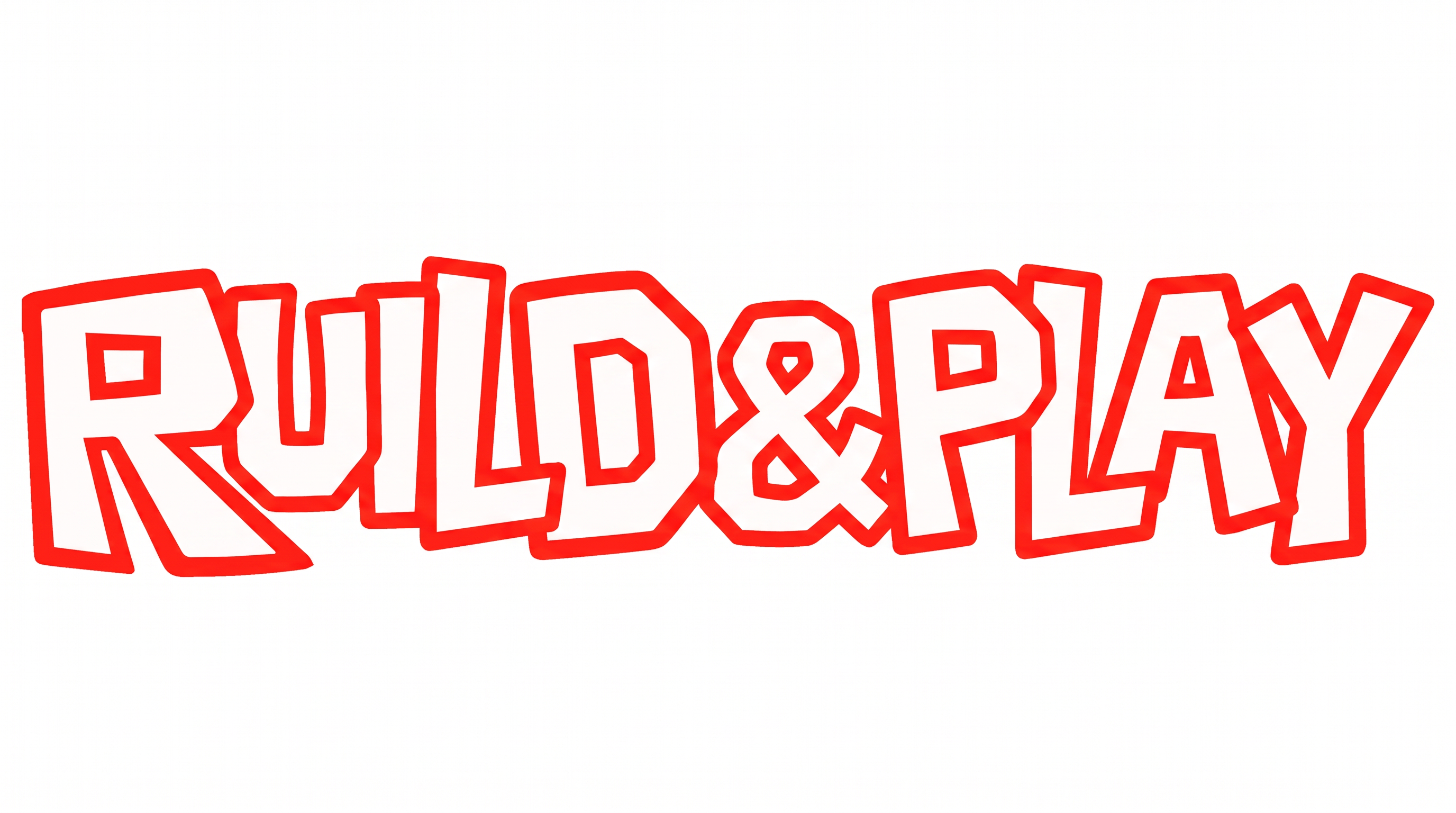
Oversized uppercase lettering pairs massive geometric forms with compact counters, creating a bold wordmark style for game titles.

Enter the text to generate, e.g. Fontify.ai

Font color
Background
Templates
252
Generations
116
Downloads
219
Rating
5.0

How to Use the Roblox 2017 Font Generator

Shape bold geometric lettering for game titles, then save it as adaptable image artwork.

  1. 01

    Enter a concise heading

    Type a name or phrase that suits the massive uppercase block style.

  2. 02

    Set the composition

    Choose a 16:9 image size, set the font color, and select a custom or uploaded background.

  3. 03

    Generate and save PNG or SVG

    Create the image, review the block forms, then download the finished PNG or SVG artwork.

Roblox 2017 Font Style Profile

Heavy geometric construction, tight spacing, and solid red color define the uppercase lettering.

  • Letter Construction

    Block-built capitals use oversized geometric forms and compact counters.

  • Stroke Weight

    Heavy, mostly even stroke bodies give the capitals a massive presence.

  • Corner Shape

    Sharp cuts and squared joins give many letters an angular profile.

  • Letter Spacing

    Narrow gaps create compact spacing between letters within each word.

  • Letter Connections

    Letters remain separate, with clear breaks between neighboring characters.

  • Color Treatment

    Solid red fills the letter faces with a flat, uniform treatment.
Frequently asked questions about Roblox 2017 Font Generator

It turns your wording into an image with bold uppercase block lettering, geometric forms, and compact counters. The result suits game titles, splash screens, packaging, or profile graphics. You can save the finished artwork as PNG or SVG.

Yes. You can use the generator and download the resulting PNG or SVG artwork for free. The minimum membership covers personal use, while a higher membership covers commercial use. Consult pricing for the applicable option.

Explore the related tools and compare how each approach handles weight, geometry, spacing, and overall mood. Focus on styles that fit your intended format, whether you are making a game title, product graphic, or compact profile image.

Download the generated PNG artwork. Upload it in Canva and insert it into a Google Docs document. For Cricut, import the PNG into a project in the Cricut app, also known as Cricut Design Space. Use it as placed image artwork in each platform.

Place the bold uppercase heading where it can establish hierarchy, then reserve clear areas for characters or interface details. A wide line suits banners and thumbnails, while a stacked arrangement can fit square or vertical compositions. Keep compact counters large enough to read.

Its massive geometric forms create a direct, energetic mood that works well for game-oriented titles and youth-focused graphics. Pair the flat block lettering with simple supporting text so the main heading remains visually dominant. Use restrained background details to preserve its impact.

Leave generous space around the outer edges so the broad uppercase forms stay distinct from nearby artwork. For compact placements, simplify surrounding details and preview the image at its intended size to protect the small counters and tight internal gaps.
READY TO CREATE?

Create Custom Roblox 2017 Fonts & Text Effects

Try Roblox 2017 Font Generator Free