Get 5 Free Credits

Free Roblox Font Generator Online

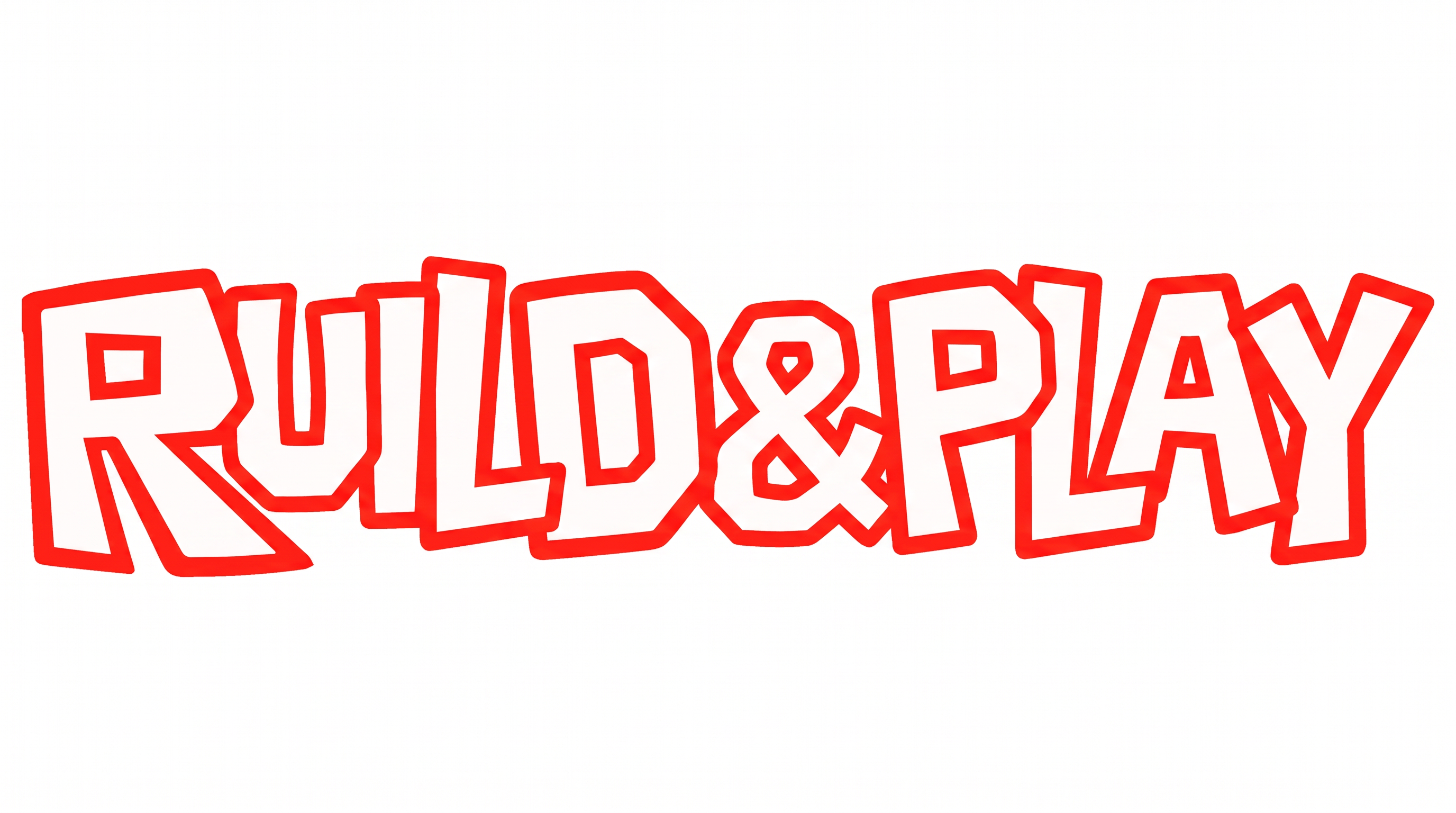
Turn a game title or menu heading into chunky uppercase lettering with irregular black outlines and clean white interiors.

Enter the text to generate, e.g. Fontify.ai

Font color
Background
Templates
252
Generations
132
Downloads
226
Rating
5.0

How to Use the Roblox Font Generator

Shape chunky outlined lettering for game headings, profile graphics, and other compact designs.

  1. 01

    Write your heading

    Enter a short title or username to suit the chunky uppercase treatment.

  2. 02

    Set the image layout

    Choose font color, a custom background, and a 16:9 image size for a widescreen layout.

  3. 03

    Generate and download the image

    Generate the outlined artwork, review its readability, then download the PNG or SVG image.

Roblox Font Style Profile

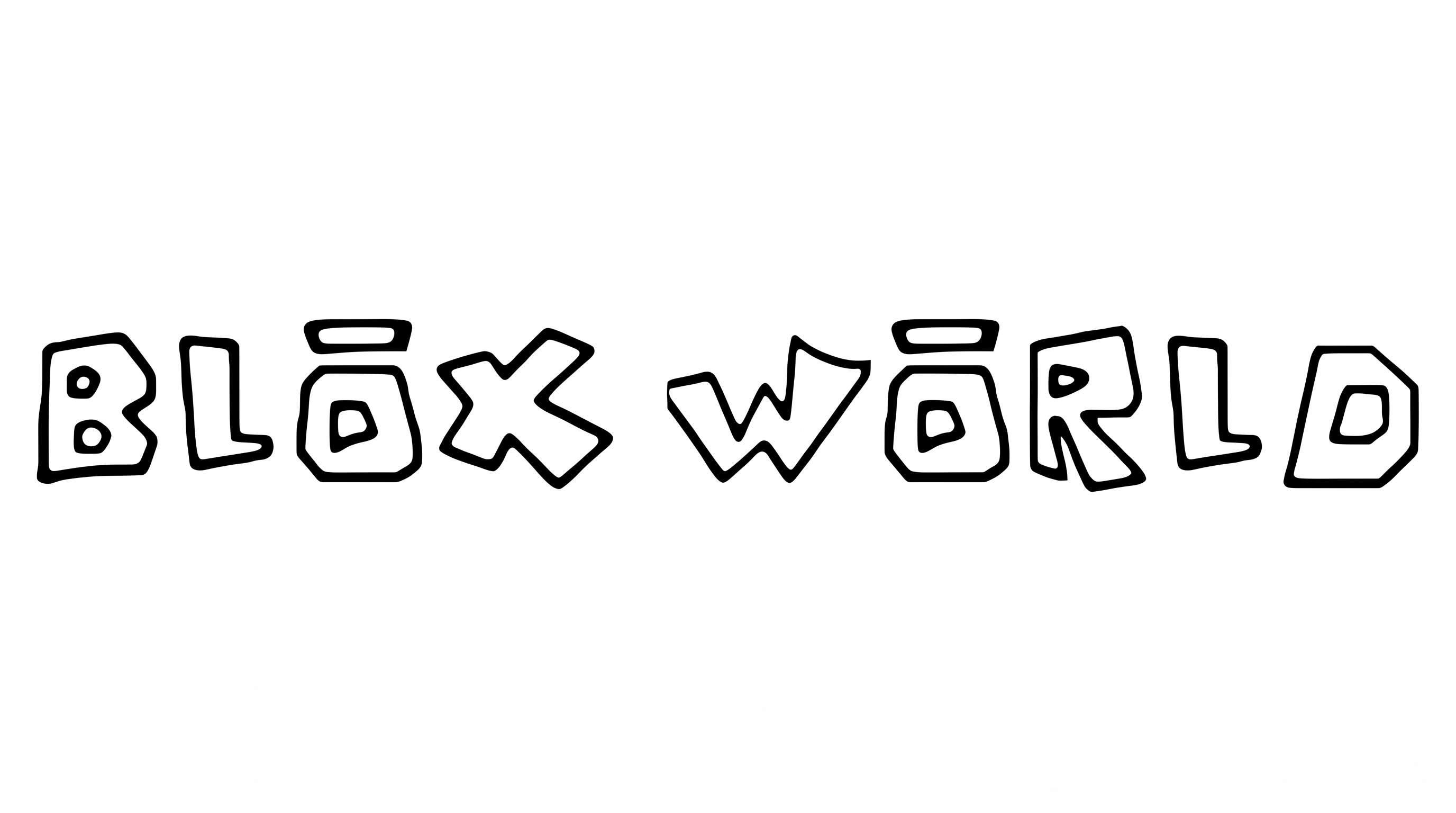
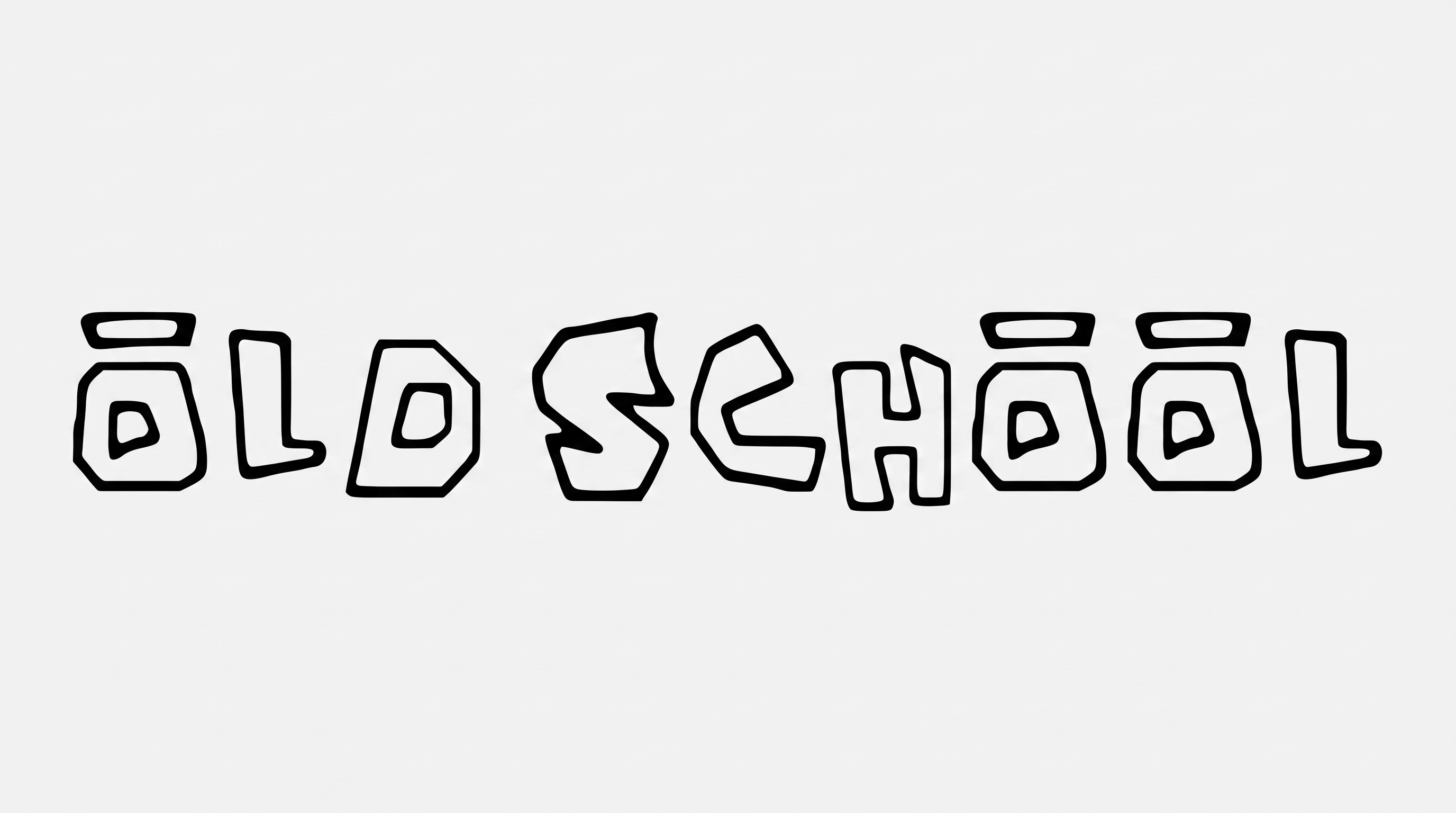
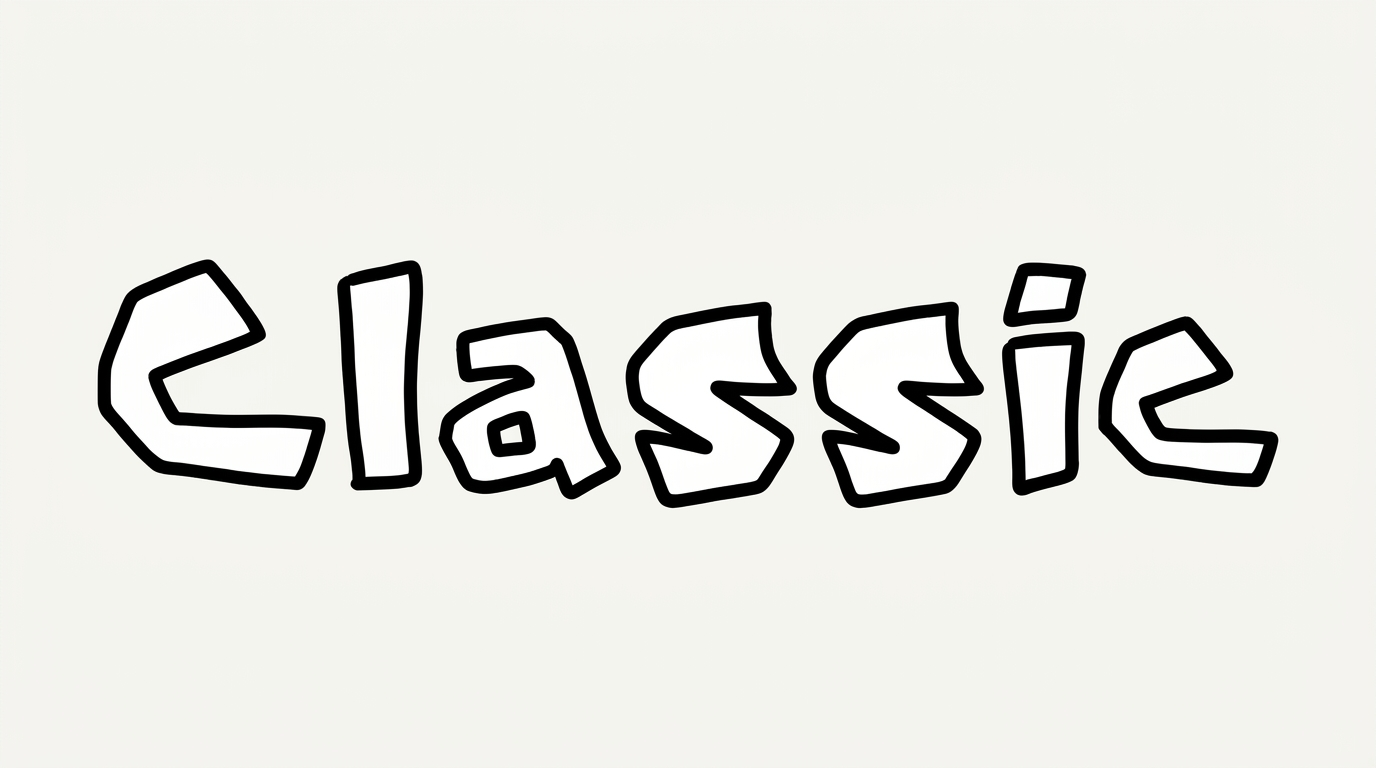
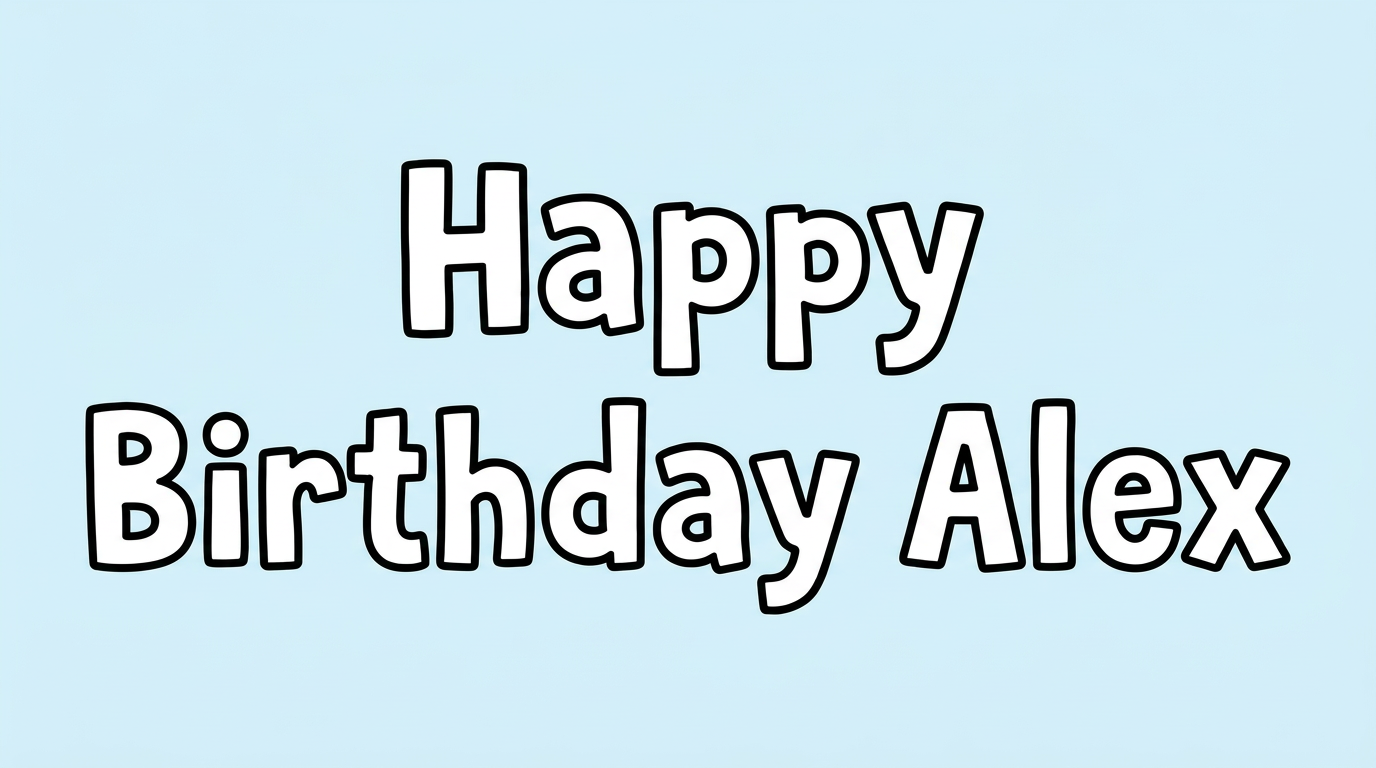
Chunky uppercase construction, irregular corners, and crisp black outlines create a hand-drawn block style.

  • Outline

    A crisp black border follows the white face of each visible letter.

  • Letter Construction

    Chunky uppercase block forms use irregular hand-drawn contours.

  • Corner Shape

    Angular turns and softly rounded corners alternate across the letterforms.

  • Color Treatment

    White letter faces contrast sharply with solid black borders.

  • Letter Spacing

    Clear gaps keep neighboring letters separate within each word.

  • Baseline Rhythm

    Slightly varied letter positions create a playful hand-drawn rhythm.
Frequently asked questions about Roblox Font Generator

Commercial use requires the higher membership, while the minimum membership covers personal use. Review pricing before using the generated artwork so you can choose the membership that matches your intended project. The applicable conditions depend on that membership.

Browse the related tools section and compare visible traits such as outlines, letter width, corners, and spacing. Choose a direction that fits your design's mood and available space. Short sample phrases can help you compare how each style handles the same wording.

Transparent backgrounds are supported, allowing the lettering to be layered over other artwork. This template also lets you choose font color, select a custom background color, upload a background image, and set the image size. Transparency is an output option rather than a guarantee that every result uses it.

Download the Roblox Font artwork as a PNG. Upload it in Canva and insert it into a Google Docs document. For Cricut, import the PNG into a project in the Cricut app, also known as Cricut Design Space. Treat the rendered wording as image artwork rather than an installed font or natively editable text.

Use it for bold focal text in game menus, title screens, achievement badges, video thumbnails, or party headings. Keep the phrase compact so the outlined uppercase forms remain prominent within the surrounding interface or printed layout.

For online graphics, give the white-faced letters strong contrast against the background and preserve clear space around the outline. Preview the image at its intended display size, especially for thumbnails, profile bars, and mobile splash screens.

The Roblox Font Generator creates a playful, hand-drawn gaming mood through chunky uppercase shapes and irregular outlines. It works especially well when a design needs an energetic title with a casual, adventure-focused character.

Keep the area around the heading free of busy details. Pair the irregular outlined letters with a simpler supporting type style for dates, instructions, or labels. This creates a clear distinction between the focal title and secondary information.

Use a wide ratio such as 16:9 for a single-line game title or menu heading. Choose a portrait ratio for splash screens, invitations, or stacked compositions where the outlined wording sits above supporting details.
READY TO CREATE?

Create Custom Roblox Fonts & Text Effects

Try Roblox Font Generator Free