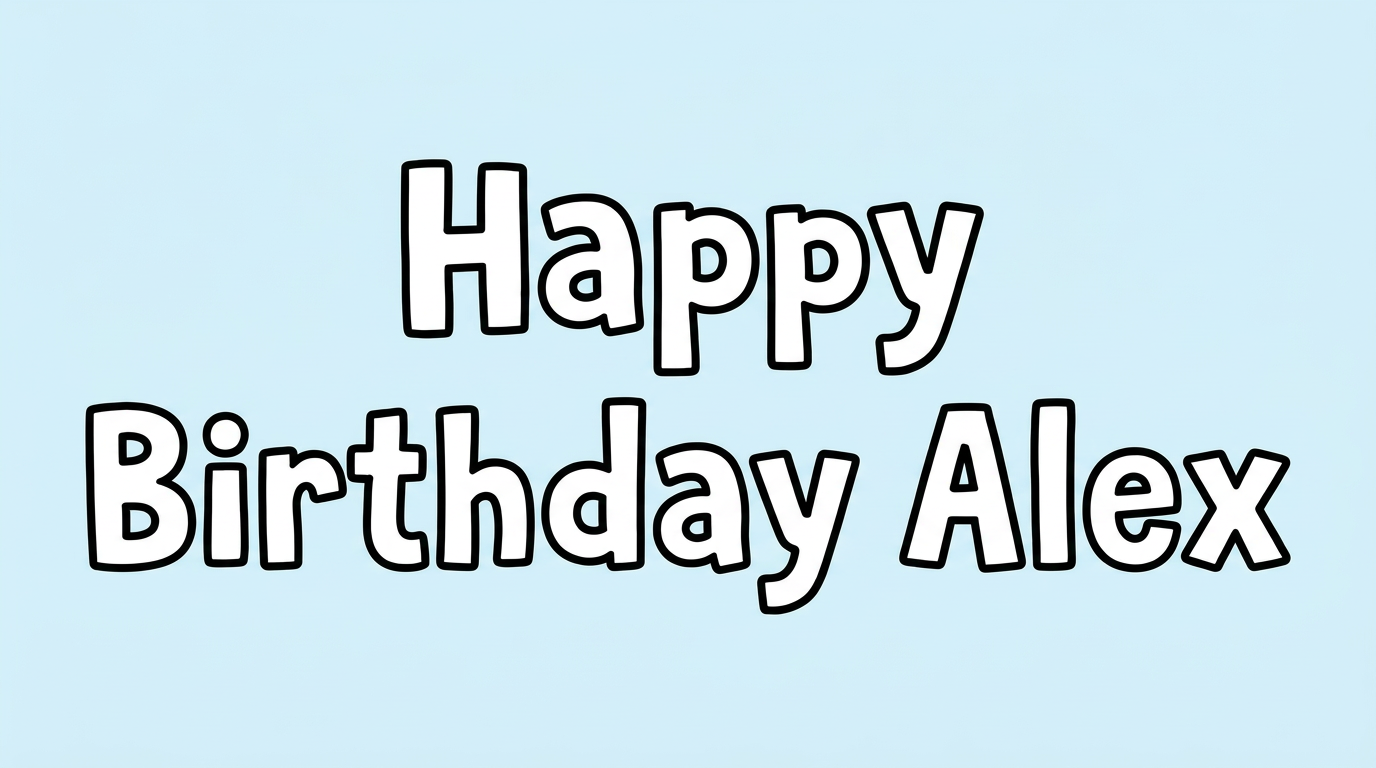
Free Roblox Game Font Generator Online
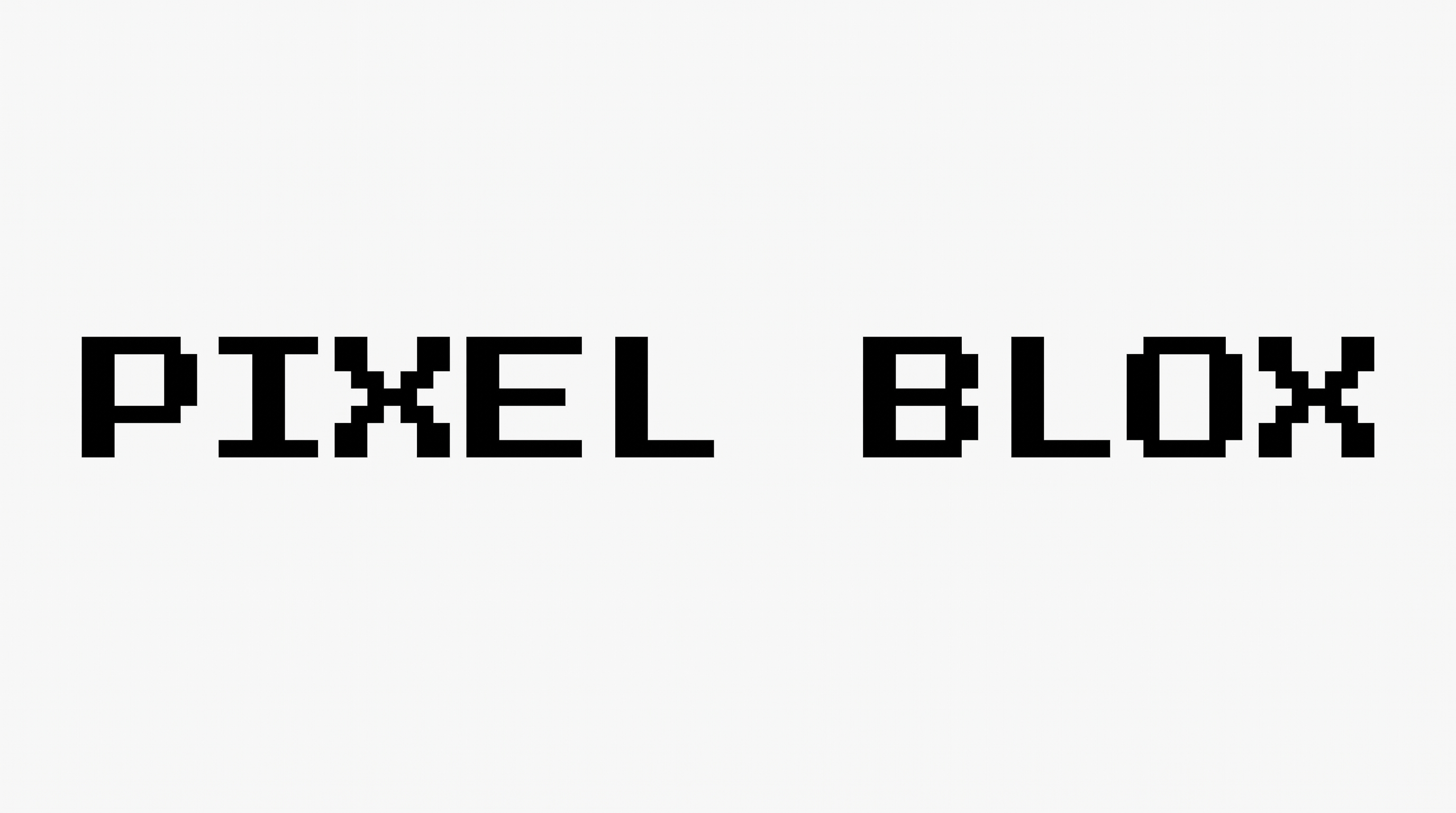
Create crisp uppercase game lettering with airy spacing for a clean, high-contrast title on a game loading screen.
- Templates
- 252
- Generations
- 125
- Downloads
- 253
- Rating
- 5.0
How to Use the Roblox Game Font Generator
Shape clean uppercase game lettering for a clear title image suited to your chosen layout.
- 01
Enter your game title
Type the words you want to render in crisp uppercase game lettering.
- 02
Set the canvas and colors
Choose a 16:9 image size, font color, and template or custom background.
- 03
Generate and save the image
Generate the text image, review the result, then download it as PNG or SVG.
Roblox Game Font Generator in Use: Design Examples & Showcase
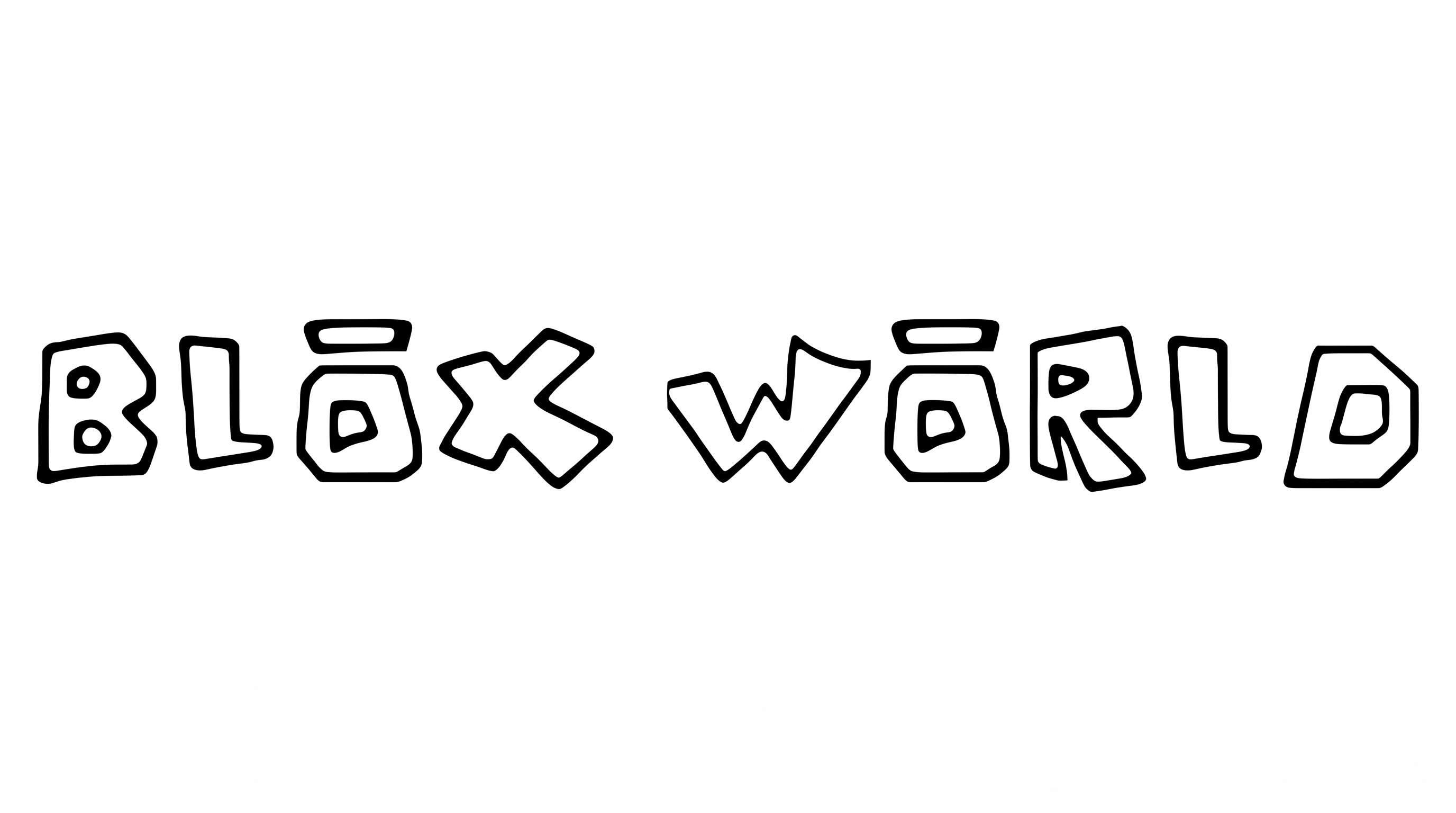
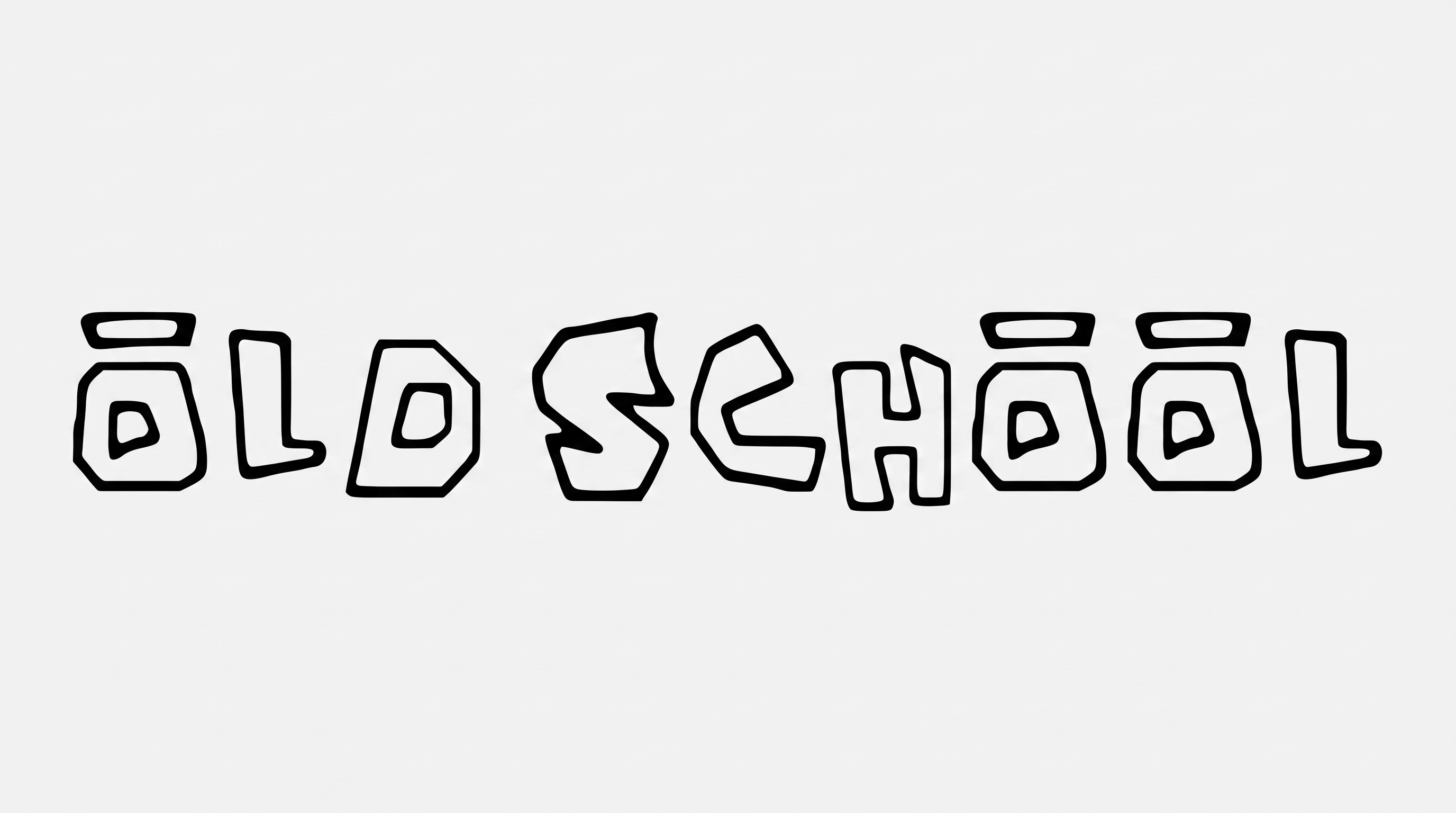
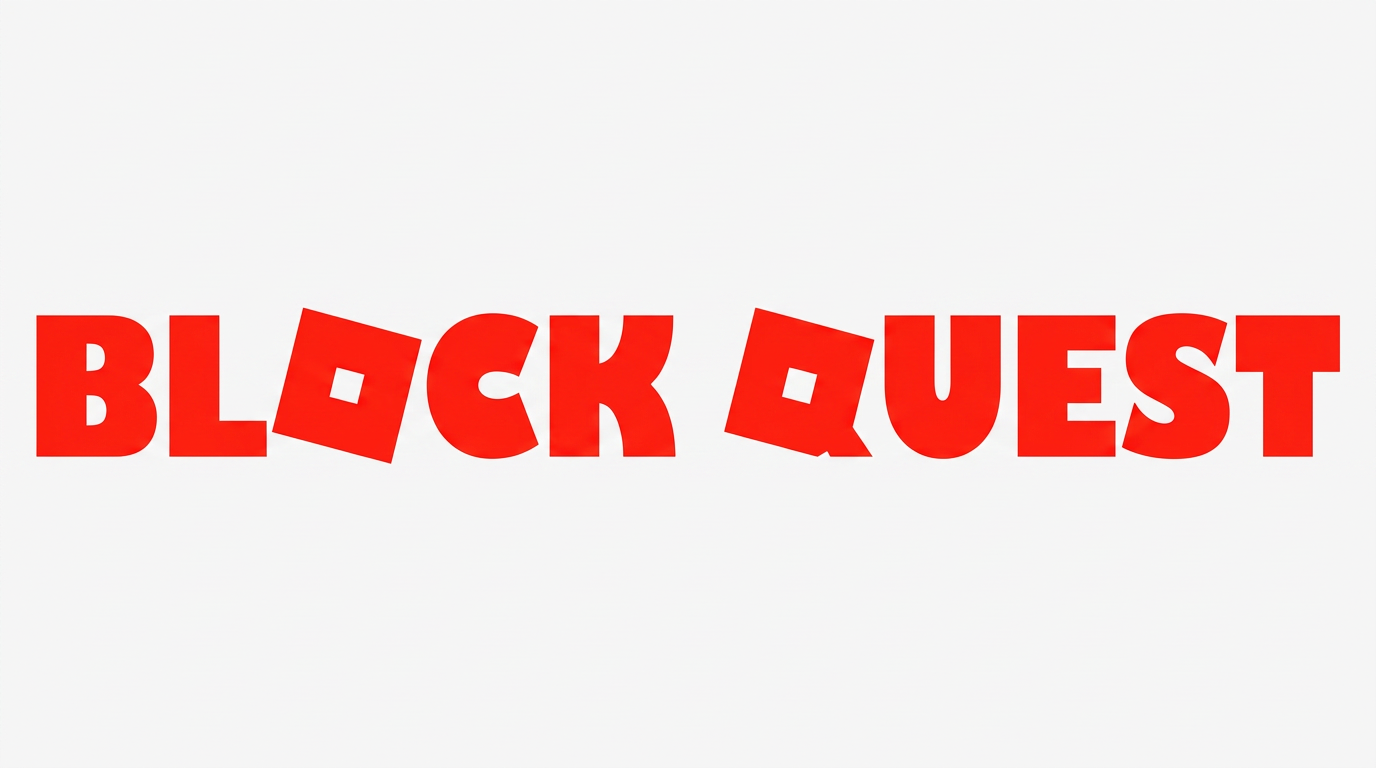
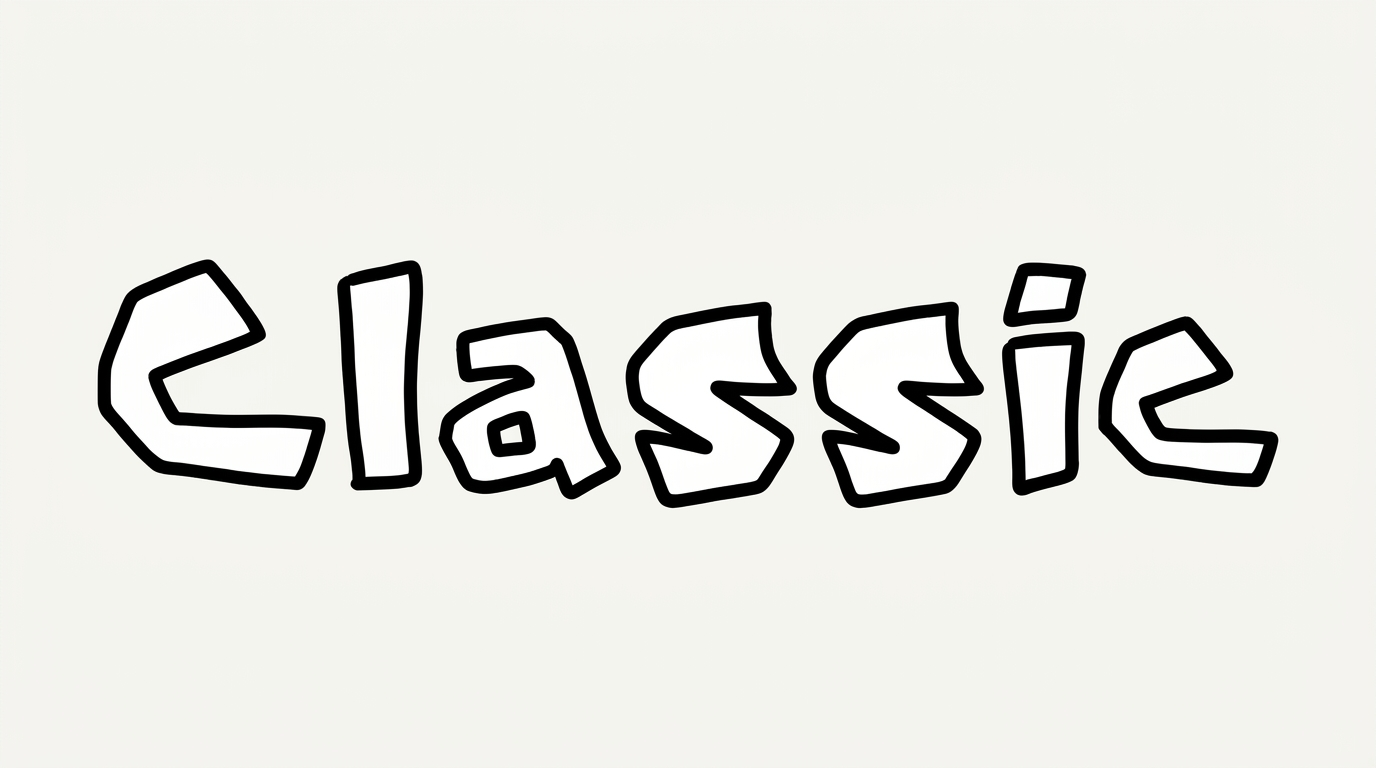
See how the clean uppercase lettering works across loading screens, game menus, quest boards, packaging, and creator graphics.
Roblox Game Font Style Profile
Airy spacing, even strokes, and separate uppercase forms create a clean, orderly appearance.
Letter Spacing
Wide gaps between neighboring letters give each word an airy arrangement.
Stroke Weight
Light, even stroke bodies keep the uppercase forms visually clean.
Stroke Contrast
Strokes maintain nearly uniform thickness across the visible letters.
Letter Connections
Letters remain separate, with clear breaks between neighboring characters.
Baseline Rhythm
The uppercase letters align along a steady, even baseline.
Flourishes
Simple letterforms keep decorative extensions restrained.