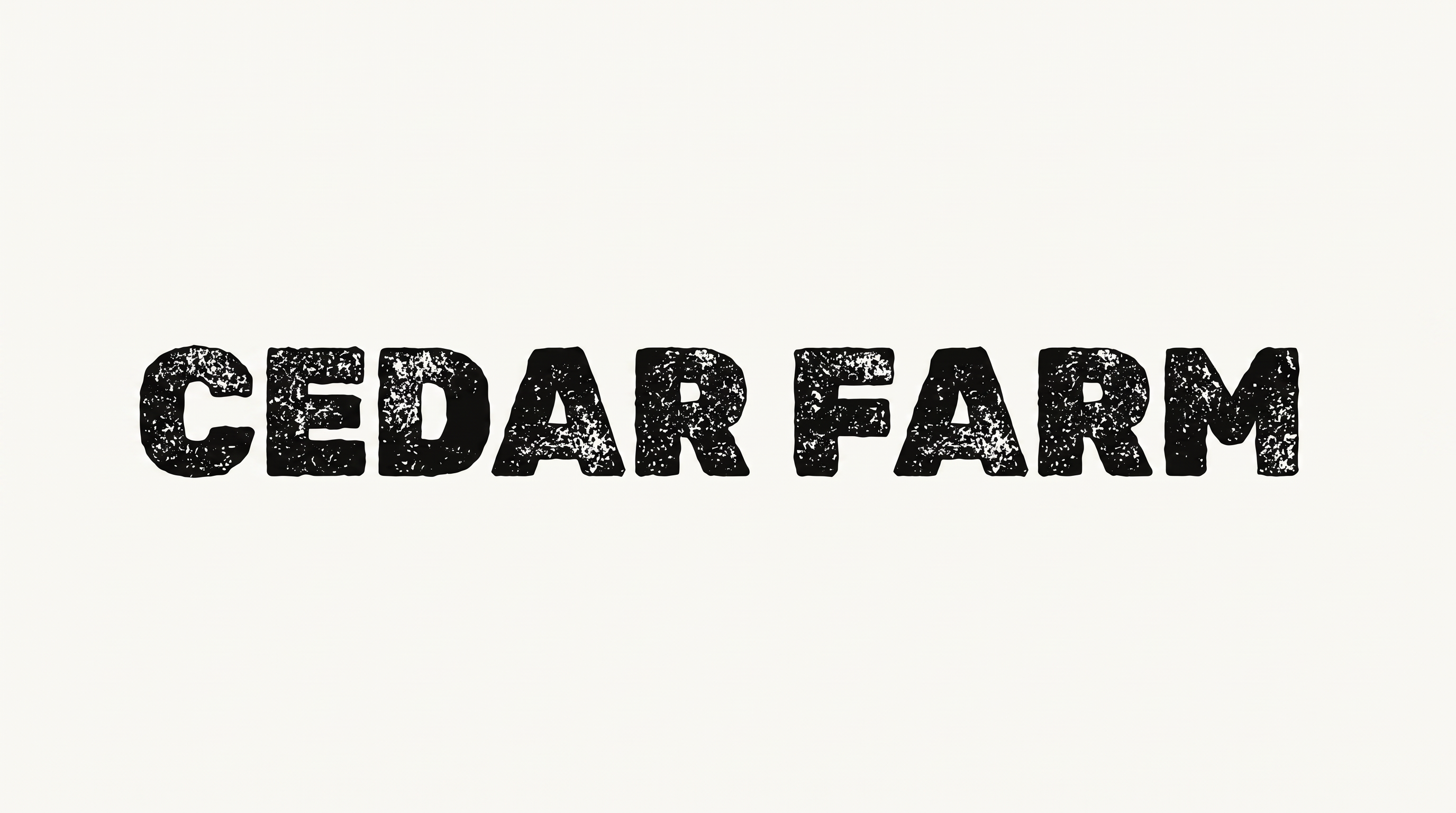
Free Sans Serif Embroidery Font Generator Online
Create clean uppercase lettering with tall geometric forms, even strokes and a fine embroidered finish for textile-inspired wordmarks and designs.
- Templates
- 769
- Generations
- 94
- Downloads
- 295
- Rating
- 5.0
How to Use the Sans Serif Embroidery Font Generator
Shape tall geometric embroidered lettering with a suitable image size, then download the finished PNG for your design.
- 01
Enter your uppercase wording
Type a name or phrase to create a clean, monoline embroidery-style wordmark.
- 02
Choose the image size and options
Select an image size such as 1:1 or 16:9, then choose available color and background options.
- Choose PNG as the available output format.
- 03
Generate and download the artwork
Review the rendered lettering and download the PNG image for placement in your project.
Sans Serif Embroidery Font Generator in Use: Design Examples & Showcase
Compare the uppercase geometric lettering across textile wordmarks, product scenes and editorial embroidery compositions.
Sans Serif Embroidery Font Style Profile
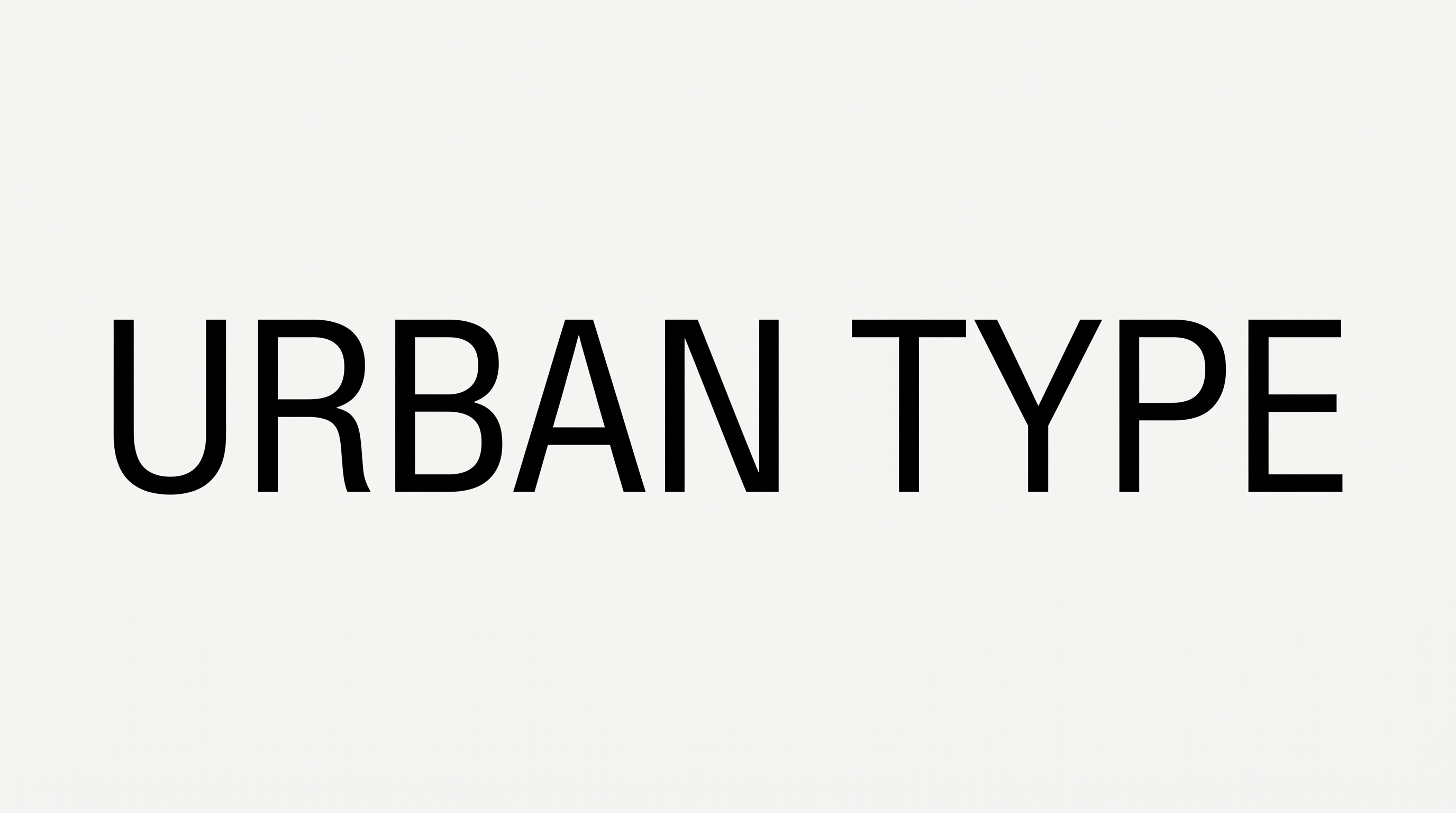
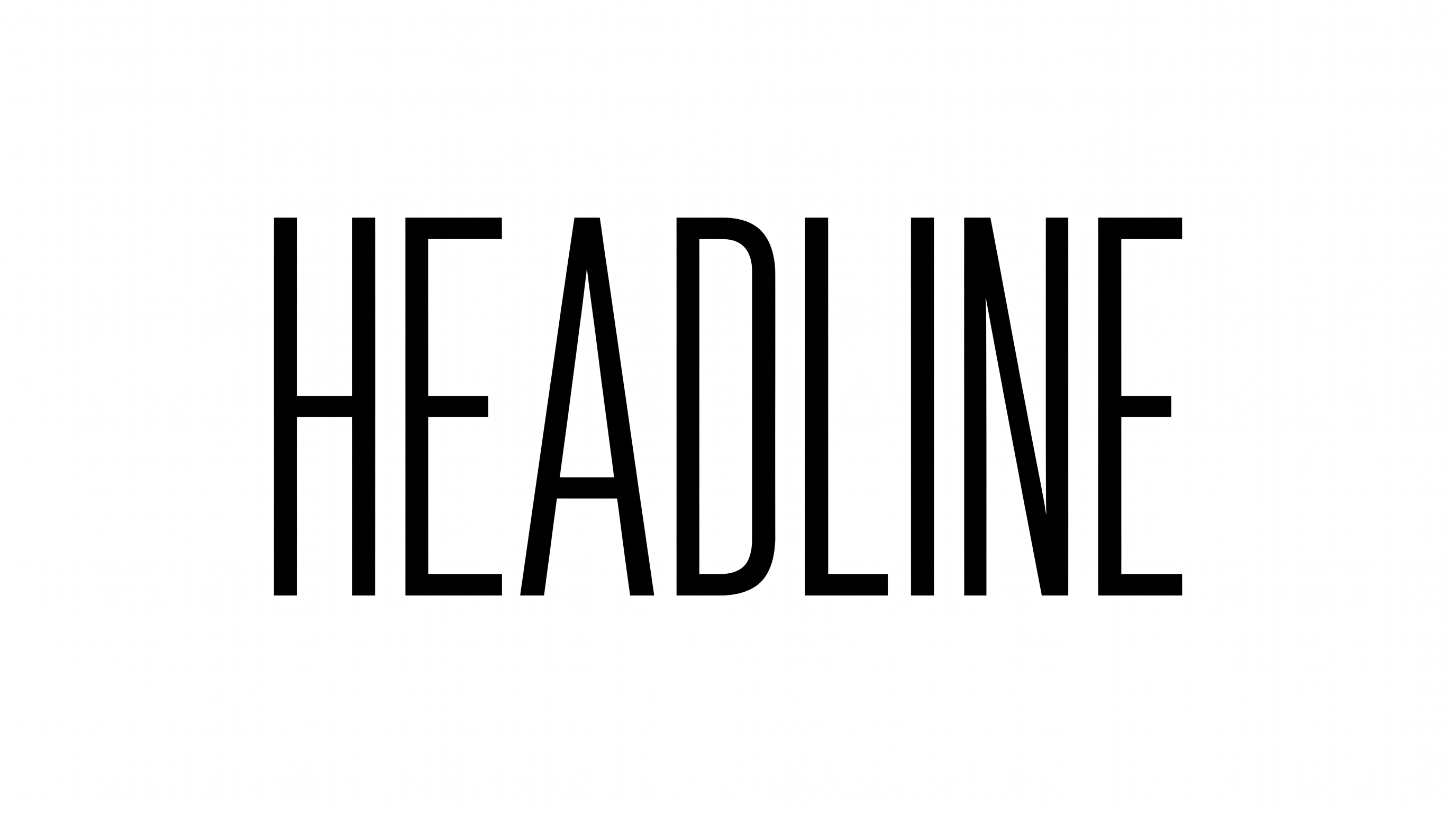
Tall geometric forms, even strokes and spacious uppercase lettering create a clean embroidered wordmark style.
Letter Construction
Uppercase letters use simple geometric strokes with clear counters and structured forms.
Letter Width
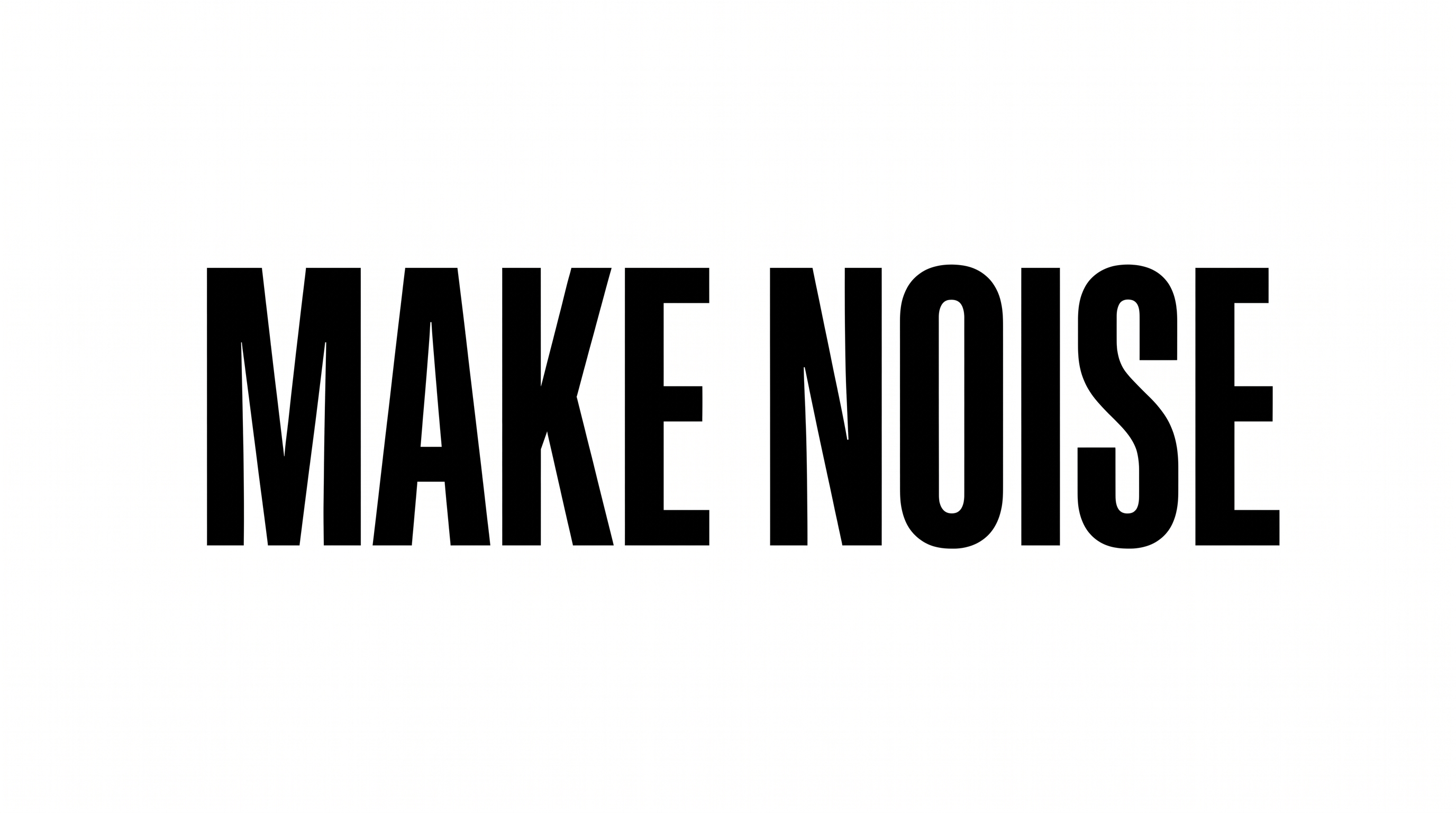
Individual characters have tall, narrow proportions that create a vertical wordmark presence.
Letter Spacing
Generous gaps between neighboring letters create a spacious wordmark arrangement.
Stroke Weight
The visible letter bodies use a medium, mostly even monoline stroke.
Stroke Endings
The strokes finish with clean, flat endpoints across the uppercase letterforms.
Surface Texture
Fine stitch detail gives the dark letter strokes a subtly textured embroidered surface.