Get 5 Free Credits

Free Tall Sans Serif Font Generator Online

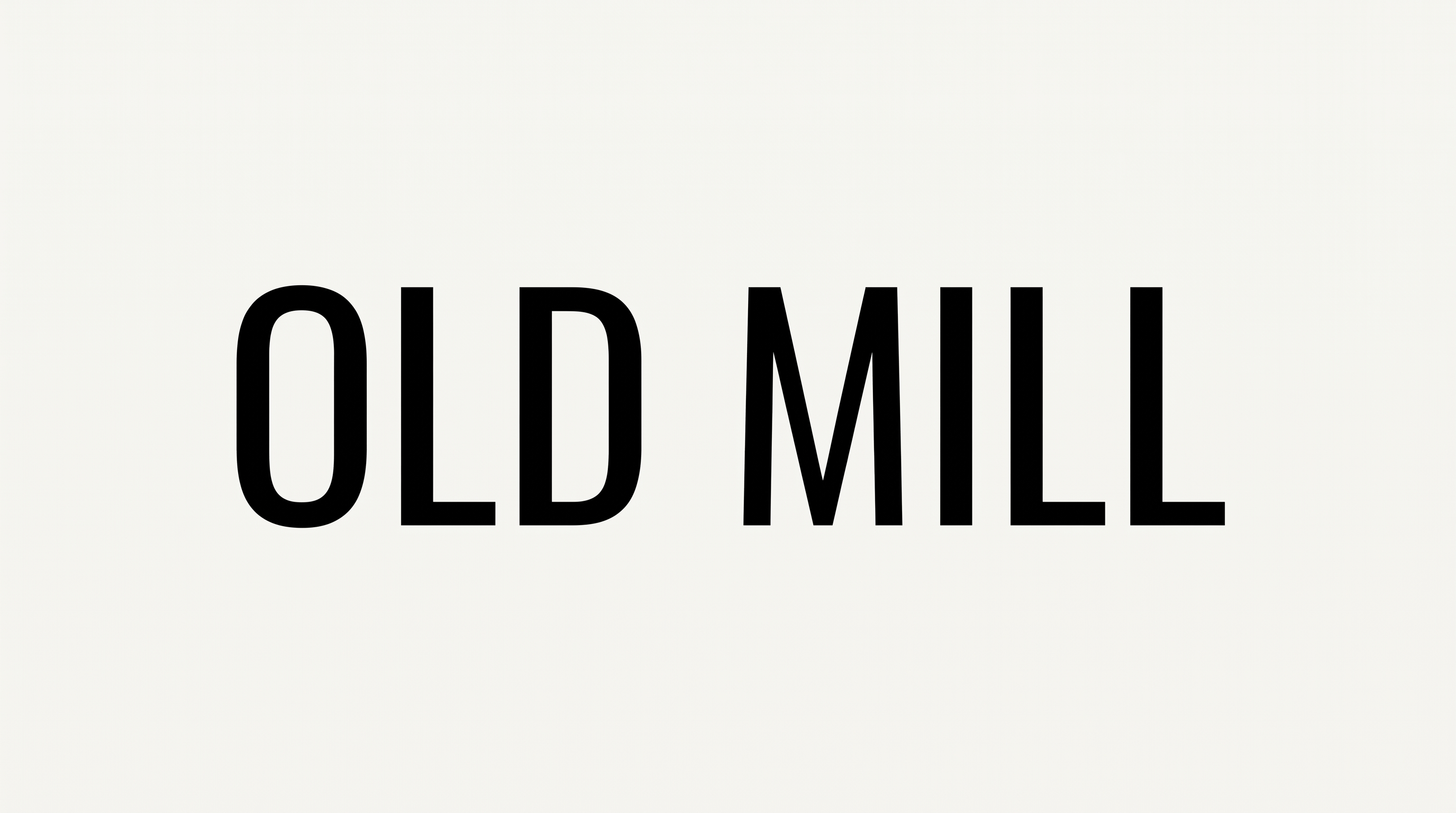
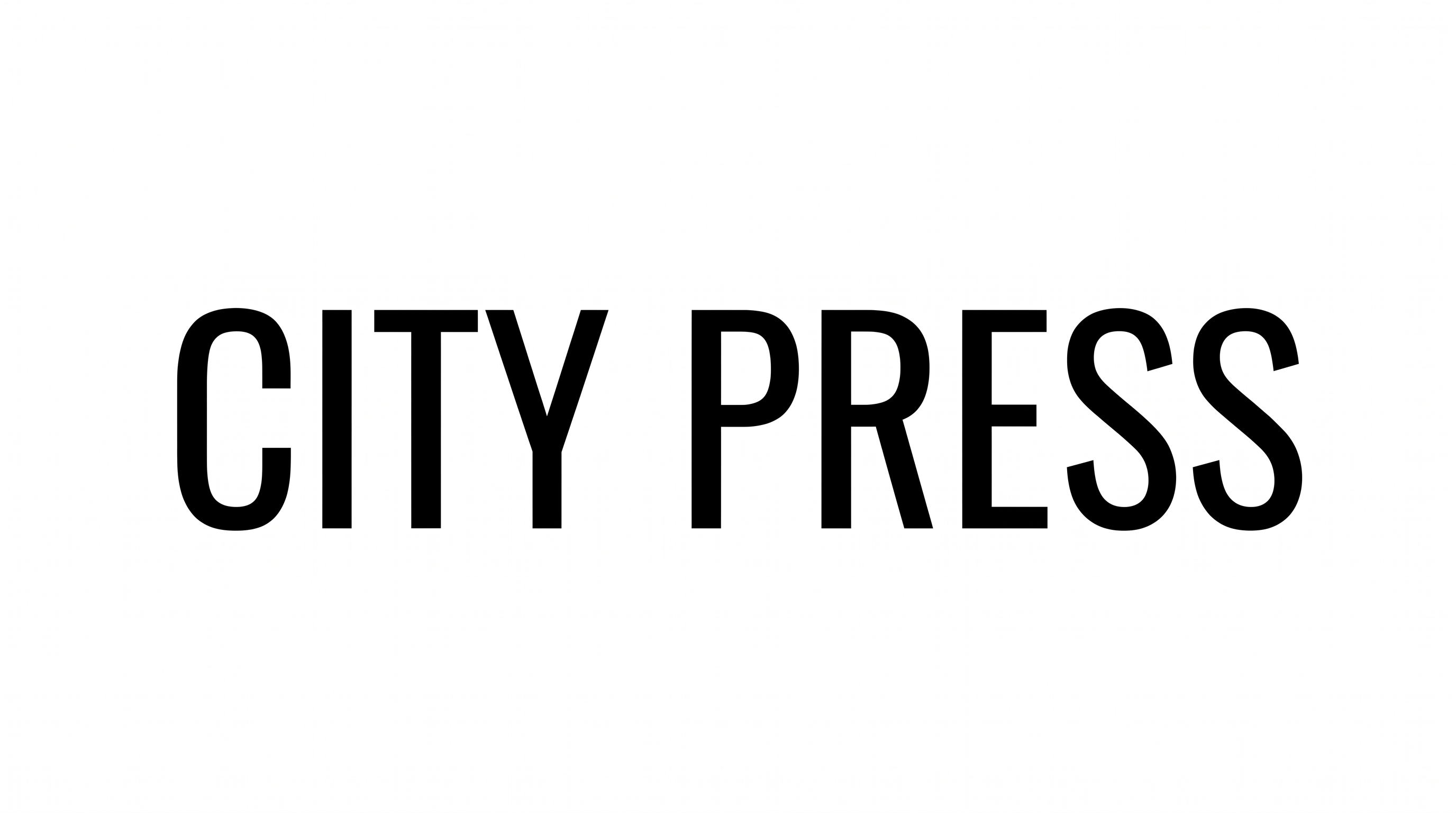
Turn words into bold, vertically elongated uppercase lettering with a tightly composed look suited to signs, covers, and posters.

Enter the text to generate, e.g. Fontify.ai

Font color
Background
Templates
769
Generations
72
Downloads
213
Rating
5.0

How to Use the Tall Sans Serif Font Generator

Shape bold, condensed uppercase lettering for clear display artwork across signs, covers, and posters.

  1. 01

    Compose a concise display heading

    Enter a short heading that suits the tall, condensed uppercase lettering.

  2. 02

    Set the image composition

    Choose font color, background, and an image size such as 4:5 for your layout.

  3. 03

    Generate and download the artwork

    Generate the image, review the composition, then download it as PNG or SVG.

Tall Sans Serif Font Style Profile

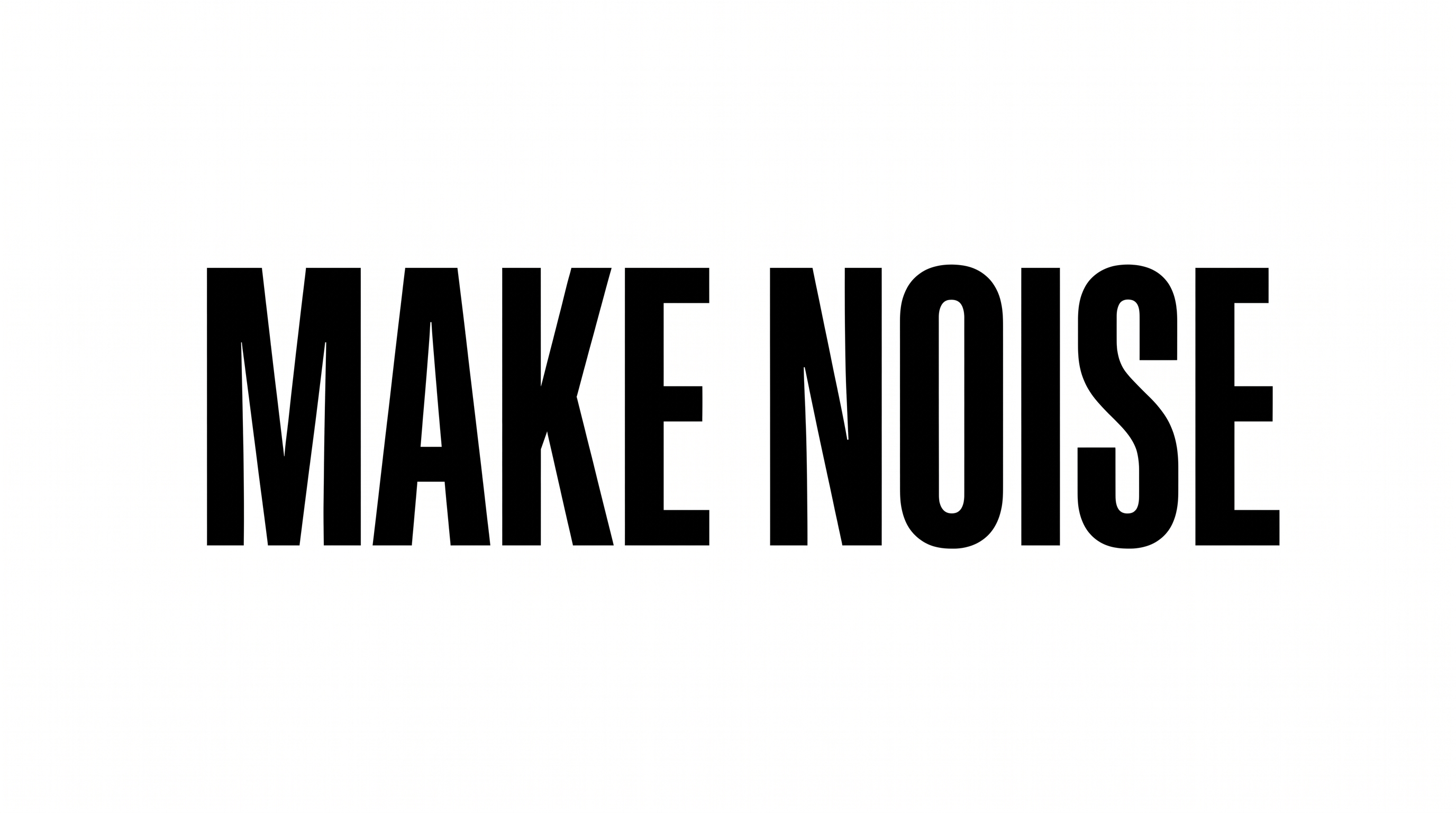
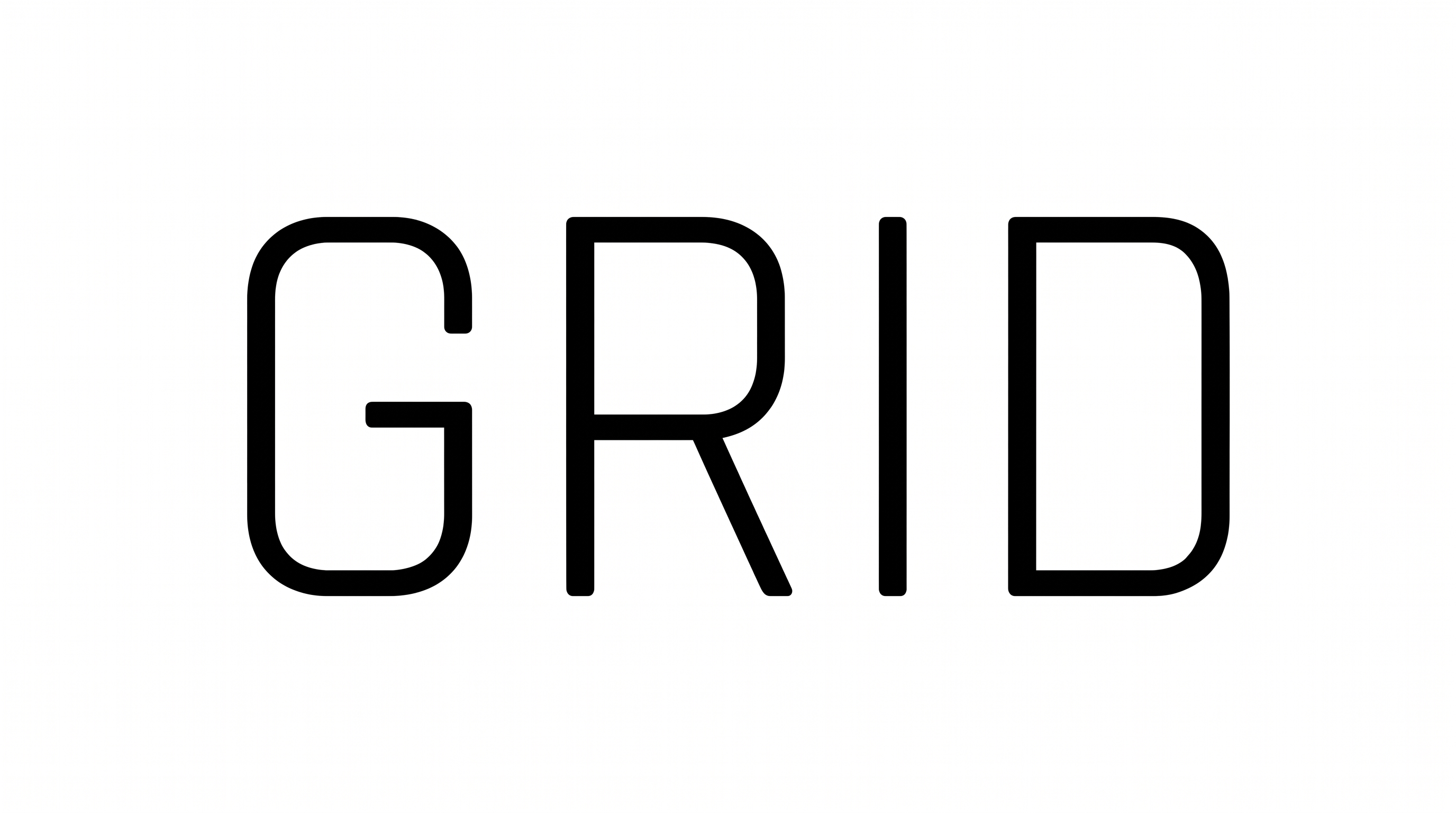
Narrow uppercase forms, heavy strokes, and tight spacing create a forceful condensed display style.

  • Letter Width

    Vertically elongated letters use distinctly narrow, condensed proportions.

  • Stroke Weight

    Heavy black strokes give the uppercase forms a bold presence.

  • Letter Spacing

    Small gaps between neighboring letters create a tightly composed word.

  • Letter Construction

    Solid, continuous shapes construct each uppercase letter.

  • Stroke Endings

    Visible stems and bars finish with clean, flat cuts.

  • Letter Connections

    Letters remain separate, with clear breaks between characters.
Frequently asked questions about Tall Sans Serif Font Generator

It turns your wording into a text image with bold, vertically elongated, condensed uppercase lettering. The tightly composed style suits display-focused artwork such as wayfinding signs, magazine covers, packaging, posters, event graphics, and other layouts that benefit from narrow letterforms.

Browse the related tools section to compare other visual directions for styled text artwork. Focus on visible differences such as letter width, stroke weight, spacing, or construction, then choose the treatment that best matches your layout and intended mood.

Download the Tall Sans Serif Font artwork as a PNG. Upload it in Canva and insert it into a Google Docs document. Import the same image into a project in the Cricut app, also known as Cricut Design Space. This keeps the rendered words as image artwork instead of an installed font.

Yes. You can use the generator and download PNG or SVG artwork through the available free-use options. The minimum membership covers personal use, while commercial use requires a higher membership; consult pricing for the applicable membership.

Use a short heading, preserve clear space around the narrow letters, and preview the artwork at its intended display size. The Tall Sans Serif Font Generator lets you choose image proportions, while keeping the area free of competing details supports readability.

Use it as a dominant headline in vertical posters, covers, tickets, packaging, or signs. Pair the bold uppercase artwork with simpler supporting text and generous margins, so the narrow proportions establish hierarchy while secondary information remains easy to scan.
READY TO CREATE?

Create Custom Tall Sans Serif Fonts & Text Effects

Try Tall Sans Serif Font Generator Free