Free Gothic Sans Serif Font Generator Online
Create tall, condensed uppercase lettering with a clean black-and-white wordmark feel for covers, signage and editorial designs.
- Templates
- 769
- Generations
- 112
- Downloads
- 286
- Rating
- 5.0
How to Use the Gothic Sans Serif Font Generator
Shape condensed uppercase lettering with flexible sizing and save a clear PNG or SVG text image.
- 01
Enter a condensed heading
Type your wordmark or title in the text field for a tall, narrow uppercase result.
- 02
Set the image composition
Choose an image size like 1:1 or 16:9, then select font and background colors.
- 03
Generate and save the artwork
Review the rendered text, then download the finished image as PNG or SVG for your layout.
Gothic Sans Serif Font Generator in Use: Design Examples & Showcase
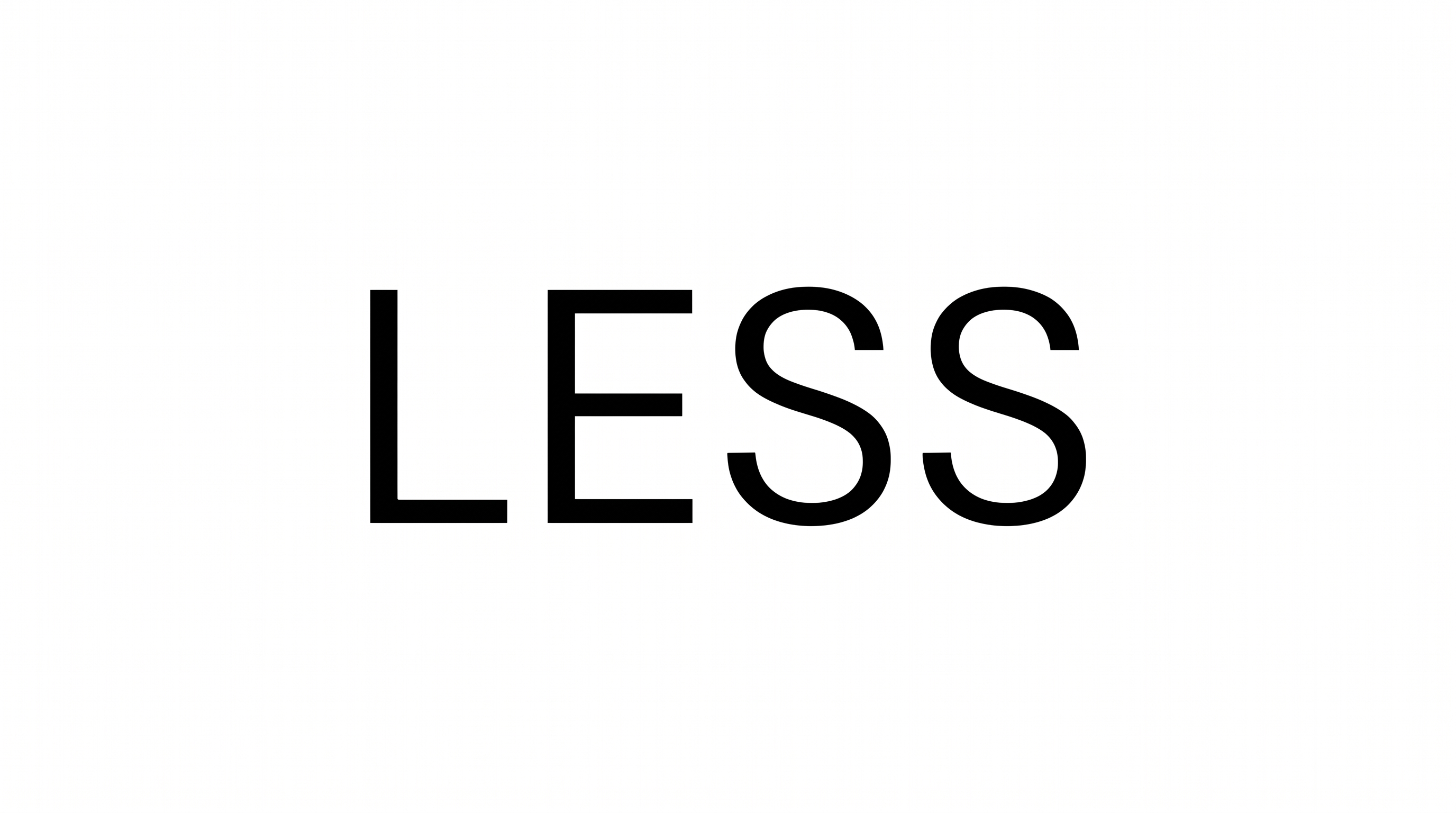
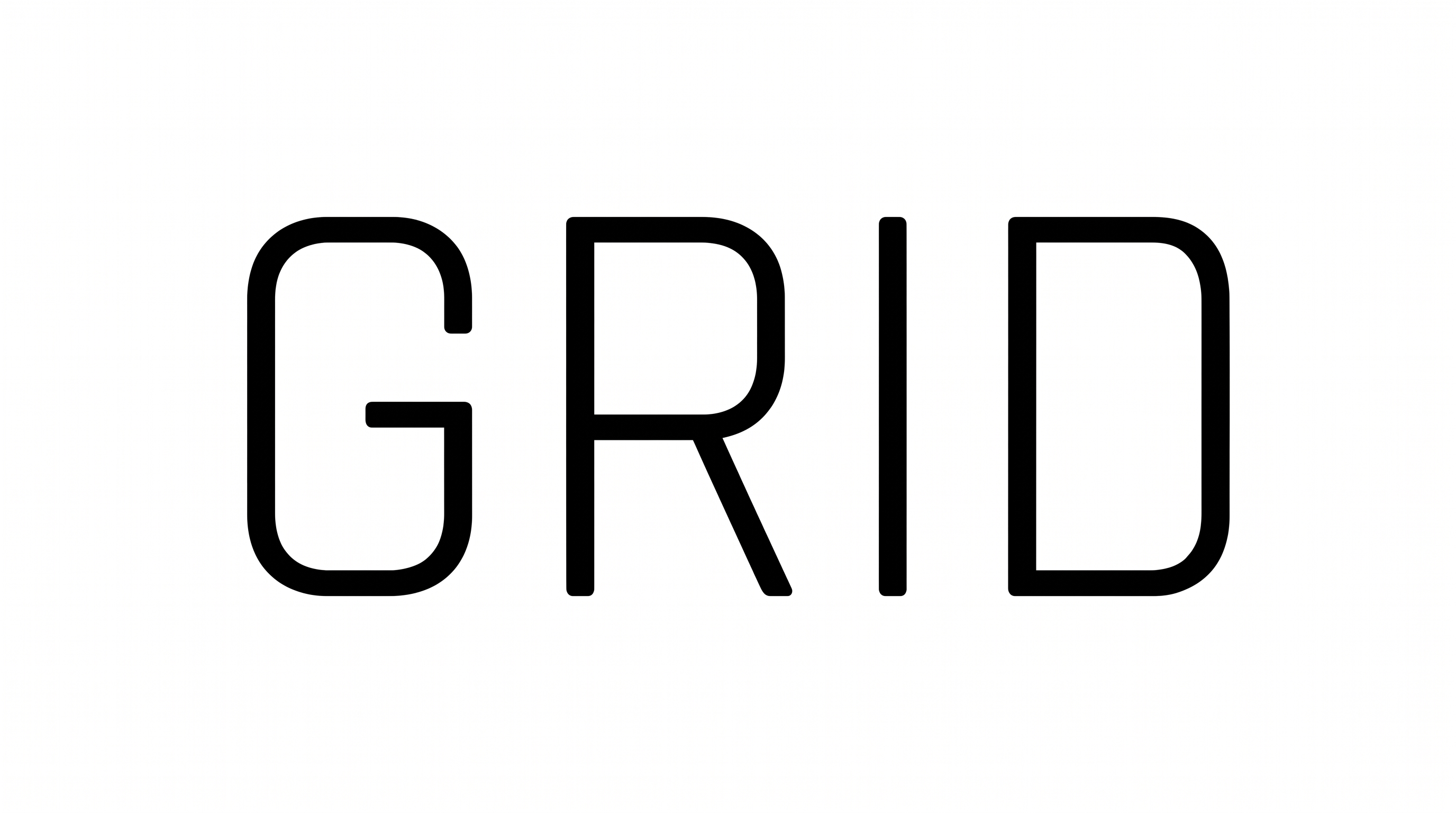
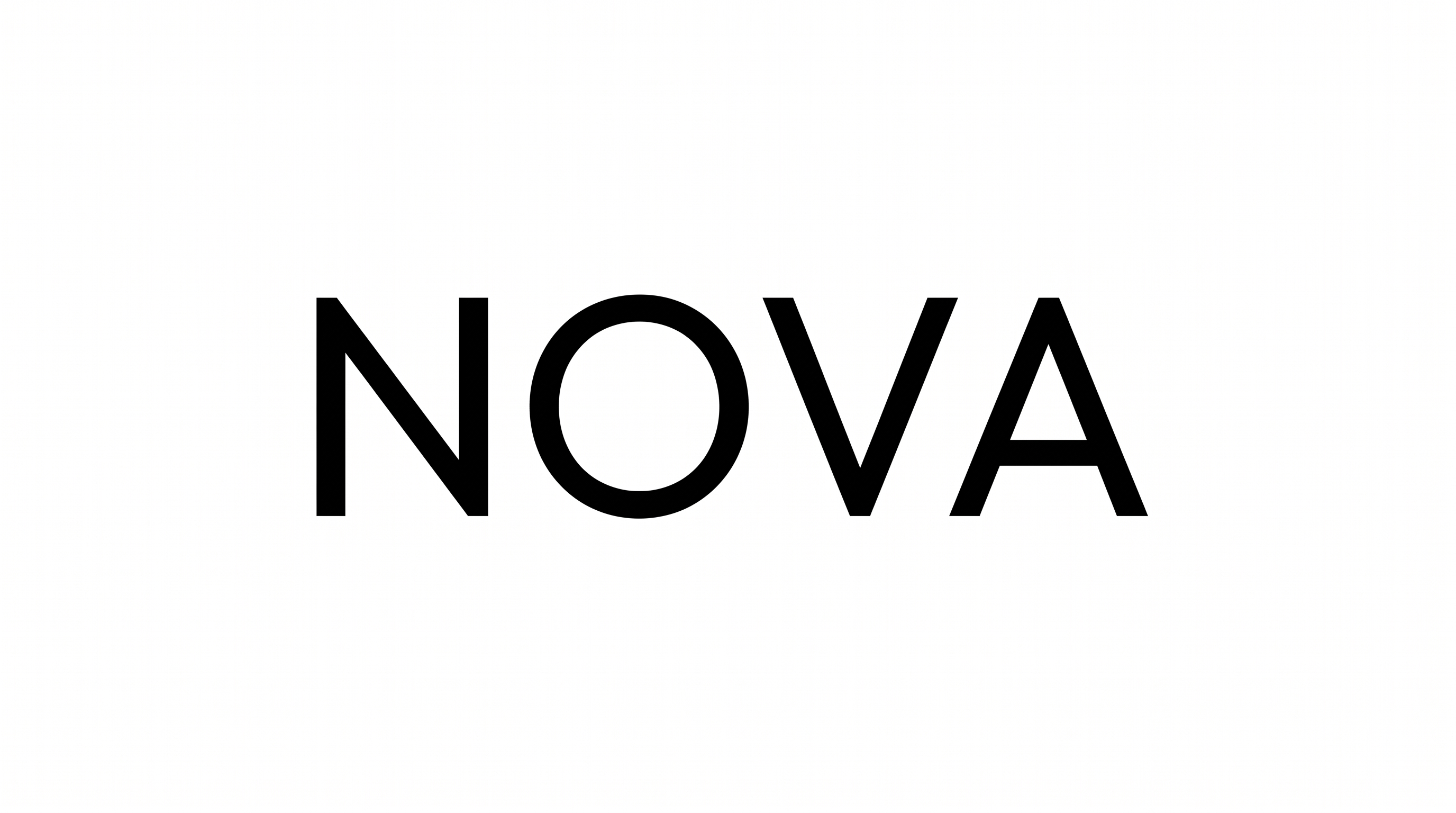
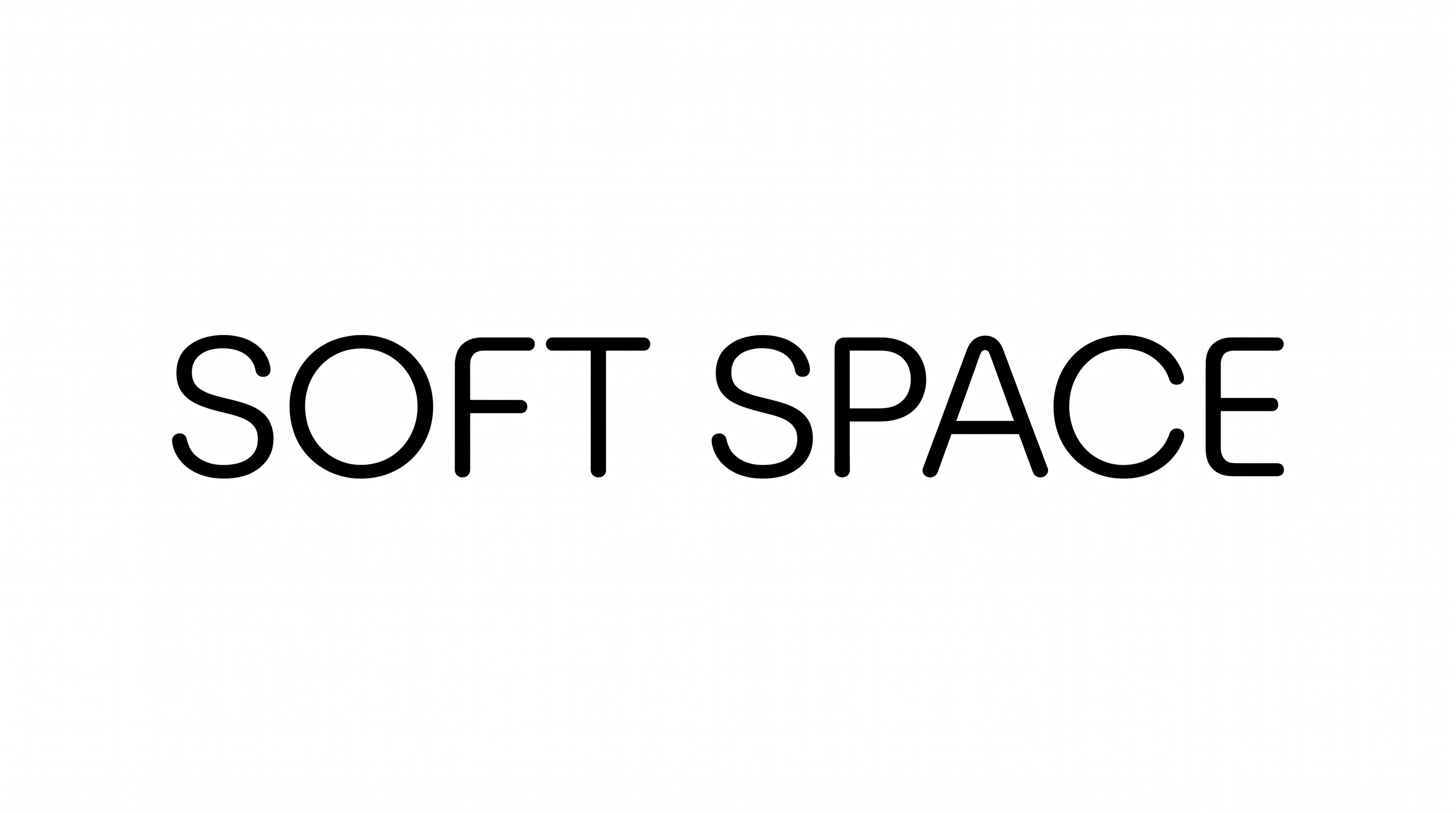
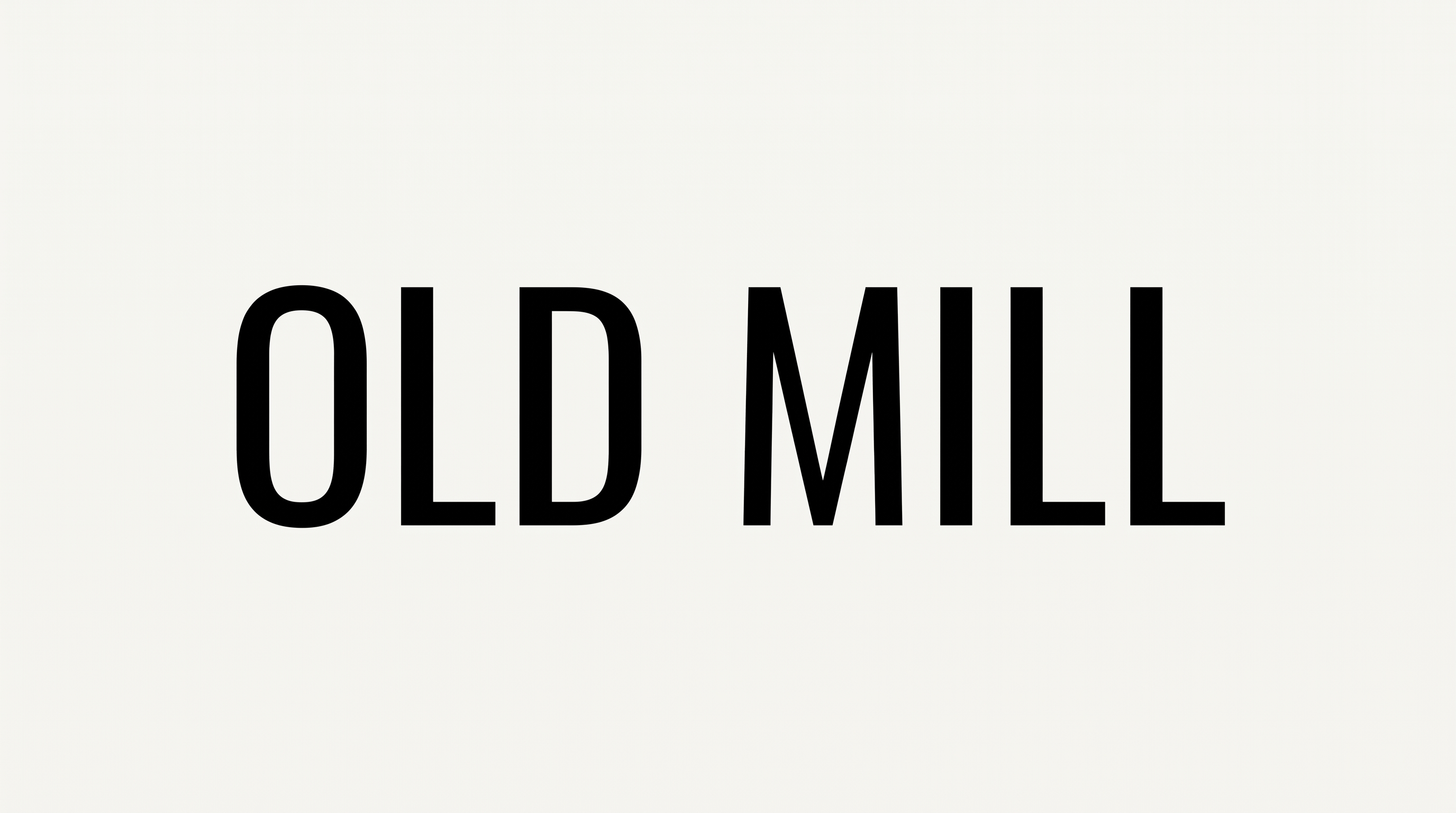
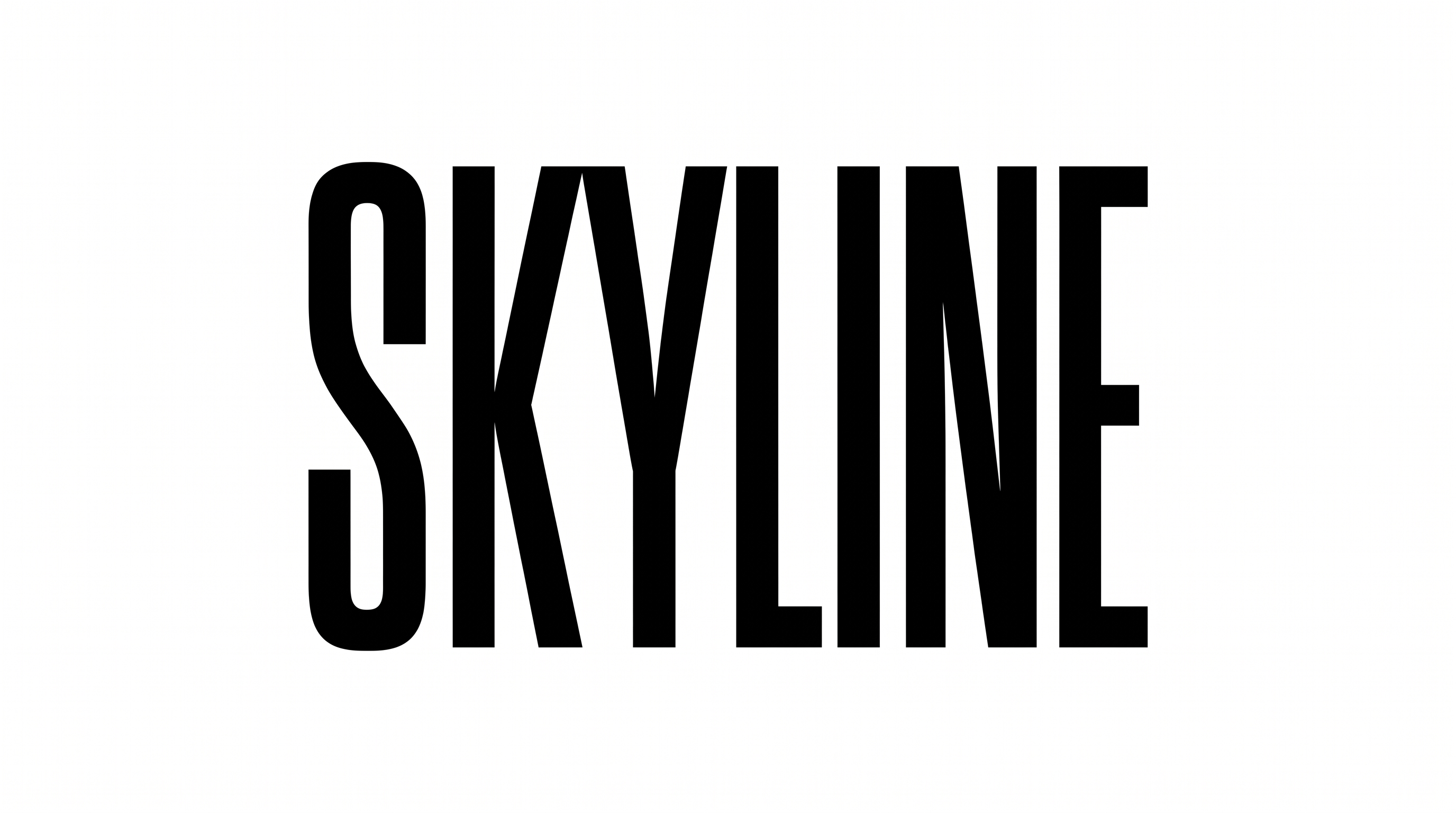
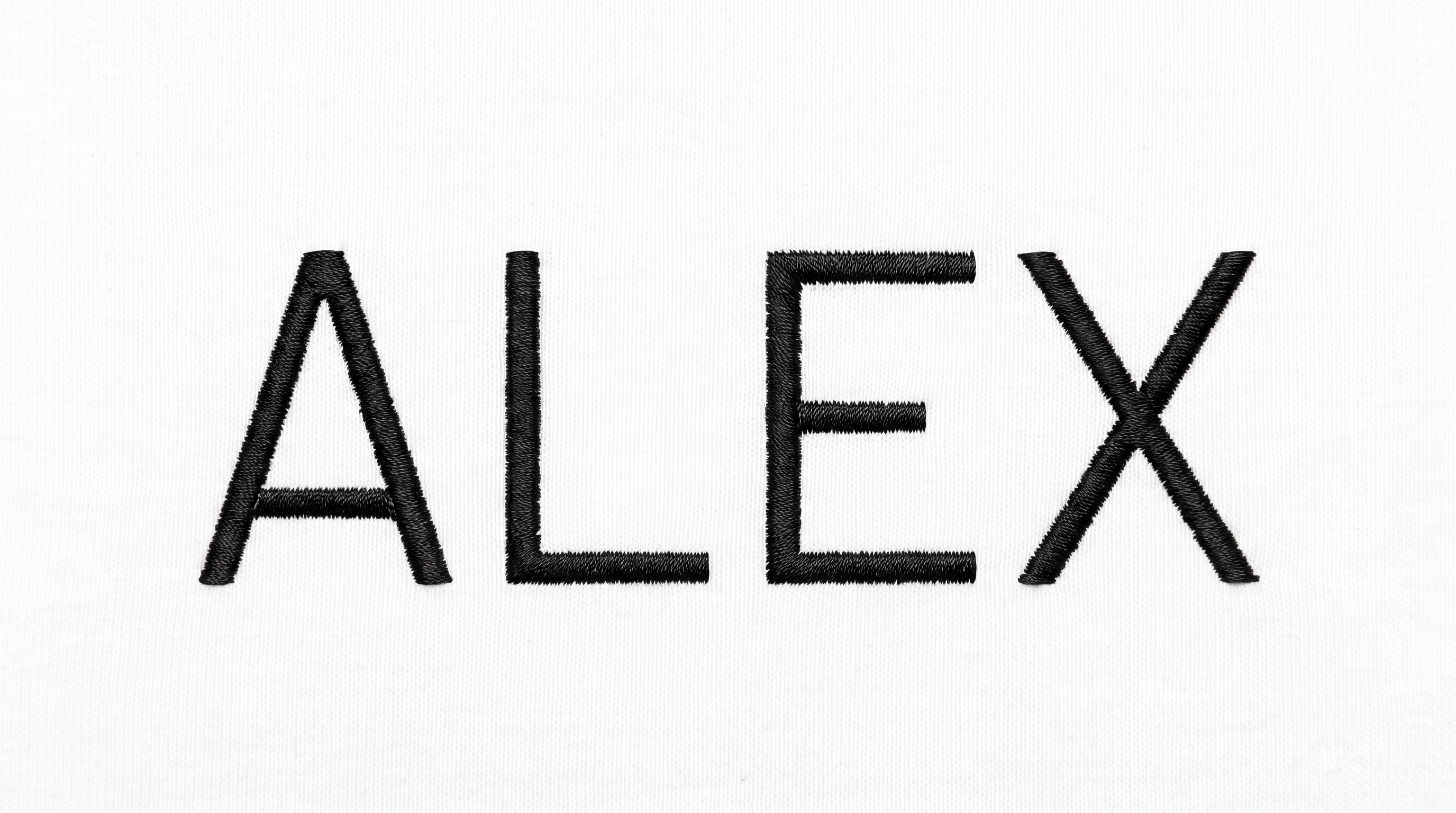
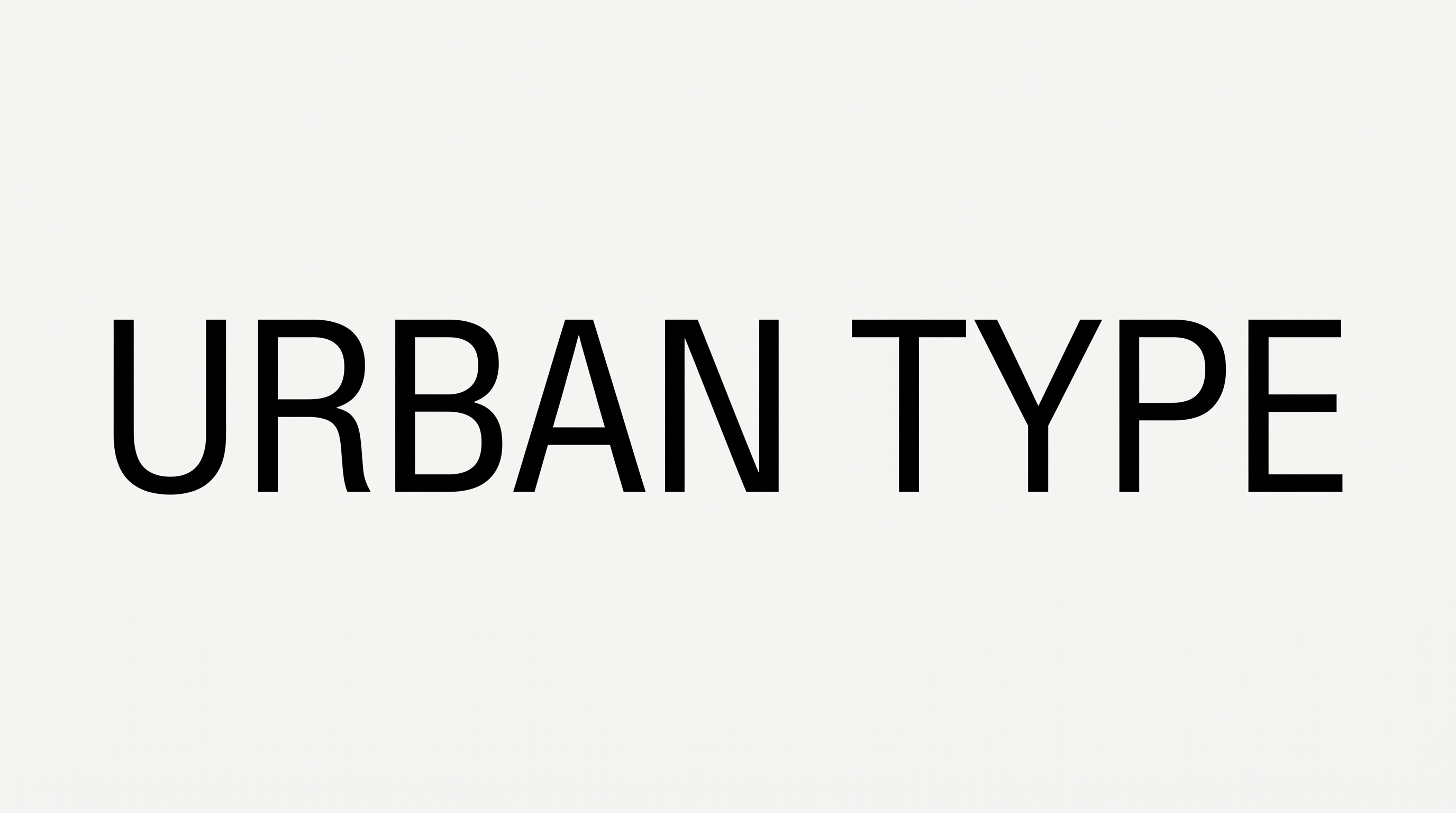
See the condensed uppercase lettering across wordmarks, book covers, packaging, signage, apparel, editorial layouts and alphabet specimens.
Gothic Sans Serif Font Style Profile
Tall narrow proportions, even strokes, and compact spacing define the visible uppercase lettering.
Letter Width
Individual uppercase letters have distinctly narrow, condensed proportions.
Stroke Weight
The letter bodies use a bold, mostly even stroke weight.
Stroke Contrast
Stroke thickness remains relatively consistent across each uppercase character.
Letter Construction
Clean geometric forms build the characters from direct stems, bowls, and diagonals.
Letter Spacing
Close gaps between neighboring letters create a compact wordmark arrangement.
Stroke Endings
Visible stroke ends are clean and flat across the sans-serif letterforms.