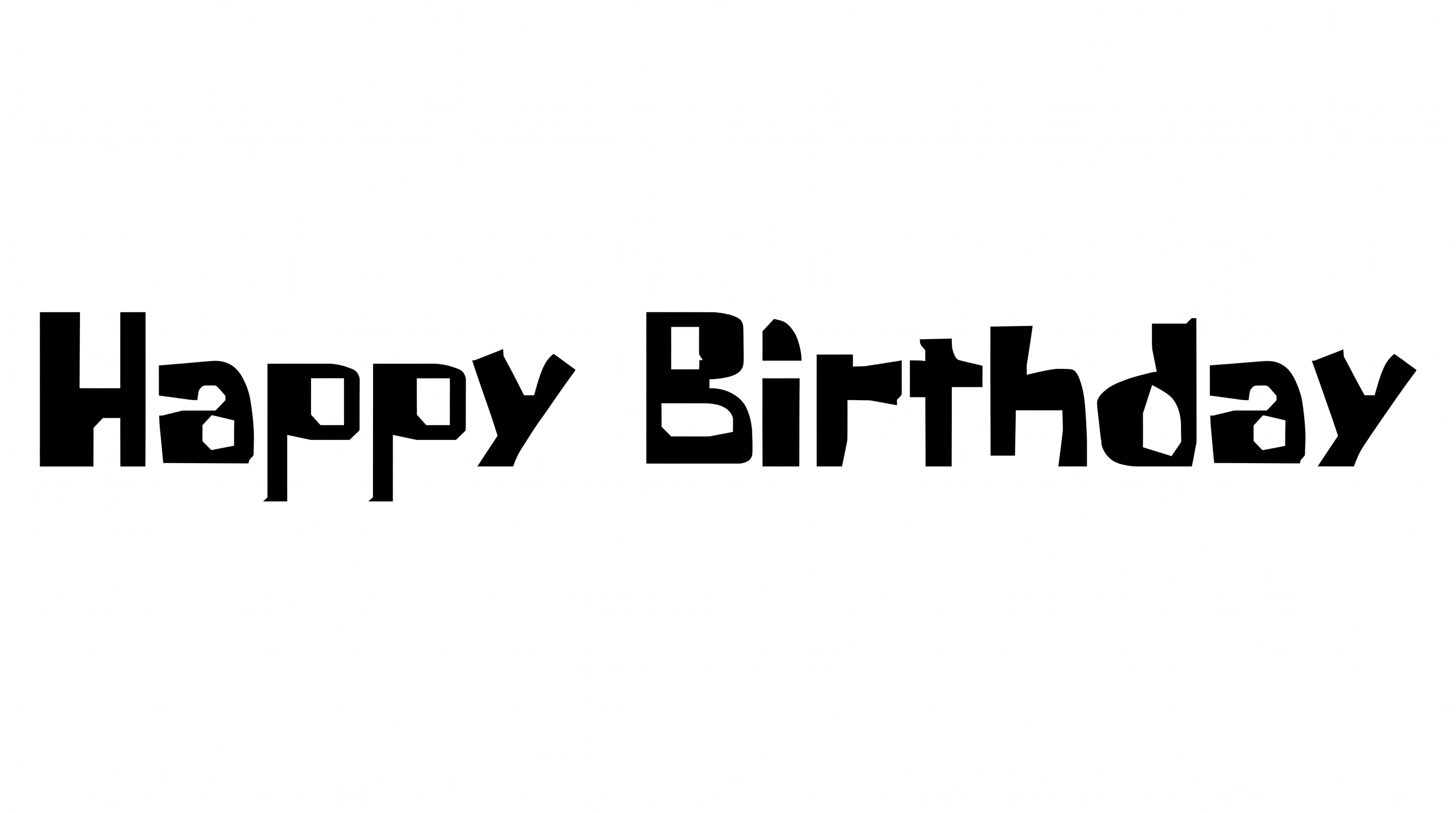
Free Spongebob Bubble Font Generator Online
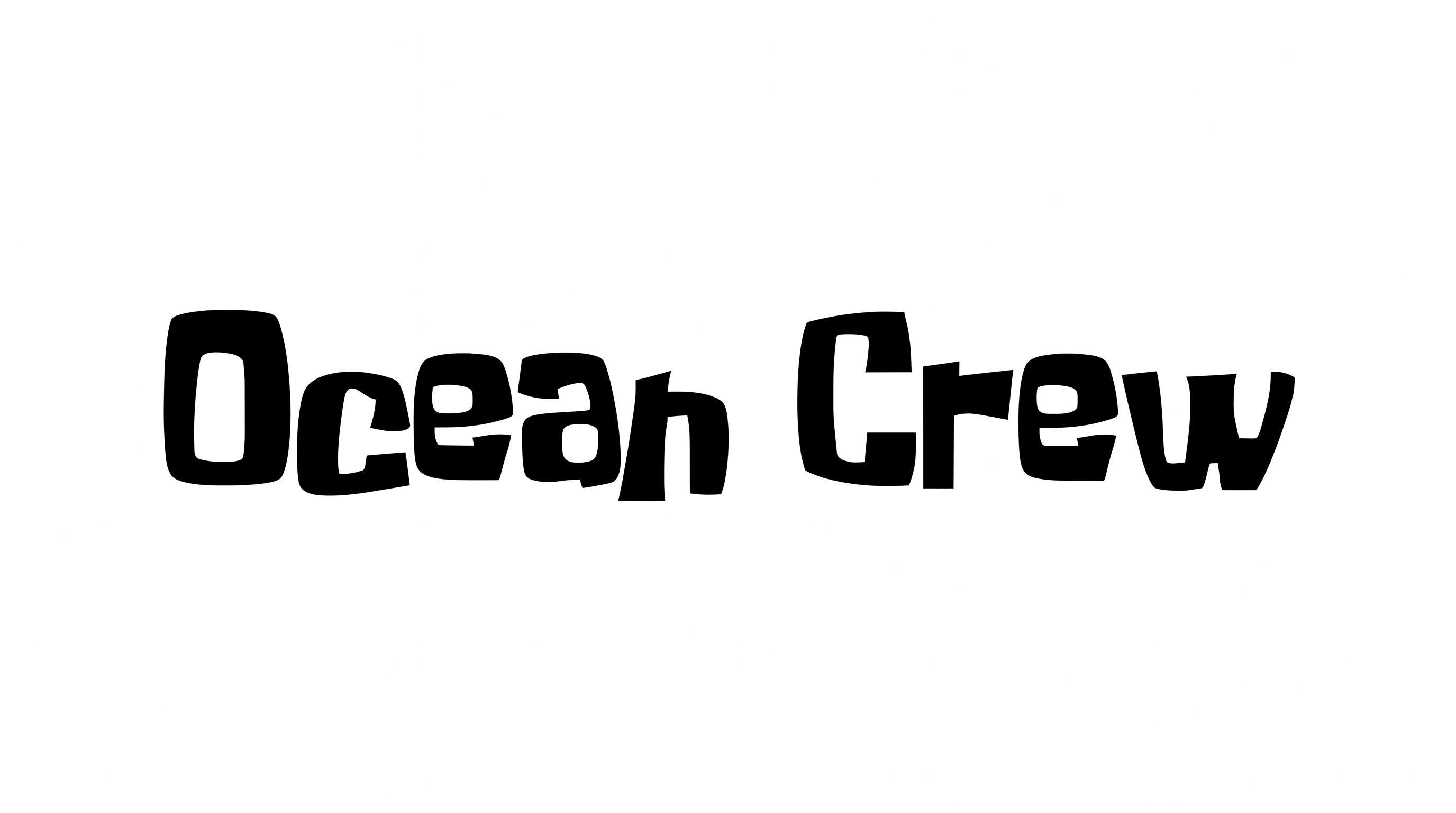
Heavy, rounded, hand-drawn bubble lettering gives headlines a playful cartoon presence for posters, packaging, and party designs.
- Templates
- 242
- Generations
- 76
- Downloads
- 273
- Rating
- 5.0
How to Use the Spongebob Bubble Font Generator
Shape bold, rounded lettering for a layout and save the result as adaptable image artwork.
- 01
Write your bubble-letter text
Enter a short name, title, or phrase for the rounded display style.
- 02
Set the color and composition
Choose a custom font color, background treatment, and image size such as 16:9.
- 03
Generate and download PNG or SVG artwork
Generate the preview, then download the finished lettering as a PNG or SVG image.
Spongebob Bubble Font Generator in Use: Design Examples & Showcase
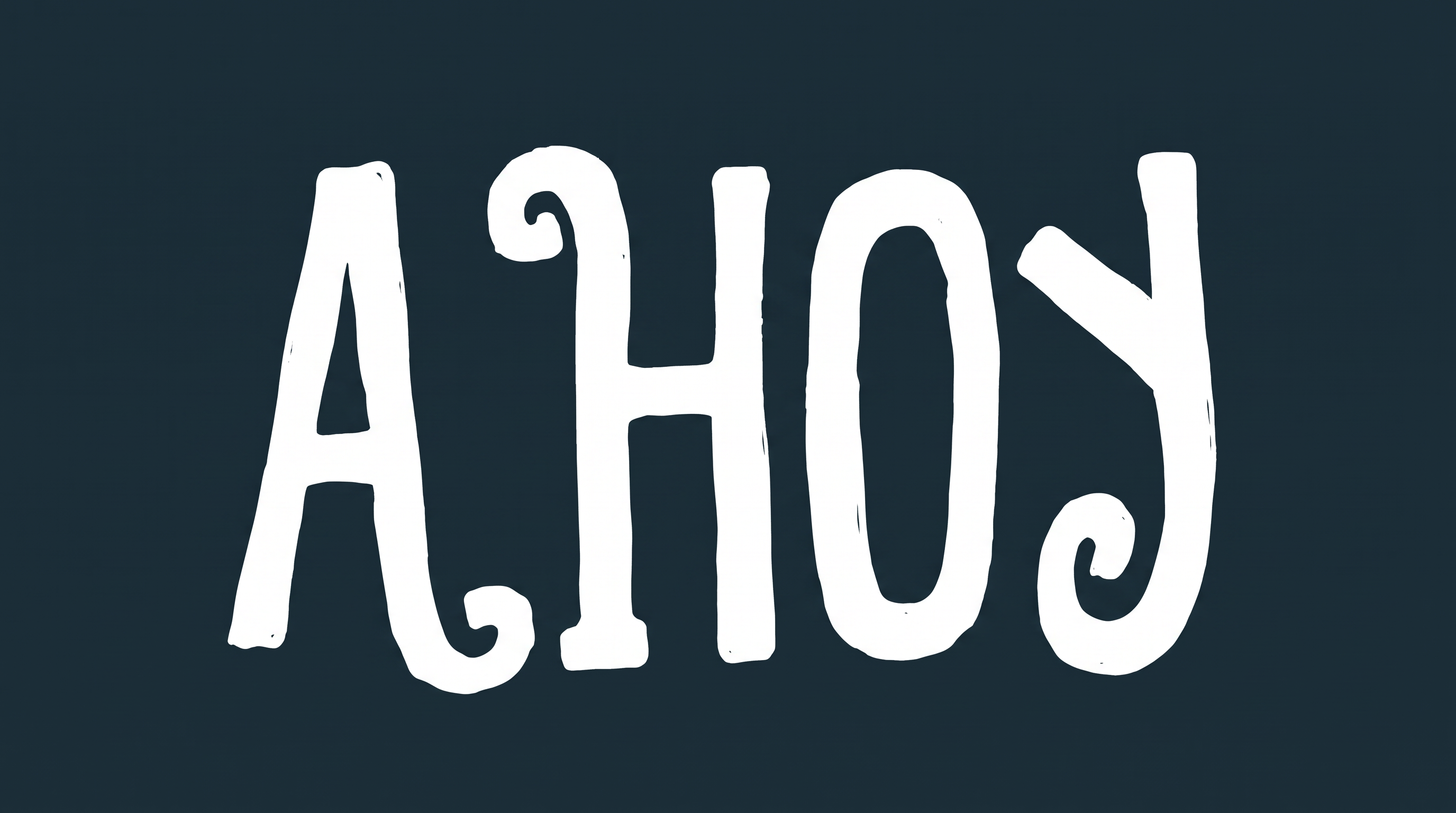
See how bold, rounded lettering adapts to posters, packaging, apparel, signs, covers, stickers, and event displays.
Spongebob Bubble Font Style Profile
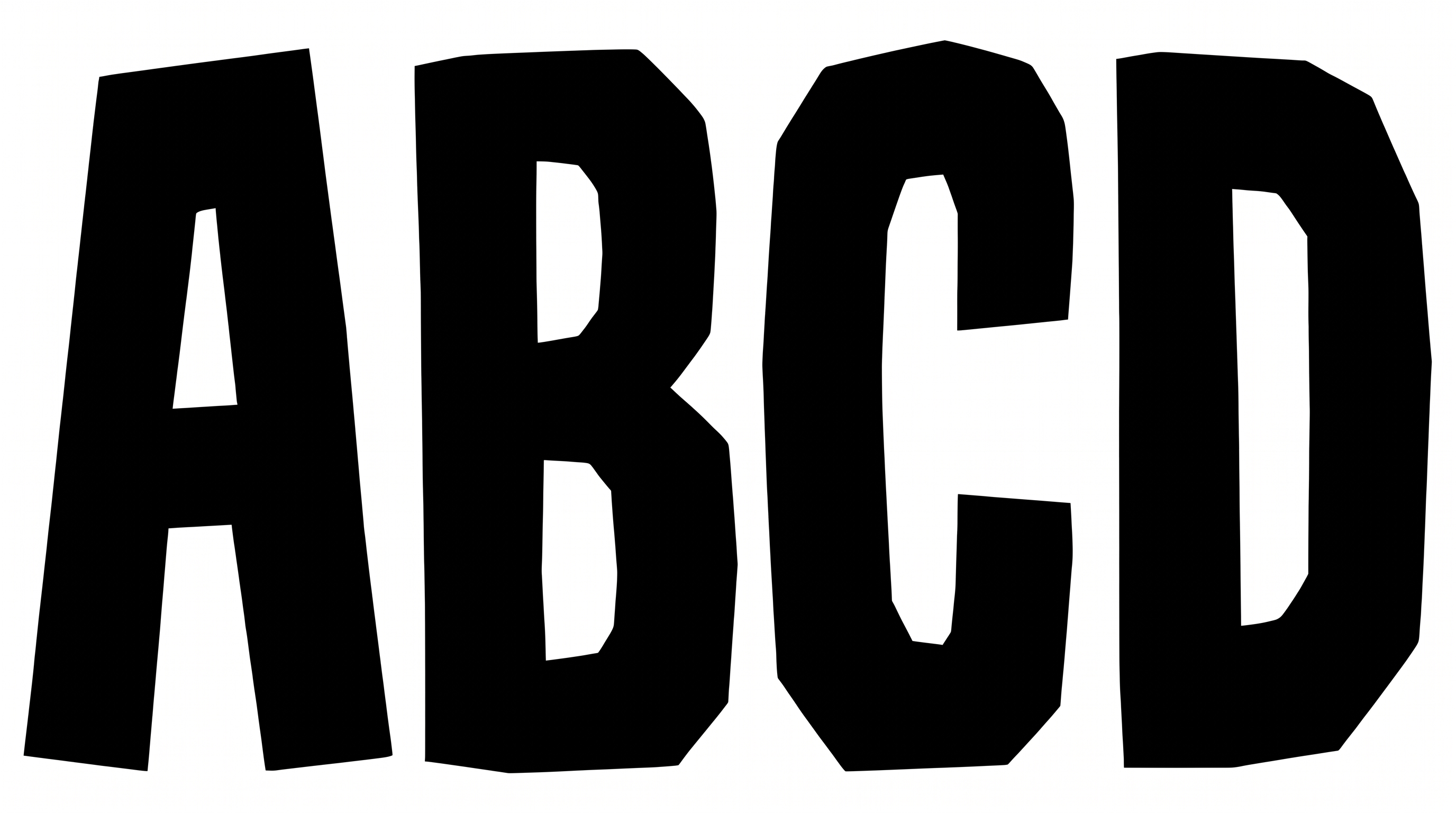
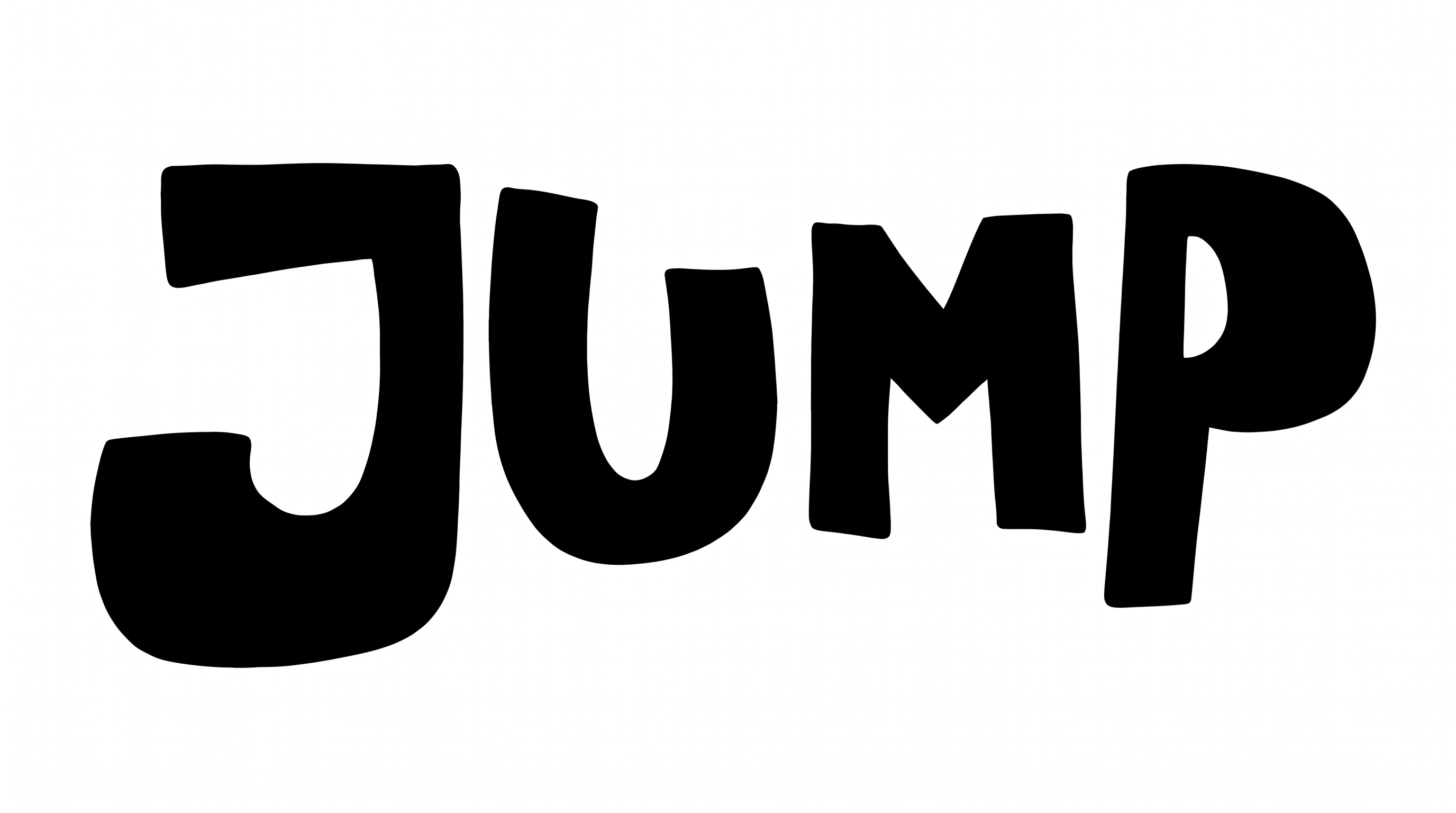
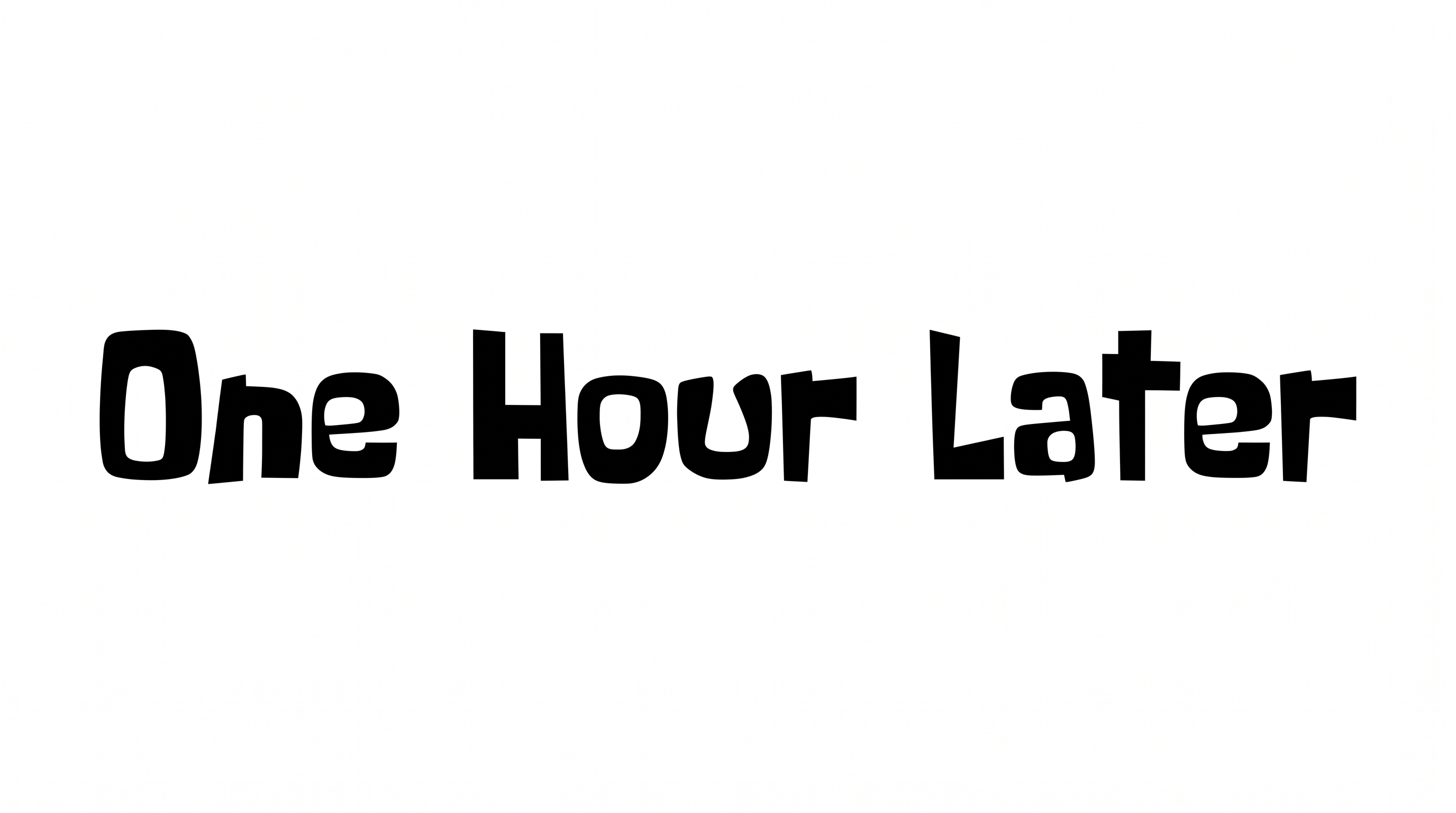
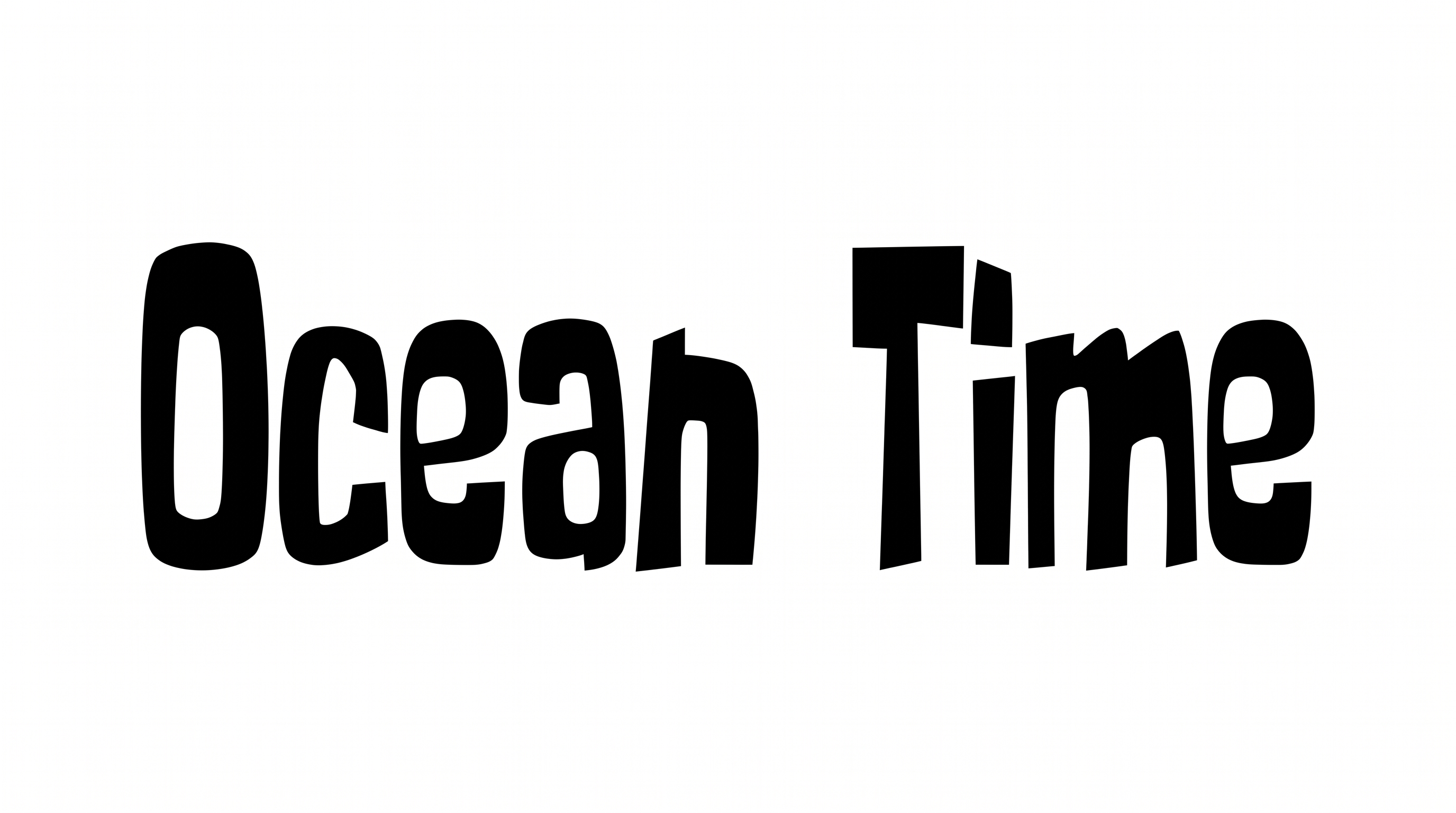
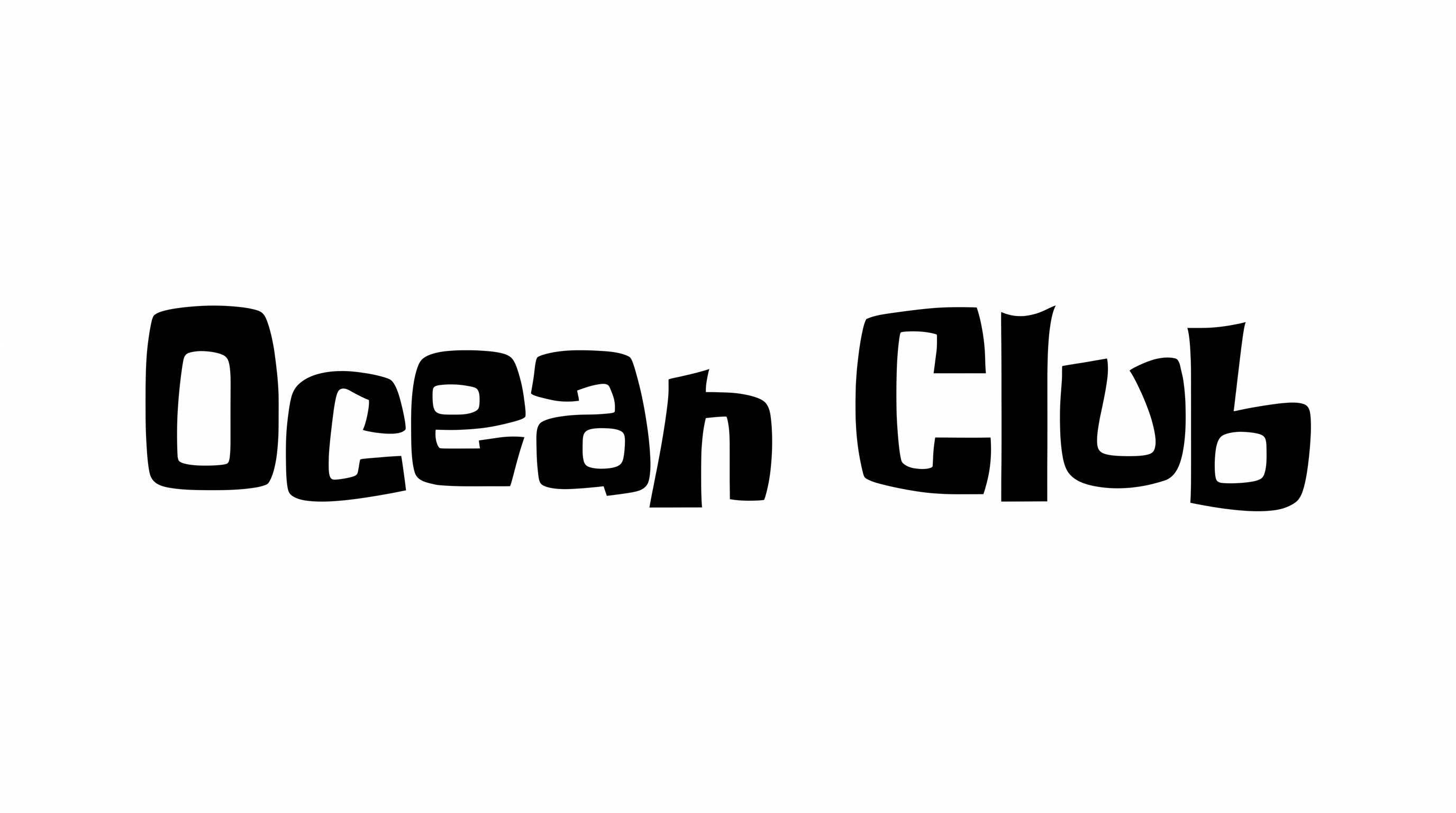
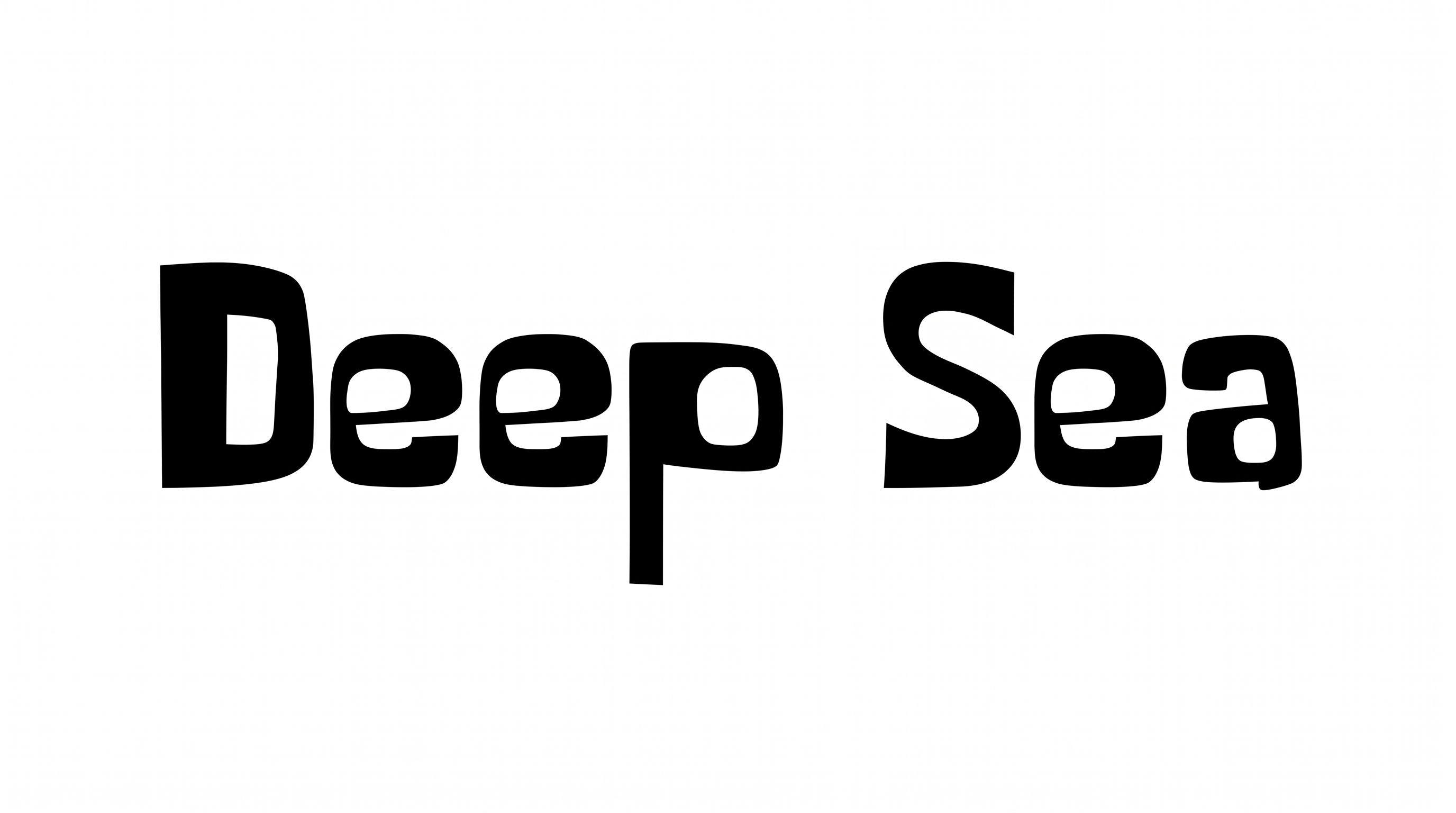
Heavy strokes, rounded corners, and broad forms create a bold, hand-drawn display style.
Stroke Weight
Heavy, solid strokes give the visible letters a strong display presence.
Corner Shape
Softly rounded corners shape the turns and joins of the black letterforms.
Letter Width
Broad letterforms create wide, substantial character shapes.
Letter Construction
Each letter uses a solid, continuous silhouette with open counters.
Letter Spacing
Narrow gaps keep neighboring letters compact while preserving clear separation.
Stroke Endings
Visible stroke endings finish in soft, rounded forms.