Get 5 Free Credits

Free Arabesque Font Generator Online

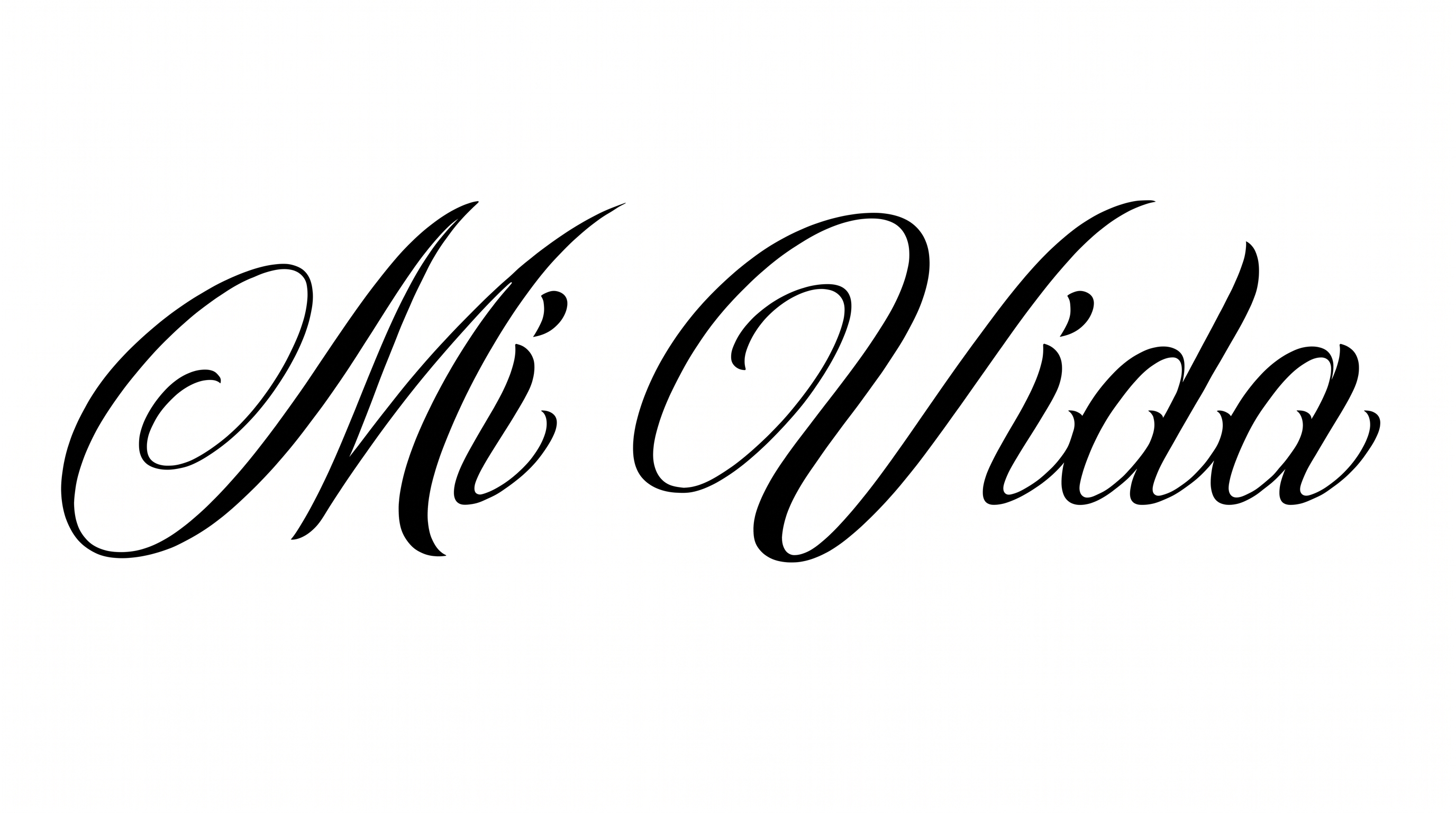
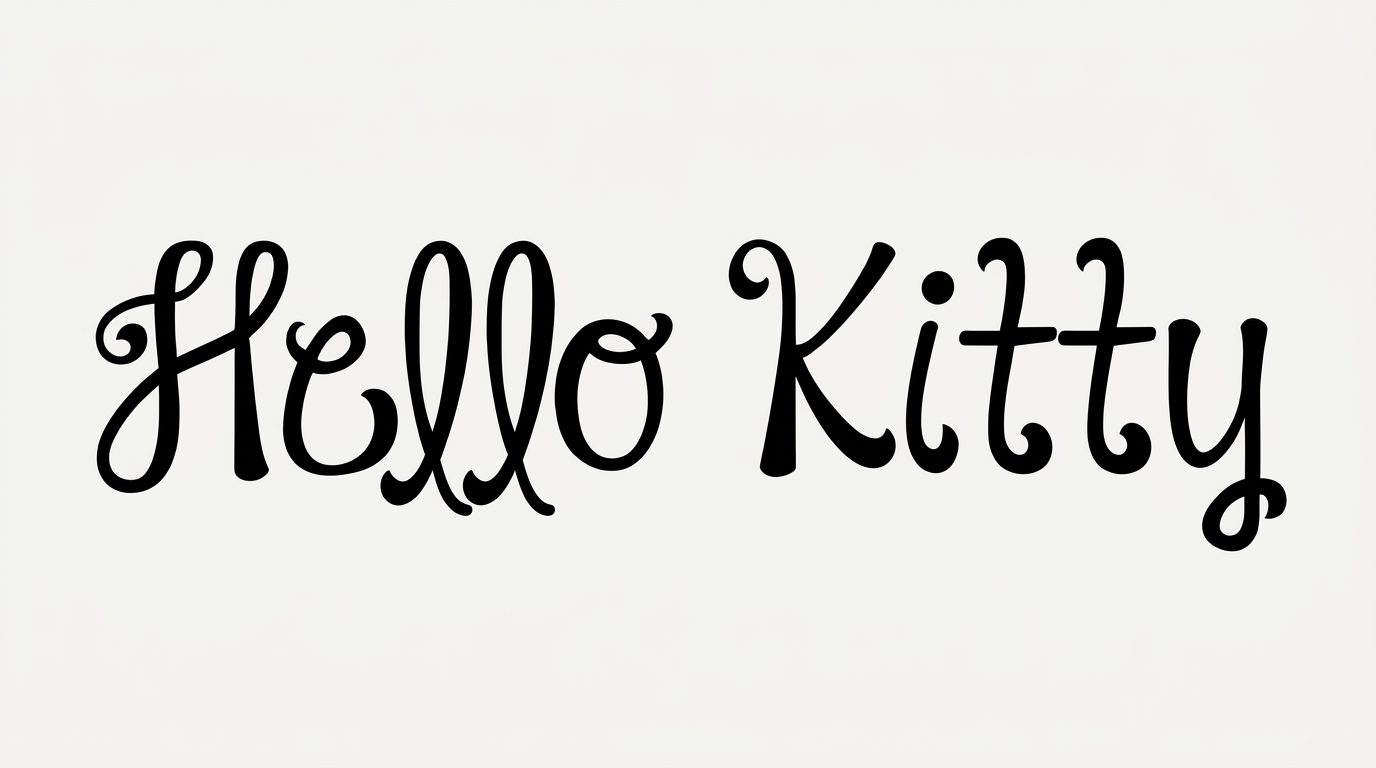
Create refined calligraphic wordmarks with connected lowercase forms, tall slender ascenders, and a dramatic opening flourish for elegant invitations.

Enter the text to generate, e.g. Fontify.ai

Font color
Background
Templates
22
Generations
75
Downloads
252
Rating
5.0

How to Use the Arabesque Font Generator

Shape refined script into a balanced image while preserving its connected forms and dramatic flourishes.

  1. 01

    Compose a calligraphic wordmark

    Enter a short name or phrase that suits the connected calligraphic wordmark.

  2. 02

    Set the image presentation

    Choose a 3:2 image size, then set a custom font color or background.

  3. 03

    Generate and download the artwork

    Generate the artwork, review its flourishes, and download the finished image as PNG or SVG.

Arabesque Font Style Profile

Strong stroke contrast, flowing connections, and expansive flourishes define this elegant calligraphic lettering.

  • Flourishes

    An expansive opening swash and long tails add ornamental movement.

  • Stroke Contrast

    Pronounced thick and thin strokes shape the calligraphic letterforms.

  • Letter Connections

    Continuous joining strokes link the visible lowercase letters.

  • Slant

    Most letters lean gently to the right along the baseline.

  • Letter Construction

    Smooth continuous strokes build looped and sweeping letterforms.

  • Stroke Endings

    Visible strokes taper into fine pointed tips.
Frequently asked questions about Arabesque Font Generator

It creates a text image in refined, connected calligraphy. The lettering features slender forms, flowing joins, and prominent flourishes suited to wordmarks and formal design accents. You can download the finished artwork as PNG or SVG.

Minimum membership covers personal use, while a higher membership covers commercial use. Check pricing to choose the membership that applies to your project before using the artwork commercially.

Download the Arabesque Font artwork as a PNG. Upload it in Canva, insert it into a Google Docs document, or import it into a project in the Cricut app. The Cricut app is also known as Cricut Design Space.

Yes. The Arabesque Font Generator is free to use and supports free image downloads in PNG and SVG formats. Commercial use follows the applicable membership terms described in pricing.

Its refined script works well as a focal inscription on wedding invitations, perfume packaging, book covers, and menus. Give the lettering a prominent position and generous surrounding space.

Use one short name or phrase as the visual focus, then place supporting information in a simpler type style. Wide layouts can accommodate the extended flourish and tall ascenders.

Pair the ornate calligraphy with restrained typography and uncluttered imagery. The contrast lets the script lead while supporting details remain easy to scan.

Leave generous clear space around the opening flourish, tall ascenders, and extended strokes. For small labels or cards, keep the wording concise and review the image at its intended size.
READY TO CREATE?

Create Custom Arabesque Fonts & Text Effects

Try Arabesque Font Generator Free