Get 5 Free Credits

Free Metal Font Generator Online

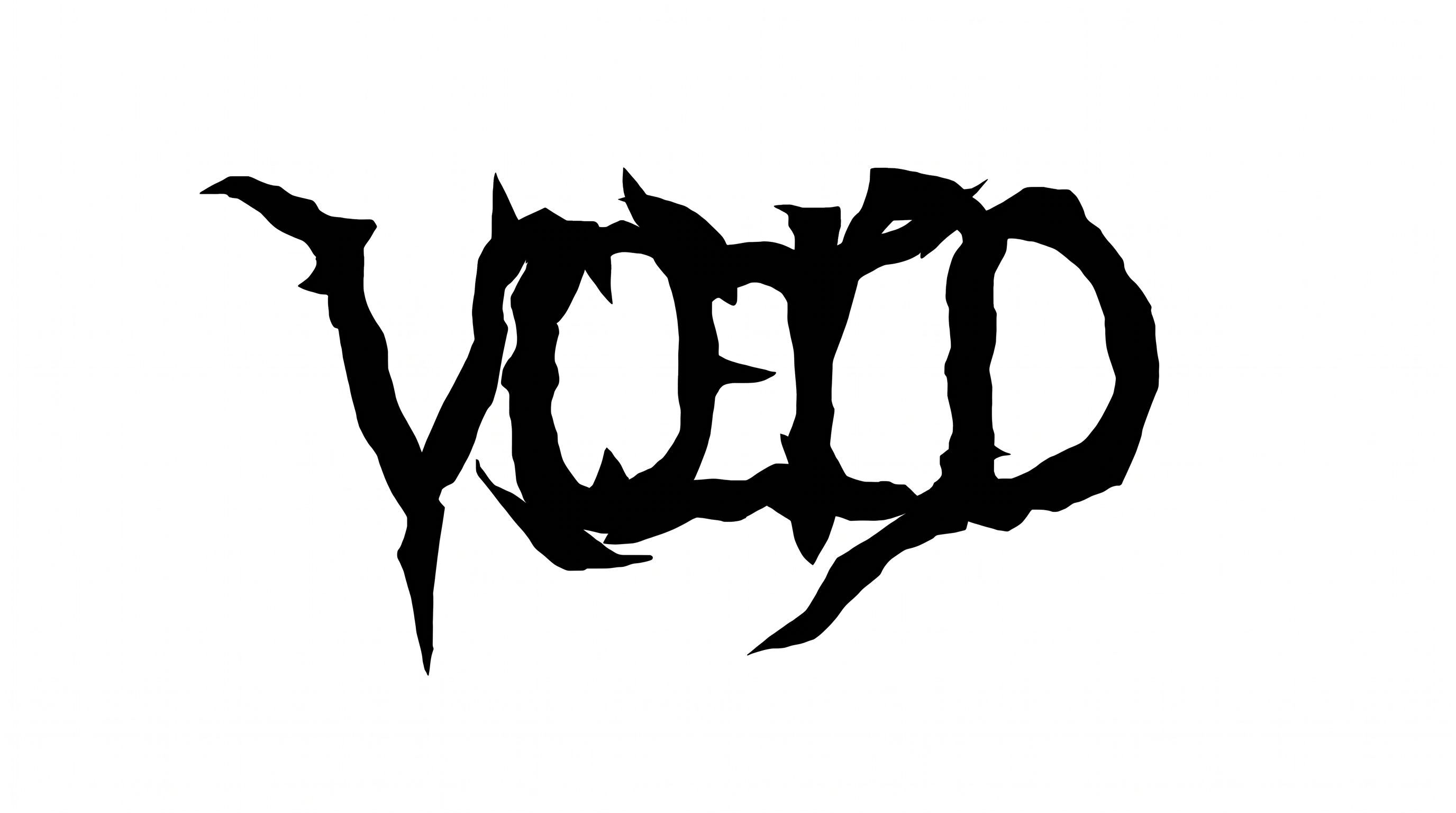
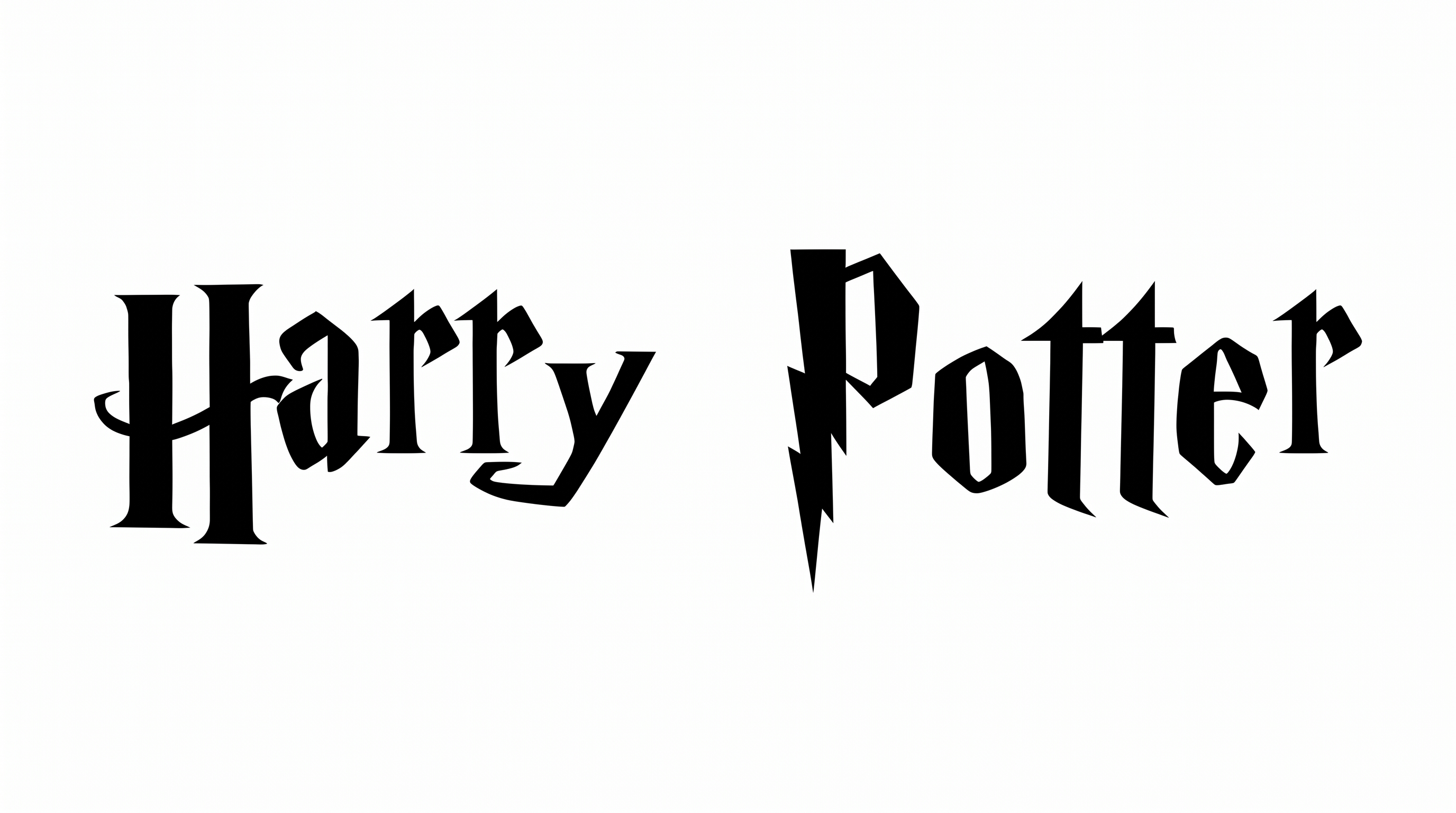
Heavy, faceted capitals and blade-like terminals give this geometric lettering a stark wordmark look, suited to album artwork and bold music identities.

Enter the text to generate, e.g. Fontify.ai

Font color
Background
Templates
23
Generations
189
Downloads
201
Rating
5.0

How to Use the Metal Font Generator

Shape a bold geometric wordmark with the available options, then save the generated lettering as an image.

  1. 01

    Enter your wordmark

    Type your text, then choose an image size such as 1:1 to frame a compact wordmark.

  2. 02

    Set the image options

    Choose a font color and background, or upload an image to frame the angular capitals.

  3. 03

    Generate and save the artwork

    Generate your lettering and download the PNG image for use in a cover or other design.

Metal Font Style Profile

Faceted construction, sharp corners, and heavy strokes give the capitals a bold geometric character.

  • Corner Shape

    Sharp, angular corners define the turns and joins of the letterforms.

  • Letter Construction

    Faceted strokes build the capitals from bold geometric segments.

  • Stroke Weight

    The letter strokes have a heavy, substantial appearance.

  • Stroke Endings

    Pointed, blade-like terminals finish many of the strokes.

  • Letter Width

    The individual capitals have broad, substantial proportions.

  • Letter Spacing

    Compact gaps keep neighboring letters close within each word.
Frequently asked questions about Metal Font Generator

Commercial use depends on your membership. The minimum membership covers personal use, while a higher membership covers commercial use. Check pricing to find the applicable membership for your project.

Download the generated PNG artwork. Upload it to Canva, insert it into Google Docs, or import it into the Cricut app, also known as Cricut Design Space.

Transparent backgrounds are supported, so you can layer the lettering over other artwork. Available template options include font color, background color, and uploaded background images. Choose from the controls shown for this template.

Browse the related tools to compare other lettering styles and text-image options. Consider how each result’s shapes and overall character fit your project. Then choose a look that works with your design.

Use the bold capitals as a clear focal point on a square cover, leaving breathing room around the wordmark. Pair them with a supporting image or restrained layout elements so the title remains easy to distinguish.

Give the wordmark a defined area on the label and leave space around its sharp terminals. A simple surrounding layout can help the heavy geometric shapes read clearly alongside other product information.

The sample lettering uses stark monochrome, which can pair with a restrained palette or a contrasting background in your design. Keep supporting details distinct from the heavy capitals so the main wording remains prominent.

Keep the wording concise and give the faceted capitals room to breathe. Check that the sharp terminals and triangular counters remain clear at the intended display size, especially beside other artwork.

The style appears on album artwork and music branding, making it fitting for a cover or band identity. Use a clear layout that gives the angular lettering space to stand out.
READY TO CREATE?

Create Custom Metal Fonts & Text Effects

Try Metal Font Generator Free