Get 5 Free Credits

Free Arial Light Font Generator Online

Create thin, spacious sans-serif lettering with a restrained look suited to clean wordmarks and editorial titles.

Enter the text to generate, e.g. Fontify.ai

Font color
Background
Templates
324
Generations
94
Downloads
268
Rating
5.0

How to Use the Arial Light Font Generator

Shape light sans-serif lettering for a clear title, wordmark, or spacious editorial composition.

  1. 01

    Write a concise phrase

    Enter a short title or phrase to suit the light, spacious sans-serif style.

  2. 02

    Set the visual format

    Choose font color, a background, and an image size such as 16:9.

  3. 03

    Generate and save the artwork

    Generate the image, review the thin lettering, then download it as PNG or SVG.

Arial Light Font Style Profile

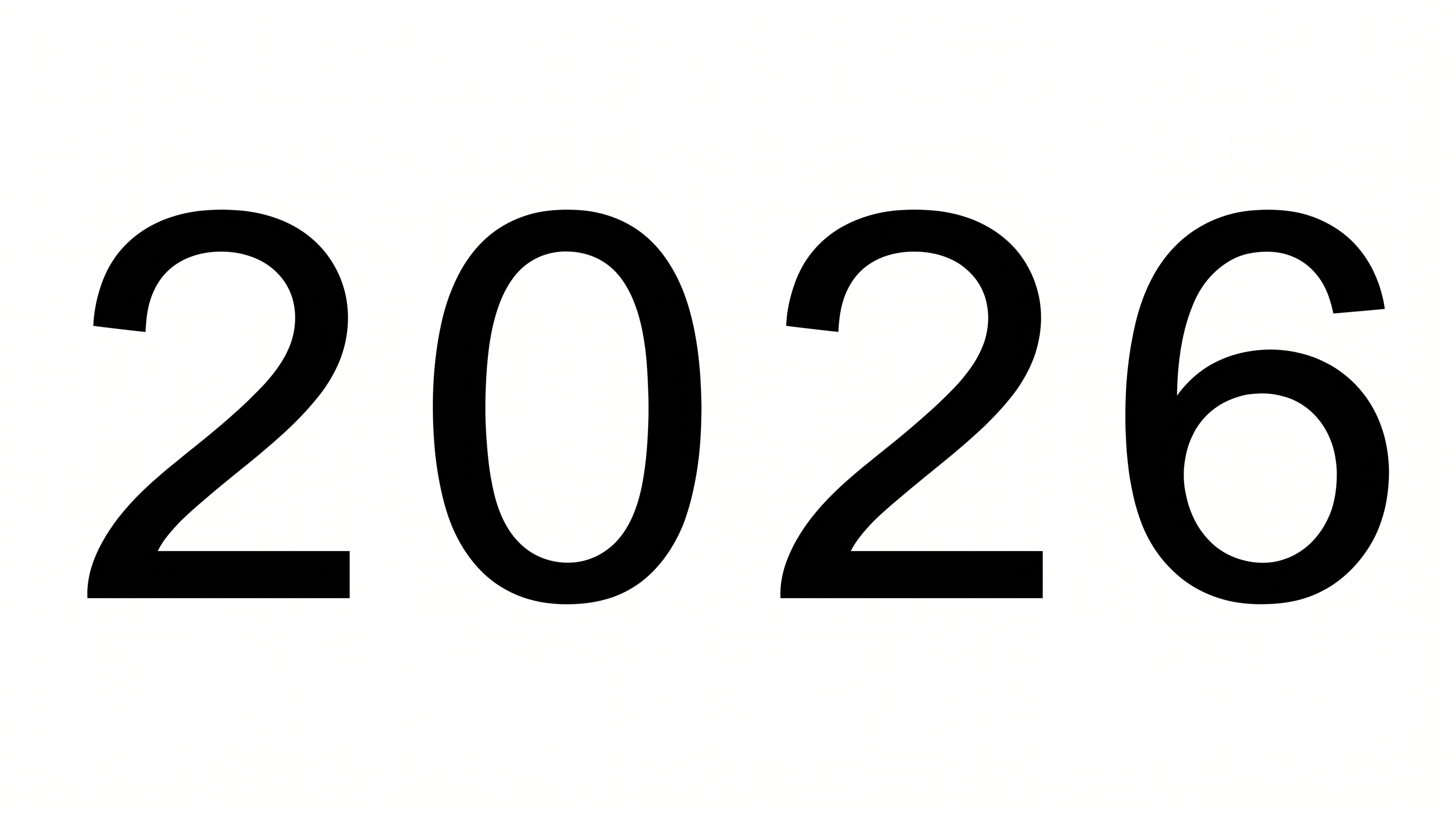
Light, evenly weighted strokes and open spacing give the lettering a quiet, orderly appearance.

  • Stroke Weight

    Light strokes give the visible lettering a delicate, restrained presence.

  • Stroke Contrast

    Stroke thickness stays largely even across the visible letterforms.

  • Letter Spacing

    Open gaps between neighboring letters create an airy rhythm within the words.

  • Letter Connections

    Letters remain separate, with clear breaks between neighboring characters.

  • Baseline Rhythm

    The letters sit along a steady, even baseline.

  • Flourishes

    Simple letterforms keep decoration restrained throughout the shown words.

Frequently asked questions about Arial Light Font Generator

Transparent backgrounds are supported, so you can layer the lettering over other artwork. This template also lets you choose the font color, use a custom background color, upload a background image, and select an image size. Transparency is an output option rather than a promise that every result starts transparent.

The minimum membership covers personal use, while a higher membership covers commercial use. Check pricing to choose the membership that matches your intended project before publishing or distributing the generated artwork.

Browse the related tools section and compare options by stroke weight, spacing, mood, and overall construction. Choose a direction that suits your layout while keeping the supporting typography clear and visually distinct.

Yes. The generator is free to use, and you can download the resulting artwork in supported image formats. Usage rights depend on the applicable membership, so review the relevant conditions for your intended project.

Keep the wording concise and place it against a background with clear tonal contrast. The thin strokes benefit from generous surrounding space, especially when the artwork appears as a small online title or thumbnail.

Use it as a focused heading with open space around the text. A short line or carefully divided two-line composition preserves the airy character while leaving room for supporting details and imagery.

Leave a comfortable margin around artwork from the Arial Light Font Generator so its thin strokes remain distinct. On posters or covers, separate the heading from busy imagery and dense supporting copy.

Its light strokes, even construction, and restrained decoration create a quiet, modern mood. It works especially well when the surrounding composition uses simple shapes, measured spacing, and an uncluttered visual hierarchy.

The style suits editorial covers, product labels, mobile splash screens, museum labels, and clean wordmarks. Its restrained form can also support quote cards or presentation titles when the composition preserves strong contrast.
READY TO CREATE?

Create Custom Arial Light Fonts & Text Effects

Try Arial Light Font Generator Free