Get 5 Free Credits

Free Tattoo Chicano Number Font Generator Online

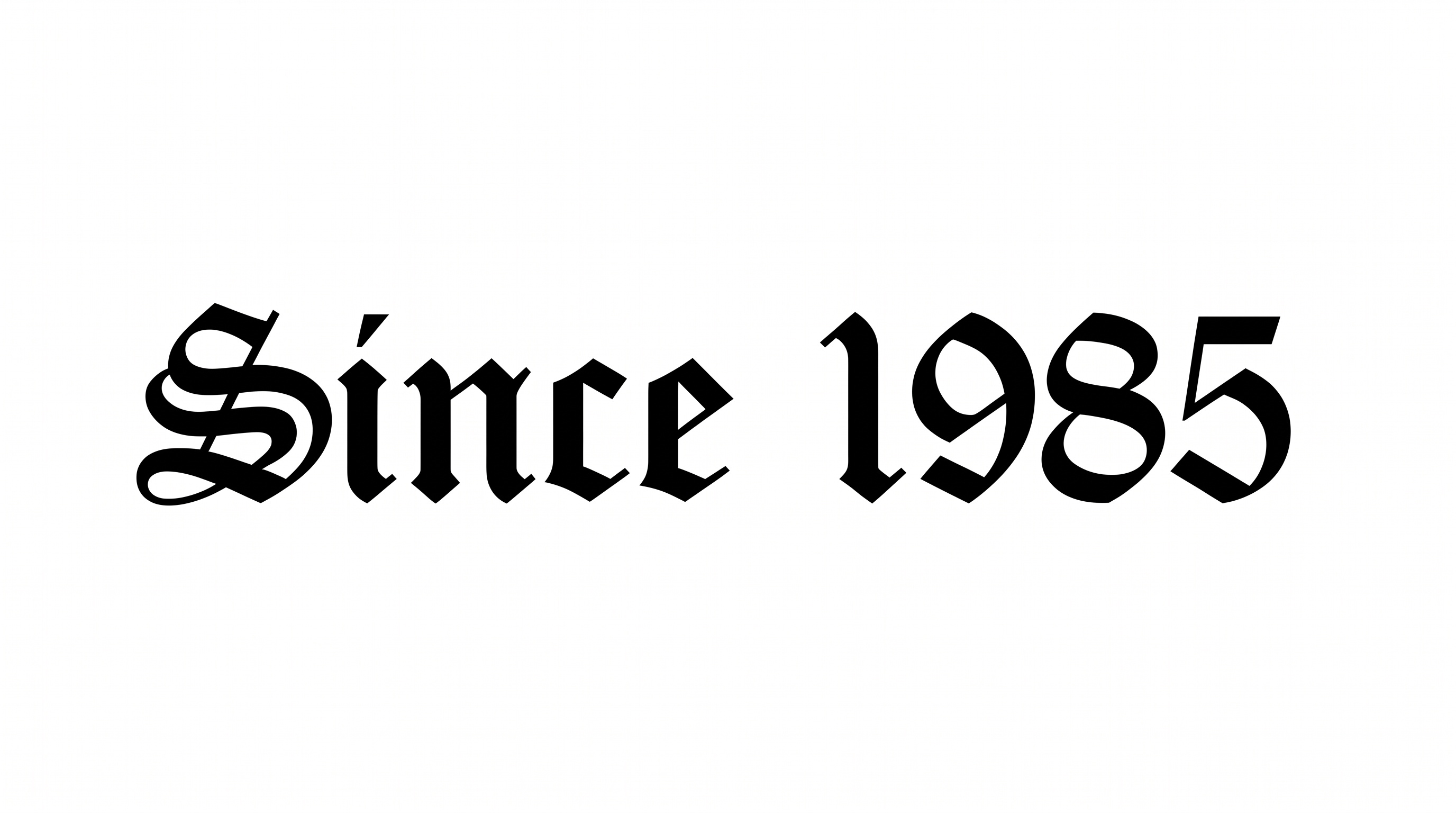
Create sharp, high-contrast blackletter numerals for tattoo stencils, vehicle decals, posters, and other bold display artwork.

Enter the text to generate, e.g. Fontify.ai

Font color
Background
Templates
426
Generations
181
Downloads
215
Rating
5.0

How to Use the Tattoo Chicano Number Font Generator

Shape dates and numbers with sharp blackletter contrast for clear placement in finished designs.

  1. 01

    Enter your numbers

    Enter a year, date, or number to render in the preset Chicano blackletter style.

  2. 02

    Set the image layout

    Choose a 1:1 image size, then set the font color and background for your layout.

  3. 03

    Download PNG or SVG artwork

    Generate the artwork, review the sharp numeral forms, and download the PNG or SVG image.

Tattoo Chicano Number Font Style Profile

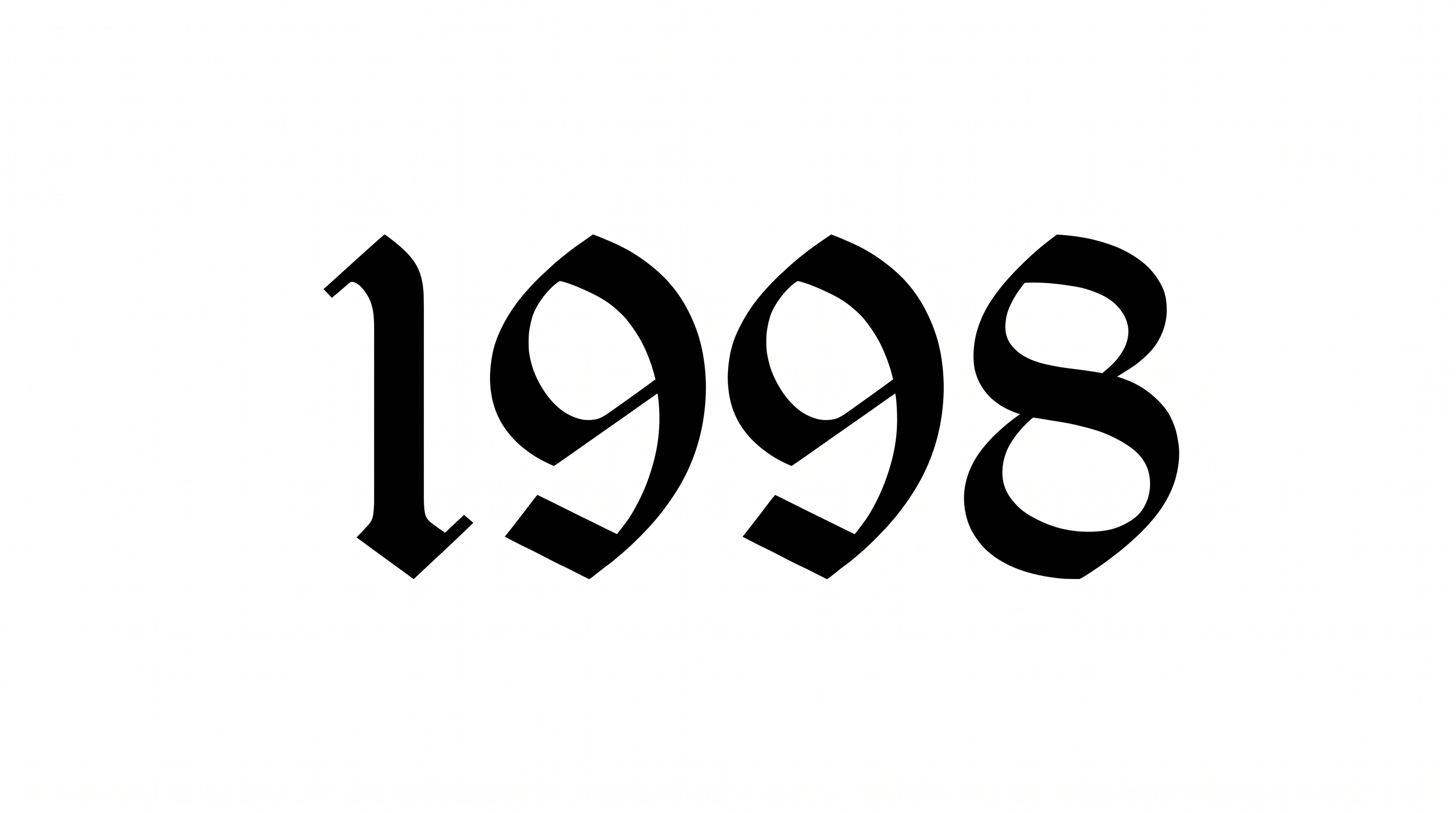
Bold stroke contrast, angular construction, and sharp serif endings define the blackletter numerals.

  • Stroke Contrast

    Broad black strokes alternate with slender interior and joining strokes.

  • Corner Shape

    Angular corners create crisp turns throughout the numeral forms.

  • Stroke Endings

    Sharp serif-like terminals finish the visible numeral strokes.

  • Letter Construction

    Faceted calligraphic shapes build each numeral as a solid, continuous form.

  • Letter Spacing

    Clear gaps keep the four numerals visually separate.

  • Color Treatment

    Solid black fills give the numerals a stark monochrome treatment.
Frequently asked questions about Tattoo Chicano Number Font Generator

It turns your text into image artwork with sharp, Chicano-inspired blackletter forms. Bold calligraphic contrast and gothic numeral shapes suit prominent years, dates, and number-led designs, while the result remains ready for use as visual artwork.

The minimum membership covers personal use, while a higher membership covers commercial use. Review pricing to choose the membership that applies before using the generated artwork commercially. Match the selected membership to the intended project.

Explore the related-tools area and compare broad visual traits such as blackletter construction, calligraphic contrast, sharp terminals, and numeral emphasis. Choose a direction based on the mood, readability, and application your design needs rather than expecting a named match.

Enter your text, choose an image size, font color, and background option, then generate the design. Review the rendered text image and download it as PNG or SVG artwork. The result is image artwork rather than an installable font file.

Give the numerals clear surrounding space and make the year or date the main focal point. A free PNG or SVG can be tested at the intended display size, so sharp terminals and inner counters stay distinct in the final composition.

Its sharp blackletter forms support a bold, formal, street-influenced mood. In an online poster or announcement, pair the artwork with simpler supporting text and reserve the ornate numerals for the date, year, or main accent.
READY TO CREATE?

Create Custom Tattoo Chicano Number Fonts & Text Effects

Try Tattoo Chicano Number Font Generator Free