Get 5 Free Credits

Free Futura Bold Font Generator Online

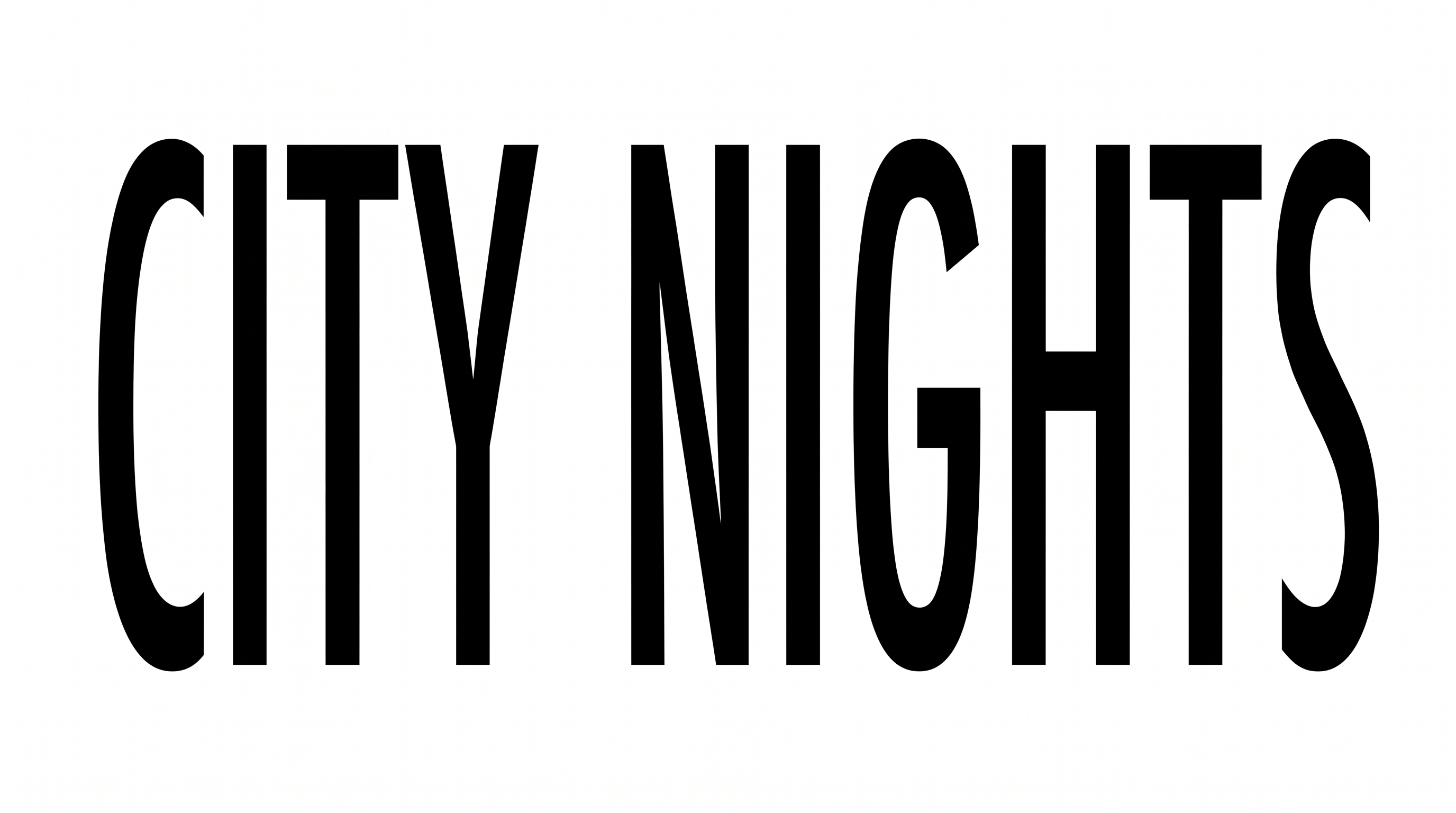
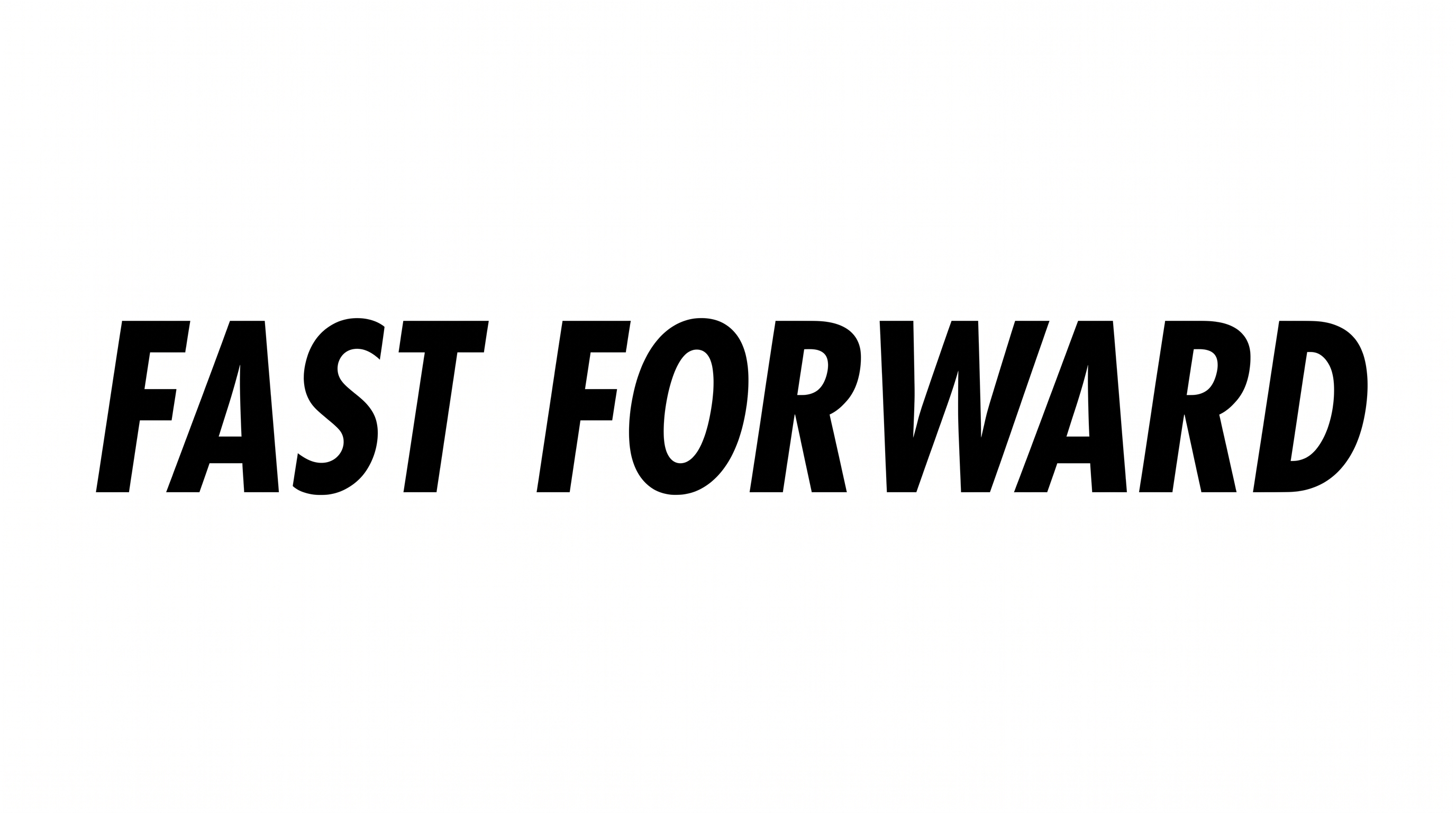
Heavy geometric uppercase lettering gives headlines immediate structure and impact, fitting posters, covers, signage, and concise wordmarks.

Enter the text to generate, e.g. Fontify.ai

Font color
Background
Templates
404
Generations
82
Downloads
269
Rating
5.0

How to Use the Futura Bold Font Generator

Shape bold geometric lettering for a clear headline, then save it as versatile image artwork.

  1. 01

    Enter your headline

    Type your wording, then choose an image size such as 1:1 for a compact composition.

  2. 02

    Set the colors and background

    Select a custom font color and pair it with a template, color, or uploaded background.

  3. 03

    Generate and download PNG or SVG

    Generate the image, review the bold uppercase forms, then download the PNG or SVG.

Futura Bold Font Style Profile

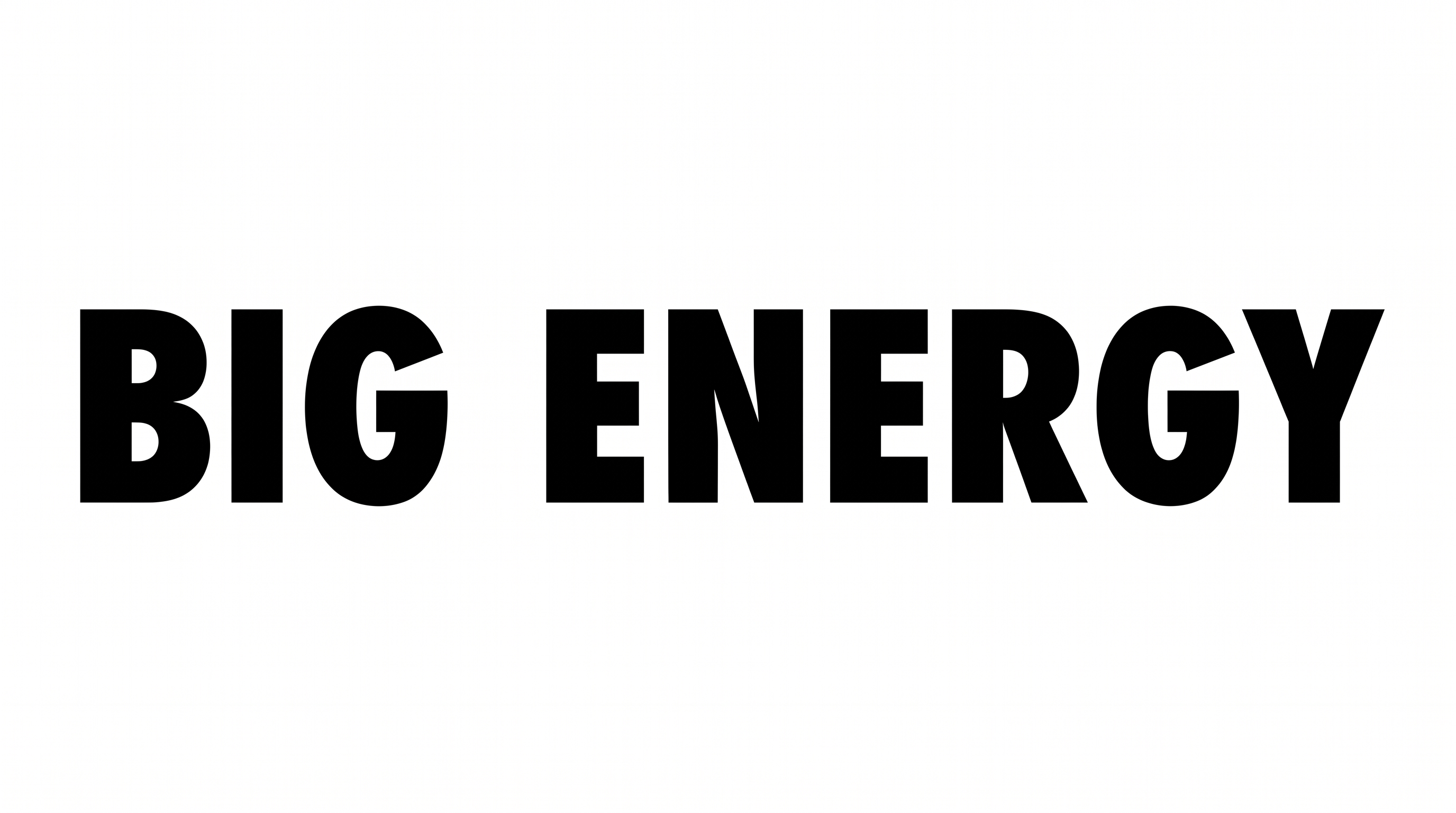
Heavy, low-contrast strokes and geometric construction create a firm, even typographic presence.

  • Stroke Weight

    Heavy stroke bodies give the uppercase letters a strong, substantial presence.

  • Letter Construction

    Straight lines and circular forms build the letters with clear geometric structure.

  • Stroke Contrast

    Stroke thickness stays largely consistent within the visible letterforms.

  • Baseline Rhythm

    The uppercase characters sit evenly along a steady baseline.

  • Stroke Endings

    Visible stroke endpoints finish in broad, clean flat cuts.

  • Letter Connections

    Letters remain separate, with clear breaks between neighboring characters.
Frequently asked questions about Futura Bold Font Generator

Type your wording, select an available font color, background, and image size, then generate the design. Review the rendered text and download it as a PNG or SVG image. The result is image artwork rather than an installable font file.

Yes. The generator is free to use, and you can download the resulting image in a supported format. Usage rights still follow the applicable membership terms, so free access should not be treated as automatic commercial permission.

Commercial use depends on your membership level. The minimum membership covers personal use, while a higher membership covers commercial use. Review pricing to choose the membership that applies to your intended project.

Browse the related tools and compare broad traits such as weight, geometry, spacing, and overall mood. Testing the same short phrase across several styles can make differences in readability and visual emphasis easier to evaluate.

Its heavy geometric uppercase forms suit layouts that need a dominant headline, including posters, covers, signs, and online announcements. Give the lettering a clear position in the hierarchy and leave supporting information in a quieter secondary area.

Use a concise phrase and keep the surrounding area free of competing details. Choose an image ratio that gives the headline room, then check the artwork at its intended display size before final placement.

Simple geometric shapes, architectural photography, and generous open space complement the lettering's structured character. Use clear contrast between the text artwork and its setting so the heavy uppercase forms remain the main visual anchor.
READY TO CREATE?

Create Custom Futura Bold Fonts & Text Effects

Try Futura Bold Font Generator Free