Get 5 Free Credits

Free Futura Light Font Generator Online

Airy, light-weight geometric lettering brings generous space and a restrained modern tone to editorial covers, signs, and minimalist designs.

Enter the text to generate, e.g. Fontify.ai

Font color
Background
Templates
404
Generations
66
Downloads
281
Rating
5.0

How to Use the Futura Light Font Generator

Create airy geometric text artwork with a size and color treatment suited to your layout.

  1. 01

    Enter your wording

    Type a short title, name, or phrase for the light geometric lettering.

  2. 02

    Set the visual layout

    Choose a font color, background treatment, and image size such as 1:1 or 16:9.

  3. 03

    Generate and download the image

    Render the design, review its airy spacing, and download the result as PNG or SVG.

Futura Light Font Style Profile

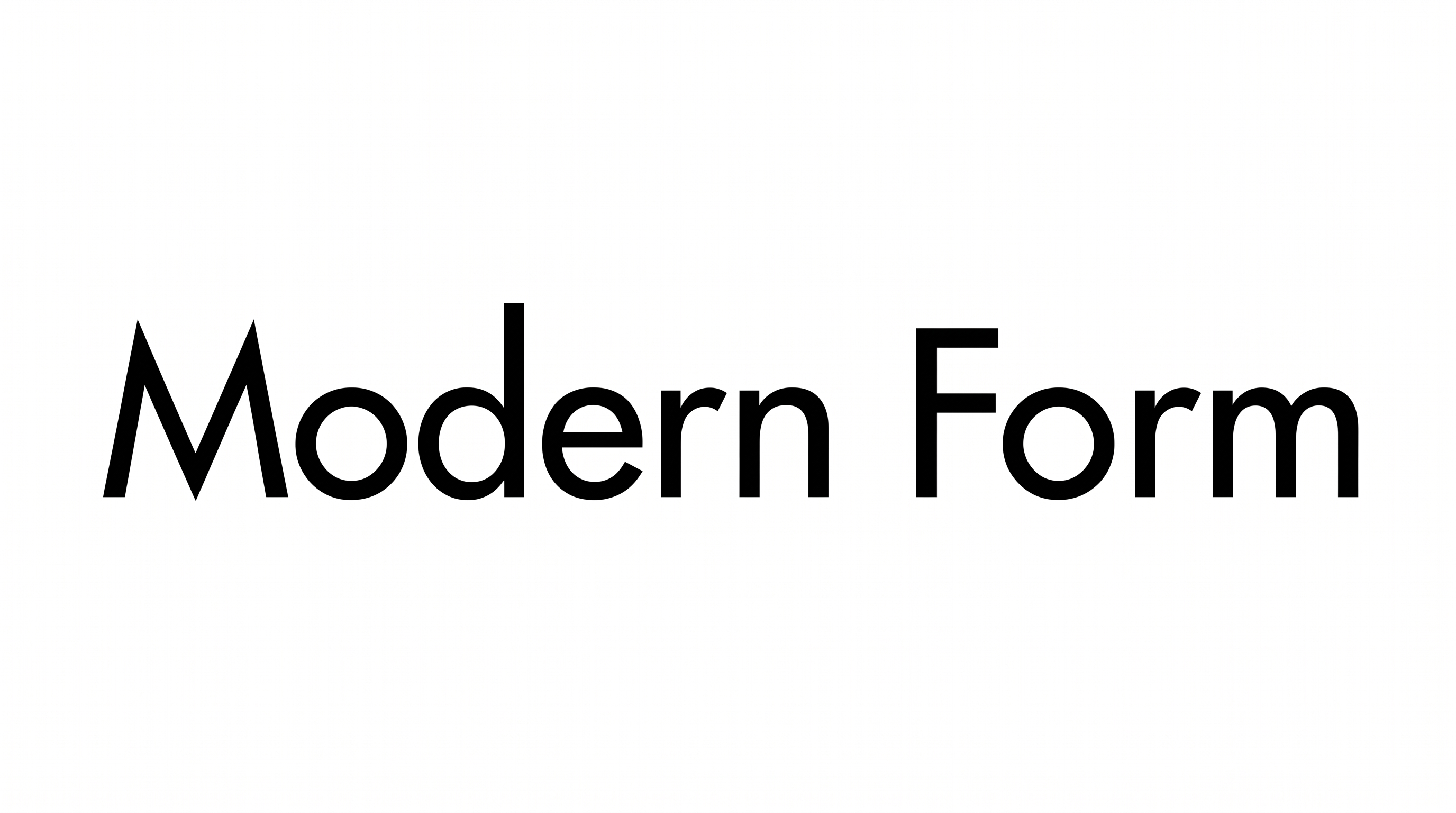
Very light strokes, geometric construction, and open spacing create an airy modern appearance.

  • Stroke Weight

    Very light strokes give the visible lettering a delicate, airy presence.

  • Letter Construction

    Circular bowls and simple geometric forms shape the visible letters.

  • Stroke Contrast

    The visible strokes maintain a nearly uniform thickness throughout each letter.

  • Letter Spacing

    Open gaps between neighboring letters reinforce the spacious composition.

  • Letter Connections

    Letters remain separate, with clear breaks between neighboring characters.

  • Slant

    The visible letterforms stand upright relative to the baseline.
Frequently asked questions about Futura Light Font Generator

Transparent backgrounds are supported for layering the lettering over other artwork. This template also lets you select font color, choose a custom background color, upload a background image, and set image size. Transparency is an output capability rather than a promise that every result starts transparent.

Enter your text, select an available font color, background, and image size, then generate the design. Review the rendered result and download the artwork as PNG or SVG. The output is image artwork rather than an installable font file.

Browse the related tools section and compare examples by weight, spacing, construction, and overall mood. Choose a direction that suits your layout and intended viewing size. The comparisons stay focused on visual lettering styles rather than named font alternatives.

The minimum membership covers personal use, while a higher membership covers commercial use. Review pricing to select the membership that applies to your project. This distinction matters when the generated artwork will appear in branding, products, advertising, or other commercial work.

Choose an aspect ratio that matches the placement, such as 1:1 for a square composition or 16:9 for a wide header. Keep short wording large enough to preserve the light strokes, and leave open space around the text for clear visual separation.

Its light geometric strokes create a calm, modern, and restrained tone. Pair the lettering with uncluttered imagery and a simple hierarchy so its airy character remains prominent. It works especially well when the text serves as a concise title rather than dense supporting copy.
READY TO CREATE?

Create Custom Futura Light Fonts & Text Effects

Try Futura Light Font Generator Free