Get 5 Free Credits

Free Futura Italic Font Generator Online

Create clean, right-slanted geometric lettering for editorial covers, wordmarks, packaging, signage, and digital layouts.

Enter the text to generate, e.g. Fontify.ai

Font color
Background
Templates
404
Generations
85
Downloads
259
Rating
5.0

How to Use the Futura Italic Font Generator

Shape clean, right-slanted geometric lettering for headings, covers, and other polished text artwork.

  1. 01

    Enter your wording

    Type a name, headline, or short message for the geometric italic treatment.

  2. 02

    Set the composition

    Choose a font color, background, and image size such as 16:9 for a wide layout.

  3. 03

    Generate and save the artwork

    Review the rendered lettering, then download the finished image as a PNG or SVG.

Futura Italic Font Style Profile

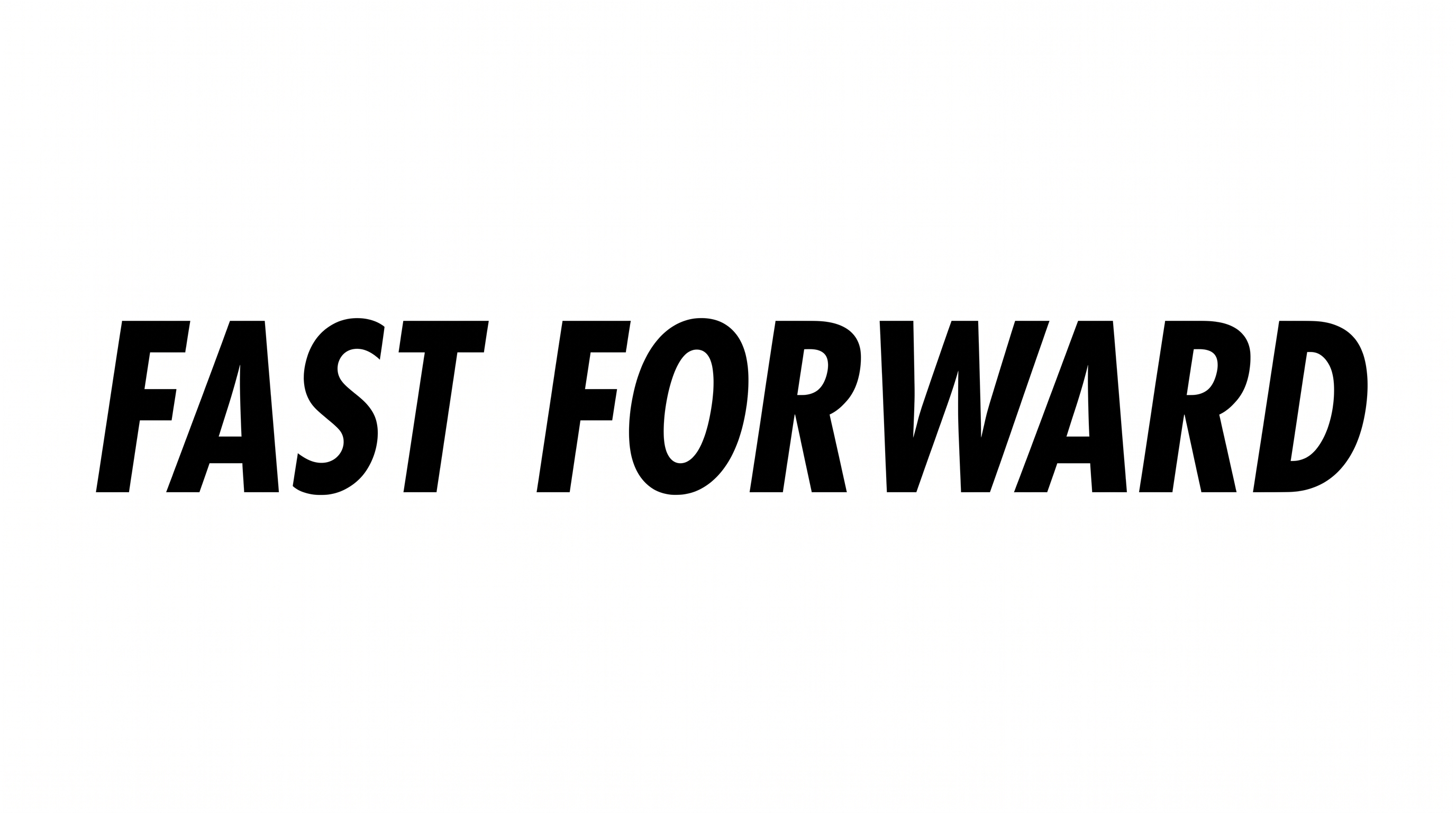
A strong rightward slant, even light strokes, and simplified construction create a clean geometric character.

  • Slant

    The letters lean consistently to the right along level text baselines.

  • Letter Construction

    Continuous, simplified strokes form clean geometric letter shapes.

  • Stroke Contrast

    Strokes maintain a largely uniform thickness through curves and straight sections.

  • Stroke Weight

    Light strokes give the visible letters a crisp, open appearance.

  • Letter Connections

    Letters remain separate, with clear breaks between neighboring characters.

  • Flourishes

    Simple letterforms keep decorative extensions restrained.
Frequently asked questions about Futura Italic Font Generator

It turns your wording into a text image with clean geometric sans-serif letterforms and a consistent rightward slant. The streamlined result works well as graphic artwork for headlines, covers, wordmarks, packaging, signage, and digital compositions.

Enter your wording, choose an available font color, background, and image size, then generate the design. Review the rendered text and download the finished artwork as a PNG or SVG image. The output is image artwork rather than an installable font file.

Browse the related text tools and compare their visible letter shapes, weight, slant, spacing, and overall mood. Focus on which direction best suits your intended layout, such as an editorial cover, identity graphic, sign, or digital title.

Download the generated PNG artwork, upload it in Canva, and insert it into a Google Docs document. For Cricut, import the PNG into a project in the Cricut app, also known as Cricut Design Space. These workflows use the rendered lettering as image artwork.

The Futura Italic Font Generator suits clean event banners, editorial announcements, tickets, and social graphics. Give the slanted headline open space in the upper or central area, then place dates and venue details in a quieter supporting treatment.

Use a wide image ratio for a single-line headline, or divide longer wording into two balanced lines. Keep line lengths visually similar and preserve generous outer margins so the rightward lean feels intentional rather than crowded.

Use short wording, strong contrast, and comfortable space around the image. Check the artwork at its final display size, especially for compact tickets, mobile screens, and social graphics where lightweight strokes may appear more delicate.

Its clean shapes and forward slant support a modern, energetic, and editorial mood. Pair the lettering with restrained layouts, geometric imagery, architectural photography, or generous negative space so the word shape remains the main visual signal.
READY TO CREATE?

Create Custom Futura Italic Fonts & Text Effects

Try Futura Italic Font Generator Free