Free Futura Black Font Generator Online
Turn words into heavy modular display lettering with crisp geometric cutouts, ideal for bold signs, covers, and wordmarks.
- Templates
- 404
- Generations
- 149
- Downloads
- 279
- Rating
- 5.0
How to Use the Futura Black Font Generator
Shape a bold display message through geometric lettering, flexible backgrounds, and downloadable artwork.
- 01
Enter your display text
Enter a short word or headline to suit the heavy, modular display style.
- 02
Set the color and composition
Choose font color, a custom or uploaded background, and an image ratio such as 16:9.
- 03
Generate and download the image
Generate the artwork, review its geometric stencil forms, then download a PNG or SVG image.
Futura Black Font Generator in Use: Design Examples & Showcase
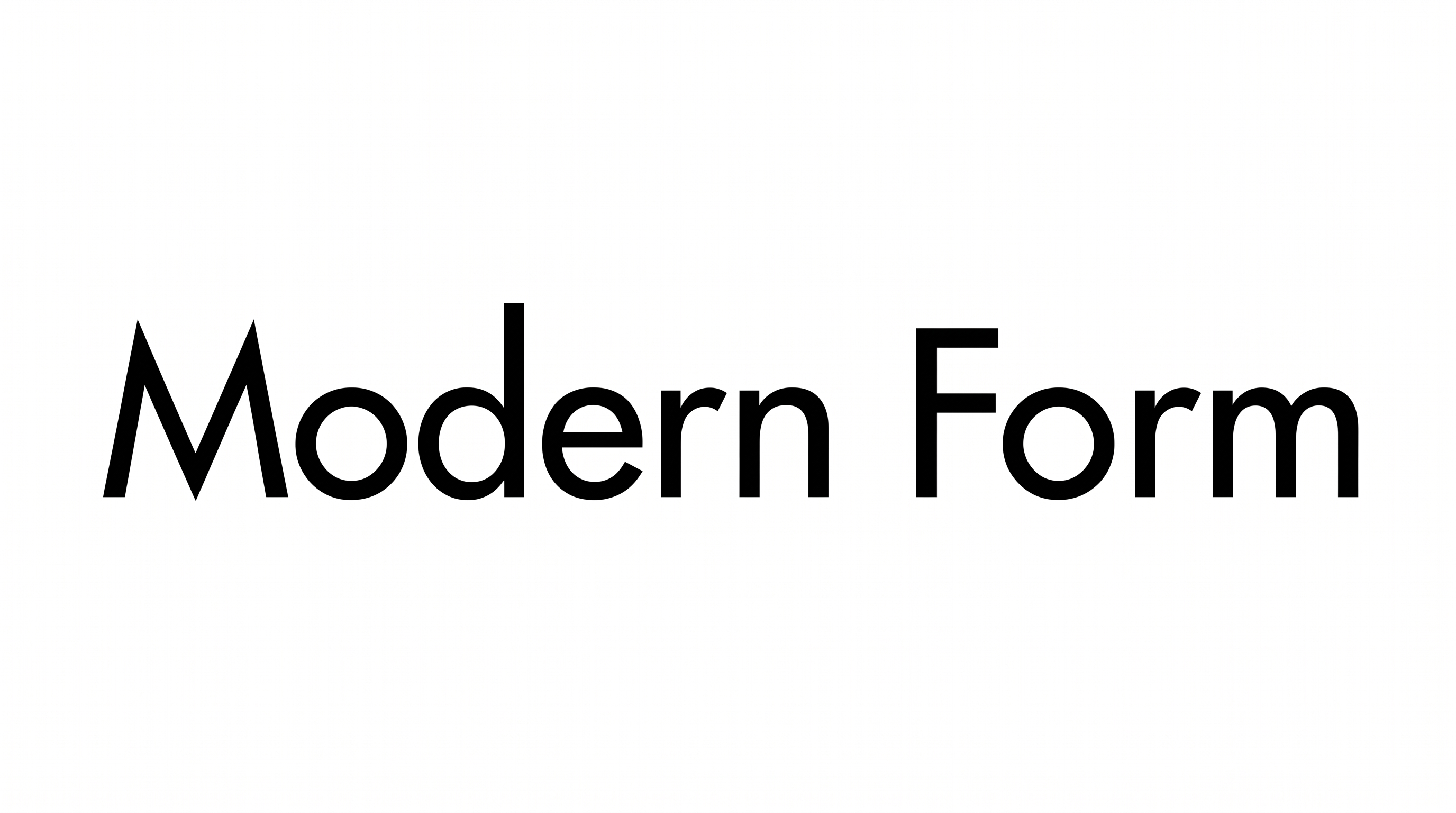
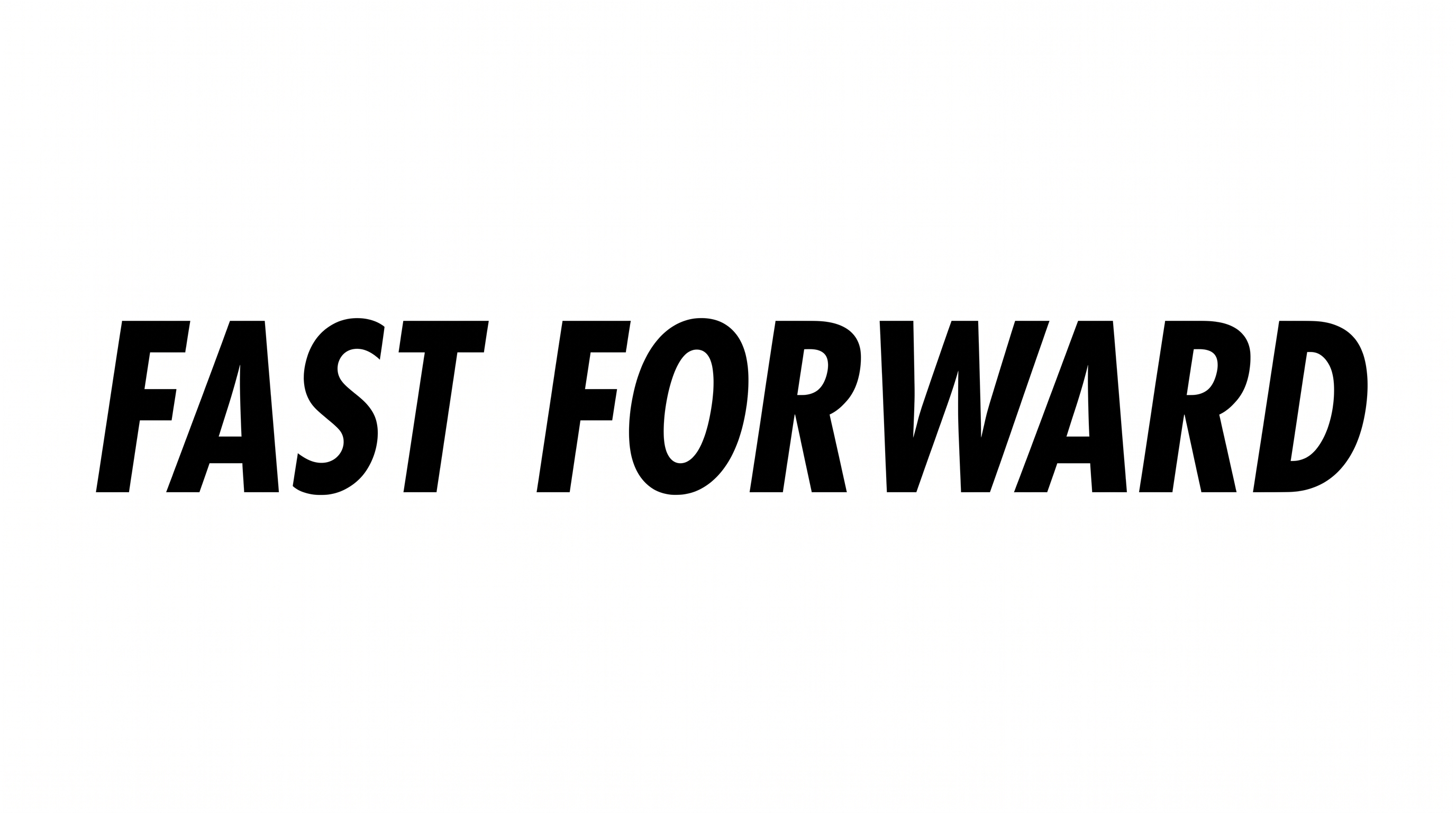
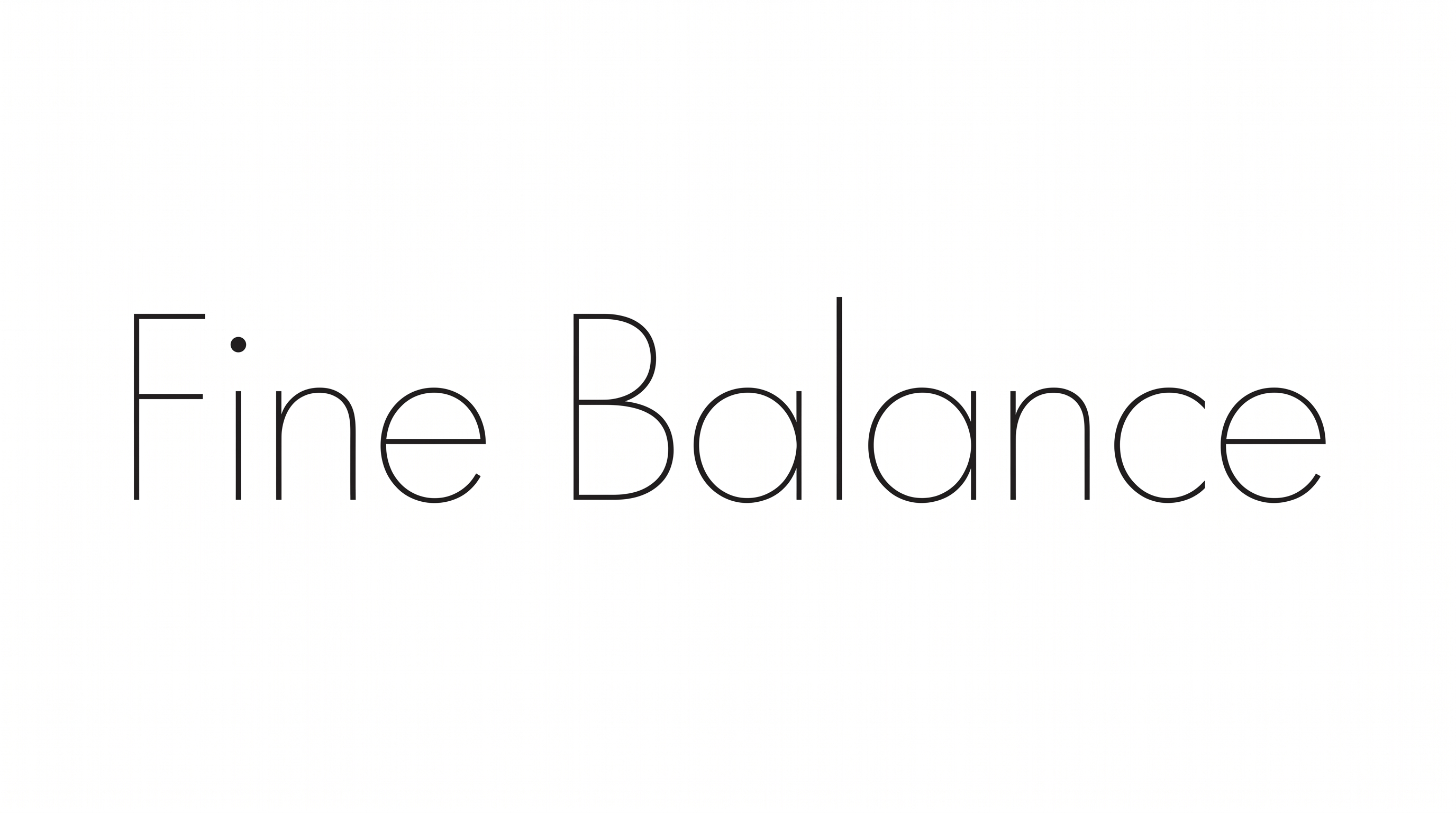
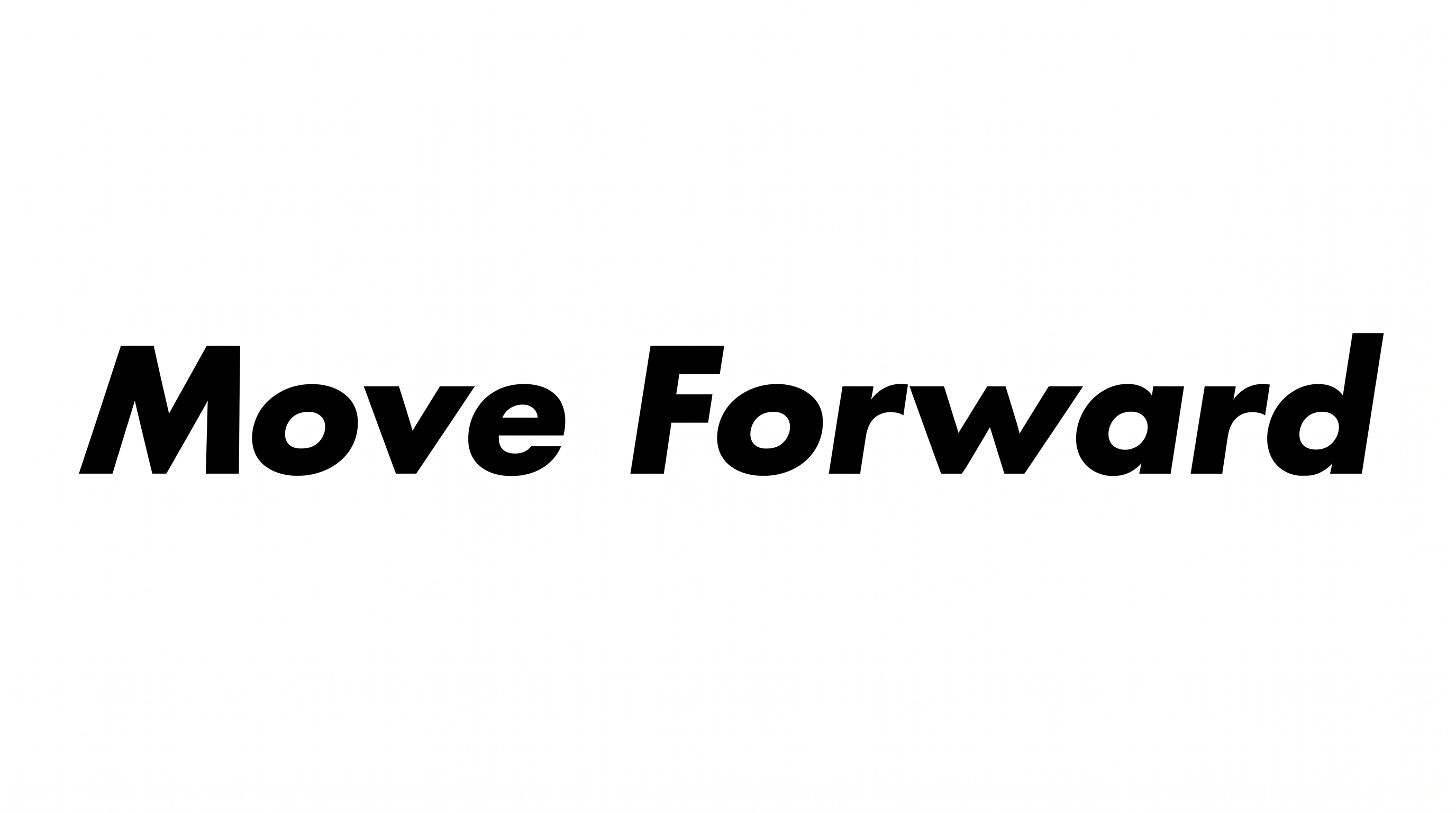
Explore how modular uppercase lettering works across storefront signs, record sleeves, book covers, packaging, banners, and large-format displays.
Futura Black Font Style Profile
Heavy modular forms, geometric stencil gaps, and angular cuts create a forceful display style.
Letter Construction
Stencil gaps divide the uppercase letters into bold geometric segments.
Stroke Weight
Heavy stroke bodies give the visible letters a substantial presence.
Corner Shape
Sharp corners define the straight-sided forms and internal geometric cuts.
Stroke Endings
Broad, flat cuts finish the visible straight strokes and stencil segments.
Letter Width
Broad character proportions give the word a wide, commanding appearance.
Color Treatment
Solid black fills create a stark treatment across the visible letterforms.