Free Futura Heavy Font Generator Online
Turn short words into bold geometric uppercase lettering with a minimal, high-impact look suited to wordmarks and headline graphics.
- Templates
- 404
- Generations
- 155
- Downloads
- 231
- Rating
- 5.0
How to Use the Futura Heavy Font Generator
Shape bold geometric uppercase text for layouts that benefit from a clear, high-impact visual anchor.
- 01
Enter your display wording
Type a short wordmark, title, or headline for the heavy uppercase treatment.
- 02
Set the image composition
Choose a 16:9 image size, then set a custom font color or upload a background image.
- 03
Generate and save the artwork
Generate the image, review the bold uppercase shapes, and download it as PNG or SVG.
Futura Heavy Font Generator in Use: Design Examples & Showcase
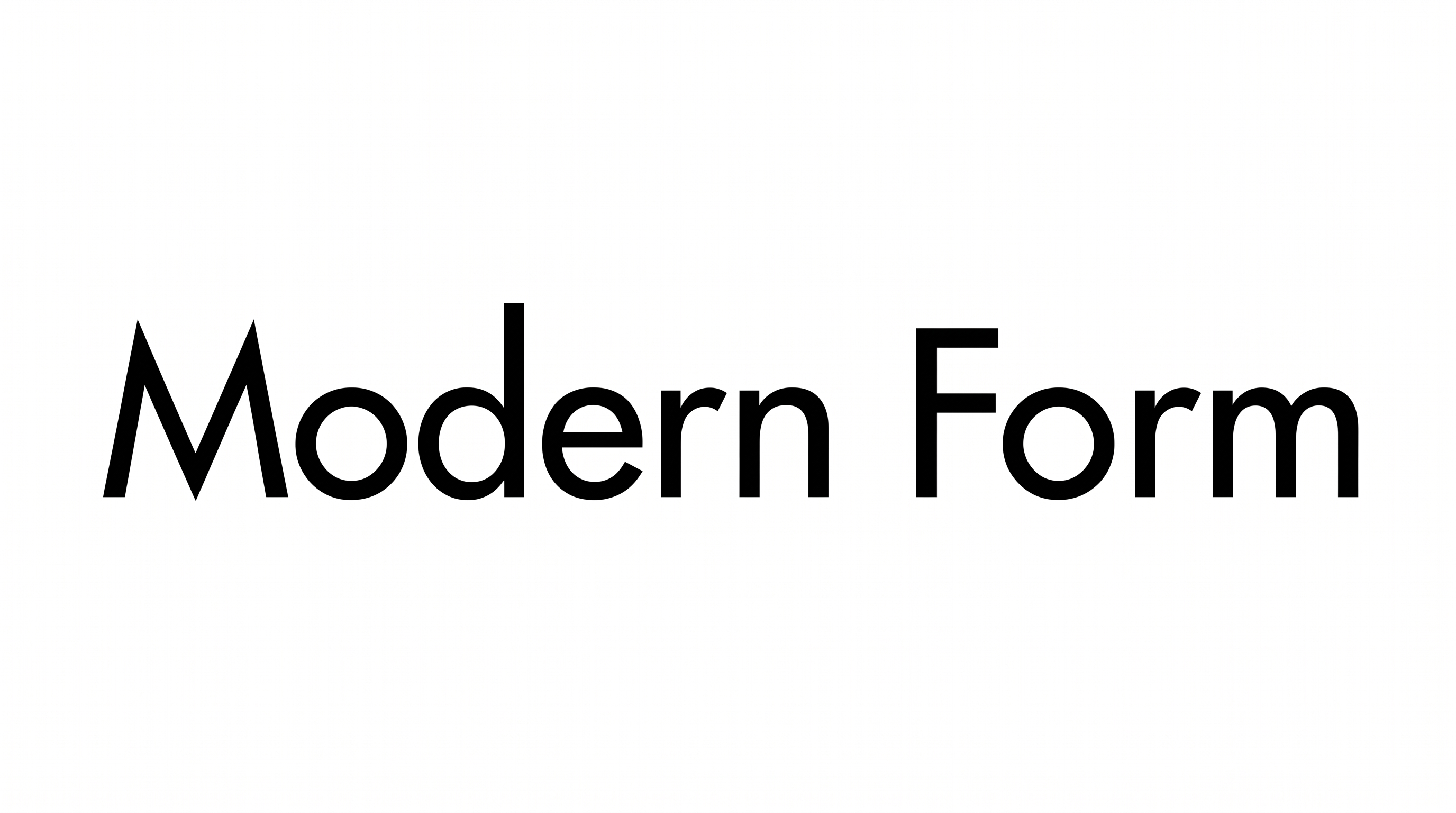
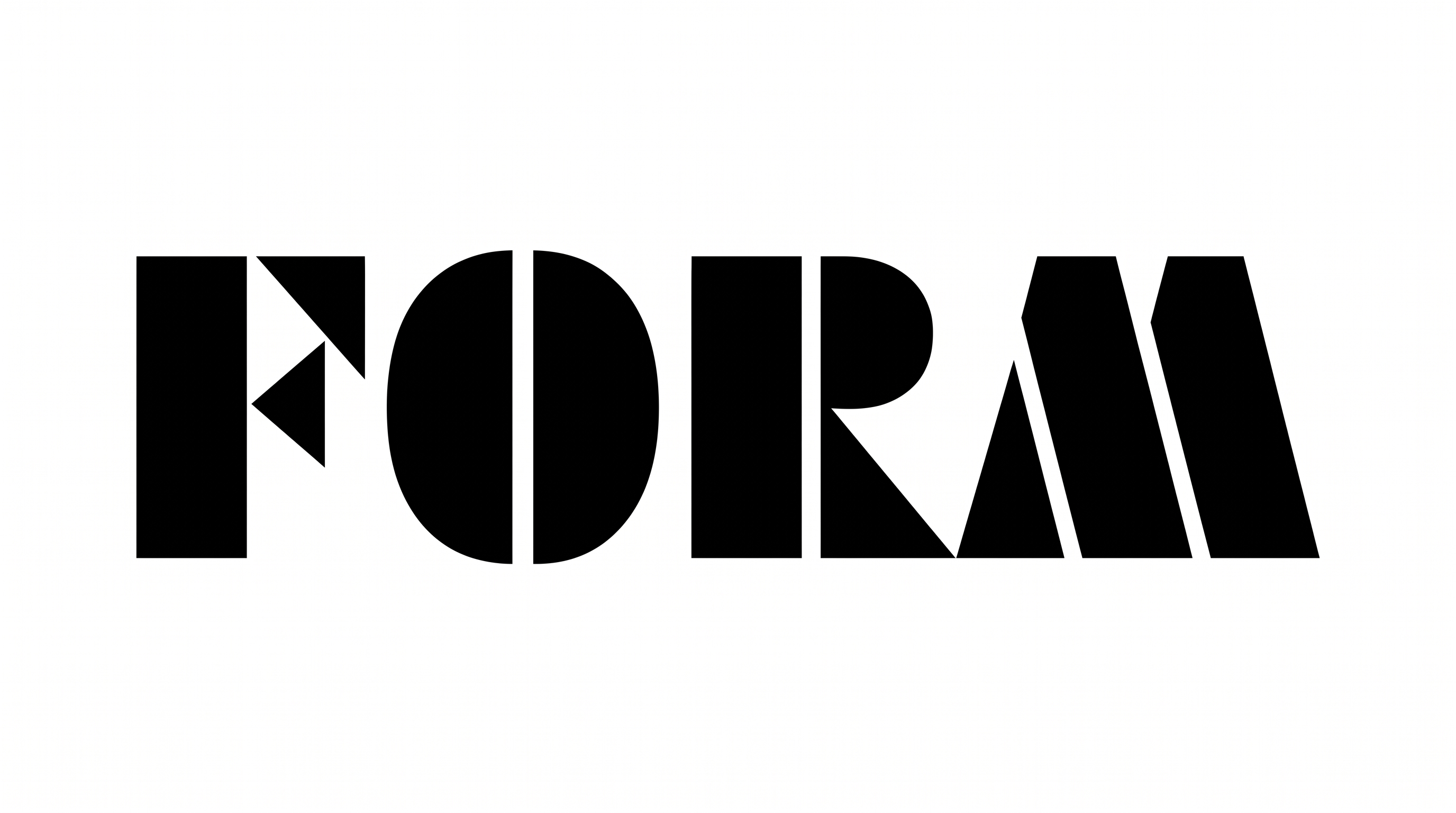
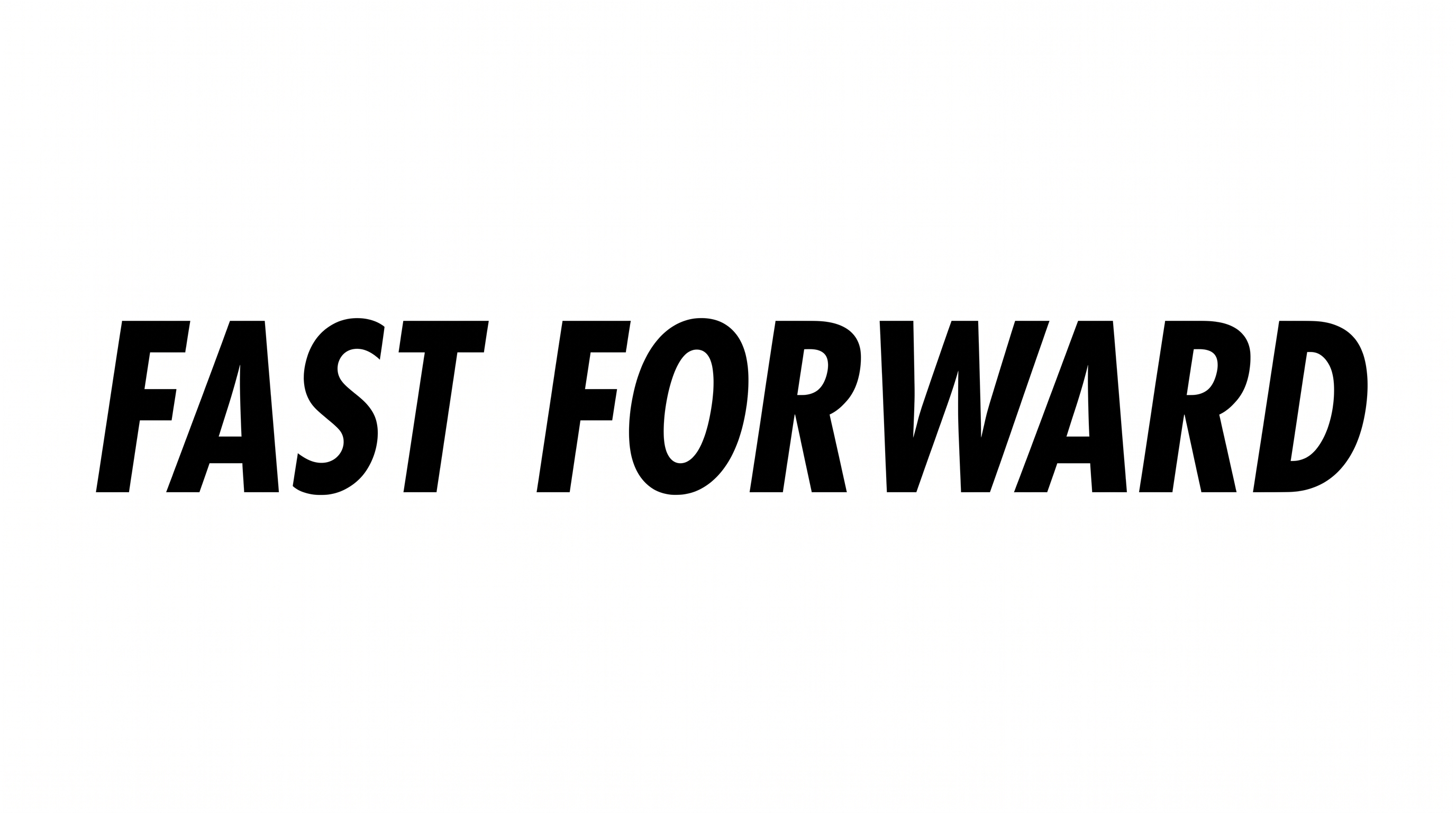
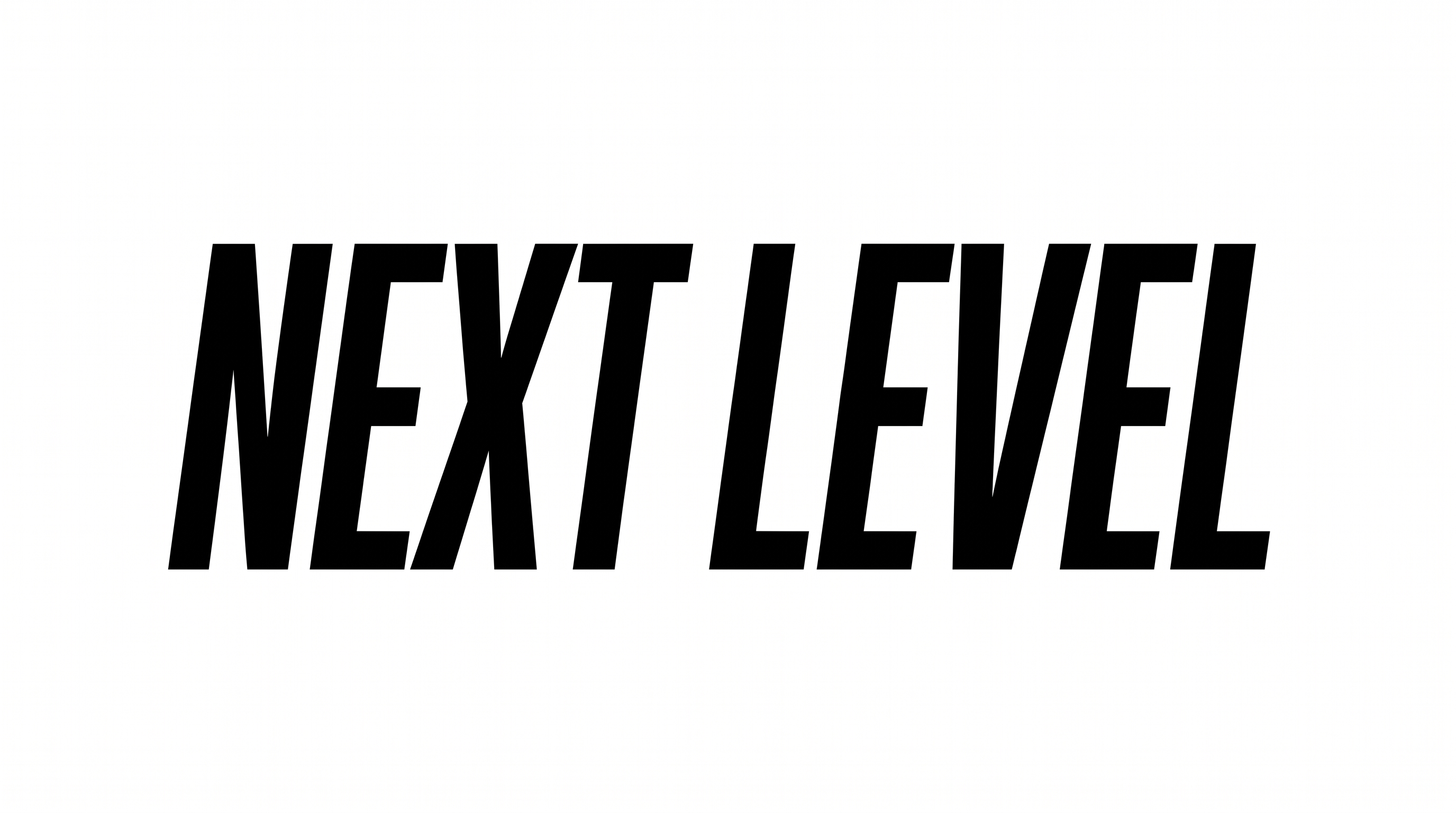
See how bold geometric uppercase lettering adapts to record covers, packaging, signage, editorial layouts, apparel, and digital headlines.
Futura Heavy Font Style Profile
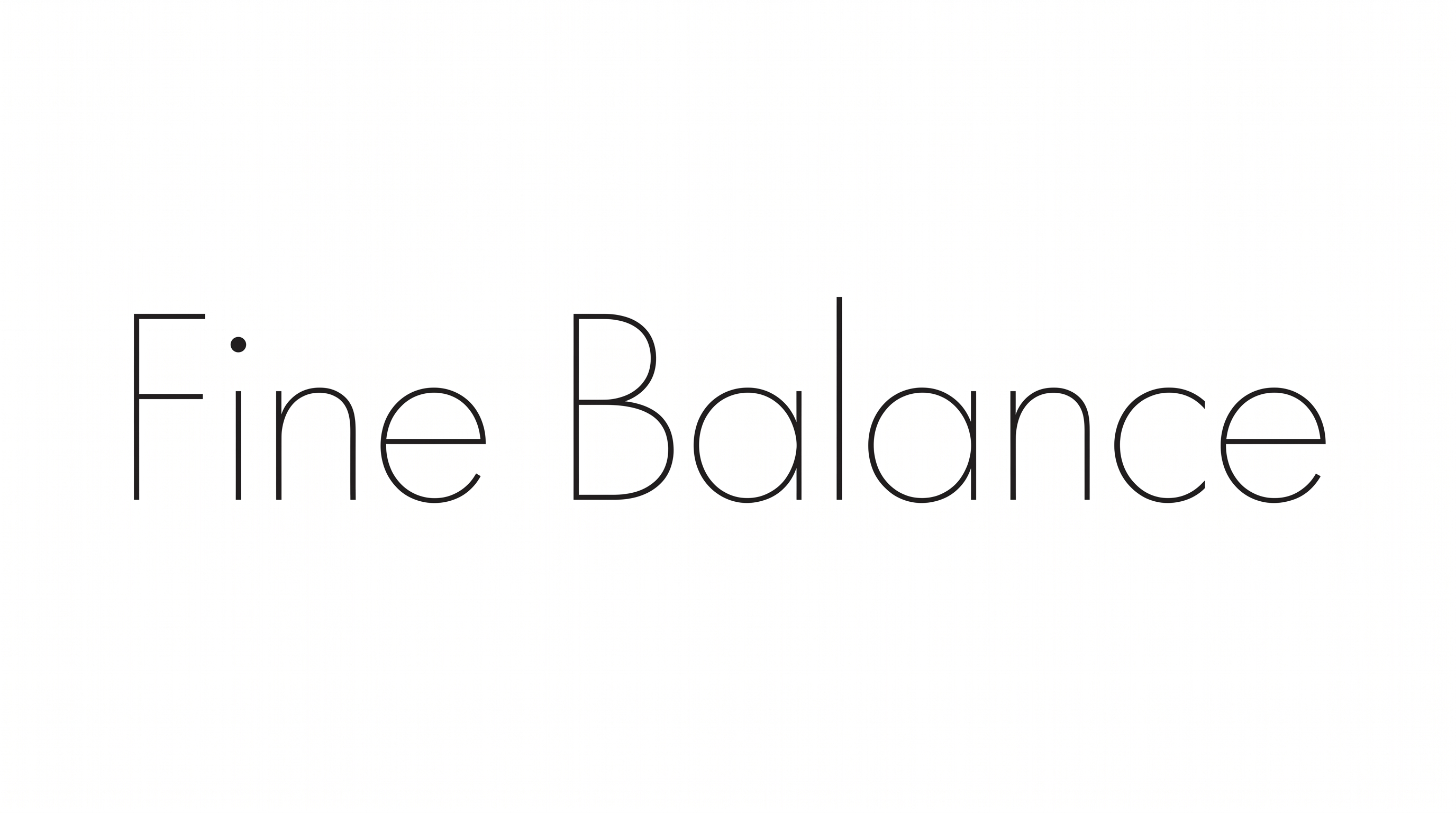
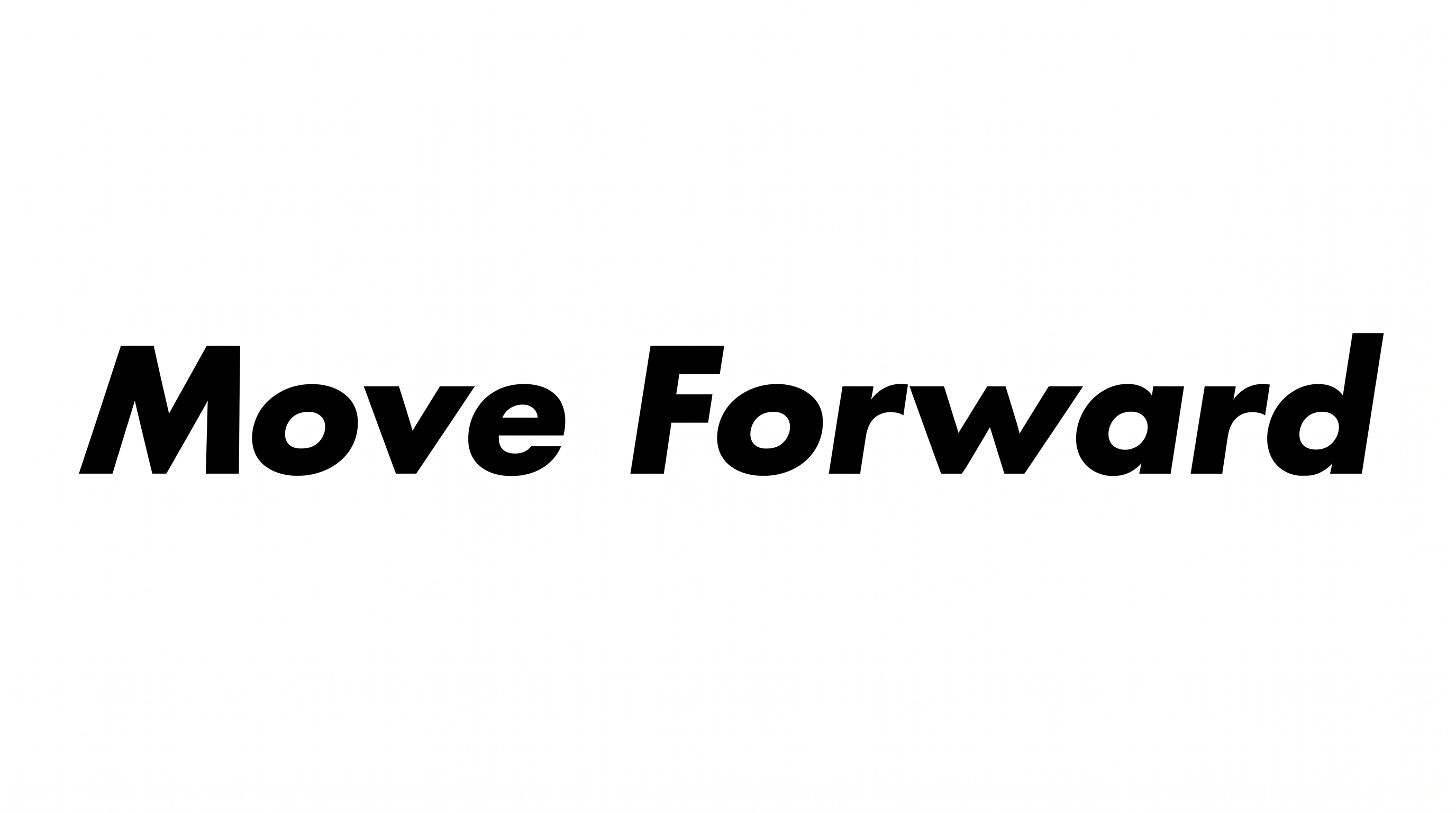
Heavy, mostly even strokes combine with geometric construction, separate letters, and an orderly baseline.
Stroke Weight
Heavy stroke bodies give the visible capitals a strong, solid presence.
Letter Construction
Solid geometric shapes build the capitals with clean counters and simple forms.
Stroke Contrast
Stroke thickness remains mostly even within the visible letters.
Letter Connections
Letters remain separate, with clear breaks between neighboring characters.
Corner Shape
Rounded bowls contrast with crisp angular joins across the visible capitals.
Baseline Rhythm
Capitals sit on an even baseline in the main wordmark.