Free Futura Bold Condensed Font Generator Online
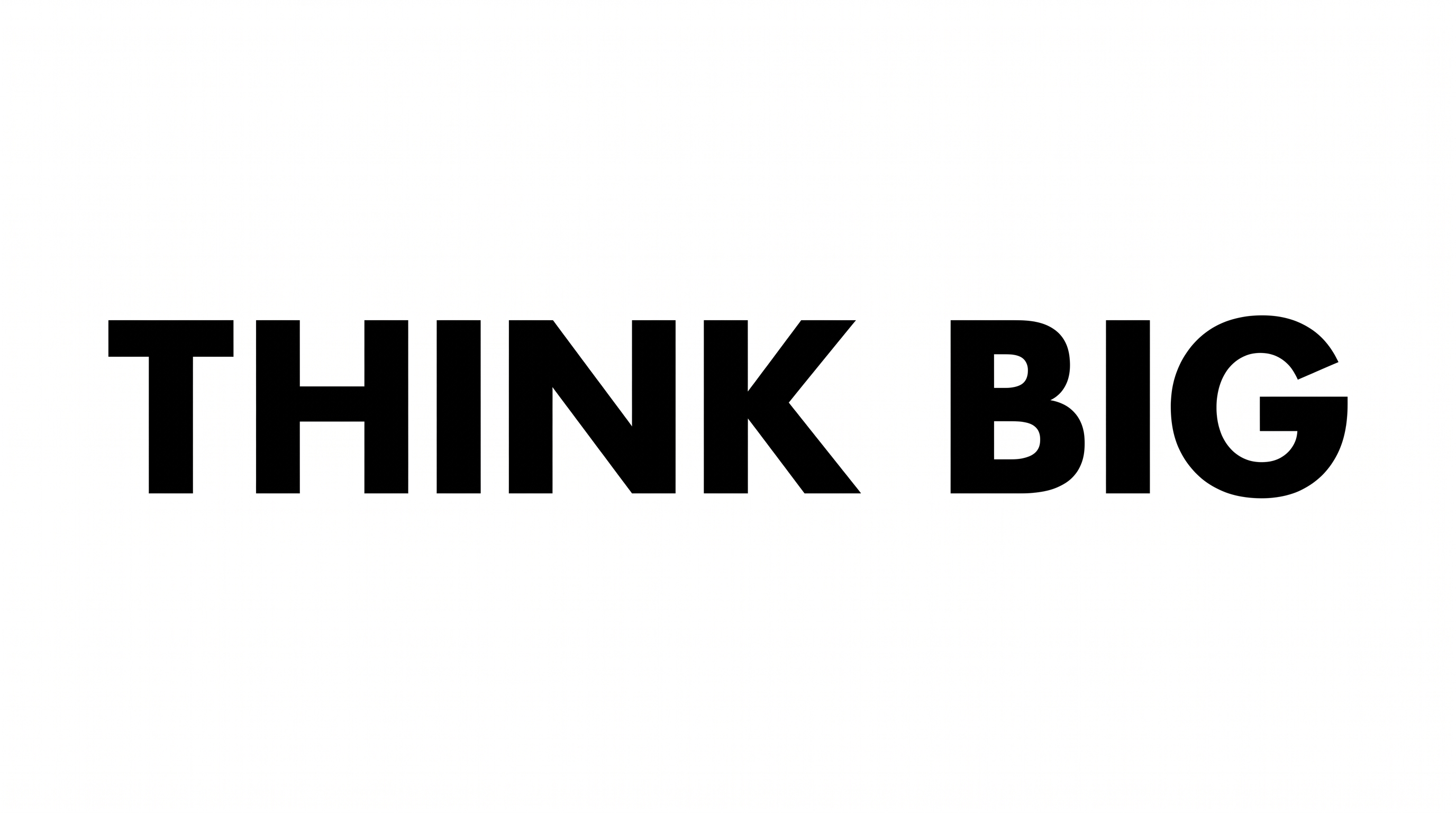
Create tall, heavy condensed lettering with uppercase geometric forms and a clean black-and-white wordmark appearance.
- Templates
- 404
- Generations
- 191
- Downloads
- 276
- Rating
- 5.0
How to Use the Futura Bold Condensed Font Generator
Create compact geometric lettering with a selected image size and a downloadable text image.
- 01
Enter a condensed heading
Type a short phrase to keep the uppercase wordmark clear and visually compact.
- 02
Choose the image settings
Select a custom color, background option, or 16:9 image size before generating.
- 03
Download the PNG artwork
Review the heavy condensed letterforms, then download the generated image as PNG or SVG.
Futura Bold Condensed Font Generator in Use: Design Examples & Showcase
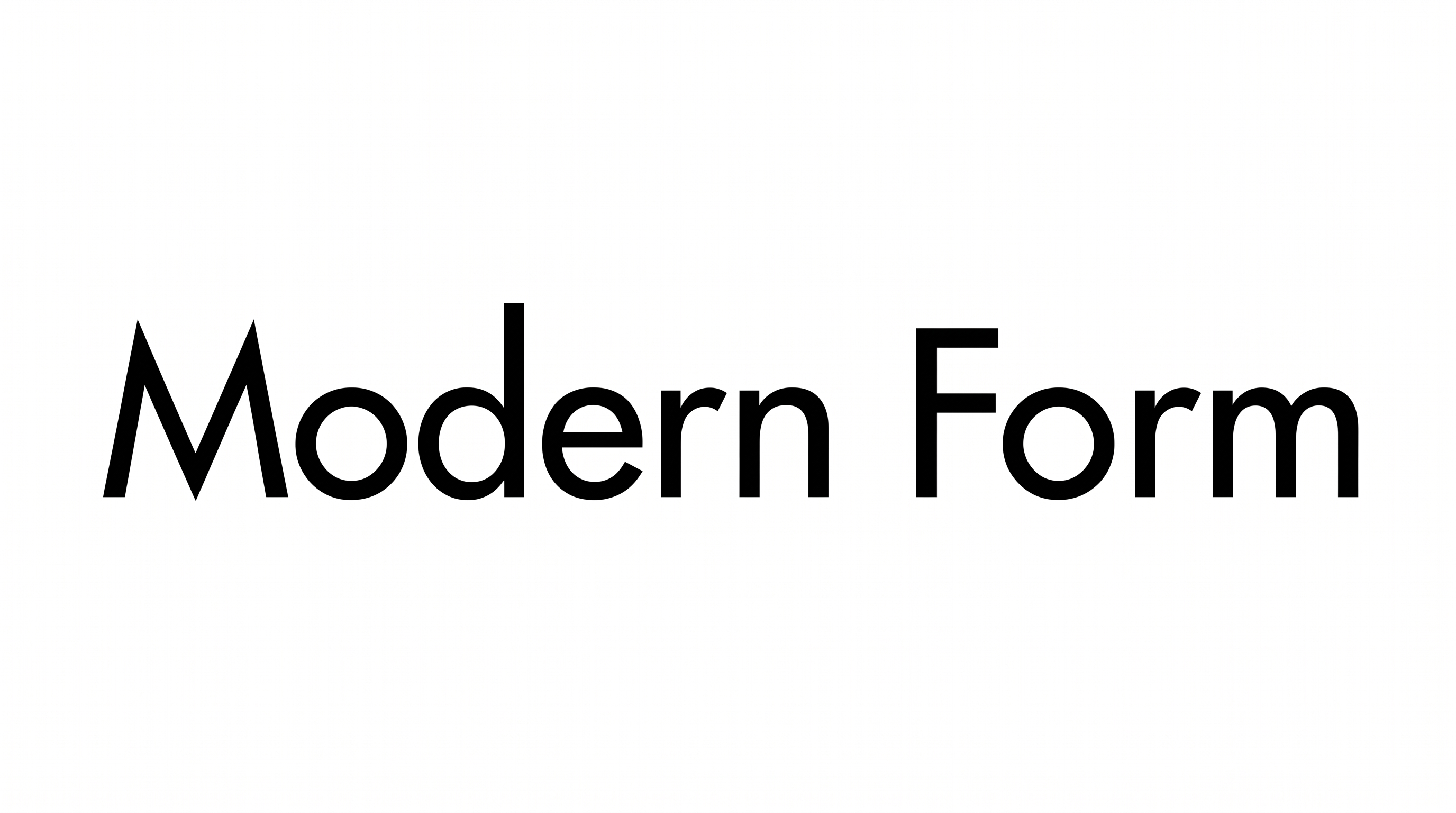
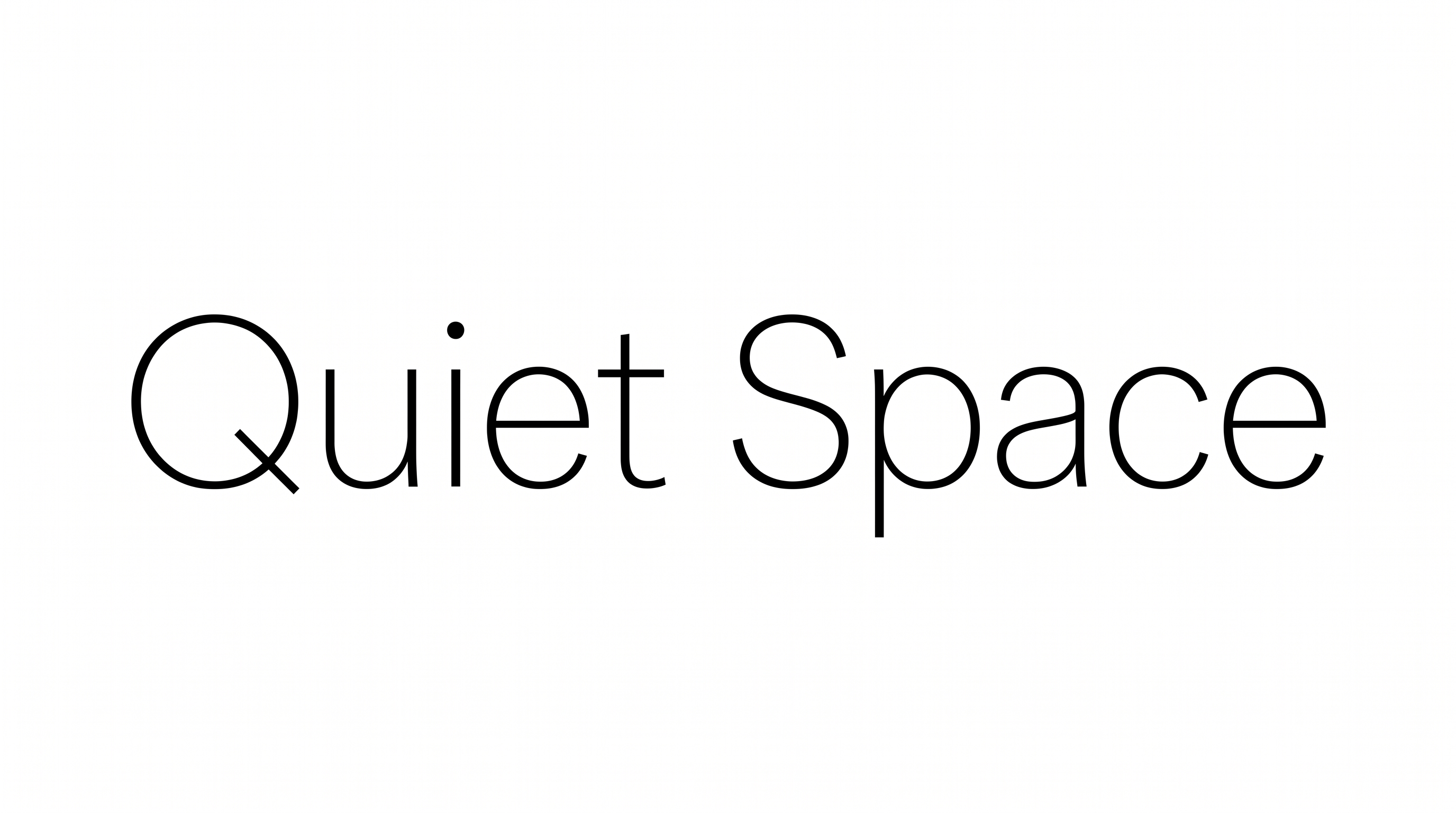
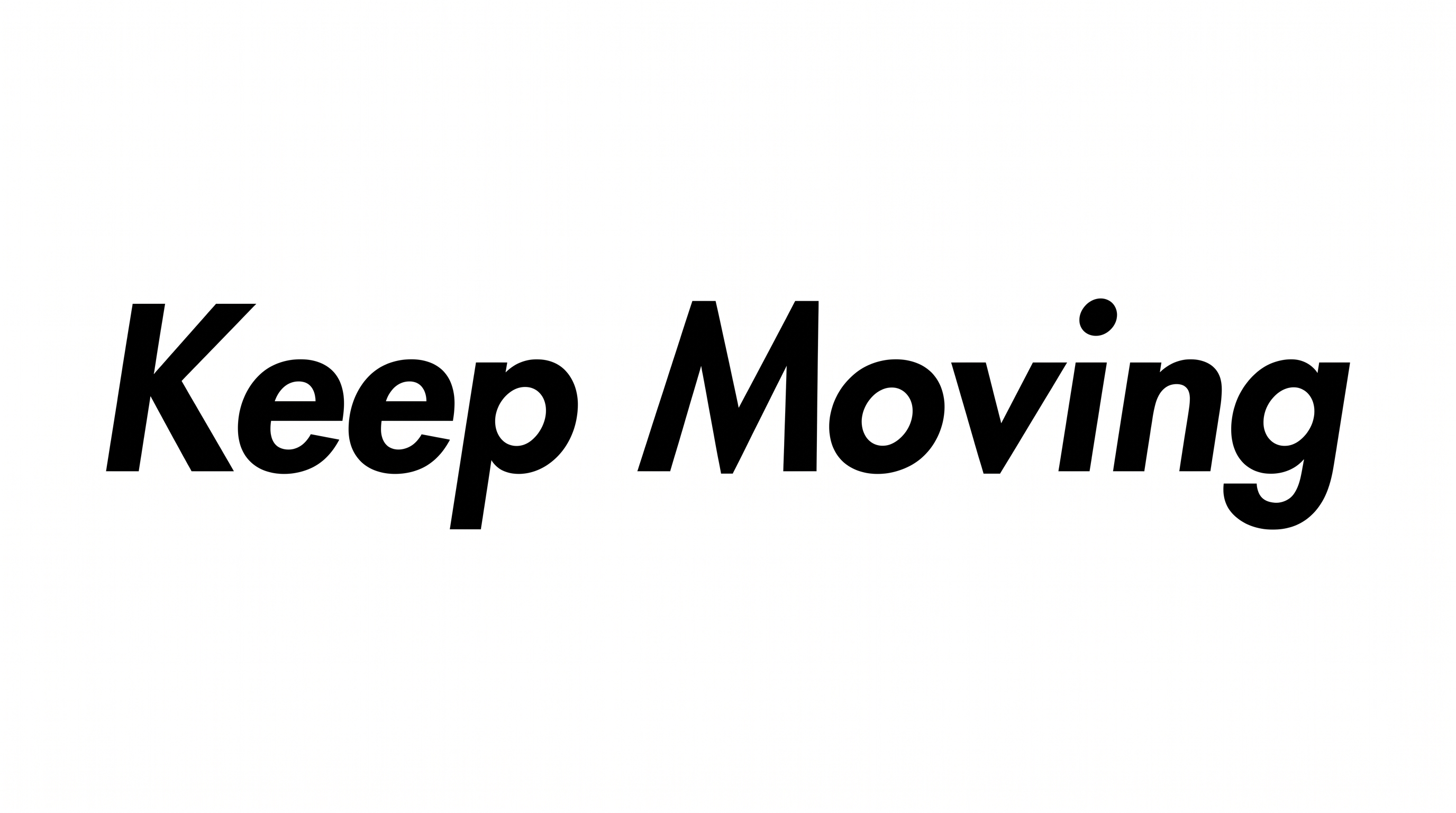
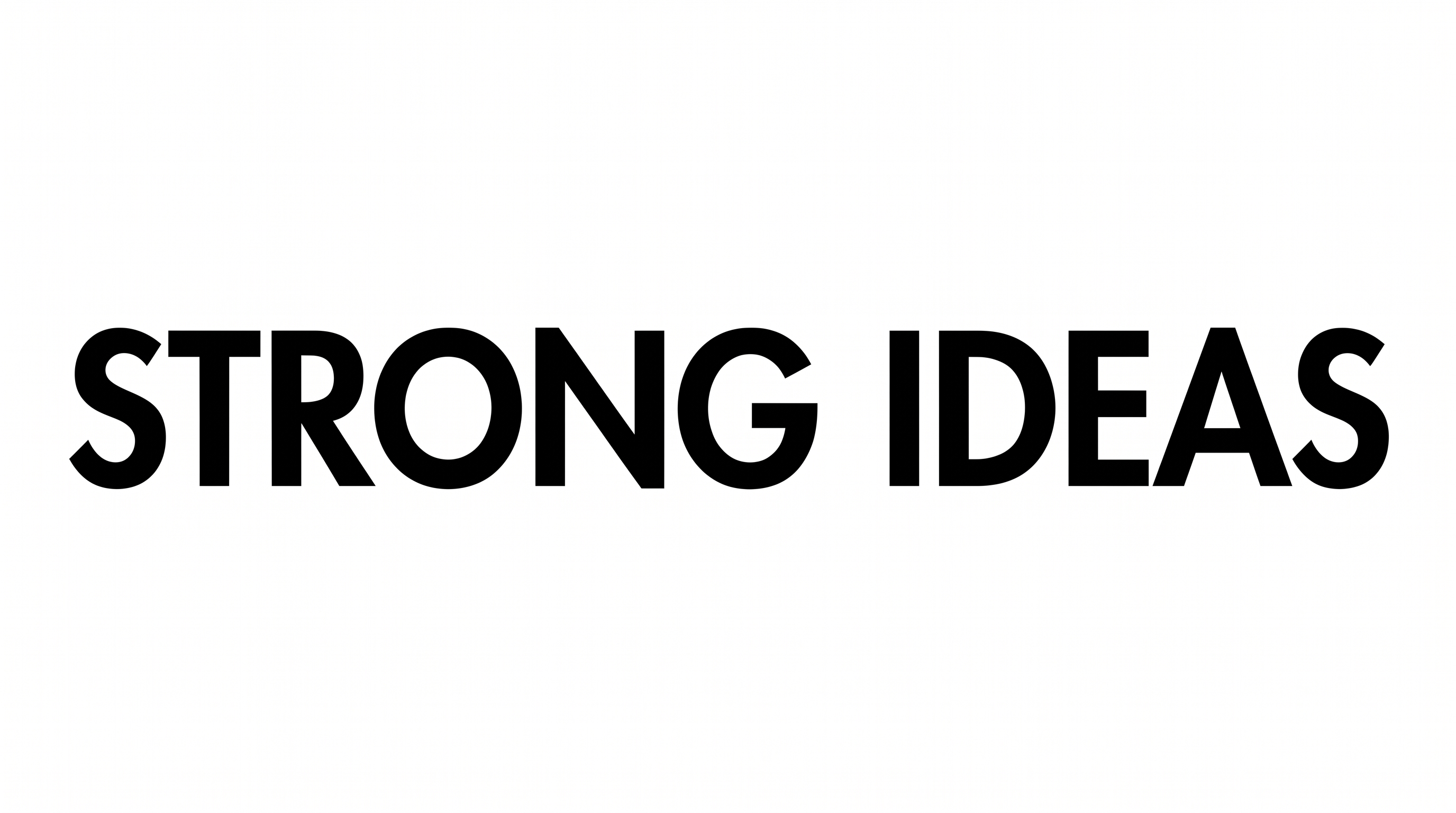
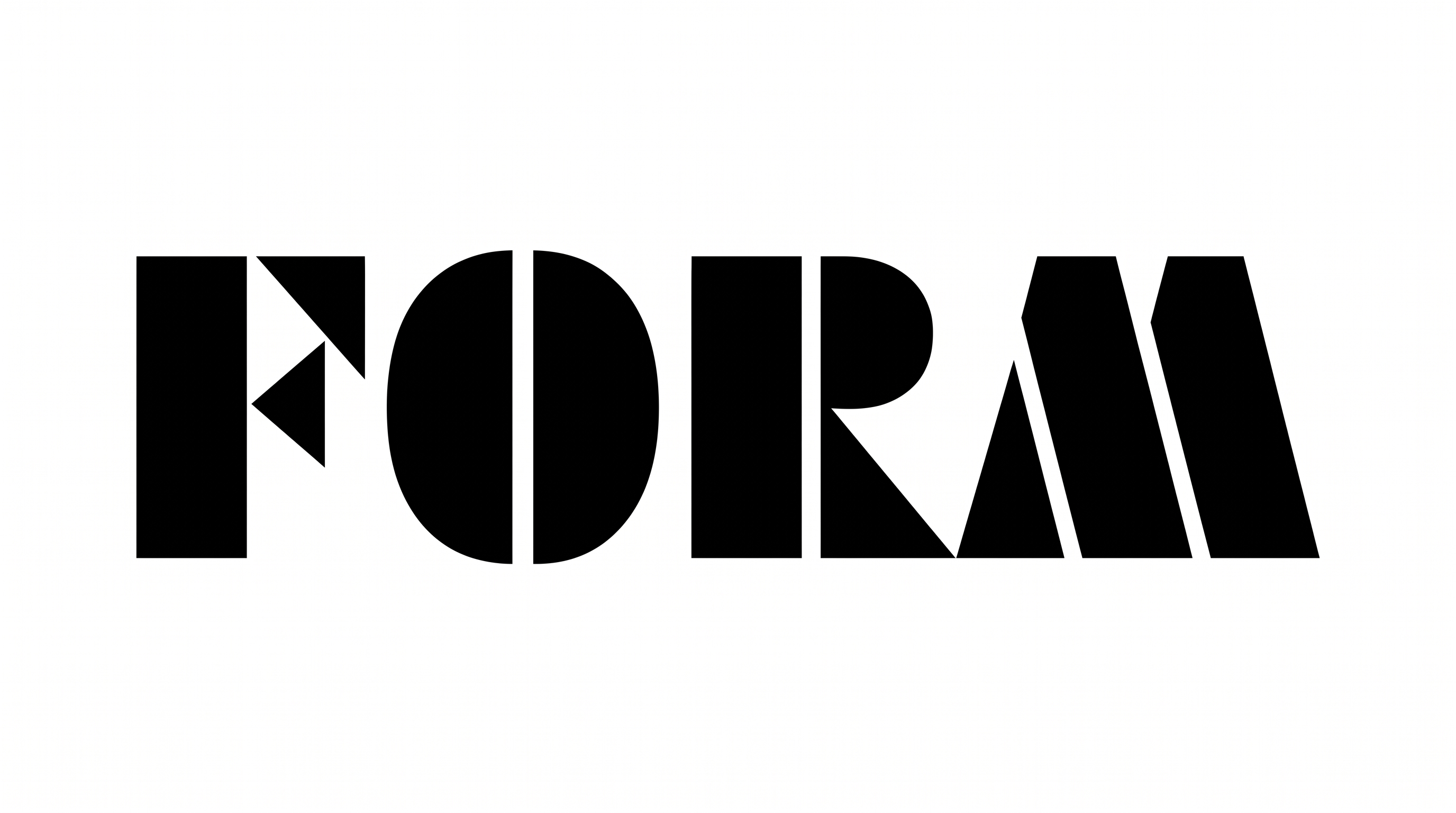
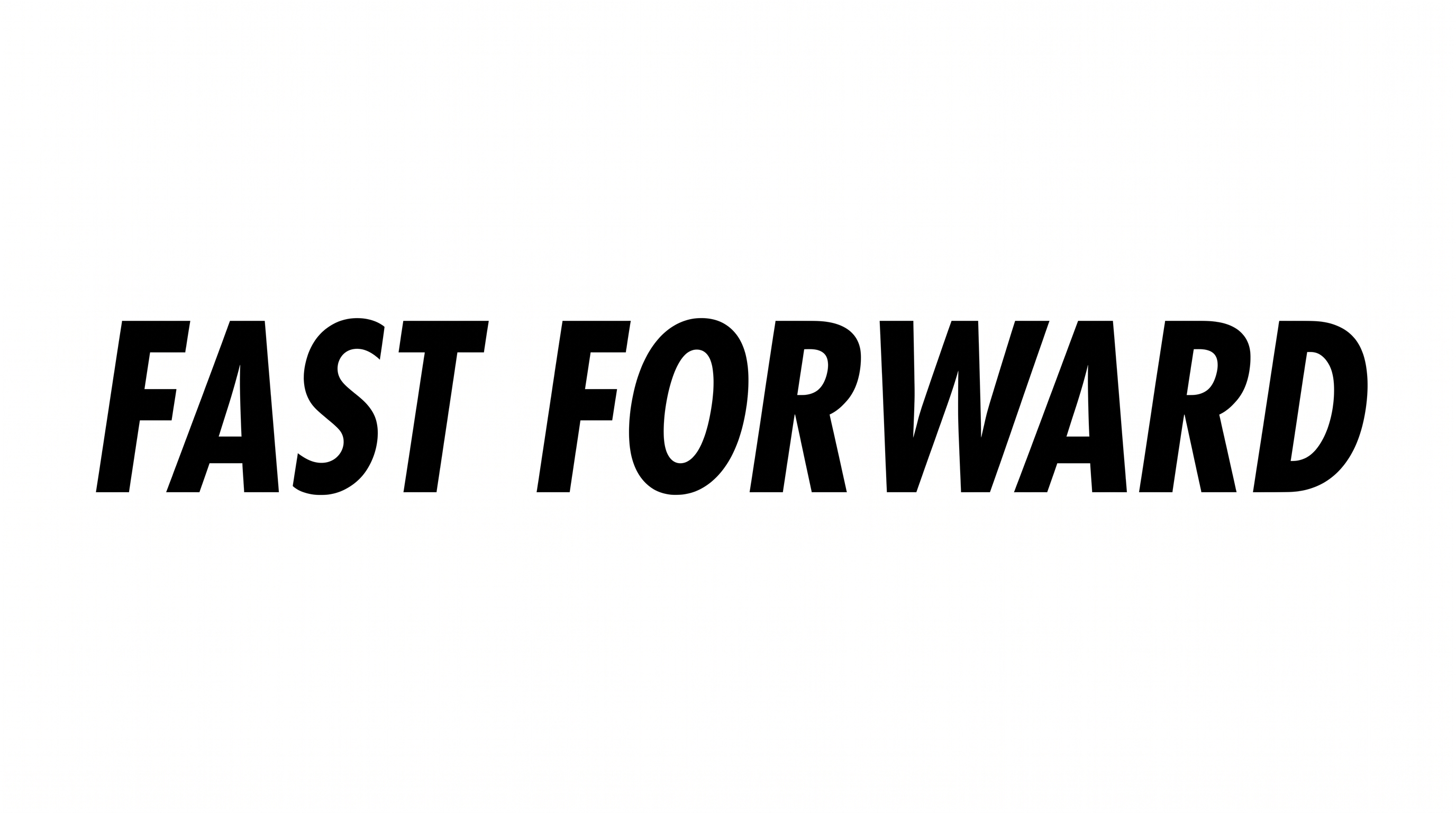
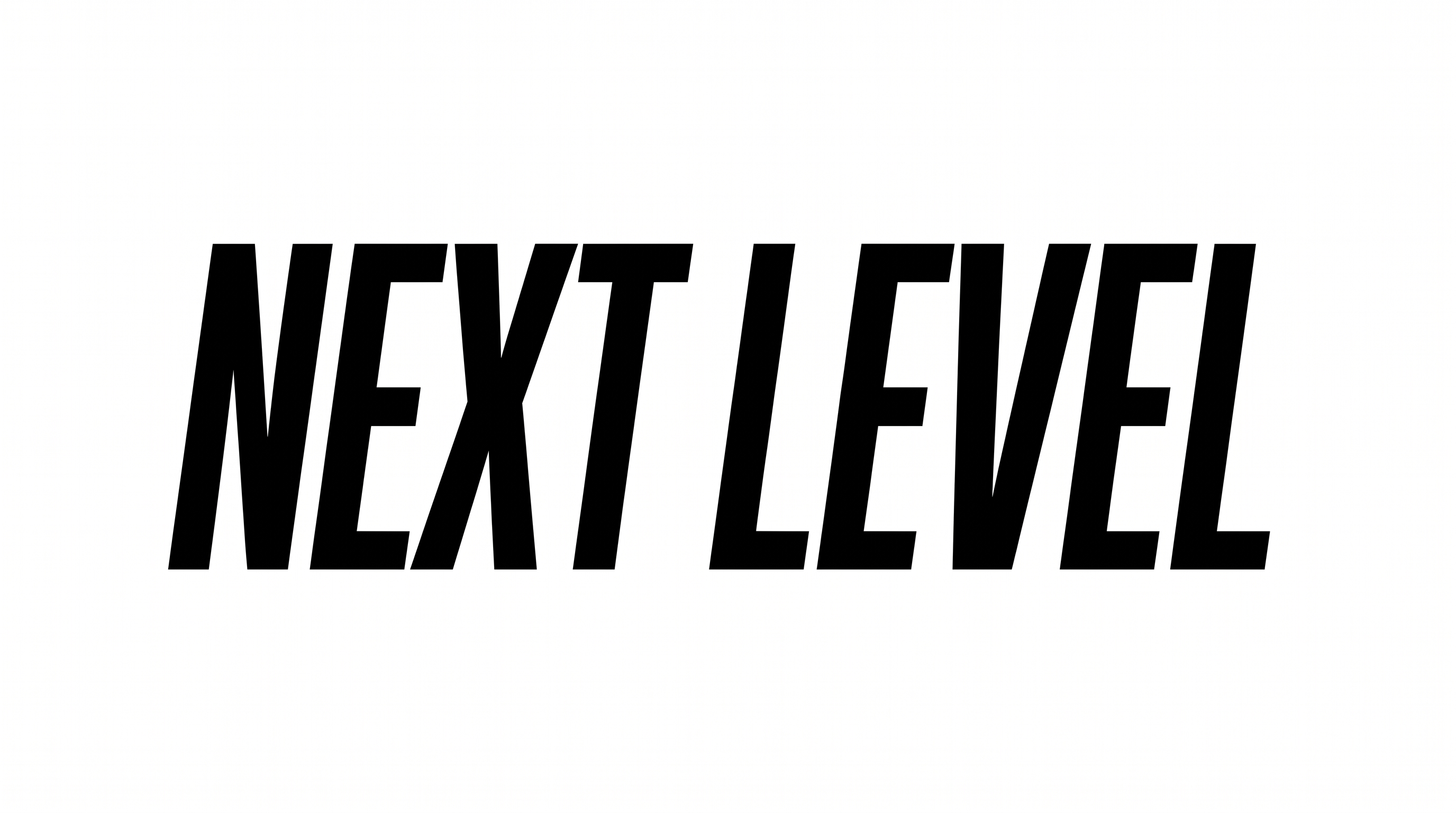
See how the uppercase geometric lettering works across wordmarks, wayfinding signs, magazine covers, packaging, and other design layouts.
Futura Bold Condensed Font Style Profile
Heavy strokes, narrow proportions, and compact spacing create a strong geometric wordmark style.
Stroke Weight
Heavy, solid strokes give the uppercase letterforms a strong visual presence.
Letter Width
Individual characters use tall, narrow proportions characteristic of condensed lettering.
Letter Spacing
Tight gaps between neighboring letters create a compact wordmark arrangement.
Letter Construction
The characters use solid geometric forms with clear counters and continuous letter bodies.
Stroke Contrast
Most letterforms maintain a strong, largely even stroke body across their shapes.
Corner Shape
Letter turns appear predominantly firm and geometric within the condensed forms.